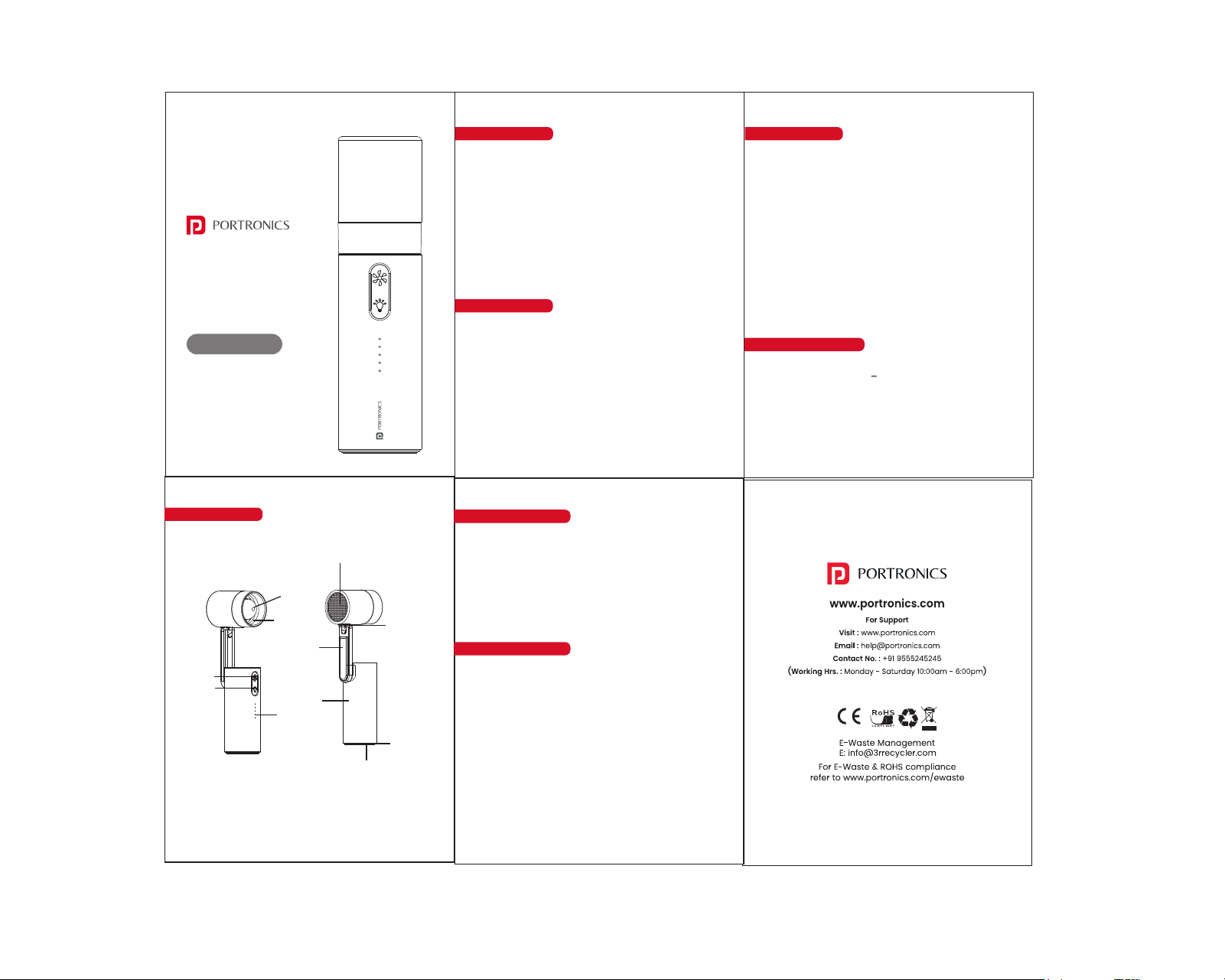
air inlet
lanyard hole
charging port
anti-slip silicone
base
air vent
fan switch
lamp
light switch
indicator light
connecting arm
Product Overview
This portable rechargeable handheld fan is designed for
everyday convenience, featuring a compact and
lightweight build that makes it easy to carry and use
anywhere. Its versatile design allows it to function both as
a handheld and desk fan, while the precision tilt head
ensures targeted airflow for effective cooling. Additionally,
the built-in LED light adds extra utility, making it a reliable
companion for both day and night use.
Safety Instructions
• Do not insert fingers or objects into the fan
• Keep away from water and moisture
• Do not use damaged cables or adapters
• Avoid dropping or dismantling the device
• Keep away from children
• Do not overcharge the device
• Use only recommended charging accessories
• Store in a cool, dry place
• Use on flat surfaces for stable airflow
• Clean air vents regularly for optimal performance
• Avoid blocking the air inlet/outlet
Package Contents
• 1 × Portable Fan
• 1 × Charging Cable
• 1 × User Manual
• 1 × Lanyard
• Battery Capacity: 3000mAh Lithium-ion
• Charging Input: 5V 2A
• Speed Levels: 5 Modes
• Max Speed: Up to 18000 RPM
• Runtime: Up to 2-10 Hours
• Charging Time: Up to 4 Hours
Product Diagram
Product Specifications
User Manual
Airlo
Handheld Fan with
Built-in Light
Charging Instructions
Use a 5V/2A adapter for charging
Connect the Type-C cable to the charging port.
Battery Level Indicators:
- Low Battery: White LED Flash
- Fully Charged: White LED Stable
Instructions for Use
Fan Control
• Press the button to turn ON and cycle through 5 speed
levels
• Each press increases speed (1 - 5) and then turns OFF
• Long press to turn OFF directly in any speed mode.
LED Light Control
• Press the button to switch between light modes
(Low- Medium -High - Flash - OFF)
• Long press to turn OFF the light in any of the mode