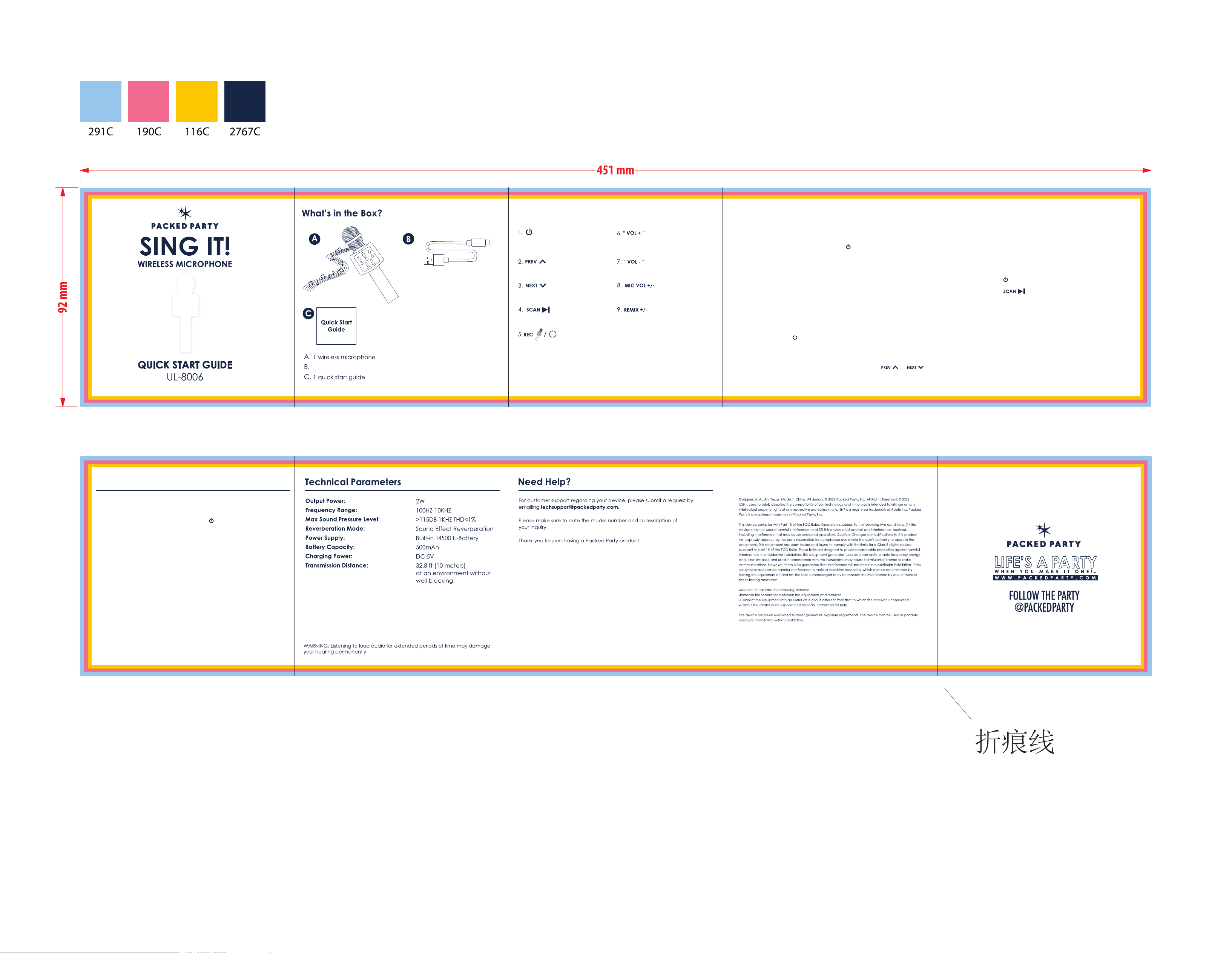
Basic Button Operation Multi-function Operation
Long Press: ON/OFF
Short Press: Mode switching
Press: Play the previous song
Press: Play the next song
Short Press: Play/Pause
Long Press: Change different magic sounds
Increase music volume
Decrease music volume
Gradually push to adjust the sound of mic
Gradually push to make your voice better
Note: The device will automatically power off after approximately 5-10 minutes
in standby mode. The red indicator light turns on while charging and turns off
when fully charged.
Wireless Karaoke
1. Turn on the power: long press power button to turn on the microphone.
2. Wireless connection: Open the Bluetooth of the mobile phone, click it to
connect “Turn It Up Karaoke Mic” and the prompt sound appears to indicate
successful connection.
3. Turn on the music on your phones or Pads. (Don’t need to download a special
App, just use some normal audio software, such as Spotify, iTunes, YouTube etc.)
4. Start Karaoke and adjust some settings according to the Basic Button Operation.
1. Turn on the power: long press power button to turn on the microphone.
Note: This microphone can support both Android mobile phone(Above
Android 4.2.2) and iPhone IOS system(Above iOS 6.0). It doesn’t support
the mobile phone which has a separate physical button to take photos.
Selfie function
1. Short press the button to switch from wireless mode to selfie mode.
2. Connect the Bluetooth in the mobile phone, search Bluetooth “shutter”,
click it for connection.
3. Turn on the camera of the mobile phone, press the button or
to take photos.
Note: The USB flash drive and TF card must be formatted to FAT32.
Only MP3 format music files can be played.
Wireless Speaker Function
Plug the TF card or USB flash drive with music and play music, and the
microphone can be used as a wireless speaker.
Multi-function Operation
Recording with mobile phone
2. Connect the recording wire: Insert the Micro cable of the recording wire
into the Micro interface of microphone, and plug the 3.5mm jack into the
earphone jack of the mobile phone.
3. Open the Karaoke software with recording function in the mobile phone,
record the song according to the instructions of Karaoke software, then
select your favorite song and start singing.
4. Test and save the song: Refer to the instructions of Karaoke software.
Multi-function Operation
Radio Mode
1. Short press the button to switch from selfie mode to Radio mode.
2. Long press the button to search FM Channels automatically.
1 USB-A to USB-C charging cable