Wireless Multi-function Baby Scale
Model No.EB531
To get the greatest benefit from your purchase,please read this instruction manual before
using your scale.
Before Using Scale
1. Remove all packaging materials.
2. Insert with batteries both in Scale and Display
3. For best accuracy, always place scale on hard platform, rather than on uneven or soft
platform.
Specifications:
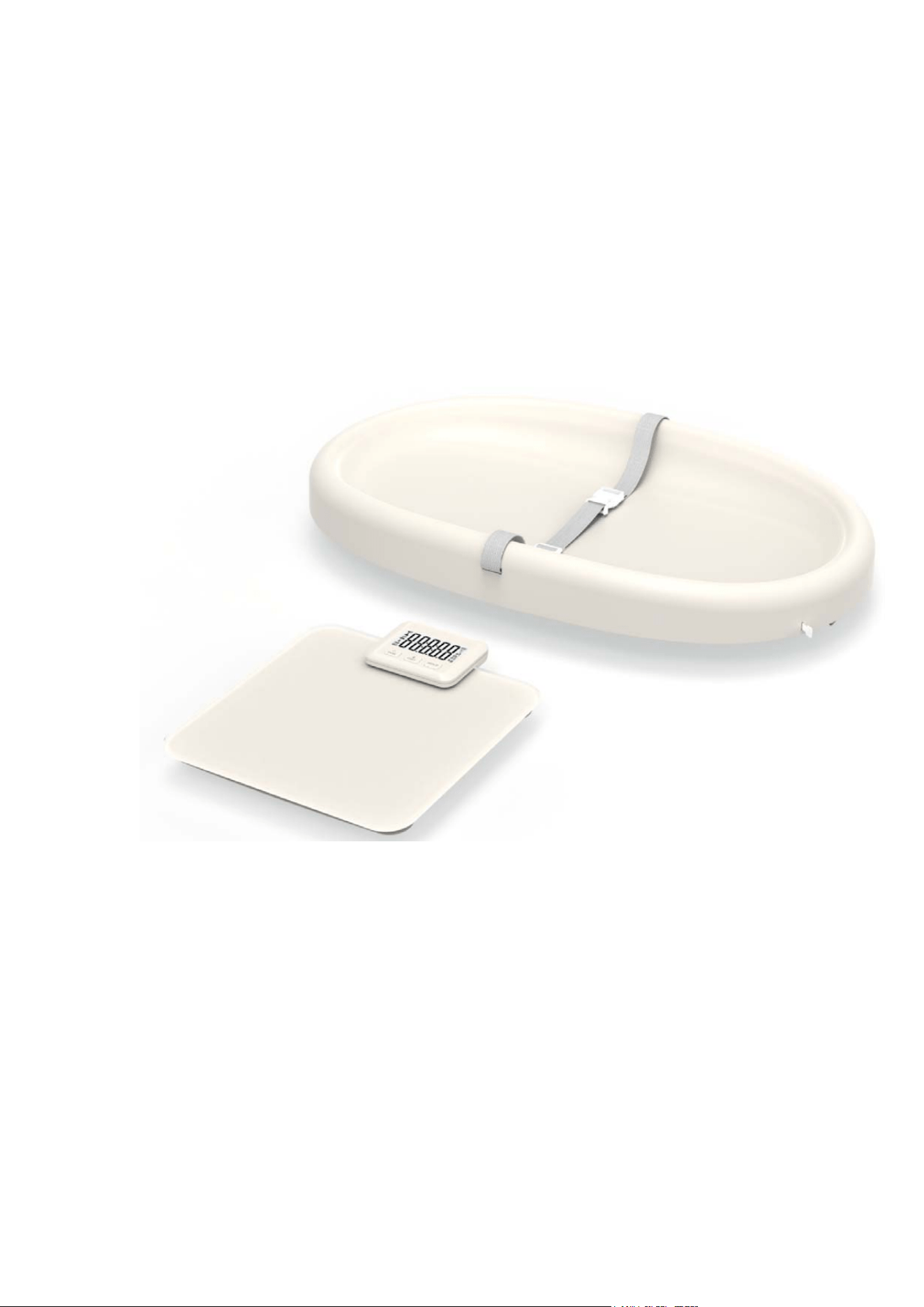
This is a multifunctional baby scale. User can reach out functions in baby scale, baby
changing pad, bathroom scale.
Max capacity:0-20kg(baby mode); 20-180kg(adult mode)
Division: 100g~5kg d=10g ;5kg~50kg d=50g;50~180kg d=100g
Wireless display with magnet and stand
Power supply: 2xAAA batteries(scale); 2xAAA batteries(wireless display)
Material: ABS, Glass
LCD display
Auto off feature
Tare function
Hold function
Low battery and overload indication
Room tempurature display
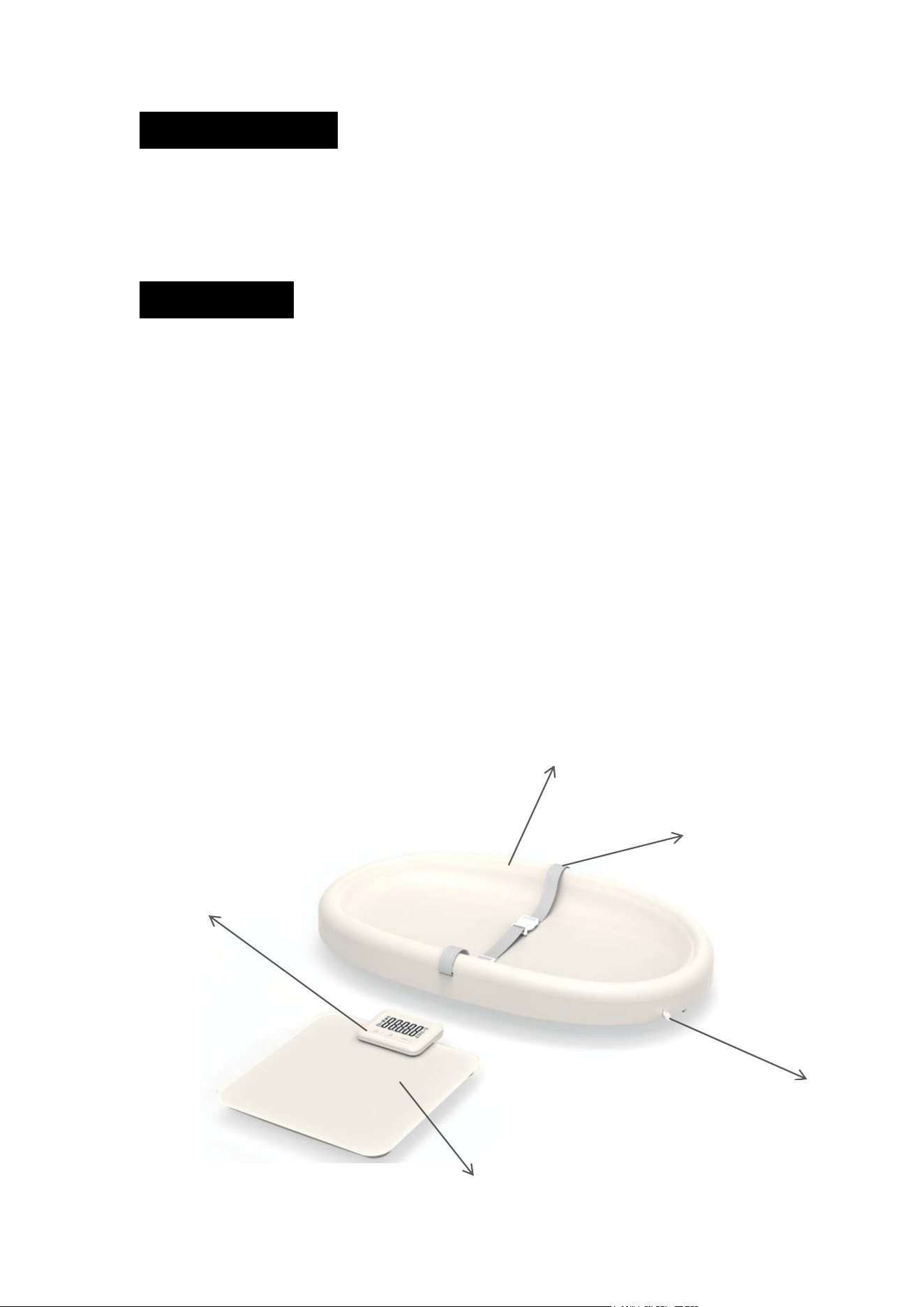
Measurement tape for height
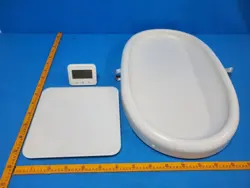
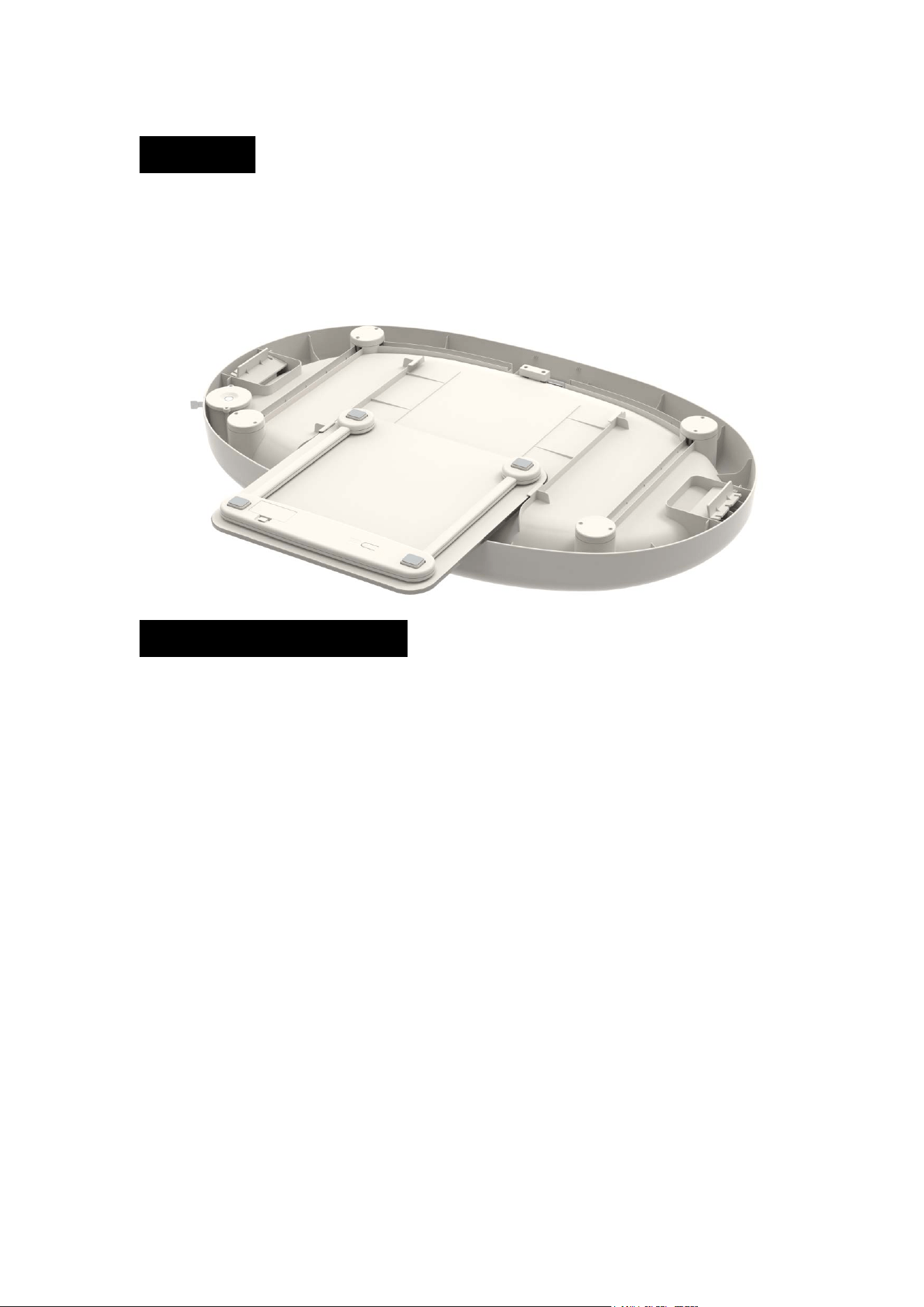
Baby weighing platform
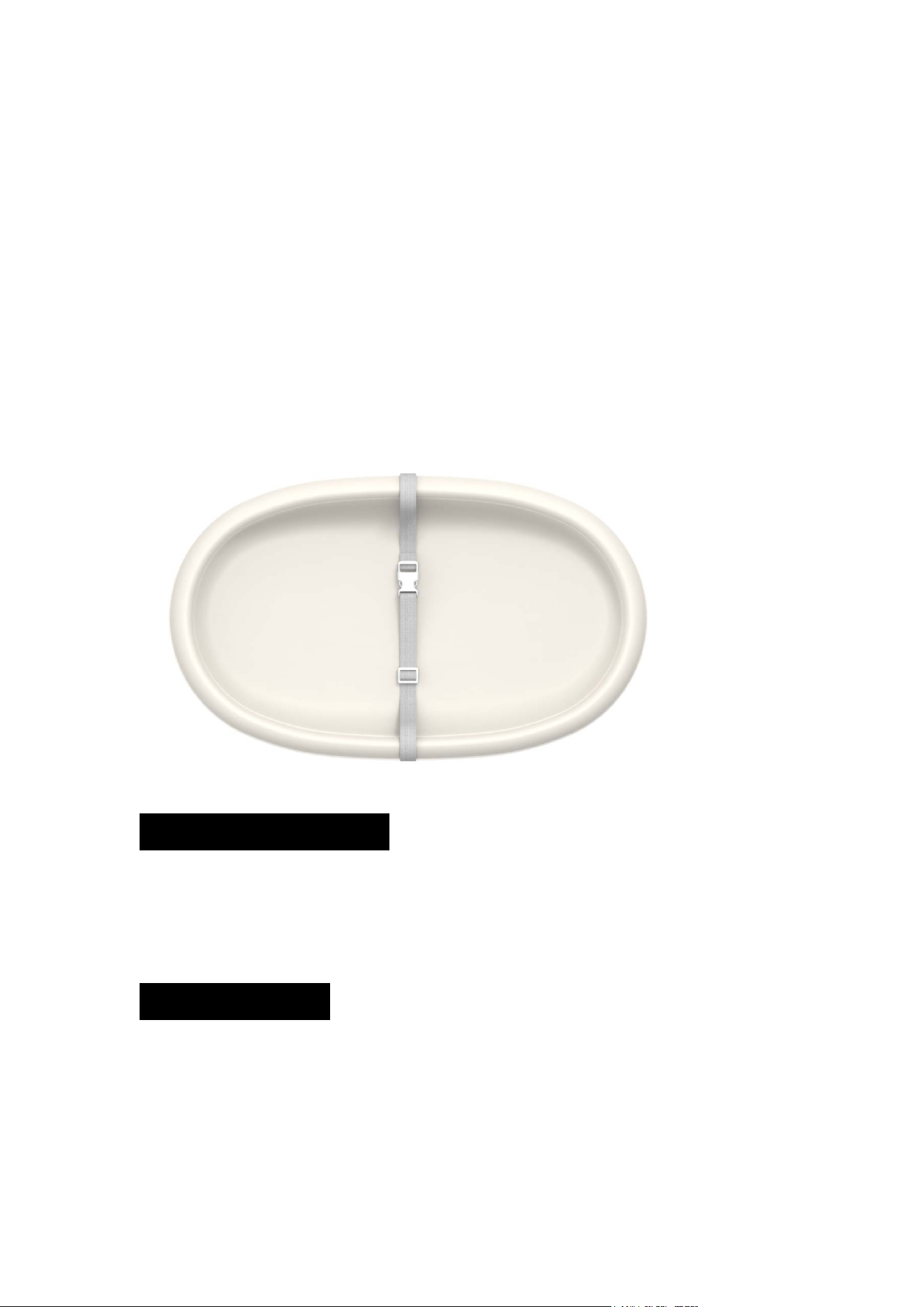
Baby changing pad
Safety Belt
Bathroom scale
Measurement Tape
Stand/Magnet Display
How to use
Fitting the Baby Tray
1. Align the tray fastener at the glass edges of the personal bathroom scale.
2. Slide the baby tray onto the scale as far as it will go. Push the baby tray onto the glass
surface from the back to the front.
Operation Mode Selection
Baby Scale Mode(With Tray)
1. Make sure that the baby tray has been correctly fitted. The baby tray cannot be moved
to the left or right, front and back;
2. Press the ON/OFF/TARE button to switch on the display, and slight press the tray to
switch on the scale. While you see the light on the tray start flash, and zeros apprear on
the wireless display, the scale is ready for use.
3. Use the UNIT/TEM button on the wireless display to switch from weight display and
room tempurature display. In weight display, long press the UNIT/TEM button for 3s,
specify unit icon flash, press HOLD/UP button to choose your preferred unit(kg, lb, oz,
lb:oz). The scale remembers your last setting, provided that the batteries are not replaced
in the meantime.
4. Gently place baby on tray, the measurement will flash 3 times and locked in the display.
In case the baby is moving a lot in the tray, which the reading is unstable. User can press
the hold button to lock the reading manually. If you do not want to place baby directly on
the tray, use a mat. First place the mat on the scale and press ON/OFF/TARE button to
remove the weight of the mat.
5. To swich off the scale, press and hold the ON/OFF/TARE button for approx.3 seconds.
Alternatively, the scale switches off automatically after 60 seconds if no button is pressed.
Adult Mode
1. Slide the baby tray off the scale(if fitted);
2. Press the ON/OFF/TARE button to switch on the wireless display, and slight press on
the scale to switch on. When the display show zeros, the scale is ready for use.
3. Use the UNIT/TEM button on the wireless display to switch from weight display and
room tempurature display. In weight display, long press the UNIT/TEM button for 3s,
specify unit icon flash, press HOLD/UP button to choose your preferred unit(kg, lb, st).
The scale remembers your last setting, provided that the batteries are not replaced in the
meantime.
4. Step directly onto the scale to take a measurement.
5. The scale swiches off automatically aftter approx 30 seconds.
Baby Changing Pad Mode
1. Slide the baby tray off the scale(if fitted), and place the baby tray on the hard and even
platform. Please open the supports on the two sides of the tray to ensure the tray is even.
2. User can change baby’s diaper on the tray. If you don’t want the place lay down directly
on the tray, use a mat in advance.
Symbols Show on Scale
1. Max capacity of the scale is 180kg.”EEEE” will show on the wireless display if the
weight exceeds 180kg
2. If the batteries are low, “LO” will show on the wireless display. Please replace with new
batteries
Cleaning and Care
1. Wipe the scale with absorbent paper toweling or a soft cloth’
2. Place the device in any area away from direct sunlight, heating equipment, high
humidity or exreme tempurature changes;
3. Remove the battery if the scale will not be used for an extended period of time.
4. If the scale does not work, please check the battery contact and replace the batteries.

FCC Compliance Statement
This device complies with part 15 of the FCC Rules. Operation is subject to the following
two conditions:
1. This device may not cause harmful interference, and
2. This device must accept any interference received, including interference that may
cause undesired operation.
Changes or modifications not expressly approved by the party responsible for compliance
could void the user‘s authority to operate the equipment.
NOTE: This equipment has been tested and found to comply with the limits for a Class B
digital device, pursuant to part 15 of the FCC Rules. These limits are designed to provide
reasonable protection against harmful interferencein a residential installation.
Thisequipment generates, uses and can radiate radio frequency energy and, if not
installed and used in accordance with the instructions, may cause harmful interference to
radio communications. However, there is no guarantee that interference will not occur in a
particular installation. If this equipment does cause harmful interference to radio
ortelevision reception, which can be determined by turning the equipment off and on, the
user is encouraged to try to correct the interference by one or more of the following
measures:
—Reorient or relocate the receiving antenna.
—Increase the separation between the equipment and receiver.
—Connect the equipment into an outlet on a circuit different from that to which the
receiver is connected.
—Consult the dealer or an experienced radio/TV technician for help.
RF Exposure statement:
This equipment complies with FCC radiation exposure limits set forth for an uncontrolled
environment.