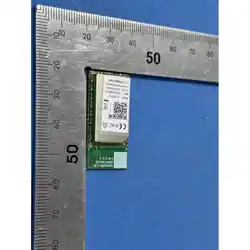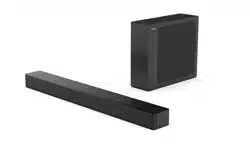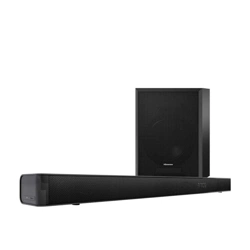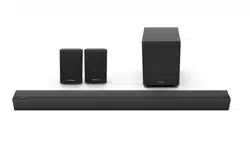
Technical specification:
Model HBT55E
Product name
Wireless Cast
Interface
Type-C
Operating voltage
5±0.5V
Transmission distance
15m
Operating frequency
2.4G&5G
Maximum screen
transmission resolution
3840×2160@30Hz
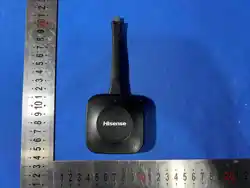
Dimension (mm)
160.9×68×15.8
Net weight (g)
72
Operating Conditions
Temperature (ambient): 5°C to 35°C
Relative humidity: 20% RH to 80% RH
Atmospheric pressure:
86 kPa to 106 kPa
Storage Environment
Temperature: -15°C to 45°C
Humidity: not greater than 80% RH
Executive standard
Q/0202RSR647
Functional characteristics:
Function Notes
Touch feedback
Supported, controlling computers,
laptops, etc. through touch control
on the large screen
· One click screen transmission
One-click connection or disconnection for screen transmission
can be performed by using the control keys.
1 The indicator light stays on after the pairing of the Wireless
Screen Transmission Device is completed. At this time, one
click screen transmission can be performed by clicking the
control button.
2 The screen transmission can be interrupted by clicking the
control button in the screen transmission process; Click the
control button again to restore screen transmission.
· Pairing method
Please pair with the wireless receiving device rst and ensure
that the prompt for successful pairing is received before
inserting it into the computer interface for use.
Pair with wireless receiving device
1 Activate the wireless hotspot of the wireless receiving
device. Insert the Type-C interface of the Wireless Screen
Transmission Device into the Type-C interface of the
wireless receiving device .
2
The wireless receiving device will automatically start pairing
after the Wireless Screen Transmission Device is inserted.
User Manual
Wireless Cast HBT55E
Dear users,
Greetings! Thank you for purchasing the product of Hisense. We
believe that this new product will bring you great pleasure. Please read
the User Manual of this product carefully before use, and keep it properly.
In case of any accident caused by your violations of the precautions and
instructions in this manual, our company assumes no responsibility for it.
3 When the indicator light ashes, it indicates the pairing in
progress; when the indicator light stays on, it indicates the
successful pairing.
【
NOTE
】
· Please ensure that the wireless hotspot is enabled in the
wireless receiving device.
· This product only supports specific wireless receiving devices,
such as Hisense Conference All-in-one Machine, etc.
· Do not insert the Screen Transmission Device into the
Type-C interface of the wireless receiving device for
pairing when the wireless receiving device is in the Type-C
channel, otherwise pairing will fail.
Connected to computer
Insert the Wireless Screen Transmission Device into the
Type-C interface of the computer. When the indicator light of
Wireless Screen Transmission Device ashes, it indicates that
the product is connecting: When the indicator light stays on,
click the control button for screen transmission.
【
NOTE
】
· If using the Type-C interface, the computer's Type-C
interface is needed to support the DisplayPort protocol.
· The computer needs to be Windows 10 or Mac 10.9 or above.
· The startup time will take about a few seconds after the
product is inserted into the computer.
· Split screen
1 The large screen end of wireless screen transmission
application supports up to nine split screens.
2 When connected to a screen transmission signal source,
it automatically displays in full screen: When multiple
screen transmission signal sources are connected, screen
mirroring display is conducted in the order of connection.
【
NOTE
】
· The touch control of the computer is supported on the large
screen end when using Wireless Screen Transmission
Device for full screen/split screen transmission.
· Support split screen and full screen switching.
· You can select one sub-screen in split screen mode, and
click on the full screen icon to enter the full screen interface
from split screen.
· In full screen mode, you can select the signal source of
Screen Transmission Device from the sidebar to control
screen mirroring again, or add other devices to control
screen mirroring, and you can enter split screen display
from full screen in both cases.
【
NOTE
】
1 As a wireless device, the signal of Screen Transmission
Device may be interfered and shielded. Please be careful
to eliminate interference.
2 This product should be placed and used in a place away
from water droplets and splashes to prevent product
malfunction.
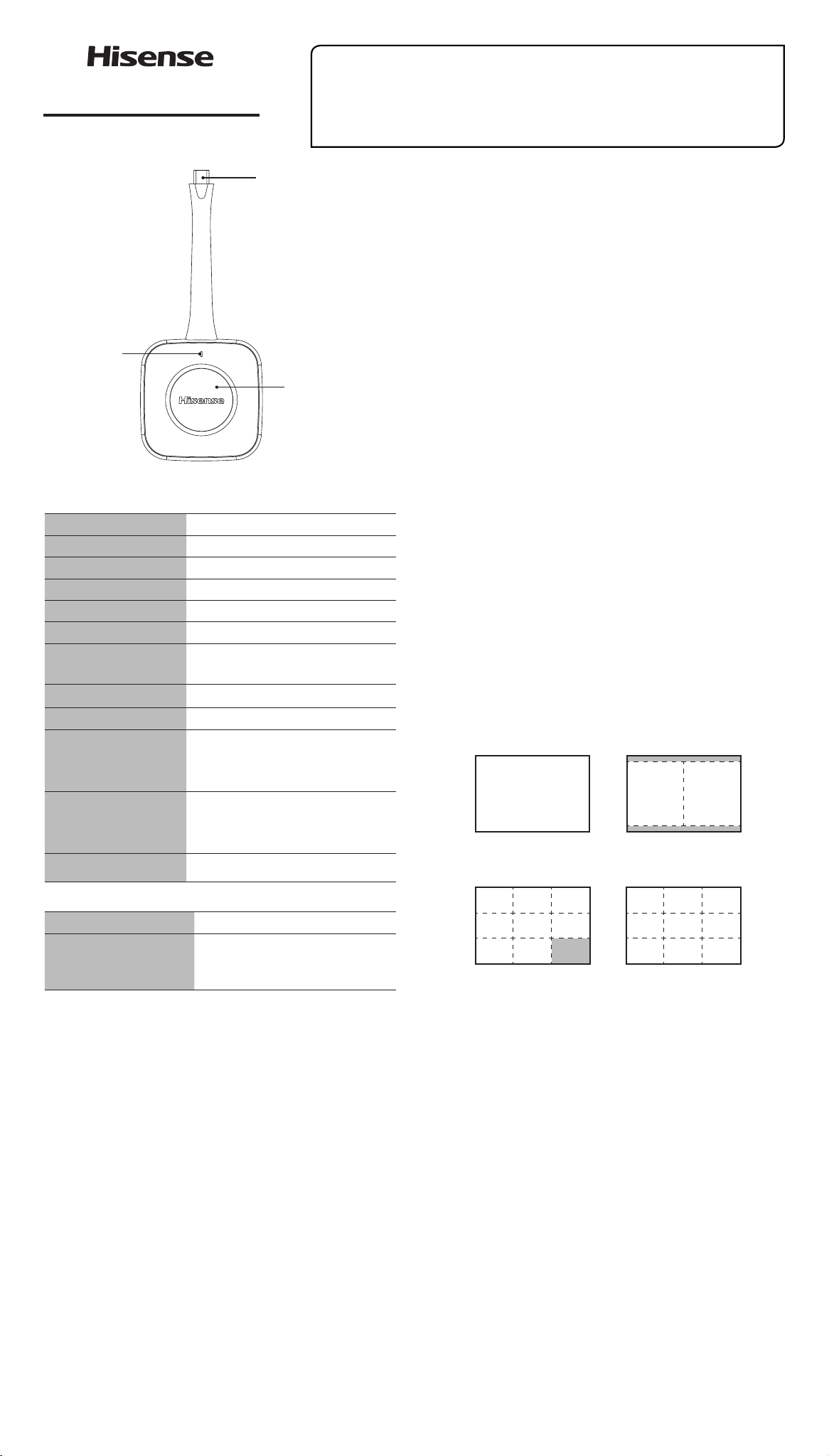
Type-C Interface
Indicator
Control key
One-click connection
or disconnection for
screen transmission
......
Full-screen Split screen
8 screen 9 screen
3 Do not expose this product to sunlight, fire or similar
overheating environments, as there is a risk of explosion.
4 Please do not attempt to disassemble, dismantle, or
repair the product on your own, as this may cause product
damage and human injury, and void your product warranty.
5 Please do not carve or scratch the surface and Type-C
interface of the product by using sharp objects to avoid
product damage.
6 Do not place this device in areas with strong mechanical
vibration, high dust and humidity.
7 Please do not forcefully pull or bend the handle wire to
avoid product damage.
· Statement
1 In case of quality upgrade, any change of product design
and specications, no prior notice will be given.
2 The pictures and instructions are for reference only and may
dier from the actual product. The actual product shall prevail.
· Recycling/Licenses
Certication and compliance
NOTE: The following warnings only apply to products
with such certication.
This device complies with Part 15 of the FCC Rules. Operation
is subject to the following two conditions:
(1) This device may not cause harmful interference, and
(2) This device must accept any interference received,
including interference that may cause undesired operation.
【
NOTE
】
This product has been tested and found to comply with
the limits for a Class B digital device, pursuant to Part 15
of the FCC Rules. These limits are designed to provide
reasonable protection against harmful interference in a
residential installation. This product generates, uses, and
can radiate radio frequency energy and, if not installed and
used in accordance with the instructions, may cause harmful
interference to radio communications. However, there is
no guarantee that interference will not occur in a particular
installation. If this product does cause harmful interference
to radio or television reception, which can be determined by
turning the equipment o and on, the user is encouraged to
try to correct the interference by one or more of the following
measures:
—Reorient or relocate the receiving antenna.
—Increase the separation between the equipment and
receiver.
—Connect the equipment into an outlet on a circuit dierent
from that to which the receiver is connected.
—Consult the dealer or an experienced radio/TV technician for
help.
Please take attention that changes or modification not
expressly approved by the party responsible for compliance
could void the user’s authority to operate the equipment.
This equipment should be installed and operated with a
minimum distance 20cm between the radiator and your body.
CAN ICES (B)/ NMB (B)
This device complies with Industry Canada licence-exempt
RSS standard(s). Operation is subject to the following two
conditions:
(1) this device may not cause interference, and
(2) this device must accept any interference, including
interference that may cause undesired operation of the device.
Le présent appareil est conforme aux CNR d'Industrie
Canada applicables aux appareils radioexempts de licence.
L'exploitation est autorisée aux deux conditions suivantes :
(1) l'appareil ne doit pas produire de brouillage, et
(2) l'utilisateur de l'appareil doit accepter tout brouillage
radioélectrique subi, même si le brouillage est susceptible d'en
compromettre le fonctionnement.
This equipment should be installed and operated with a
minimum distance 20cm between the radiator and your body
WEEE (Waste Electronic Electric Equipment)
European Directive 2012/19/EU
This symbol on the product or on its packaging
indicates that this product must not be disposed
of with your household waste. Instead, it is your
responsibility to dispose of your waste equipment
by handing it over to a designated collection point
for the recycling of waste electrical and electronic
equipment. The separate collection and recycling
of your waste equipment at the time of disposal will help to
conserve natural resources and ensure that it is recycled in a
manner that protects human health and the environment. For
more information about where you can drop off your waste
equipment for recycling, please contact your local city oce,
your household waste disposal service or the shop where you
purchased the product.
ROHS (Restriction of Hazardous Substance)
European Directive 2011/65/EU
This European directive limits the use of
dangerous and hazardous substances which are
dicult to recycle.
This allows recycling easily the EEE and
contributes to the safeguard of the environment.
Substances included in this product match to the RoHS
directive.
In accordance with Article 10.2 in Directive 2014/53/EU (RED),
this device can be operated in at least one Member State
without infringing applicable requirements on the use of radio
spectrum.
FREQUENCY BANDS AND MAXIMUM RF POWER
In accordance with Article 10.8 in Directive 2014/53/EU (RED),
·
WLAN 2.4G(2412-2472MHz): < 20 dBm EIRP
·
WLAN 5G(5180-5320MHz): < 20 dBm EIRP
·
WLAN 5G(5745-5825MHz): <13.98 dbm EIRP
RF EXPOSURE (HEALTH)This device complies with relevant
RF radiation exposure limits set forth for a public/uncontrolled
environment. This equipment should be installed and/or
operated with a minimum distance as below between the
radiator and your body:
·
Council Recommendation 1999/519/EC:0.2 meters
Cet équipement doit être installé et utilisé à une distance
minimale de 20 cm entre le radiateur et votre corps
Under Innovation, Science and Economic Development
Canada (ISED) regulations, this radio transmitter may only
operate using an antenna of a type and maximum (or lesser)
gain approved for the transmitter by Industry Canada. To
reduce potential radio interference to other users, the antenna
type and its gain should be so chosen that the equivalent
isotropically radiated power (e.i.r.p.) is not more than that
necessary for successful communication.
Conformément aux règlements d'Innovation, Sciences et
Développement économique Canada (ISED), le présent
émetteur radio peut fonctionner avec une antenne d'un type
et d'un gain maximal (ou inférieur) approuvé pour l'émetteur
par Industrie Canada. Dans le but de réduire les risques de
brouillage radioélectrique à l'intention des autres utilisateurs,
il faut choisir le type d'antenne et son gain de sorte que
la puissance isotrope rayonnée équivalente (p.i.r.e.) ne
dépasse pas l'intensité nécessaire à l'établissement d'une
communication satisfaisante.
Declaration of conformity
Trade Name: Hisense
Model: HBT55E
Responsible Party: Hisense USA Corporation
Address: 7310 McGinnis Ferry Road, Suwanee, GA 30024
Telephone Number: 678-318-9060
20324002 A
WARNING
:
This product can expose you to chemicals
including [Both Styrene and BPA] which are known to the State
of California to Cause Cancer and Reproductive Harm. For
more information go to www.P65Warnings.ca.gov