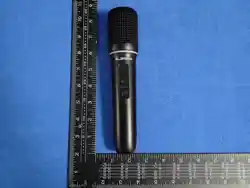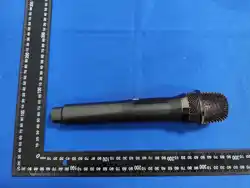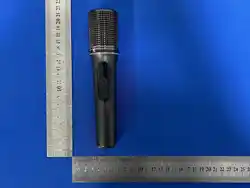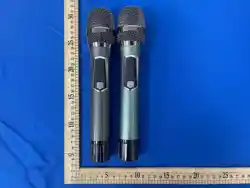
Microphone
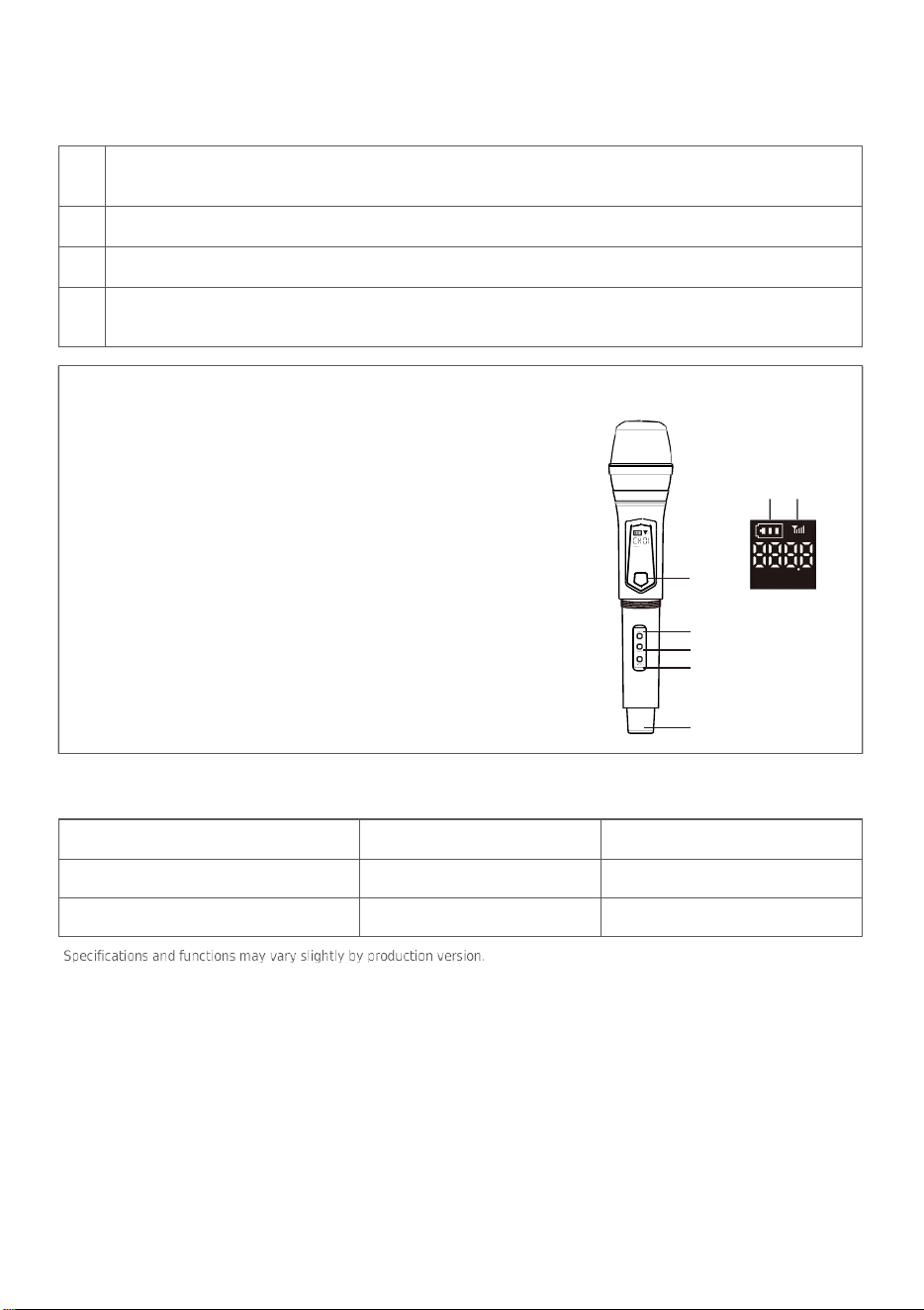
Controls
1. Battery/charging indicator
The moving battery bars indicate charging. When fully charged, the
charging symbol turns off.
2. Connection indicator
Flashing: not connected. Steady: connected.
3.
Power / Mute
Press and hold to turn the microphone on or off.Press briefly to mute
or unmute.
4.
Set
Reset microphone volume.
5/6. Volume +/Volume -
Adjusts microphone output volume.
7. USB-C charging port
① ②
③
④
⑤
⑥
⑦
AVM Manual
2.4 GHz Wireless Microphone System . User Manual
Quick
Start
1
Remove the battery insulation tabs (if fitted). Fully charge the microphones and receiver before first
use.
2
Connect the receiver to a compatible 6.35 mm microphone input on your speaker, amplifier or mixer.
3
Turn on the receiver, then turn on both microphones. They pair automatically.
4
When the connection indicator stays on, lower the speaker volume first, then raise it gradually and
begin using the microphones
Radio Specifications
Name
Frequency band
Maximum RF power
Microphone
2402–2480 MHZ
6.52 dBm
Receiver
2402–2480 MHZ
4.15 dBm
Charging
Use a 5 V USB power source and the supplied cable. Charge in a dry, ventilated area. The first full charge
normally takes about 3-4 hours. Do not use a damaged cable or continue charging if the product becomes
unusually hot.
Troubleshooting
Problem
What to do
No sound
Confirm the receiver is connected to a 6.35 mm MIC input; check speaker
input selection and volume; make sure the microphone is not muted.
Indicator keeps flashing
Move the microphone closer to the receiver. Turn both units off, then
restart the receiver followed by the microphone.
Intermittent sound
Fully charge all devices, reduce obstacles, and keep away from strong 2.4
GHz interference such as Wi-Fi routers.
Feedback / loud squeal
Lower microphone or echo volume. Keep the microphone behind the
speaker and do not point it toward the speaker.
Safety Information
Do not disassemble, modify or repair this product. Keep it away from water, excessive humidity, fire, high
temperatures and direct sunlight. Keep small parts away from children. Stop use immediately if the product is
damaged, overheats or operates abnormally.

This equipment has been tested and found to comply with the limits for a Class B digital device,
pursuant to part 15 of the FCC Rules. These limits are designed to provide reasonable protection
against harmful interference in a residential installation. This equipment generates, uses and can
radiate radio frequency energy and, if not installed and used in accordance with the instructions, may
cause harmful interference to radio communications. However, there is no guarantee that interference
will not occur in a particular installation. If this equipment does cause harmful interference to radio or
television reception, which can be determined by turning the equipment off and on, the user is
encouraged to try to correct the interference by one or more of the following measures:
•Reorient or relocate the receiving antenna.
•Increase the separation between the equipment and receiver.
•Connect the equipment into an outlet on a circuit different from that to which the receiver is
connected.
•Consult the dealer or an experienced radio/TV technician for help.
Caution: Any changes or modifications to this device not explicitly approved by manufacturer could
void your authority to operate this equipment.
This device complies with part 15 of the FCC Rules. Operation is subject to the following two
conditions: (1) This device may not cause harmful interference, and (2) this device must accept any
interference received, including interference that may cause undesired operation.
RF Exposure Information
The device has been evaluated to meet general RF exposure requirement. The device can be used in
portable exposure condition without restriction.
FCC Statement