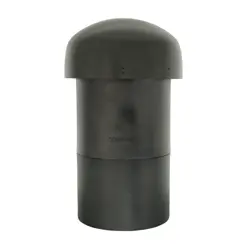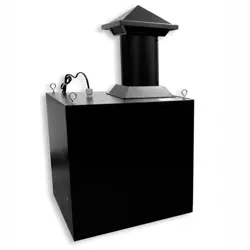
Sonance ST21 Subterranean

Product's Documents

Below are documents related to this product, you can read online or download:
Installation Instruction Specification
  • ST21 JAMES Data Sheet. - (English) Download
Other Documents
  • James Standard Colors and Upgraded Finishes. - (English) Download
  • ST21 JAMES cad file.pdf - (English) Download
ST21 photo

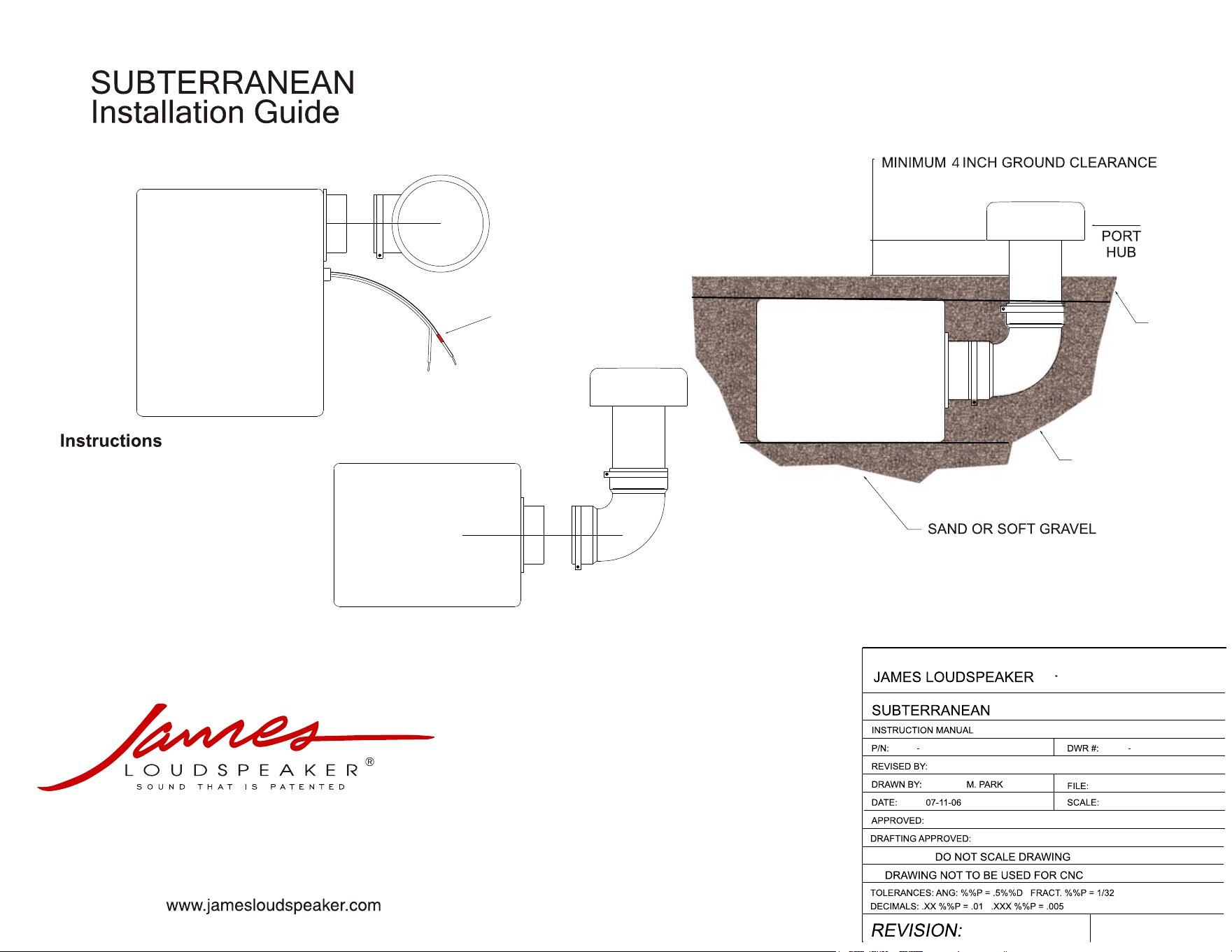
Subterranean JAMES Installation Guide.

This is the main product document for model ST21.

The file format is pdf, 1 pages, you can download this manual here .

background
++
--
Positive wire is maked red.
535 Airpark Rd
Napa, CA 94558
P: 1-707-265-6343 F: 1-707-265-6334
C
1. Install 90°elbow with port hub to subwoofer
flange as indicated.
2. Locate the burial location and then remove
earth approximately 3’ x 3’ x 1.5’ deep.
3. Place gravel or playground sand on the bottom
of the hole and place sub.
4. Place playground sand around sub to top
of the enclosure. Pack well.
5. Cover enclosure with soil etc to blend
with landscaping ensuring minimum of
4” clearance from the soil to the bottom
of the port hub.
NOTE: Gravel provides some drainage and the
sand makes removal of sub much easier
if required.
SAND
SOIL

Specifications

Indexed Terms: Subwoofer, In-ground

Sonance ST21 Questions and Answers

Questions and Answers

Related Products

Product Sonance W53Q image
Sonance W53Q Wedge
2026-05-24 5 docs
Product Sonance W52Q image
Sonance W52Q Wedge
2026-05-24 5 docs