< Back
B. Join Other Open Broadcast
Menu
👉 Join Auracast phone broadcast
↗
👉 Check more Auracast devices
↗
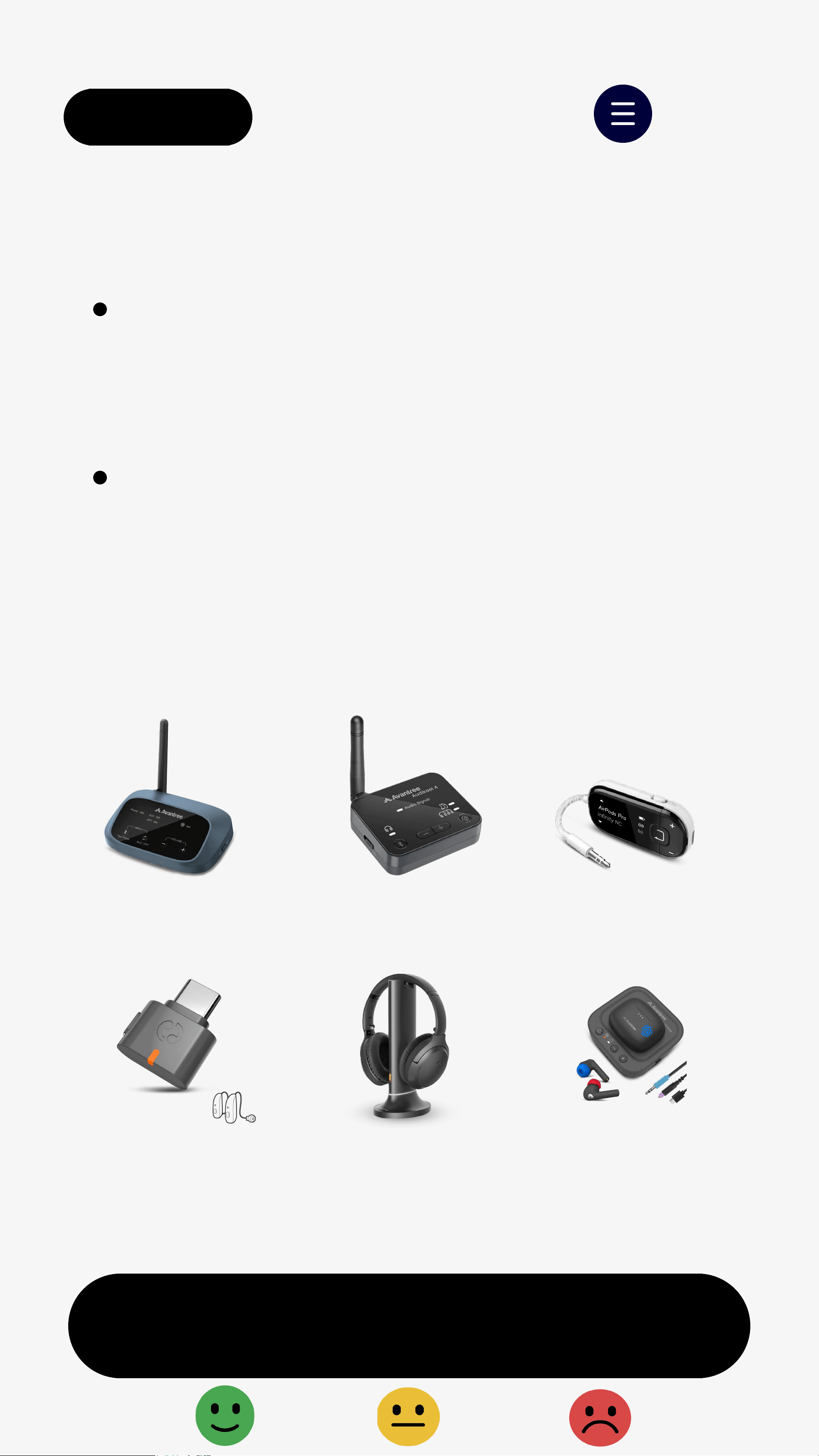
Supported Auracast broadcasting devices:
Available only when a nearby
Auracast broadcast is active.
❶
Hold on speaker for 2s
→
LED blinks
orange(ready to join Auracast).
❷
The speaker will auto-join nearby
open broadcast.
Joined:LED turns solid orange.
Next
Not blinking orange? Hold for 2s.
< Back
B.1 Join Auracast Phone Broadcast
Menu
❶
Open Bluetooth settings on phone.
❷
Tap "Broadcast sound using Auracast"
> "Start broadcast".
❸
Play audio on your phone.
Supported models:
Samsung Galaxy S23 and newer
Google Pixel 8/9 series
👉Check more supported phones
↗
Next
Note: Menus may vary by phone model.
< Back
C. Join Secured Broadcast
Menu
Requires a phone with Auracast Assistant
(e.g. Samsung S23 or newer).
❶
Pair speaker with phone via Bluetooth.
❷
On your phone: Enbale LE Audio
→
Tap Listen to Auracast broadcast
→
Choose thebroadcast.
❸
Enter the password. Playback will
auto-start
→
LED turns solid orange.
Next
Next
< Back
3. Switch to Bluetooth
Menu
Use Bluetooth when listening on your own:
❶
Hold for 2s
→
LED blinks orange.
❷
Double-press
→
LED blinks
red & blue(Bluetooth pairing).
❸
On your device, turn on Bluetooth
and tap "Venucast HarmonyA0 Solo".
Connected: LED turns solidblue.
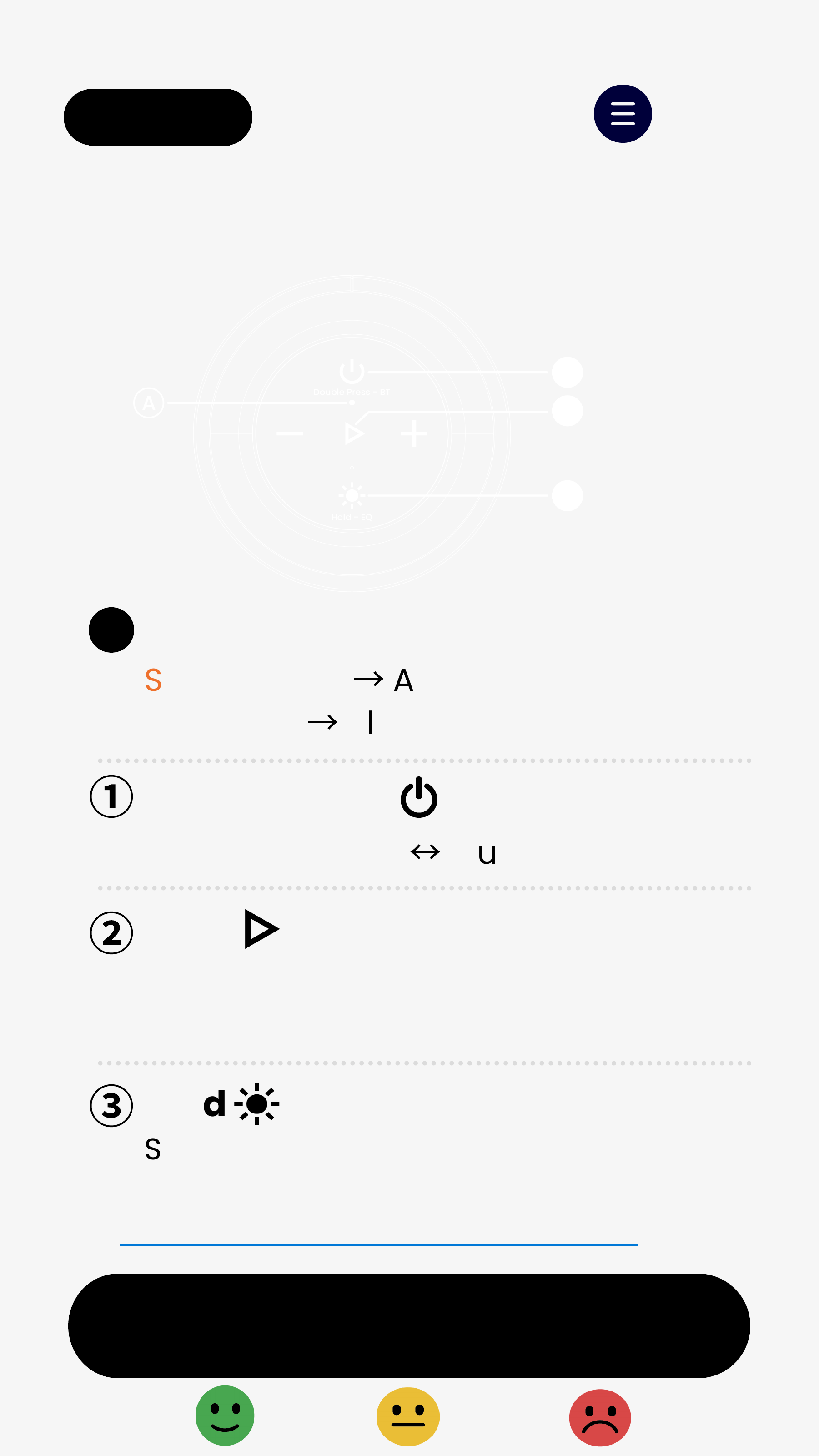
Press :Play/Pause; Answer/End call
4. Buttons & Indicators
Next
< Back Menu
👉 Full Buttons & Indicators Guide
LED Status
②
Solid orange
→
Auracast Broadcasting
Solid blue
→
Bluetooth Connected
Hold 2s: Search for Auracast broadcast
or enter Bluetooth pairing
Switch Auracast
↔
Bluetooth
①
A
③
Hold
Switch EQ (Balanced / Voice Clear 1 / 2)
Double-press

FCC Requirement
Any changes or modifications not expressly approved by the
party responsible for compliance could void the user’s
authority to operate the equipment.
This device complies with Part 15 of the FCC Rules. Operation is
subject to the following two conditions:
(1) this device may not cause harmful interference, and
(2) this device must accept any interference received, including
interference that may cause undesired operation.
Note: This equipment has been tested and found to comply with
the limits for a Class B digital device, pursuant to Part 15 of the
FCC Rules. These limits are designed to provide reasonable
protection against harmful interference in a residential
installation. This equipment generates, uses, and can radiate
radio frequency energy, and if not installed and used in
accordance with the instructions, may cause harmful interference
to radio communications. However, there is no guarantee that
interference will not occur in a particular installation. If this
equipment does cause harmful interference to radio or television
reception, which can be determined by turning the equipment
off and on, the user is encouraged to try to correct the
interference by one or more of the following measures:–
Reorient or relocate the receiving antenna.
– Increase the separation between the equipment and receiver.
– Connect the equipment into an outlet on a circuit different
from that to which the receiver is connected.
– Consult the dealer or an experienced radio/TV technician for
help.