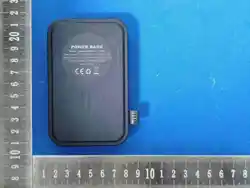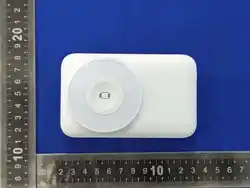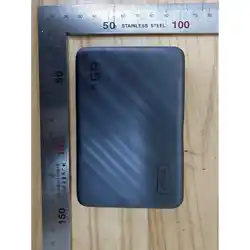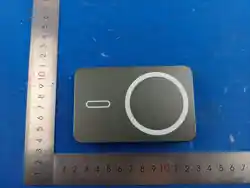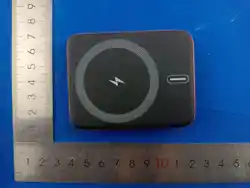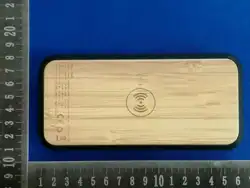
正面
背面
尺寸:85x55mm
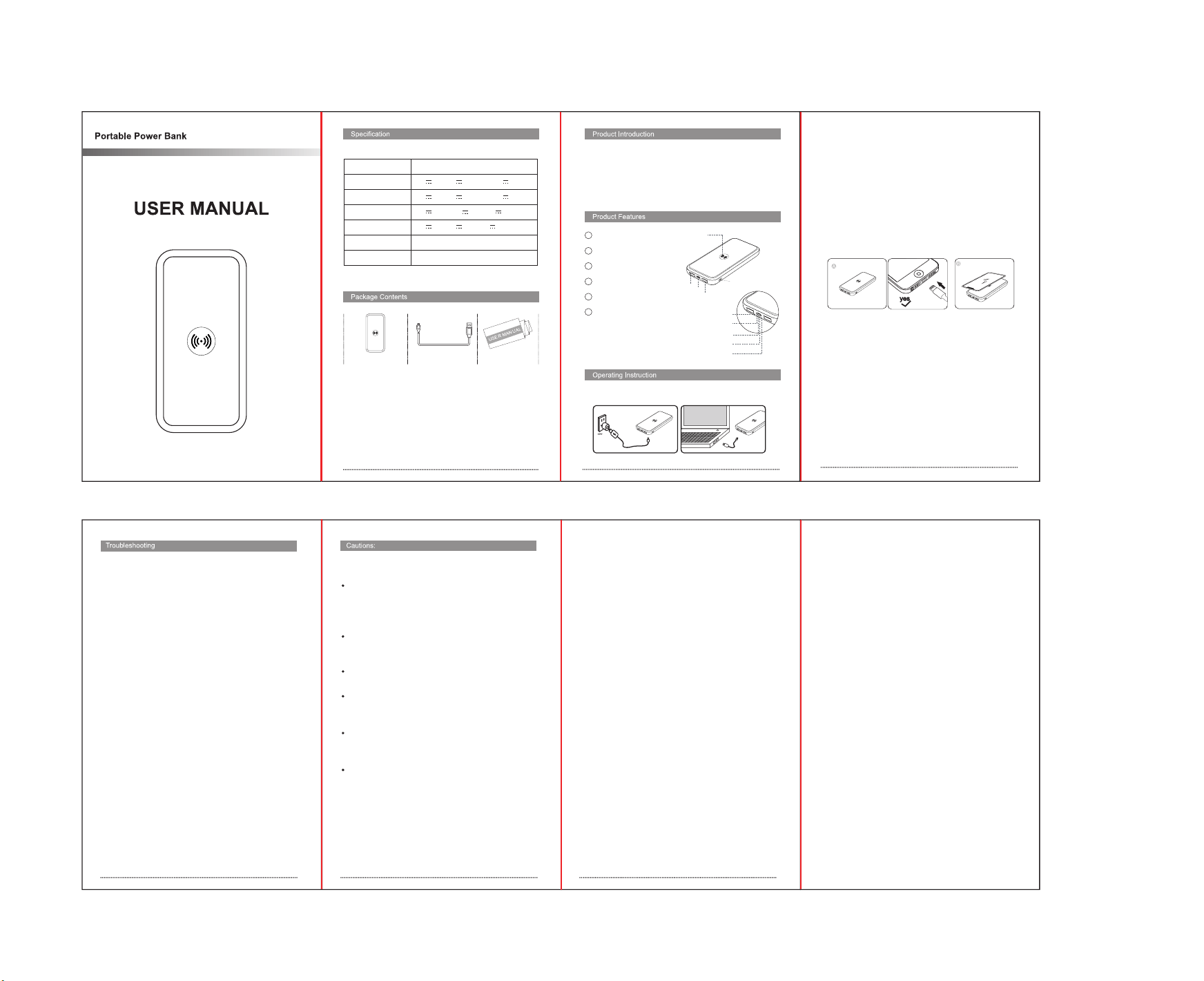
红色线条表示折叠线
10000mAh 37Wh
5V 3A 9V 2.22A 12V 1.5A
5V 3A 9V 2.22A 12V 1.5A
5V 4.5A 9V 2A 12V 1.5A
5V 3A 9V 2A 12V 1.5A
15W/10W/7.5W/5W
150x71x17.3 mm
Battery Capacity
Type C Input
Type C Output
USB Output 1
USB Output 2
Wireless output
Dimensions
Power Bank x1 Charging Cable x1 User Manual x1
Thank you for purchasing this protable power
bank,Before using the power bank, Please read the
manual carefully and follow the instructions to operate
properly.
1 Power button
2 Type-C Input
3 USB 1 output
4 USB 2 output
5 Wireless Charger
6 LED indicators:
①
②
③
⑥
④
⑤
LED1: Wireless charging indicator
LED2-5: Battery power indicators
LED1
LED2
LED3
LED4
LED5
1.Connect the Type C connector of a USB cable into the
related input port, and connect the USB connector to a
power supply with USB output (not included).
2.When charging, the Indicator lights will flash. Each
light indicates about 25% of the capacity. When fully
charged, all Indicator lights will light up.
3.Note: Fully charge the power bank before using the
power bank for the first time. Recharge the power bank
once every three months when not in use or seldom
used.
A.Wired charging
Press the power button, indicator lights are on. One
end of charging cable should be inserted in the USB or
type c port,and the other end should be inserted in the
charging port of your device which needs to be charged.
When charging device, The indicator lights are on.
B.Wireless charging
Press the power button, LED1 light flashes and then
goes out. Put your smartphone on top of the power
bank, exactly in the center of the wireless charging area.
LED1 light is always on, which means wireless charging
is in progress.
Note: Make sure your smartphone is fit for Qi standard
receiving equipment.
1.Press the power button, If LED2 indicator light is
flashing, battery is running out soon, please recharge.
2.This power bank can automatically identify equipment
that need to charge, If there is no equipment on it, the
power bank will be turned off after 30 seconds,Normal
version of power bank is off after 3S.
3.For wireless charging, your mobile device must be
equipped with a Qi wireless receiver. The device can
automatically identify a Qi-compatible device placed on
it.If the center point of the receiving terminal is deflected
over 10mm from the center point of transmitting terminal,
the power bank will be turned off automatically.
4.If wired charging is not working properly, please try a
different charging cable, since the connector may
become loose due to wearing.
5.During charging, the device may become warm due to
high currents and resistance, especially during wireless
charging. To reduce temperature, avoid running intensive
applications or using GPS on your mobile device when
charging.
Read all the instructions and warnings carefully prior to
using this product.
The power bank will generate heat when charging.
Always charge in a well-ventilated and open-air area. Do
not charge under pillows, blankets, clothing or on
flammable surfaces.
Keep the power bank away from heat sources, direct
sunlight, combustible gas, humidity, water or other
liquids.
Do not disassemble, open, microwave, incinerate, paint
or insert foreign objects into the power bank.
Do not subject the power bank to mechanical shock
such as crushing, bending, puncturing or shredding. Avoid
dropping or placing heavy objects on the power bank.
Do not short-circuit the power bank or store it in a
receptacle where it may be short-circuited by other
metallic or conductive objects.
Do not operate the power bank if it has been wet or
otherwise damaged, to prevent against electric shock,
explosion and/or injury. Contact the dealer or authorized
agent.
日期/Design Date: 2026.8.27/9.10
1. Charging the Power Bank
2. Charging the device
This device complies with Part 15 of the FCC Rules.
Operation is subject to the following two conditions:
(1) This device may not cause harmful interference, and
(2) this device must accept any interference received,
including interference that may cause undesired
operation.
NOTE 1: This equipment has been tested and found to
comply with the limits for a Class B digital device,
pursuant to part 15 of the FCC Rules. These limits are
designed to provide reasonable protection against
harmful interference in a residential installation. This
equipment generates, uses and can radiate radio
frequency energy and, if not installed and used in
accordance with the instructions, may cause harmful
interference to radio communications. However, there is
no guarantee that interference will not occur in a
particular installation. If this equipment does cause
harmful interference to radio or television reception,
which can be determined by turning the equipment off
and on, the user is encouraged to try to correct the
interference by one or more of the following measures:
-Reorient or relocate the receiving antenna.
-Increase the separation between the equipment and
receiver.
-Connect the equipment into an outlet on a circuit
different from that to which the receiver is connected.
-Consult the dealer or an experienced radio/TV
technician for help.
NOTE 2: Any changes or modifications to this unit not
expressly approved by the party responsible for
compliance could void the user's authority to operate the
equipment.
The device has been evaluated to meet general RF
exposure requirement. The device can be used in
portable exposure condition without restriction.