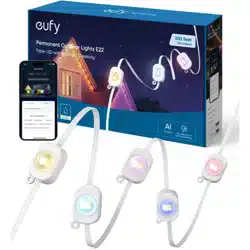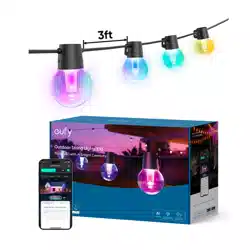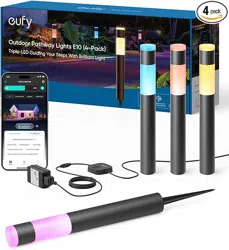
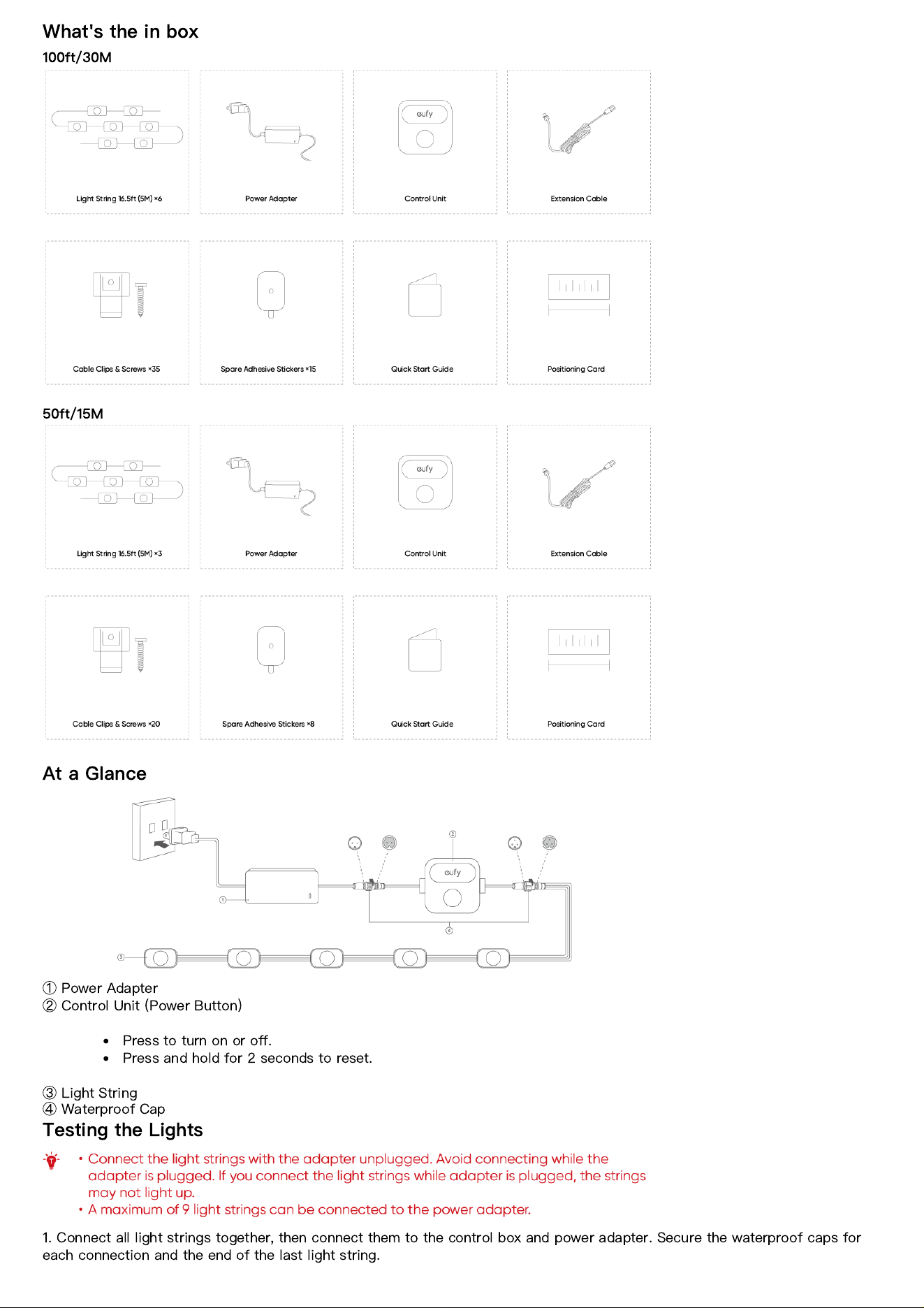
What's the in box
100ft/30M
50ft/15M
At a Glance
①
Power Adapter
②
Control Unit (Power Button)
Press to turn on or o
ff
.
Press and hold for 2 seconds to reset.
③
Light String
④
Waterproof Cap
Testing the Lights
1. Connect all light strings together, then connect them to the control box and power adapter. Secure the waterproof caps for
each connection and the end of the last light string.
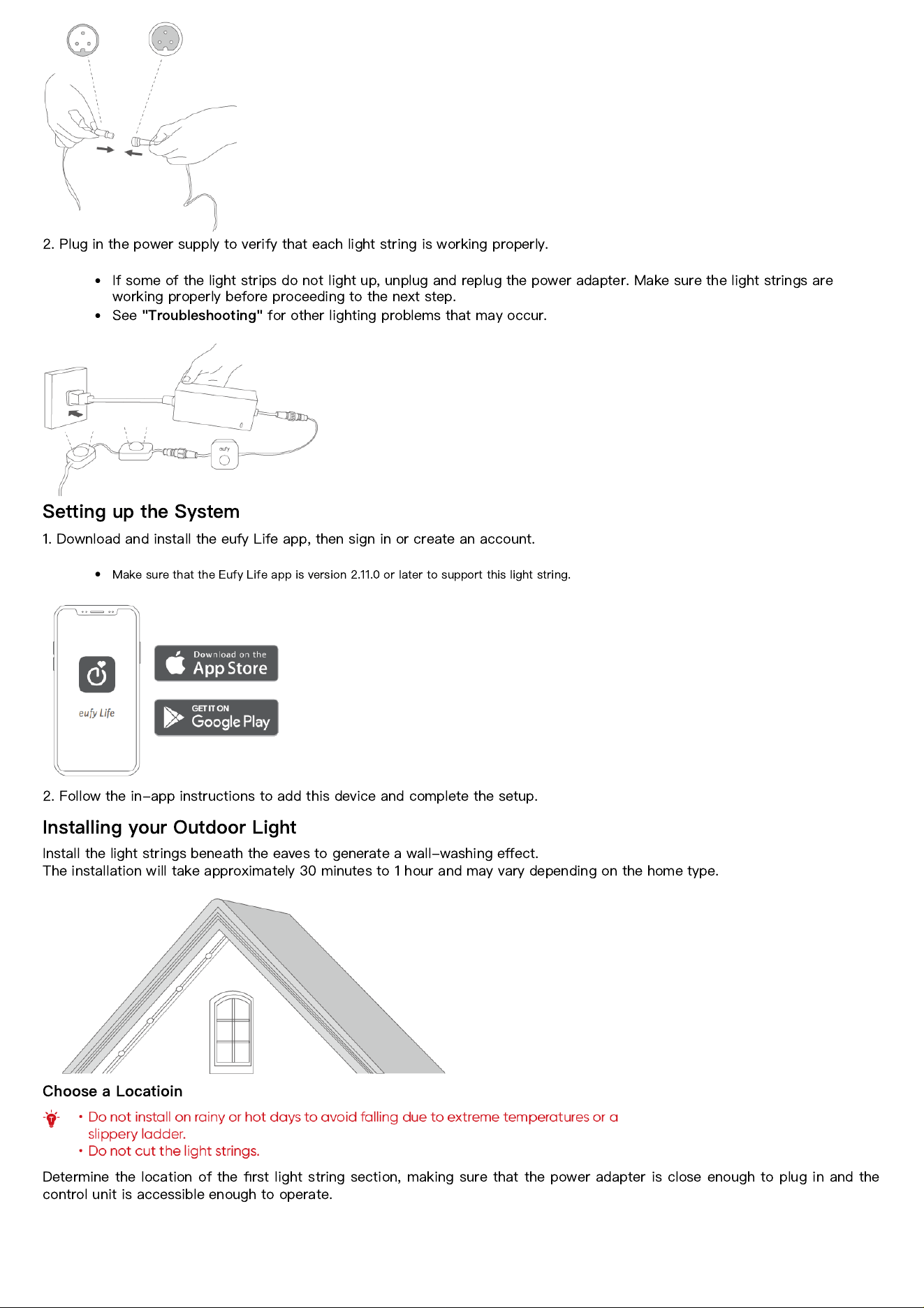
2. Plug in the power supply to verify that each light string is working properly.
If some of the light strips do not light up, unplug and replug the power adapter. Make sure the light strings are
working properly before proceeding to the next step.
See
"Troubleshooting"
for other lighting problems that may occur.
Setting up the System
1. Download and install the eufy Life app, then sign in or create an account.
Make sure that the Eufy Life app is version 2.11.0 or later to support this light string.
2. Follow the in-app instructions to add this device and complete the setup.
Installing your Outdoor Light
Install the light strings beneath the eaves to generate a wall-washing e
ff
ect.
The installation will take approximately 30 minutes to 1 hour and may vary depending on the home type.
Choose a Locatioin
Determine the location of the
fi
rst light string section, making sure that the power adapter is close enough to plug in and the
control unit is accessible enough to operate.
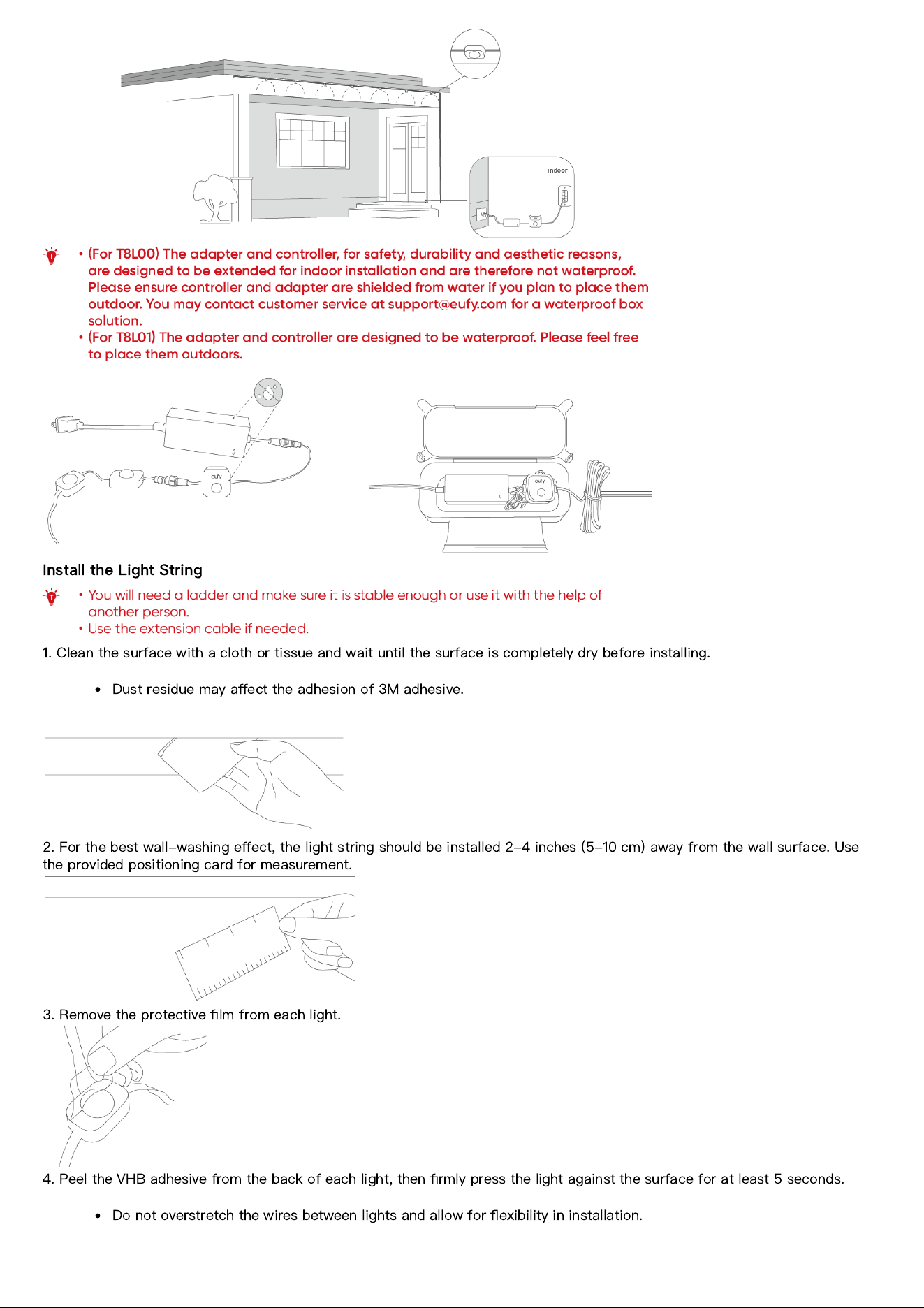
Install the Light String
1. Clean the surface with a cloth or tissue and wait until the surface is completely dry before installing.
Dust residue may a
ff
ect the adhesion of 3M adhesive.
2. For the best wall-washing e
ff
ect, the light string should be installed 2-4 inches (5-10 cm) away from the wall surface. Use
the provided positioning card for measurement.
3. Remove the protective
fi
lm from each light.
4. Peel the VHB adhesive from the back of each light, then
fi
rmly press the light against the surface for at least 5 seconds.
Do not overstretch the wires between lights and allow for
fl
exibility in installation.
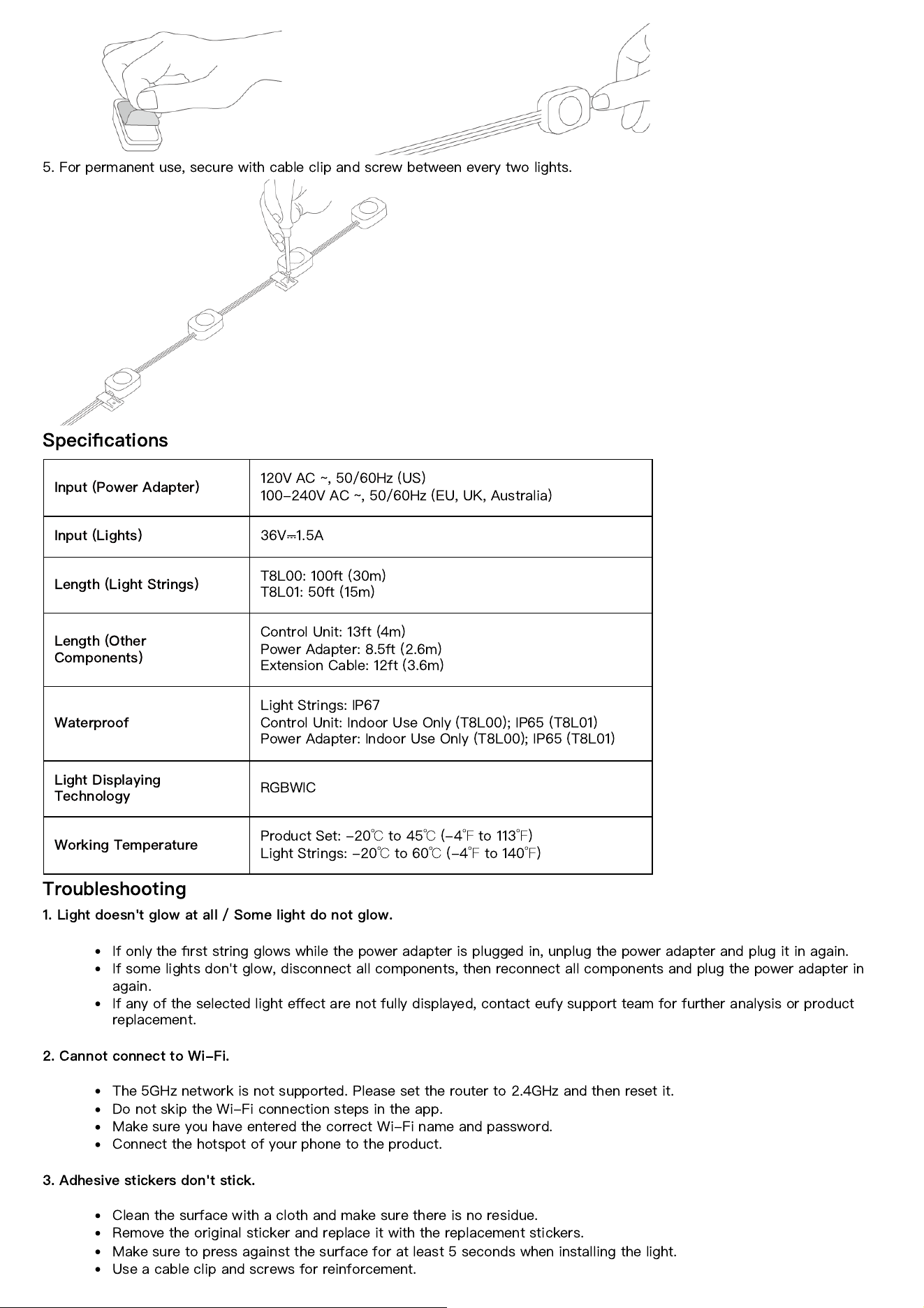
5. For permanent use, secure with cable clip and screw between every two lights.
Speci
fi
cations
Input (Power Adapter)
120V AC ~, 50/60Hz (US)
100-240V AC ~, 50/60Hz (EU, UK, Australia)
Input (Lights)
36V
⎓
1.5A
Length (Light Strings)
T8L00: 100ft (30m)
T8L01: 50ft (15m)
Length (Other
Components)
Control Unit: 13ft (4m)
Power Adapter: 8.5ft (2.6m)
Extension Cable: 12ft (3.6m)
Waterproof
Light Strings: IP67
Control Unit: Indoor Use Only (T8L00); IP65 (T8L01)
Power Adapter: Indoor Use Only (T8L00); IP65 (T8L01)
Light Displaying
Technology
RGBWIC
Working Temperature
Product Set: -20
℃
to 45
℃
(-4
℉
to 113
℉
)
Light Strings: -20
℃
to 60
℃
(-4
℉
to 140
℉
)
Troubleshooting
1. Light doesn't glow at all / Some light do not glow.
If only the
fi
rst string glows while the power adapter is plugged in, unplug the power adapter and plug it in again.
If some lights don't glow, disconnect all components, then reconnect all components and plug the power adapter in
again.
If any of the selected light e
ff
ect are not fully displayed, contact eufy support team for further analysis or product
replacement.
2. Cannot connect to Wi-Fi.
The 5GHz network is not supported. Please set the router to 2.4GHz and then reset it.
Do not skip the Wi-Fi connection steps in the app.
Make sure you have entered the correct Wi-Fi name and password.
Connect the hotspot of your phone to the product.
3. Adhesive stickers don't stick.
Clean the surface with a cloth and make sure there is no residue.
Remove the original sticker and replace it with the replacement stickers.
Make sure to press against the surface for at least 5 seconds when installing the light.
Use a cable clip and screws for reinforcement.
Customer Service
Lifetime Technical Support
12-month Limited Warranty