DO NOT RETURN this product to the store! Visit
RCAAntennaHelp.com for instructional and how-to videos.
Make sure your TV is turned off. Then
connect the antenna’s coaxial cable to
the antenna input on your TV or digital
converter box.
Important: Make sure you uncoil the
antenna’s cable completely. Leaving it
coiled will reduce reception performance.
Most TVs have a channel scan option in their menu system, many times in a
SETUP or CHANNEL menu under ANTENNA.
For detailed instructions on performing a channel scan, see the owner’s
manual that came with your TV.
Important: You must perform a channel scan to receive any channels!
Use the RCA Signal Finder App to nd the
best location for your antenna.
1
STOP!
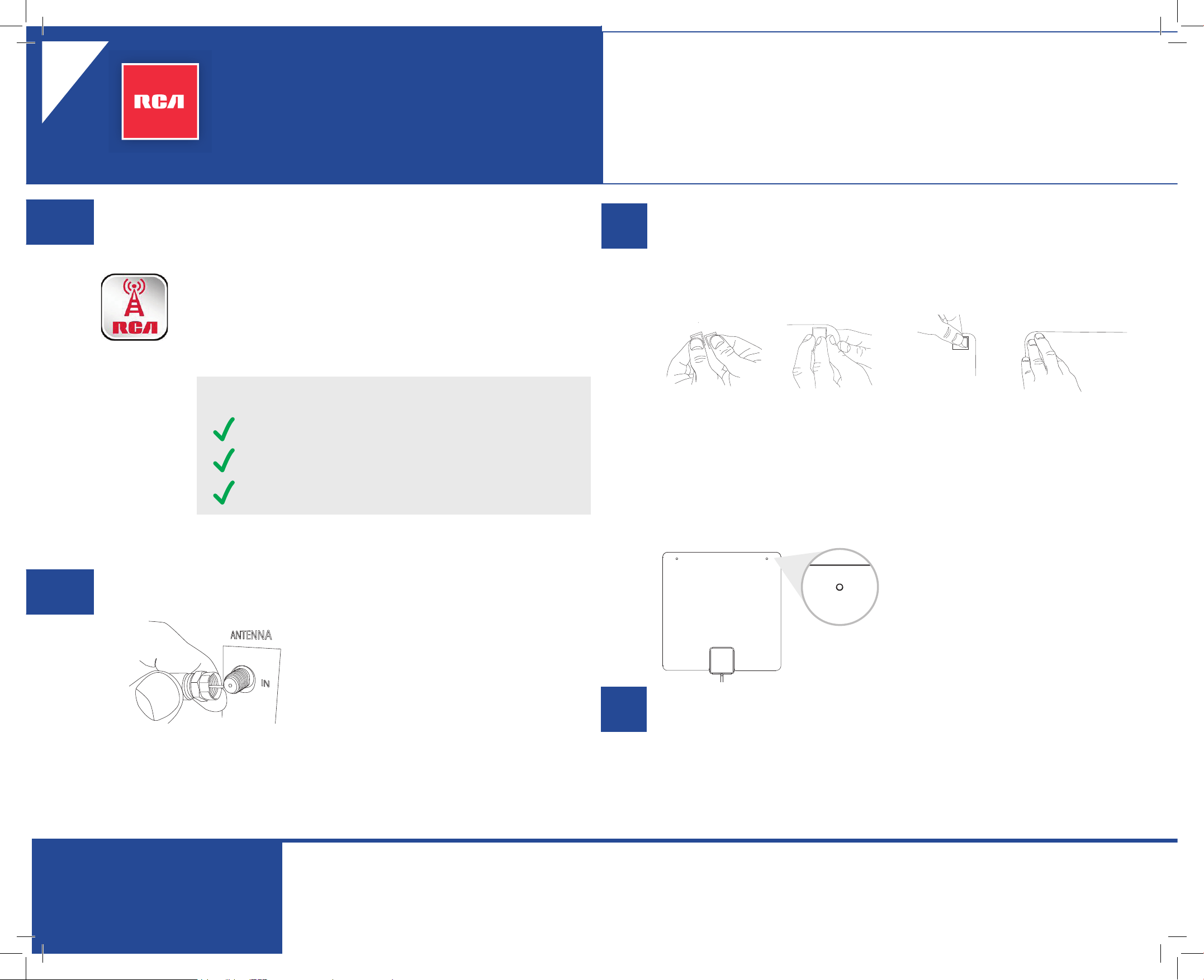
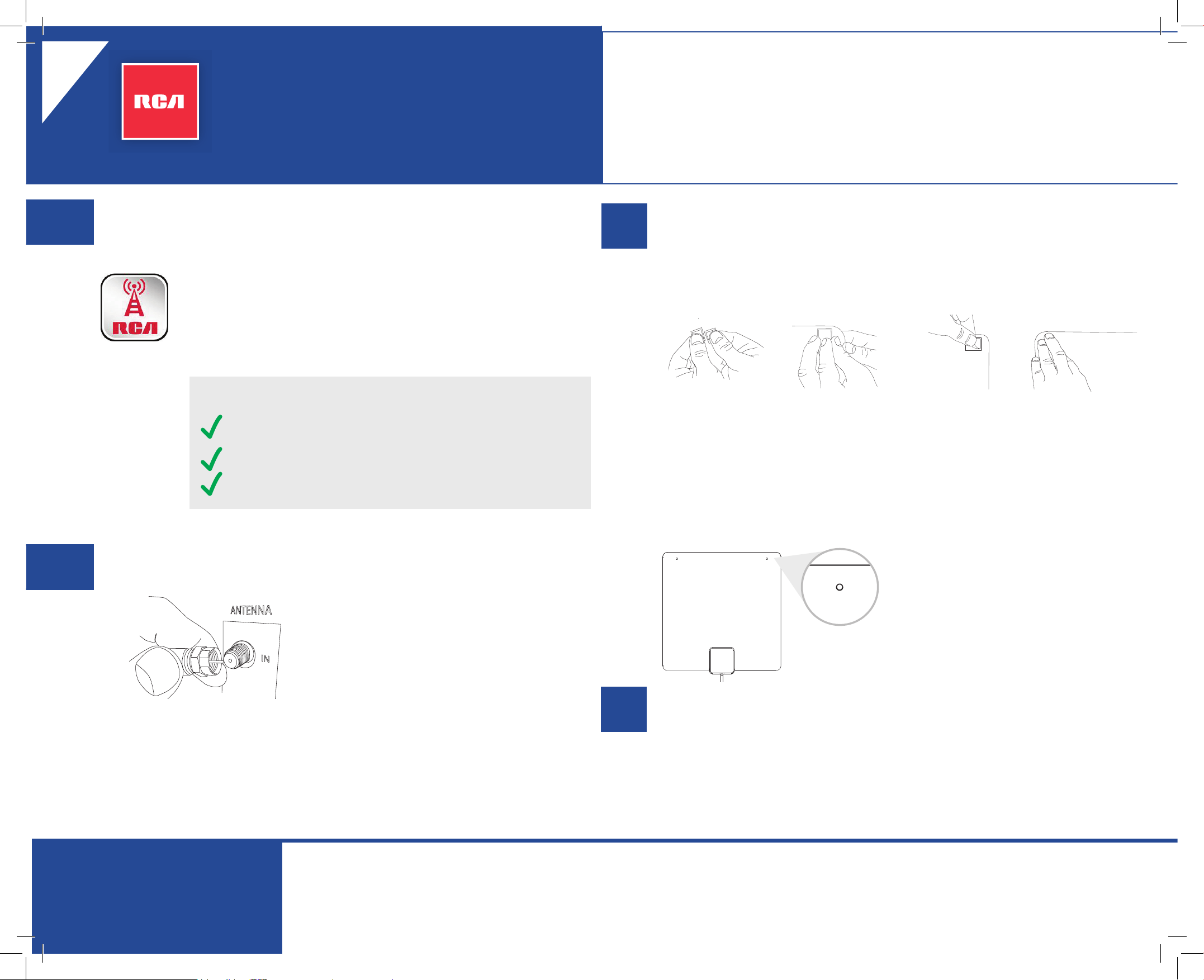
There are two easy ways to mount the antenna.
Option 1: Using the mounting squares
Separate the
mounting
squares (there
are four in the
box).
For each square,
remove the
backing and
press the square
into place on the
antenna.
Remove the
liner from the
other side of
each square.
Line up the
antenna and press
it against the
mounting surface
for 10 seconds. Let
go, then press 30
seconds more.
Option 2: Using the antenna’s mounting holes
Insert two thumbtacks (not included) into
the two holes on the top of the antenna.
In the Google Play or Apple App Stores, search for “RCA Signal
Finder” and look for the icon shown here. Then download and
install the App.
Launch the App and follow the directions there to nd the
best location and orientation for your antenna.
Connect the antenna to your TV.
2
Mount the antenna.
3
Scan for channels on your TV.
4
Antenna Placement Tips
Avoid metal surfaces (like a metal stand).
Move the antenna close to or in a window.
Position the antenna as high as possible.
Check out setup videos at
www.RCAAntennaHelp.com
Versión
en español
al dorso
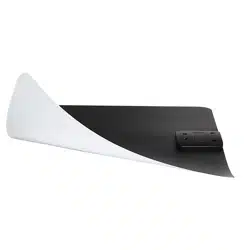
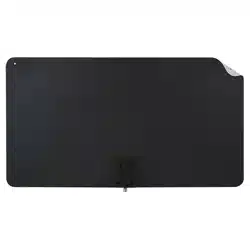
ultra-thin multi-directional
indoor HDTV antenna
QUICK START GUIDE
ANT1080E Insert 00
NO DEVUELVA este producto a la tienda. Visite
RCAAntennaHelp.com para videos de instrucciones y prácticos.
Asegúrese que el TV esté apagado. Luego
conecte el cable coaxial de la antena a la
entrada de la antena en el televisor o caja
del convertidor digital.
Importante: Asegúrese de desenrollar
completamente el cable coaxial de la
antena. Si lo deja enrollado se afectará la
calidad de la recepción.
La mayoría de televisores tienen una opción de búsqueda de canales
en el menú del sistema, con frecuencia se encuentra en el menú de
CONFIGURACIÓN o CANALES en la sección ANTENA.
Para obtener instrucciones detalladas sobre cómo llevar a cabo una
búsqueda de canales, consulte el manual del propietario incluido con el TV.
Importante: ¡Debe realizar una búsqueda de canales para recibir los canales!
Use la aplicación RCA Signal Finder para
determinar la mejor ubicación para su antena.
1
¡ALTO!
Existen dos maneras fáciles de montar la antena.
Primera opción: Usando los cuadrados de montaje
Separe los
cuadrados de
montaje (hay
cuatro en la caja).
En cada
cuadrado retire
el revestimiento
y presione el
cuadrado en
su lugar en la
antena.
Retire el
revestimiento del
otro lado de cada
cuadrado.
Alinee la antena y
luego presiónela
contra la supercie
de montaje durante
10 segundos.
Suéltela y luego
vuelva a presionarla
30 segundos más.
Segunda opción: Usando los oricios de montaje de la antena.
Inserte dos tachuelas (no incluidas) en
los dos oricios en la parte superior de la
antena.
En las tiendas Google Play o Apple App, busque “RCA Signal
Finder” y el icono que aquí se muestra. Ahora descargue e
instale la aplicación.
Abra la aplicación y siga las instrucciones para determinar la
mejor ubicación y orientación para su antena.
Conecte la antena al TV.
2
Montaje de la antena.
3
Busque canales en su TV.
4
Consejos para la ubicación de la antena
Evite las supercies de metal (tal como un soporte de
metal).
Coloque la antena en una ventana o cerca de ella.
Coloque la antena lo más alto posible.
Consulte los videos de conguración en
www.RCAAntennaHelp.com
English
version
on back
antena HDTV multidireccional
ultra delgada para interiores
GUÍA DE INICIO RÁPIDO