Most TVs have a channel scan option in their menu system, many times in a
SETUP or CHANNEL menu under ANTENNA.
For detailed instructions on performing a channel scan, see the owner’s
manual that came with your TV.
Important: You must perform a channel scan to receive any channels!
Scan for channels on your TV.
Antenna Placement Tips
Avoid metal surfaces (like a metal stand).
Move the antenna close to or in a window.
Position the antenna as high as possible.
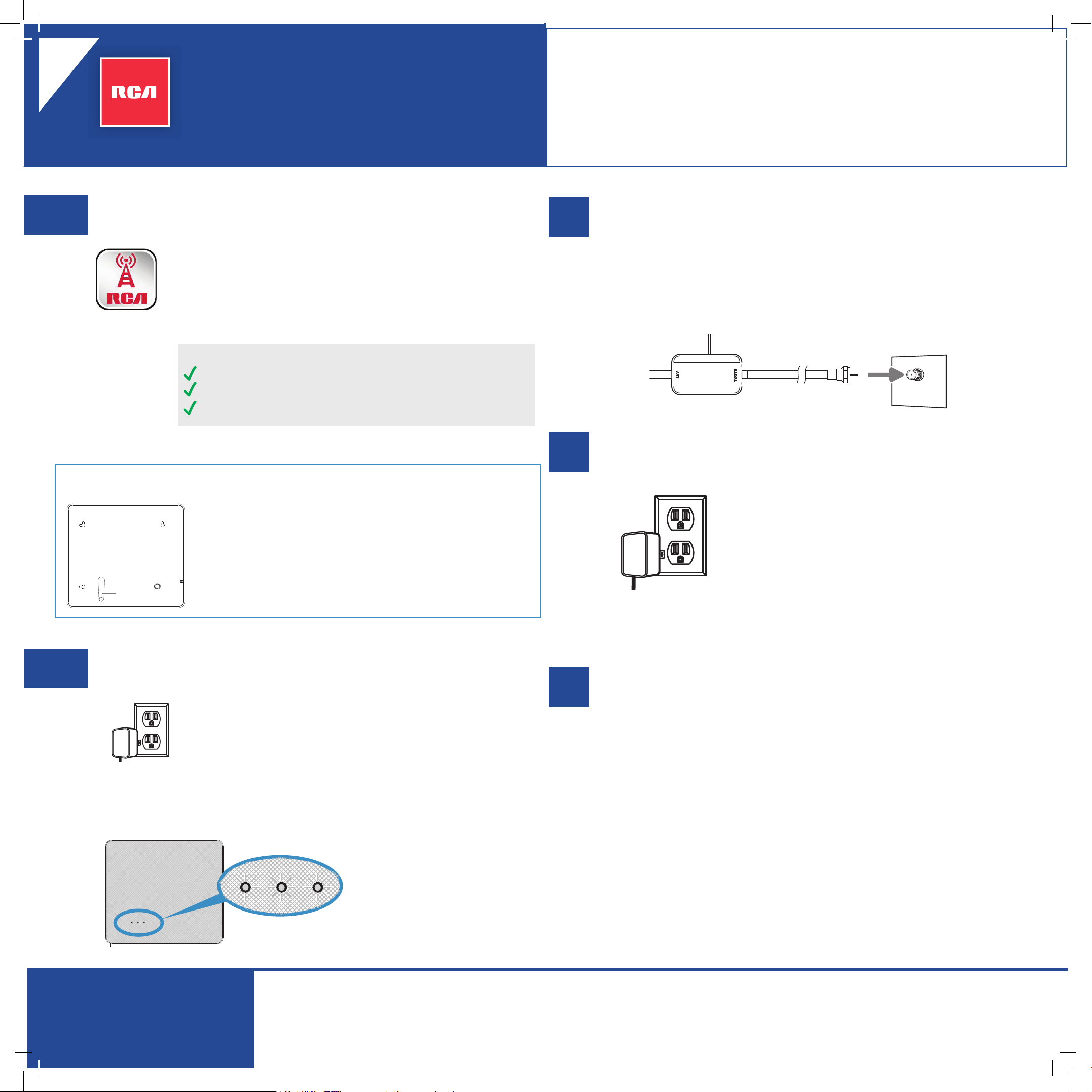
Plug the power cord for the antenna’s power injector into a
standard AC outlet. Don’t connect it to your TV yet.
Use the antenna’s signal meter to ne-tune
antenna location and orientation.
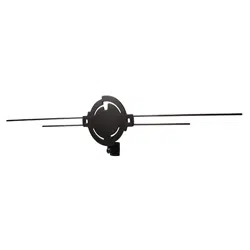
Placement Options: Stand or Wall Mounting
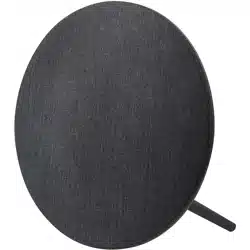
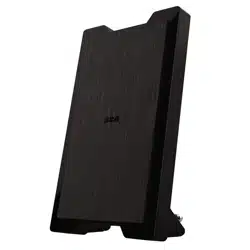
This antenna offers two placement options: the
provided stand or wall mounting. If you’d like to use the
stand, insert it into one of the circular slots on the back
of the antenna. The antenna can be positioned vertically
or horizontally.
If you’d rather mount the antenna to the wall, use the
included M3x18 mounting screws and the mounting
slots on the back of the antenna.
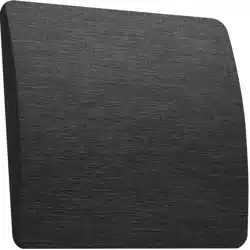
Antenna, back
Stand
The antenna’s built-in signal meter measures the signal of the strongest UHF
signal your antenna is receiving.
Plug the power injector’s power cord into a
power outlet.
Connect the power injector to your TV.
TV or
converter
box (back)
Amplifier Insert
ANTENNA
TV/STB
ANTENNA
IN
Unplug the power injector’s power cord from the AC outlet. Make
sure your TV is turned off.
Connect the coaxial cable from the power injector to the antenna
input on your TV.
Important: This power adapter should be
plugged in so that it stays vertical or lays at.
Move your antenna until the
signal meter shows at least
the second indicator. For best
performance, try to get the
third indicator.
Note: The signal meter times
out after 15 minutes. To use it
again, unplug the power cord
and plug it back in.
Check out setup videos at
www.RCAAntennaHelp.com
ANTD6ME Insert 03
Versión
en español
al dorso
amplied indoor HDTV antenna
with signal meter
QUICK START GUIDE
Use the RCA Signal Finder App to nd the
best location for your antenna.
In the Google Play or Apple App Stores, search for “RCA
Signal Finder” and look for the icon shown here. Then
download and install the App.
Launch the App and follow the directions there to nd
the best location and orientation for your antenna.
1
2
3
4
5
DO NOT RETURN this product to the store!
Visit RCAAntennaHelp.com for instructional and how-to videos.
STOP!
La mayoría de los televisores cuentan con una función de búsqueda en el
sistema de menús, muchas veces en el menú CONFIGURACIÓN O CANAL,
dentro de ANTENA.
Para obtener instrucciones detalladas sobre cómo realizar una búsqueda de
canales, consulte el manual del propietario incluido con el televisor.
Importante: Debe realizar una búsqueda de canales para recibir canales.
Realice la búsqueda de canales en el televisor.
Consejos para la instalación de la antena
Evite las supercies metálicas (como una base metálica).
Acerque la antena lo más posible a una ventana o
colóquela en ella.
Coloque la antena lo más alto posible.
Enchufe el cable de alimentación del inyector de energía de
la antena a un tomacorriente de CA estándar. No la conectes
aún al televisor.
Utilice el medidor de señal de la antena para
ajustar con precisión la ubicación y orientación
de la antena.
Esta antena ofrece dos opciones de instalación: la base
provista o soporte de pared. Si quiere usar la base,
insértela en una de las ranuras circulares ubicadas en la
parte posterior de la antena. La antena puede instalarse
de forma vertical u horizontal.
Si quiere instalar la antena en la pared, utilice los
tornillos de montaje M3x18 incluidos y las ranuras de
montaje ubicadas en la parte posterior de la antena.
Antena, parte
posterior
Base
El medidor integrado de la antena mide la señal UHF más fuerte que está
recibiendo la antena.
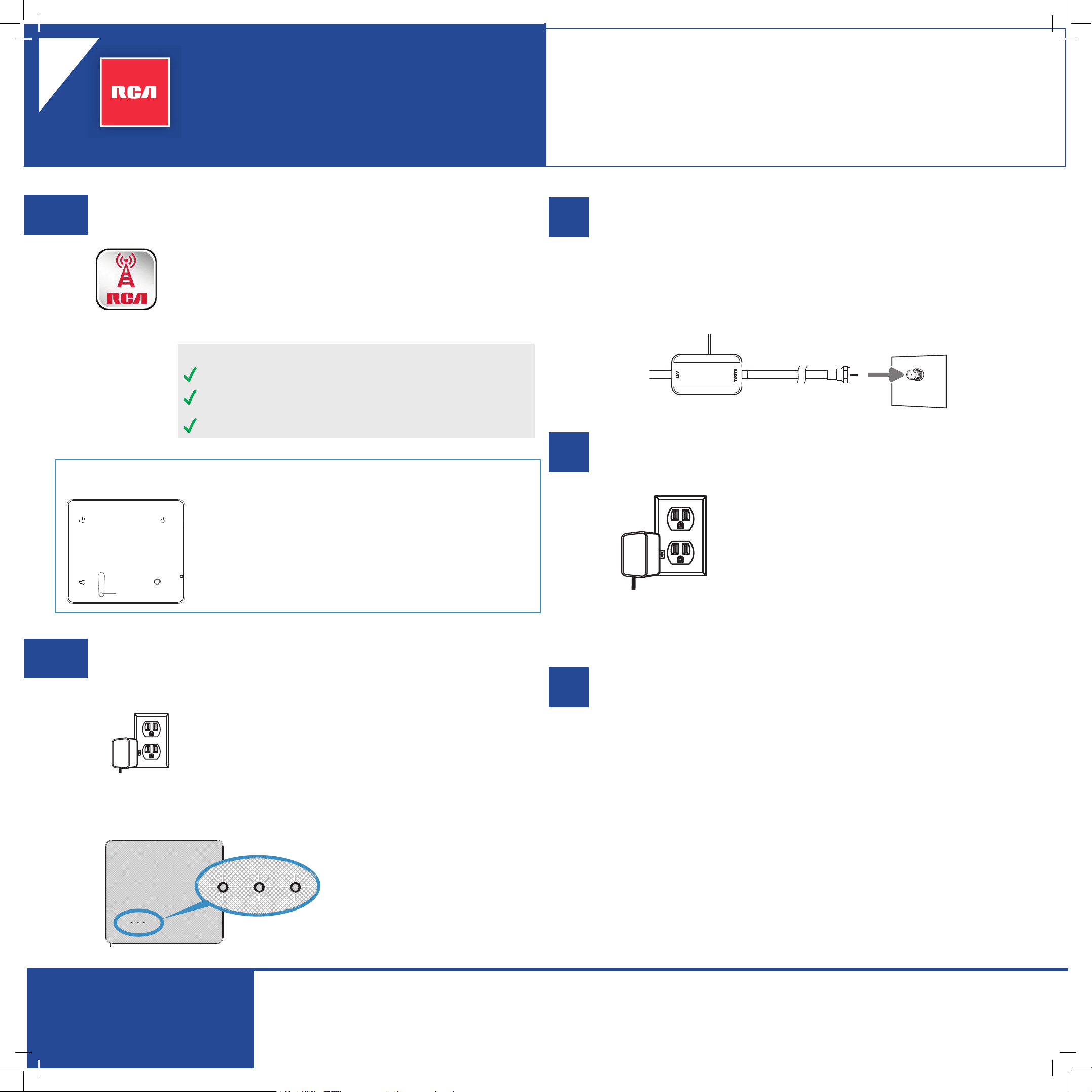
Enchufe el cable de alimentación del inyector
de energía al tomacorriente.
Conecte el inyector de energía al televisor.
TV or
converter
box (back)
Amplifier Insert
ANTENNA
TV/STB
ANTENNA
IN
Desenchufe el cable de alimentación del inyector de energía del
tomacorriente de CA. Asegúrese de que el televisor esté apagado.
Conecte el cable coaxial desde el inyector de energía hasta la entrada de la
antena del televisor.
Importante: Este adaptador de alimentación deberá
estar enchufado de forma tal que permanezca en
posición vertical o apoyado de forma plana.
Mueva la antena hasta que el
medidor de señal muestre al menos
el segundo indicador. Para obtener
el mejor rendimiento, intente que se
muestre el tercer indicador.
Nota: El medidor de señal se apaga
después de 15 minutos. Para volver
a utilizarlo, desenchufe el inyector
de energía y vuelva enchufarlo.
ANTD6ME Insert 03
English
instructions
on back
antena HDTV para interiores
amplicada con medidor de señal
GUÍA DE INICIO RÁPIDO
Utilice la aplicación “RCA Signal Finder” para
determinar la mejor ubicación para la antena.
En las tiendas Google Play o Apple App, busque “RCA
Signal Finder”, cuyo icono será igual al que aparece aquí. A
continuación, descargue e instale la aplicación.
Ejecute la aplicación y siga las instrucciones detalladas para
determinar la mejor ubicación y orientación para la antena.
1
2
3
4
5
NO DEVUELVA este producto a la tienda. Visite RCAAntennaHelp.com
para obtener instrucciones y videos explicativos.
Puede consultar los videos de conguración en:
www.RCAAntennaHelp.com
¡ALTO!
Opciones de instalación: base o soporte de pared