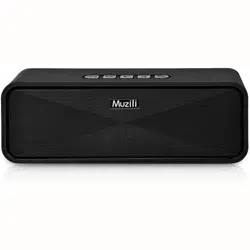
Instructions

Contents
Manual and Q & A ---------------01
English Version ----------------02
Deutsche Version - -------------05
------------------------------08
Versione Italiana -----------------11
Versión Española ----------------14
Version Française ---------------17
Q&A
Manual Download

3.Play Music
When the machine is turned on, it automatically detects and
recognizes the external device. After booting, it enters the
bluetooth mode. And insert the TF card to automatically
recognize and play. The latter principle is preferred, and the
playback mode can also be switched by itself; the inserted
audio signal does not automatically switch. You need to press
[M] button to switch to AUX mode. Please read the “Definition of
the Button, Jack Function” for detailed function operation of
play mode.
English
1.Important Safety Information:
Please read and comply with all safety guides carefully to
ensure the player performs well and is used correctly
Do not hit the machine seriously.
Please do not use near strong magnetic or electric fields.
Do not disassemble, repair or modify it by yourself.
Do not wash the machine with water.
Avoid direct light or heat.
Do not listen at the high volume to avoid bad effects on your
hearing.
It may cause sound distortion when using at low battery
power, please charge it in time. Please shut it down when
leaving it idle for a long time.
2.Functions of Product
[Bluetooth Audio] Bluetooth 5.0+EDR, the maximum receiving
distance is 10 meters.
[Bluetooth call] Clear voice without echoes.
[MP3 Play] Play MP3 files stored in the TF card directly.
[USB Card Reader] Connect to the computer to copy or delete
songs in the TF card.
[USB sound card] Connect to the computer, play audio files,
control the volume and songs.
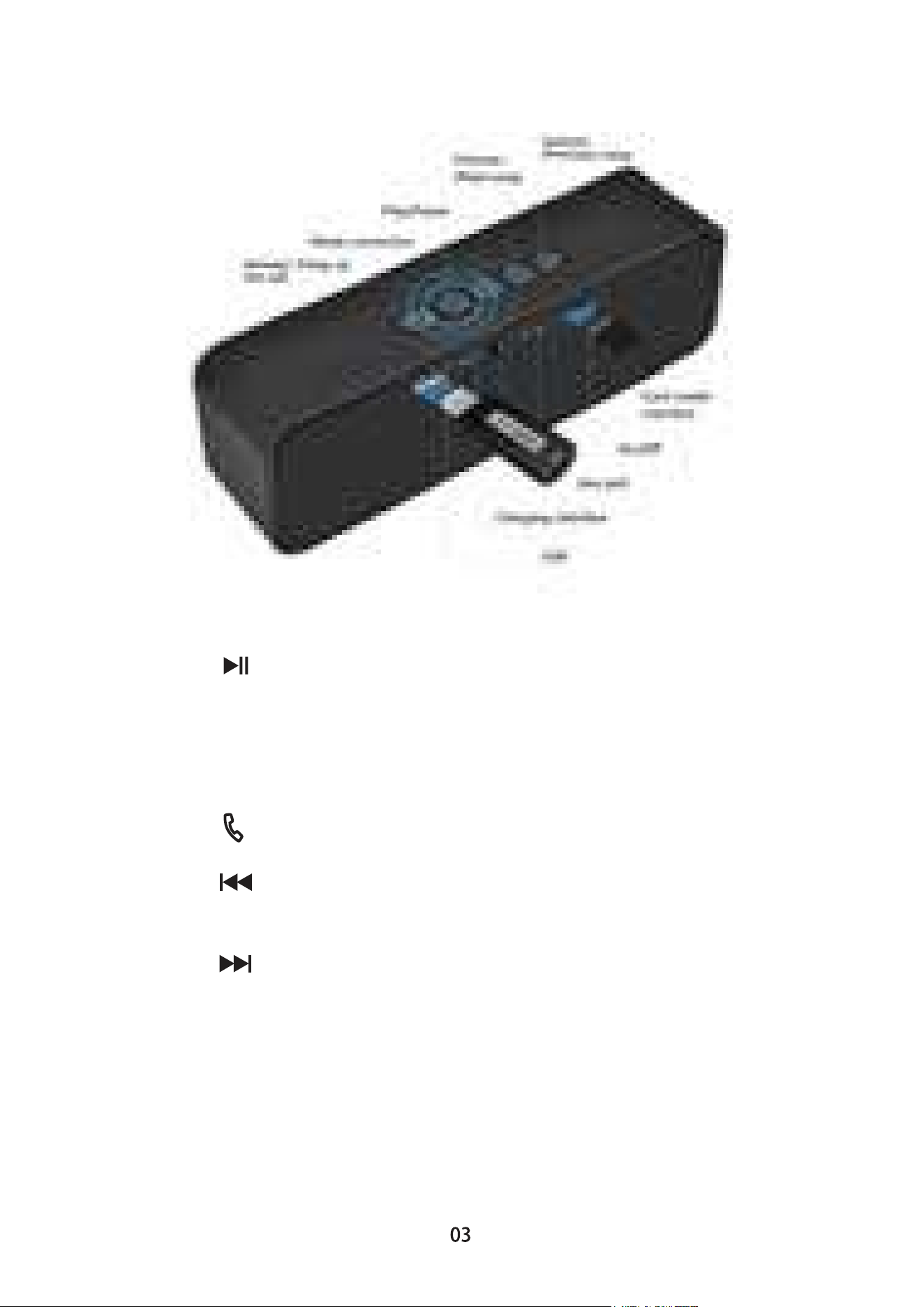
4.Definition of the Button, Jack Function
(subject to the real thing)
1. [ON/OFF]: Power switch.
2. [ ]: Play/Pause.
3. [ M ]: Mode conversion.
Short press: TF, AUX and bluetooth mode refers to play
/ pause.
Long press: Press and hold for 3 seconds to converse the
mode.
4. [ ]: Answer / hang up the call. Short press to answer the
call, short press to hang up during the call.
5. [ ]: Adjust to the low volume / previous song. Short press:
change to the previous song under TF / Bluetooth mode. Long
press: turn down the volume.
6. [ ]: Adjust to the high volume / next song. Short press:
change to the next song under TF / Bluetooth mode. Long
press: turn up the volume.
7. [ USB / AUX ]: Charging interface / AUX jack / card reader
interface / USB interface.
The power charging jack can be connected to the USB port of
the computer by using the dedicated USB power cable
(included in the package).

5.Introduction of the Indicator Lights
6.Bluetooth Connection Method
7. Charging Method
8.Technical Specifications
Red indicator light: Charging indicator. The Micro interface is
connected to a 5V charger, the charging indicator lights will be
in red color. When it is fully charged, the red indicator light goes
out.
The battery can be fully charged in 4 hours when it is power off.
Blue indicator light: TF, AUX, Bluetooth play mode indicator;
battery power shutdown indicator.
(1). Turn on or press the mode button to switch to the bluetooth
mode, and the LED indicator flashes quickly.
(2). Turn on the Bluetooth function of the mobile device (mobile
phone, computer, etc.) and search for the Bluetooth device
"Muzili".
(3). Click "Muzili" to pair and connect.
(4). The device that has been successfully paired will be
automatically connected next time.
Plug one end of the power cord into the power jack of the
device, plug the USB cable into the USB port of the computer,
or connect to the standard 5V 500mA charging port. The red
light will be on during charging, and the red light will be off when
fully charged.
Muzili speaker can be connected to the computer or charger for
a long time, and can be fully charged in about 4 hours. The
battery life time will vary depending on the volume.
Power supply: DC5V 0.5-2A
Battery: 3.7V/1800mAh
Frequency response: 100Hz-16KHz
Output power: 2*5W
Bluetooth distance: 10 meters in the straight line
Support audio: MP3, WMA and other formats

1.Vorsichtsmaßnahmen
2.Funktionelle Eigenschaften
3.Musik spielen
Um den Lautsprecher korrekt zu nutzen und eine gute
Klangleistung zu gewährleisten, lesen und befolgen Sie bitte:
Schlagen Sie das Gerät nicht ernsthaft an.
Bitte nicht in der Nähe von starken Magnetfeldern und
elektrischen Feldern verwenden.
Zerlegen, reparieren oder modifizieren Sie es nicht selbst.
Waschen Sie das Gerät nicht mit Wasser.
Vermeiden Sie direktes Licht oder Hitze.
Drehen Sie die Lautstärke nicht zu hoch, um negative
Auswirkungen auf Ihr Gehör zu vermeiden.
Wenn die Batterie schwach ist, kann es zu Klangverzerrungen
kommen, bitte laden Sie den Lautsprecher rechtzeitig auf.
Bitte trennen Sie die Stromversorgung, wenn Sie den
Lautsprecher längere Zeit nicht benutzen.
Deutsch
Bluetooth: Bluetooth 5.0 + EDR, die maximale Empfangsdistanz
beträgt 10 Meter.
Bluetooth-Ruf: Die Stimme ist klar und es gibt kein Echo.
MP3 Player: Auf der TF-Karte gespeicherte MP3-Dateien
können direkt abgespielt werden.
USB-Kartenleser: Schließen Sie einen Computer an, um Lied
von der TF-Karte zu kopieren oder zu löschen.
USB-Soundkarte: Verbinden Sie mit dem Computer, spielen Sie
die Audiodateien des Computers ab, Es kann die Lautstärke
und Lied-Wiedergabe steuern.
Wenn das Gerät eingeschaltet wird, erkennt es automatisch
das externe Gerät. Nach dem Booten den Bluetooth-Modus
eingeben, Automatische Erkennung und Wiedergabe nach dem
Einlegen der TF-Karte; Letzteres Prinzip der Priorität, Sie
können den Wiedergabemodus auch selbst wechseln. Falls es
schaltet nach dem Einfügen einer Audiosignalleitung nicht
automatisch um, Drücken Sie [M], um zur Wiedergabe in den
AUX-Modus zu wechseln. Für detaillierte Funktionen lesen Sie
bitte den vierten Punkt "Definition von Tasten und
Jack-Funktionen".
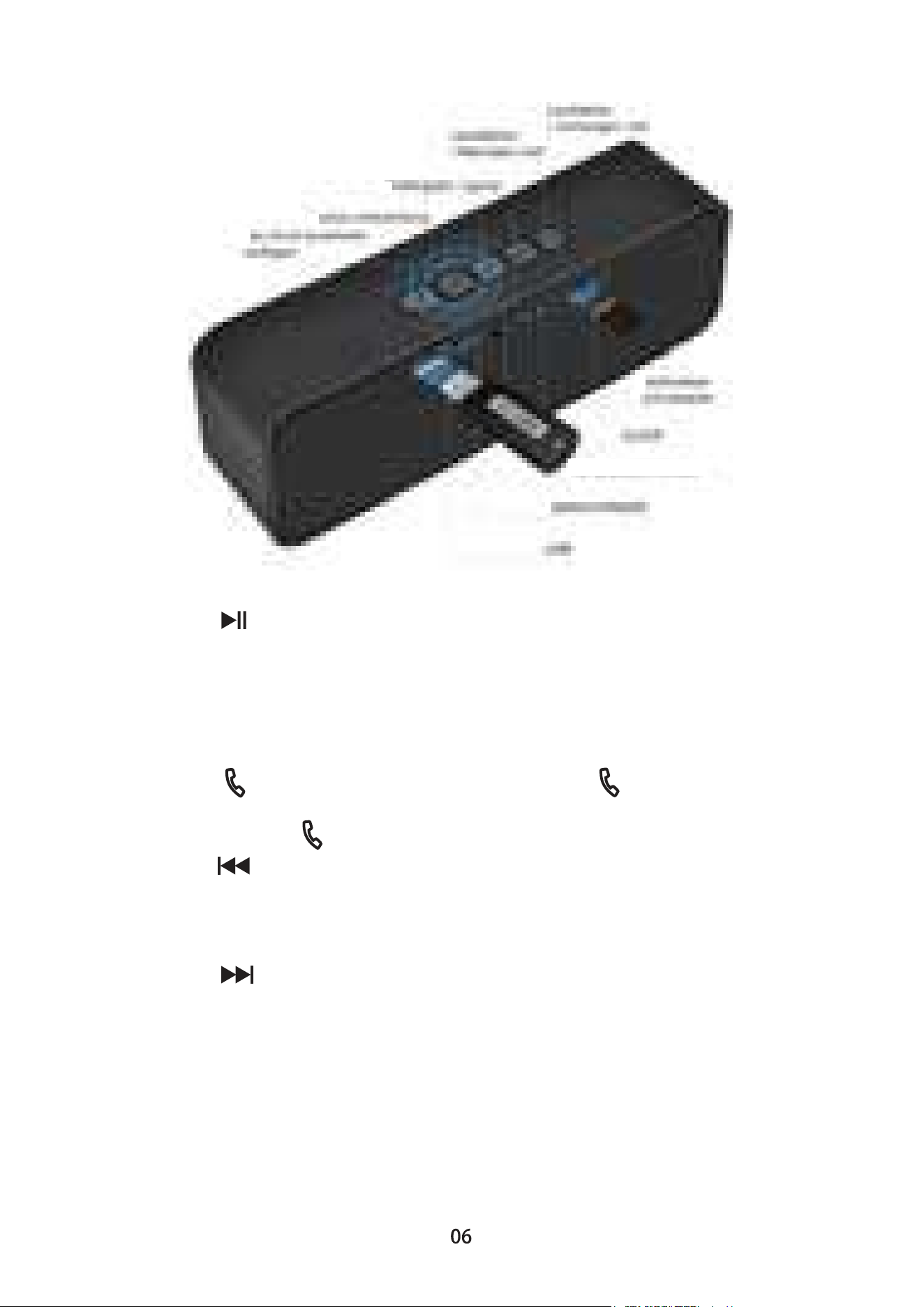
4.Definition von Tasten und Jack-Funktionen
(abhängig vom tatsächlichen Produkt)
1. [ON/OFF]: Netzschalter,ON ist an, OFF ist aus
2. [ ]: Wiedergabe / Pause
3. [ M ]: Modus-Umwandlung
Kurzes Drücken: Wiedergabe / Pause in den Modi TF, AUX und
Bluetooth.
Langes Drücken: Halten Sie 3 Sekunden lang gedrückt, um den
Modus umwandeln.
4. [ ]: den Anruf annehemen / auflegen. Auf kurz
drücken, um den Anruf annehemen, wenn Sie einen Anruf
erhalten. Auf kurz drücken, um den Anruf auflegen.
5. [ ]: die Lautstärke Verringern/ das vorherige Lied. Kurzes
Drücken: das vorherige Lied im TF-Modus; die Lautstärke
herunterstellen im Bluetooth / AUX-Modus.
Langer Drücken: die Lautstärke herunterstellen.
6. [ ]: die Lautstärke erhöhen/ Nächstes Lied.
Kurzes Drücken: Nächstes Lied im TF-Modus; die Lautstärke
erhöhen im Bluetooth / AUX-Modus.
Langer Drücken: die Lautstärke erhöhen.
7. [USB/AUX]: Ladeschnittstelle / AUX-Buchse /
Kartenleser-Schnittstelle / USB-Soundkarten-Schnittstelle.
Die Ladebuchse kann an die USB-Schnittstelle des Computers
angeschlossen werden, um über das vom Gerät gelieferte
dedizierte USB-Netzkabel aufgeladen zu werden.
D
M
W
K
U
L
AUX-Buchse

5.Kontrollleuchte
6.Bluetooth Verbindung
7.Lademethode
8.Technische Spezifikationen
Rote Kontrollleuchte: Ladeanzeige. Die Micro-Schnittstelle ist
an ein 5V-Ladegerät angeschlossen, die Ladeanzeige leuchtet
rot, wenn sie voll ist, erlischt die rote Anzeige. Es kann im
ausgeschalteten Zustand für 4 Stunden vollständig aufgeladen
werden.
Blaue Anzeigeleuchte: TF/AUX/Bluetooth-Wiedergabemodus
Anzeige, Anzeige für niedrigen Stromverbrauch.
(1). Schalten Sie das Gerät ein oder drücken Sie die
Modus-Taste, um in den Bluetooth-Modus zu wechseln, und die
LED-Anzeige blinkt schnell.
(2). Schalten Sie die Bluetooth-Funktion des mobilen Geräts
(Mobiltelefon, Computer usw.) ein und suchen Sie nach dem
Bluetooth-Gerät "Muzili".
(3). Klicken Sie auf "Muzili", um eine Verbindung herzustellen.
(4). Erfolgreich gepaarte Geräte wird beim nächsten Mal
automatisch verbinden.
Schließen Sie ein Ende des Netzkabels an die Netzbuchse des
Geräts an, stecken Sie den USB in den USB Port des
Computers oder verbinden Sie ihn mit dem Standard 5V 500mA
Ladeanschluss, wobei das rote Licht während des
Ladevorgangs leuchtet und nach der volle Aufladung das rote
Licht aus ist.
Die eingebaute Ladeschutzschaltung kann für eine lange Zeit
an den Computer oder das Ladegerät angeschlossen werden
und kann in ca. 4 Stunden vollständig geladen werden; Die
Akkulaufzeit variiert je nach Nutzungsdauer und Lautstärke.
Stromversorgung: DC5V 0.5-2A
Batterie: 3.7V/1800mah
Frequenzgang: 100Hz-16KHz
Ausgangsleistung: 2*5W
Signal-Rausch-Verhältni85db
Bluetooth Entfernung: gerade Linie effektive Entfernung 10 Meter
Audio: Unterstützt MP3, WMA und andere formate
(1).
(2).
(3).
(4).

1.Precauzioni
2.Caratteristiche
3.Riproduzione di musica
Per utilizzare correttamente il altoparlante e assicurarsi che le
prestazioni degli altoparlanti siano buone, leggere attentamente
e seguirlo.
Italiano
[Audio Bluetooth] Bluetooth 5.0+EDR Distanza massima di
ricezione 10 metri.
[Chiamata Bluetooth] Chiara voce, nessun eco.
[Riproduzione MP3] Riproducce direttamente i fili memorizzati
nella scheda TF.
Quando la macchina viene accesa, rileva e riconosce
automaticamente il dispositivo esterno.Quando si avvia, entra
in modalità Bluetooth e inserisce la scheda TF per il
riconoscimento e la riproduzione automatici, quest'ultimo è
preferito e la modalità di riproduzione può anche essere
commutata da sola, la linea del segnale audio inserita non
cambia automaticamente e premere il pulsante [M ] per passa a
AUX modalità. leggi la quarta parte "Definizione di pulsante e
funzione jack del prodotto" per il funzionamento dettagliato
[Lettore di schede USB] Collegati a un computer per copiare
o eliminare brani dalla scheda TF.
[Scheda audio USB] Collegare ad un computer, riprodure file
audio del computer, controllare il volume.
Evitare la collisione della macchina.
Si prega di non utilizzare vicino a forti campi magnetici o
campi elettrici.
Non smontare, riparare o modificare da soli.
Non lavarlo con acqua.
Evitare la luce diretta o il calore.
Non ascoltare ad un livello più alto per evitare effetti negativi
sull'udito.
Quando la batteria viene utilizzata a un livello basso,
potrebbe causare distorsioni del suono. Ricaricala in tempo.
Scollegare l'alimentazione quando non viene utilizzata per un
lungo periodo.
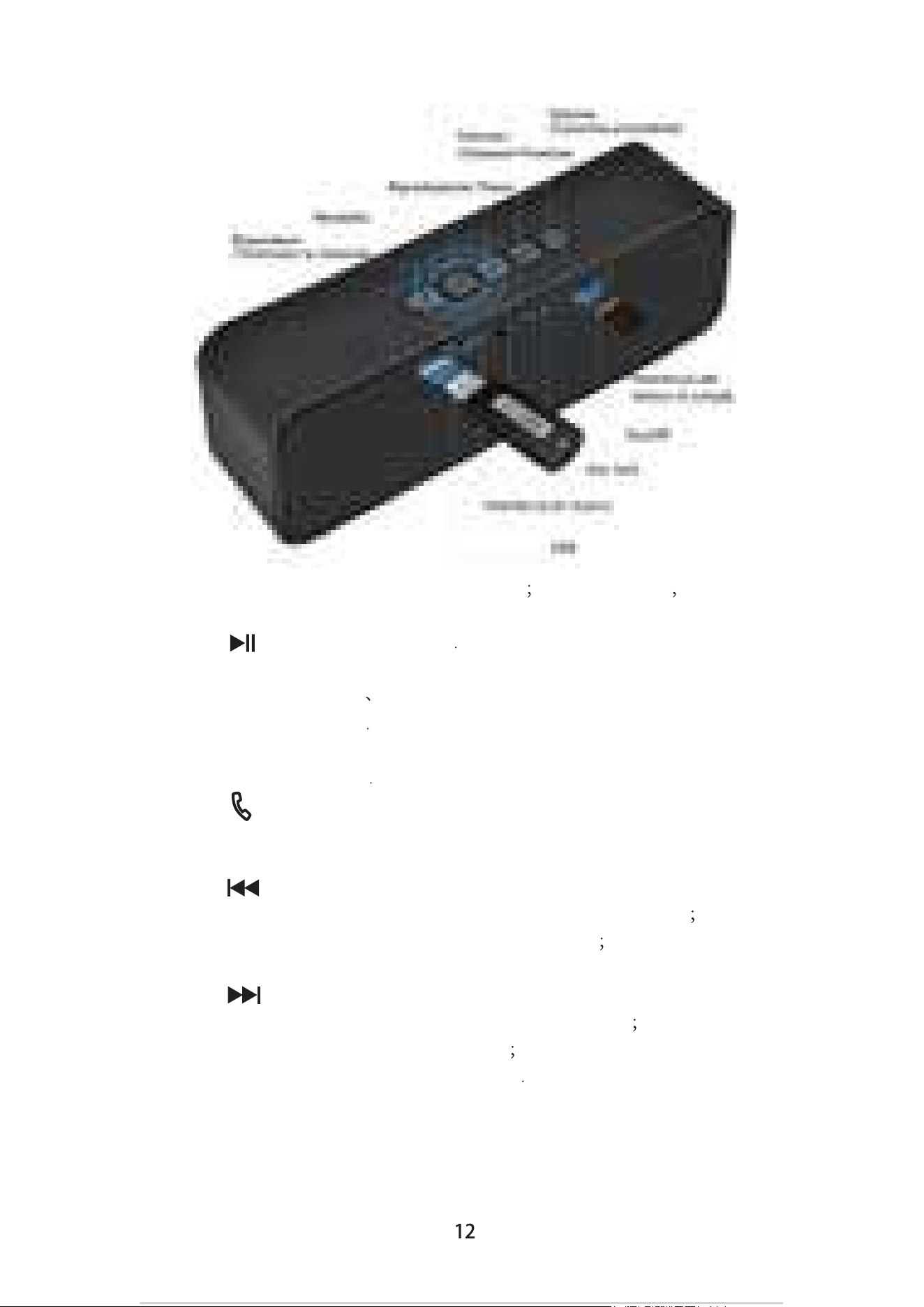
4.Pulsante del prodotto, Jack Funzione
(Soggetto al prodotto reale)
1. [ON/OFF]: Interruttore di accensione ON Accendere OFF
Spenere.
2. [ ]: Riproduzione/pausa
3. [ M ]: Cambia modalità.
Breve pressione: TF AUXE la modalità Bluetooth per la
riproduzione / pausa
Lunga pressione: Premere e tenere premuto per 3 secondi per
cambiare la modalità
4. [ ]: Rispondere / riagganciare a una chiamata. Premere
brevemente per rispondere ad una chiamata, premere
brevemente per riattaccre durante la chiamata.
5. [ ]: Diminuire il volume / Canzone precedente.
Breve pressione: La modalità TF è la canzone precedente
Modalità Bluetooth / AUX Riduzione del volume
Lunga pressione: Diminuire il volume.
6. [ ]: Aumentare il volume / Canzone precedente Breve
pressione: La modalità TF è la canzone successiva Modalità
Bluetooth / AUX aumento del volume
Lunga pressione: Aumentare il volume
7. [USB/AUX]: Interfaccia di ricarica / presa AUX / interfaccia
lettore di schede / interfaccia scheda audio USB.
Può essere caricato utilizzando il cavo di alimentazione USB
dedicato fornito da questa unità.

5.Indicatore luminoso
6.Connessione Bluetooth
7.Alimentazione
8.Specifiche
Indicatore rosso: Indicatore di carica. L'interfaccia Micro è collegata
a un caricabatterie da 5 V. L'indicatore di carica si illumina in rosso
quando è pieno, la spia rossa si spegne e la batteria è
completamente carica in 4 ore.
Indicatore blu: TF AUX Indicatore della modalità di riproduzione
Bluetooth Indicatore di spegnimento a bassa potenza
(1). Accendi il telefono o premi il pulsante della modalità per
passare alla modalità Bluetooth, l'indicatore LED lampeggia
velocemente
(2). Attivare la funzione Bluetooth del dispositivo mobile
(cellulare, computer, ecc.) E cercare il dispositivo Bluetooth
"Muzili".
(3). Clicca "Muzili" per accoppiare e connettere.
(4). Un dispositivo che è stato associato correttamente si
connetterà automaticamente alla prossima accensione.
Inserire un'estremità del cavo di alimentazione nella presa di
alimentazione dell'unità, inserire l'USB nella porta USB del
computer o collegarlo alla porta di ricarica standard da 5 V 500 mA.
La luce rossa si accende durante la ricarica e la luce rossa si
spegne quando è completa.
Il circuito di protezione della ricarica integrato può essere collegato
al computer o al caricabatterie per un lungo periodo di tempo e può
essere completamente caricato in circa 4 ore, il tempo di durata
della batteria varia in base al volume el tempo di utilizzo.
Alimentazione: DC5V 0.5-2A
Batteria: 3.7V/1800mah
Risposta in frequenza: 100HZ-16KHZ
Potenza di uscita: 2*5W
Distanza Bluetooth: 10M
Audio Supporto: MP3, WMA ecc.

1.Precauciones
2.Características
3.Operación para Reproducir la Música
Para usar el reproductor correctamente y asegurarse de que
el reproductor funciona bien, lea y siga las siguientes notas
por favor:
Español
[Bluetooth Audio] Bluetooth 5.0 + EDR, la distancia máxima de
recepción es 10 metros.
[Llamada Bluetooth] La voz es clara y no hay eco.
[Reproducción MP3] Reproduzca archivos MP3 almacenados
en la tarjeta TF directamente.
Cuando se enciende la máquina, automáticamente detecta y
reconoce el dispositivo externo. Después del arranque, se
ingresa al Modo Bluetooth e inserta la tarjeta TF para
reconocer y reproducir automáticamente. Se prefiere este
último principio, y el Modo de Reproducción también puede
cambiarse por sí mismo. Aún con el cable de señal de audio
insertada no se cambia automáticamente,necesita cambiar al
Modo de AUX a través del botón [M] . Lea el cuarto ítem
"Definición de botón y función de jack del producto" para una
operación detallada de la función de reproducir.
[Lector de Tarjetas USB] Conéctese a una computadora para
copiar o eliminar canciones de la tarjeta TF.
[Tarjeta de sonido USB] Conéctese a la computadora, reproduzca
archivos de audio de la computadora, controle la computadora
para la canción siguiente o anterior, y además el volumen.
No golpee la máquina seriamente.
Por favor, no lo use cerca de campos magnéticos fuertes
o eléctricos.
No lo desarme, repare ni modifique por usted mismo.
No lave la máquina con agua.
Evite la luz directa o el calor.
No escuche a volumen alto para evitar efectos adversos
sobre su audición.
La energía baja puede causar distorsión del sonido. Por favor
cargue a tiempo. Desconecte la corriente cuando no la utilice
durante un tiempo prolongado.
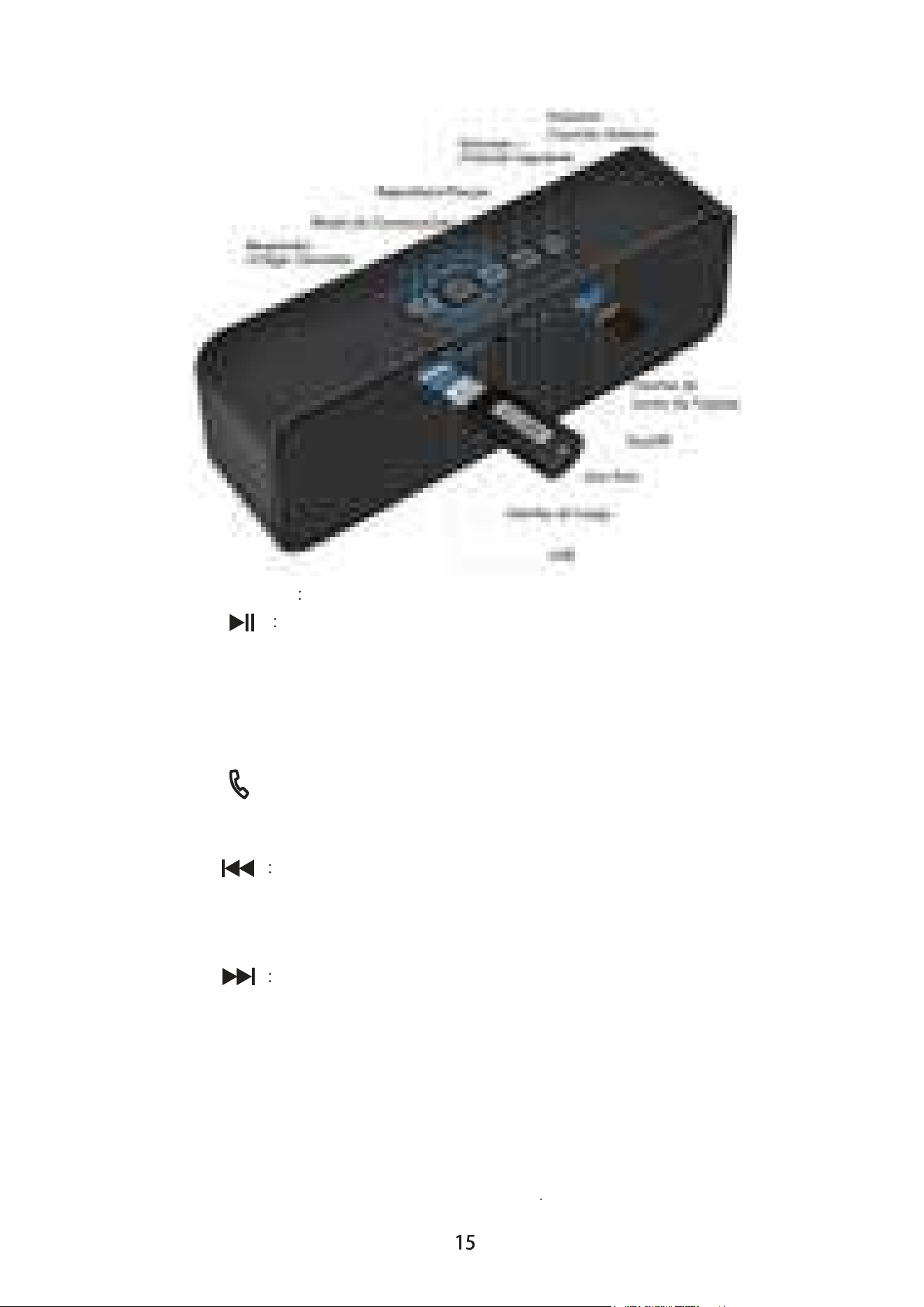
4.Definición de Funciones del Botón y Jack
(Sujeto al producto real)
1. [ON/OFF] Interruptor; ON es encender y OFF, apagar.
2. [ ] Reproducir / Pausar.
3. [M]: Modo de Conversación.
Pulsación Breve: En el modo de TF, AUX y Bluetooth significa
Reproducir / Pausar.
Pulsación Larga: Mantenga presionada durante 3 segundos
para conversar el modo.
4. [ ]: Contestar/Colgar la llamada. Presione brevemente
para responder la llamada, presione brevemente para colgar
durante la llamada.
5. [ ] Bajar el volumen / Canción Anterior.
Pulsación breve: Cambia a la canción anterior en el modo de
TF/Bluetooth.
Pulsación larga: Bajar el volumen.
6. [ ] Subir el volumen / Siguiente Canción.
Pulsación breve: Cambia a la canción siguiente en el modo de
TF/Bluetooth.
Pulsación larga: Subir el volumen.
7. [ USB/AUX ]: Interfaz de carga / conector AUX / interfaz del
lector de tarjetas / tarjeta de sonido USB.
El conector de carga de energía se puede usar para cargar el
puerto USB de la computadora mediante el cable de
alimentación USB incluido en el paquete

5.Introducción de la Luz Indicadora
6.Método de Conexión Bluetooth
7.Método de Carga
8.Especificaciones
Luz Indicadora Roja: Indicador de carga. La interfaz Micro está
conectada a un cargador de 5 V. El indicador de carga se
ilumina en rojo. Cuando la energía está llena, la luz indicadora
roja se apaga. La batería está completamente cargada en 4
horas cuando está apagado.
Luz Indicadora Azul: Indicador de Modo de TF, AUX, y del Modo
de Reproducción Bluetooth; indicador de apagado de baja
potencia.
(1). Lo encienda o presione el botón de modo para cambiar al
modo Bluetooth, y el indicador LED parpadeará rápidamente.
(2). Encienda la función Bluetooth del dispositivo móvil
(teléfono móvil, computadora, etc.) y busque el dispositivo
Bluetooth "Muzili".
(3). Haga un clic en "Muzili" para emparejar y conectar.
(4). El equipo que se emparejó con éxito se conectará
automáticamente la próxima vez.
Conecte el cable de alimentación al puerto de alimentación de
la unidad, conecte el extremo USB al puerto USB de la
computadora o conéctelo al puerto de carga estándar de 5V
500mA. La luz roja se encenderá durante la carga, y se
apagará cuando esté completamente cargada.
El altavoz Muzili se puede conectar a la computadora o al
cargador durante mucho tiempo, y se puede cargar
completamente en aproximadamente 4 horas; El tiempo de
vida de la batería variará dependiendo del volumen.
Fuente de Alimentación: DC5V 0.5-2A
Batería: 3.7V/1800mah
Frecuencia de Respuesta: 100Hz-16KHz
Potencia de Salida: 2*5W
Relación de Señal a Ruido85db
Distancia de Bluetooth: distancia efectiva en línea recta 10 metros
Audio Soportado: MP3, WMA y otros formatos

1.Notes:
2.Caractéristiques
3.Jouer de la musique
Pour utiliser correctement l’enceinte et vous assurer que
l’enceinte fonctionne correctement, veuillez lire et suivre:
Français
[Audio Bluetooth] Bluetooth 5.0 + EDR, la distance de réception
maximale est de 10 mètres.
[Appel Bluetooth] La voix est claire.
[Lecture MP3] Jouez directement les fichiers MP3 stockés sur
la carte TF.
Lorsque l’enceinte est allumée, elle détecte et reconnaît
automatiquement le périphérique externe. Après le démarrage,
elle entre en mode Bluetooth. Après avoir inséré la carte TF,
elle reconnaît et joue automatiquement. Ce dernier principe est
prioritaire. Le mode de lecture peut également être changé par
vous-même. L'insertion de la ligne de signal audio ne change
pas automatiquement le mode, il faut appuyer sur le bouton [M]
pour passer au mode AUX. Pour l’opération détaillée des
fonctions, veuillez lire " Définition du bouton du produit, et de
fonction de jack".
[Lecteur de carte USB] Connecter à un ordinateur pour copier
ou supprimer des morceaux de la carte TF.
[Carte son USB] Connecter à l'ordinateur, liser les fichiers audio
de l'ordinateur et contrôler les morceaux et le volume.
Ne pas faire la machine frapper sérieusement.
Ne pas l’utiliser à proximité de champs magnétiques ou de
champs électriques.
Ne pas la démonter, réparer ou transformer vous-même.
Ne pas la laver avec de l'eau.
Évitez la lumière directe ou la chaleur.
Ne pas écouter avec un plus grand volume pour éviter les
effets indésirables sur votre audition.
Lorsque la batterie est faible, cela peut provoquer une
distorsion du son. Veuillez la recharger à temps. Veuillez
déconnecter le courant lorsqu'elle n'est pas utilisée pendant
une longue période.
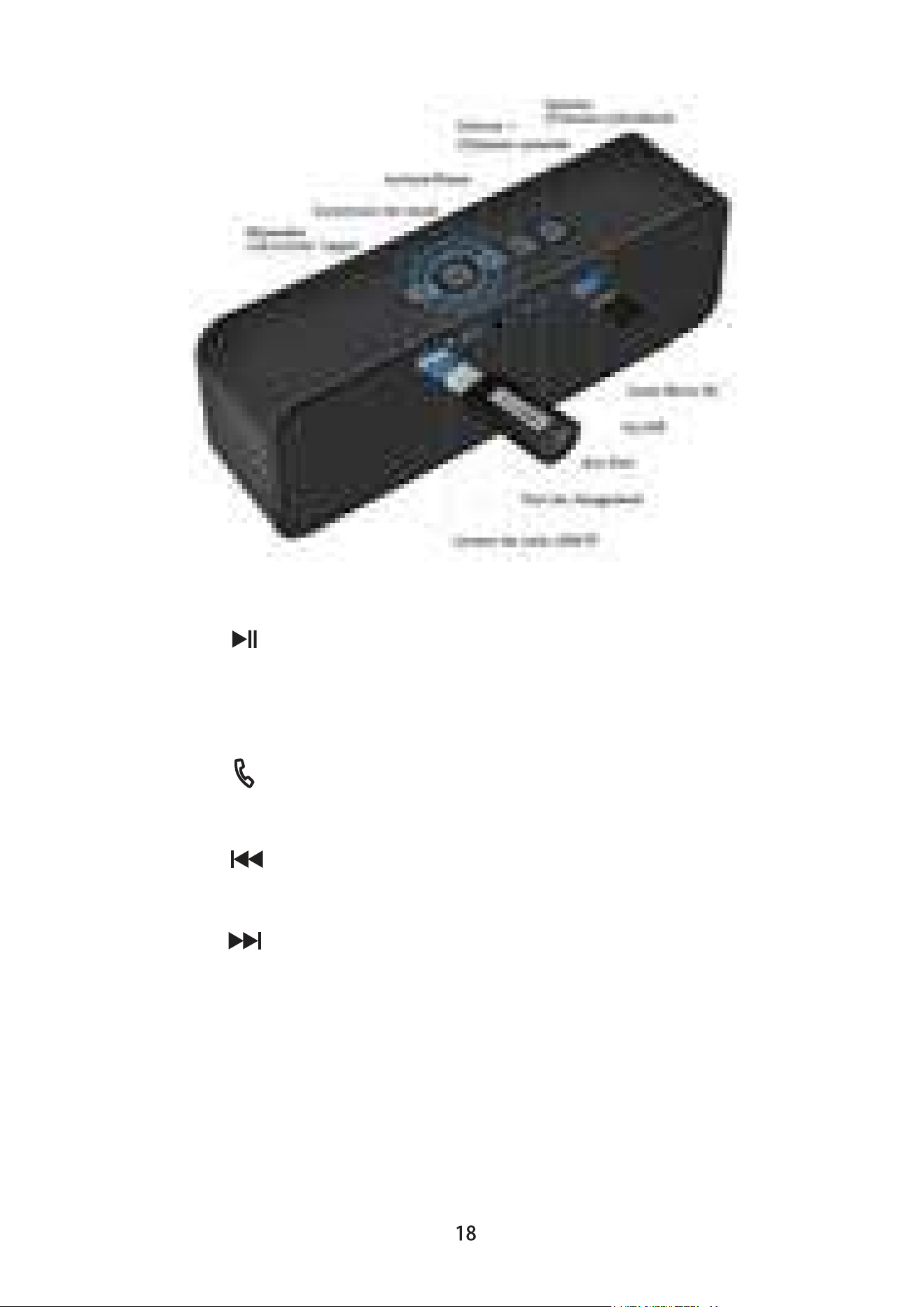
4.Définition du bouton du produit, et de fonction de jack
(sous réserve de la chose réelle)
1. [ ON / OFF ]: Interrupteur d'alimentation.
2. [ ]: Lecture / Pause.
3. [ M ]: Conversion de mode.
Appui court: Lecture / Pause en mode TF, AUX et Bluetooth.
Appui long: Appuyez et maintenez pendant 3 secondes pour
conversion de mode.
4. [ ]: Répondre à l'appel / raccrocher. Appuyez
brièvement pour répondre à l'appel, appuyez brièvement pour
raccrocher pendant l'appel.
5. [ ]: Baisser le volume / Chanson précédente. Appui
court: chanson précédente en mode TF, Baisser le volume en
mode Bluetooth / AUX; Appui long: Baisser le volume.
6. [ ]: Augmenter le volume / Chanson suivante. Appui
court: chanson suivante en mode TF, Augmenter le volume en
mode Bluetooth / AUX; Appui long: Augmenter le volume.
7. [USB / AUX]: interface de chargement / AUX Jack / interface
de lecteur de carte / interface de carte son USB.
Vous pourriez le connecter à l'interface USB de l'ordinateur
pour la charge par le câble d'alimentation USB dédié fourni par
cet appareil.

5.Indicateur lumineux
6.Méthode de connexion Bluetooth
7.Méthode de charge
8.Spécifications
Voyant rouge: indicateur de charge. L'interface Micro est
connectée à un chargeur 5V. L'indicateur de charge s'allume
en rouge et s'éteint lorsqu'elle est complètement chargée. La
batterie est complètement chargée en 4 heures.
Voyant bleu: indicateur de mode de TF, AUX et lecture
Bluetooth, indicateur de faible puissance.
(1). Allumez l’enceinte ou appuyez sur le bouton de mode pour
passer en mode Bluetooth et le voyant clignote rapidement.
(2). Activez la fonction Bluetooth du périphérique mobile
(téléphone portable, ordinateur, etc.) et recherchez le Bluetooth
"Muzili".
(3) Cliquez sur "Muzili" pour vous associer et vous connecter.
(4). Dispositif qui a été jumelé avec succès sera automatique-
ment connecté la prochaine fois.
Branchez une extrémité du cordon d'alimentation sur la prise
d'alimentation de l'enceinte, branchez l’autre extrémité sur le
port USB de l'ordinateur ou connectez-le au port de charge
standard de 5V 500 mAh. Le voyant rouge est allumé pendant
le chargement et éteint quand elle est complètement chargée.
Alimentation: DC5V 0.5-2A
Batterie: 3.7V/1800mah
Réponse en fréquence: 100Hz-16KHz
Puissance de sortie: 2*5W
Distance Bluetooth: 10 mètres droit et efficace
Support audio: MP3, WMA et autres formats
Avec le circuit de protection de charge intégré, elle peut être
connectée à l'ordinateur ou au chargeur pendant une longue
période et peut être complètement chargée en 4 heures
environ. L'autonomie de la batterie varie en fonction du volume
et de la durée d'utilisation.
