Set Up with Matter
This is a Matter-certied device. You can
integrate it into any Matter ecosystem you
prefer for easy control.
• Factory reset your device before setup.
• A Matter-supported controller and smart
home app of the same ecosystem are
required. For optimal performance, please
update them to the latest version.
• The Matter setup code on the device is only
applicable for the initial ecosystem. To add
it to a new ecosystem, you will need to
generate a new setup code from a smart
home app of an already-established
ecosystem in your home.
• Take a photo of the Matter setup code for
backup.
• Bluetooth will be turned o 15 minutes after
the device is powered up. Restart your
device to re-enter setup mode.
Before You Start
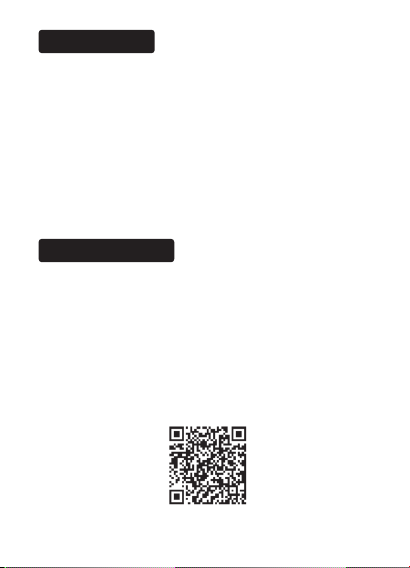
*Setup processes may vary between ecosystems.
1. Turn on Bluetooth on your phone.
2. Open the smart home app, then scan the
Matter QR code or enter the provided
numeric setup code (usually can be found
on your device).
3. Follow the instructions in the app to
complete setup.
• Try to connect your phone to a stable 2.4
GHz Wi-Fi network with internet access
instead of a 5 GHz network.
• Restart your device, controller or phone.
• Make sure IPv6 is enabled on your router.
• Refer to the FAQ for more help:
https://www.tp-link.com/support/faq/3520/
7106510240 REV1.0.0 ©2023 TP-Link
Failed to Set Up?
How to Set Up