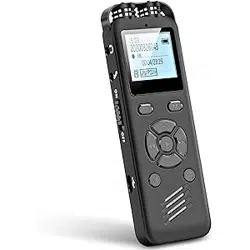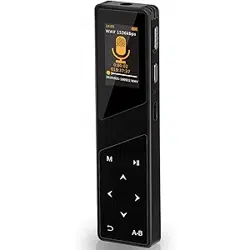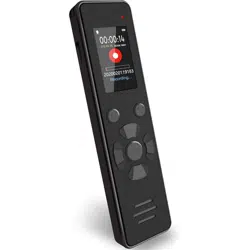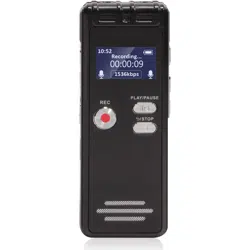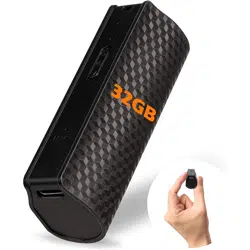
L1000 Portable Voice Recorder
V1
YES
宽80*高90mm
∨
to ●/∨
●/∨
Please push the power switch to ● position, the recorder indicators will be
Instruction
1. Charging
1 x L1000 Digital Voice Recorder
Package List:
1 x TYPE-C Cable
1x Wired-Control Earphone
1 x User Manual
12 Months After-Sales Service
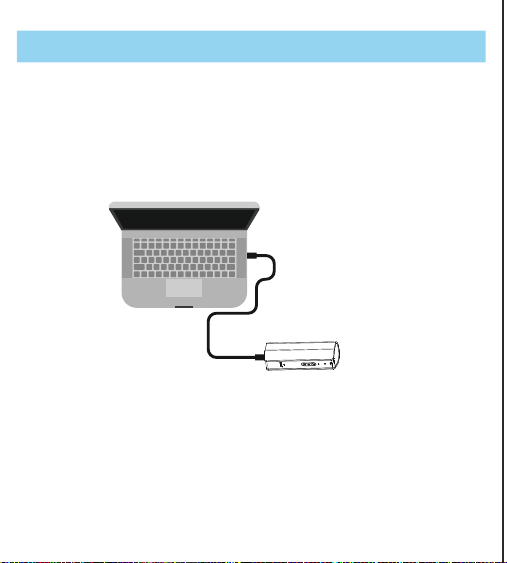
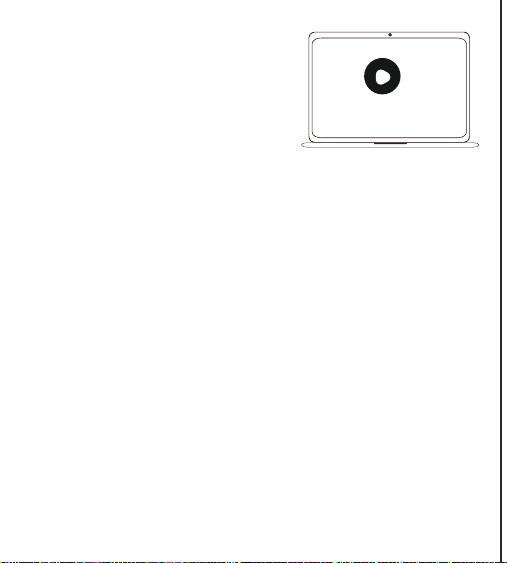
Picture 1 Charging by computer or data transfer
Please use the supplied usb cable to connect with computer or wall adaptor
for charging.
1
YES
宽80*高90mm
∨
to ●/∨
●/∨
Please push the power switch to ● position, the recorder indicators will be
2
Notice: Please make sure the recorder switch OFF before
connecting with computer
We recommend you using the supplied usb
cable to connect the recorder with
your computer for charging or data
transferring. And please use the computer
system’s Media Player to play the recording
files.
Media player
2. Time synchronization
Please set the recorder as your local time before using.
2.1 Windows-SetTime
Step 1, Connect it with a Windows computer and enter into the recorder
removable disk to find the “SETTIME”file.
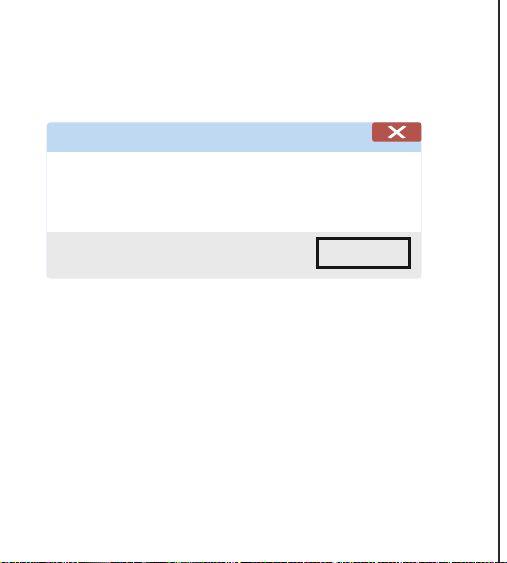
Step 2, Double click the procedure tool “Set Time. exe”, then you will see a
notice pop-up “Success on setting device time (Date and time)”. That
means you have set the recorder time the same as your computer local
time.
Notice: As the recorder will reset to factory time when out of battery.
So you need to set the time again after fully charged.
2.1.1 Please set time first. Connect it into a computer and open the disk to
find the “SETTIME” file.
2.1.2 Then double click the “SetDigitRecorderTm.exe” procedure tool, it will
come up the notice “Success on setting device time (Date and time)”.
YES
宽80*高90mm
∨
to ●/∨
●/∨
Please push the power switch to ● position, the recorder indicators will be
3
2.1.3 After that, the new recording file’s time will be correctly according to the
time you set.
NOTE: Every time the device low battery shutdown, the device time will
reset. Please set the time again on the computer!
Success
YES
Success on setting device time 2020-09-12 14:50:44!
2.2 MacOS-SetTime
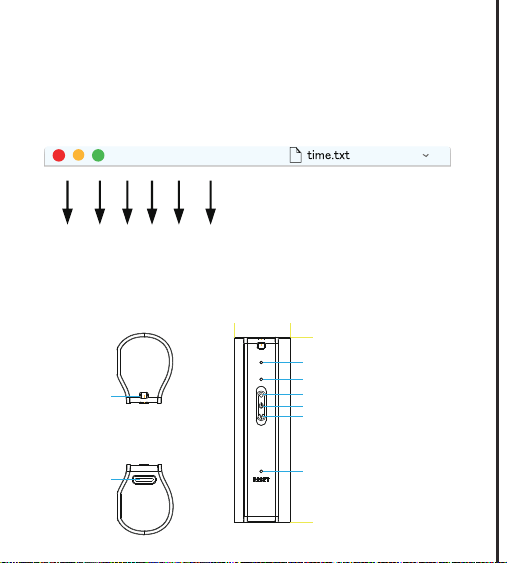
If your computer is Mac computer, then please click the file“Time.txt”to modify
the current local time (format: year, month, day, hour, minute, second) and
save this file.
After that, please copy the modified file outside the RECORD folder and
disconnect with computer.
At last, the recorder time will be set to your local current time successfully
when you turn on the recorder again.
宽80*高90mm
∨
to ●/∨
●/∨
Please push the power switch to ● position, the recorder indicators will be
4
YES
2.3 Mac computer time synchronization method
Open “time.txt”, modify the current time (format: year, month, day, hour,
minute, second) and save. Copy the "time.txt" file outside the RECORD
folder and unplug the device. When you turn on the recording again, the set
time will be displayed.
year month day hourr minute second
2020 - 05 - 06 09 . 47 . 40
3. Buttons Introduction
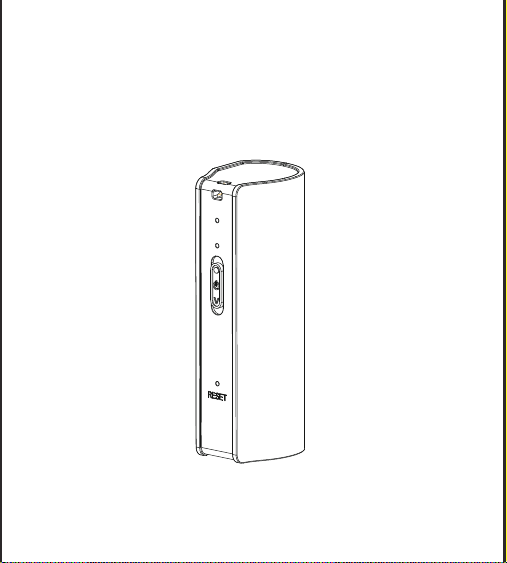
Lanyard hole
Mic
Indicator
Record/Power On
Save/Power Off
Voice Activated Recording On
RESET
Type-C interface
宽80*高90mm
∨
to ●/∨
●/∨
Please push the power switch to ● position, the recorder indicators will be
YES
宽80*高90mm
∨
to ●/∨
●/∨
5
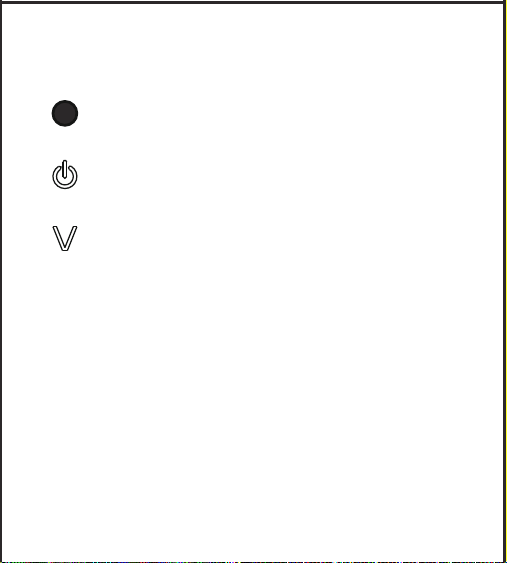
Power On and Start recording
Power Off and Save recording file
Power On and in voice activated
recording mode
4. Recorder Function
4.1 Start Record:
Please push the power switch to ● position, the recorder indicators will be
light on, then the red led light will flash 3 times and go off, it will start to
record. The indicators won’t light on during recording.
REC20210427005932
The recording file name will be named by ”
Year/Month/Date/Time/Minutes/Seconds, eg. REC20210427005932

6
YES
宽80*高90mm
4.2 Save Record:
4.3 Voice Activated Recording:
4.4 Notice:
VOR20210427010030
The voice activated recording file name will be named by ”
Year/Month/Date/Time/Minutes/Seconds”, eg. VOR20210427010030
The voice activated sensitivity level is 35dB
Please push the power switch to position, the red led light will flash 2
times and go off, then the recording file will be saved successfully.
Please push the power switch to ∨ position,the recorder indicators will be
light on, then the green led light will flash 3 times and go off, it will start to
voice activated recording. After finish recording, push the power switch to
position again, the recording file will be saved successfully after the red led
light flashes one time and go off.
1) The recorder will save the recording file automatically when low battery or
memory full.
2) Please backup all your recording files in case of losing them.
3) The recorder will save a recording file at the max length of 5 hours
recording time automatically. If you continuous record 6 hours, then the
recorder will auto save it in 2 recording files, one is 5 hours length time
recording file, another is 1 hour.
to ●/∨
●/∨
Please push the power switch to ● position, the recorder indicators will be
7
YES
宽80*高90mm
∨
5. Playback
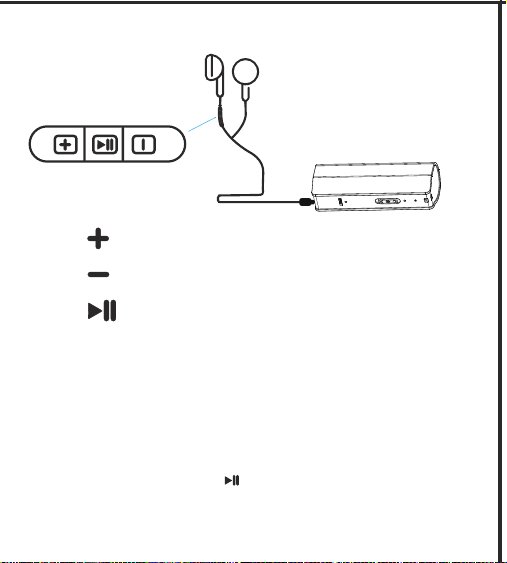
Previous/Volume up
Next/Volume down
Pause/ Switch mode
5.1 Play Recording File
5.2 Music Playback
Insert the supplied wired-control earphone and then push the power switch
to ●/∨ position for playing the recording files.
Insert the supplied wired-control earphone and then push the power switch to
●/∨ position. Then long press the pause button for 2 seconds to switch it
into Music playing mode so as to play music. Long press the pause button for
2 seconds again to switch it back to Record playing mode.
Please push the power switch to ● position, the recorder indicators will be
8
YES
宽80*高90mm
∨
to ●/∨
●/∨
5.3 Adjust Volume
6. Indicators
Long press +button to volume up and long press - button to volume down. It
has been the max volume if you hear the Beep prompt sound.
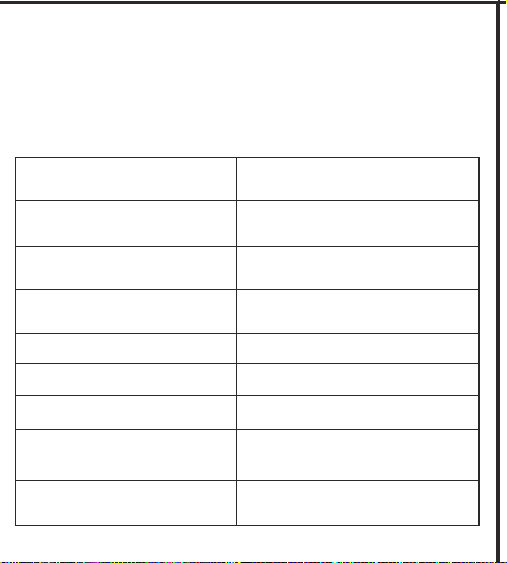
Item
Power on
Explanation
Red and blue indicators light on
for 0.5 seconds
Normal recording
Red indicator flashes 3 times
and go out
Voice activated recording
Green indicator flashes 3 times
and go out
Save recording/Power off
Red indicator flashes and go out
Charging
Red indicator always light on
Fully charged Blue indicator always light on
Low battery
Red indicator flashes 10 times
and go out
Memory full
Red and blue indicators flashes
20 times and go out
Please push the power switch to ● position, the recorder indicators will be
9
YES
宽80*高90mm
∨
to ●/∨
●/∨
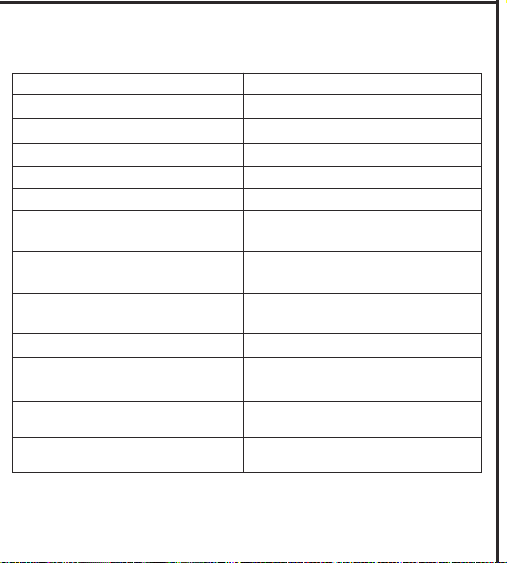
7. Technical Specifications:
USB 2.0
Recording Format
Type-C interface
Dimension 72*27*22MM
WAV
Bit Rates 192kbps 24KHz
Weight 62.5G
Music Formats MP3/WAV/WMA
Continuous Recording Time
About 600 hours after fully
charged
Music Playing Time
About 221 hours after fully
charged
Support
Windows98 and later version, XP,
Windows 7 /8 /10/mac
Battery
3.7V 3000mAh Rechargeable
18650 Lithium Battery
Memory
8G/16/32GB
Charging Input
5V/1A
Charging Time
About 8-10 hours
Please push the power switch to ● position, the recorder indicators will be