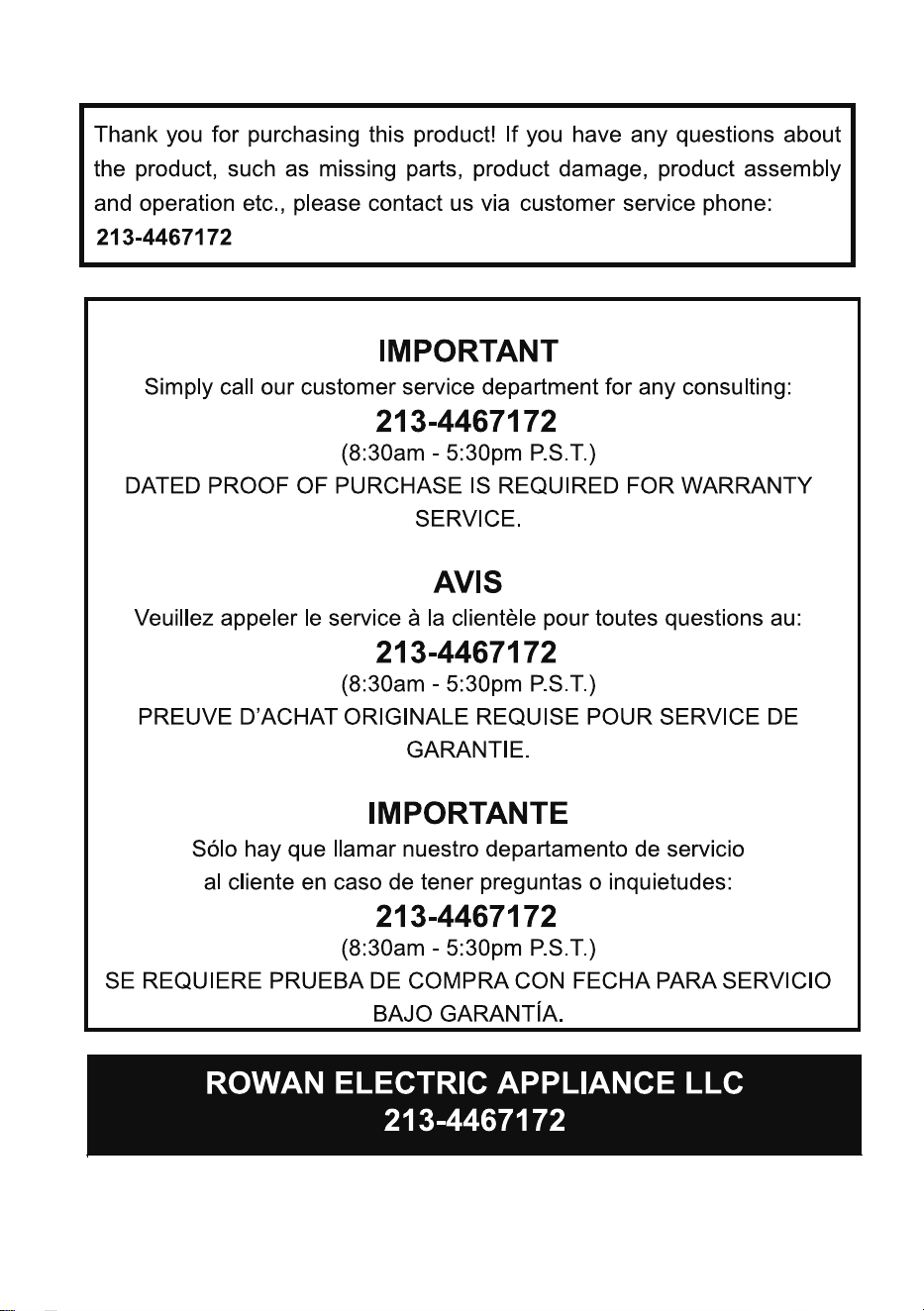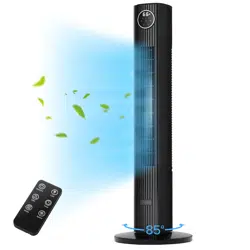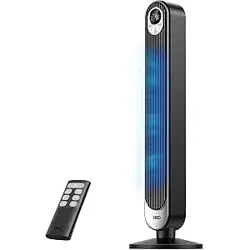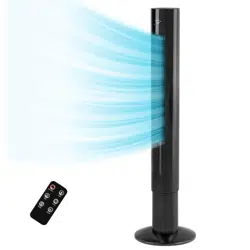
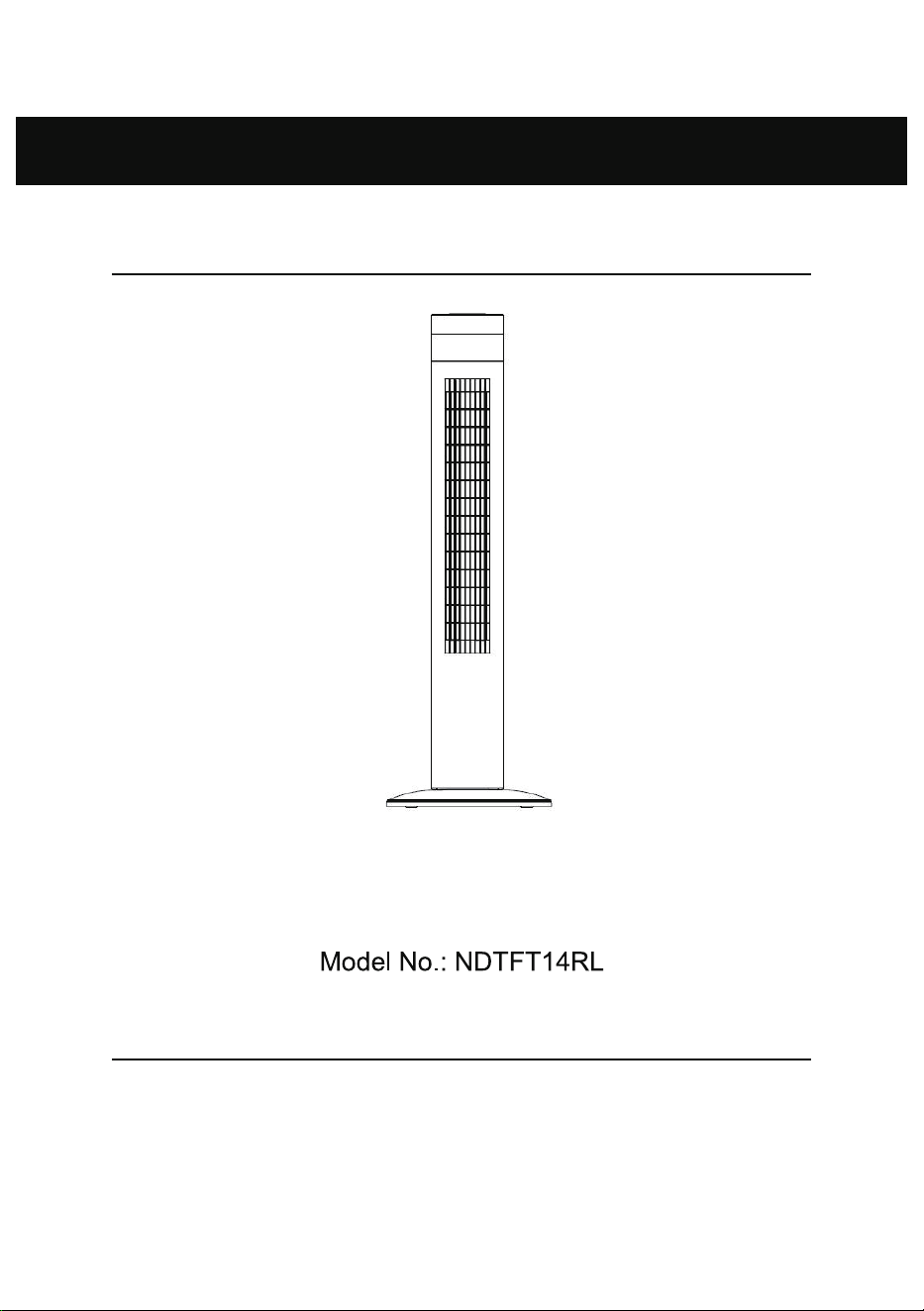
Tower Fan
Thank you for purchasing this product! Please read this manual carefully before operating
this product. If you have any questions about the product, such as missing parts, product
damage, product assembly and operation etc., please contact us via customer service
phone: 213-4467172
Instruction Manual

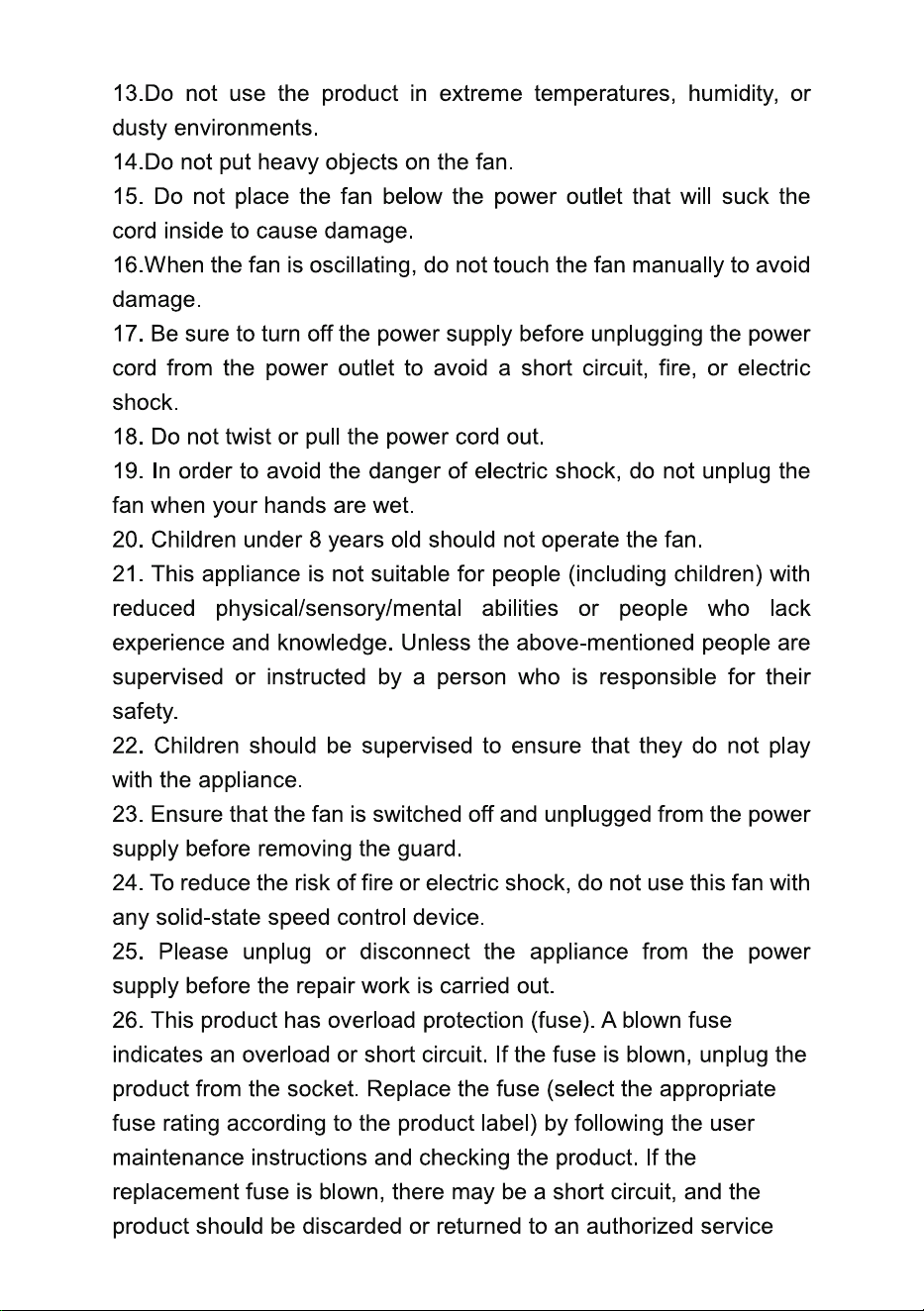
Discard the produ ct if its polarized plug is damaged.
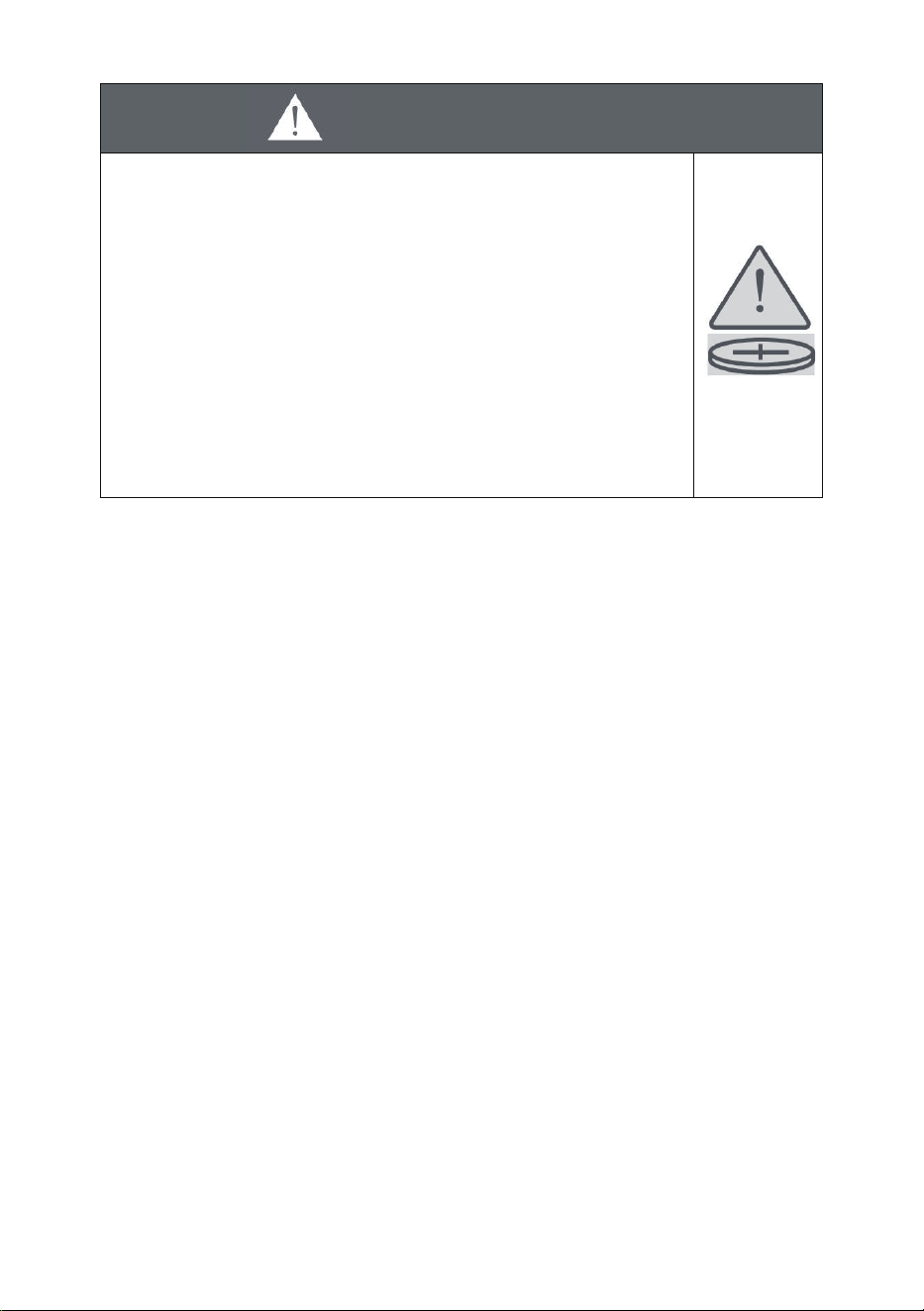
WARNING
INGESTION HAZARD:This product contains a button
cell or coin battery.
DEATH or serious injury can occur if ingested.
A swallowed button cell or coin battery can cause
Internal Chemical Burns in as little as 2 hours.
KEEP new and used batteries OUT OF REACH of
CHILDREN
if a battery is
suspected to be swallowed or inserted inside any
part of the body.
a)Remove and immediately recycle or dispose of used batteries
according to local regulations and keep them away from children. DO NOT
dispose of batteries in household trash or incinerate.
b)Even used batteries may cause severe injury or death.
c)Call a local poison control center for treatment information.
d)Compatible
battery type: CR2025.
e)Battery nominal voltage:3.0 Vdc
f)Non-rechar geable batteries are not to be recharged.
g)Do not force discharge, recharge
, disassemble, heat above (rated
temperature:140 F), or incinerate . Doing so may result in injury due to
venting, leakage, or explos ion resulting in chemical burns.
h)Ensure the batteries are installe d correctly according to polarity (+ and- ).
i)Do not mix old and new batteries, different brands, or types of batteries,
such as alkaline,carbon-zinc, or rechargeable batteries.
j)Remove an d immediately recycle or dispose of batteries from equipment
not used for an ext
ended period according to local regulations.
k)Always completely secure the battery compartment. If the battery
compartmen t does not close securely, stop using the product, remove the
batteries, and k eep them away from children.
SAVE THESE INSTRUCTIONS
Seek immediate medical attention
Part 2 Brief introduction
This tower fan is equipped with multiple functions, such as 3 speeds, 3
modes, 85-degree oscillation, 12-hour timer, remote control. With the
above functions, the tower fan can prov ide a cool, healthy, and luxurious
lifestyle.
Part 3 Specification
MODEL NO.
RATED
POWER
NDTFT14RL
120V, 60Hz 50W
Part 4 Structure and parts
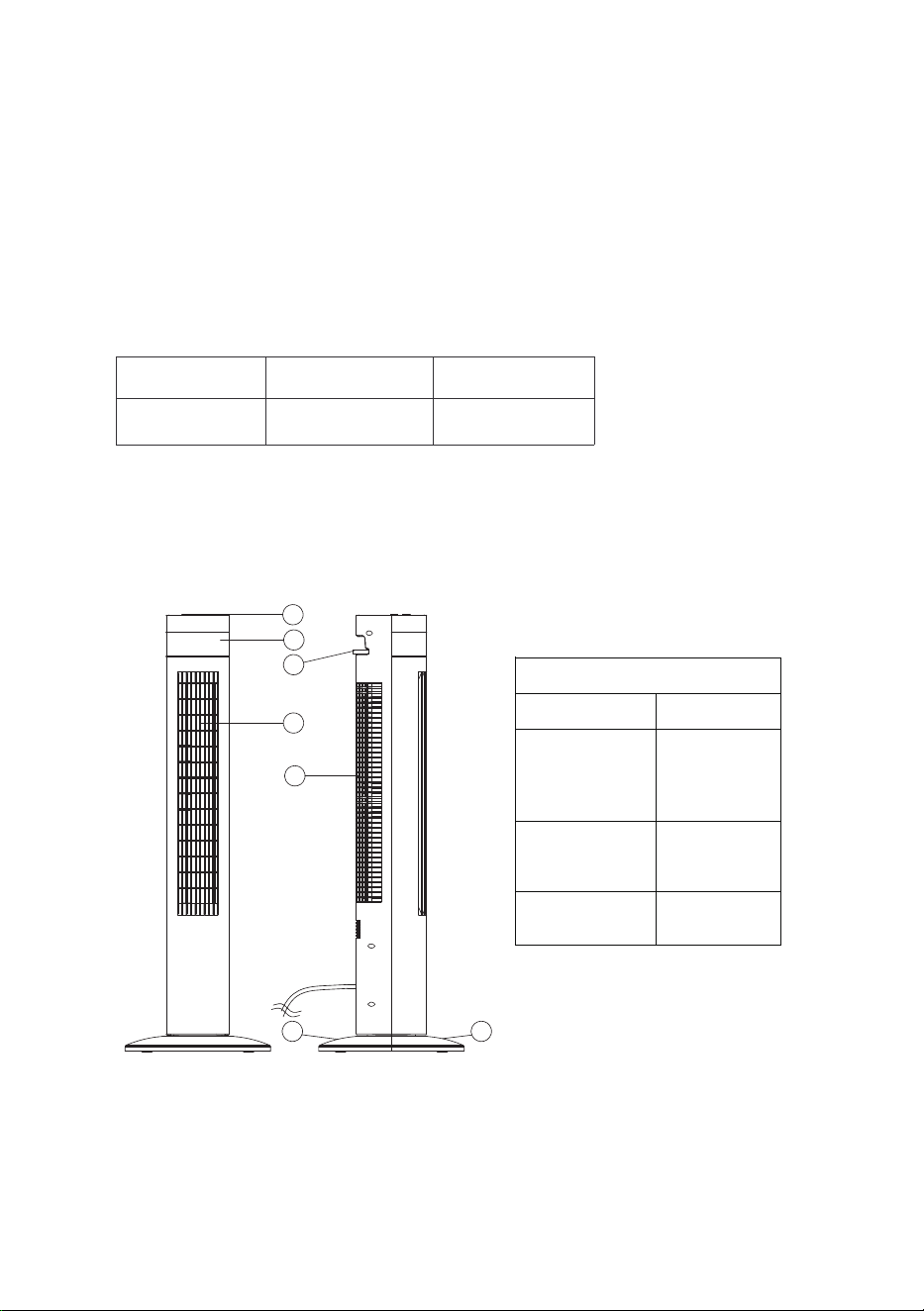
1. Head 2. Display 3. Remote control 4. Air outlet
5. Air inlet 6. Base A 7. Base B
Parts list
Description Quantity
Remote
Control
1
Manual
1
Base 2
7
6
5
4
3
2
1
Instruction
Part 5 Installation
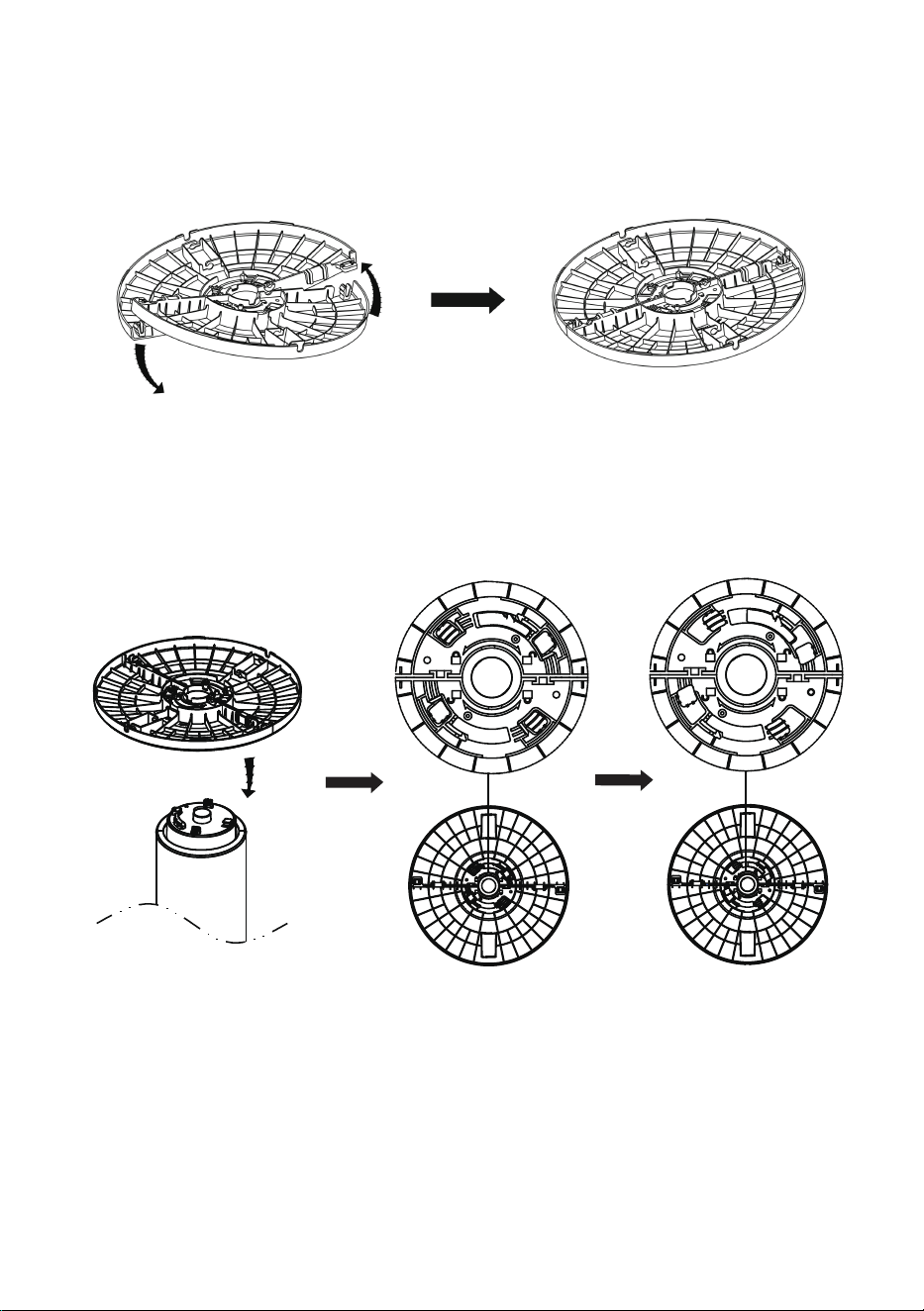
1. Take out the two bases from the package. Connect them together. (As
shown below)
2. Fit the base onto the bottom of the fan, then rotate the base
anticlockwise to lock in place. (As shown below)
Part 6 Function
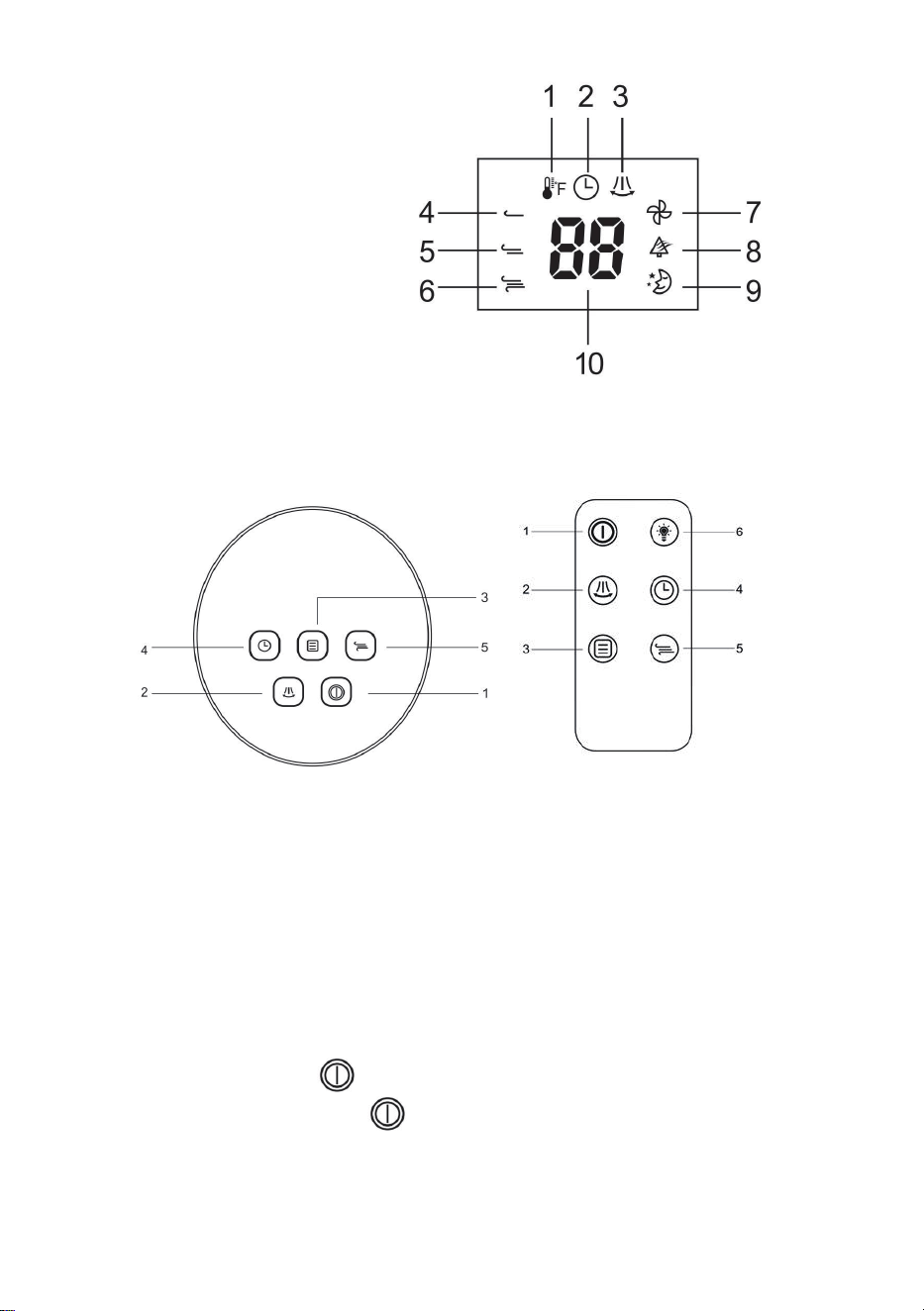
1. Temperature indicator
2. Timer indicator
3. Oscillation indicator
4. Low fan speed
5. Medium fan s peed
6. High fan speed
7. Normal fan mode
8. Natural fan m ode
9. Sleeping fan mode
10. Display ambient temperature and timer hours
1. Power button
2. Oscillation button
3. Fan mod e button
4. Timer button
5. Fan speed button
6. Light go out button
1. ON/OFF
Press power button to turn the fan ON/OFF. Press onc e, the fan
will start operation. Press button again to stop the fan
.
2. Mode
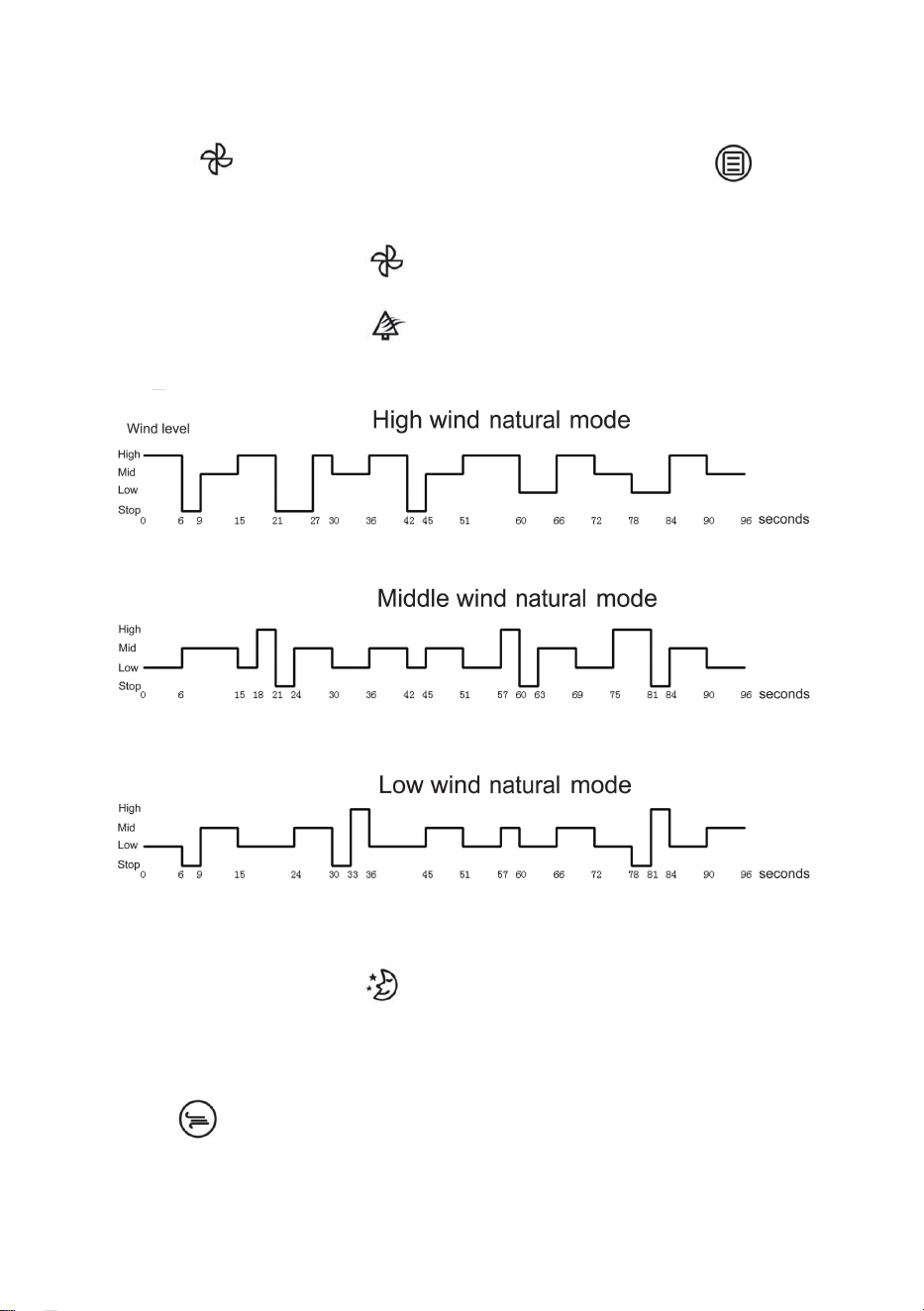
The model has three modes: Normal/ Natural/ Sleep ing. When you turn
on the fan, the default mode is Normal wind mode, the LED screen will
indicate . If you want to change the mode, please press , and
choose the mode you want.
Normal wind mode:
The Normal light indic ator will display when this mode is selected.
Natural wind mode:
The Natural light indic ator will display when this mode is selected.
The fan will run cyclically, as shown in the figure below :
Sleep wind mode:
The Sleep l
ight indicator will display when this mode is selected,
the fan will run into the Min normal wind and the buzzer will be turned off
immediately. 5 seconds after the cessation of the manual operation, the
light will dim and then go out. If you want to change the wind speed, just
Press to choose the wind speed ranging from 1-3. In this mode, the
wind speed will be reduced by one level every half an hour, and the level
1 wind speed will be maintained until it is turned off.
3. Oscillation
Press this button, the fan will oscillate fr om the left to the right
automatically.
4. Timer
Press the timer, and then press to choose the duration of time.
The timer is 12 hours. To cancel the setting, press the “Timer” button
again and press button to set it as 00 Hr.
5. Wind Speed
Press to choose the wind speed ranging from 1-3.
6. Light
When you turn on the light, press and hold the button for 3 second s
on the control panel or press the button on the remote control, the
light on the screen w ill go out. If you want to turn on the light on the
screen, press any button ex cept the power button.
When the fan is in the stand-by mode, press and hold the for 3
seconds on the control panel or press the button on the remote
control, the light on the screen will go out. If you want to turn on the light
on the screen, press and hold the button for 3 seconds on the
control panel or press the button on the remote control.
Part 7 Maintenance and Storage
1. Always remove the plug from the socket-outlet and allow the fan to
stop before cleaning it.
2. Clean the exter nal surfaces of the fan with a soft damp cloth (not
dripping wet cloth).

WARNING:
Do not immerse the fan into the water.
Do not use any cleaning chemicals such as detergent or abrasive.
Do not allow the interior to get wet as this could cause dangerous
consequences.
3. When the unit is not in use, make sure that it is unplugged from the
wall socket. To store the fan, you may pack it in the original carton and
store it in a cool and dr y place.
4. In case of malfunction or dou bt, do not try to repair the fan by yourself;
otherwise it may result in a fire hazard or el
ectric shock .