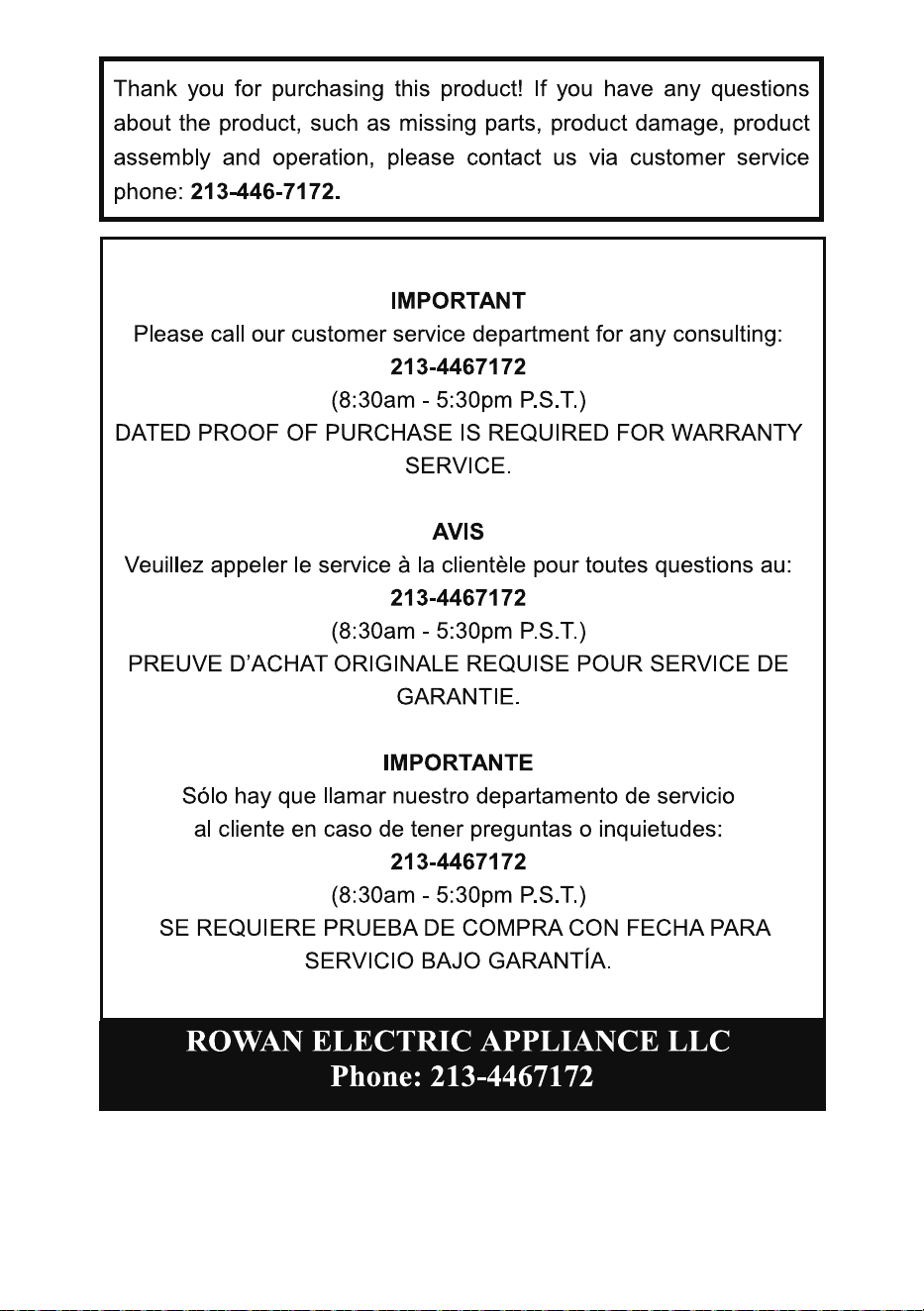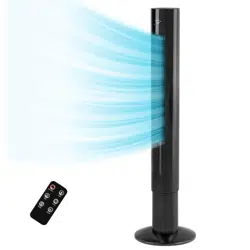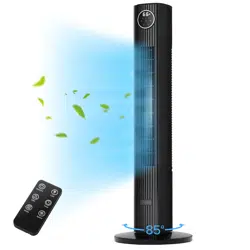
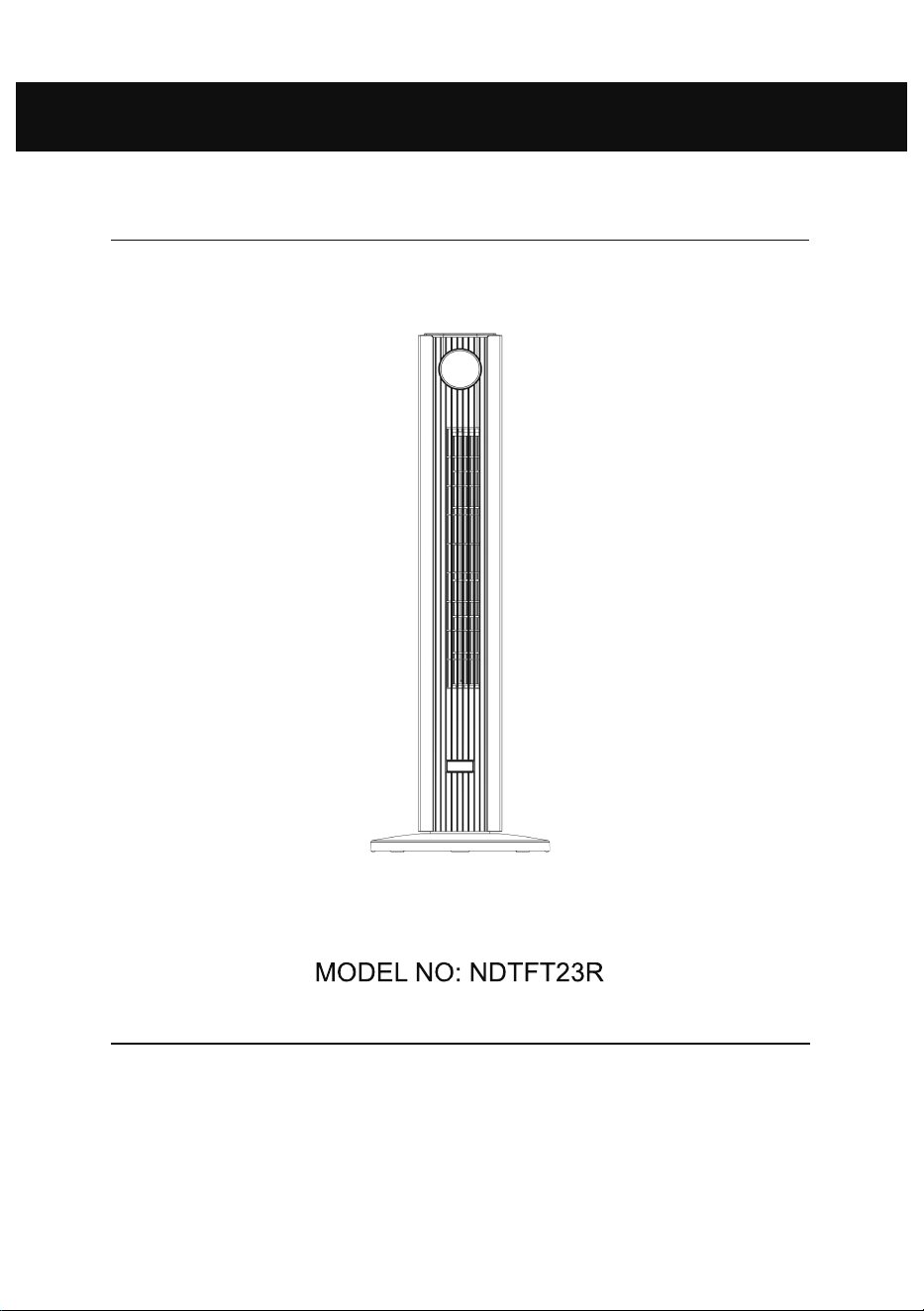
Tower Fan
Thank you for purchasing this product! Please read this manual carefully before operating
this product. If you have any questions about the product, such as missing parts, product
damage, product assembly and operation, please contact us via customer service phone:
213-446-7172.
Instruction Manual

1
2
outlet, reverse the plug. If it still does not fit, contact a qualified
electrician. Do not attempt to defeat this safety feature.
To Change the fuse
The following should ONLY be con ducted by qualified
professionals:
1. Grasp the plug and remove it from the electric receptacle. Do not
unplug by pulling on the cord.
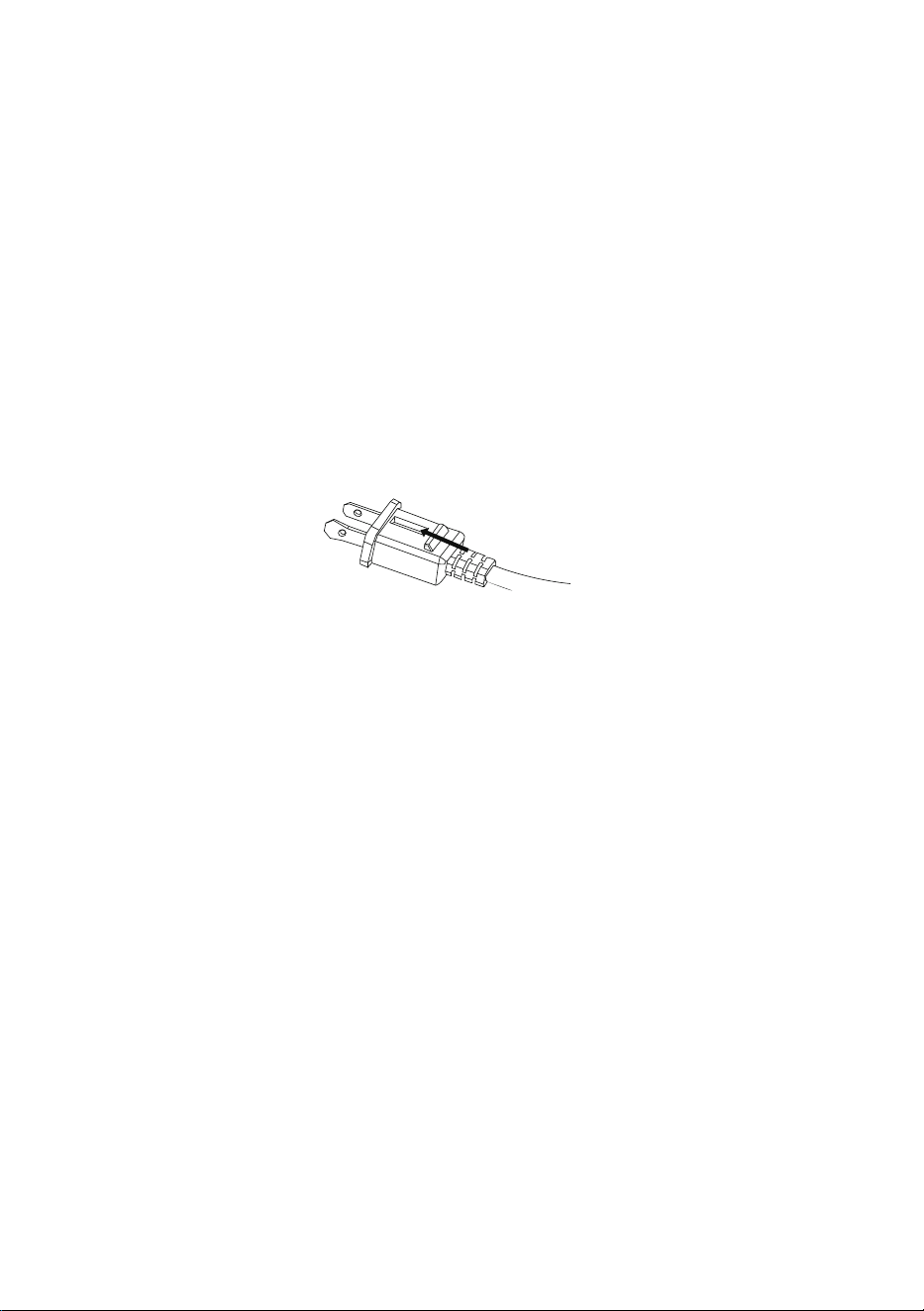
2. As shown in the figure below, slide the fuse access cover on the
top of the plug towards the blades and op en the fuse cover.
3. Remove the fuse carefully. Push the fus
e from the other side or
turn the fuse holder upside down to remove the fuse.
4. Fire risk. Replace the fuse only with a 5 Amp 125 Volt fuse.
5. Close the fuse cover by sliding the fuse access cover on the top of
the plug away from the blades.
6. Fire risk. Do not replace the polarized plug as it has a safety
device that should not be removed.
Discard the product if its polarized plug is damaged.
3
4
Part 2 - BRIEF INTRODUCTION
This tower fan is equipp ed with multiple functions, such as 3 speeds, 4
modes, 85 degrees oscillation, 12 hours timer, remote control. With the
above functions, the tower fan can provide a cool, healthy, and luxurious
lifestyle.
Part 3 - PECIFICATION
MO
O
DEL N .
RATED POWER
NDTFT23R
120V, 60Hz 50W
Part 4 - STRUCTURE AND PARTS
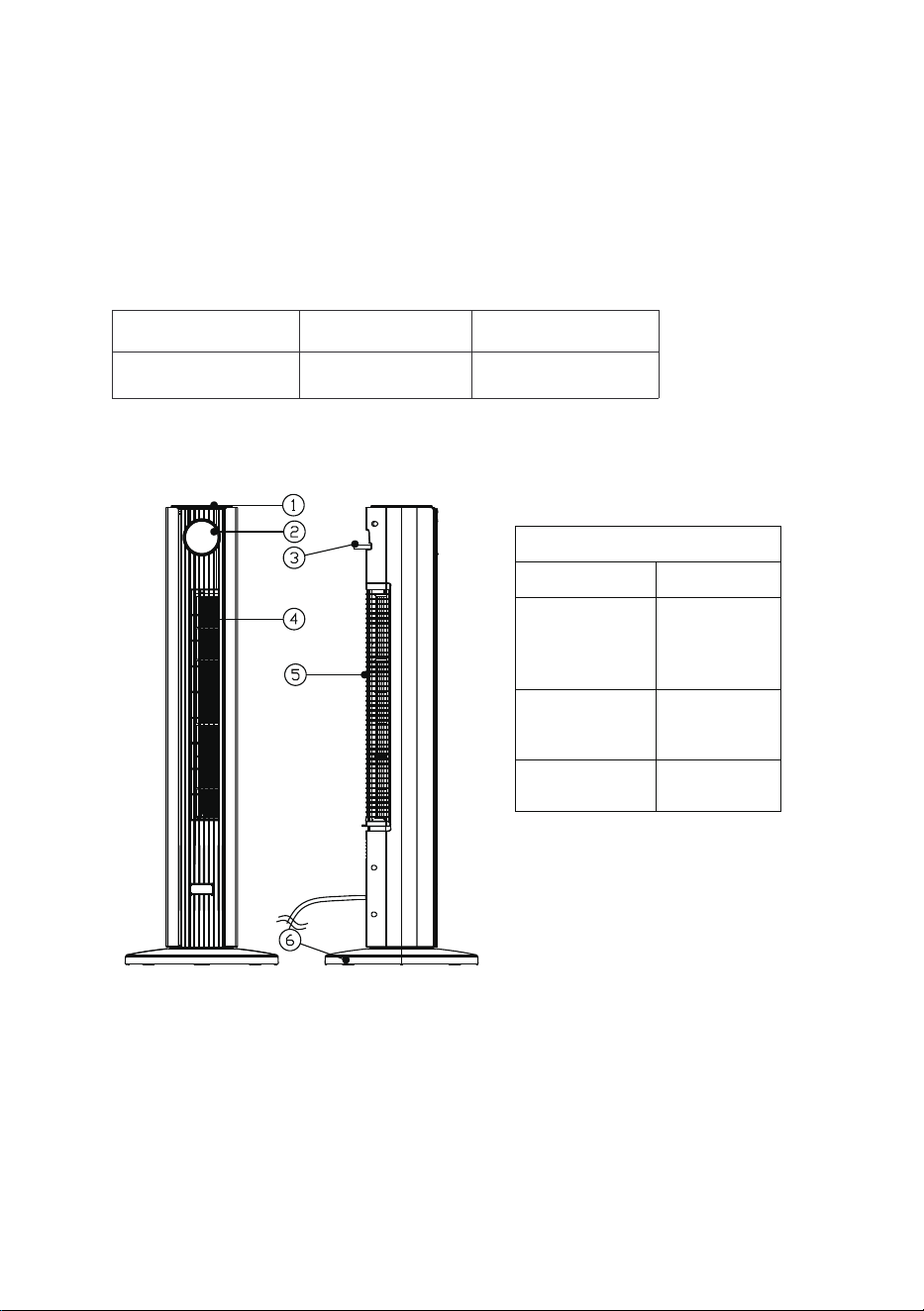
1. Head 2. Display
3. Remote control 4. Air outlet
5. Air inlet 6. Base
Parts list
Description Quantity
Remote
control
1
Instruction
Manual
1
Base 2
5
Part 5 - INSTALLATION
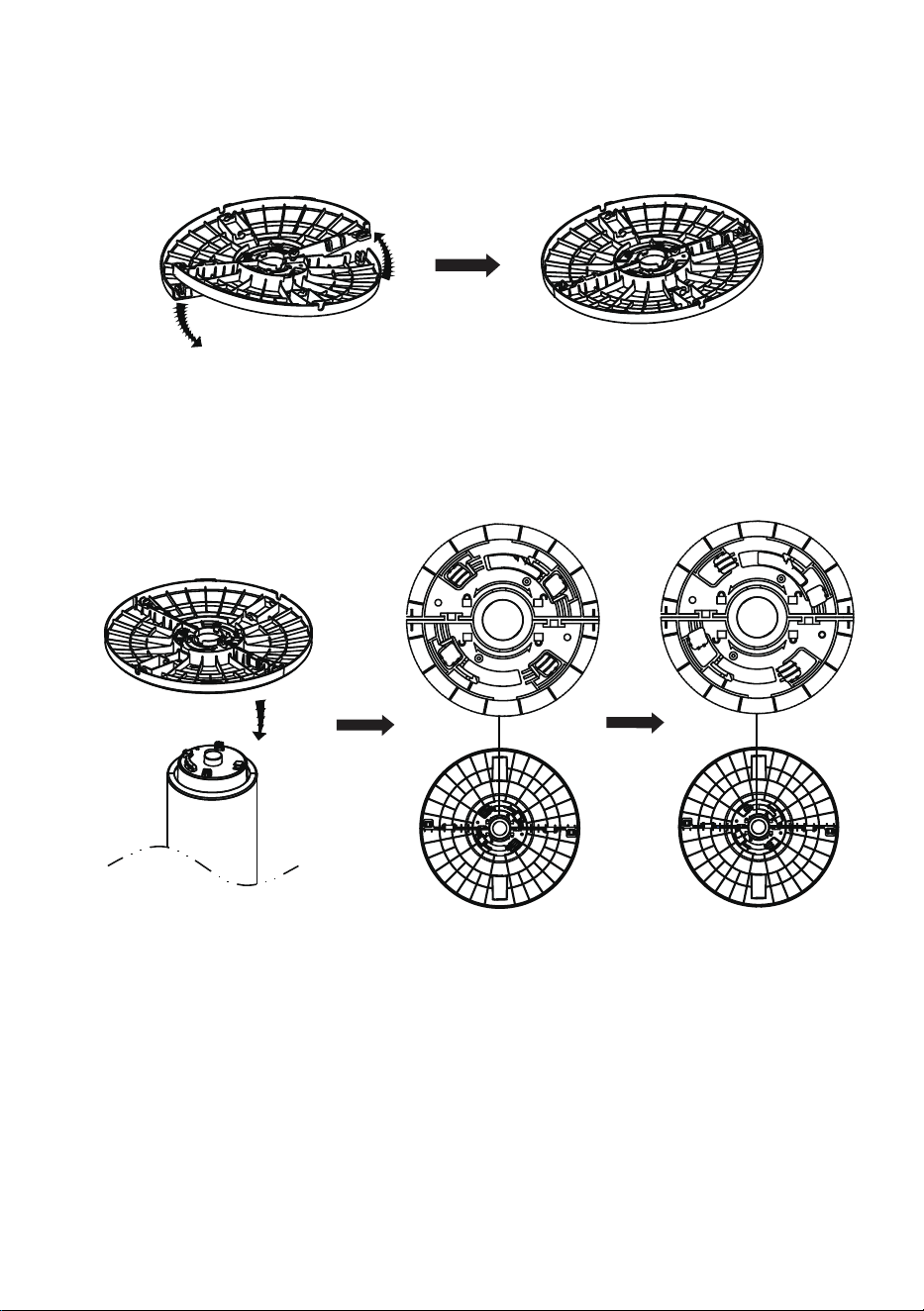
1. Take out the two bas es from the package. Connect them together as
shown below.
2. Fit the base onto the bottom of the fan, then rotate the base
anticlockwise to lock in plac e. (As shown below)
6
Part 6 - FUNCTION
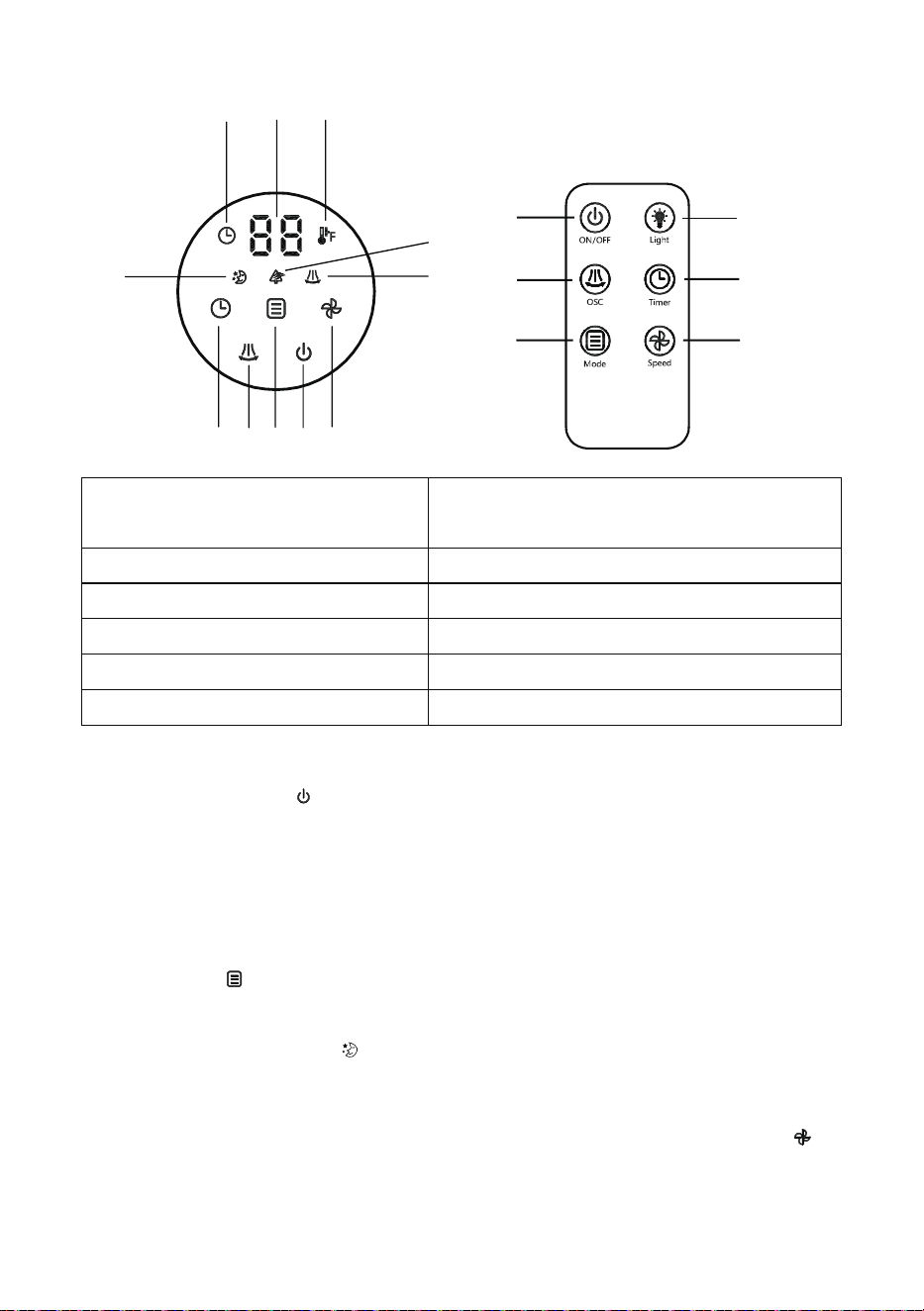
1. Timer indicator 2. Display ambient temp. / timer
hours / fan speed / auto mode
3. Temperature indicator 4. Sleep mode indicator
5. Natural mode indicator 6. Oscillation indicator
7. Timer button 8. Oscillation button
9. Mode button 10. Power bu tton
11. Fan speed button 12. Light button
1. ON/OFF
Press power button to turn the fan on/off.
2. Mode
The fan has four modes: N ormal / Sleep / Natural / Auto.
Normal mode:
When you turn on the fan, the default mode is Normal wind mode. Press the
mode button to change the mode.
Sleep mode:
The Sleep light indicato r will display when this mode is s elected. T he
buzzer will be turned off immediately. 5 seconds after the cessation of the
manual operation, the light will dim and then go out except the light of button.
If you want to c
hange the
wind speed, jus t press the
fan speed button
to
choose the wind speed
ranging from 1-3. In this mode, the wind speed
will
be reduced by one level every half an hour, and will remain at level
1 until
it is turned off.
78
9
10
11
12
1
2
4
5
6
7
8
9
10
11
3
7

Natural mode:
The Natural light indicator will display when this mode is selected. The
fan will run cyclically as shown below:
- Natural mode of level 3 wind speed: 5s level 3 speed norm al wind – 10s
level 2 speed normal wind – 15s level 1 speed normal wind – 10s lev el 2
speed normal wind – cycle
- Natural mode of level 2 wind speed: 10s level 2 speed normal wind – 15s
level 1 speed normal wind – cycle
- Natural mode of level 1 wind speed: 5s level 2 speed norm al wind – 10s
level 1 speed normal w
ind – stop 5s – 10s level 1 speed normal wind – cycle
Auto mode:
In this mode, the tower fan will r un in level 1 speed normal wind when the
temperatur e ≤ 72 ℉ . The tower fan will run in level 2 speed normal wind
when the temperature is between 73℉ and 82℉. The tower fan will run in
level 3 speed normal wind w hen the temperature ≥ 83 ℉.
3. Oscillation
Press the oscillation butt on , the fan will oscillate from the left to the right
automatically.
4. Timer
Press the timer button and then keep pressing to choose the duration of
time. The timer is 12 hours. To cancel the setting, press the button to set it
as 00 Hr.
5. Wind Speed
Press the fan speed button to choose the wind speed ranging from 1-3.
6. Light
When the light is on, you can press the light button on the remote control
to turn off the light on the screen. If you wa nt to turn on the light on the
screen, press any button except the power button.
8
9