
Hi
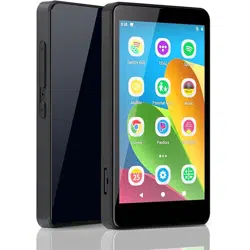
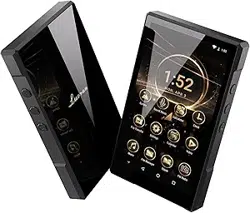
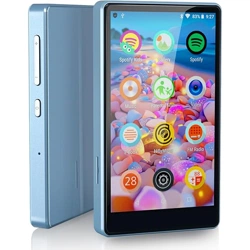
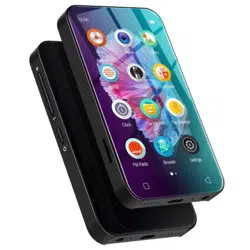
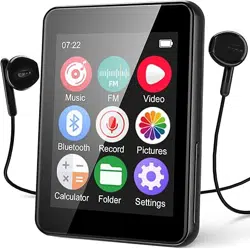
This is Luoran MP3 Player
S5
www.luoranmusic.com
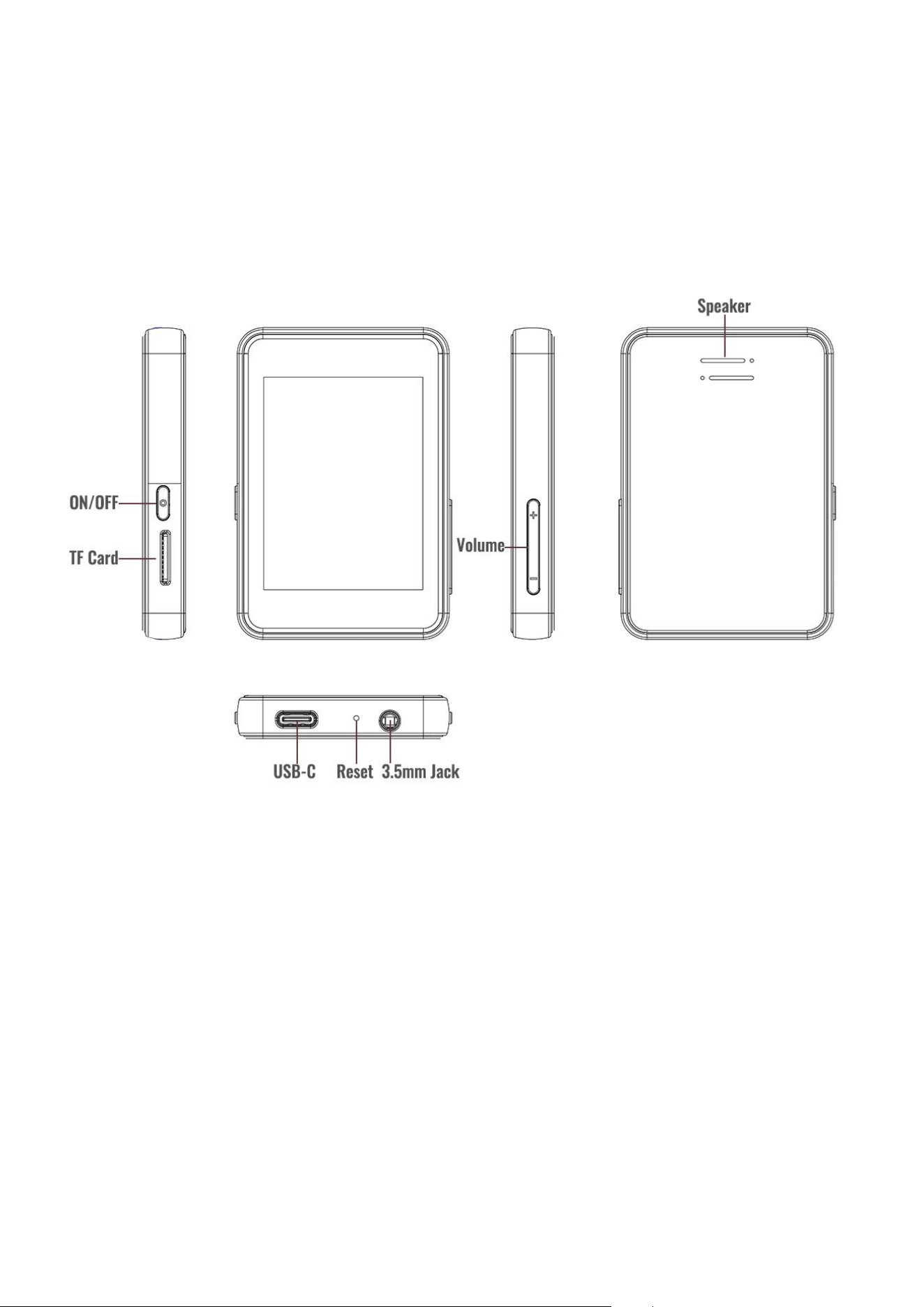
Key Diagram

Button & Port Description
■Power ON/OFF
◎ In the shutdown state, press and hold for 3seconds to power on
◎ Short press(in the power-on state): turn off/on the screen
◎ Long press(in the power-on state): shutdown
■Reset function
◎ Forced reset, use a pin to press the reset button inside the hole as picture
■Volume -& +
Reduce the volume/Continuously reduce the volume
Increase the volume/Continuously increase the volume
■USB-C Port
Used for charging and file transfer
■Micro SD Slot
Expand the storage of the device, with maximum support of 256GB (FAT32 or exFAT)
■3.5mm Jack
Connect earphones or external speakers
■Speaker
Built-in speaker

Transfer Files From Smartphone (OTG)
1. Prepare OTG-Compatible Equipment: You need an OTG-enabled phone and a
compatible OTG cable for your phone’s charging port and S5’s USB Type-C port.
2. Connect the Devices: Plug the OTG - compatible end into your phone's charging port
and the USB Type - C end into the S5's USB Type - C port. Your phone should recognize
the S5 as external storage after connection.
3. Transfer Files: Open your phone's file manager, locate the folder with your
downloaded music files. Long - press to select the files, tap “Copy”. In the file manager,
find the S5’s storage folder that has appeared, then tap “Paste” to transfer the files to
the S5.
Transfer Files From PC
◎ Transfer files by using a USB-C cable:
1. Connect the MP3 player to your computer using the provided USB cable, and wait
a few seconds for the computer to automatically recognize the player.
2. Select the file transfer mode on the S5.
3. Open “My Computer”, locate the newly connected storage device (which will
typically appear as Drive E), and then drag and drop the selected songs into the
MP3 player. Then select “Update Playlist” in the music folder of the S5.
◎ Transfer files using TF/Micro-SD Card:
1. Connect the micro SD card to your computer and make sure it is detected.
2. Copy and paste the files to the micro SD card.
3. Safely disconnect your SD card and insert it into the MP3 player.

Trouble Shooting
■The device does not respond to charging or connecting to the PC
◎ Please use the original USB-C cable to charge the MP3 player, please be
informed that the MP3 player does NOT support PD fast charging, power from a PD
charger will not be acceptable by this player.
◎ In the power-on state, when connected to a computer, it will default to showing
only the charging status, if need to transfer files, please click on the file transfer
mode.
◎ If it’s not charging, please double-check the USB-C cable or power adapter is
damaged. Replace them with another standard USB-C data or charging cable and
power adapter to see if the player charges normally.
■The SD card is not working properly
◎ This MP3 player supports a maximum 256GB FAT32 or exFAT micro SD card.
◎ Please format the card before plugging into the player.
■How to factory reset the device?
◎ In power on mode: Setting---Restore---Confirm the Restore Factory Reset
■Does not turn on after charged?
◎ Force-reset: use a pin to press the reset button(see picture above), and then
press the power button.
If the problem persists after that, please contact our support team via
support@luoranmusic.com
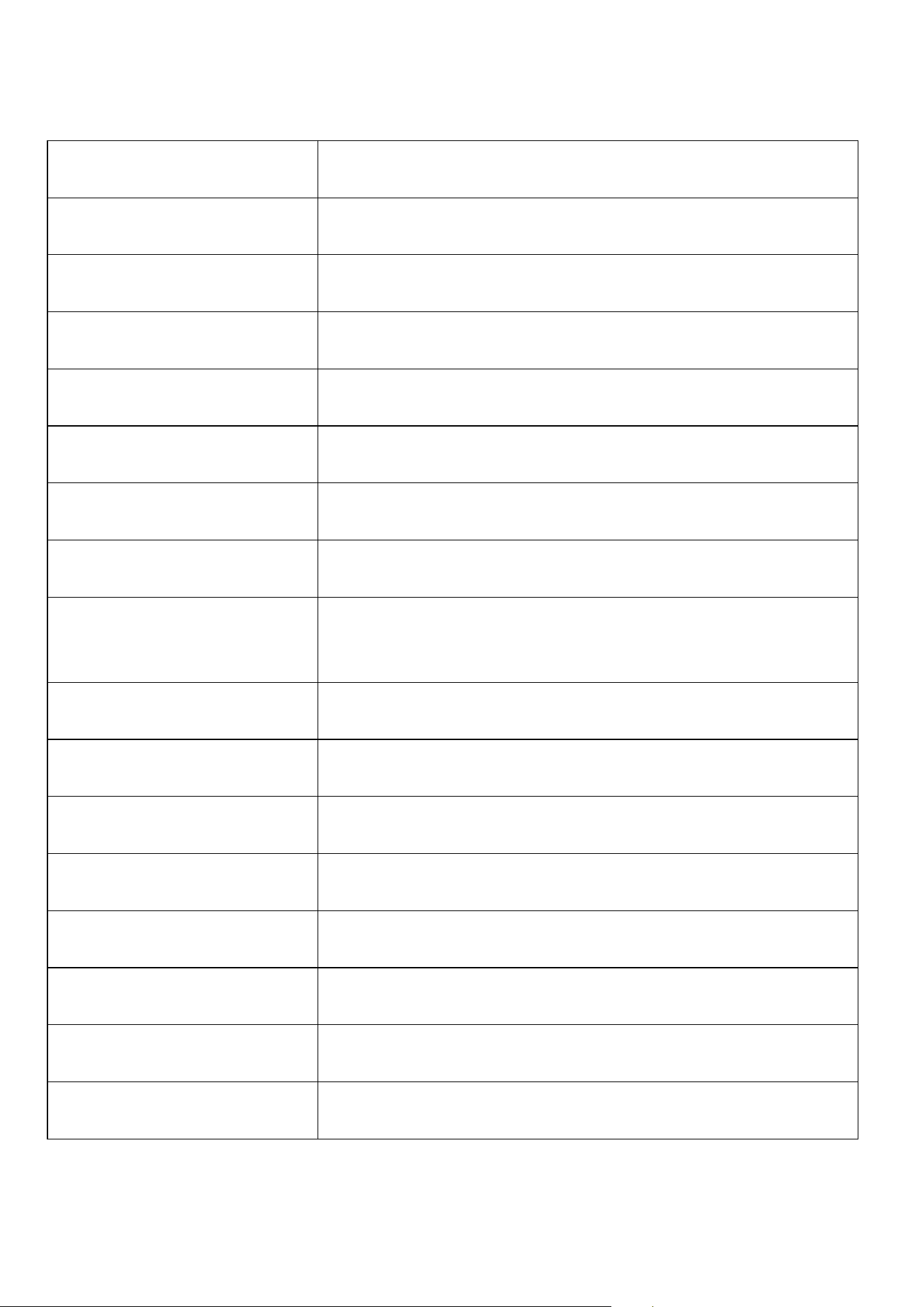
Specifications
Model:
S5
Size:
72×50×10 MM (W×H×D)
Screen:
2.4 inch
Weight:
54.4 Gram
Resolution:
240×320 pixels
Product Material:
ABS plastic, tempered glass
Bluetooth:
V5.3
Charging Time:
about 2.5 hours for a full charge (5V 1A charger)
Audio Format:
MP1, MP2, MP3, WMA, OGG, APE, FLAC, WAV, AAC-LC,
M4A
Video Format:
AVI
Image Format:
JPG, JPEG, BMP
E-Book Format:
TXT
Recording Format:
WAV
FM Radio:
Frequency 87.5MHz-108MHz
Language Support:
Multiple Language Support
Computer System Support:
All major operating systems (Windows, macOS)
Micro SD card Format:
FAT32, exFAT

Term & Condition of Warranty
Thank you for selecting our products. You will enjoy the following services when
using this product
◎Warranty scope: Limited to the product host without accessories
◎Warranty period: Within one year from the date of sale
■Warranty terms:
◎Within 1 year after purchase, failure or damage caused by product quality
problems can be replaced for free or with a full refund
◎Accessories are not included in the warranty, such as USB cable, earphones, etc.,
but if quality problems occur within 7 days after purchase, they can be replaced for
free
■The following conditions are not covered by the warranty:
◎Out of the warranty period.
◎It has been disassembled or repaired privately by the customer.
◎Man-made damage, accidental damage, or deformation.
◎Failure caused by installation and use in abnormal environments such as high
temperature, high pressure, and humidity.
After-sales Service
Thank you for choosing Luoran! We’re here to ensure you and your family enjoy the
best experience with your S5 Player. If you need any assistance, feel free to reach
out or connect with us through the following channels:
◎Email: support@luoranmusic.com
◎Website: www.luoranmusic.com
■ Join Our Community!
Become a part of the Luoran family and connect with others in our interactive
community. Learn product tips, get exclusive updates, and enjoy members-only
benefits!
◎Luoran Facebook Group: http://u5a.cn/A6nmr
■ Follow Us for More!
Stay updated on the latest product news, helpful tutorials, and engaging activities:
◎Facebook Public Page: http://u5a.cn/N5ELc
◎Instagram: http://u5a.cn/qP2Q0
◎YouTube Channel: http://u5a.cn/m5Rtn
FCC Warning Statement
Changes or modifications not expressly approved by the party responsible for compliance could void
the user’s authority to operate the equipment. This equipment has been tested and found to comply
with the limits for a Class B digital device, pursuant to Part 15 of the FCC Rules. These limits are
designed to provide reasonable protection against harmful interference in a residential installation.
This equipment generates uses and can radiate radio frequency energy and, if not installed and used in
accordance with the instructions, may cause harmful interference to radio communications. However,
there is no guarantee that interference will not occur in a particular installation. If this equipment does
cause harmful interference to radio or television reception, which can be determined by turning the
equipment off and on, the user is encouraged to try to correct the interference by one or more of the
following measures:
‐‐
Reorient or relocate the receiving antenna.
‐‐Increase the separation between the equipment and receiver.
‐‐Connect the equipment into an outlet on a circuit different from that to which the receiver is
connected.
‐‐
Consult the dealer or an experienced radio/TV technician for help.
This device complies with part 15 of the FCC Rules. Operation is subject to the following two conditions:
(1) This device may not cause harmful interference, and
(2) this device must accept any interference received, including interference that may cause undesired
operation.
The device has been evaluated to meet general RF exposure requirement. The device can be used in
portable exposure condition without restriction.