
Hi
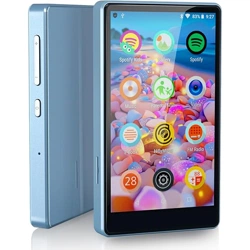
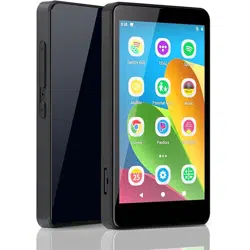
This is Luoran MP3 Player
M4S
(Updated)
www.luoranmusic.com
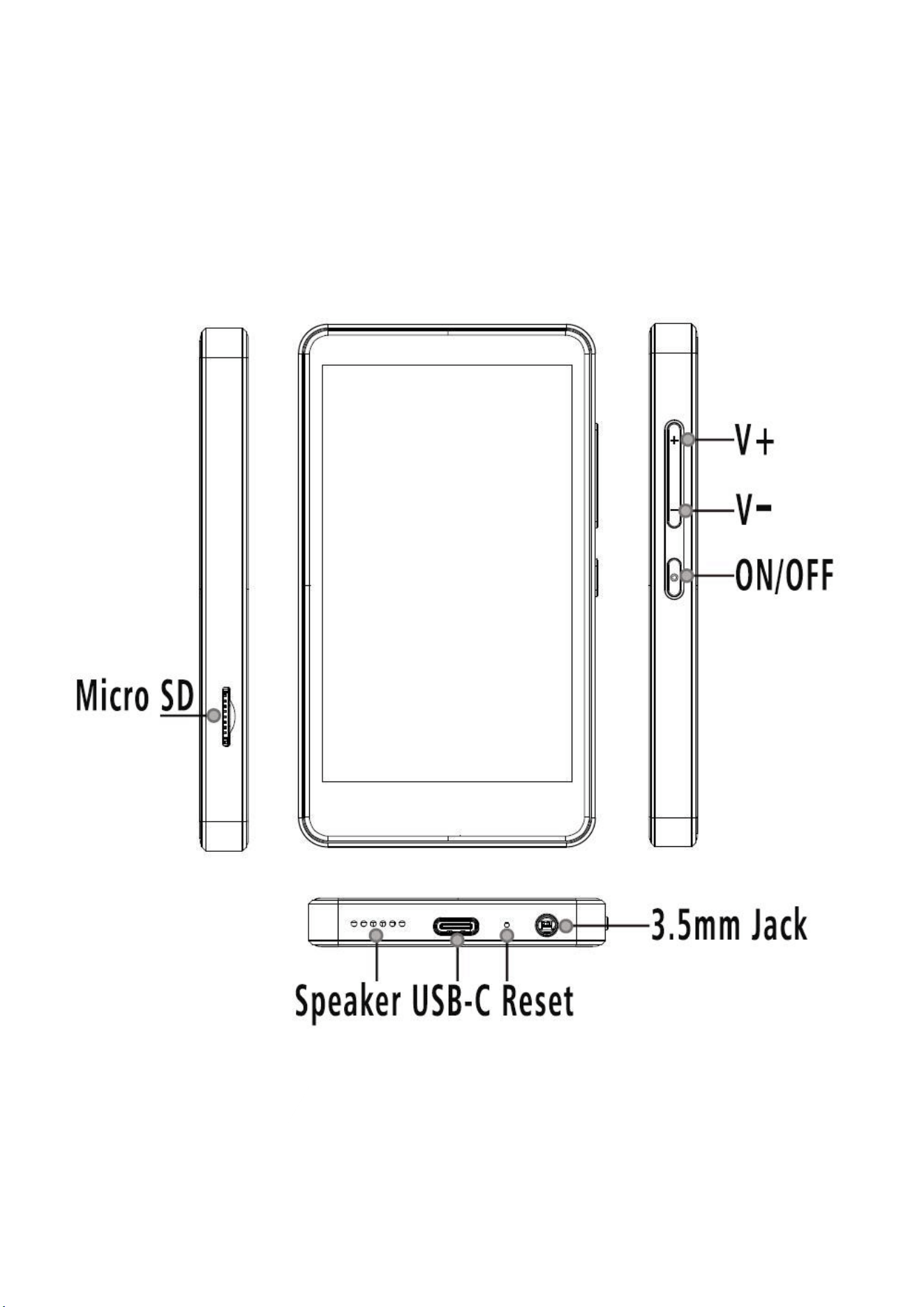
Key Diagram

Button & Port Description
■
Power ON/OFF
◎
In the shutdown state, press and hold for 3 seconds to power on
◎
In the shutdown state, press and hold for 15 seconds to force-restart
◎
Short press(in the power-on state): turn off / on the screen
◎
Long press(in the power-on state): shutdown; Restart
■
Touch button area
◎
Show button: Swipe up on the bottom of the screen to reveal the function buttons
◎
Hide button: Clicking the leftmost ” V ” will hide the button navigation
◎
Home: Click ”
○
” to return to the main screen of the screen
◎
Back: Click ” ” to return to the previous page
◎
Open background apps: Click ” ” to open background process management
(recent apps) and swipe left or right to delete the selected process
■
Reset function
◎
Forced restart, press and hold the power button for 15 seconds
◎
Forced reset, use a pin to press the reset button inside the hole as picture
■
Volume
-& +
Reduce the volume / Continuously reduce the volume
Increase the volume / Continuously increase the volume

■
USB - C Port
Used for charging and file transfer
■
Micro SD Slot
Expand the storage of the device, with maximum support of 512GB (FAT32)
■
3.5mm Jack
Connect earphones or external speakers.
■
Speaker
Built-in speaker
Kindly Reminder:
1.
Please click parental management and set a password. (block and
unblock apps, set auto on/off time, factory reset, new installation need
the parental password approval)
2.
Please write down the password that you have set on this MP3 player,
otherwise you will not be able to acess this device once forget.
3.
If the apps cannot be used with unexpcted problem, please contact our
support team with informations below for prompt assistance.
www.luoranmusic.com
support@luoranmusic.com
Transfer Files From Smartphone
■
After connecting the device and the mobile phone to the same WIFI network,
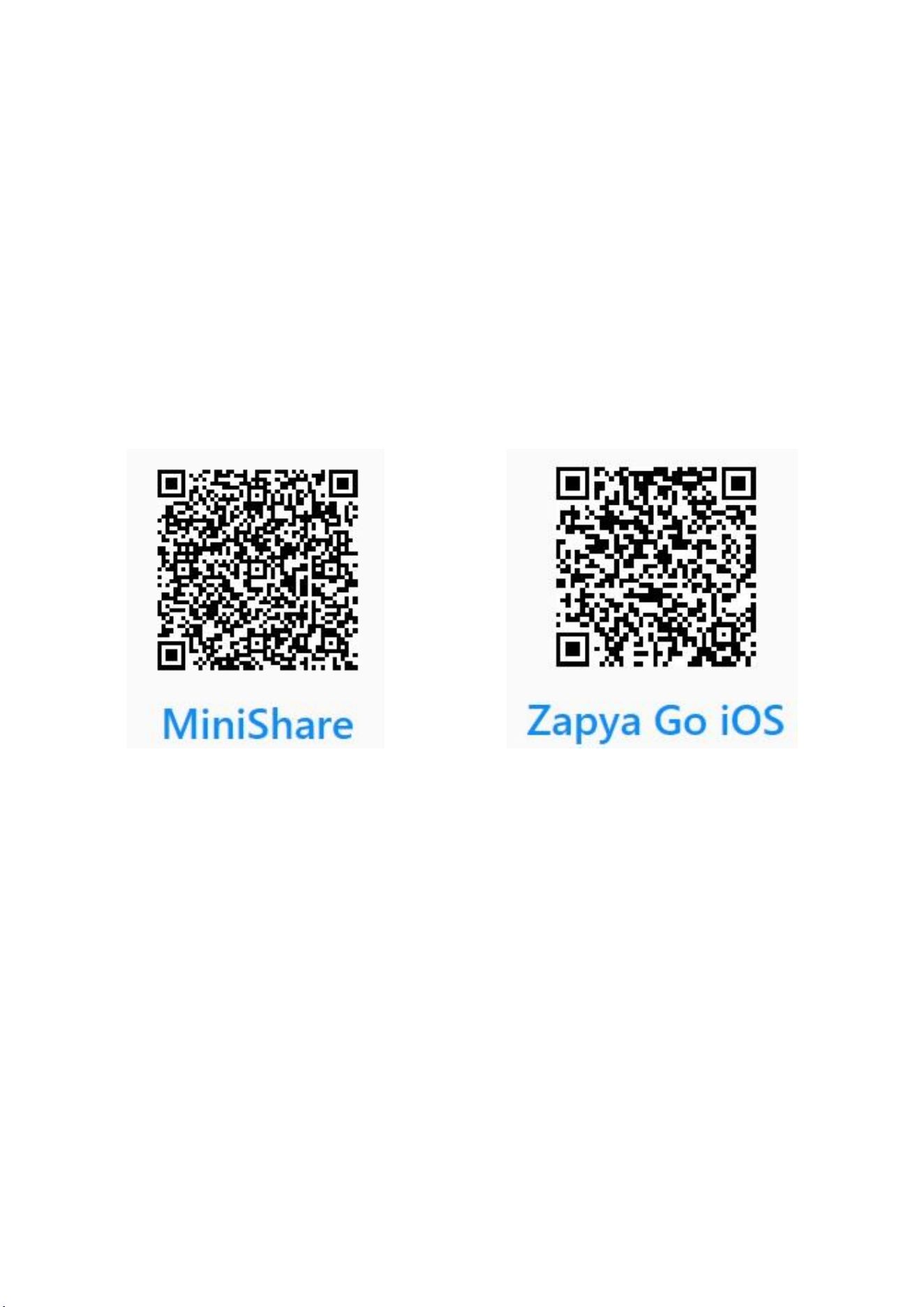
scan the QR code below to download the APP software to wirelessly transfer files
such as music or video to each other.
■
MiniShare (for Android phones) and
Zapya Go (for iPhone)
Transfer Files From PC
■
Windows
◎
Transfer files by using a USB-C cable:
1. Connect the MP3 Player to your computer with the provided USB Cable, wait
few seconds for the computer to automatically recognize the player.
2. Open up "My Computer",
find an MTP device named "M4S" in the list.

3. Select the songs and drag and drop them into the MP3 player. If cann’t find
M4S, please swipe down the upper menu, select connecting mode.
◎
Transfer files using TF/Micro-SD Card:
1. Connect the micro SD card to your computer and make sure it is detected.
2. Copy and paste the files to the micro SD card.
3. Safely disconnect your SD card and insert it into the MP3 player.
■
Mac OS
Please download the MTP device file transfer software before proceeding with
the above operations. The recommended software is as follows:
◎
OpenMTP: https://openmtp.ganeshrvel.com/
◎
MacDroid: https://www.macdroid.app
About Parental Controls
■
In this MP3 player, the parental controls application has priority management
rights, the main usage of the management as below:
◎
block and unblock applications, any application installed in the MP3 player
can be blocked and unblocked by parental controls.
◎
set power off time, limit the time that kids can use this device by shutting it
off at a scheduled time.
◎
any extra application installation and factory reset function will need a
password approval by the parents.

Trouble Shootings
■
Missing accessories?
◎
please contact our support team to re-send the missing parts immediately.
■
Forget password or pin-codes?
◎
no worry, please send your order number with the date of purchase to our
support team to fix the issue for you.
■
Application acts abnormally
◎
please contact our support team to re-install or update the application.
■
The device does not respond to charging or connecting to the PC
◎
Please use the original USB-C cable to charge the MP3 player, please be
informed that the MP3 player does NOT support PD fast charging, power from a
PD charger will not be acceptable by this player.
◎
In power off state, when charging with a USB-C cable connected to a
computer or a power adapter, the player will usually light up and display the
brand logo and remaining power.
◎
In power on state, when connected to a computer, defaultly it will shows
charging only, if need to transfer files or others, please swipe the upper menu
down, click “Android system --- tap for more options --- select different
connecting mode”.
◎
If it’s not charging, please double check the USB-C cable or power adapter is
damaged: Connect the player by replacing it with another standard USB-C data
or charging cable and power adapter to check if it can be charged normally.

■
The SD card is not working properly
◎
This MP3 player supports maximum 512GB FAT32 micro sd card.
◎
Please format the card before plug into the player.
■
Install new applications
◎
Usually we recommend users to download additional applications on
“Apkmirror” or “Apkpure” by a computer, the app files are at “.apk” format.
after that, copy onto M4S player for installation.
◎
Please be informed that new application installation needs to get approval
from the parents, contact our support team if assistance needed.
■
How to factory reset the device? (Reset will NOT remove pincodes)
◎
in power on mode: setting---reset options---factory data reset.
◎
in power off mode: use a pin to press the reset button, refer to the picture
above, after that, press the power button again.
■
Does not turn on after charged?
◎
Force-restart: press and hold the power button for 10~15 seconds.
◎
Force-reset: use a pin to press the reset button, refer to the picture above,
after that, press the power button again.
if the problem presist after that, please contact our support team.
Any other unexpected issues unlisted above, please contact us via:
support@luoranmusic.com
Specifications
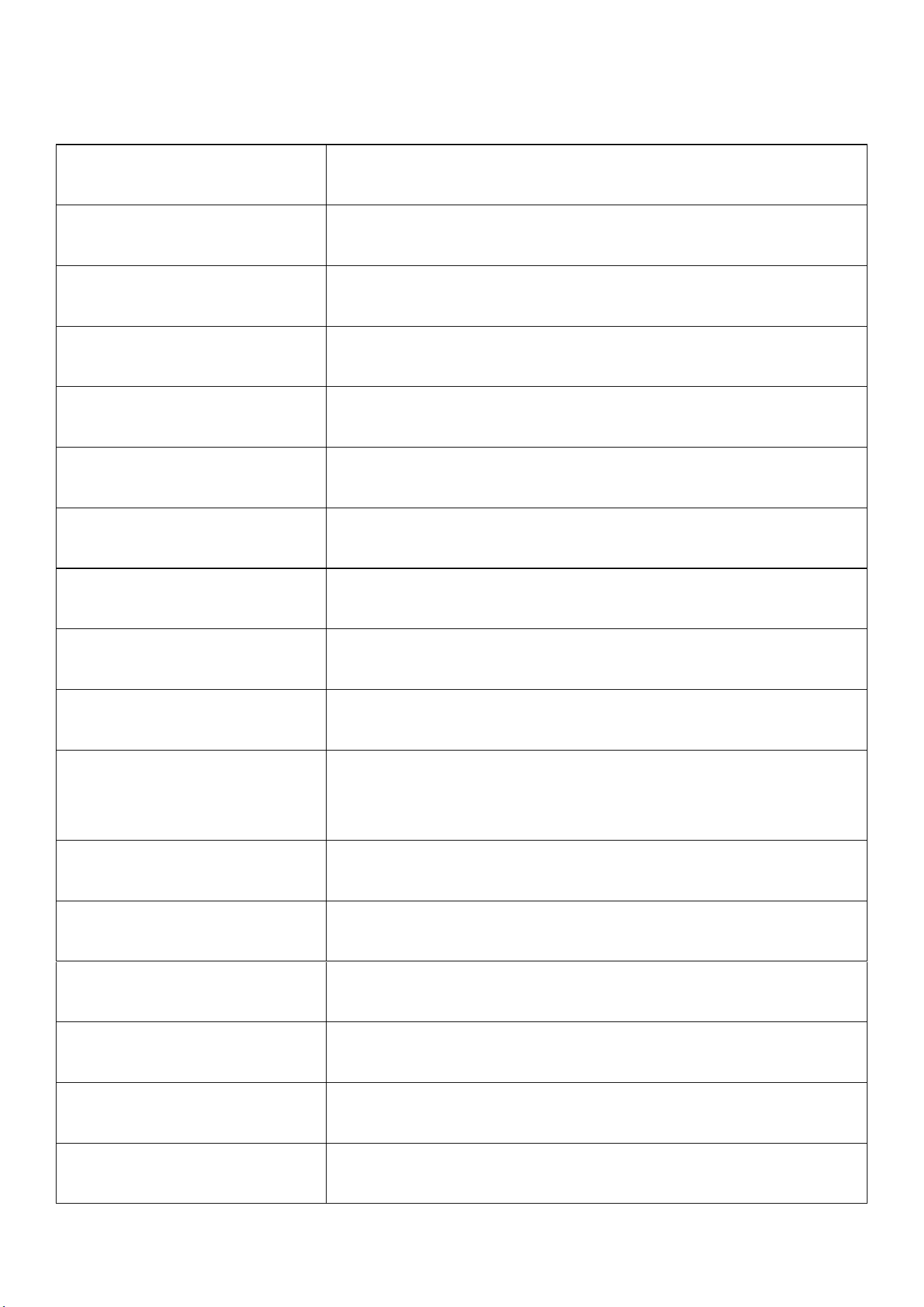
Model:
M4S
Size:
108× 61×10 MM (W× H× D)
Screen:
4.0inch
Weight:
140gr
Resolution:
480× 800 pixels IPS
Product Material:
metal, tempered glass
Bluetooth
Yes
WiFi
Yes
Charging Time:
about 2 hours for a full charge (5V 1A charger),
Audio Format:
MP3, OGG, APE, FLAC, WAV, AAC-LC, ACELP, M4A
Video Format:
AVI, MKV, MPG, MPEG, RM, RMVB, VOB, MOV, FLV,
ASF, DAT, MP4, 3GP
E-Book Format:
TXT, PDF, EPUB, FB2,DOCX, MOBI
Recording Format:
3GPP
FM Radio:
Frequency 87.5MHz-108MHz
Language Support:
Multi Languages customizable
Computer System Support:
Window XP, VISTA, WINDOWS 7/8.1/10, Mac OS 10
Micro SD card Format:
FAT32

Term & Condition of Warranty
Thank you for selecting Luoran. You will enjoy the following services when
using this product
◎
Warranty scope: Limited to the product host without accessories
◎
Warranty period: Within one year from the date of purchase
■
Warranty terms:
◎
Within 1 year after purchase, failure or damage caused by product quality
problems can be replaced or refunded
◎
Accessories are not included in the warranty, such as USB cable, earphones,
case, etc., but if quality problems occur within 7 days after purchase, they can
be replaced as well
■
The following conditions are not covered by the warranty
◎
Out of the warranty period.
◎
It has been disassembled or repaired privately.
◎
Man-made damage, accidental damage, or deformation.
◎
Failure caused by installation and use in abnormal environments such as high
temperature, high pressure, and humidity.
After-sales Service
Website: www.luoranmusic.com
Email:
support@luoranmusic.com
■
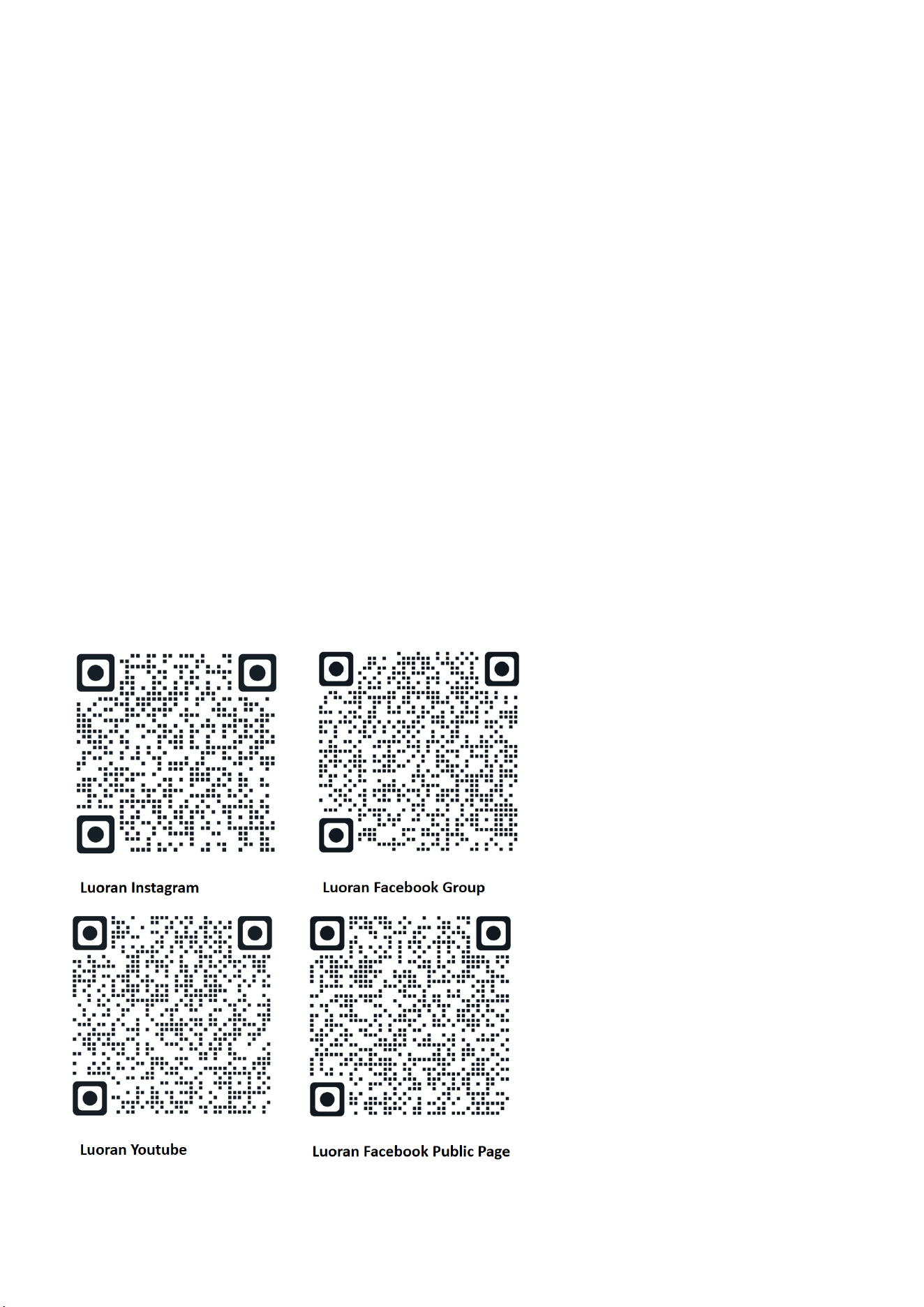
Join Our Community!
Become a part of the Luoran family and connect with others in our interactive
community. Learn product tips, get exclusive updates, and enjoy members-only
benefits!
◎
Luoran Facebook Group: http://u5a.cn/A6nmr
■
Follow Us for More!
Stay updated on the latest product news, helpful tutorials, and engaging
activities:
◎
Facebook Public Page: http://u5a.cn/N5ELc
◎
Instagram: http://u5a.cn/qP2Q0
◎
YouTube Channel: http://u5a.cn/m5Rtn
FCC Warning Statement (FCC ID: 2BG68-M4S)
Changes or modifications not expressly approved by the party responsible for compliance could
void the user’s authority to operate the equipment. This equipment has been tested and found to
comply with the limits for a Class B digital device, pursuant to Part 15 of the FCC Rules. These
limits are designed to provide reasonable protection against harmful interference in a residential
installation. This equipment generates uses and can radiate radio frequency energy and, if not
installed and used in accordance with the instructions, may cause harmful interference to radio
communications. However, there is no guarantee that interference will not occur in a particular
installation. If this equipment does cause harmful interference to radio or television reception,
which can be determined by turning the equipment off and on, the user is encouraged to try to
correct the interference by one or more of the following measures:
‐‐ Reorient or relocate the receiving antenna.
‐‐ Increase the separation between the equipment and receiver.
‐‐ Connect the equipment into an outlet on a circuit different from that to which the receiver is
connected.
‐‐ Consult the dealer or an experienced radio/TV technician for help.
This device complies with part 15 of the FCC Rules. Operation is subject to the following two
conditions: (1) This device may not cause harmful interference, and
(2) this device must accept any interference received, including interference that may cause
undesired operation.
The device has been evaluated to meet general RF exposure requirement. The device can be used
in portable exposure condition without restriction.