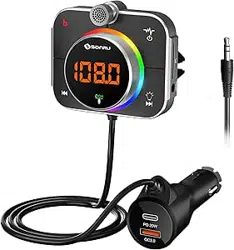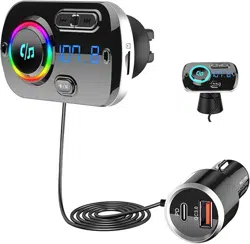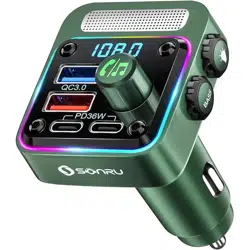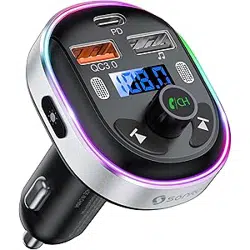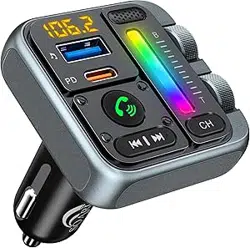
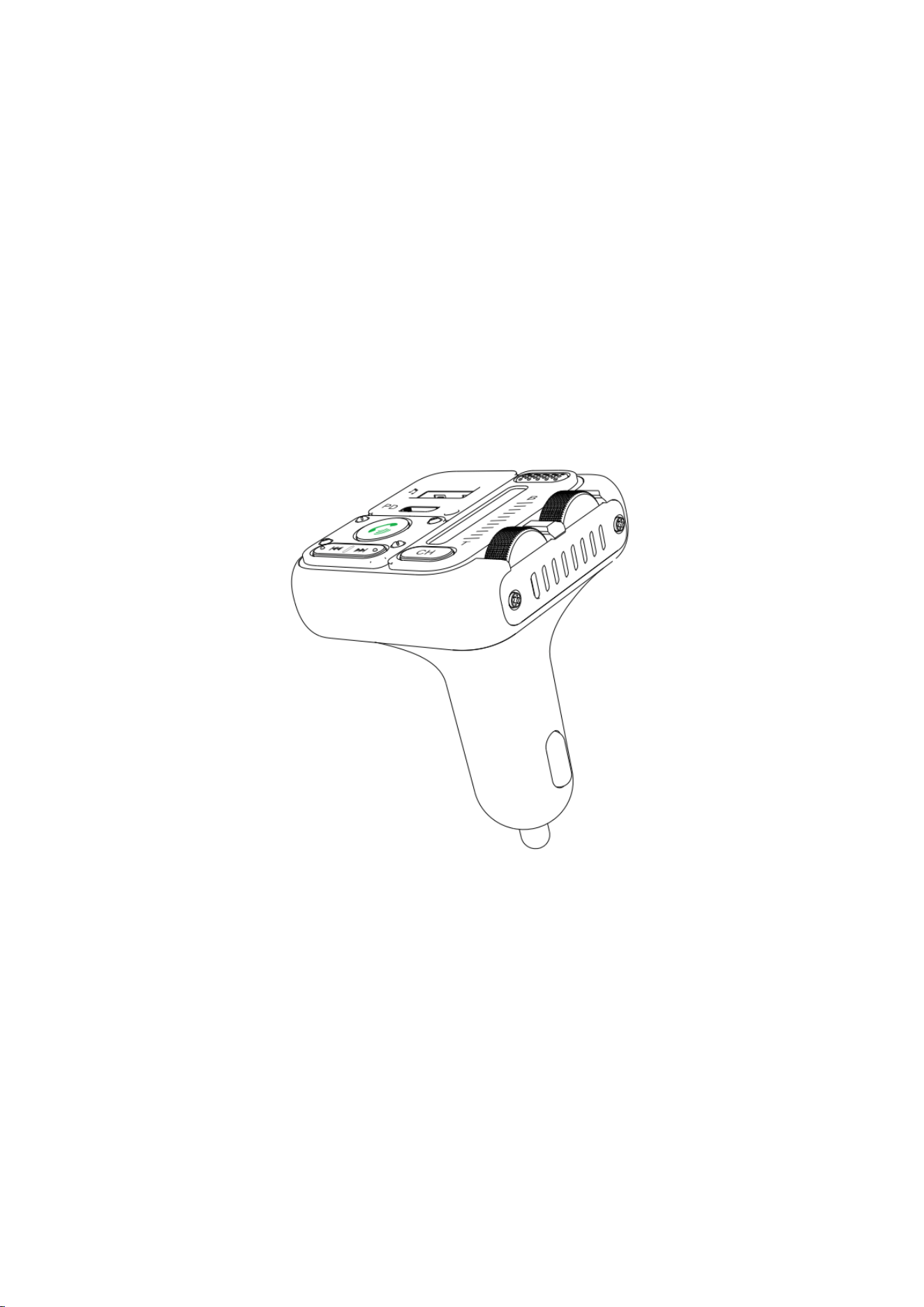
WIRELESS HANDS FREE CAR KIT
With FM Transmitter
and PD 45W(MAX) Fast charging
Model: MT04

Friendly Tips:
After receiving the product, do not hurry to insert the product into thecigarette
lighter hole of the car. After starting your car, firstly an idleFM channel with no local
radio station programis patiently on the carradio, and the standard is a slight rustling
sound. Then insert theproduct into the digarette hole, and adjust the same FM
frequency of the product to the FM frequency of the car. At this time, the car radio
will be very quiet and there is no static interference.(If it's still notquiet, try to find
new ones again, free channel), and finally, connect your phone to the product via
wireless. When they are paired successfully, you can enjoy the song from your
phone.
This Wireless car FM transmitter allows you to transmit music and calls directly from your
Wireless device to your car FM audio system.The built-in Wireless V5.3 provides a hands-free call
function and music transmission. It also has two fast charging ports 【5V/2.4A(USB)+PD 45W
(max)】, which will greatly save time charging your phone.Please read the user manual carefully
before use. Hope this device will make your driving more fun and safer.
Package contents:
Car Wireless FM Transmitter
User Manual
Specifications:
Model
MT04
Wreless Version
V5.3
Wireless Connection Distance
10M
Frequency range
FM transmission distance
about 3M
Input
DC12-24V
USB-A Output
5V=2.4A(12W)
USB-C Output
5V=3A,9V=3A,12V=3A,15V=3A,20V=2.25A(PD45W max)
USB flash drive music:(Max capacity)
≤64G
Music format
MP3,WMA,WAV APE,FLAC
Total power
12V: 48W ,24V: 57W(Max.)
88.1~107.9MHz
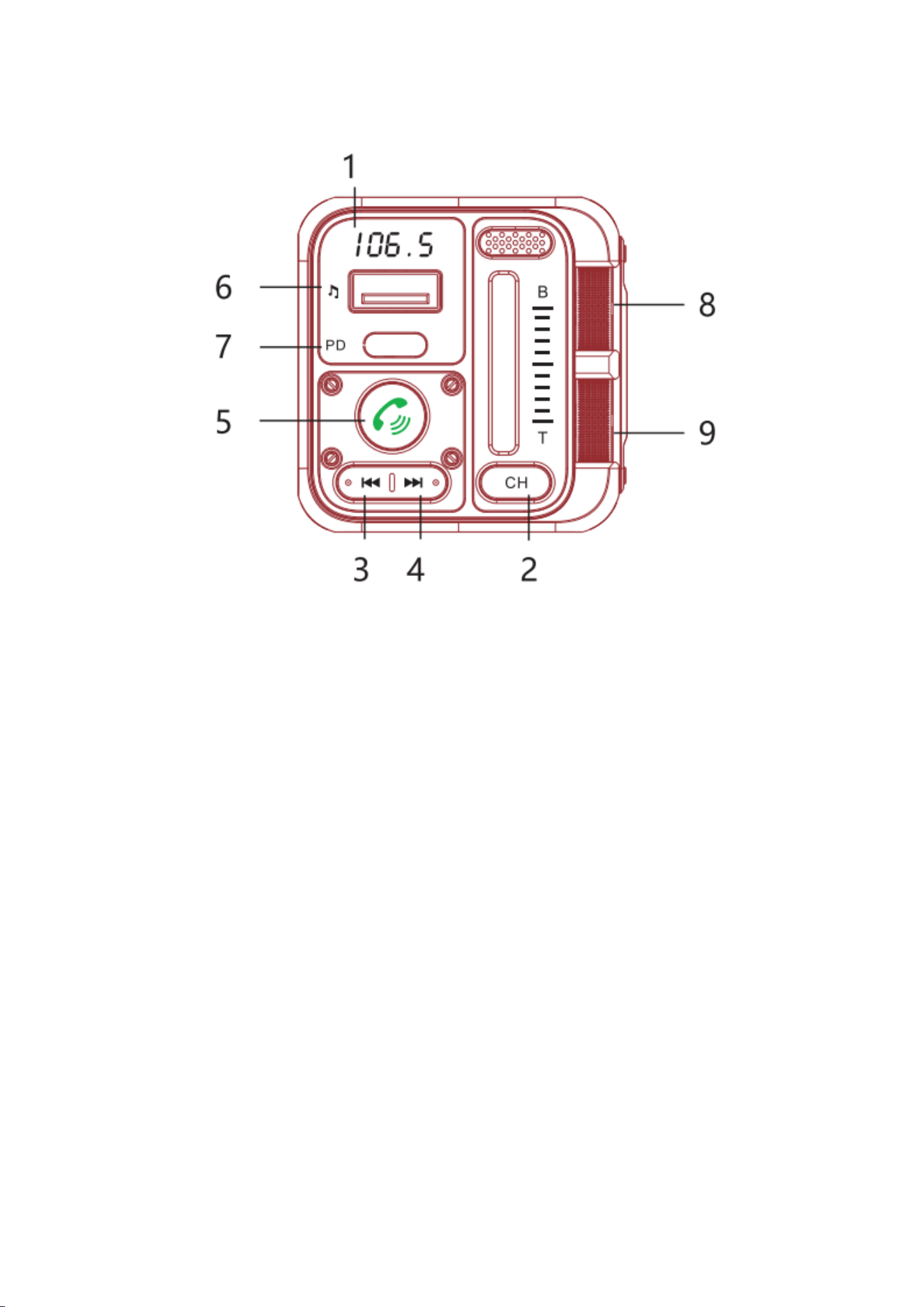
Product Overview:
1.Screen (displays battery voltage/bt/FM channel)
2.CH button:
1. Click to enter CH FM mode, click again to exit FM mode;
2. Press and hold for 2 seconds to turn off the power (Bluetooth off,
Transmitter off, Lights off, Screen off) NOTE: The charging function can be used
normally after the power is turned off.
3.Multi-function buttons:
1. CH FM mode, this button controls CH-
2. Music play mode: this button controls the previous song
4.Multi-function button:
1.CH FM mode,this button can control CH+
2.Music play mode, this button can control the next song
5.Phone multifunction buttons:
1. play/pause/answer/hang up/long press 2S to reject
call;
2. long press 2S to wake up Siri and Google Voice
Assistant, press again to exit;
3. press twice to turn off the ambient light, press again
twice to turn on the ambient light (no memory function,
ambient light comes on every time you turn on the
phone)
6. “♫ ”ports: Support 12W charging, support up to 64GU disk music playback.
7. Type-C ports:PD3.0 (45W max) charging port.
8. Bass Metal Wheel:Slide to control the intensity of the bass sound effect.
9. Soprano Metal Wheel:Slide to control the intensity of the treble sound effect.
How to use:FM Transmitter Radio
1. Tune your car radio to a clean,empty channel with no programming.
Tips
What is a blank channel?
-A blank channel with no programming will only make a slight rustle or snow sound
on your car radio.
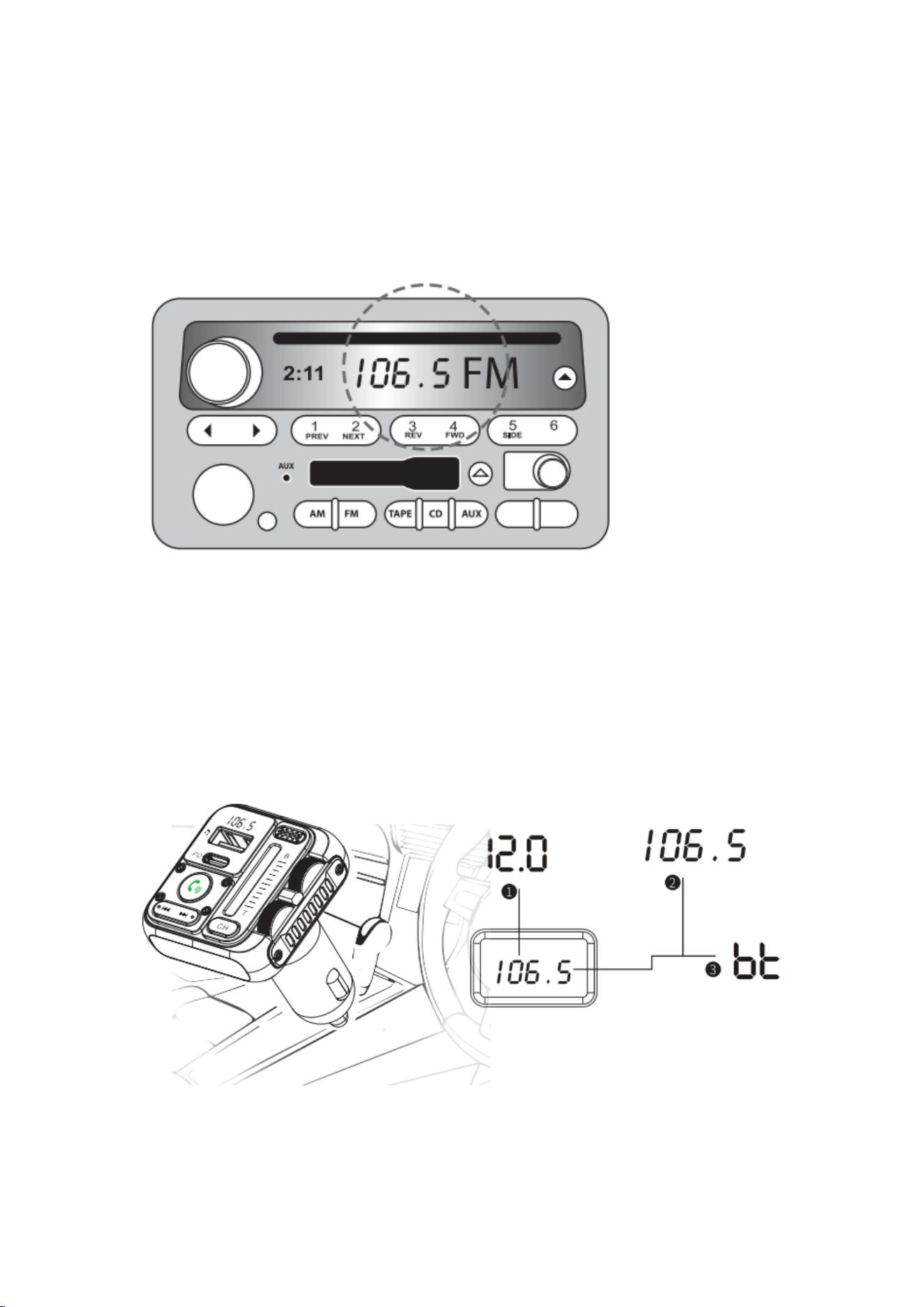
2.Plug the FM transmitter into the cigarette lighter or power port.It will be
automatically powered on with the LED displaying thevehicle's battery voltage, FM
frequency, then showing theword"bt".
3. Press the CH button to enter FM mode, the digital channel on the display will
flash.
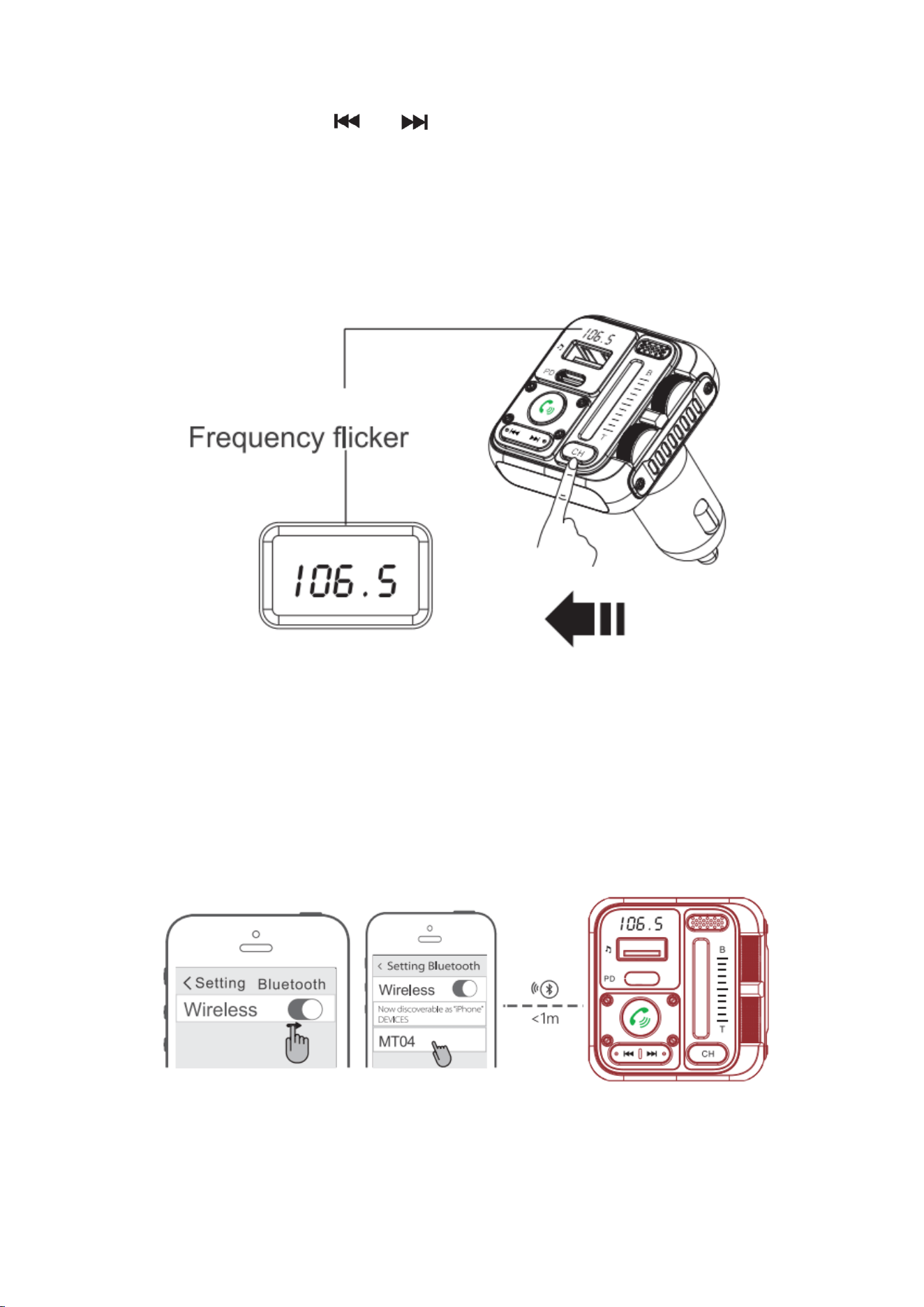
4.Click or hold down the " " or " " button to adjust the frequency left or right
to adjust the frequency of the device to the same frequency as the car radio.
5. After adjusting the channel of this unit and the empty channel found by the car
radio to be the same, the rustling sound of the car stereo will become quiet and
disappear, and after the channel matching is successful, you can insert the USB flash
disk or connect the Bluetooth to transfer the music to the car stereo to play;
Click or hold to adjust the frequency
Wireless Pairing:
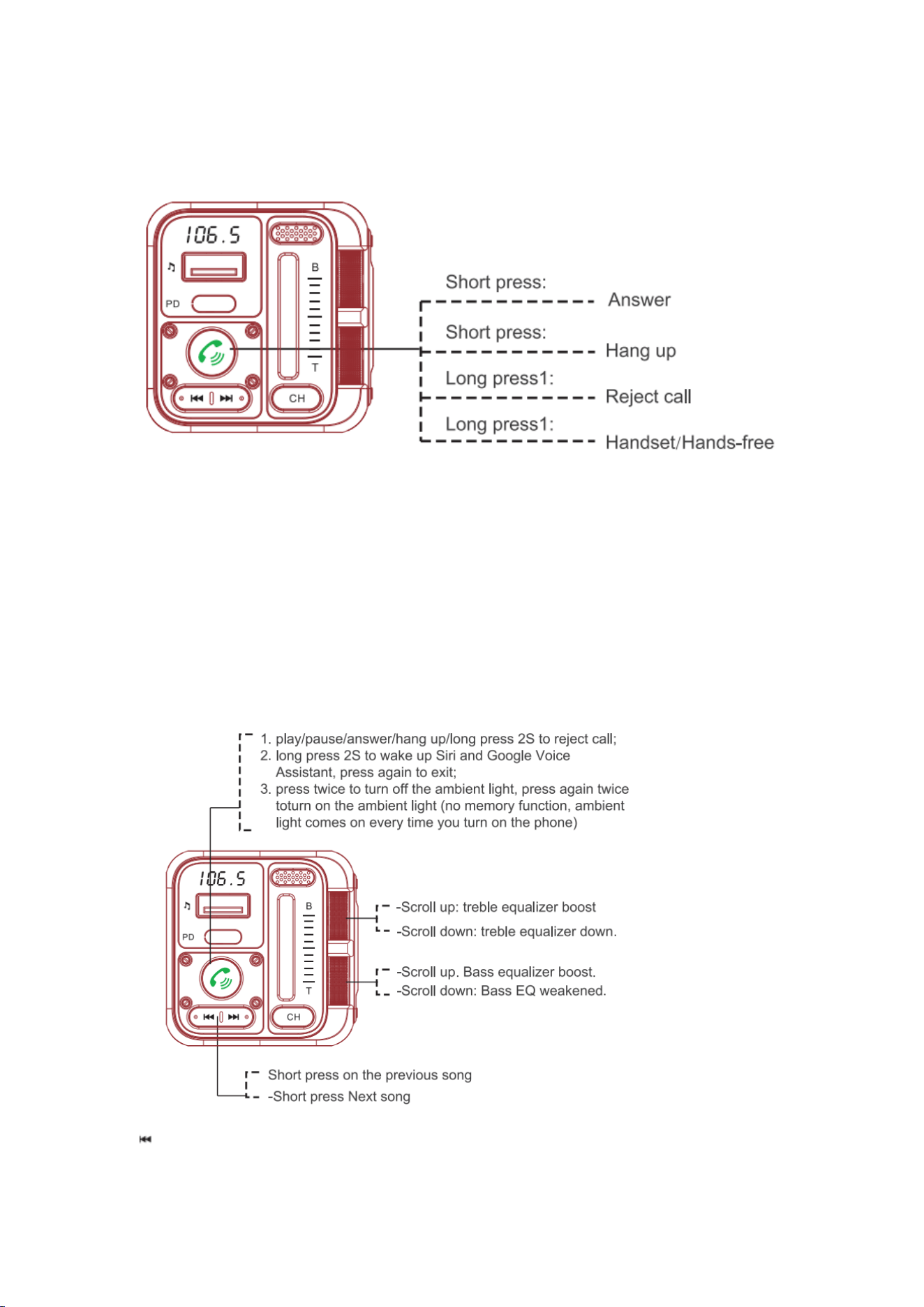
1.When the LED display shows "bt" and the device will enter into Wireless pairing
mode.
2.Enable Wireless on the device you want to pair.
3. Search and select ID "MT04" from the list, then connect.
4. If asked enter the pairing code '0000'or'1234'.
Wireless Calling:
Short press:
-- Answer
Short press:
-------- Hang up
Long press1:
---- Reject call
Long press1:
--- Handset/Hands-free
Playing and Controlling the Music:
-Short press on the previous song

-Short press Next song
-Scroll up. Bass equalizer boost.
-Scroll down: Bass EQ weakened.
-Scroll up: treble equalizer boost
-Scroll down: treble equalizer down.
1. play/pause/answer/hang up/long press 2S to reject call;
2. long press 2S to wake up Siri and Google Voice Assistant, press again to exit;
3. press twice to turn off the ambient light, press again twice to turn on the ambient
light (no memory function, ambient light comes on every time you turn on the phone)
Note: Bass and treble EQ adjustment effect is very strong, it isrecommended to work together to
adjust to the best state,adjusted to the highest alone, easy to affect the sense of listening
USB flash drive music playback:
Support format: FAT32 format USB flashdrive that has not been used as a
computerboot disk
Supported capacity:up to 64G
Using the voice assistant function:
When the phone is connected to Bluetooth, press and hold the " " button for 2S to wake
up the Siri or Google voice assistant function, press the " " button again to exit after using;
Using the ambient light function:
Normal power use, the ambient light will breathe slowly, play music will follow the rhythm of the
music, such as in the use of ambient light do not want to ambient light, you can press the " "
key twice to turn off the ambient light, so as not to interfere with the driving line of sight, after
the closure of the key can be pressed " " key two times, once again (Note: such as the
closure of the next time to start the car, the ambient light will be turned on again)

USB charger
USB socket with music logo supports up to 64GB FAT format Udisk for music playback and
supports 5V 2.4A current output forcharging.
The Type-C interface is an independent PD3.0 interface that supports 5V/3A, 9V/3A, 12V/3A,
15V/3A, and 20V/2.25A fast-charging protocols, with a maximum output power of PD45W, which
meets the fast-charging needs of most new mobile devices.
Music playback source selection
1. When connected to the Wireless, open the phone music player and click play to play wireless
music.
2. This machine defaults to inserting audio source priority play if you need to play U disk music,
please insert the U disk into the "♫ " port of this machine, and the screen shows the word USB
will automatically play the music in the U disk.
Tips. U disk music does not support playing music in folders, pleasedo not store the songs in
folders by category.
Cautions:
1.When the car's battery voltage is less than 12V, the LED displaywill flash to remind you to
charge the car battery.
2. The transmitter will connect to the pre-set phone automaticallywhen turning it on.(Keep
Wireless function activated).
3.Hang up via the phone if answering with the handset.
4. Please do not use the transmitter in severe high temperatures,humidity, or dusty or corrosive
environments.
5. Please remove the product from the cigarette lighter when not inuse for a long time.
6. Never disassemble the product without due permission,otherwise, the warranty will be invalid.
Customer Service
All SOARUN products come with a 12 month warranty since purchase date. We have professional
service team for your support. If you have any question or problem which you would like a
REPLACEMENT or REFUND, please kindly contact our following after sale email.
UK after sale: sales-uk@sonrudirect.com
US after sale: sales-us@sonrudirect.com
Federal Communications Commission (FCC) Statement.This device complies with part 15 of the
FCC Rules. Operation is subject to the following twoconditions:
(1)This device may not cause harmful interference, and
(2)this device must acceptany interference received,
including interference that may cause undesired operation.Note: This equipment has
beentested and found to comply with the limits for a Class B digitaldevice, pursuant to part 15
of the FCC Rules. These limits are designed to provide Reasonableprotection against harmful

interference in a residential installation. This equipment generates,uses and can radiate radio
frequency energy and, if not installed and used in accordance with theinstructions, may cause
harmful interference to radio communications. However, there is noguarantee that
interference will not occur in a particular installation. If this equipment doescause harmful
interference to radio or television reception, which can be determined by turningthe
equipment off and on, the user is encouraged to try to correct the interference by one ormore
of the following
measures:
•Reorient or relocate the receiving antenna.
•Increase the separation between the equipment and receiver.
•Connect the equipment into an outlet on a circuit different from that to which the receiver is
connected.
•Consult the dealer or an experienced radio/TV technician for help.
Warning: Changes or modifications made to this device not expressly approved by
Shenzhen James Audio Technology Co.,Ltd. may void the FCC authorization to operate this
device.Note: The manufacturer is not responsible
for any radio or TV interference caused byunauthorized modifications to this equipment. Such
modifications could void the user’s authorityto operate the equipment.
RFexposurestatement:
This device complies with FCC RF radiation exposure limits set forth for anuncontrolled
environment.The device is installed and operated without restriction.