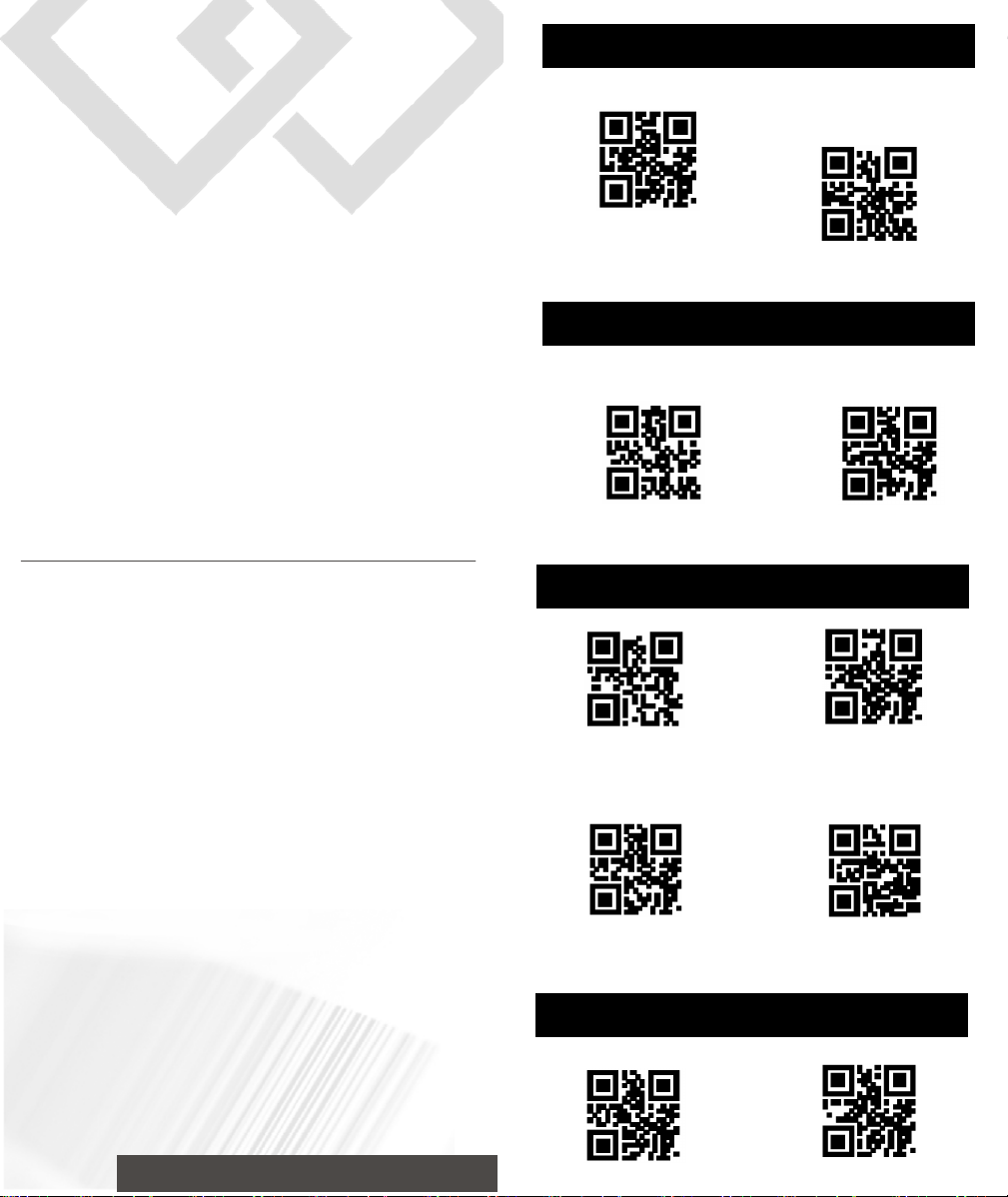
Reset Configuration to Defaults
Display Version
USB COM
Turn off
Turn on
No End Character
Add TAB
Version:4000
System Settings
Interface Setup
End Character Settings
Volume Settings
USB
Add Carriage Return
Add Carriage
Return + Line Feed
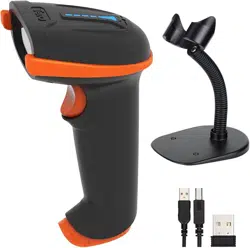
2D Barcode Scanner
Simple Operation Manual
1.USB connection
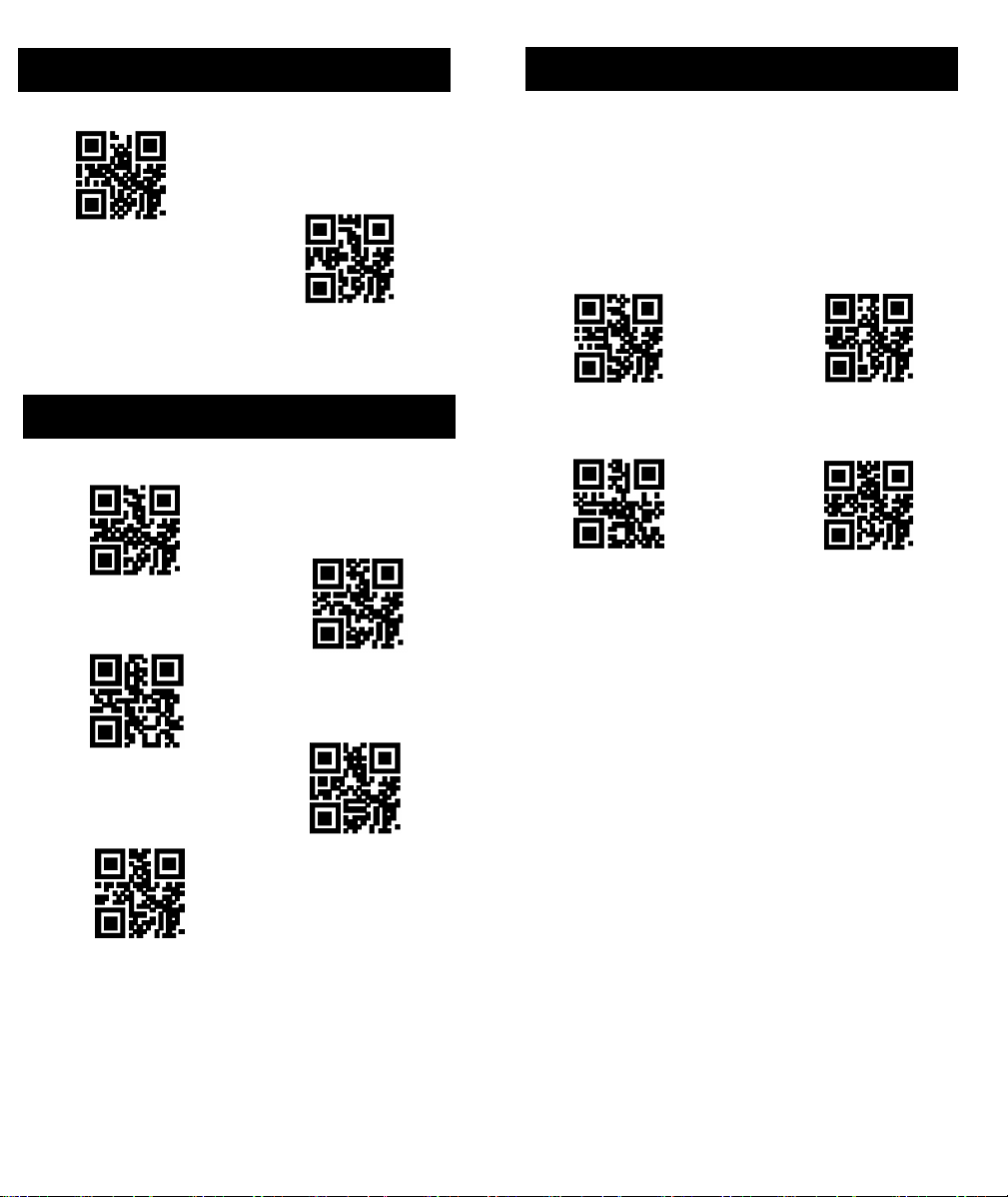
Enable Reverse Reading
Disable Reverse Reading
GBK Encoding Format
Original Data Encoding Format UNICODE Encoding Format
UTF8 Encoding Format
United States
Germany
Spain
Italy
France
Keyboard Language Settings
Reverse Code Reading Settings
The encoding format of output data of the scan module
can be set through scanning the following setting codes,
the scanner can output Chinese data in accordance with
the specified encoding format.
Data Encoding Format
Note: GBK format is used for Notepad, and UNICODE
format is used for Word and common chat softwares'
input boxes. Original data output for encrypted data
via serial port communication
Data Encoding Format