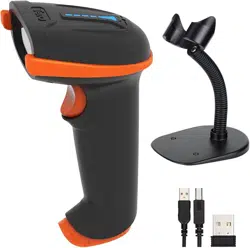
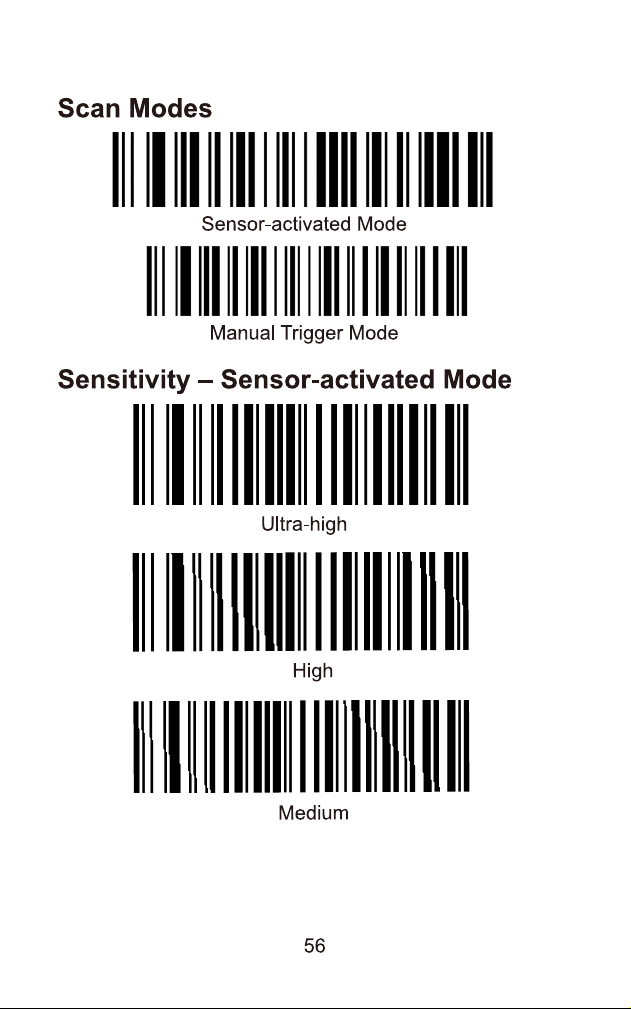
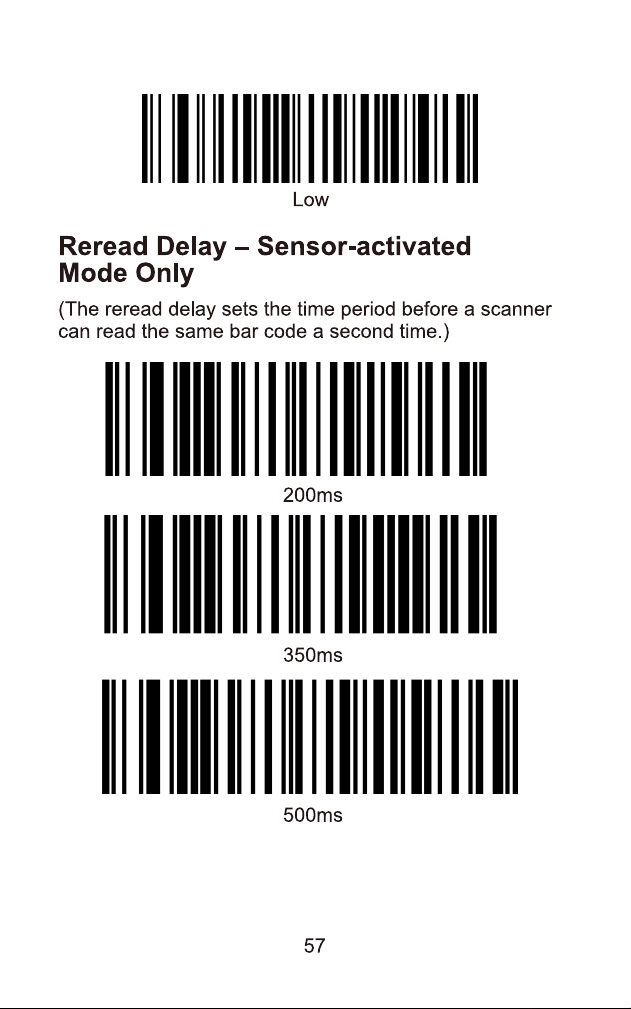
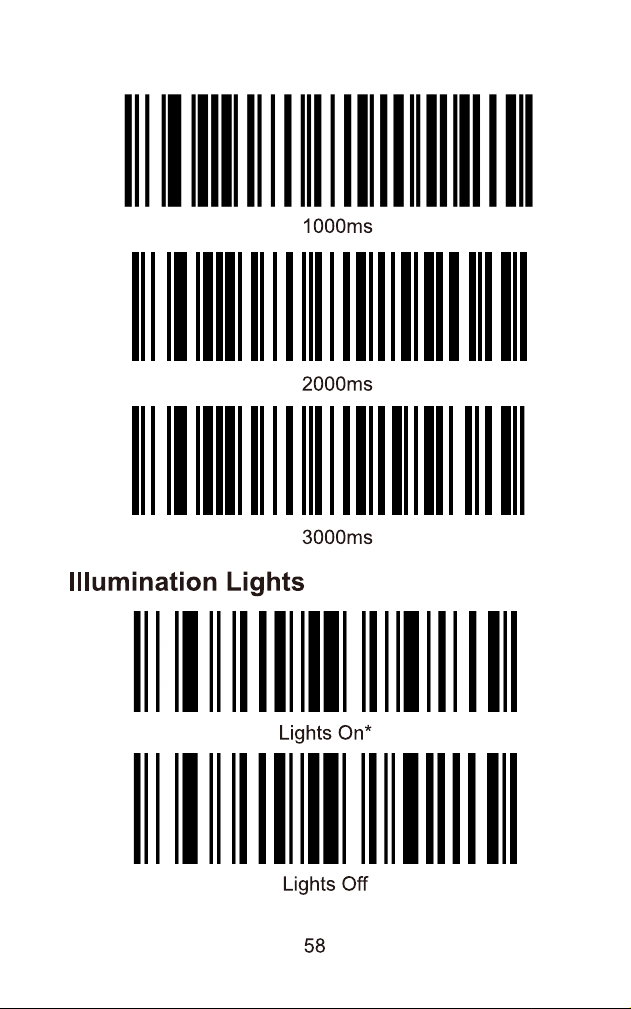
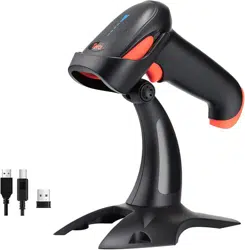
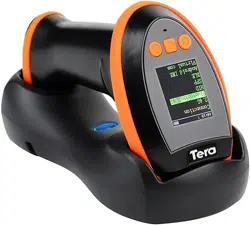
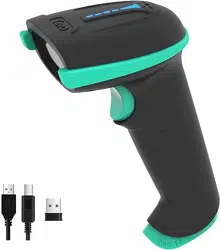
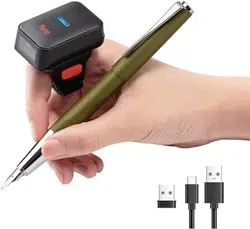
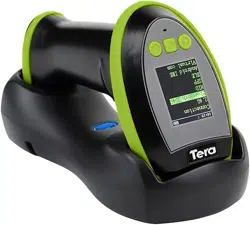
Buy Tera 1D 2D QR Barcode Scanner Wireless and Wired with Battery Level Indicator Digital Printed Bar Codes Reader with Stand Portable Handheld Barcode Scanner Compact Plug and Play Model D5100-Z: Electronics
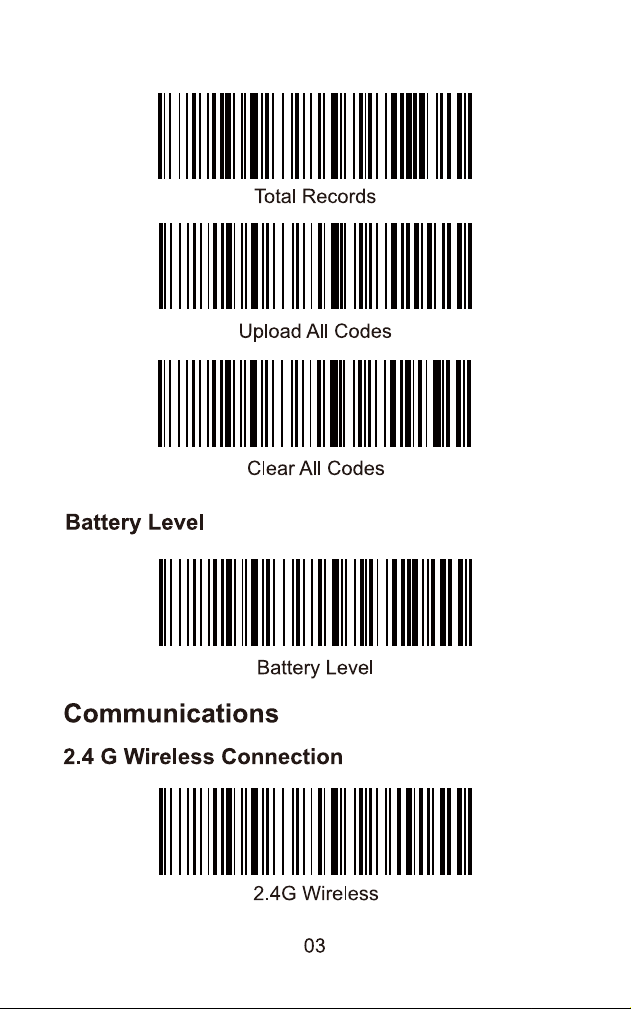
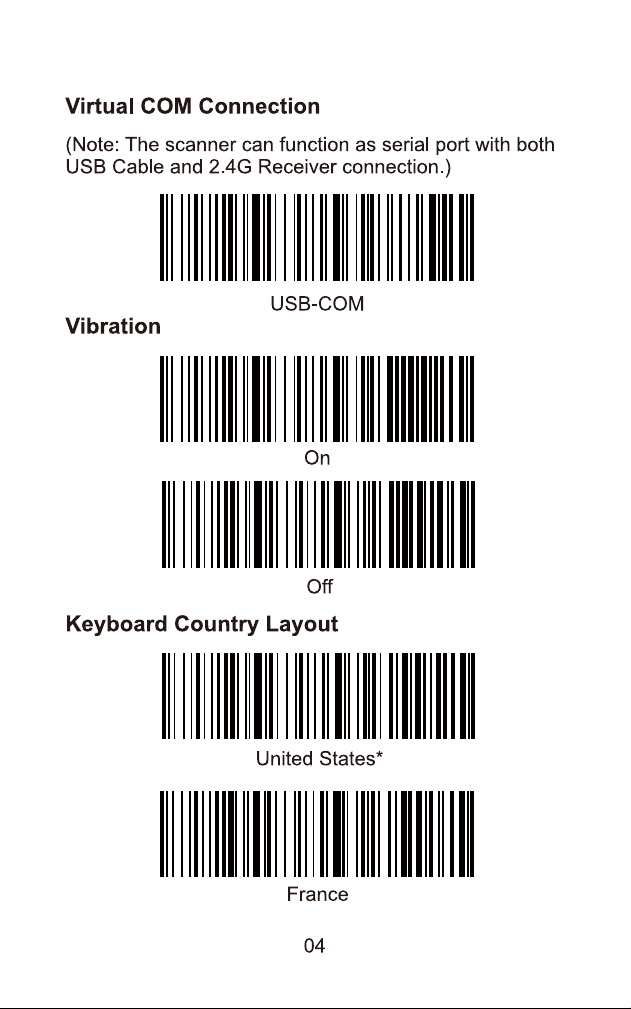
Tera barcode scanner model 5100 has 2 connection modes: 2.4g wireless and usb wired. You can connect to your computer using any of the connection methods.
#2 How often should I replace the battery of the Tera D5100 scanner?
It is recommended to check the battery level regularly and replace it when it is low to ensure optimal performance.
#3 How can I restore the scanner to factory default settings?
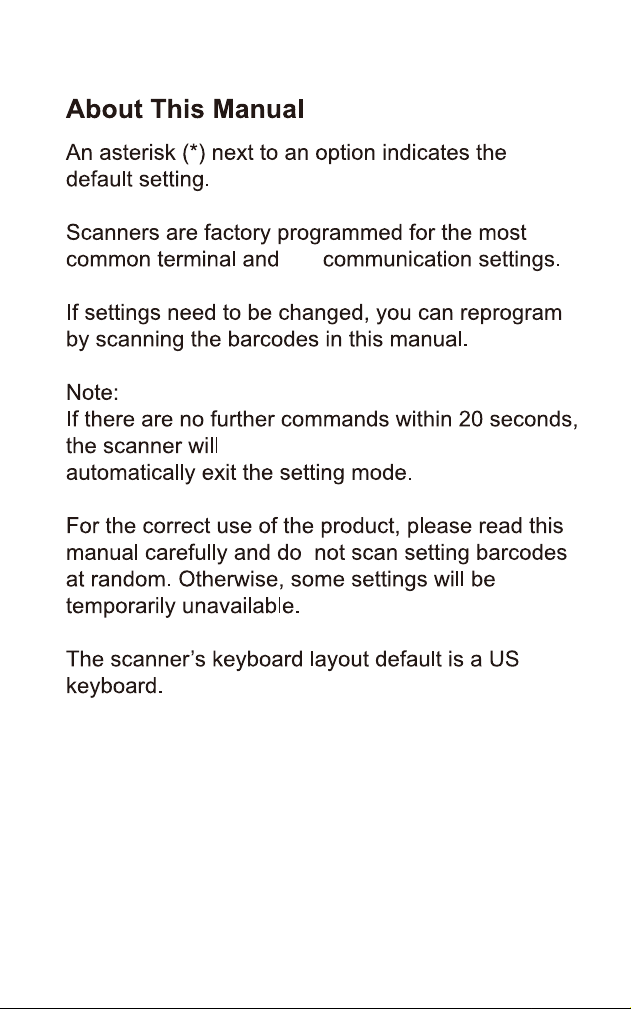
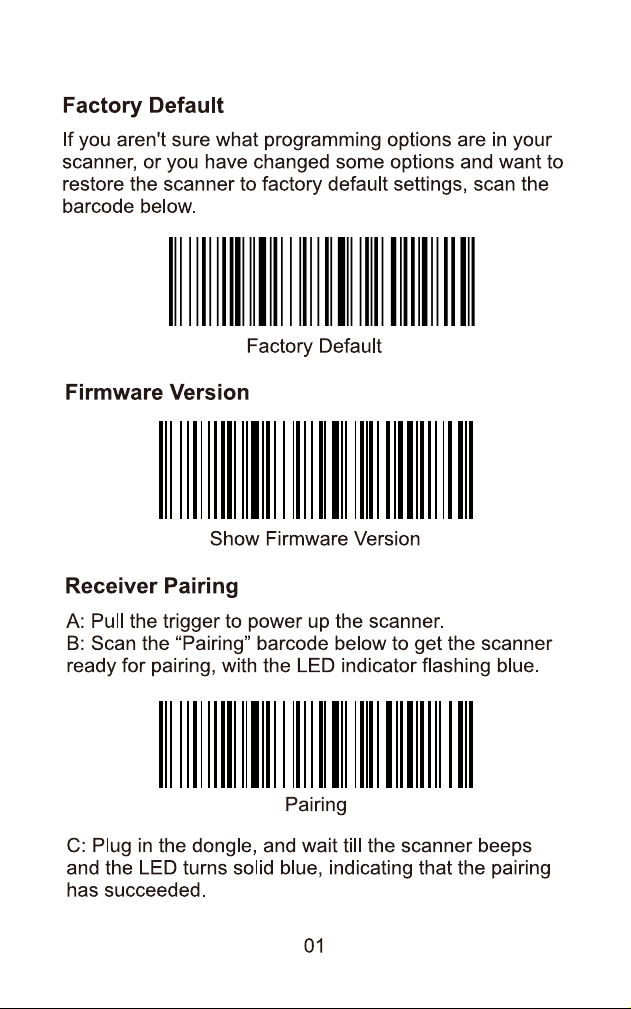
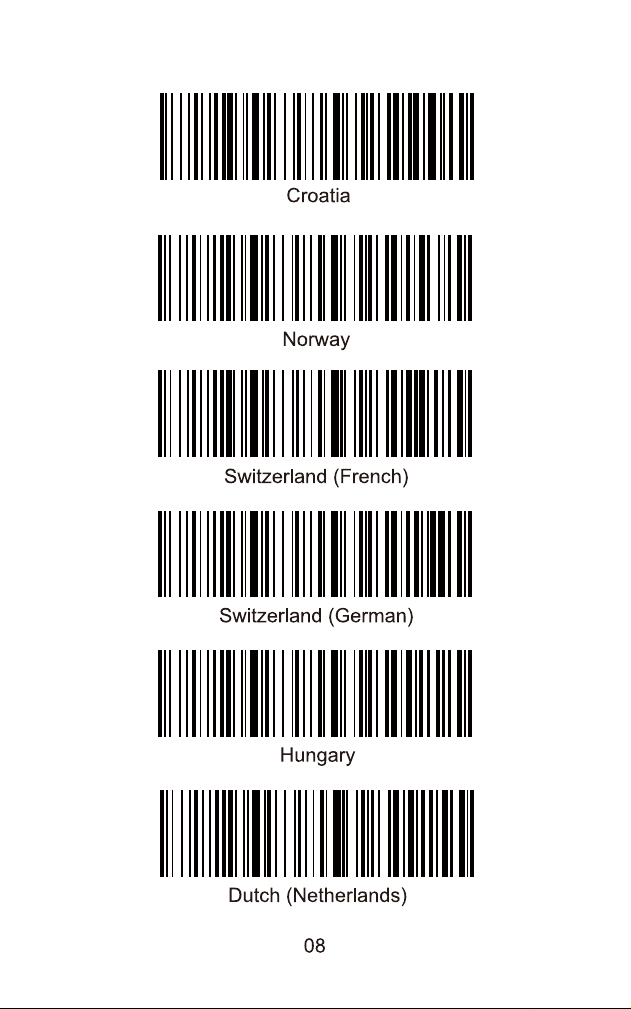
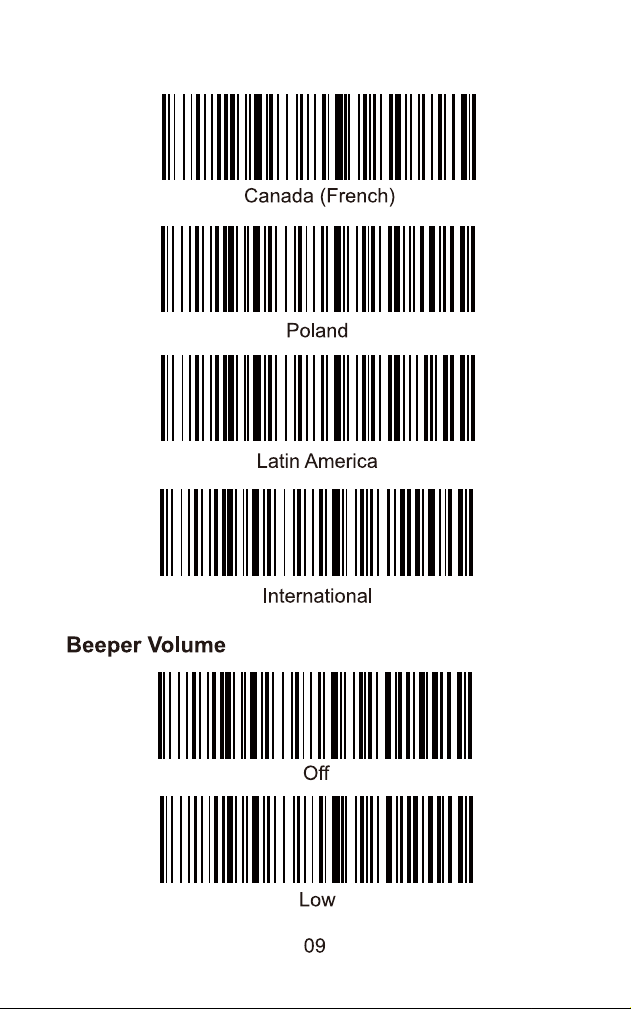
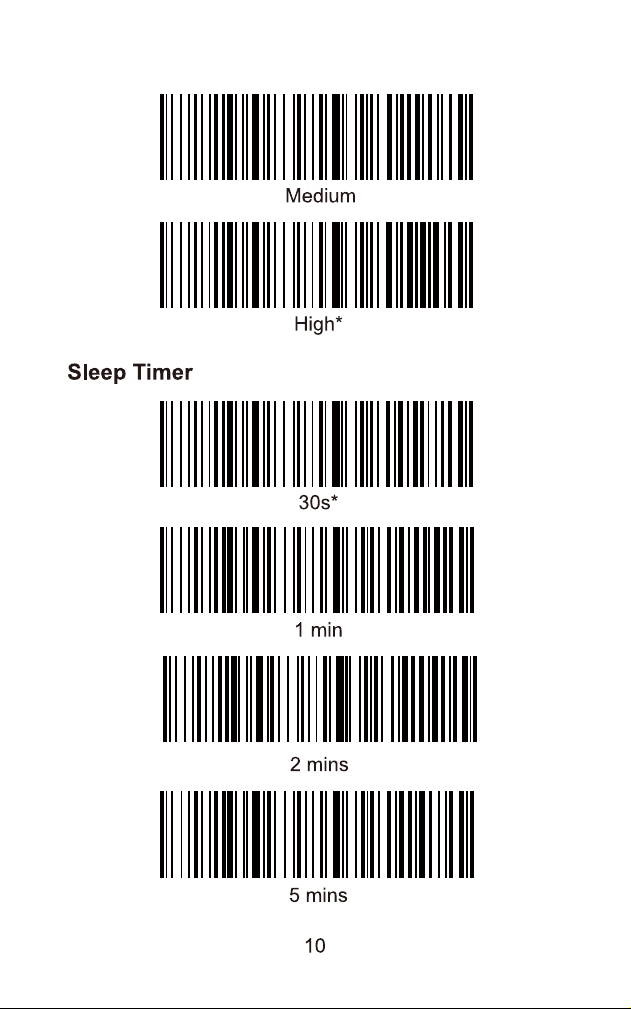
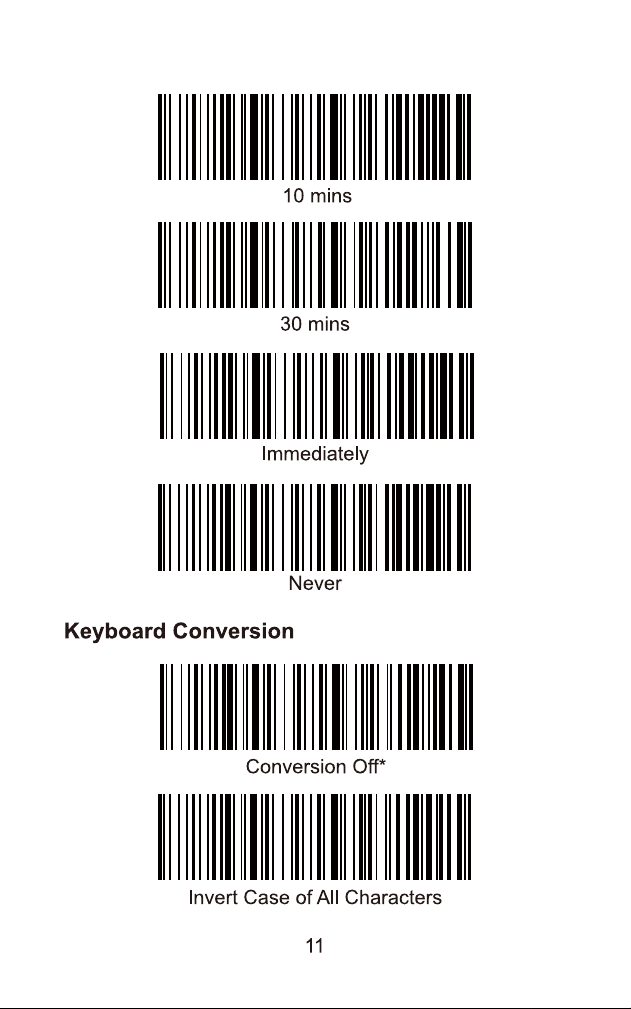
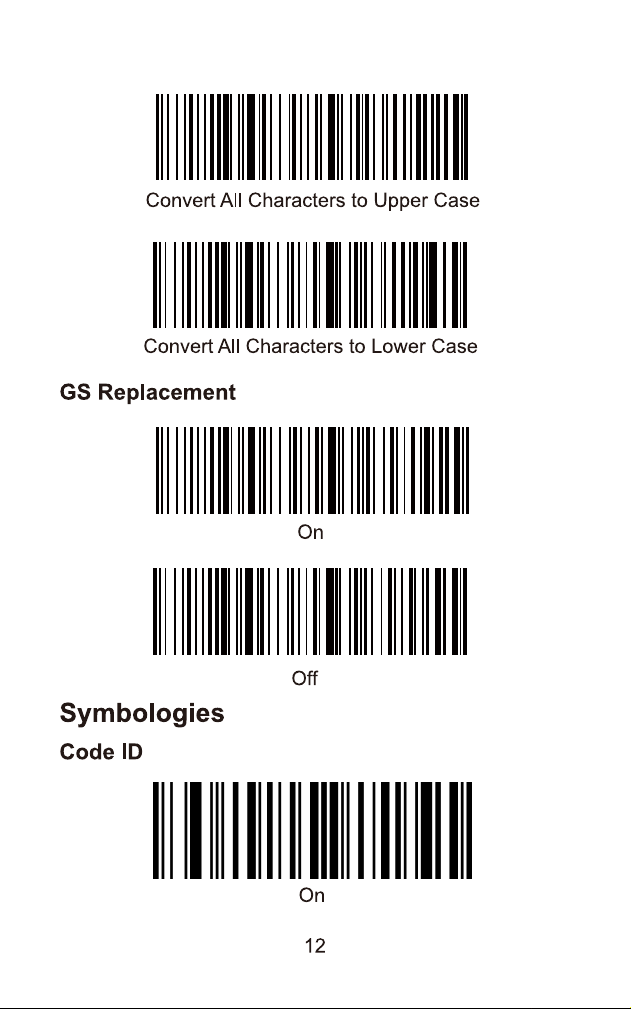
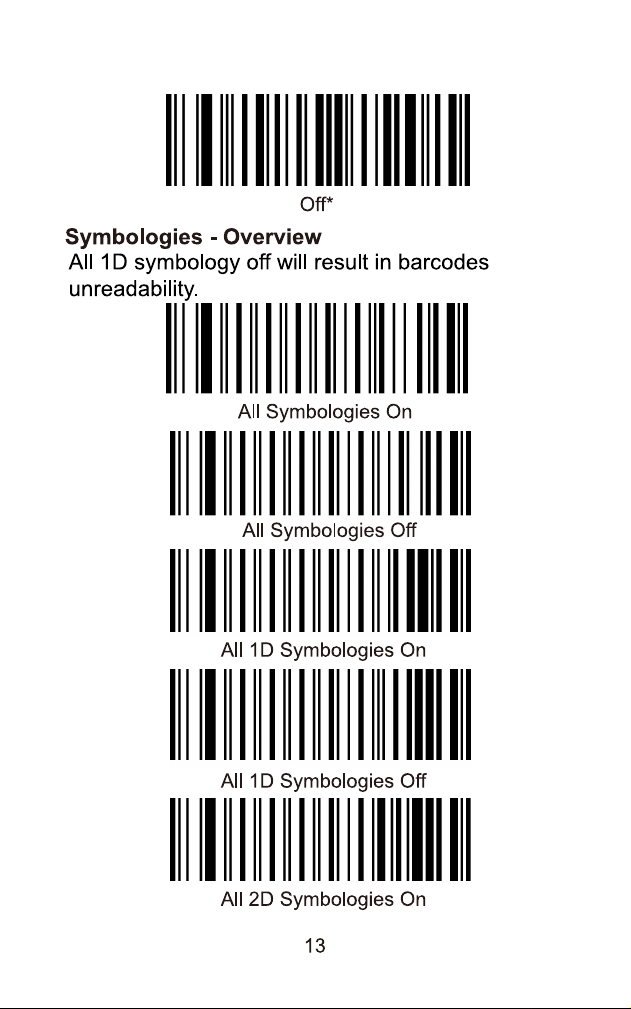
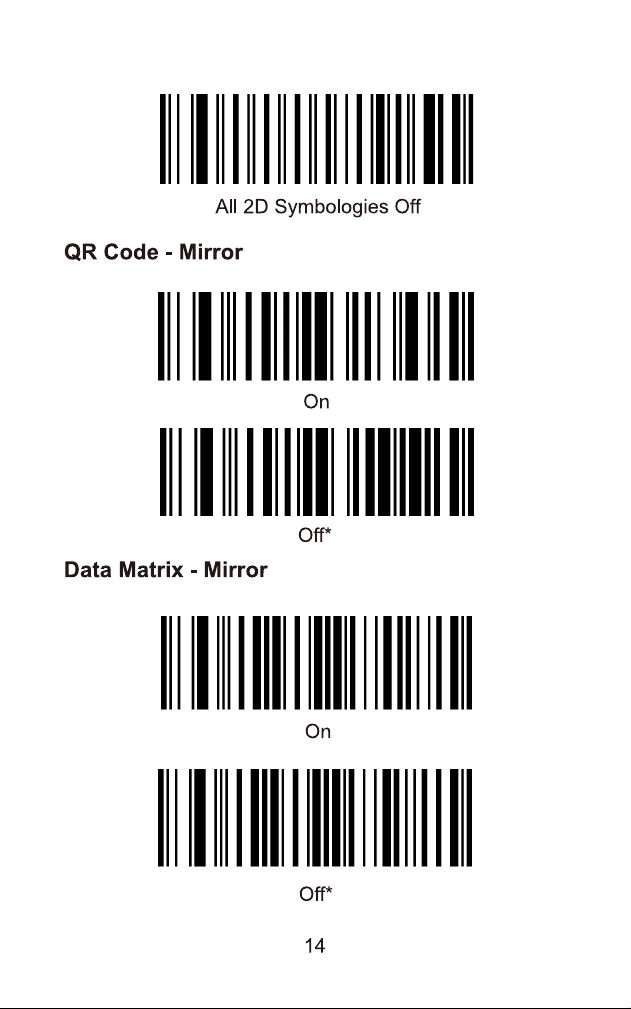
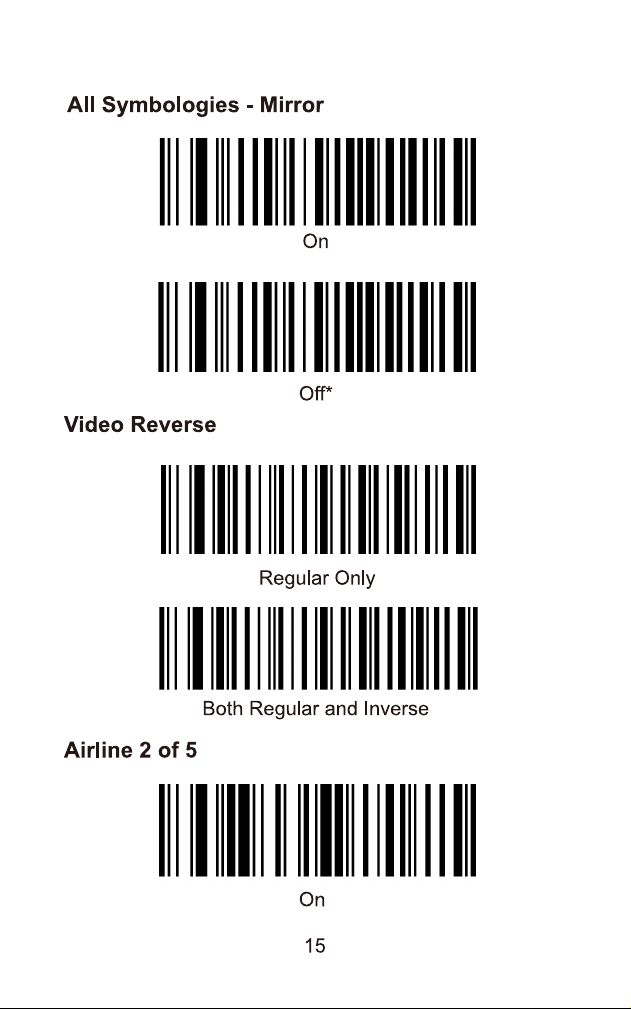
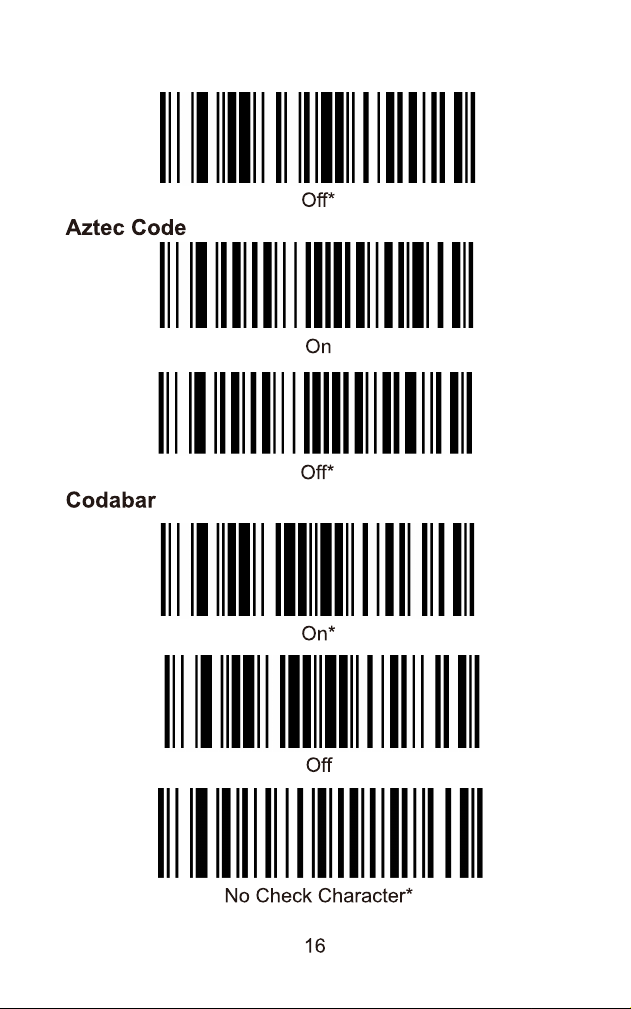
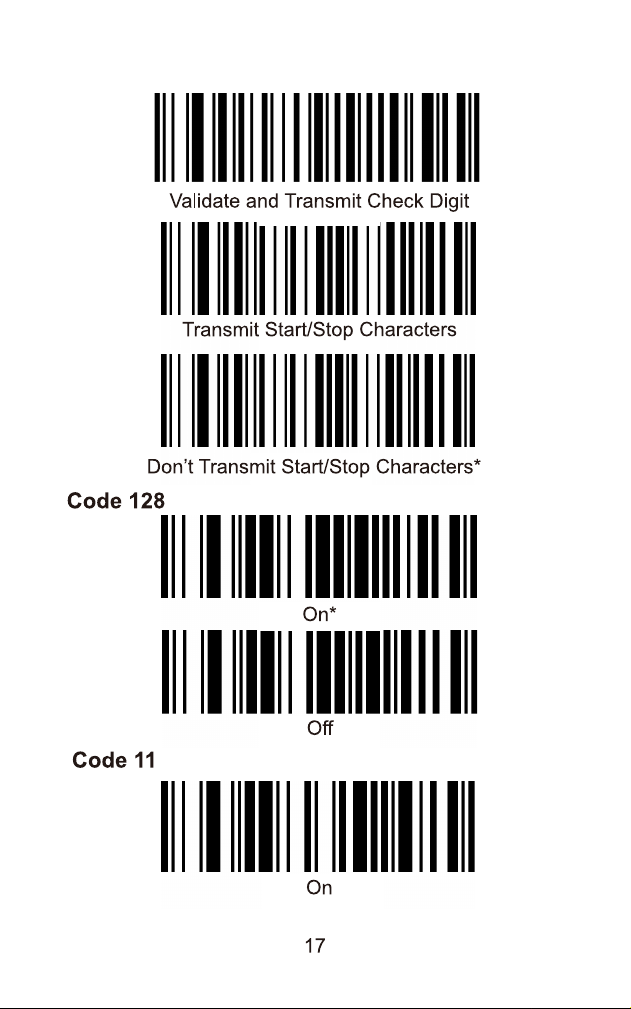
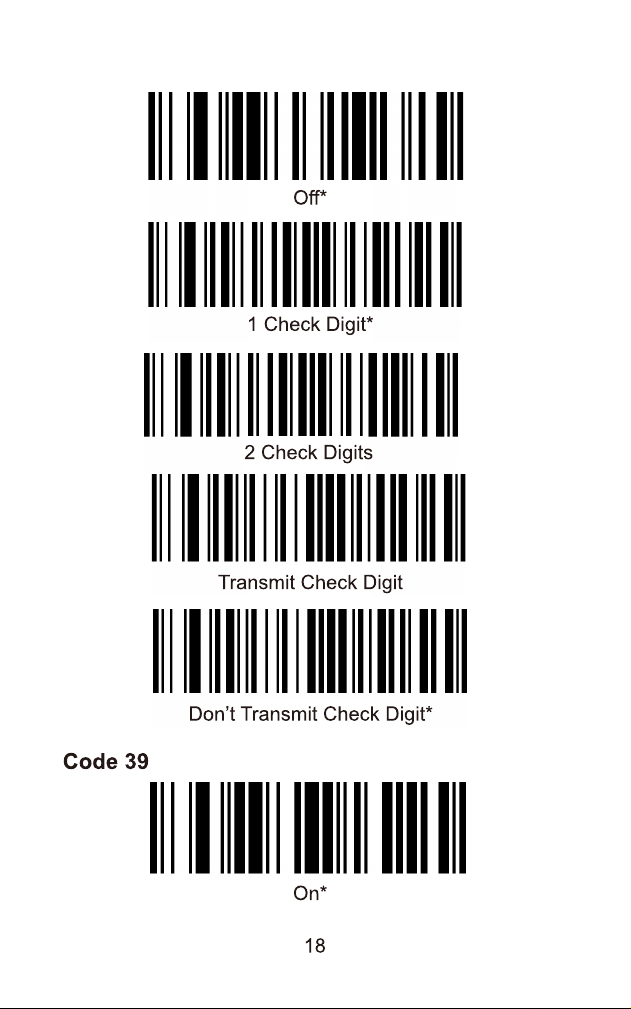
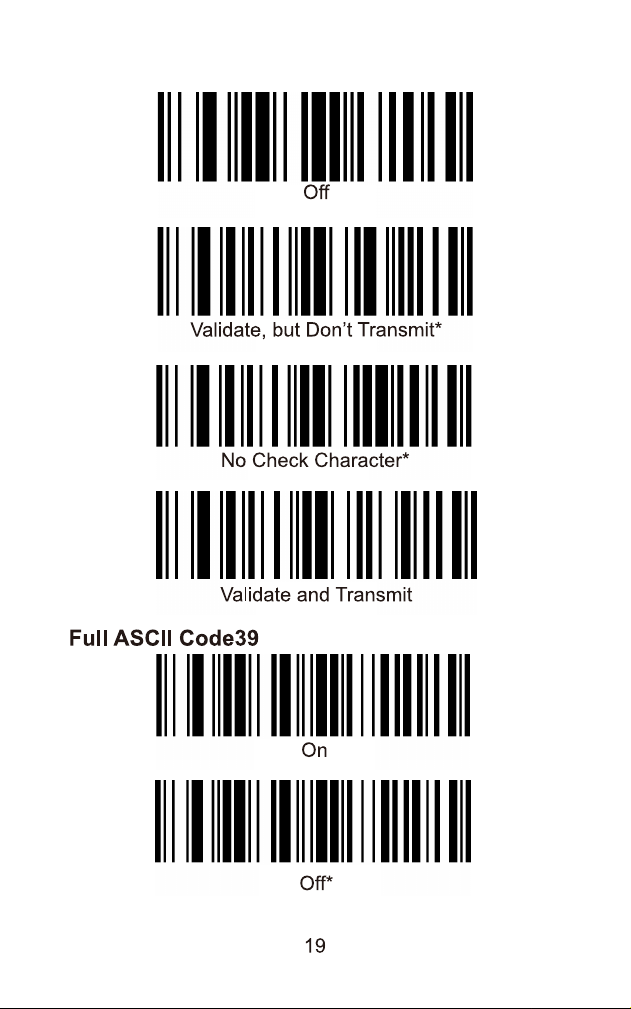
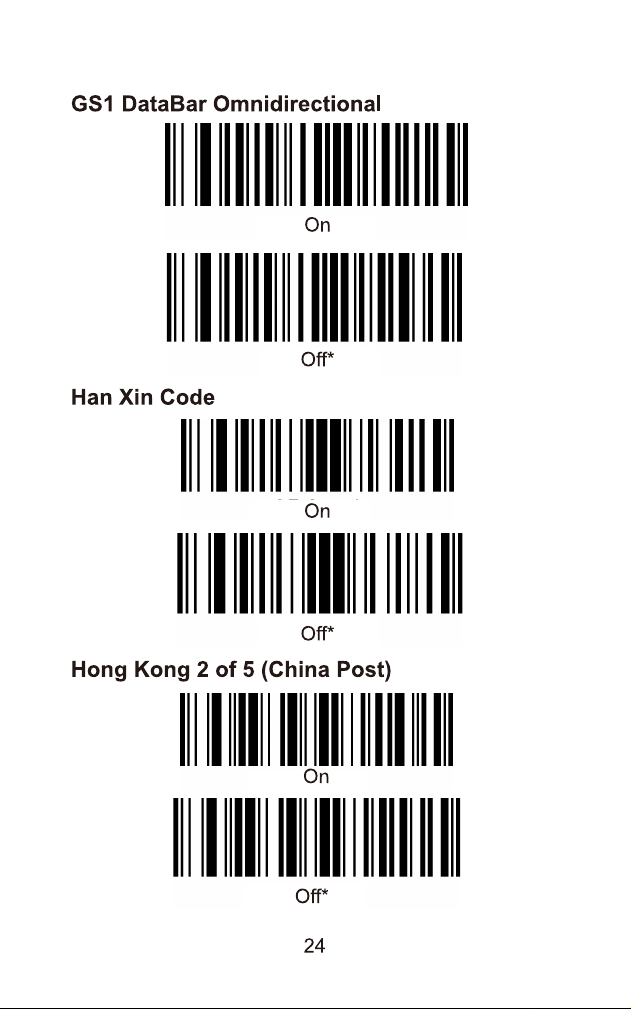
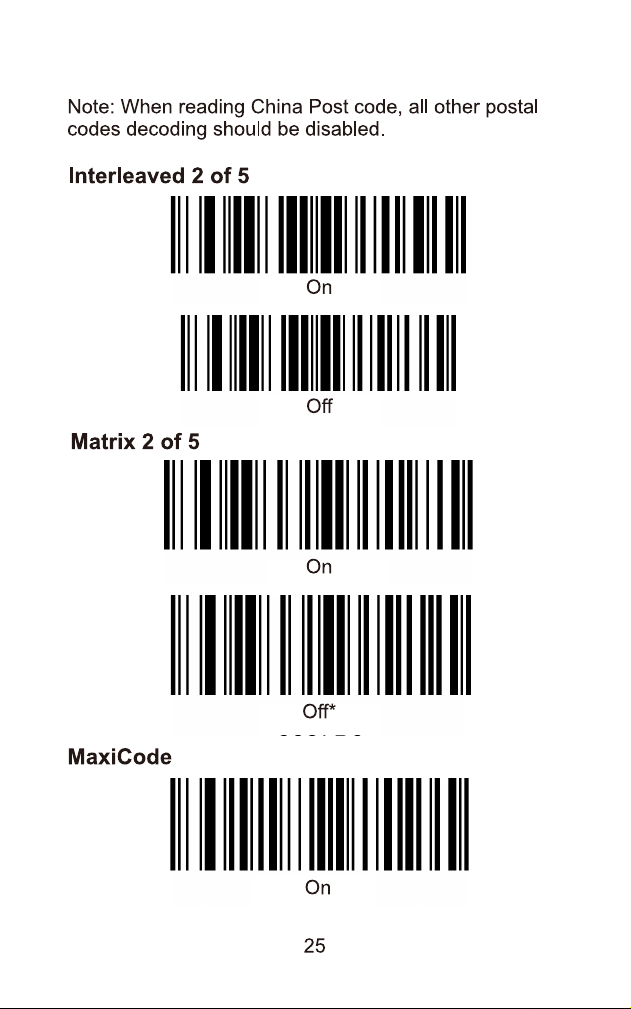
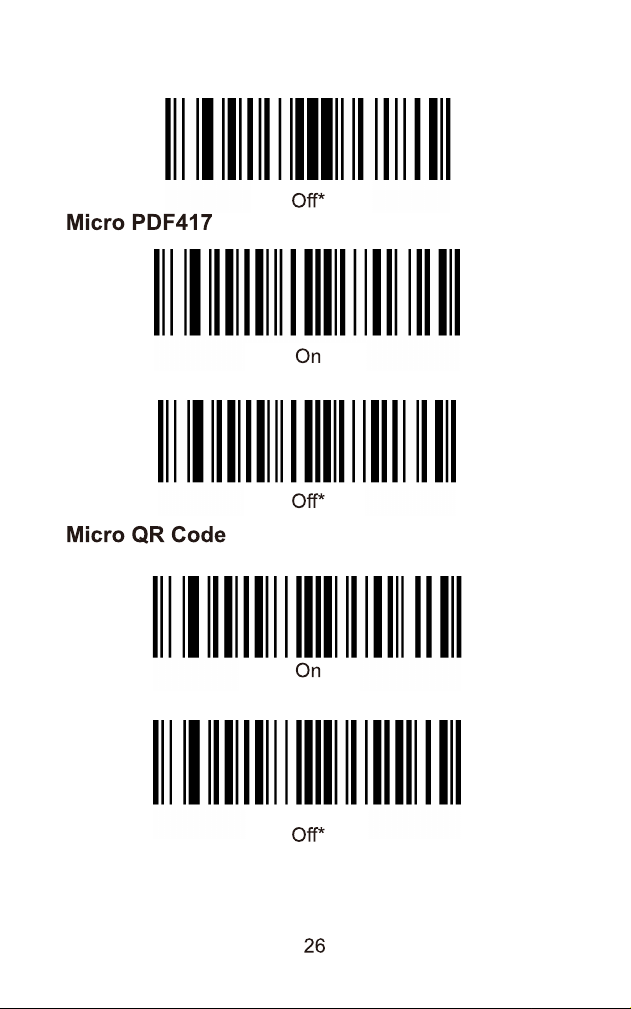
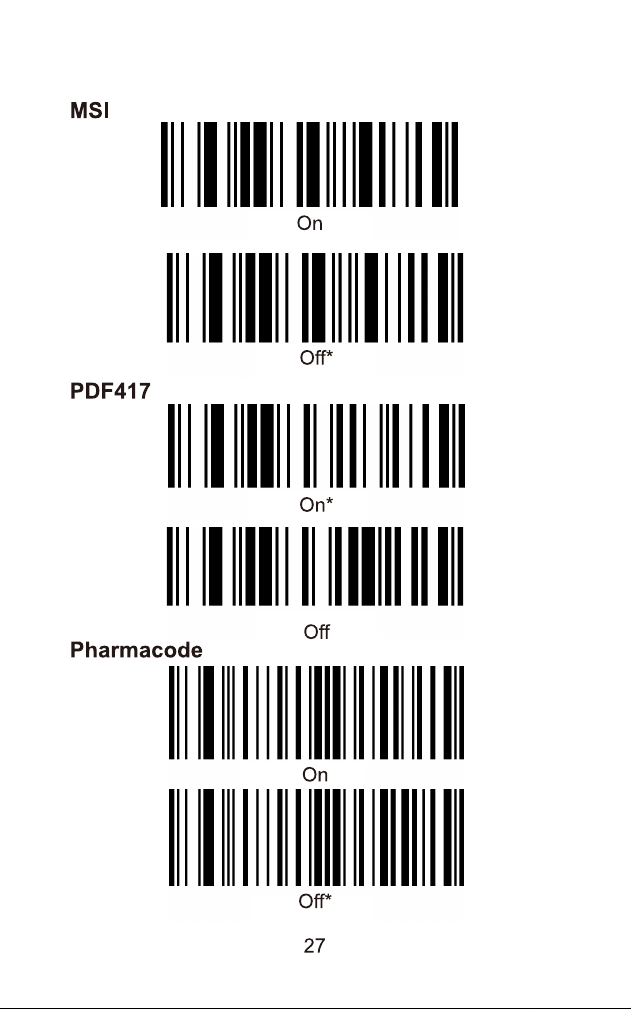
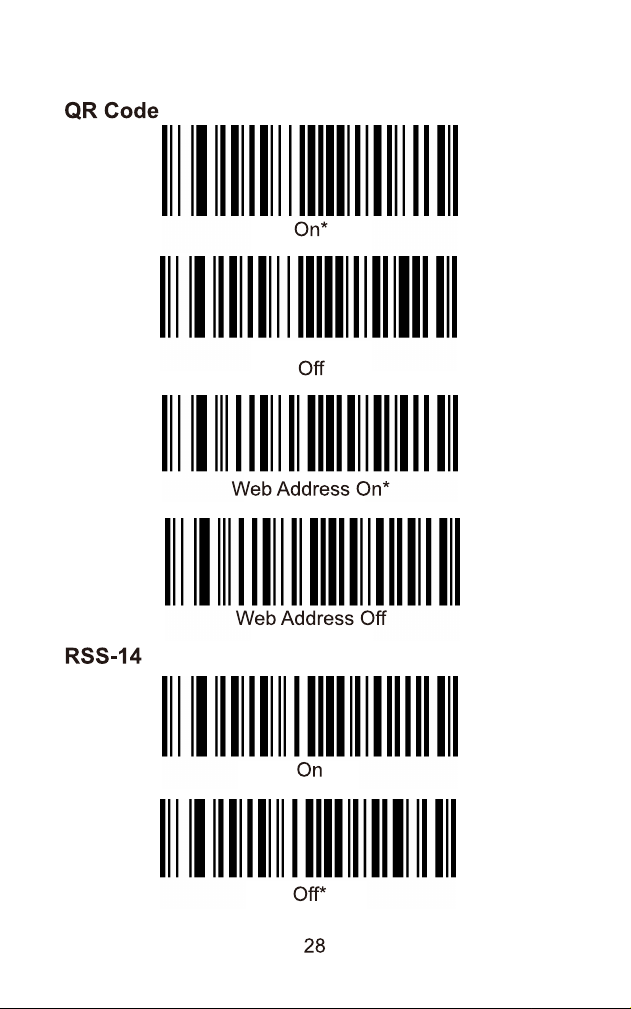
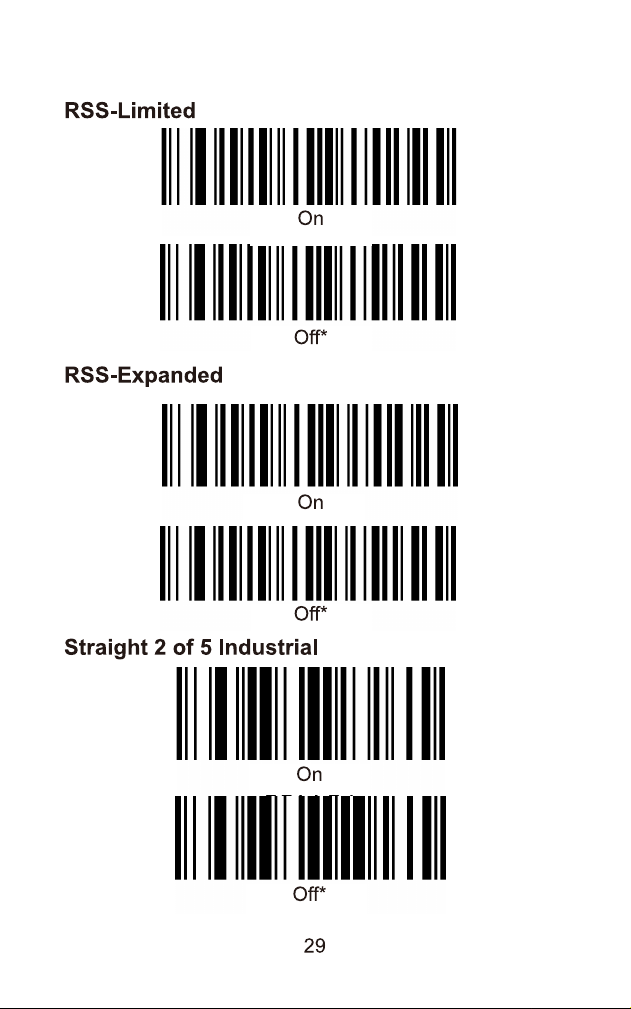
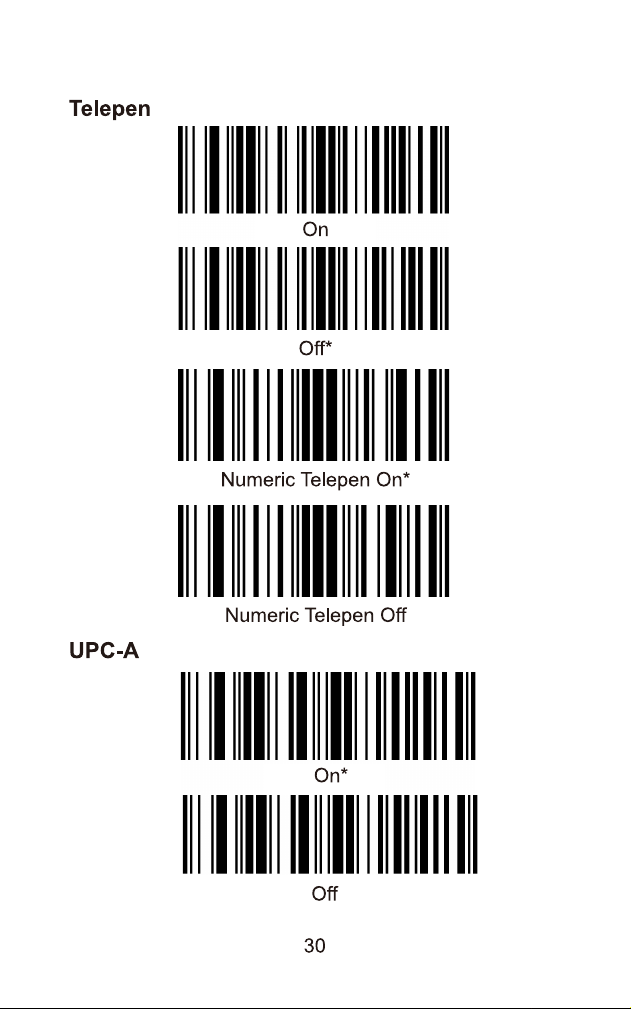
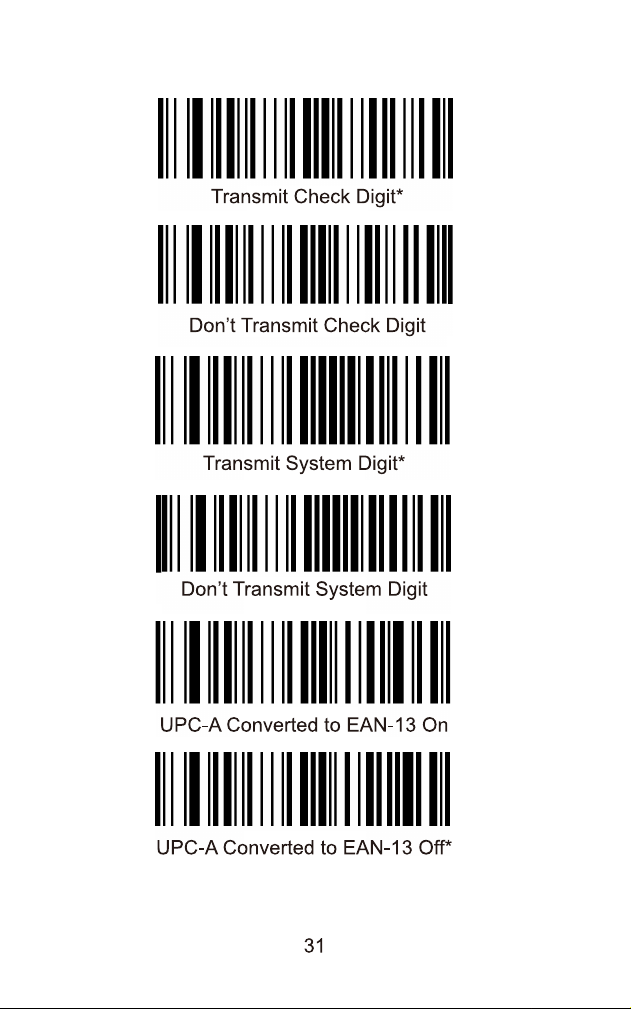
Scan the barcode for 'Factory Default' in the manual to reset the scanner to its original settings.