Timer Mode A - 24 Hour ON/OFF Timer with Custom Scene
Timer A Mode allows a custom lighting scene to turn on and off daily. It’s the perfect
timing schedule for aquariums installed in offices, waiting rooms, restaurants, or public
viewing locations.
Serene’s Custom Scene consists of three programs:
Main Lighting Scene - any Main Lighting Program or Daylight (custom static color)
Background Light Scene - any Background Fade, Custom Color (static) or OFF
Audio Program - any audio program or OFF
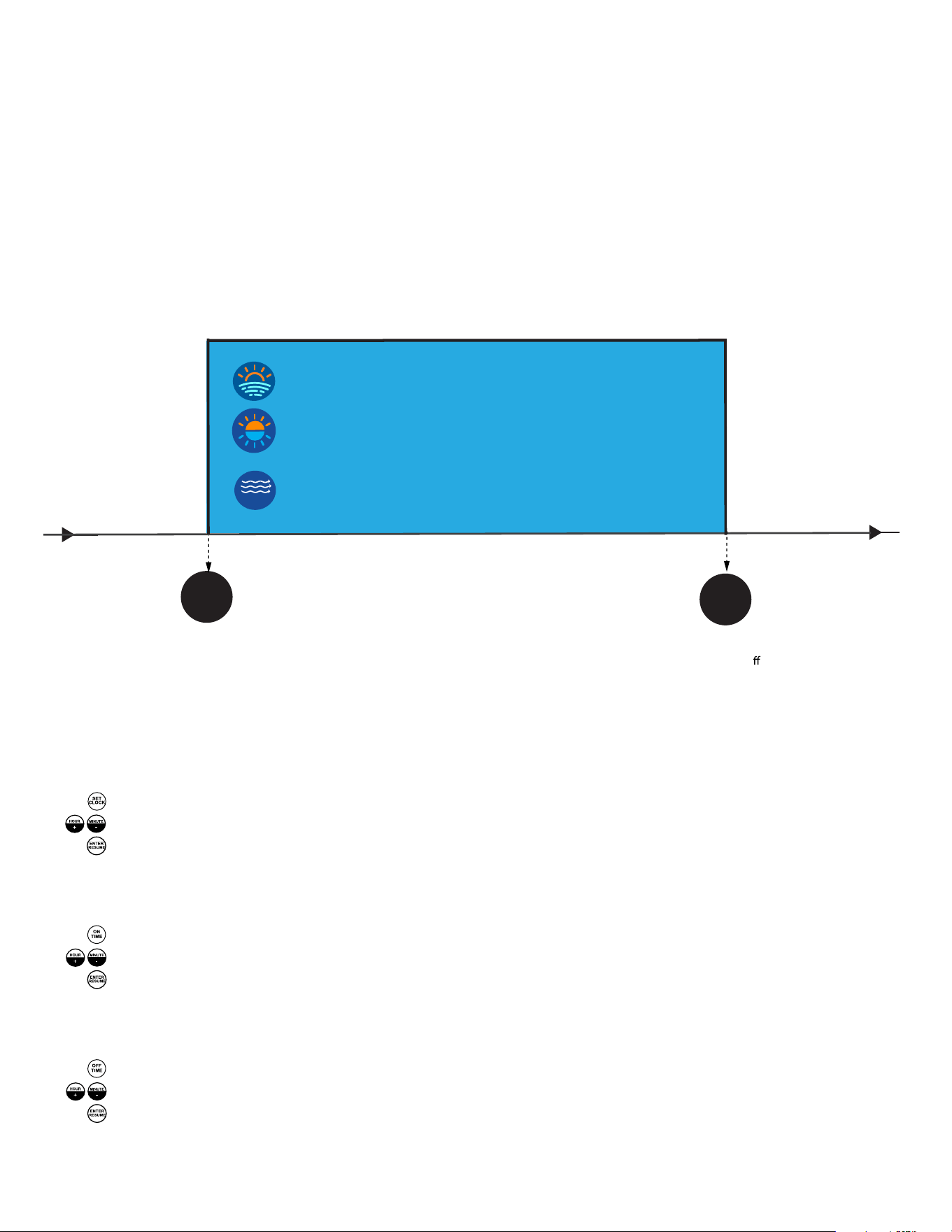
The below diagram shows the default Timer A program installed with Serene:
!"
!##
$%&'
$%&'
!"#$%&
ON TIME: 07:00
(Custom scene turns on at 7:00 am)
OFF TIME: 17:00
(Custom scene turns o at 5:00 pm)
MAIN LIGHT: SUNRAYS Program
BACKGROUND LIGHT: Blue to Orange Fade
(100% Brightness)
AUDIO: Stream (50% Volume)
Programming Instructions:
STEP 1: Programming Clock, Daily ON & OFF Time
a. Setting Clock (Time is in 24:00 Hrs)
1. Press: SET CLOCK - Controller time blinks
2. Press: HOUR+ & MINUTE- until current time of day is displayed
3. Press: ENTER - Controller Displays “Ent”
4. Current time of day in 24:00 hrs. is now saved
b. Setting ON TIME
1. Press: ON TIME - Controller displays:”ON”
2. Press: HOUR+ & MINUTE- until desired ON time is displayed
3. Press: ENTER - Controller Displays “Ent”
4. ON TIME now saved
c. Setting OFF TIME
1. Press: OFF TIME - Controller displays:”OFF”
2. Press: HOUR+ & MINUTE- until desired OFF time is displayed
3. Press: ENTER - Controller Displays “Ent”
4. OFF TIME now saved
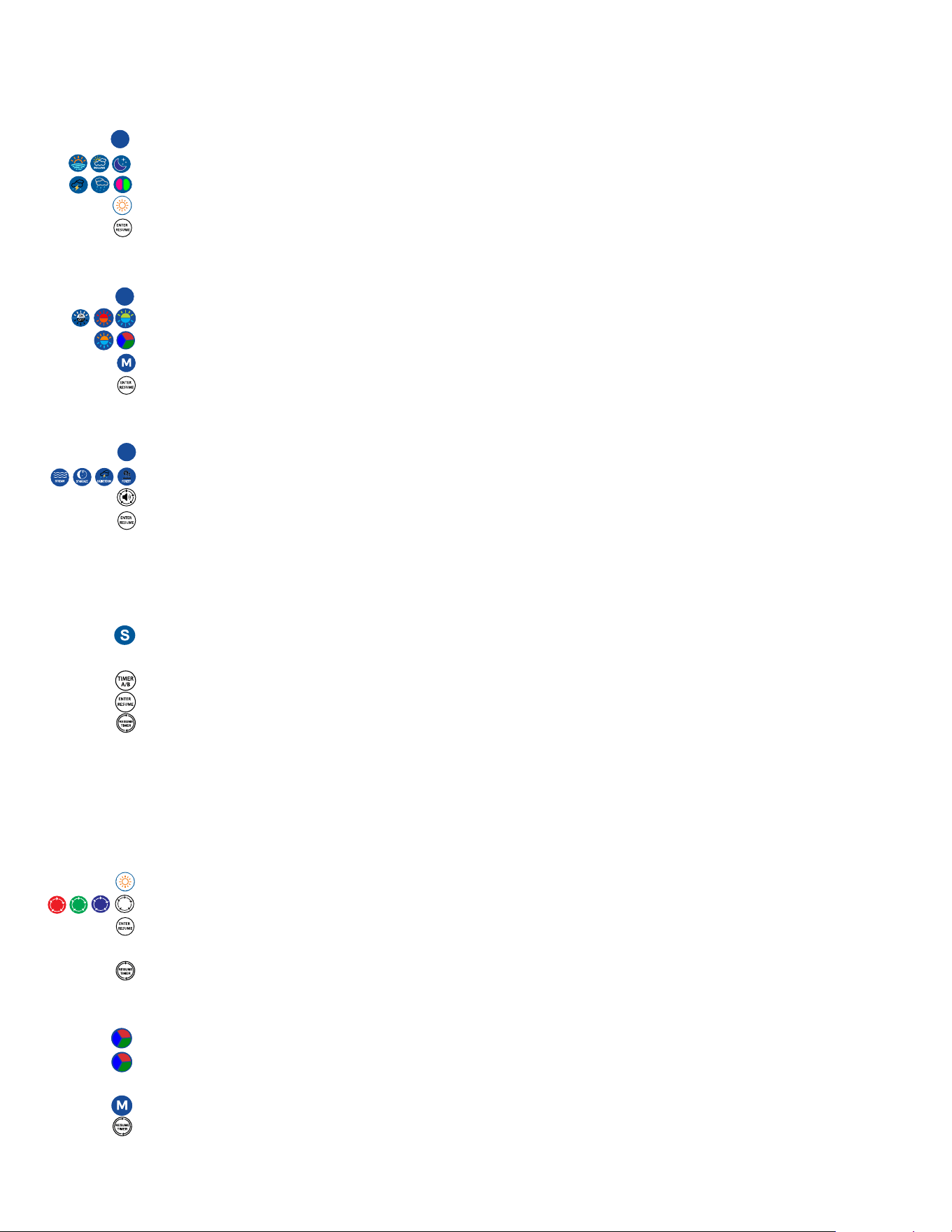
STEP 2: Programming Custom Scene
a. Select a Main Light Program or Color (Fade Program or Static Daylight Color)
1. Press “S”, controller will display “S-CS”
2. Select any Main Lighting Program (Sunrays, Storm, Fluorescent, Rolling Clouds,
Rain, Starry Night) , controller will display “1-P1, 1-P2”, etc...
OR Press DAYLIGHT for a static color*, controller will display “1-L1”. (See below for instructions)
3. Press “ENTER” at bottom of remote, controller will display “Ent”
b. Select a Background Light Fade or Color (Fade Program, Static Color or OFF)
1. Press “S”, controller will display “S-CS”
2. Select any of the four background fade programs (Blue-Orange Fade,
Blue-Green Fade, Orange-Red Fade, RGB Fade or OFF), display reads “b-01, b-02)....
OR Program a Static Color M* (See below)
3. Press “ENTER” at bottom of remote, controller will display “Ent”
c. Selecting Audio Program & Volume
1. Press “S”, controller will display “S-CS”
2. Select any audio program (Stream, Stargaze, Rainstorm, Forest), display reads, “1-S1”...
adjust volume. (To turn audio off, press Volume key until display reads “U-0”)
3. Press “ENTER” at bottom of remote, controller will display “Ent”
*Note: when display reads “ESC”, it confirms no changes have been made Custom Scene.
STEP 3: Setting Timer A Mode
1. Press “S”, display will read “S-CS” then “ESC”, confirm your selected Custom Scene is
running.
2. Press the TIMER A/B key until display reads “t-A”
3. Press ENTER to save, display will read “Ent”
4. Press “RESUME” on remote to put Serene into Timer A 24 Hour mode
**Note: Feel free to use any of Serene’s on-demand programs and enjoy. To put Serene
back into Timer A Mode, simply press “RESUME”.
ADDITIONAL PROGRAMMING
To program a custom Daylight Main Light Color
1. Press Daylight key, controller will display “L1”
2. Adjust color spectrum by using the RGBW keys
3. When desired color spectrum is displayed, press “ENTER”
4. Controller will display “S1”, light will blink.
5. Press “RESUME” to go back into timer mode.
To program a Custom Static Background Color (M)
1. Press the RGB FADE key, background colors will fade, controller displays “b-03”.
2. When the desired color is displayed, press the RGB FADE key again to
pause.
3. Press and hold the “M” key for 5 seconds, display will read “b-SC”
4. Press “RESUME” to go back into timer mode.
S
S
S