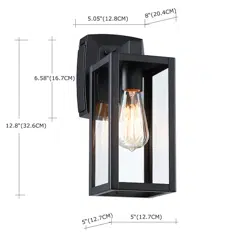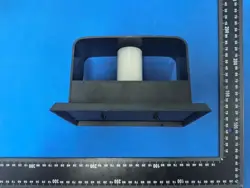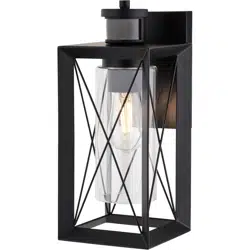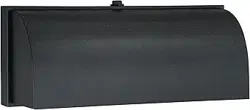
Bulb
(not included)
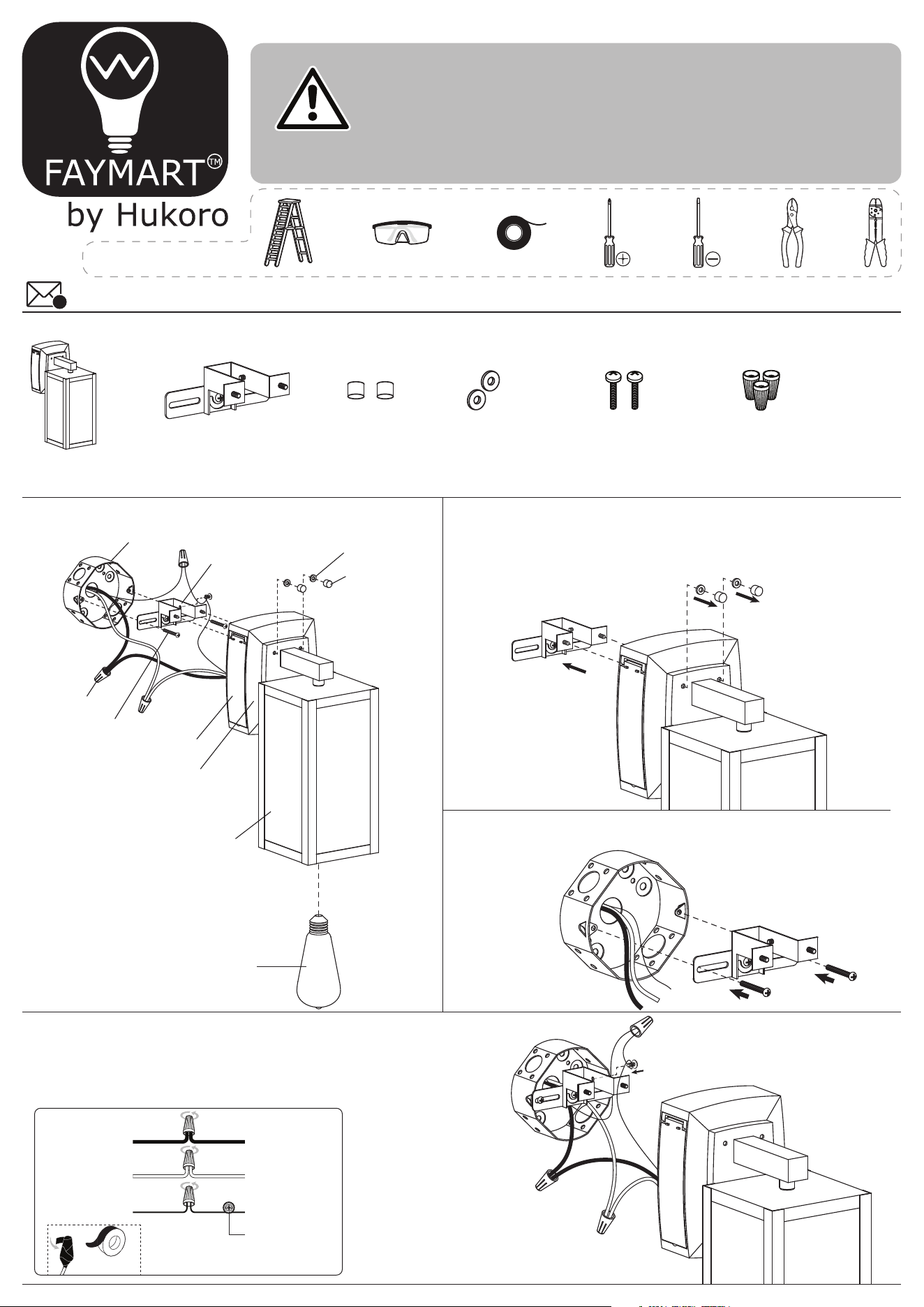
EXPLODED PARTS INSTALLATION
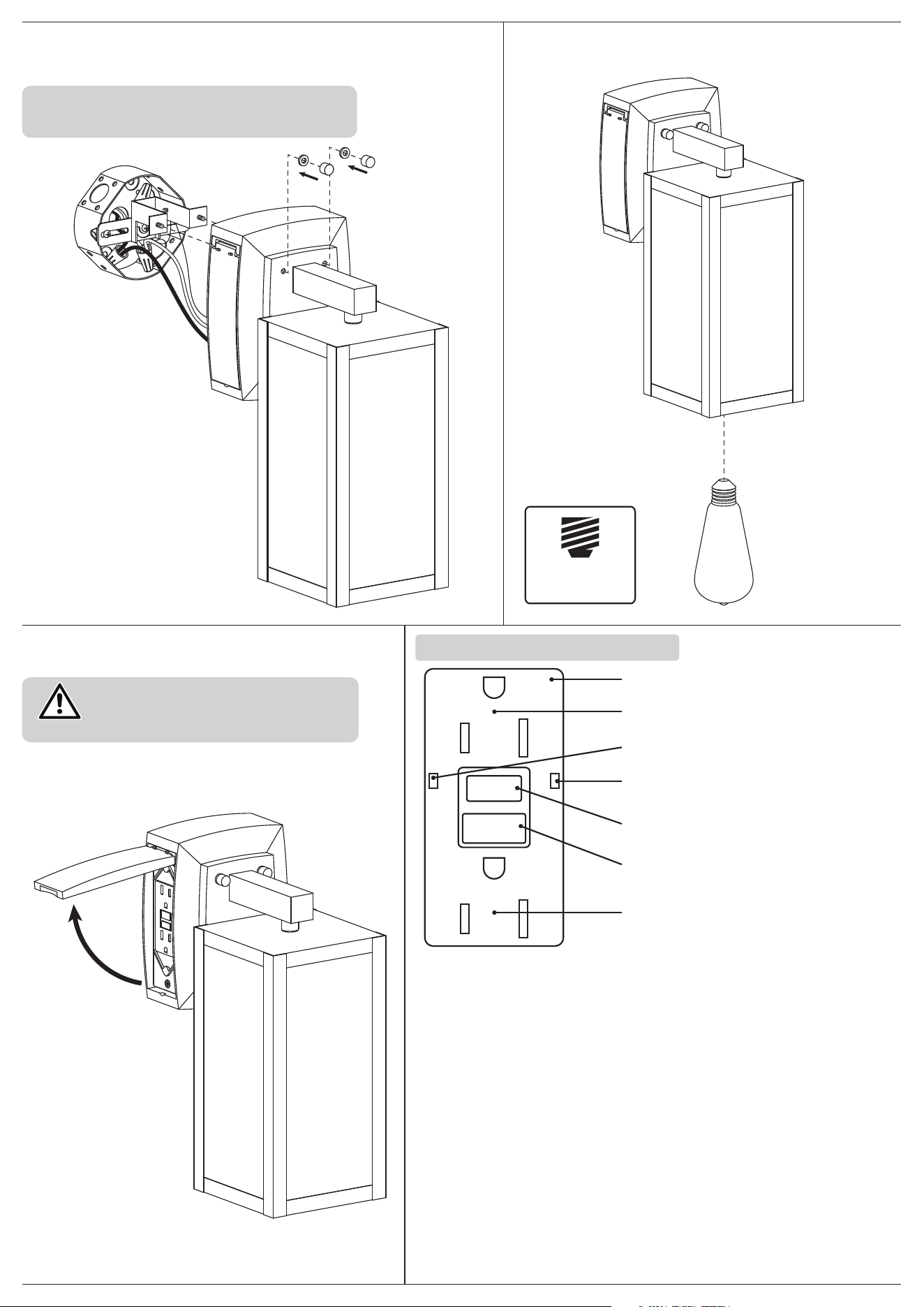
STEP 1
Unscrew the ball nuts, and remove the rubber rings.
Detach the mounting unit from the back side of the canopy.
STEP 2
Attach the mounting unit to the junction box (not included) using
mounting screws.
Fixture
Rubber Ring
Ball Nuts
Mounting Screws
Junction Box (not included)
Wire Nuts
Fixture Mounting Unit
Mounting Unit
Ball Nuts
Rubber Rings Mounting Screws Wire Nuts
GFCI
Canopy
STEP 3
Make the electrical connection from the junction box (not included) to the
fixture. Connect the ground wire to the mounting unit using the preinstalled
green ground screw. Next, connect the live wire, neutral wire and ground wires
with the supplied wire nuts. Secure with electrical tape.
CAUTION
Inspect the wire insulation for any cuts, abrasions or exposed
copper that may have resulted during shipping. If there is a
defect in the wire, do not attempt installation.
Before starting installation of this fixture or removal of a
previous fixture, disconnect the power by turning o the
circuit breaker or by removing the fuse at the fuse box.
ASSEMBLY INSTRUCTIONS
If you need further assistance, please contact us by Email: [email protected]
@
* PARTS SHOWN MAY DIFFER SLIGHTLY PER LIGHT FIXTURE
HARDWARE INCLUDED
TOOLS REQUIRED
White wire from
the fixture
Ground wire from
the Fixture
Black wire from
the fixture
Bare or Green ground wire
from the junction box
*Green Ground Screw
Black or Red wire
(live wire)
from the junction box
White wire
(neutral wire)
from the junction box
*Sealing tape
(not included)
STEP 5
Install bulb (not included).
STEP 6
Turn on the power and check operation.
Attach the fixture to the mounting unit through screw holes
as shown, and secure it with rubber rings and ball nuts.
STEP 4
NOTICE: After the installation, caulk upper and two sides of
the mounting surface. Leave bottom uncaulked for drainage
of any water that might have seeped into the canopy.
*junction box
(not included)
WARNING
In order to avoid water accumulation in
GFCI box on rainy days, always keep the
GFCI box closed.
OPERATING INSTRUCTIONS
GFCI
OUTLET
TEST
RED LIGHT-LIFE-END ALARM
AMPOULE ROUGR-FIN D'ALARME
SEE INSTRUCTIONS-TEST MONTHLY
SUIVEZINSTRUCTIONS-TEST MENSUEL
RESET
RESET
TEST
Press the TEST button to test the device, which will stop the flow
of electricity, and the RESET button will pop out.
Press the RESET button fully to restore the power, the green indicator
LED will be on.
The GFCI includes an end-of-life monitoring function, Once the GFCI
been correctly wired and powered, the red Led will flash one time
within 5 Secs, and the internal self-testing circuit will operate
every 1~10 minutes. When the GFCI display an alarm during its operation,
the Red light will turn on immediately, and it will no longer provide a ground
fault circuit protection, reminding the user that the GFCI is end of life and
must be replaced.
Press the TEST button (then RESET button) monthly to ensure a proper
operation, if the Green LED goes o when tripped, it means that the GFCI
can still oer a ground fault circuit protection.
RED LIGHT-LIFEEND ALARM (Red)
INDICATOR LIGHT (Green)
TEST BUTTON
TEST BUTTON
RESET BUTTON
END-OF-LIFE MONITORING FUNCTION
ADDITIONAL NOTE
RESET BUTTON
OUTLET
BULB BASE TYPE
Medium (E26)