
VIOS - MAC - 2023 - 001
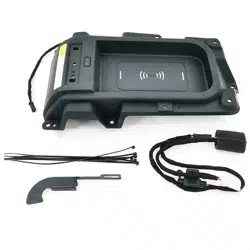
WIRELESS CHARGER
OWNERS MANUAL
Please read this manual for proper operation and keep it for future reference.
Warning
Product Description
User Instruction
Precaution
Notice
Please read this manual for proper operation and keep it for future reference.
4.0
4
5.0
5
1.0
1
2.0
2
3.0
3
VIOS - MAC - 2023 - 001
TABLE OF CONTENTS
WIRELESS CHARGER
Section
Title
Page
When charging a portable device while driving, for safety reasons,
the driver should not operate the portable device.
People with implantable cardiac pacemakers, cardiac resynchronization
therapy pacemakers or implantable cardioverter defibrillators, as well as
any other electrical medical device, should consult their physician about the
usage of the wireless charger. Operations of the wireless charger may have
an affect on medical devices.
Observe the following precautions. Failure to do so may result in the
possibility of fire, equipment failure or damage, or burns due to heat.
•Do not put any metallic object between the charging area and the portable
device while charging.
•Do not attach metallic objects, such as aluminium stickers, to the charging
area.
•Do not cover the wireless charger with a cloth or other object while charging.
•Do not attempt to charge portable devices which are not compatible with the
Qi wireless charging standard.
•Do not disassemble, modify or remove the wireless charger.
•Do not apply force or impact to the wireless charger.
Please read this manual for proper operation and keep it for future reference.
1/5
VIOS - MAC - 2023 - 001
SECTION 1.0
Warning
!
!
!
•
A portable device, such as a smartphone or mobile battery, can be charged
by just placing it on the charging area, provided the device is compatible with
the Qi wireless charging standard created by the Wireless Power Consortium.
The Wireless Charger (WLC) cannot be used with a portable device that
is larger than the charging area. Additionally, depending on the portable device,
the wireless charger may not operate properly.
Over Temperature
Over Load
Short Circuit
2/5
Yes
Operating frequency
Support Android Fast Charging
Support iOS Fast Charging
Protection
Table2.0: Specification
Foreign Object Detection
VIOS - MAC - 2023 - 001
SECTION 2.0
Product Description
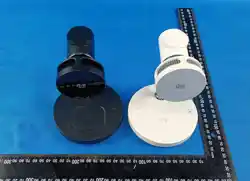
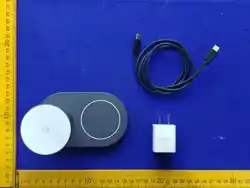
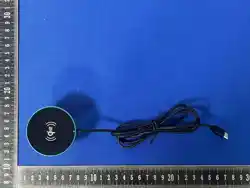
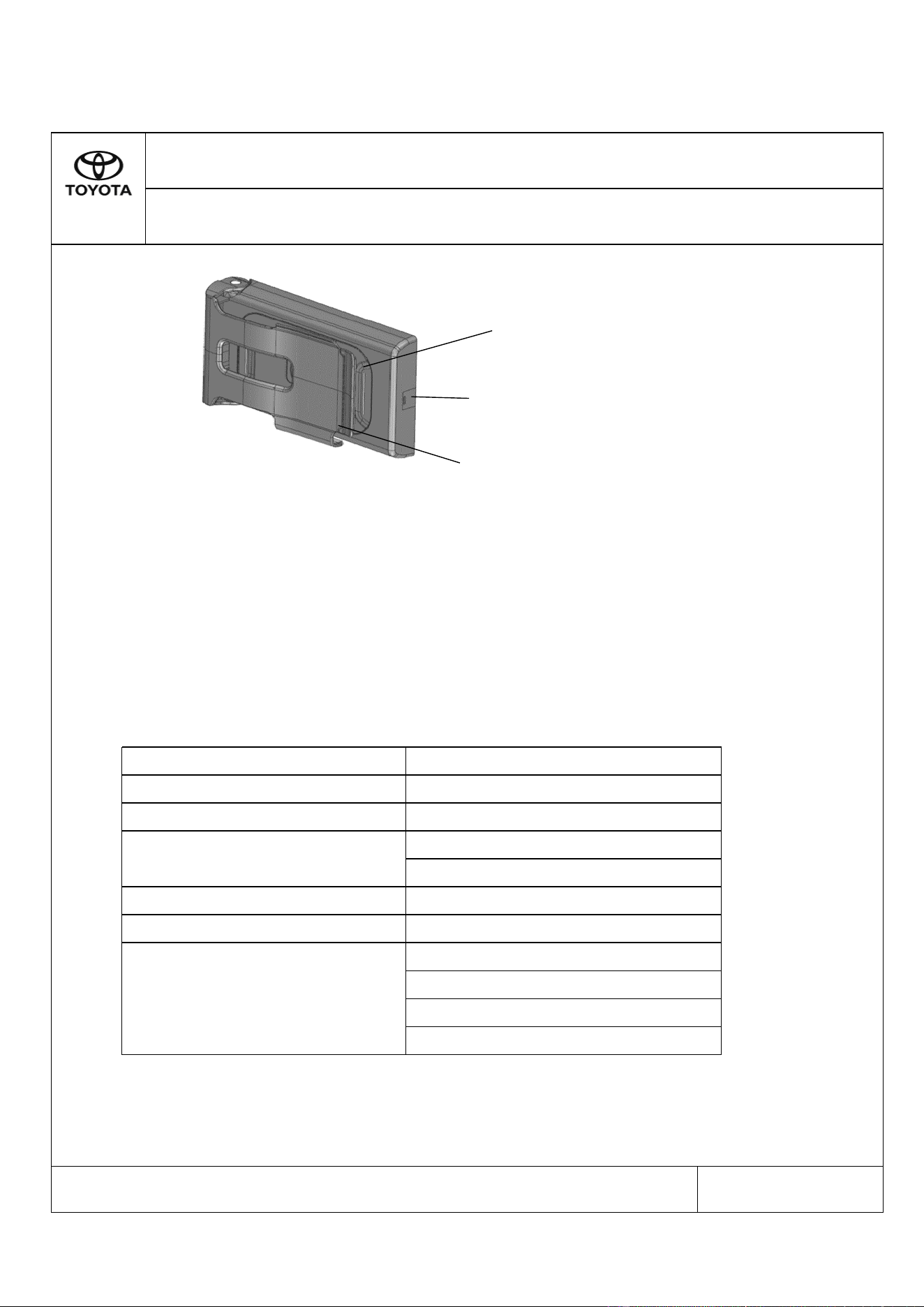
Figure 2.0: Wireless Charger
Please read this manual for proper operation and keep it for future reference.
Input Voltage
DC9V~16V
Maximum Output Current
Maximum Output Power
Max 2.0A
Max 15W
120kHz – 127kHz (With load)
80kHz – 150kHz (Without load)
Yes
LED Indicator
Charge Pad
Clamp
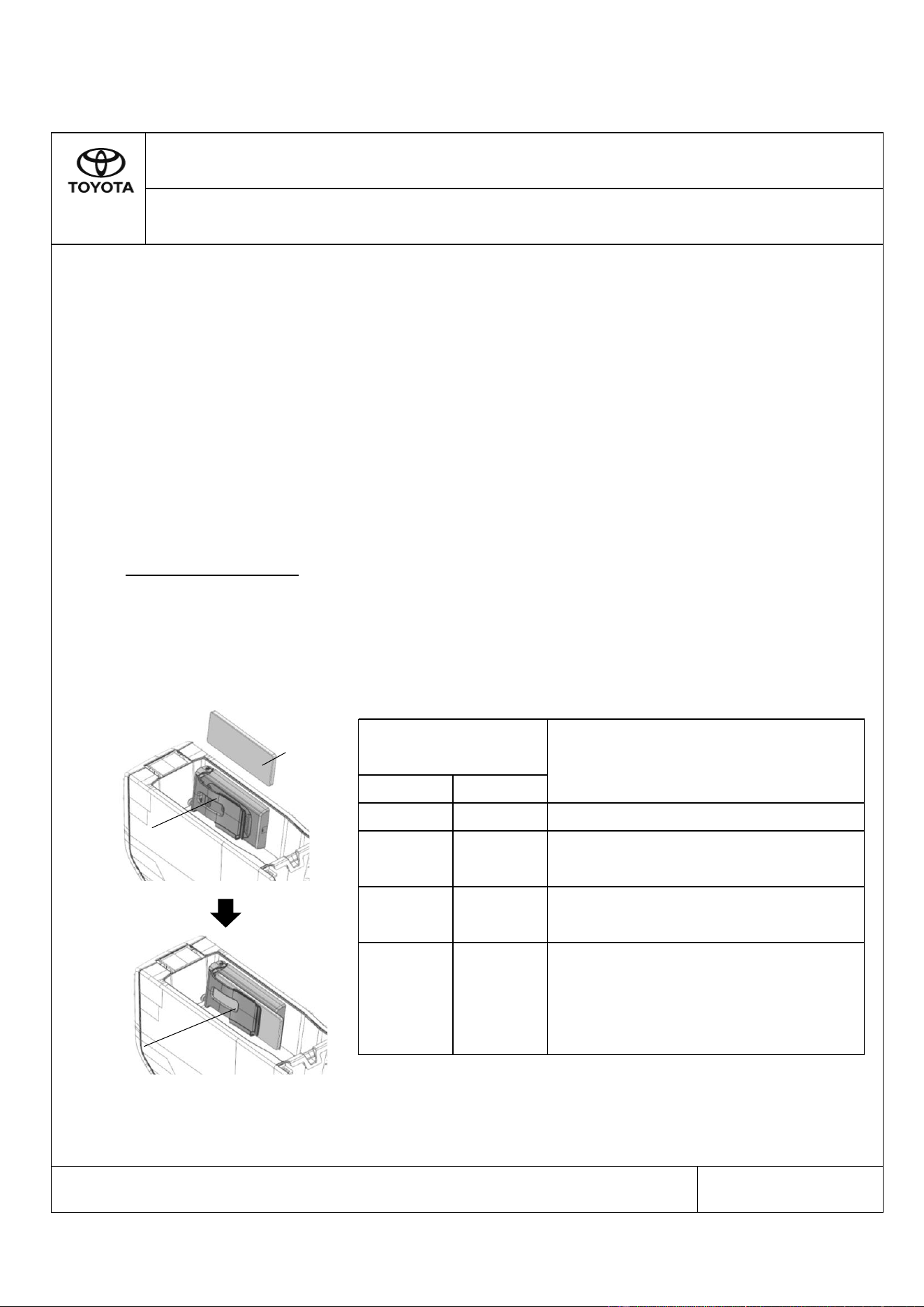
i- The WLC will automatically turn ON after 4 seconds when the car ignition is on
and all the doors are closed. The LED charging indicator will turn Green during
Standby mode.
ii- Slip the portable device into the WLC clamp opening and make sure it is aligned
properly to the center of the charging pad.
iii- The LED Charging indicator light will change to Amber once the charging begins.
After the charging is complete, the Amber light will change to Green.
Recharging function
• If a certain amount of time has elapsed since charging completed and the portable
device has not been moved, the wireless charger will restart charging.
• If the portable device is moved within the charging area, charging will stop
temporarily then restart
Light up
Green
- WLC system is On (Standby Mode)
- Charging is complete
SECTION 3.0
User Instruction
Figure 3.0: Console Box area
LED Charging
indicator
Pattern
Color
No light up
-
Status
- WLC system is Off
Light up
Amber
Blinks
Amber
- Portable device is placed on the WLC
& charging
Please read this manual for proper operation and keep it for future reference.
3/5
- Detect foreign object by the WLC
- Portable device has gap with the WLC
- Portable device is not placed correctly
on the WLC
- Temperature of the WLC is too high
Table 3.0: Operational Indicator
VIOS - MAC - 2023 - 001
WLC
clamp
opening
Portable
device
Portable
device
insert to the
WLC
• Always remove foreign objects from the charge pad before charging the portable
device.
• Be sure the surface of charge pad is clear of dust and other debris before charging.
• Do not spill liquids (i. e. water, drinks, etc.) on the WLC
• Do not use oil, grease, alcohol, benzine or thinner to clean the charge pad.
• Do not cover the WLC with towel, cloth, or other objects while charging.
• Avoid spraying aerosols which may come in contact with the charge pad surface.
• Do not charge a portable device if a cover or accessory which is not Qi compatible
is attached. Depending on the type of cover and/or accessory attached, it may not be
possible to charge the portable device. If the portable device is placed on the
charging area and does not charge, remove the cover and/or accessories.
• While charging, the wireless charger and the portable device will become warm.
This is not a malfunction. If a portable device becomes warm while charging and
charging stops due to the protection function of the portable device, wait until the
portable device cools down and charge it again.
VIOS - MAC - 2023 - 001
SECTION 4.0
Precaution
Please read this manual for proper operation and keep it for future reference.
4/5
• Charging will be suspended temporarily when FR Door or Luggage Door is opened.
Charging will resume after the door is closed.
• Portable devices compatible with the Qi wireless charging standard can be charged
by the wireless charger. However, compatibility with all devices which meet the
Qi wireless charging standard is not guaranteed.
• In the following situations, the wireless charger may not operate correctly:
- When a portable device is fully charged
- When there is a foreign object between the charging area and portable device
- When a portable device becomes hot while charging
- When a portable device is placed on the wireless area with its charging surface
facing up
- When a portable device is not centred on the charging area
- When the vehicle is near a TV tower, electric power plant, gas station,
radio station, large display, airport or other facility that generates strong
radio waves or electrical noise
- When the portable device is in contact with, or is covered by any of the
following metallic objects:
* Cards to which aluminium foil is attached
* Cigarette boxes that have aluminium foil inside
* Metallic wallets or bags
* Coins
* Metal hand warmers
* Media such as CDs and DVDs
VIOS - MAC - 2023 - 001
SECTION 5.0
Notice
Please read this manual for proper operation and keep it for future reference.
5/5