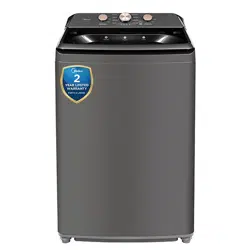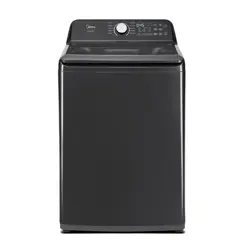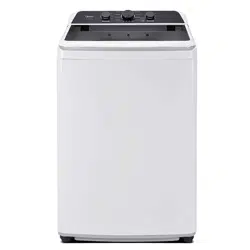
MODEL MUMBERS
MLTW47A5BWW
MLTW47A5BGG
ww
w.midea/ca
2
4
8
0
2
4
2
4
7
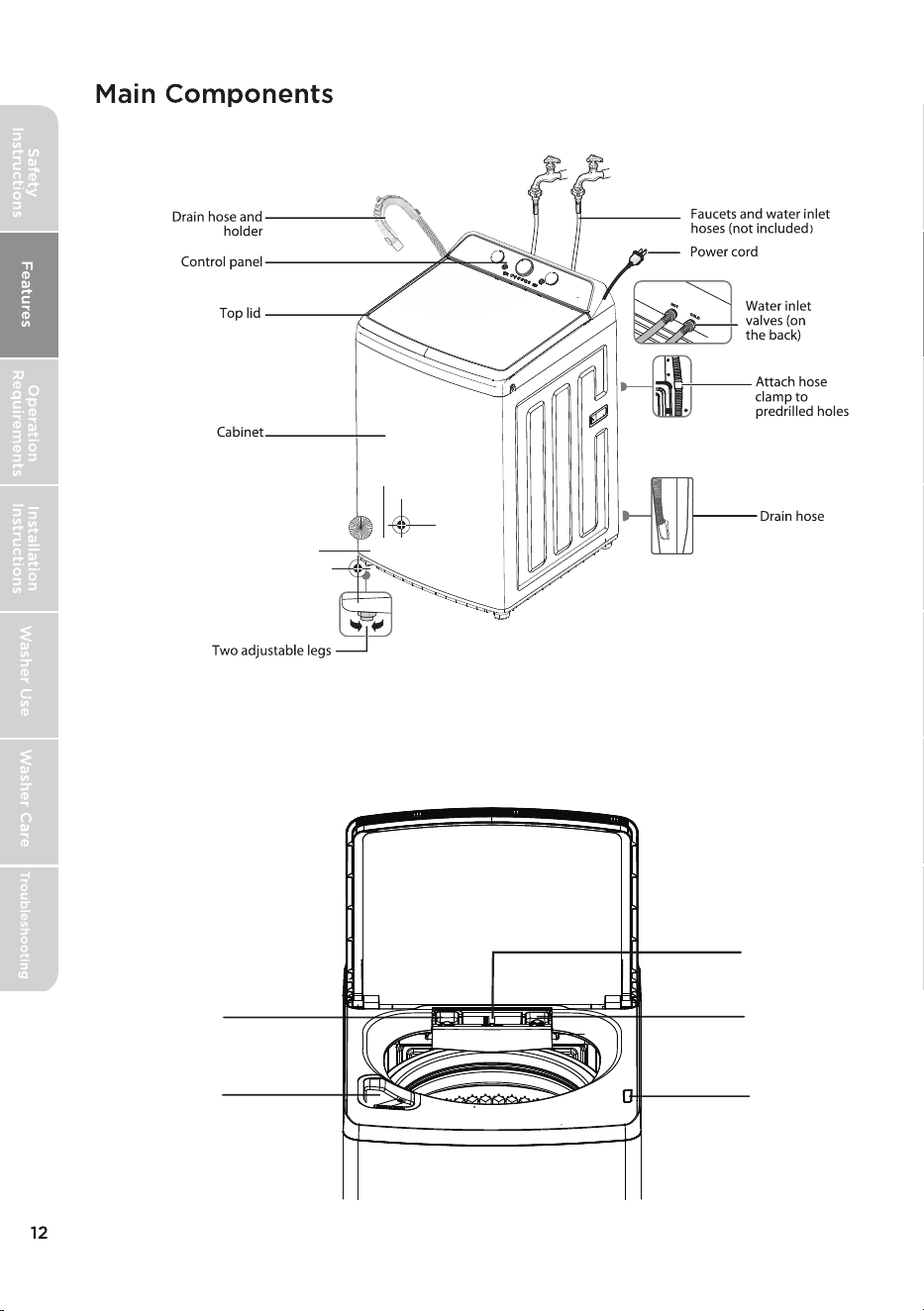
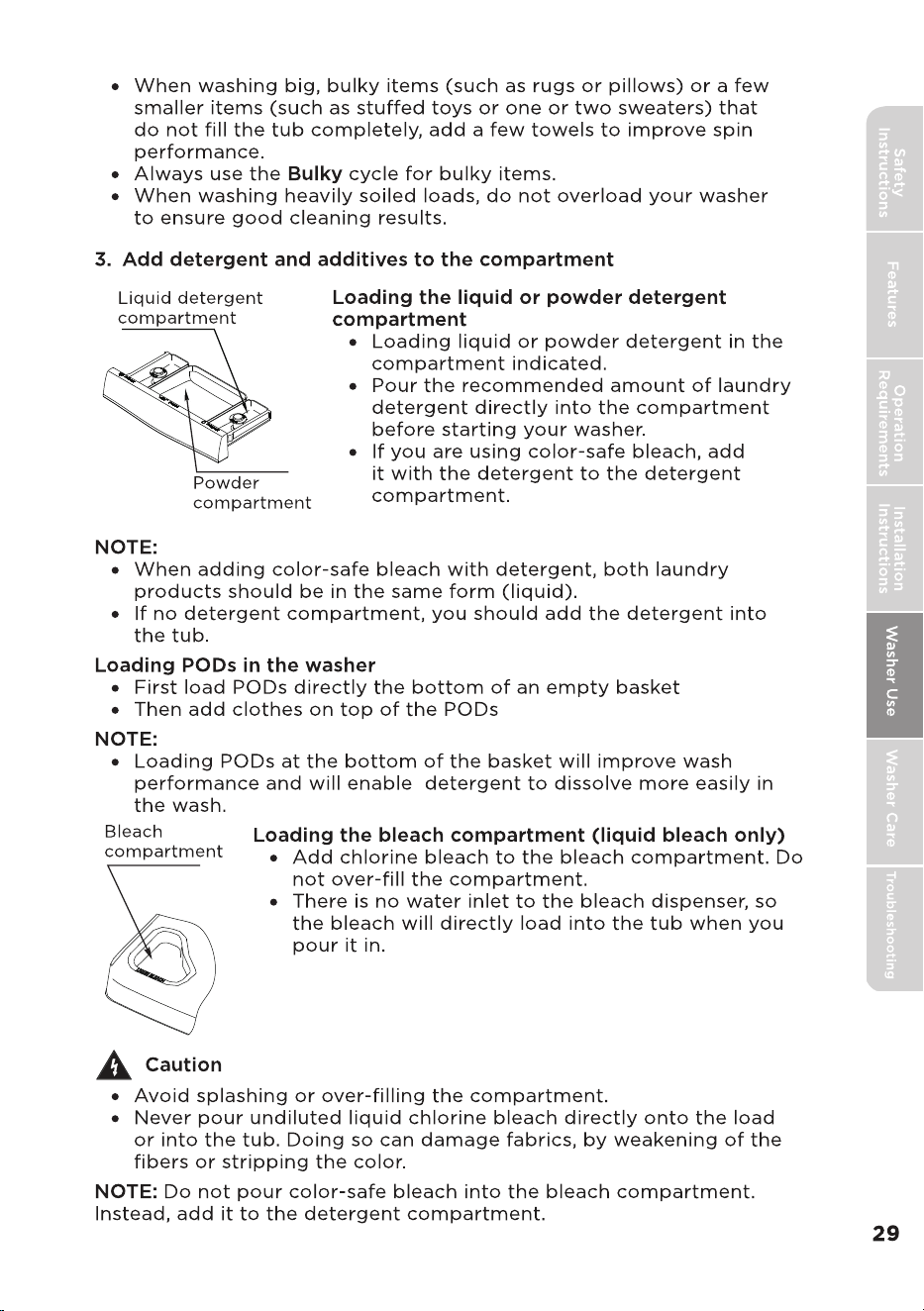
Fabric softener
compartment
Detergent
compartment
Bleach
compartment
lid lock
Powder
compartment
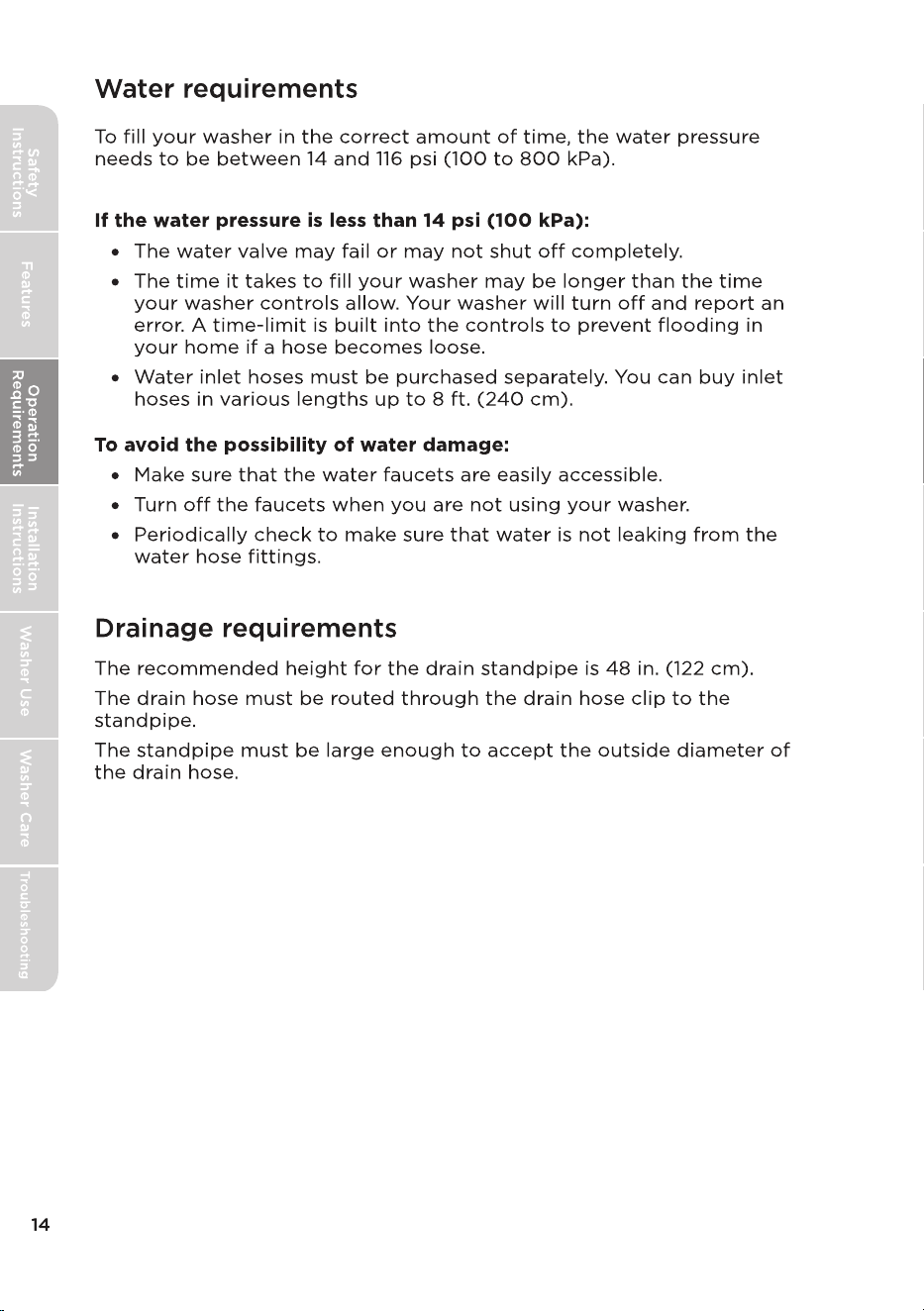
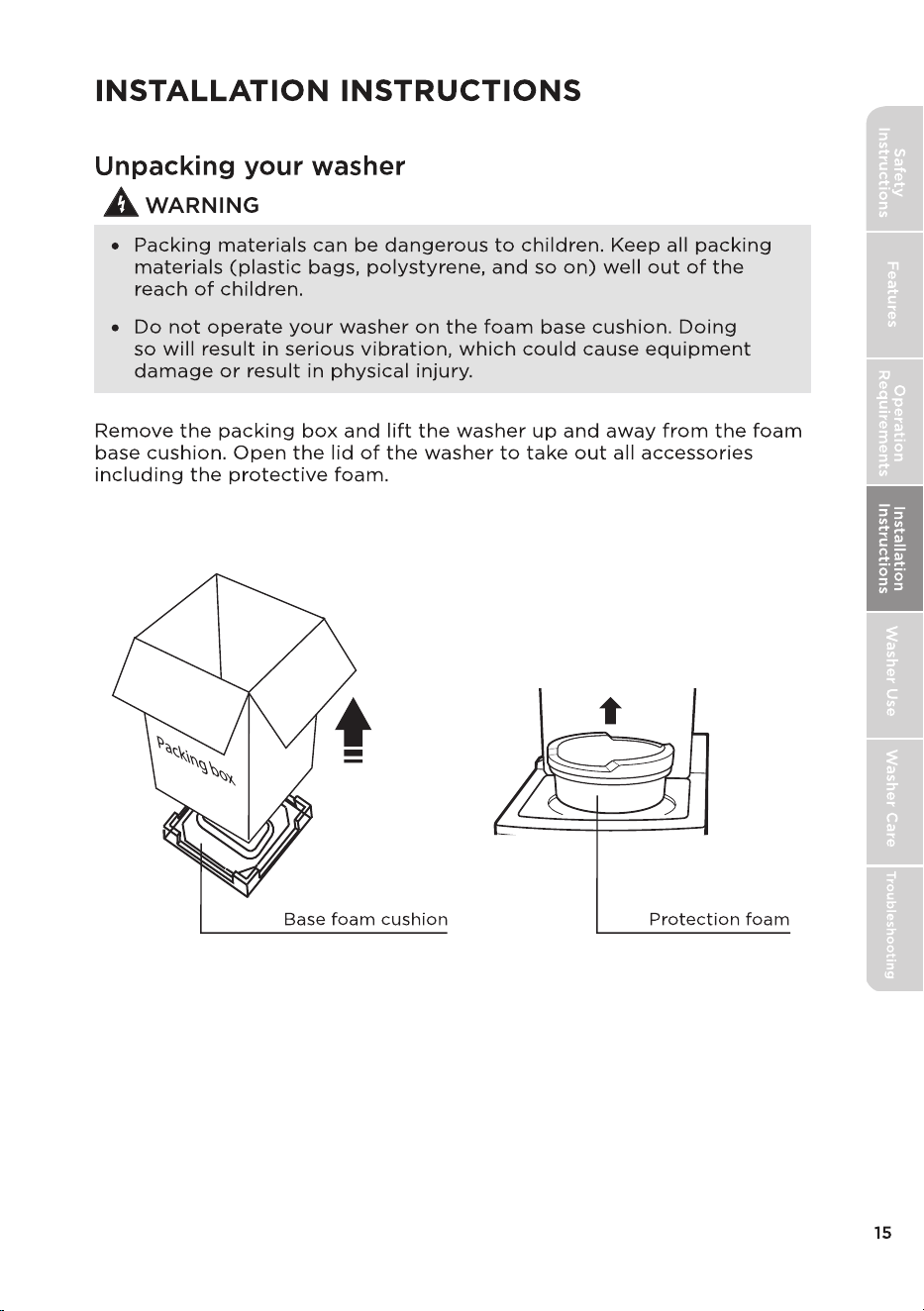
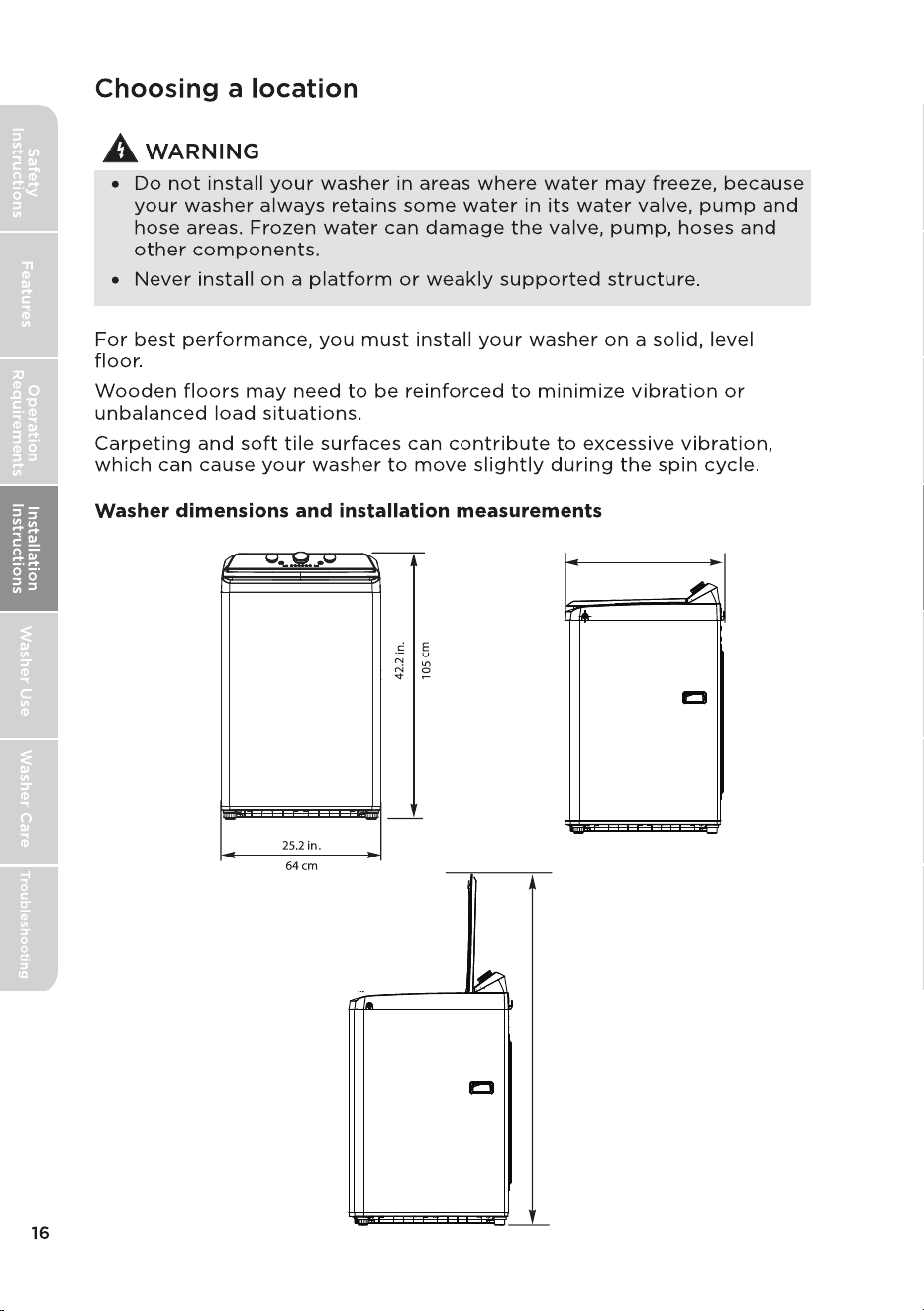
27 in.
68.4 cm
58in.
147 cm
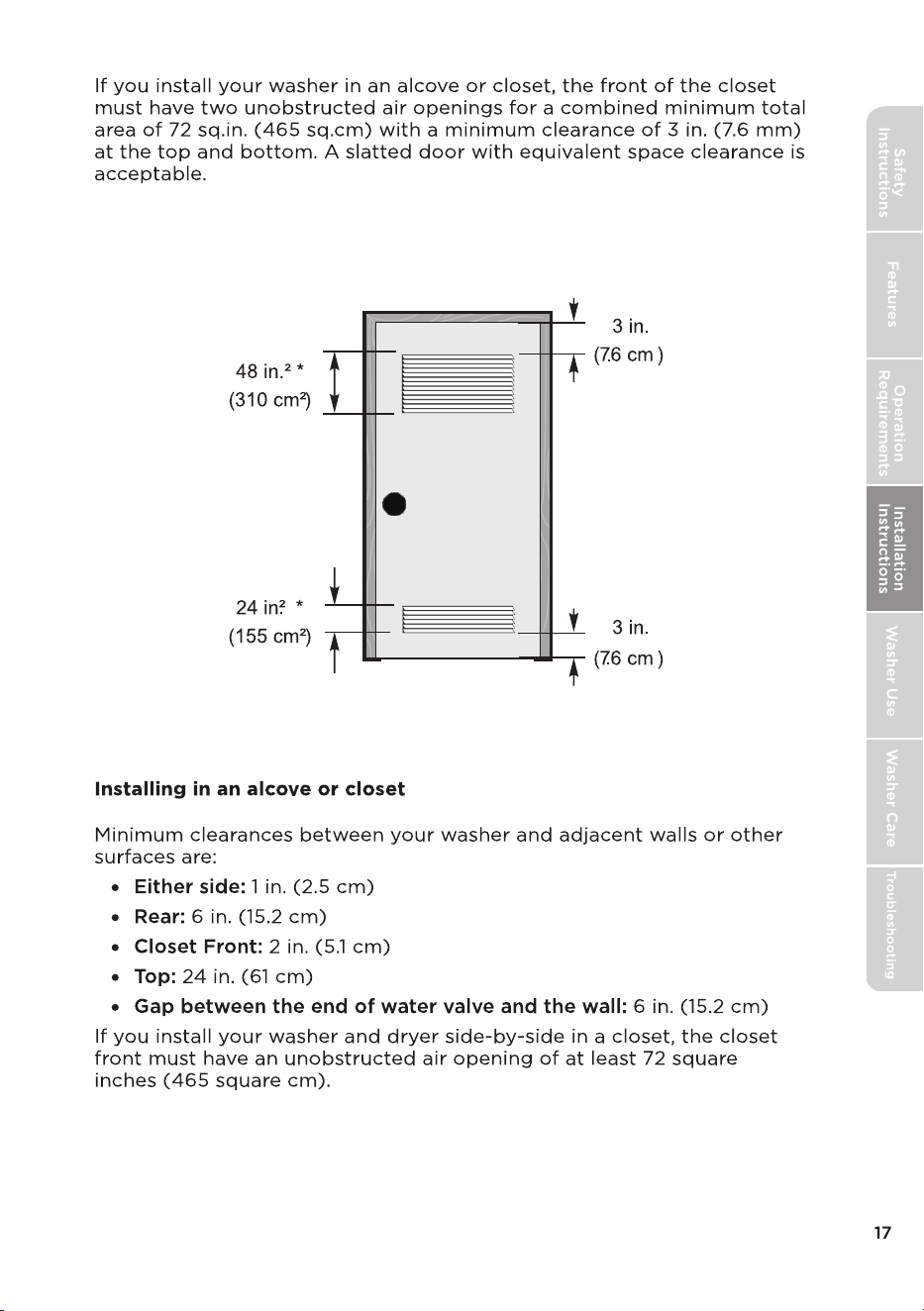
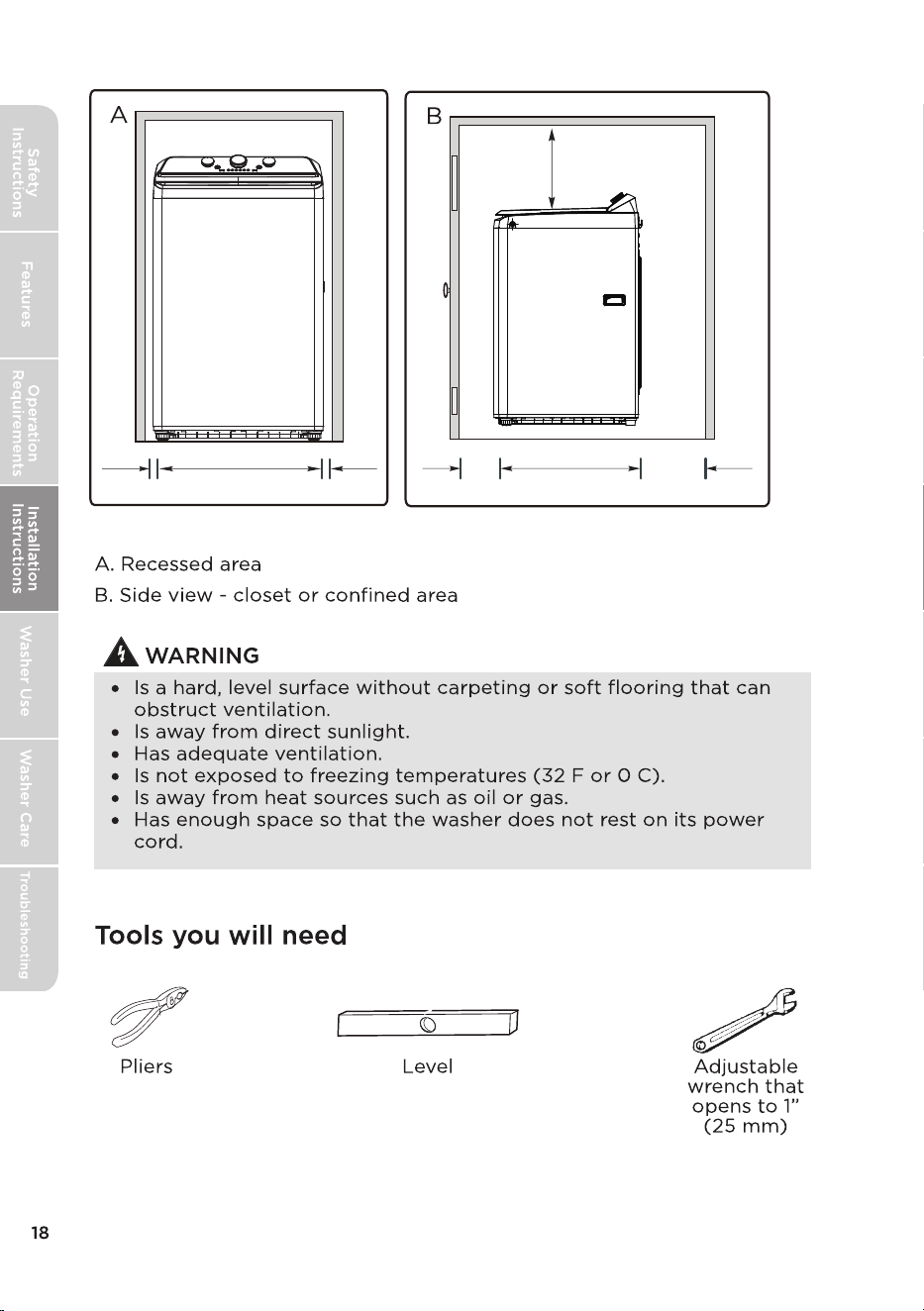
1 in.
25.2 in. (64 cm)
1 in.
2.5 cm
2.5 cm
2 in.
5.1 cm
27 in. (68.4 cm)
6 in.
24 in.
61 cm
(15.2 cm)
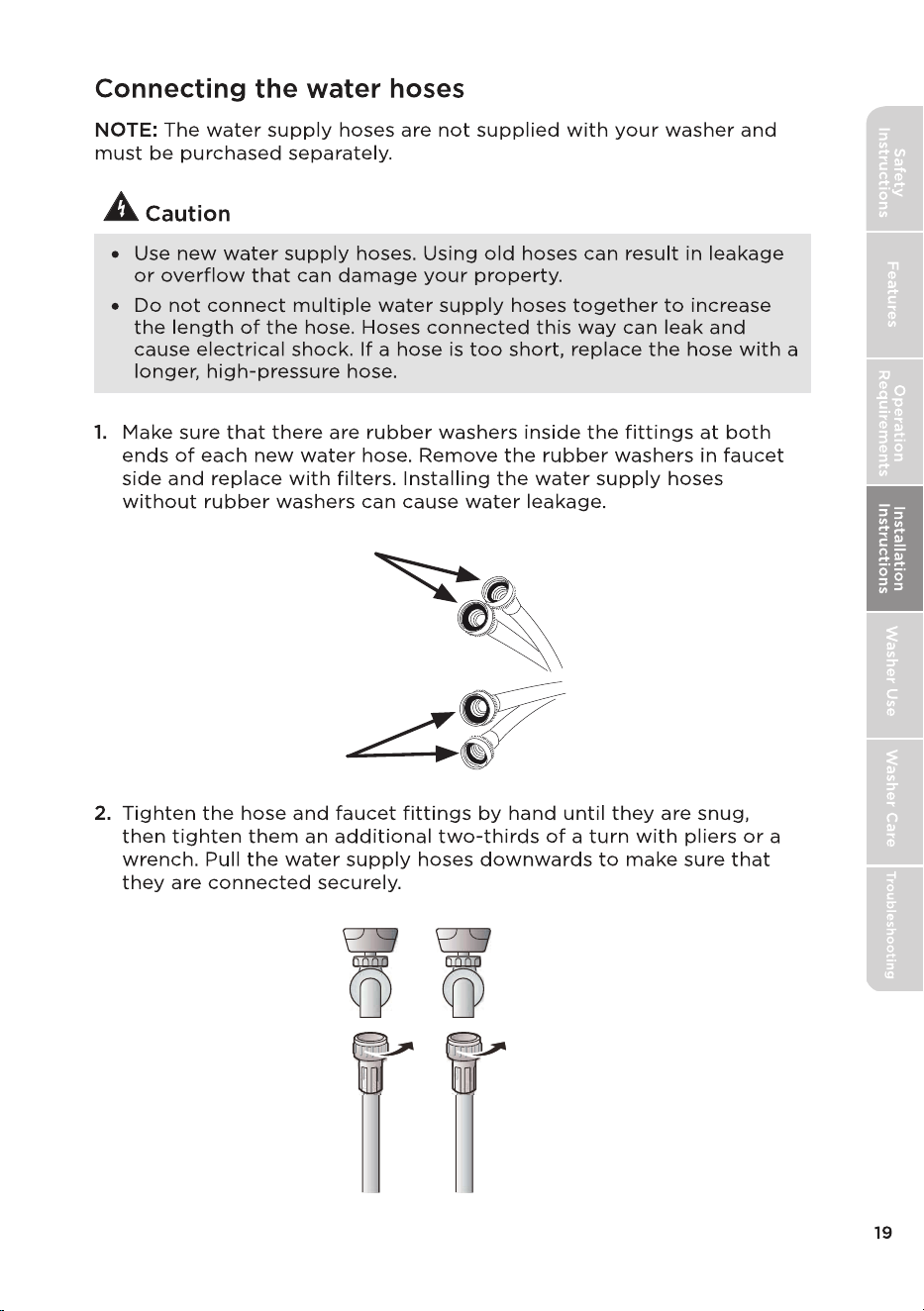
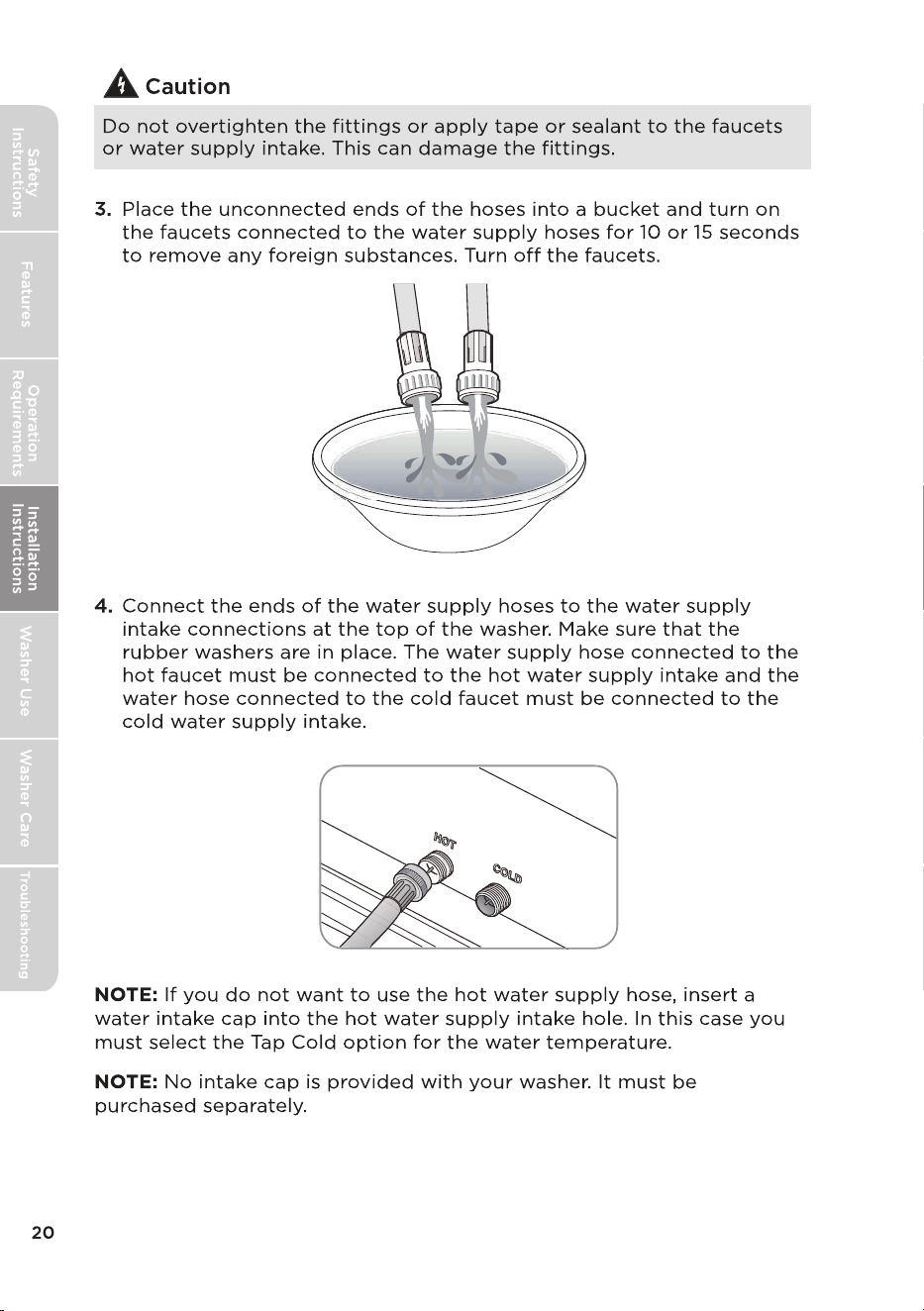
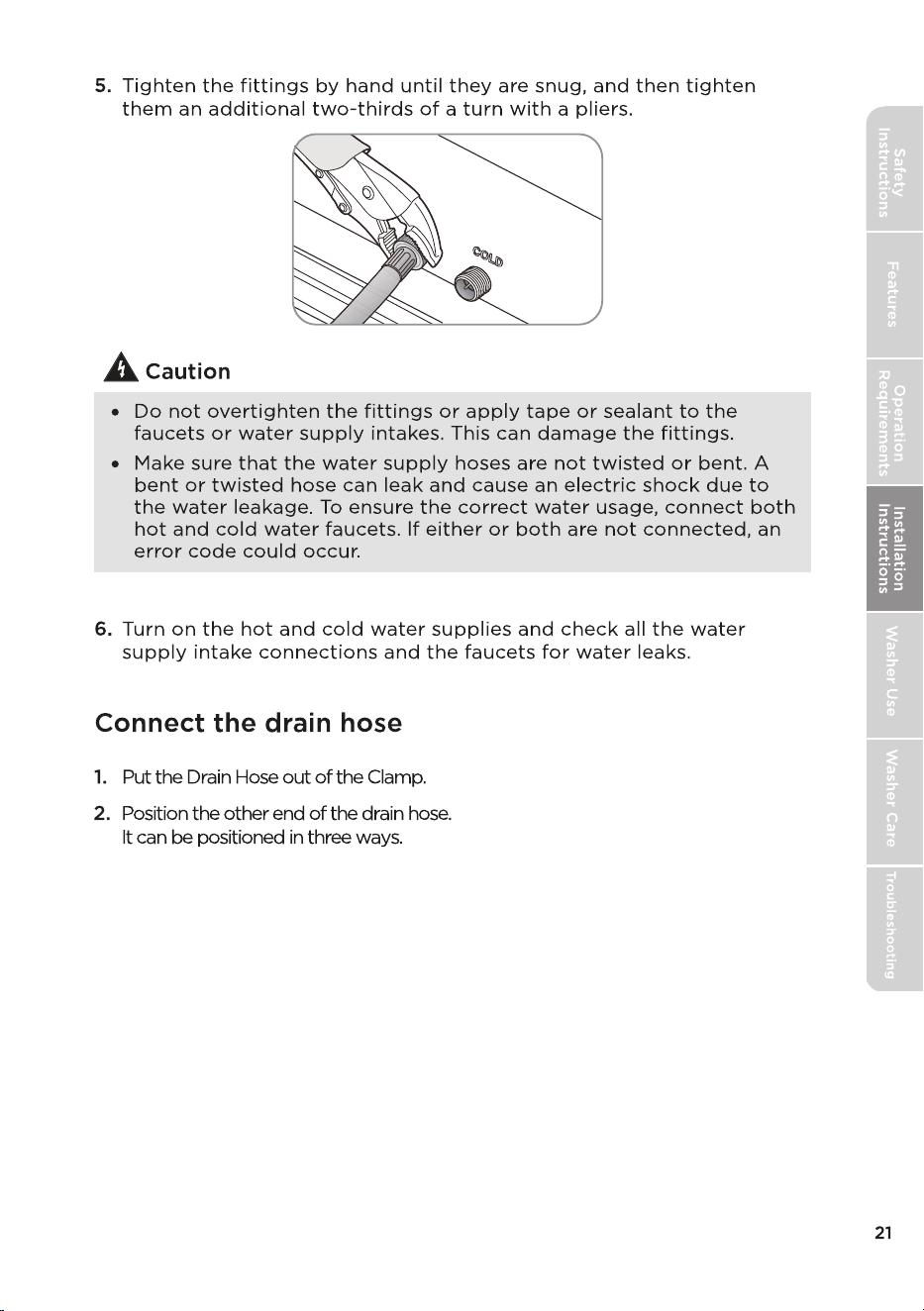
Leveling circle
Washer is level - the
water touches the
leveling circle all the
way around.
Washer not level - the
water does not touch
the leveling circle all
the way around.
3
2
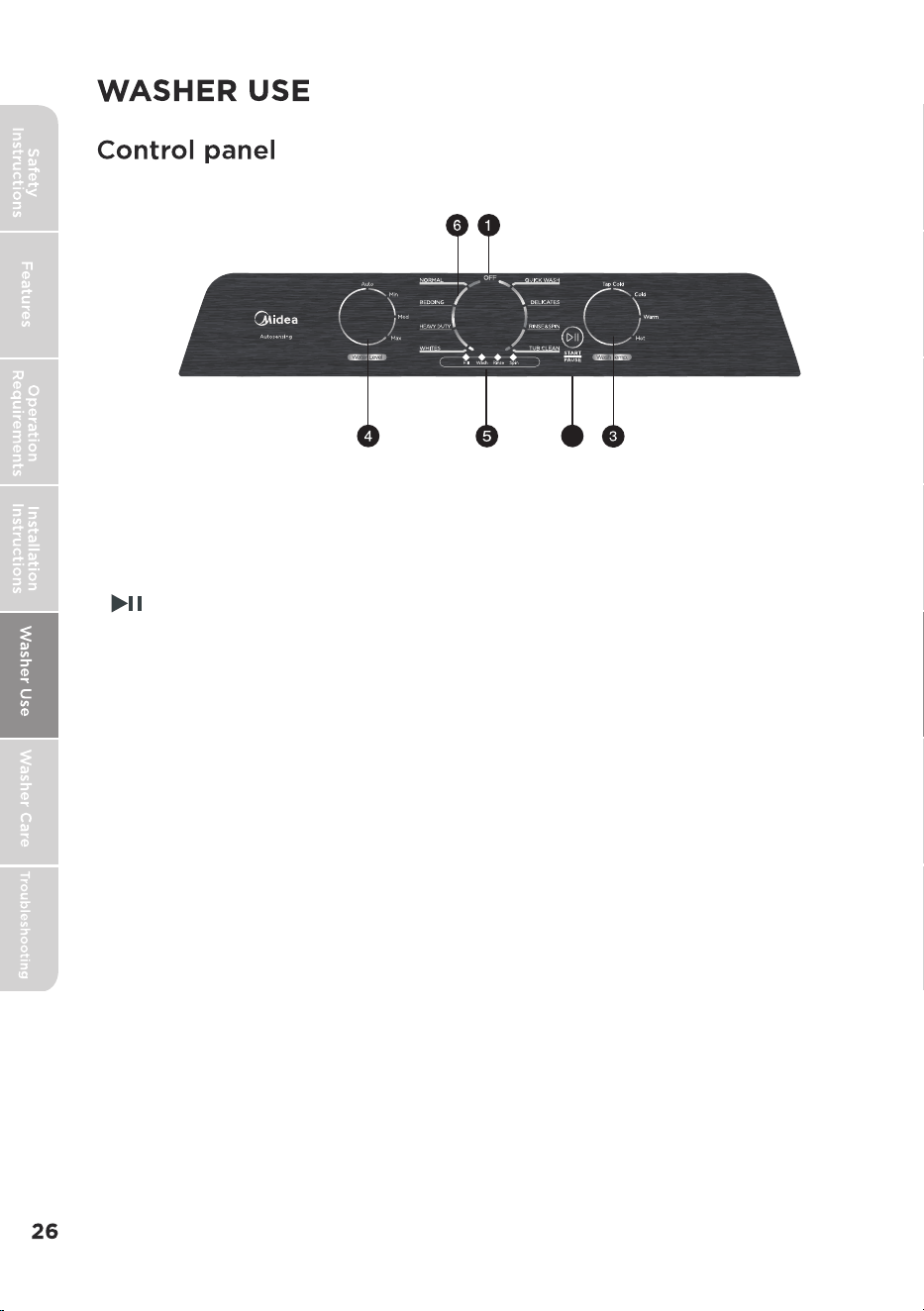
1 Off Button
Turn to select Off to turn off your washer.
2
Press once to start the wash cycle. Press again to pause the cycle.
If you pause the cycle, you can add or remove items, but you
cannot change any settings. Press again to restart the cycle.
3 Wash Temp. Select
Turn to select the washing water temperature.
The rinse water temperature is always cold.
4 Water Level Selector
Turn to select the water level selector, increase one water level.
5 Cycle status lights
Flash to indicate what part of the cycle your washer is in. For
example, the Soak Flash turns on when your washer is in the Soak
process.
6 Cycle Selector
Turn to select a wash cycle. The cycle you select determines the
wash pattern for the cycle. For more information, see Washer
options and setting on page 25.
/Start Pause Button
MLTW47A5BWW/MLTW47A5BGG
•
For best washing performance, we suggest the loading weight be less than 17.64 lbs.
(8.0 kg) (Dry clothes)
•
Bolded options are initial settings.
(dots) indicate optional functions you can select.
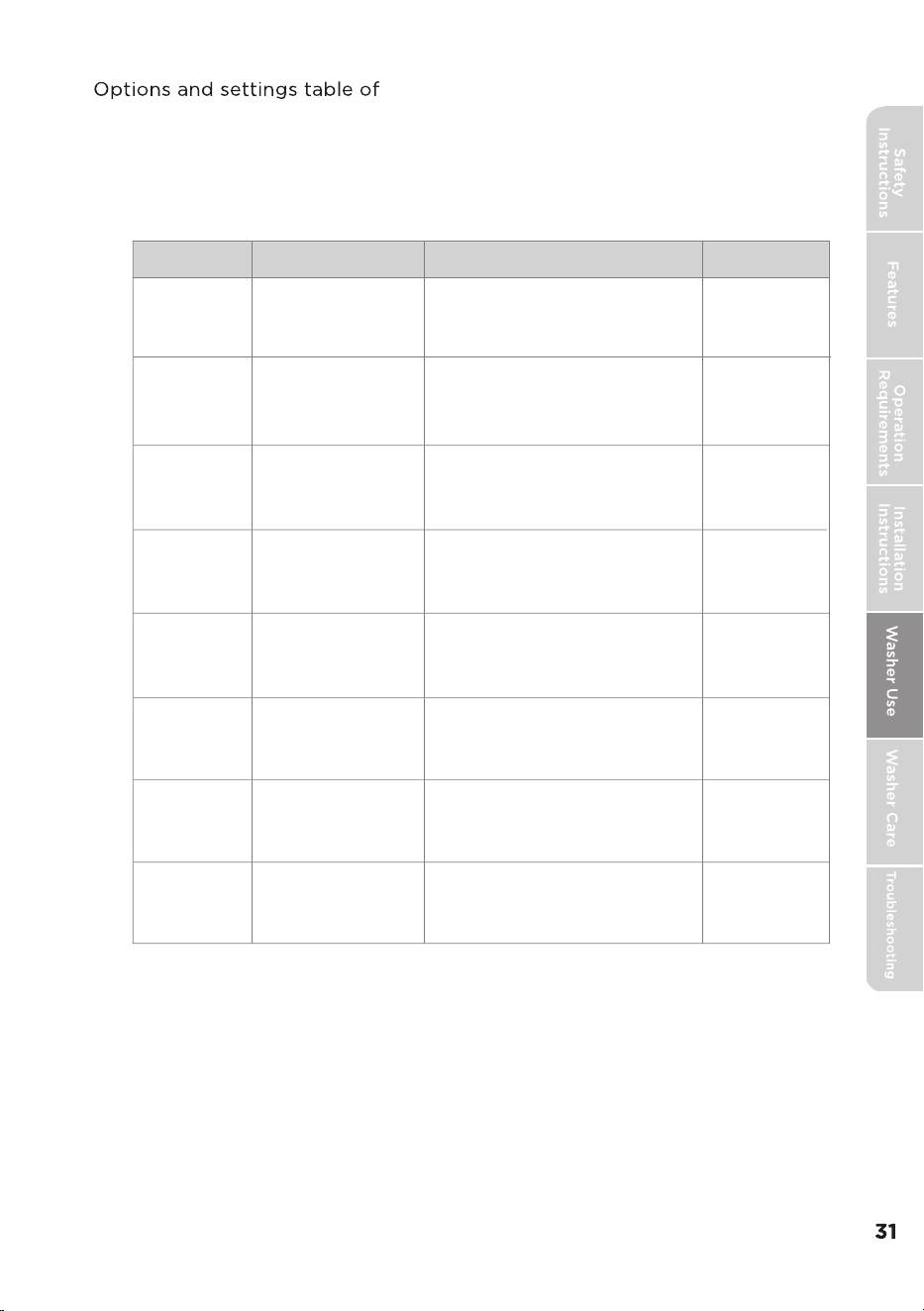
Program
Water Level
Temp.
Rinse Times
1
1
1
1
2
Normal
1
Rinse&Spin
Heavy Duty
White
Tub Clean
Delicates
Quick Wash
2
Auto/1-3
TapCold/Cold/Warm/Hot
Bedding
Auto/1-3
2
2
Auto/1-3
3
Auto/1-3
Auto/1-3
Auto/1-3
TapCold/Cold/Warm/Hot
TapCold/Cold/Warm/Hot
TapCold
Hot
TapCold/Cold/Warm/Hot
TapCold/Cold/Warm/Hot
TapCold/Cold/Warm/Hot
2
Cleaning and Maintenance
TUB.
cup of
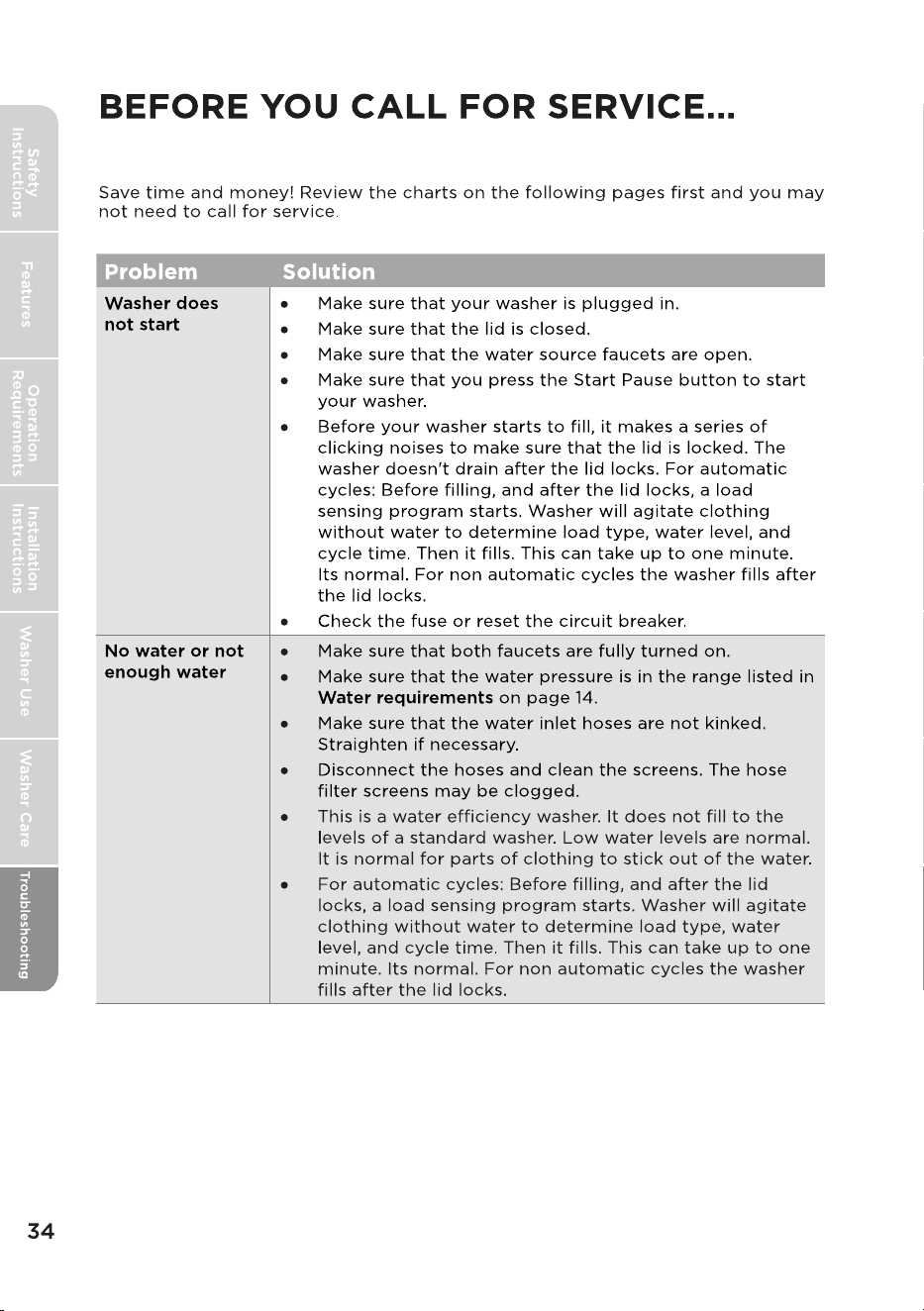
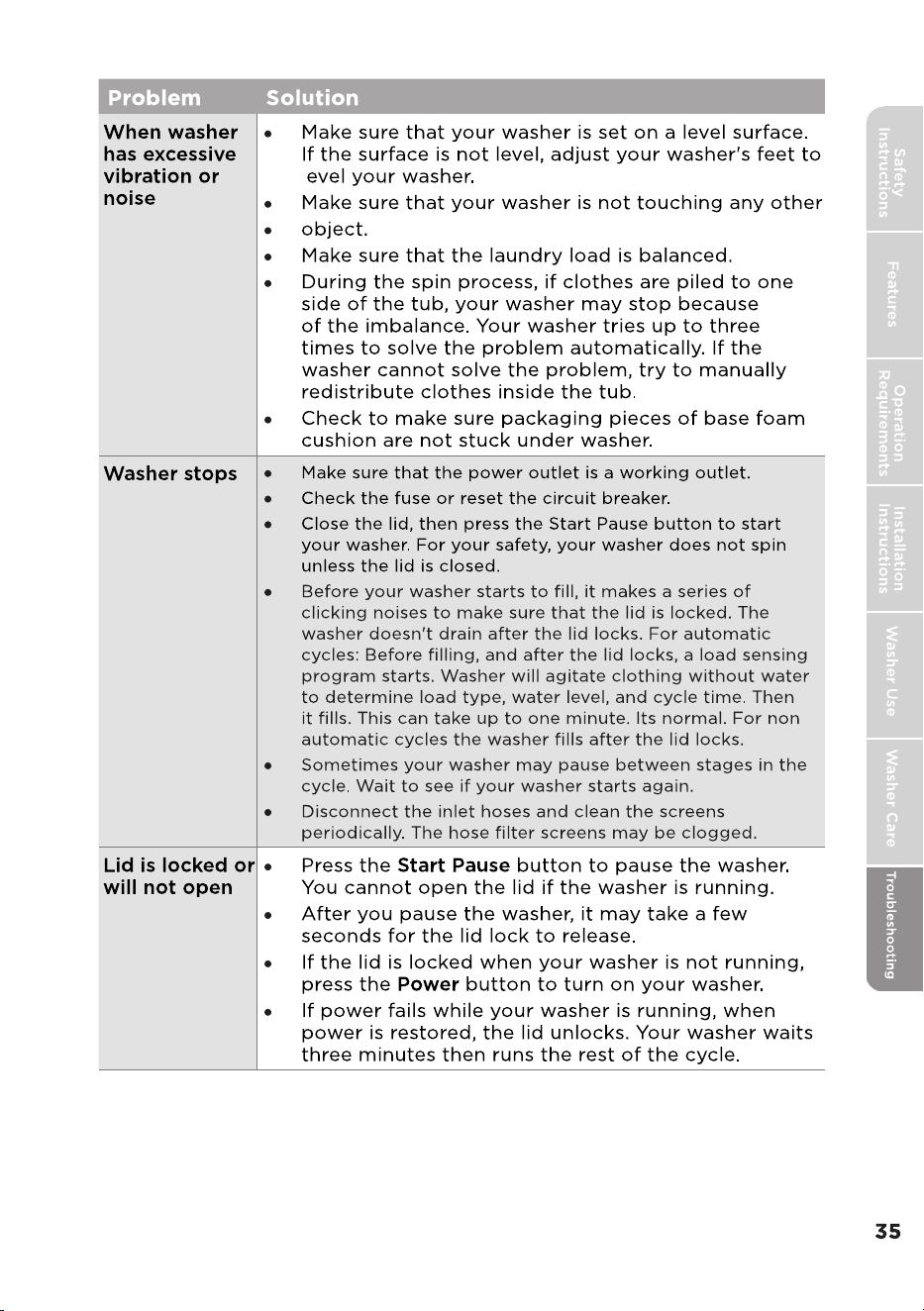
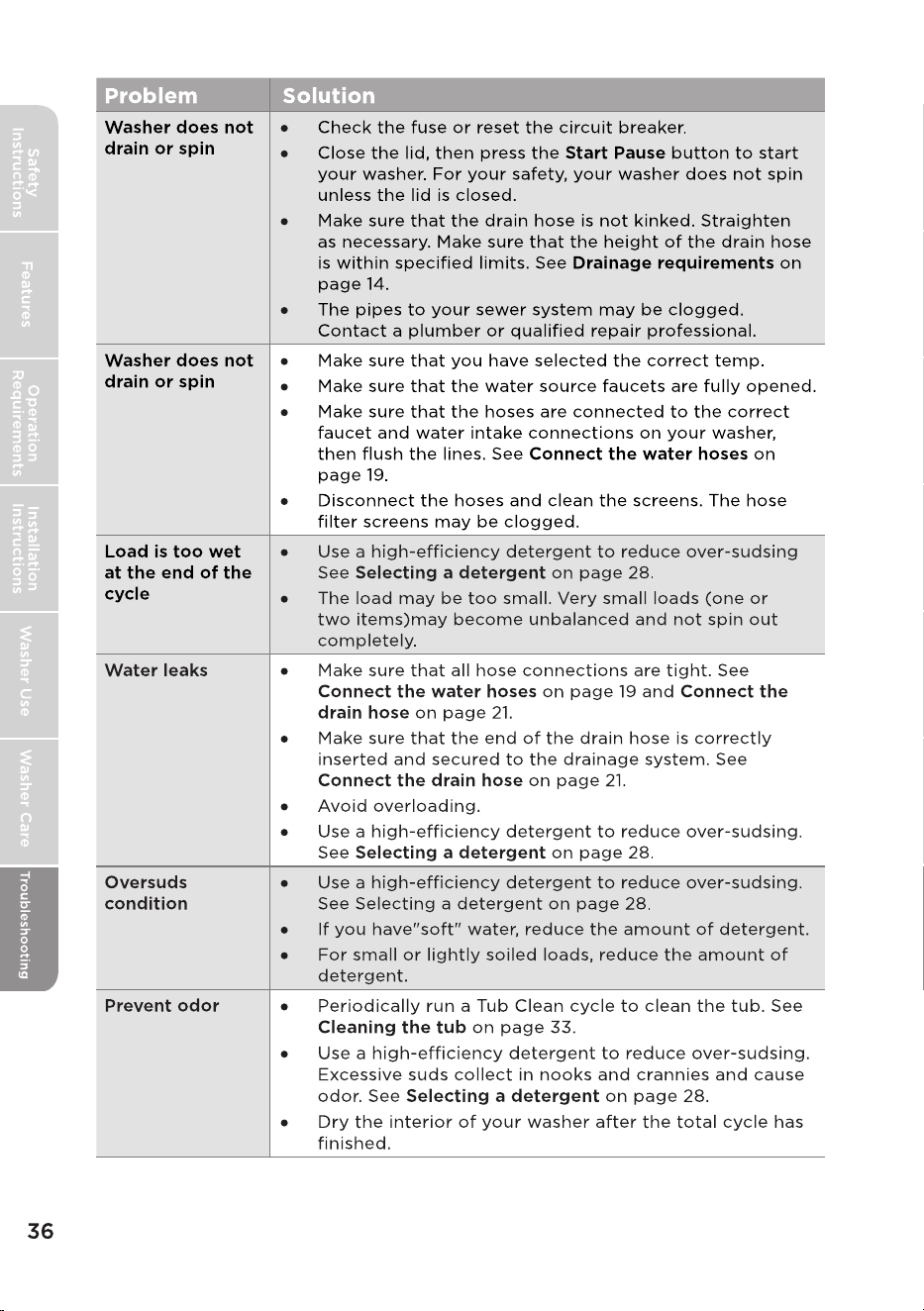
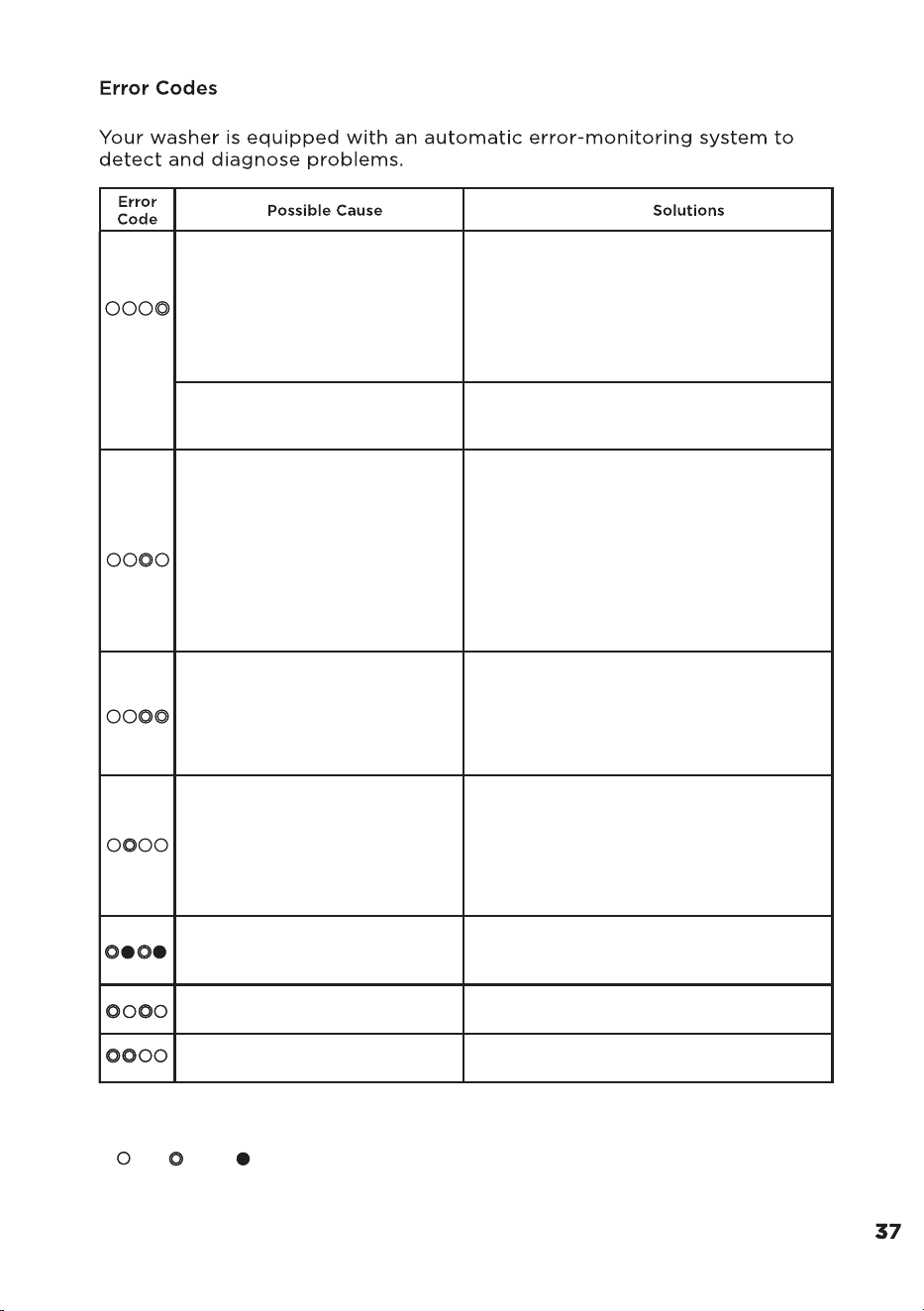
Troubleshooting Tips
l
Water is not supplied.
The Water Level sensor is not
working properly.
•Make sure the water taps are open.
•Make sure the water hoses are not clogged.
•Make sure he water taps are not frozen.
•Make sure the washing machine is operating
with sufficient water pressure.
•Make sure that the cold water tap and the
hot water tap are properly connected.
•Clean the mesh filter as it may be clogged.
•Check WaterLevel Sensor wire harness.
•If the information code remains, Call service
center.
Water is not draining.
• Make sure the drain hose is not frozen or
clogged.
• Make sure the drain hose is positioned
correctly, depending on the connection
type.
• Clean the debris flter as it may be clogged.
• Make sure the drain hose is straightened all
the way to the drain system.
• If the information code remains, Call service
center.
The lid is open.
•Close the lid. See Installation instructions to,
"Level your washer".
•The door lock or PCB may have failed, try
steps again.
•If the information code remains, Call service
center.
Spinning does not work.
• Make sure laundry is spread out evenly.
•Make sure the washing machine is on a flat,
stable surface.
•Redistribute the load. If only one item of
clothing needs washing, such as a bathrobe
or pair of jeans, the final spin result might
be unsatisfactory.
The unit is out of balance in
spin operation.
•Adjust the washer level refer to installation
instructions.
•If situation continues, call service center
Load sensing failed.
•Call service center.
Water Leveling sensing failed.
•Call service center.
Notice:
1.LED Display:
1)When error happening, Extra Rinse LED will flash and Process LED indicates error code.
2 -off, -flash, -on
2.When error happening, the buzzer will beep 5 seconds and repeat once per 15minutes.
After 24 hour, machine will power off automatically.
3.When other error happening, please try again first, call up service line if there are still
troubles.
)
MIDEA
LAUNDRY
DRYER LIMITED
WARRANTY
ATTACH YOUR RECEIPT HERE. PROOF OF PURCHASE
IS REQUIRED TO OBTAIN WARRANTY SERVICE.
Please have the following information available when
you call the Customer Service Center: