1
Installation Instructions
Instrucciones de Instalación / Instructions d’installation /
Installationsanleitung / Istruzioni per l’installazione
Español XX
Français XX
Русский XX
Deutsch XX
Italiano XX
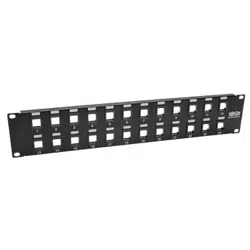
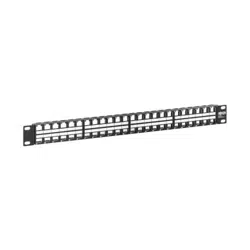
Purchased product may differ from image.
El producto comprado puede diferir de la imagen.
Le produit acheté peut différer de l’image.
Das gekaufte Produkt kann vom Bild abweichen.
Il prodotto acquistato potrebbe differire dall’immagine.
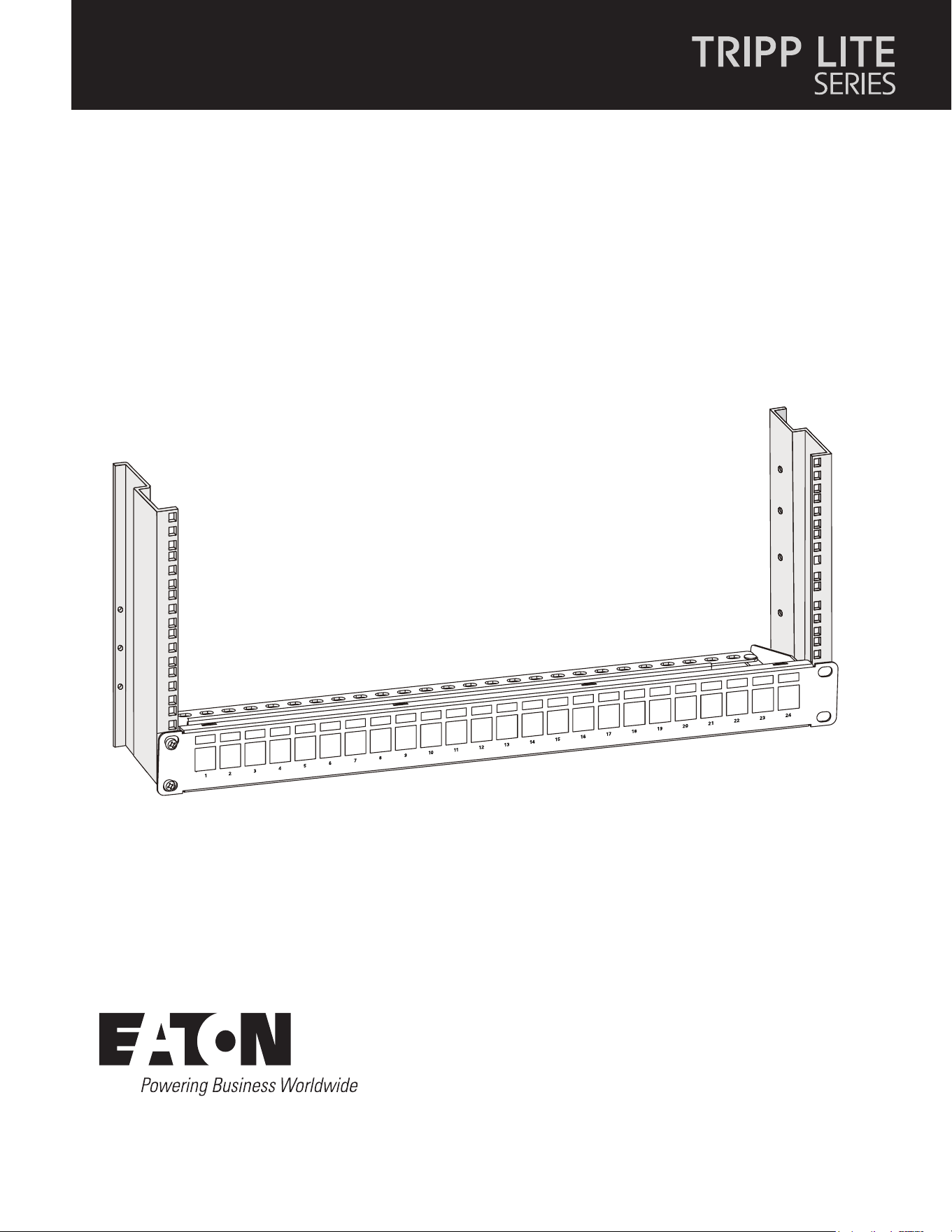
Blank Keystone/Multimedia Shielded
Patch Panel
Panel de conexión blindado multimedia/Blank Keystone
Panneau de raccordement blindé Keystone/multimédia vierge
Blank Keystone/Multimedia Abgeschirmtes Steckfeld
Pannello patch schermato trapezoidale/multimediale vuoto
N062-024-KJ-SH

2
Installation
Instalación / Installation / Installation / Installazione
Eaton
1000 Eaton Boulevard
Cleveland, OH 44122
United States
Eaton.com
© 2023 Eaton
All Rights Reserved
Publication No. 23-07-735 / 93-3592_RevB
August 2023
Eaton has a policy of continuous improvement.
Specifications are subject to change without
notice. Photos and illustrations may differ
slightly from actual products.
Eaton is a registered trademark.
All trademarks are property
of their respective owners.
11 22
1
Attach the rear cable manager to the patch panel a and secure the patch panel to the rack with user-supplied screws b.
2
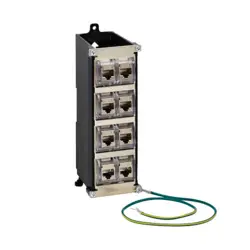
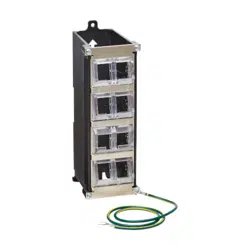
Connect the grounding wire between the panel and rack.
Español
1
Fije el administrador de cables de la parte posterior al panel de conexiones a y je el panel de conexiones al rack con los
tornillos b suministrados por el usuario.
2
Conecte el cable de tierra entre el panel y el rack.
Français
1
Fixez le gestionnaire de câbles arrière au panneau de brassage et xez le panneau de brassage a et xez le panneau de
brassage au rack à l’aide des vis b fournies par l’utilisateur.
2
Connectez le l de mise à la terre entre le panneau et le rack.
Deutsch
1
Bringen Sie den hinteren Kabelmanager an dem Steckfeld an und sichern Sie das Steckfeld a, sichern Sie das Steckfeld mit den
vom Benutzer zur Verfügung gestellten Schrauben b am Gestell.
2
Verbinden Sie das Erdungskabel zwischen dem Steckfeld und dem Gestell.
Italiano
1
Fissare il cable manager posteriore al pannello patch e ssare il pannello patch a e ssare il pannello patch al rack con le viti b
fornite dall’utente.
2
Collegare il cavo di messa a terra tra il pannello e il rack.
aa
bb