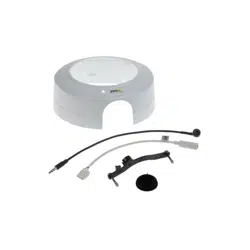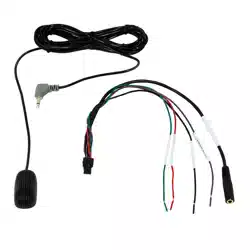

AXISTU1002-VEMicrophoneKit
Impactonwarranty
Impactonwarranty
ThisproductisapprovedforrepaintbyAxis,providedthatyoufollowtheinstructionsinthisdocumentandat
axis.com/warranty-implication-when-repainting.
Riskswithrepainting
ThereareseveralriskswhendisassemblingorassemblinganAxisproduct.Thereisalwaysacertainyieldlossduringassembly.Training
ofoperatorsandtheuseofcorrecttoolsmediatessomeoftheproblemsbuttheycanneverbefullyavoided.Someoftherisksinclude:
ESDDamage-AlwayshandletheproductinanESDsafeenvironment.EvenifprecautionsaretakenthereisalwaysariskofESD
damage.Thedamagecanremainundetectedandcauseproblemsduringthelifetimeoftheequipment.
Paintoverspray-Maskingthedifferentcomponentsoftheequipmentiscritical.Failuretomasksensitiveareascancauseproblems
withassemblingtheequipment.Anyareasthatarenotpaintedatfactoryorhaveadifferentsurfacetreatmentthantherestofthe
parts(threads,groundandelectricalcontactsurfaces)mustalsobemaskedtoensurefunction.
2

AXISTU1002-VEMicrophoneKit
Repainttheproduct
Repainttheproduct
Preparations
•Ifapplicable,disassemblethedeviceaccordingtotheinstructionsinthisdocument.
•Cleanallpartsthatwillberepaintedthoroughlytoremovegrease,dust,oroil.
•Toensurereassemblyandfunctionalityoftheproduct,maskanyopenings(forexampleforscrews,LEDindicators,
ormicrophones)beforeyoupaint.
Pretreatmentofparts
Dependingonthepartmaterialandtypeofpaintappliedatfactory,differentpretreatmentshouldbedoneforthenewpaintto
adhereaswellaspossible.Cleanthepartsproperlytoremoveoil,greaseanddust.
Powdercoatedparts-Useaprimer.Alternatively,removetheoriginalpowdercoatingdowntothebasematerial,usingne
sandpaper,andcleanthepartsbeforepainting.
Anodisedandchromatedparts-Useaprimer.
Uncoatedstainlesssteel-Nospecialpretreatmentisneeded,butmakesurethatthesurfaceiscleanbeforepainting.
Plastic-Useaprimer.
3
AXISTU1002-VEMicrophoneKit
Repainttheproduct
Repainting
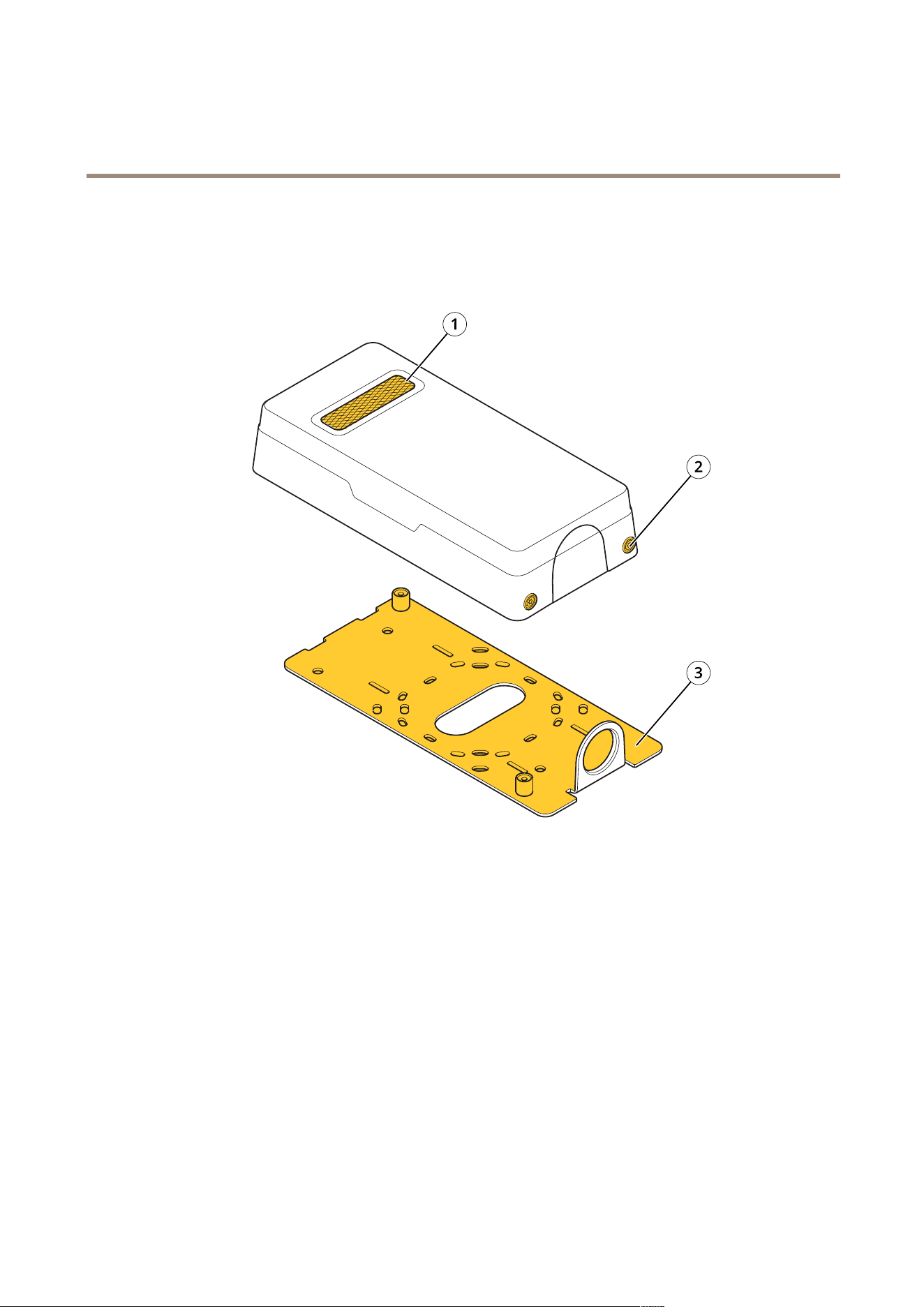
1
Mesh
2
Screwholes
3
Bracketmount
1.Makesureallnecessarypreparationsofthecoverhavebeenmade,seePreparationsonpage3.
2.Coverthemesh,screwholesandbracketmountwithaprotectivelm.
3.Applyathinandevenlayerofspraypaintaccordingtotheinstructionsofthepaintmanufacturer.
4.Letthepaintdry.
5.Togetabettercoverageandclearercolor,applyasecondlayerofspraypaint.
4

RepaintingInstructionsVer.M1.7
AXISTU1002-VEMicrophoneKit
Date:January2022
©AxisCommunicationsAB,2021
PartNo.T10166701