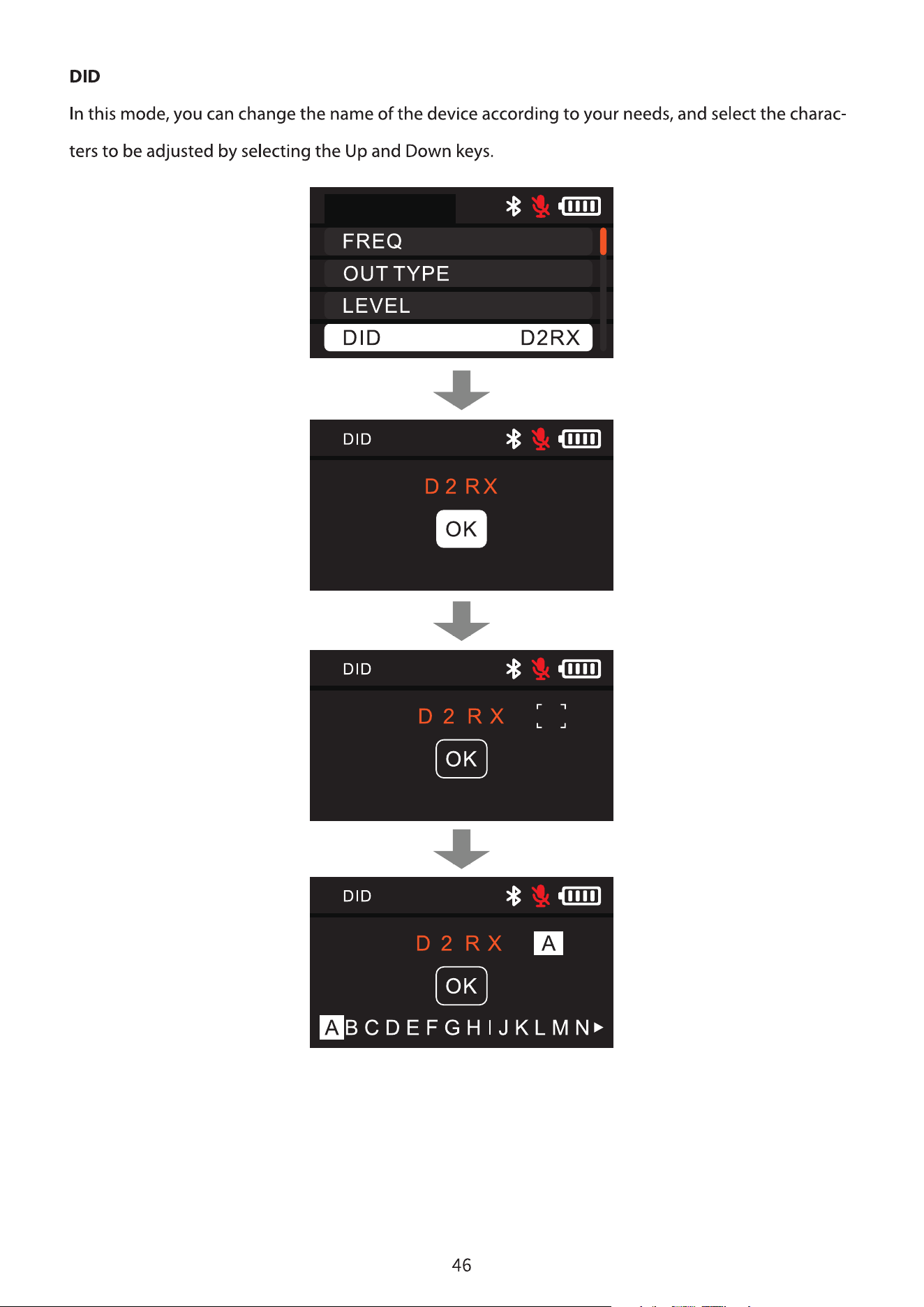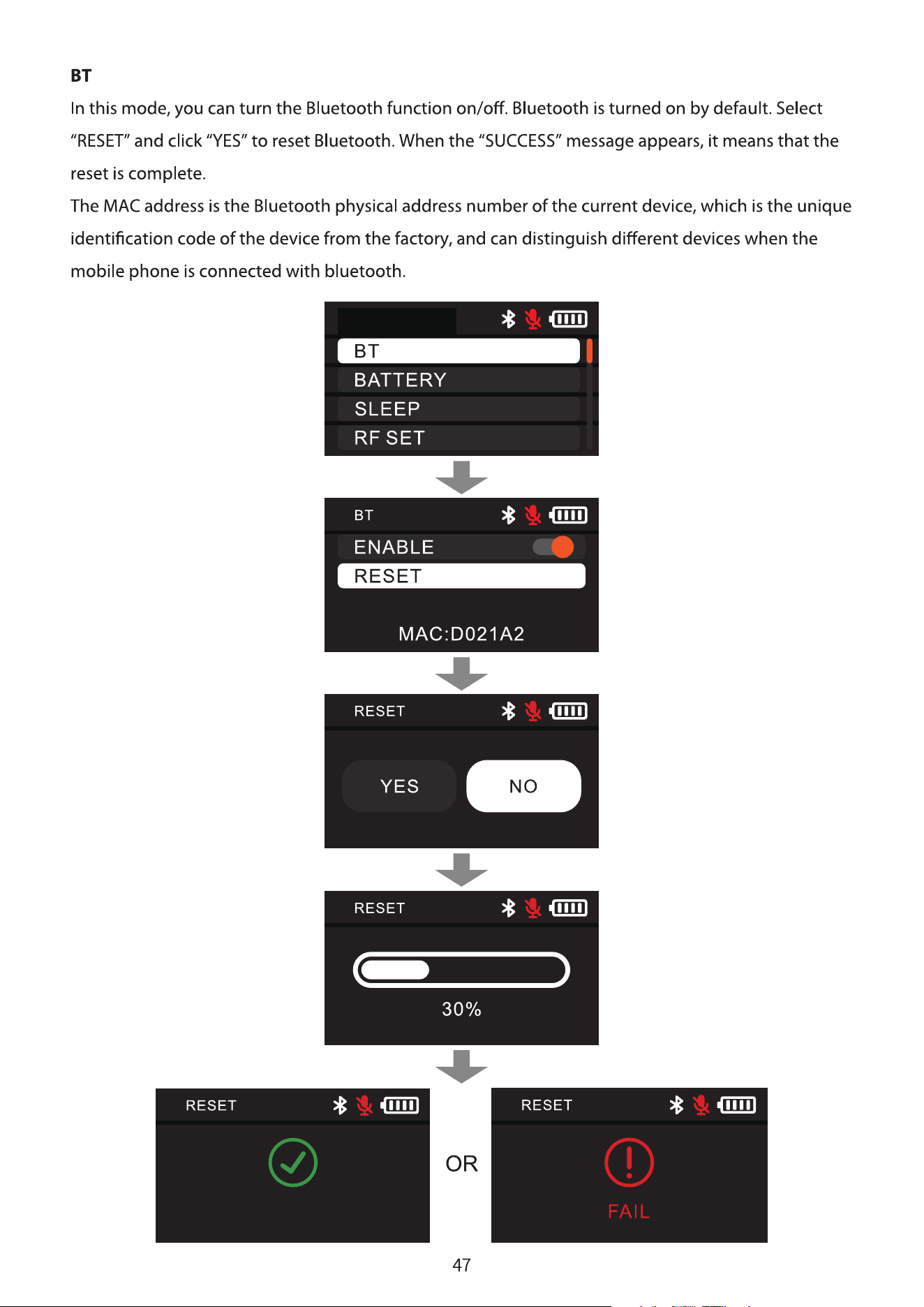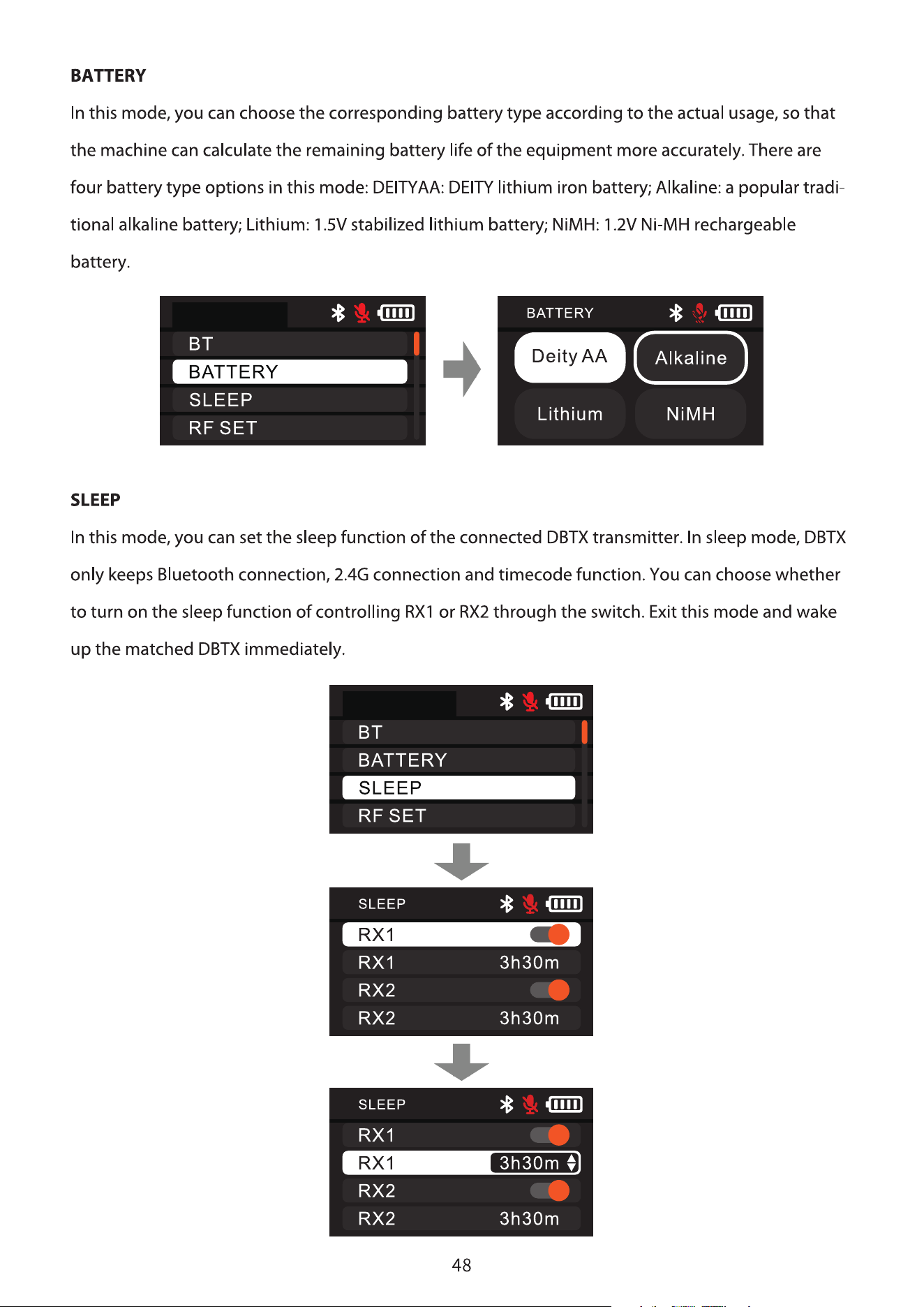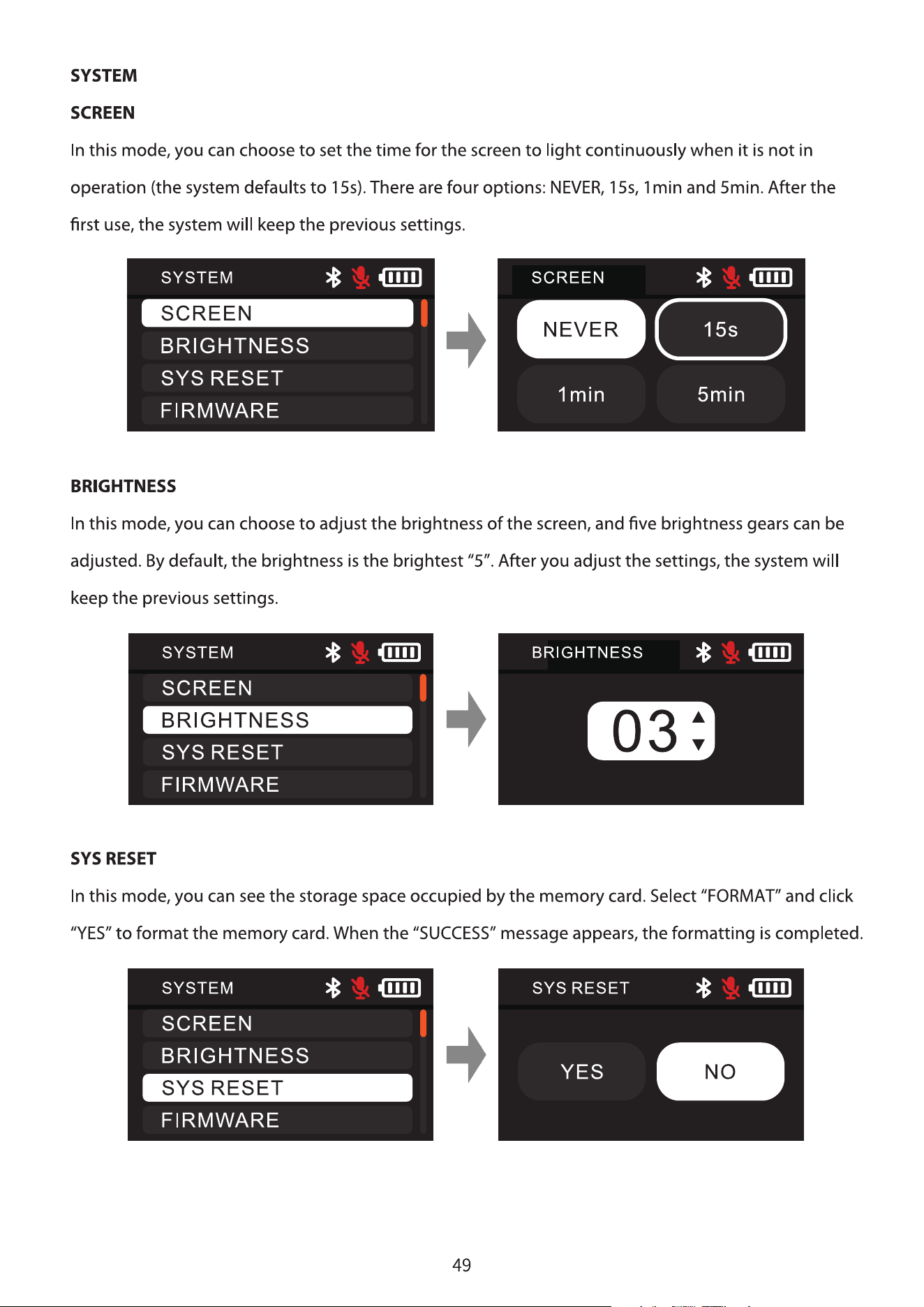
All Devices
Device Packages
Add Devices
All
HD-TX
090087
HD-TX
090087
HD-TX
090087
HD-TX
090087
HD-TX
090087
HD-TX
090087
Set Up (2) Confirm
Set Channel
US
Last selectionғ614-616MHz
550-608
MHz
657-663
MHz
614-616
MHz
902-928
MHz
653-657
MHz
According to the location, the legal
band of your area is as follows, please
select the band used by wireless
devices
Confirm
Set Channel
US
550-608
MHz
657-663
MHz
614-616
MHz
902-928
MHz
653-657
MHz
Based on the location, the legal
frequency bands for your area are
shown below, please select the band
used by your wireless device.
Pairing successful҅
configurate chanel
automaticallyҘ
Auto allocationSkip
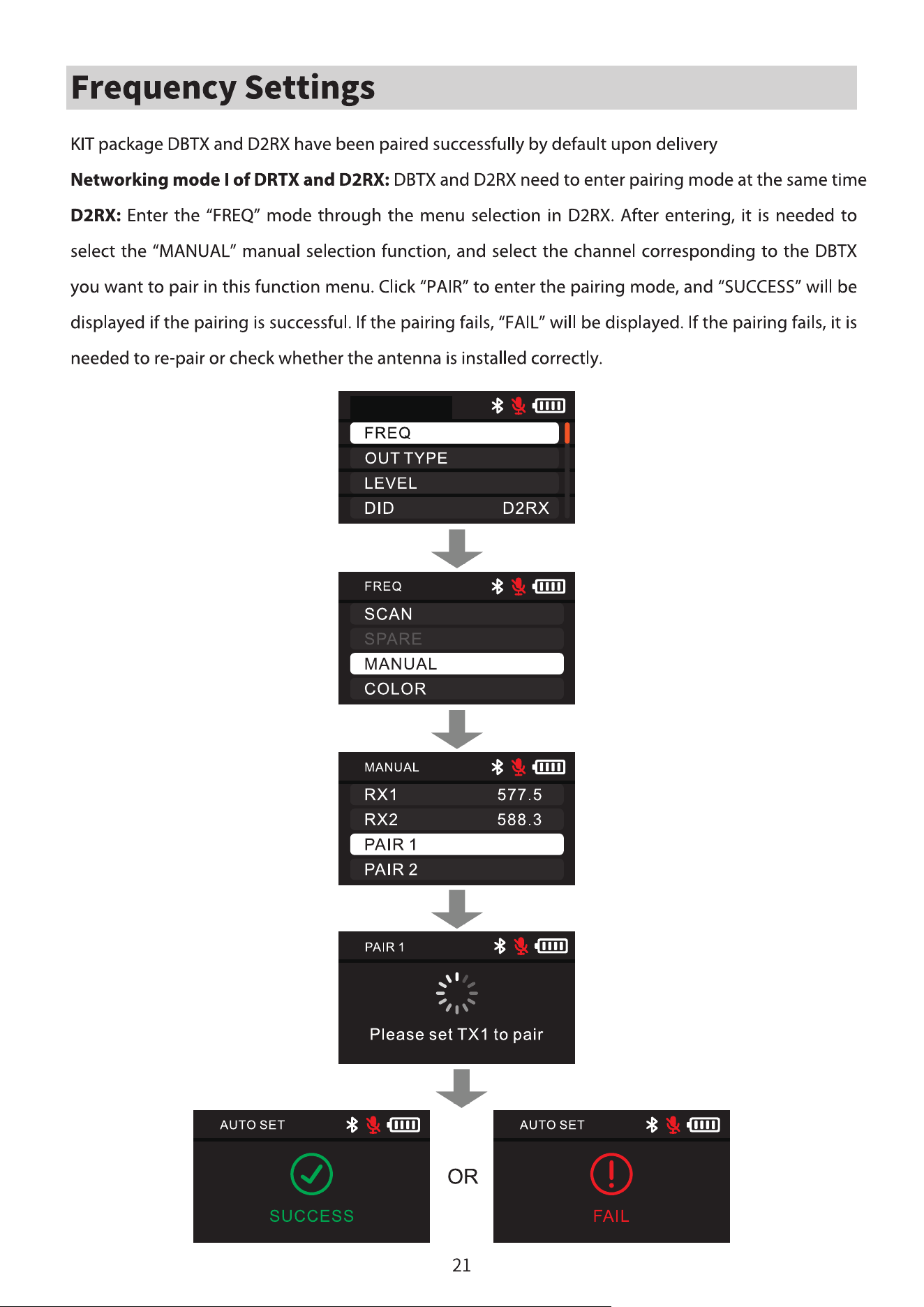
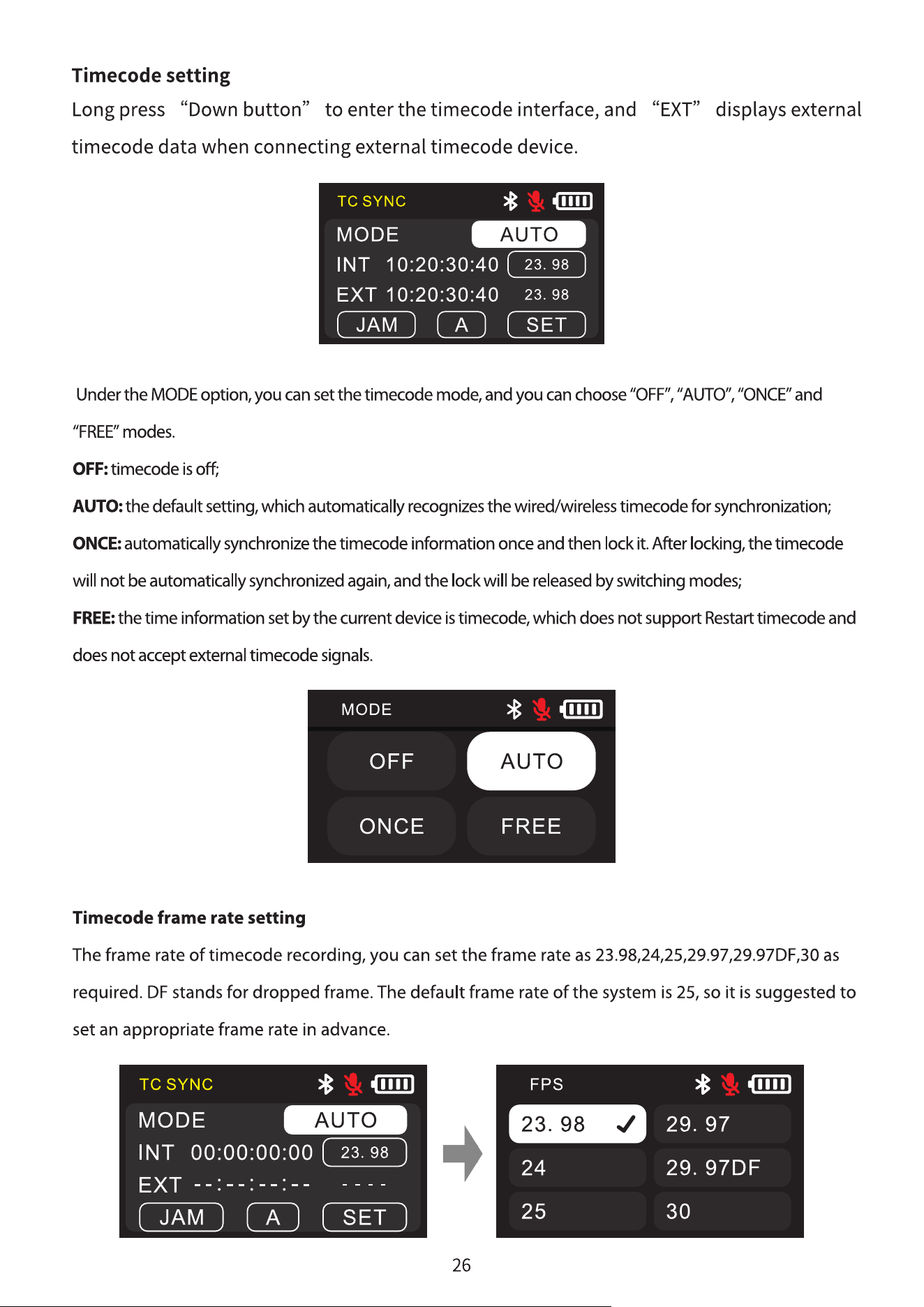
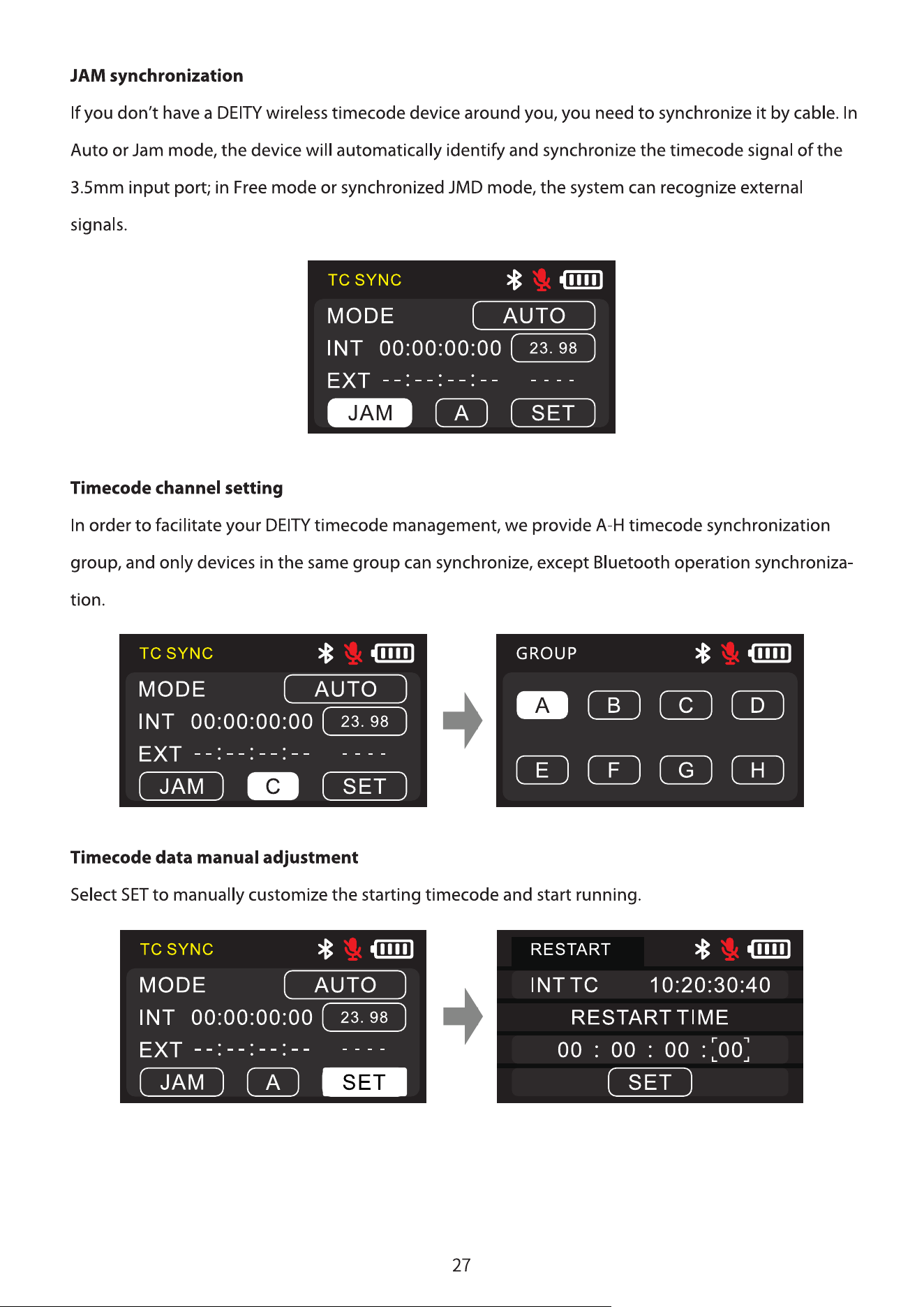
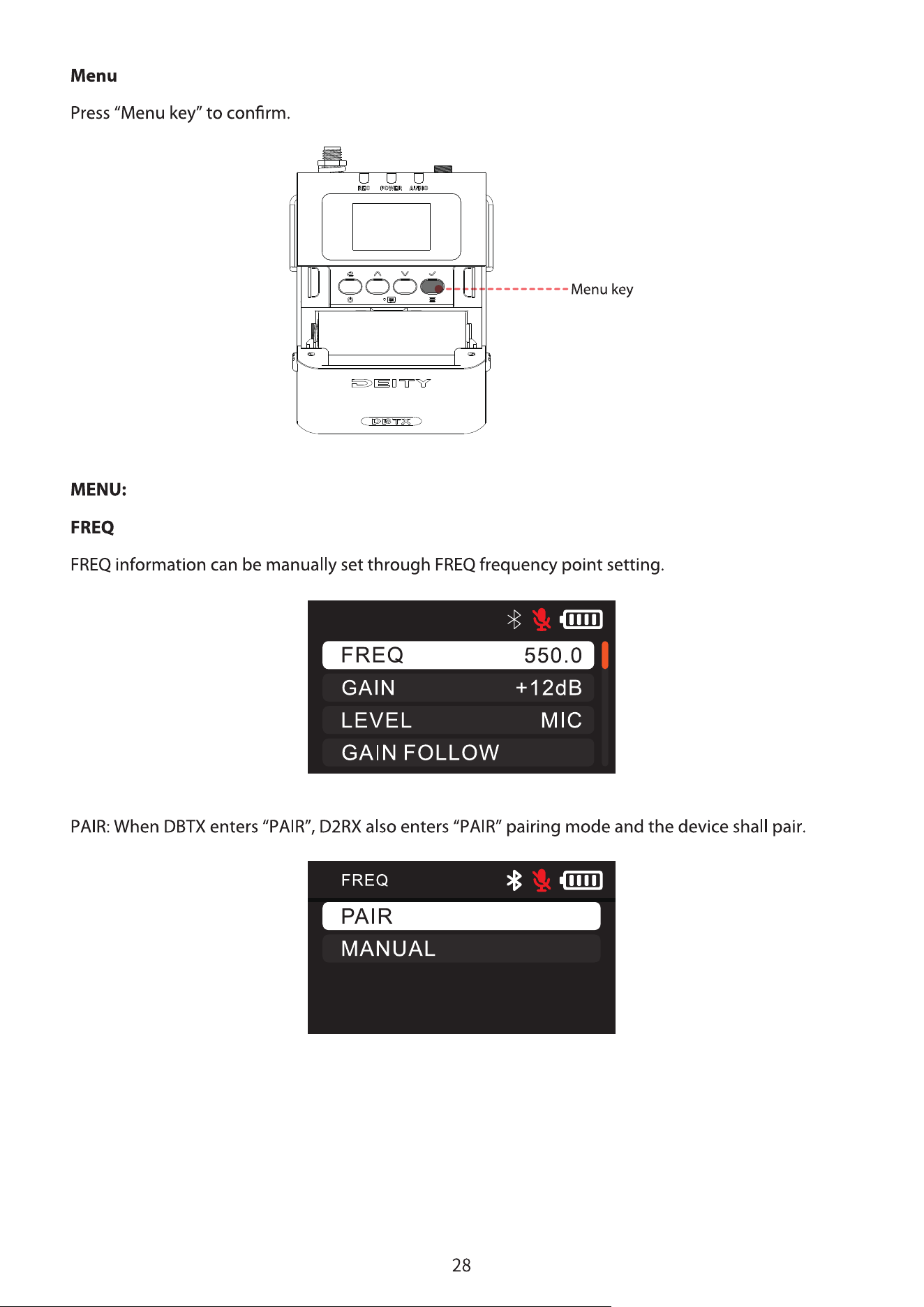
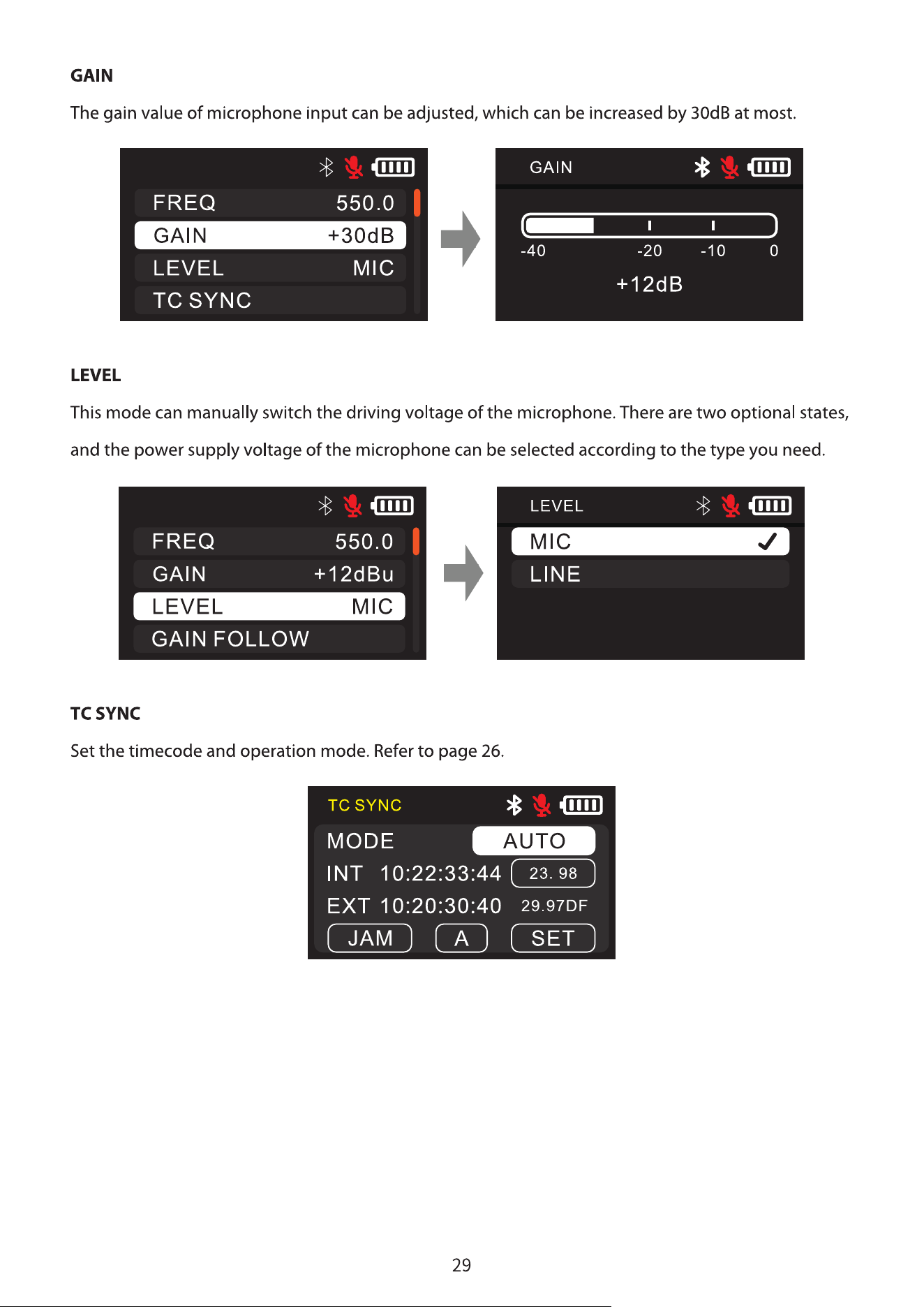
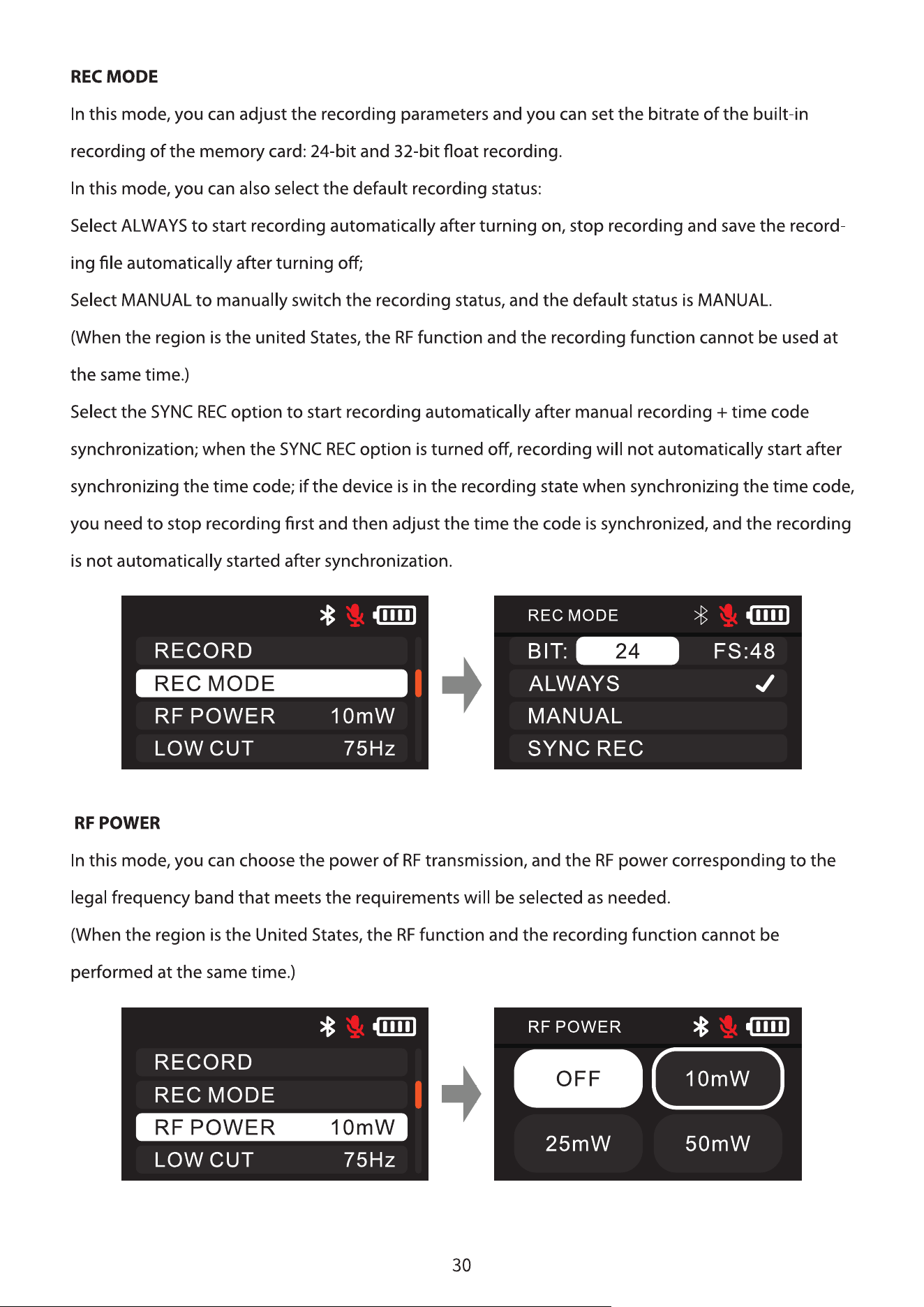
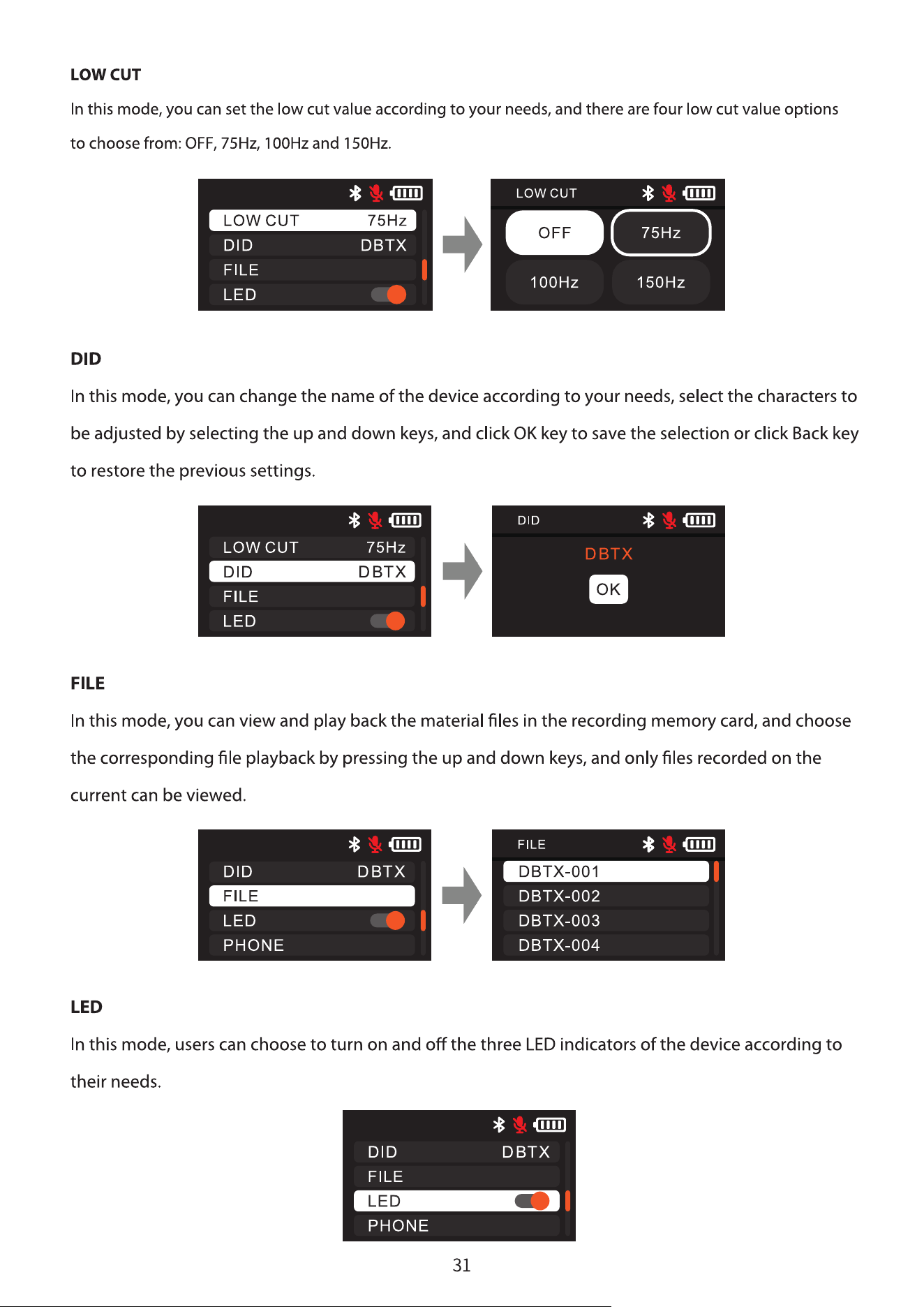
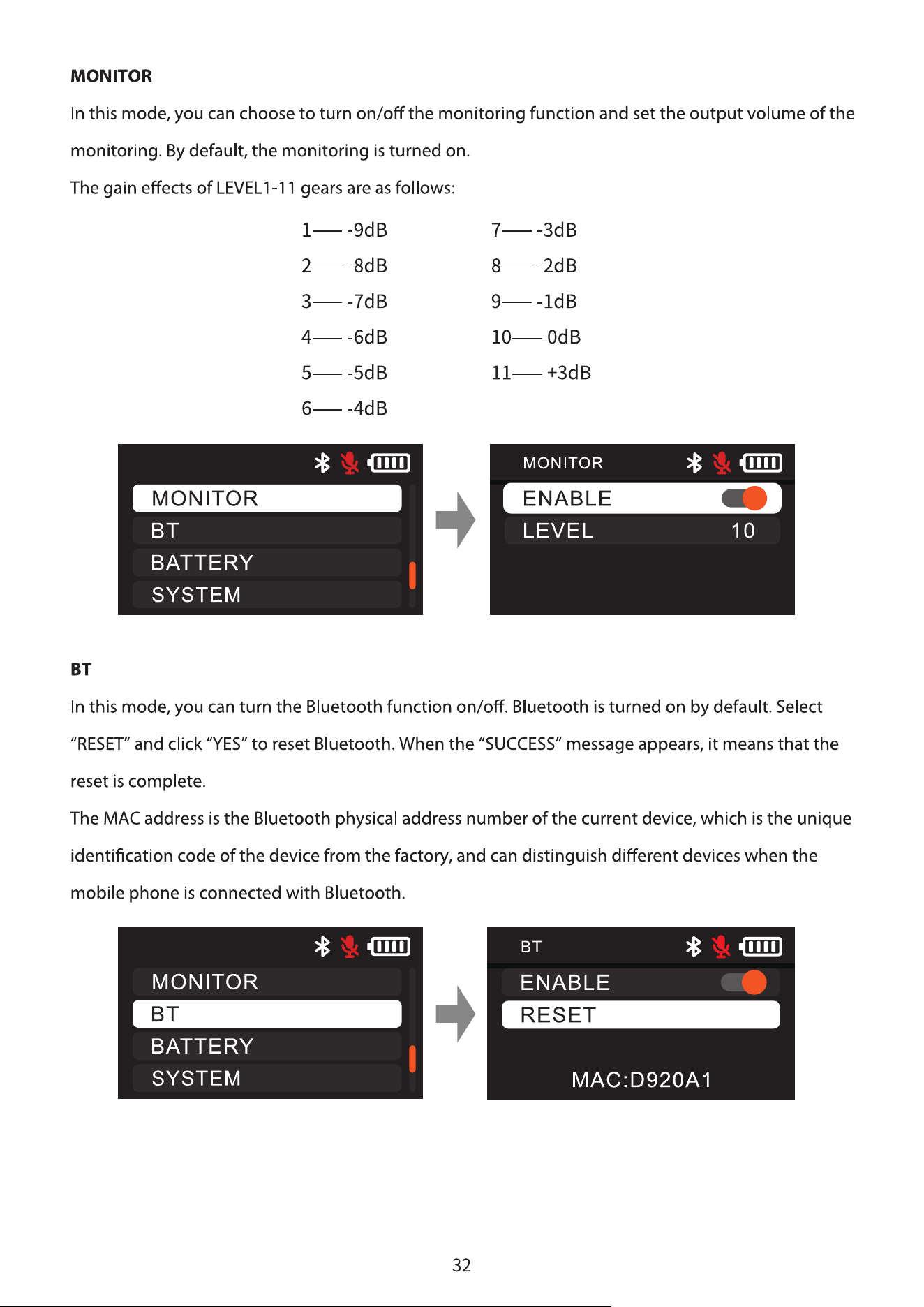
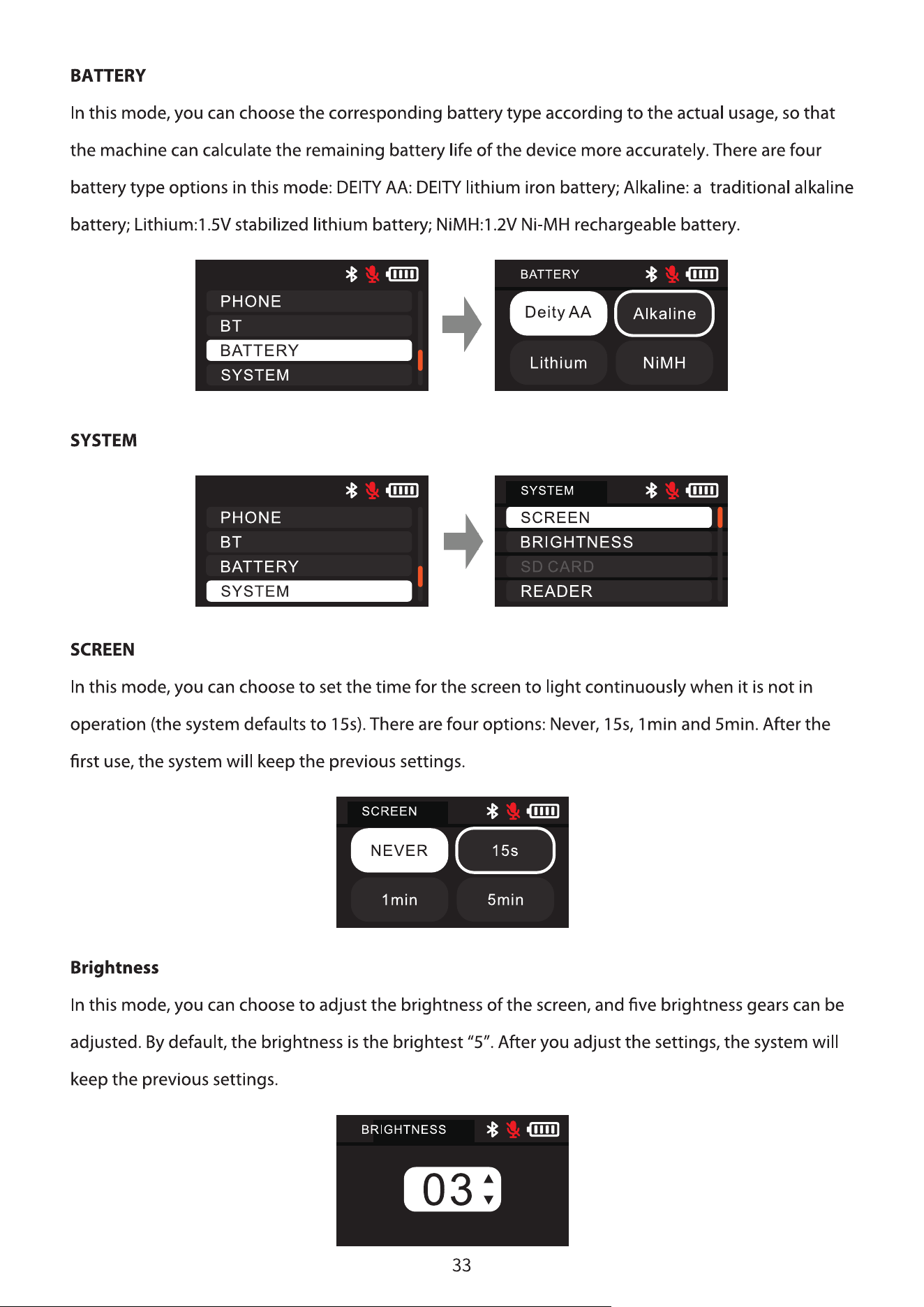
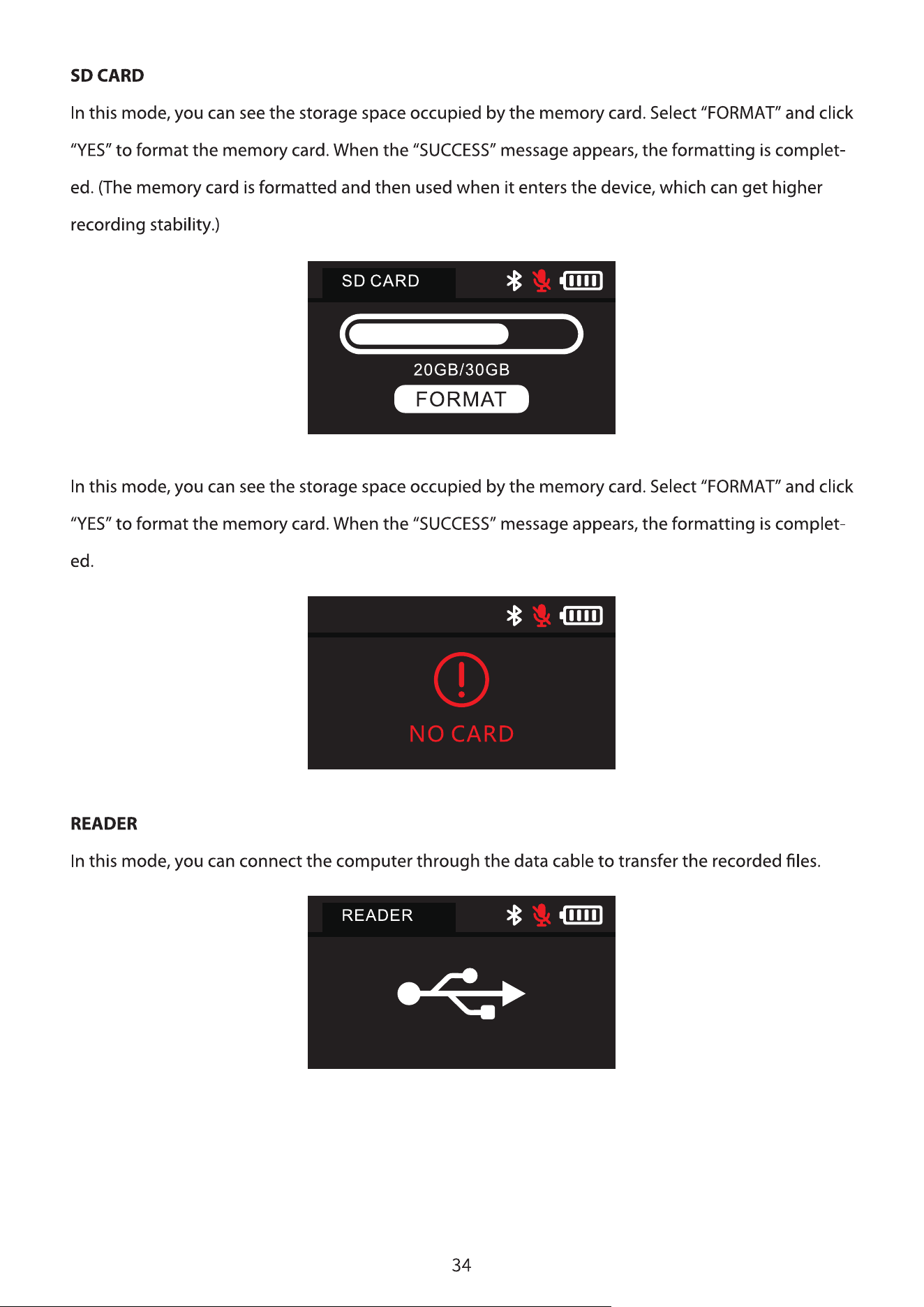
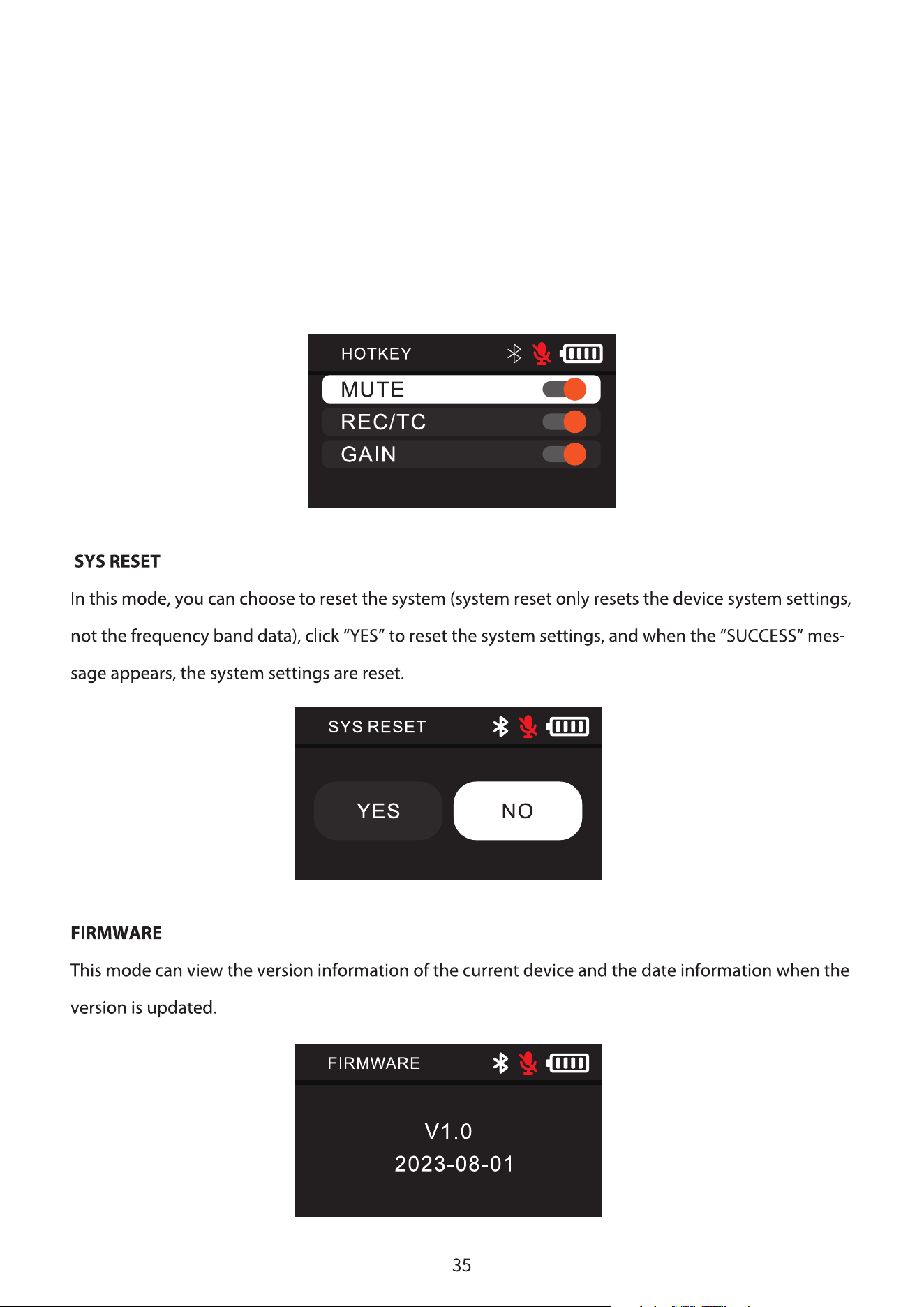
HOTKEY
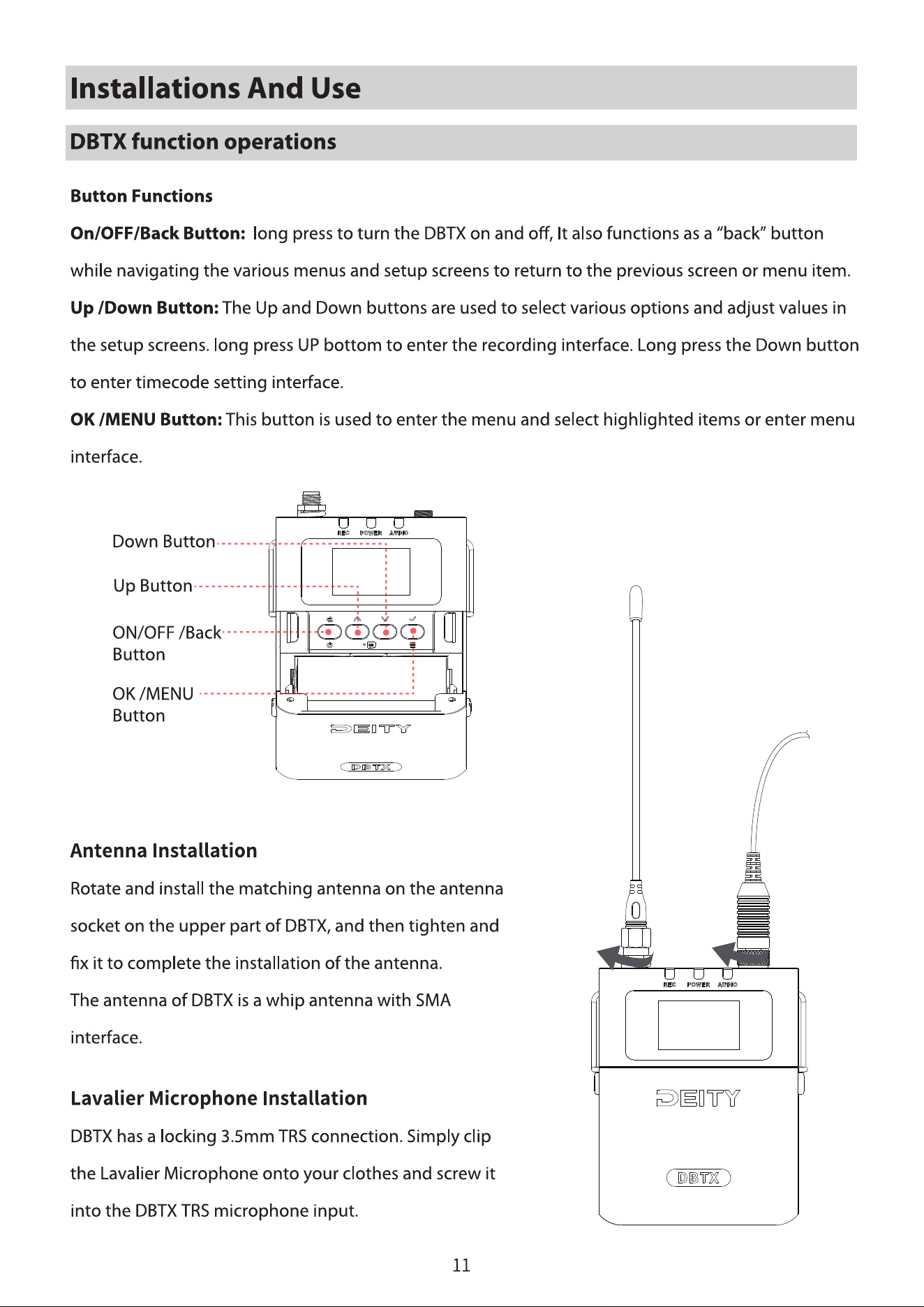
This mode can choose whether to turn on the function of shortcut keys in the main interface.
Turn on MUTE mode to turn on mute by short pressing the power key in the main interface.
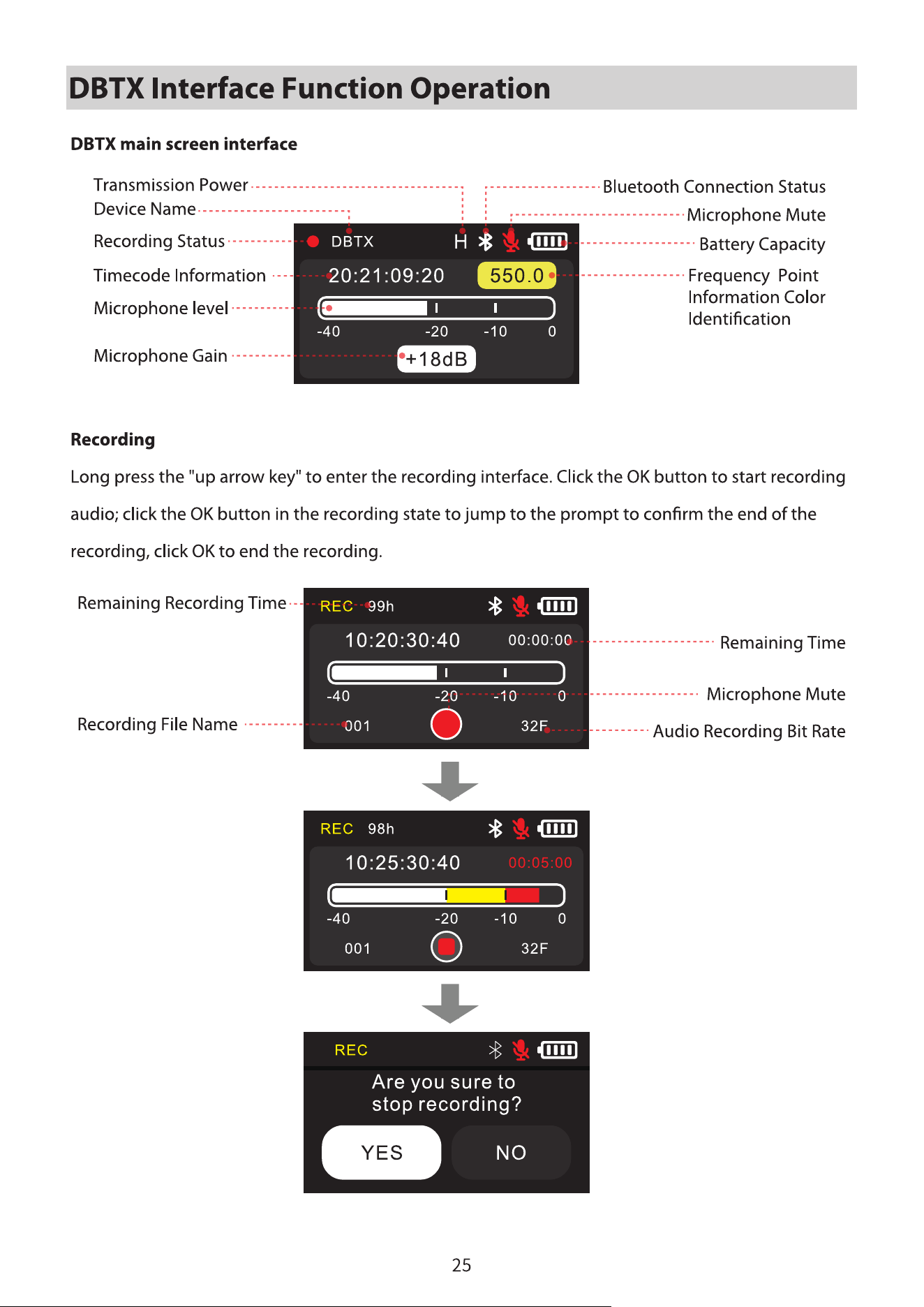
When the REC/TC mode is turned on, you can enter the recording or timecode interface by long
pressing the “up/down direction key” for a long time, while when it is turned off, you cannot use the
shortcut key function.
Turn on the GAIN mode to quickly adjust the gain level of the microphone.
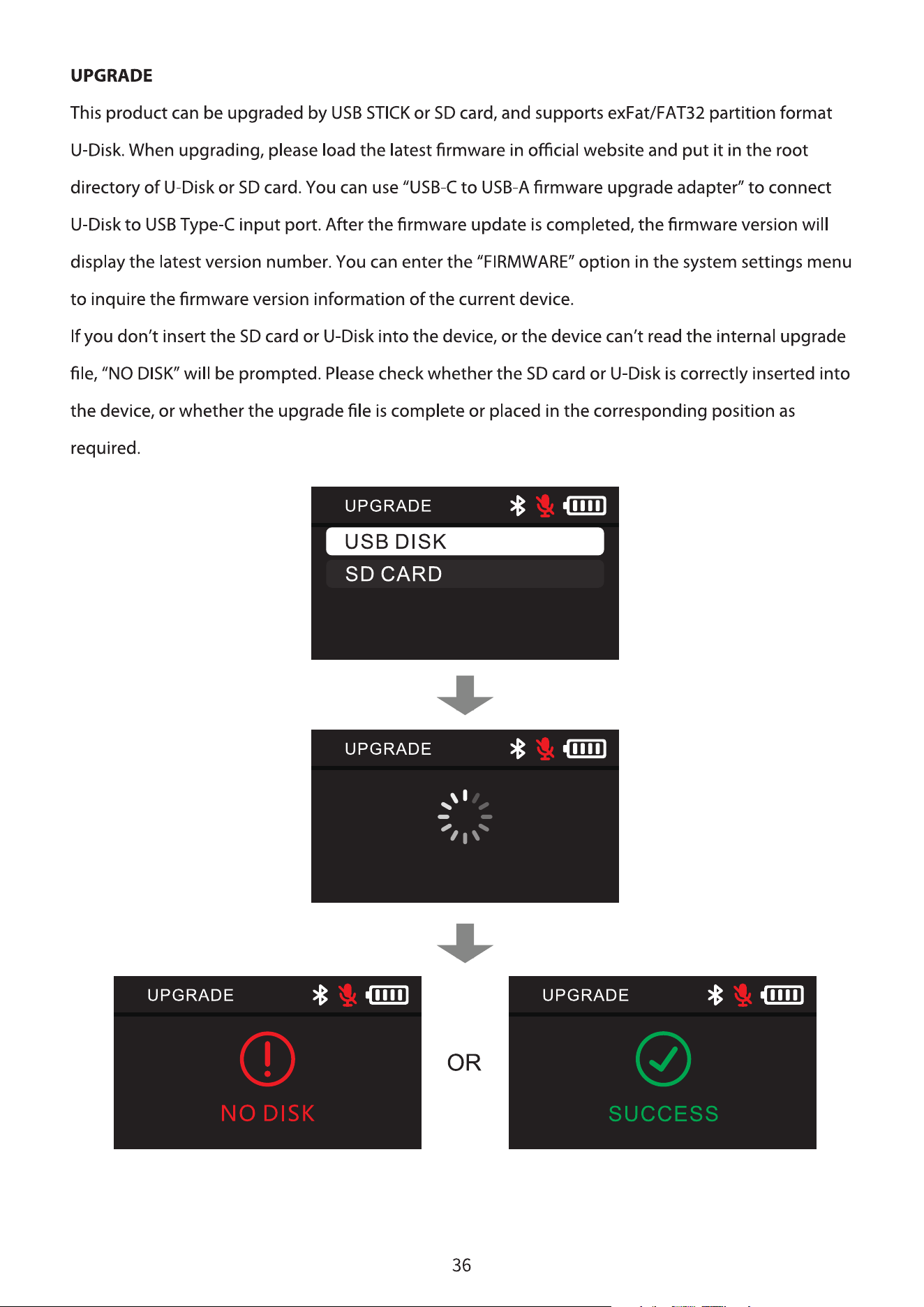
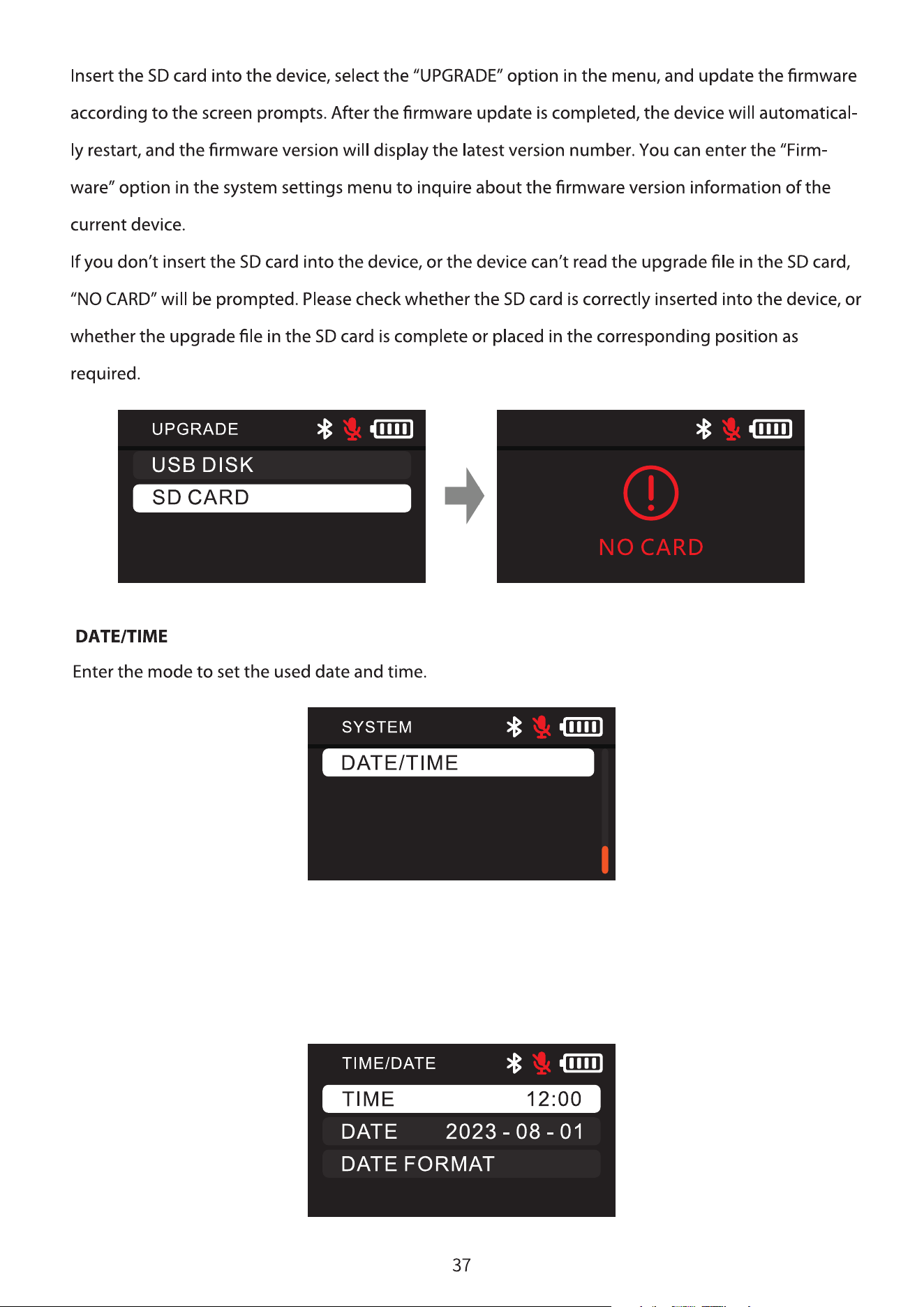
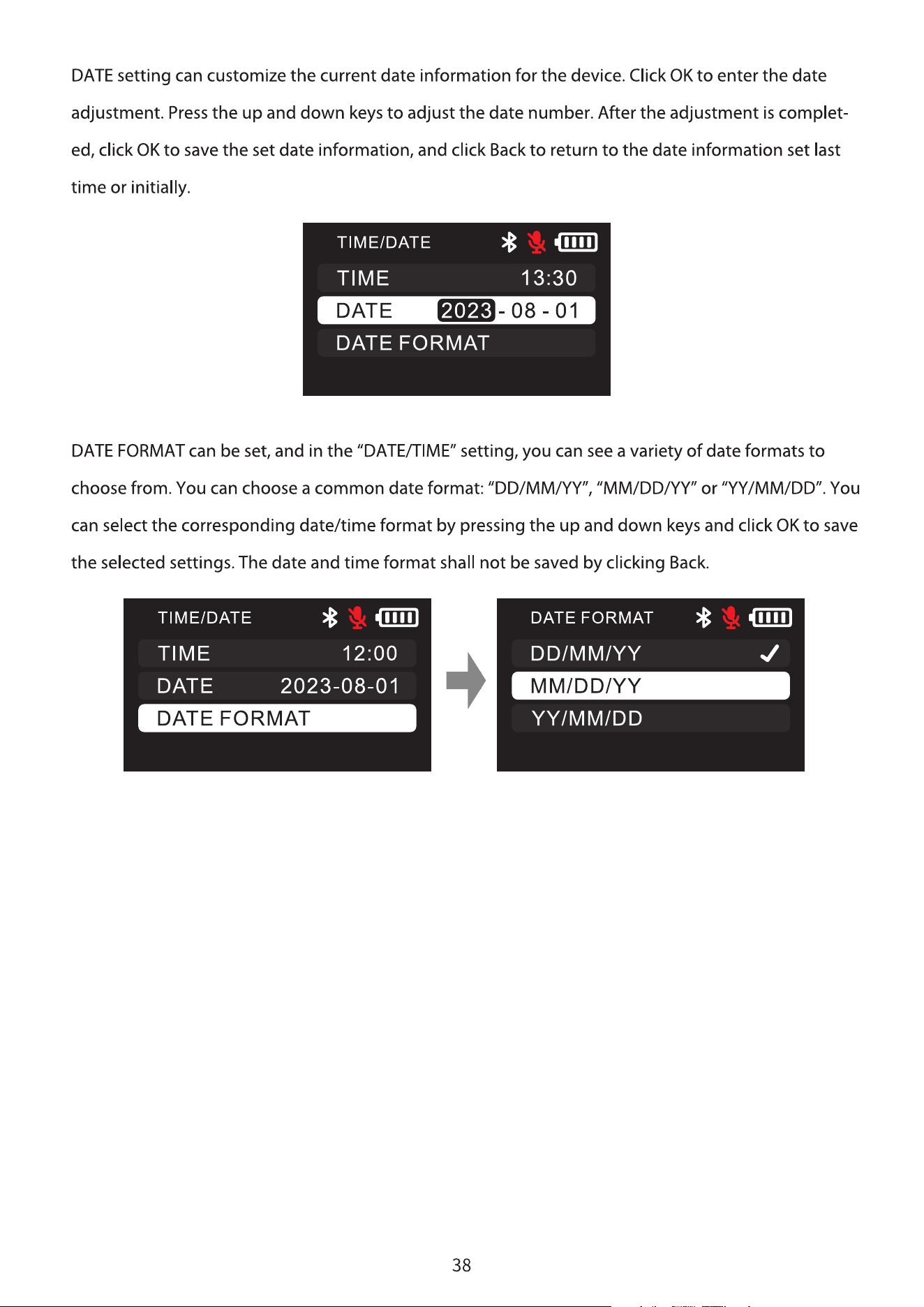
You can customize the current time information for the device. Click OK to enter the time adjustment.
Press the up and down keys to adjust the time number. After the adjustment is completed, click OK to
save the set time information, and click Back to return to the time information set last time or initially.