
English
EN
USER’S OPERATION MANUAL
Before operating this unit, please read this manual
thoroughly, and retain for future reference
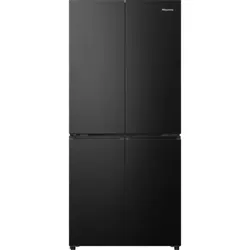
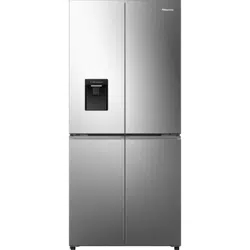
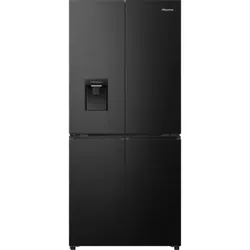
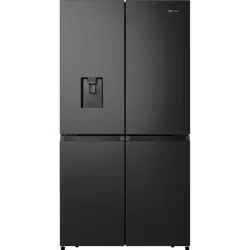
RQ758N4SWSE
RQ758N4SWFE
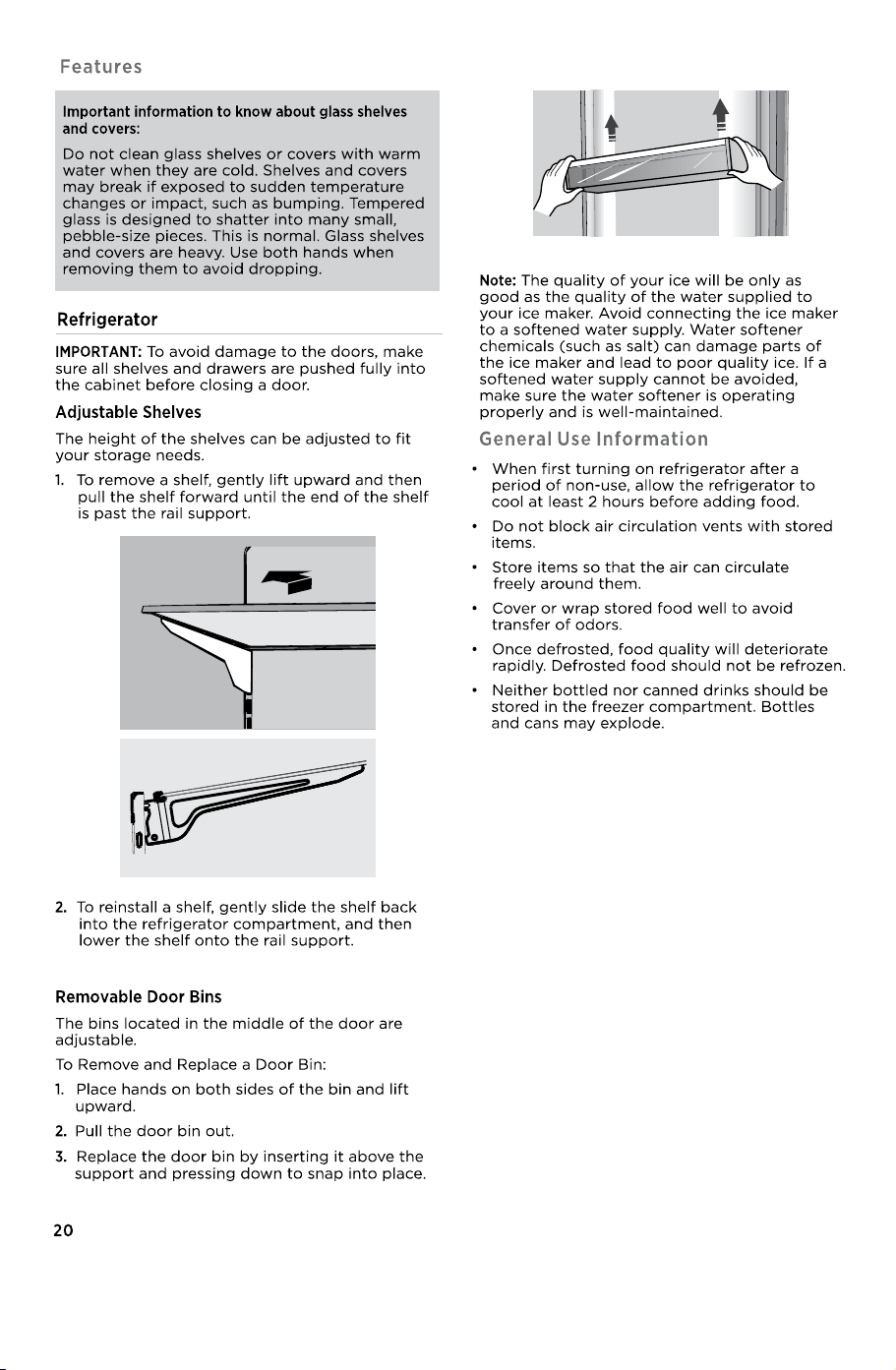
20
20
●
24
●
23
23
22
22
22
DISPOSAL OF THE APPLIANCE................................................................................................ 26
WARNING
Remove doors from your old refrigerator.
Failure to do so can result in death or brain damage.
Suffocation Hazard
IMPORTANT: !
"#"
$%&
'(&)*
&!
%!!
Before You Throw Away Your Old Refrigerator or
Freezer:
+
%%!!
!"
Important information to know about disposal
of refrigerants:
!!!&
!
"%!"!,-!
!!!!!&
"!
11
IMPORTANT:
●
+
Temperature
+!
&
345 6785 +
!&!!!!
%!"&345
895 *!
!!
%
Ventilation
●
-:!!
:!
+%
!!!
*:
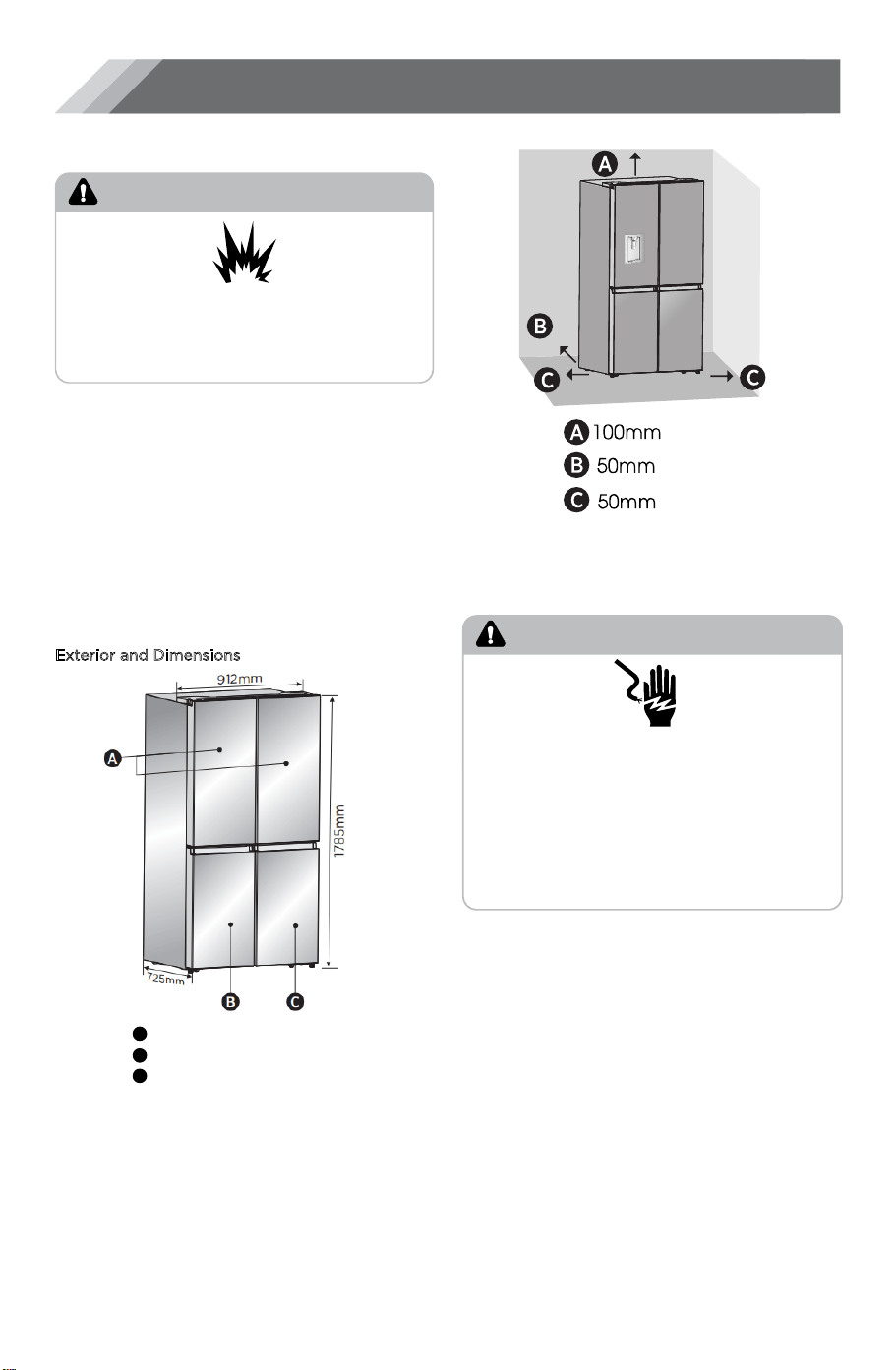
Location Requirements
WARNING
Explosion and Fire Hazard
K
eep flammable materials and vapors, such as
gasoline, away from appliance.
Failure to do so can result in death, explosion or fire.
.%
!%
!!!!
Recommended Grounding Method
-99;297;%<;=1- 3<29;2
!!:*
!!!%
"%>
!""&!
6!
NOTE:.
!!!
!!!/
!!!!!
!
12
Electrical Requirements
WARNING
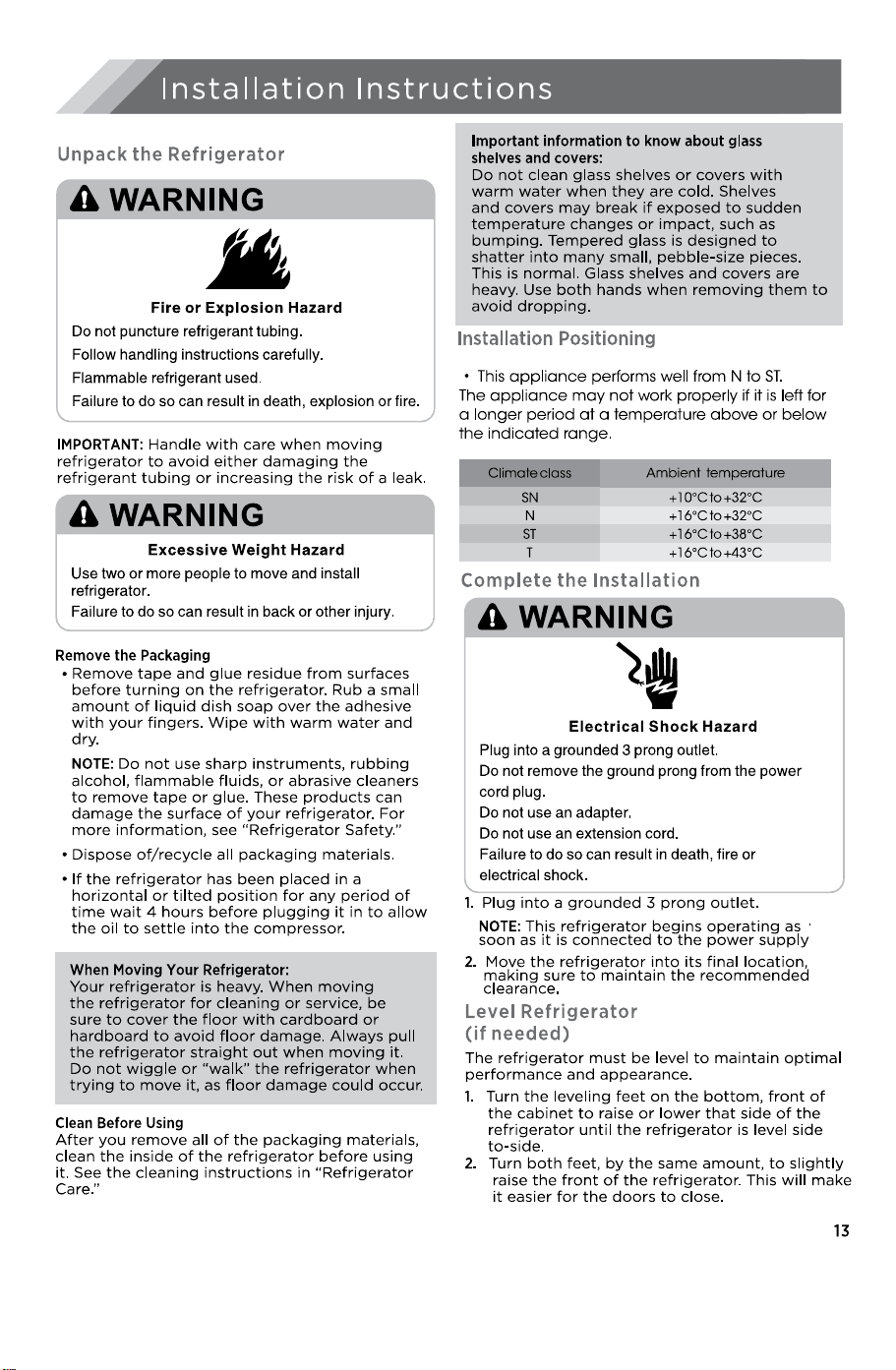
Plug into a grounded 3 prong outlet.
D
o not remove the ground prong from the power
cord plug.
Do not use an adapter.
Do not use an extension cord.
Failure to do so can result in death, fire or
electrical shock.
Electrical Shock Hazard
Note: *!66
&%37?37!&
&
,6
R
A
B 0!!
C
1
ecommended Clearances
Above
Behind
Each Side
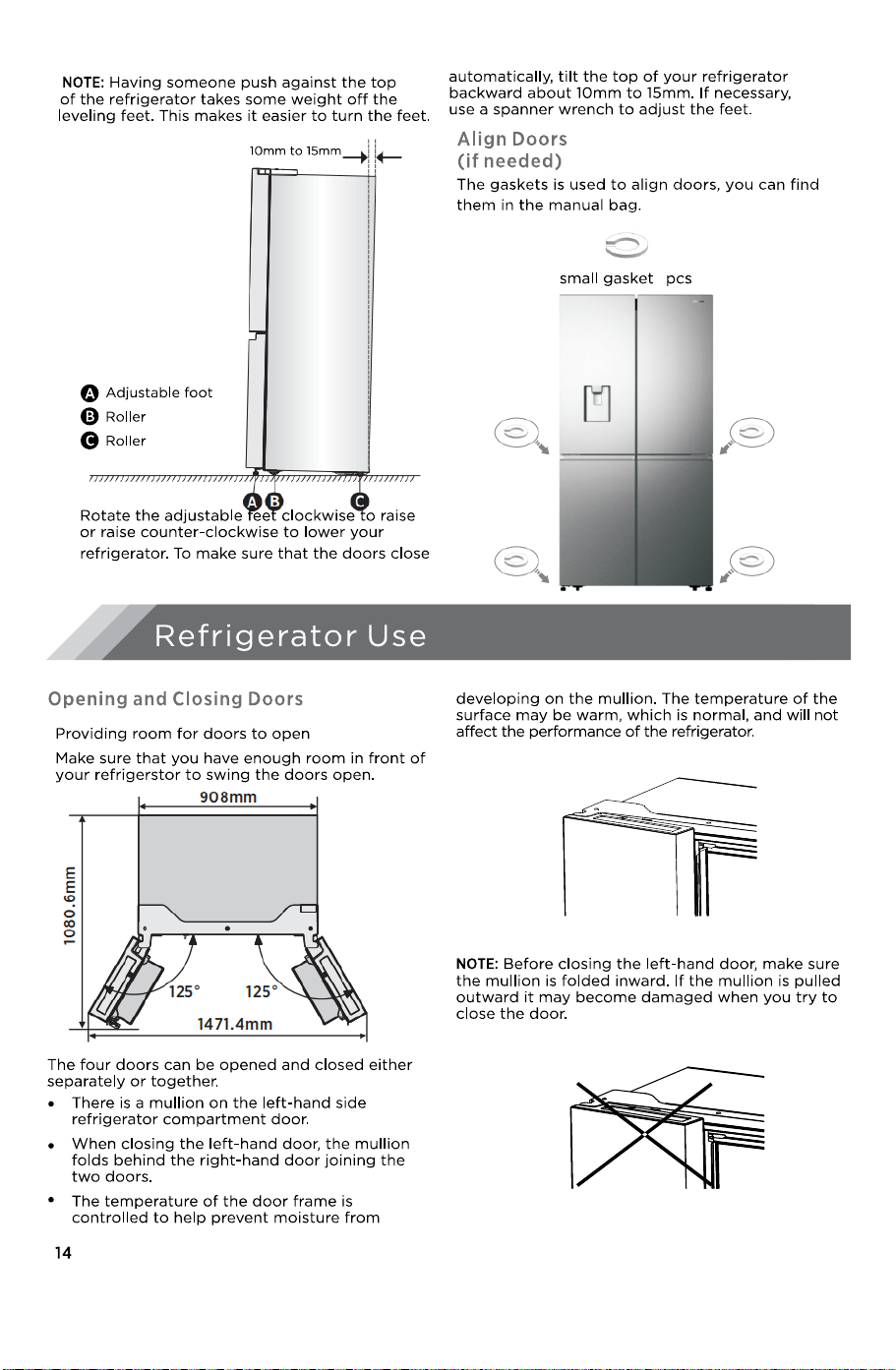
4
Display Controls
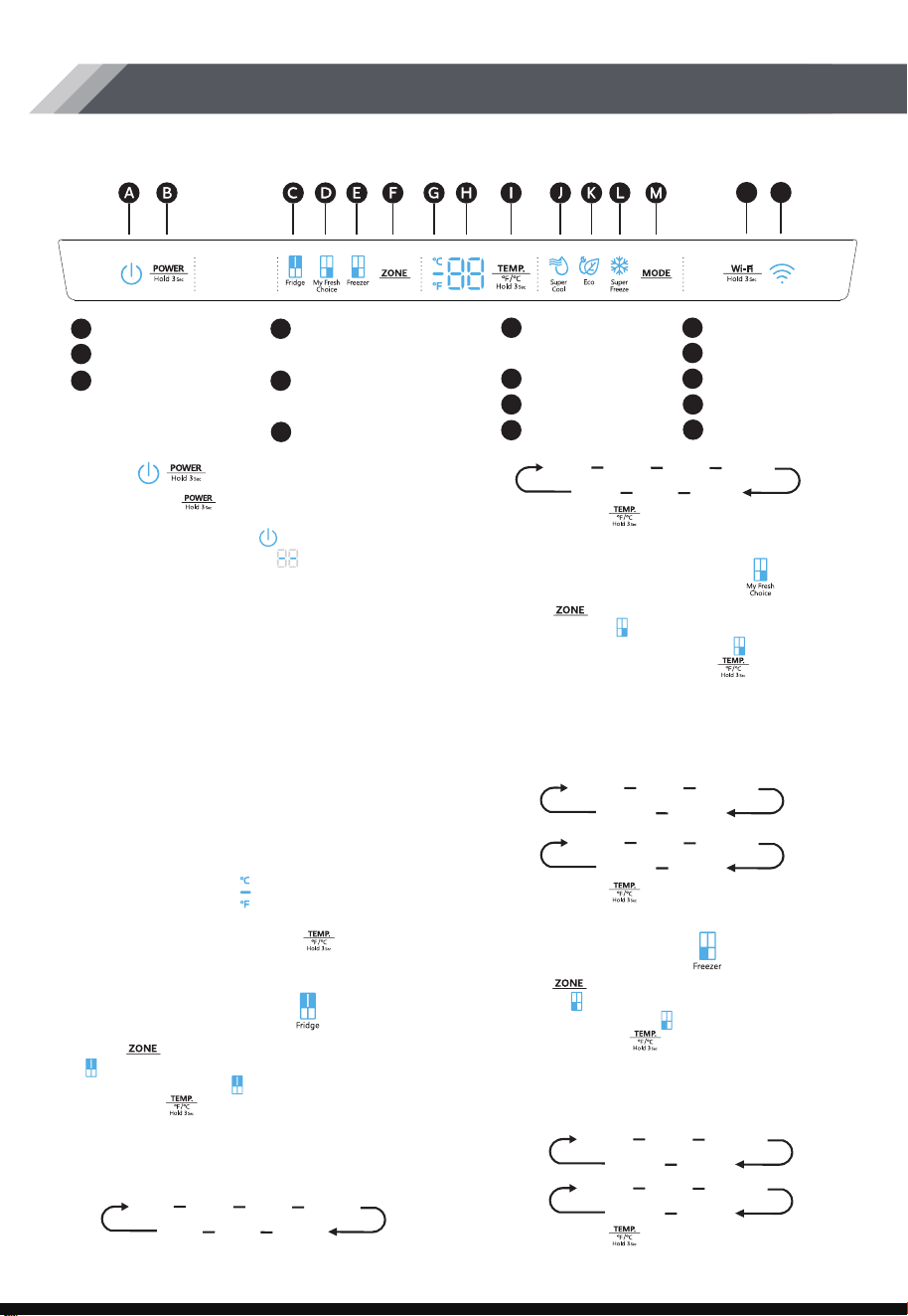
Your product has one control panel which is installed on the top of refrigerator
inside. Use your appliance according to the following control guidelines.
Eco Icon
Compartment Temp Icon
My Fresh Choice
Power Icon
Power Control
Fridge Compartment
Temp Icon
Freezer Compartment
Temp Icon
Zone Choice
Celsius/Fahrenheit
Indicator
Temperature
Temp Control
A
B
C
D
E
F
G
H
I
Super Cool Icon
Super Freeze Icon
Mode Control
J
K
L
M
Wi-Fi Control
N
Wi-Fi Icon
O
N
O
POWER
Setting Compartment Temperatures
Recommended Temperature Settings
Celsius/Fahrenheit
Pr
ess and hold “ ” button for 3 seconds to
turn the power function on or off. When the
power function is on, the“ ” icon lights and
the display panel will show “ ”.
NOTE: When the power function is on, the
refrigerator is stopped cooling.
When you set a temperature, you are setting an
average temperature for the entire
compartment.The actual compartment
temperatures may vary from the temperatures
displayed depending on the amount and
placement of stored food, and the surrounding
room temperature.
• Fridge Compar
tment: 39°F(4°C)
• Fresh Choice Compartment: 19°F(-7°C)
• Freezer Compartment: 0°F(-18°C)
To toggle between Celsius and Fahrenheit on
the display, press and hold the “ ”button for
3 seconds.
Refrigerator (Fridge)
Compartment Temperatur
8°C 7°C 6°C 5°C
4°C3°C2°C
1.Pr
ess “ ” button repeatedly until the Fridge
“ ” icon appears.
2.When Fridge is on , “ ”icon is illuminated and
then press “ ” button repeatedly to cycle
through the available temperature settings
from 46°F(8°C) to 36°F(2°C).
NOTE: Each press of the button decrease the
setting by one Celsius/Fahrenheit
degr
ee.
3 . Release the “ ” button control when
the desired temperature setting appears.
46°F 45°F 44°F 43°F
38°F……37°F36°F
My Fresh Choice
Compartment Temperature
Freezer Compartment
Temperature
-20°C -19°C
5°C 4°C
.......
-4°F -3°F
41°F 40°F
.......
-11°F -10°F
7°F - 6°F
.......
-24°C -23°C
-14°C -15°C
.......
1.Press “ ” button repeatedly until the My
Fresh Choice “ ” icon appears.
2.When My Fresh Choice is on, “ ” icon is
illuminated and then press “ ” button
repeatedly to cycle through the available
temperature settings from 41°F(5°C) to
-4°F(-20 °C).
NOTE: Each press of the button decrease the
setting by one Celsius/Fahrenheit
degr
ee.
1.Pr
ess “ ” button repeatedly until the
Freezer “ ” icon appears.
2.When Freezer is on, “ ” icon is illuminated
and then press “ ” button repeatedly to
cycle through the available temperature
settings, from 7°F(-14°C) to -11°F(-24 °C).
NOTE: Each press of the button decrease the
setting by one Celsius/Fahrenheit
degr
ee.
3 . Release the “ ” button control when
the desired temperature setting appears.
3 . Release the “ ” button control when
the desired temperature setting appears.
17
Wi-Fi function
This appliance may be controlled remotely
with a smart phone or a tablet computer.
If the appliance is not connected to the home
network, it will function like a regular appliance.
What do you need to
connect the appliance?
• Signal from the local wireless network (Wi-Fi)
should be sufficiently strong in the spot where
the appliance is installed.
• Home network router has to be connected to
the internet, and the Wi-Fi function on the
appliance should be activated.
• The smart phone/tablet computer has to be
connected to the internet.
• Operating system on your smart phone/tablet
computer should be compatible with the
ConnectLife app.
The ConnectLife App is available to download
free of charge from the Apple App Store or
from the Google Play Store.
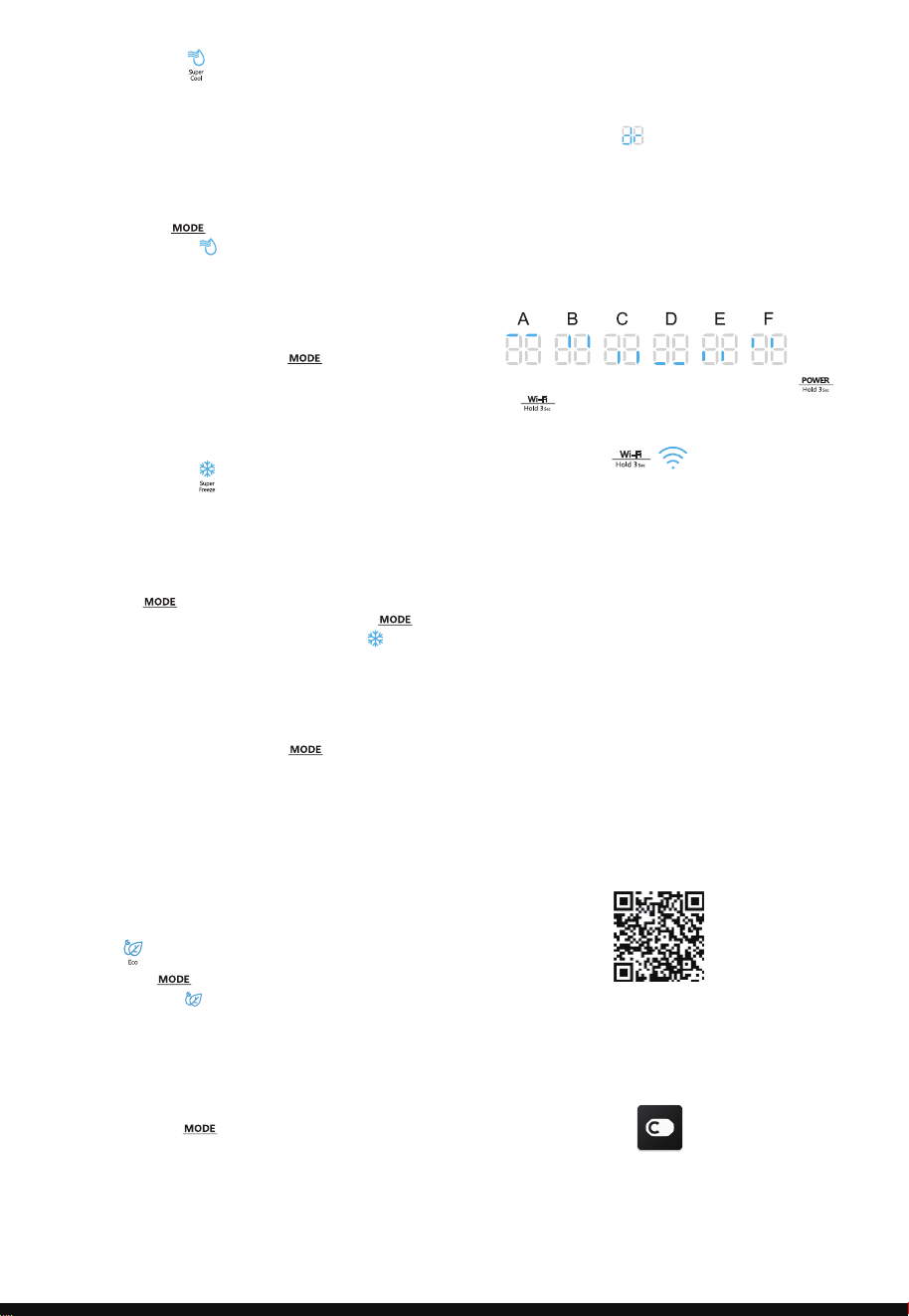
Eco
T
he Super Cool feature helps to keep food
stored in the refrigerator at the set
temperature during periods of high usage,
large grocery loads, or temporarily warm
room temperatures.
The Super Cool feature lowers the
temperature in the fridge compartment.
1.Press the “ ” button to activate this
function. The “ ” icon will be illuminated
and the fridge temperature indicator will
display 36°F(2°C).
2.Super cool will automatically turn off
after 3 hours.
3.When super cool function is on you can
turn it off by pressing the “ ” button
or setting fridge temperature. To manually
turn off the Super Cool function, the fridge
temperature setting will revert back to the
previous setting.
Super Freeze will quickly lower the
temperature within the freezer so food will
freeze faster than usual. This feature also
helps to keep vitamins and nutrition of fresh
food fresh for longer period.
1.Press “ ” button repeatedly until the
Super Freeze icon appears. Press the “ ”
button to activate this function. The “ ” icon
will be illuminated and the temperature for
the freezer is set to -11°F(-24°C).
2.Super freeze will automatically turn off after
52 hours.
3.When Super Freeze function is on you can
turn it off by pressing the “ ” button or
setting freezer temperature. To manually
turn off the Super freeze function, the
freezer temperature setting will revert back
to the previous setting.
NOTE: When you selecting the Super Freeze
function, ensure there are no bottled or
canned drinks (especially carbonated drinks)
in the freezer compartment. Bottles and cans
may explode.
Pr
ess the “ ” button to turn on the Eco
function, the “ ” icon will be illuminated.
When the Eco function is on, the temperature
of fridge is automatically switched to 43°F(6°C)
and the temperature of freezer is automatically
switched to 1°F(-17°C), the temperature of My
Fresh Choices is compartment is immovability.
When Eco function is on, you can switch it by
pressing the “ ” button or adjusting the
fridge/freezer temperature, the refrigerator
temperature setting will revert back to the
previous setting.
If a door is open f
or longer than 2 minutes, an
alarm will sound to alert you and the control
panel will display “ ”. The alarm will sound
3 times every minute for 8 minutes.
• To turn off the alarm, close all doors completely.
Super Cool
Super Freeze
Door Open Alarm
1.Go t
o the App Store (on Apple devices),
AppGallery (on Huawei devices) or Google
Play Store (on Android devices) on your
phone/tablet computer.
2.Search for “ConnectLife”.
3.Choose the ConnectLif
e app and install it on
your smart phone/tablet computer.
Demo mode
Demo mode is f
or store display, and it prevents
the refrigerator from generating cool air. In this of
Cooling off Mode, the refrigerator may seem like
it is working but it will not make cool air. The
display panel will show special segments as follow.
To switch off demo mode, press and hold “ ”
and “ ” buttons at same time for 3 seconds
and the buzzer gave a long sound.
$POOFDU-JGF"QQ
*OTUBMMJOHUIF$POOFDU-JGFBQQ
18

selection mode to realize unbinding.
Information!
We recommend downloading and installing
the mobile app and creating a ConnectLife
account before attempting to set up the
connection with your appliance.
Connect appliance to Wi-Fi
After activating the Wi-Fi function, connect
your device to your home router in order to
connect your appliance with the ConnectLife
mobile app.
Step 1: Set the appliance to normal operation.
Touch the “ ” key for approximately
3 seconds. You entered network connection
menu when “ ” appears in the display.
Step 2: Touch the “ ” key to select “ ”
within 60 seconds.
Step 3: Touch the “ ” key to confirm the
selection mode. The Wi-Fi symbol starts
blinking and the network of this appliance is
now open to connect to,for 5 minutes.
Step 4: When the Wi-Fi symbol is on, it means
that the Wi-Fi connection is successful. The
display will return to normal.
The appliance can be paired with your mobile
device. Simply pair another user to your
appliance. This requires, that your appliance
was already set up before and is connected to
your home network. If not, go back and select
CONNECTION SETUP.
Step 1: Set the appliance to normal operation.
Touch the “ ” key for approximately
3 seconds. You entered network connection
menu when “ ” appears in the display.
Step 2: Touch the “ ” key to select “ ”
within 60 seconds.
Step 3: Touch the “ ” key to confirm the
selection mode. The PAIR network of this
appliance is now open to connect to, for
5 minutes.
Step 4: When the display returns to normal,
it means the PAIR connection is successful.
PAIR Appliance
Unbind all PAIR appliance
By activating this function, the appliance will
be removed from all paired app user accounts.
Step 1: Set the appliance to normal operation.
Touch the “ ” key for approximately
3 seconds. You entered network connection
menu when “ ” appears in the display.
Step 2: Touch the “ ” key to select “ ”
within 60 seconds.
Step 3: Touch the “ ” key to confirm the
Step 4: After the device is unbound, it will
automatically enter the distribution network
state, the “ ” icon flashes, and the
distribution network time is up to 5 minutes.
19
NOTE: !!
!
!!
B*!
&!!
%%%
&!
WARNING!
●
"!""
:"
!"!!%
"!!
!
Water dispenser cleaning(special for water dispenser
●
products):
B &%"
7@C&!!&
&"&<
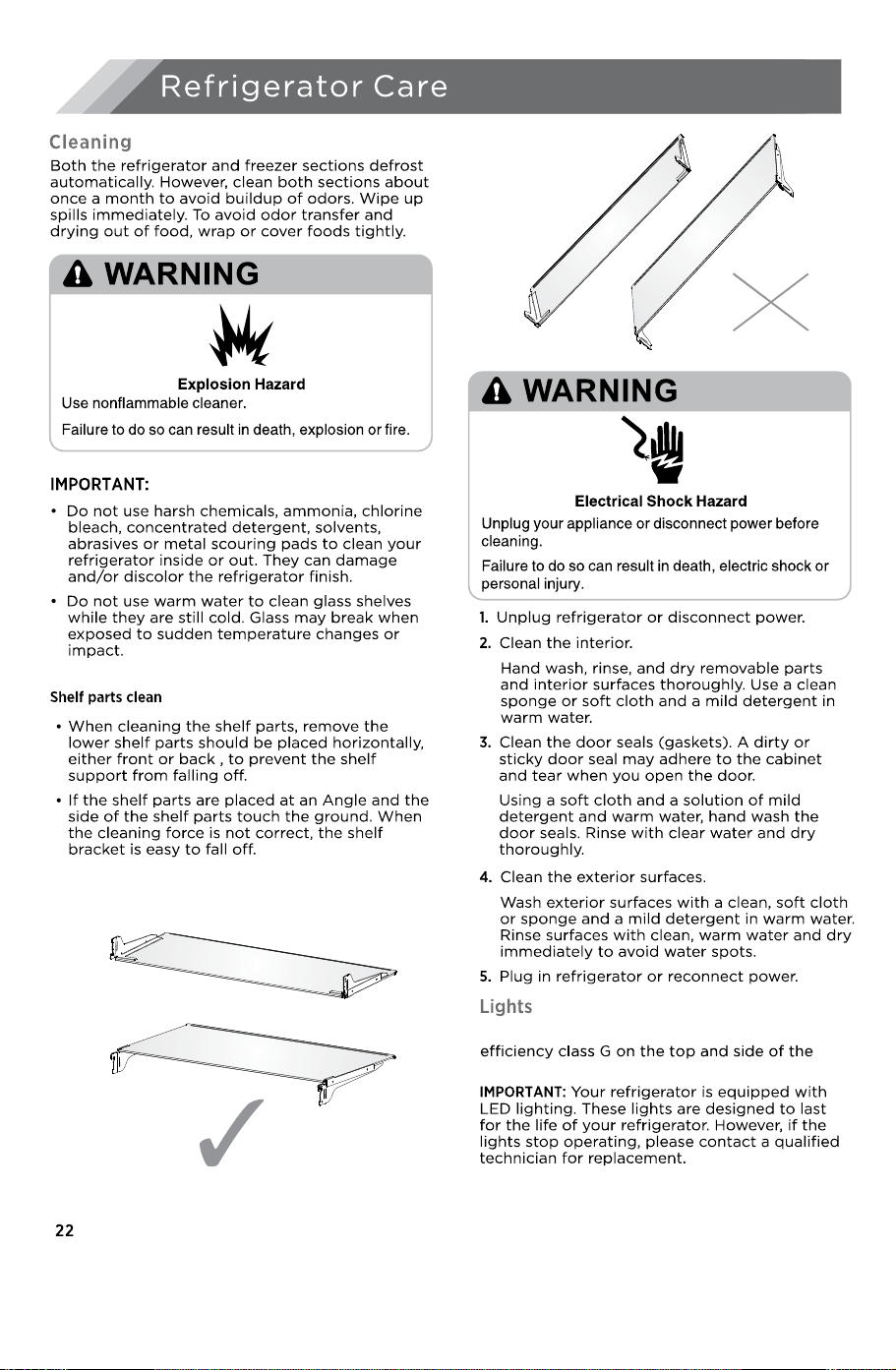
This product contains a light source of energy
●
refrigerating chamber.
●
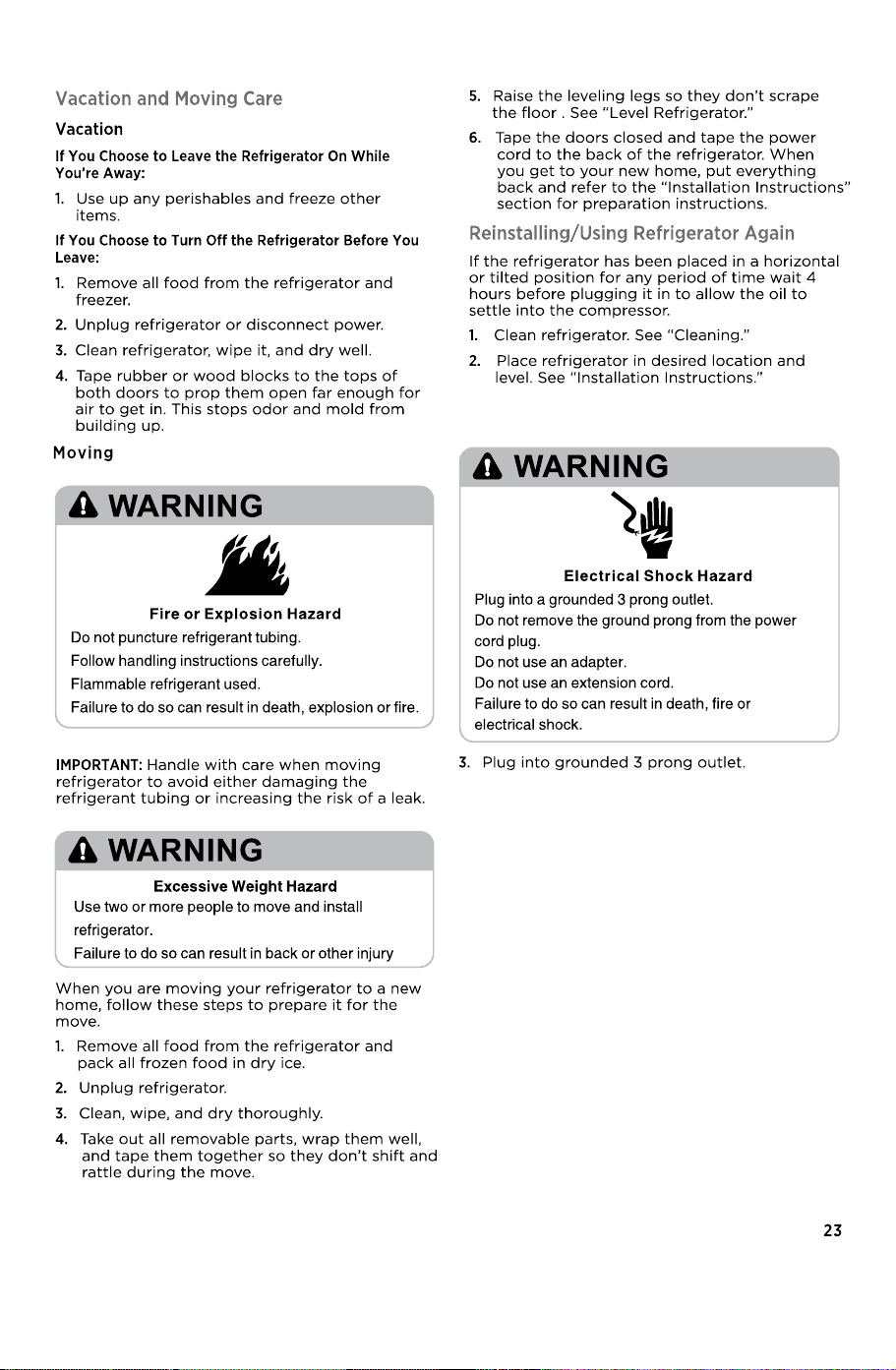
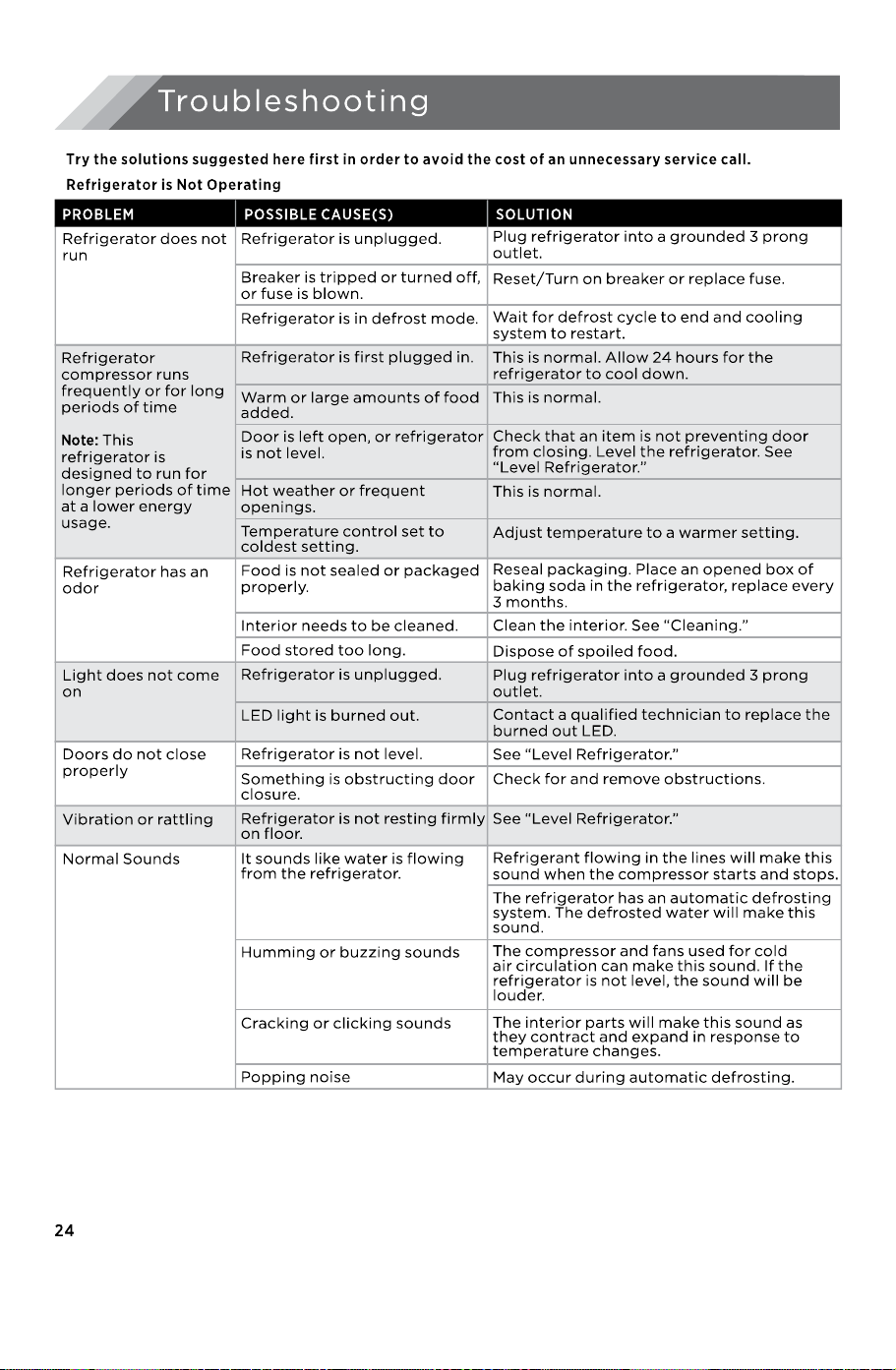
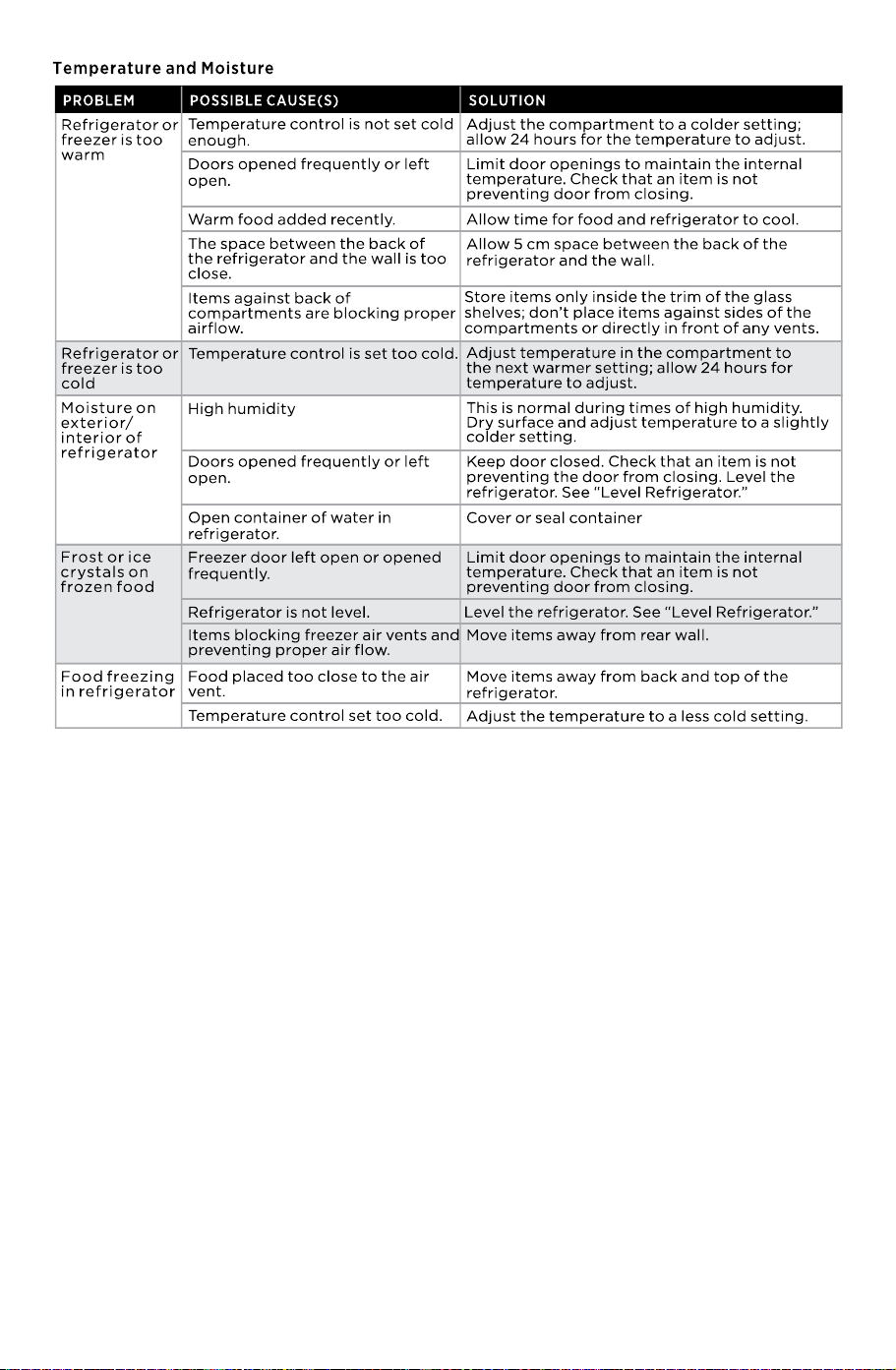
25
26
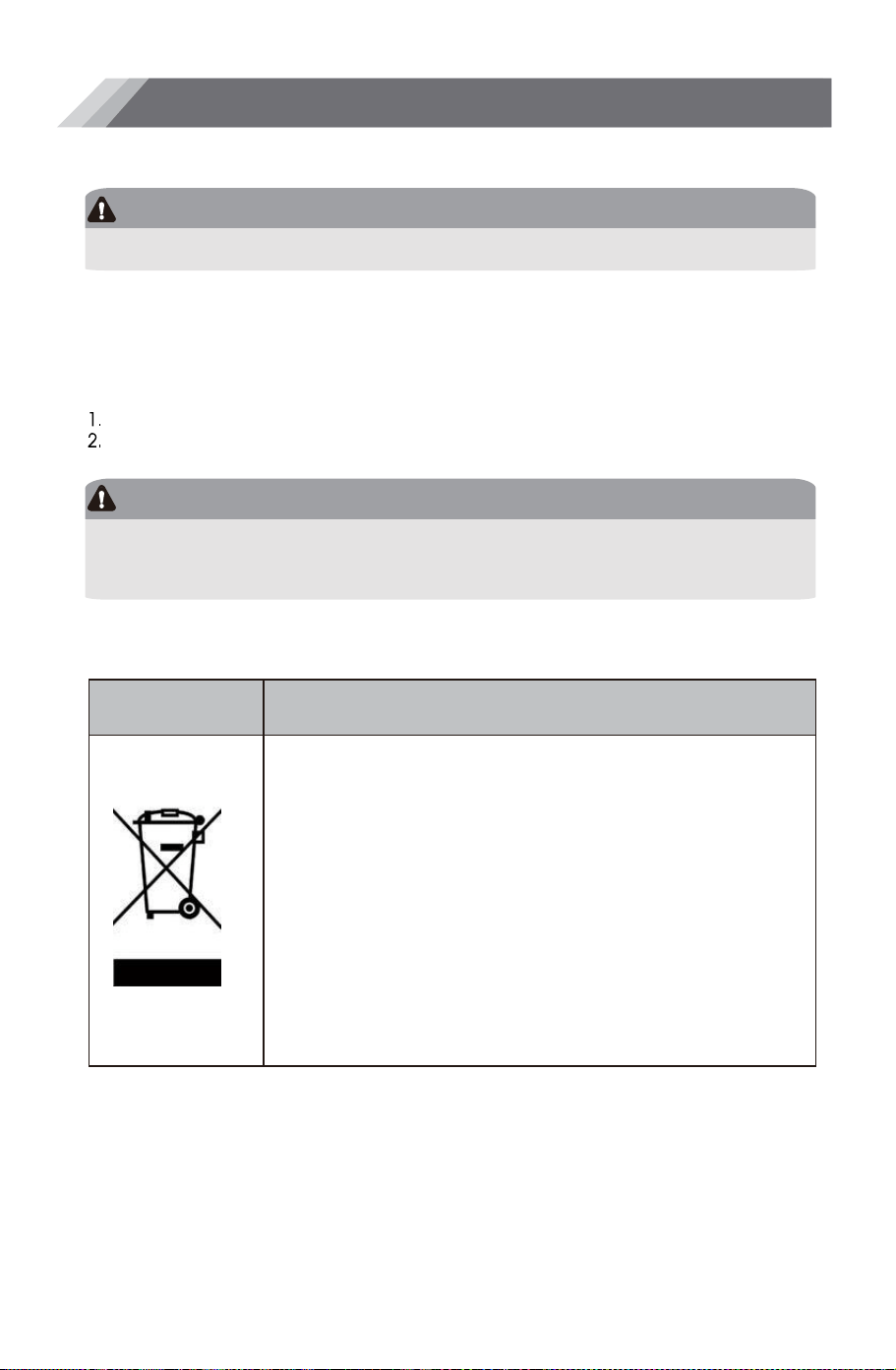
Correct Disposal of this product
DANGER
WARNING
!&!!"!!"
!"&!!!!!
!
&!!&
!
"!(
,"!!
*"!&
Packaging materials
Before disposal of the appliance
+"!!!
!"&
*"&
!!!!!!
!!:.!
!!&%
%!:!%
&!!&"!"
&!
"!!!
!!!%
&%!&!
!
Disposal of the Appliance
Hisense Service Help Line:0191 387 0804

Hisense UK Ltd
Ground floor Munroe Court
White Rose Office Park
Millshaw Park Lane
Leeds LS11 0EA