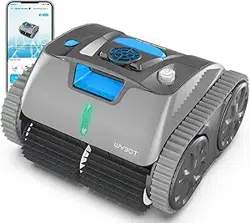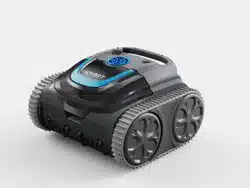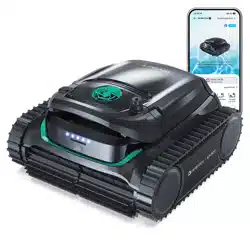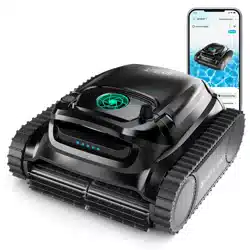
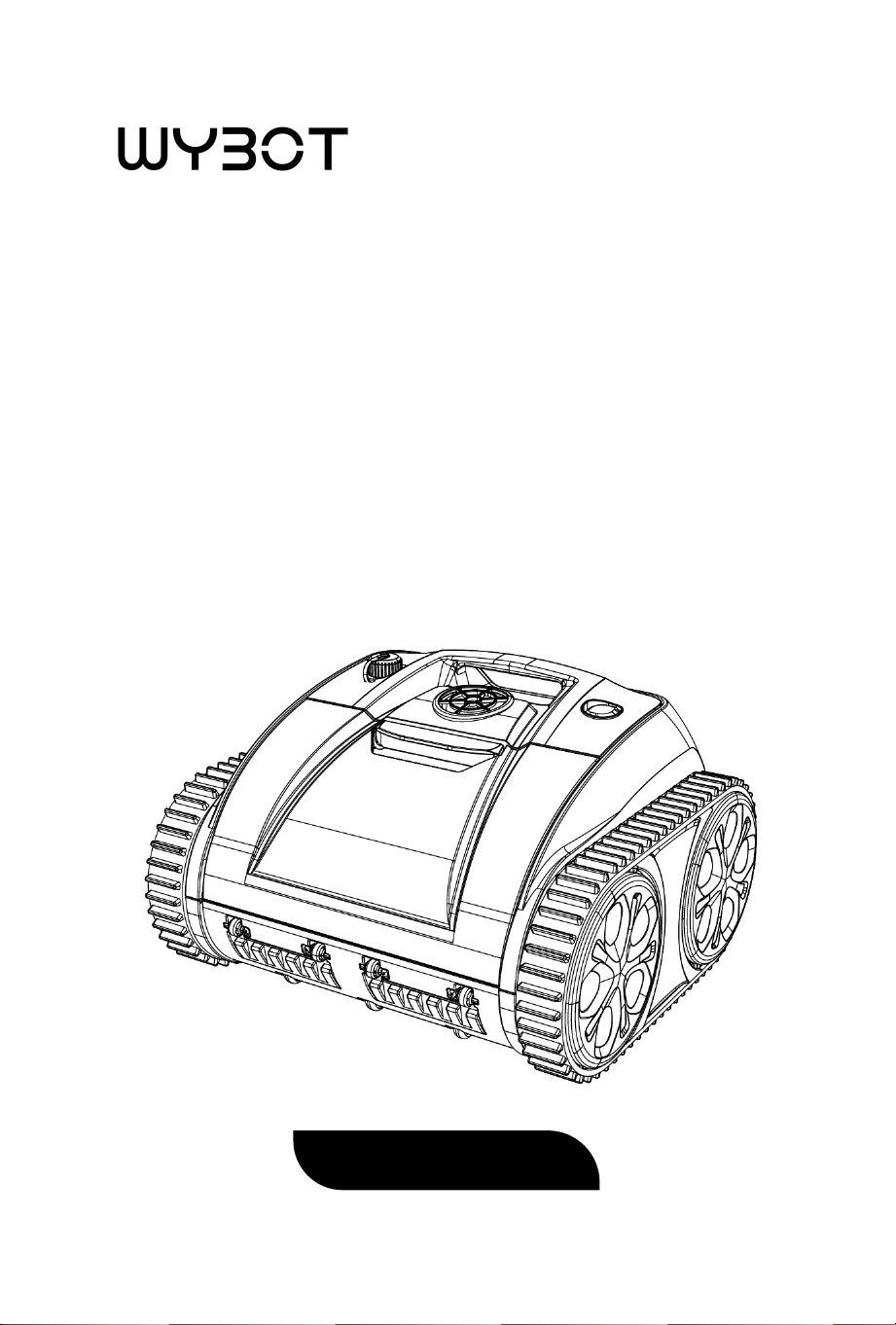
ROBOTIC POOL CLEANER
User Manual
Osprey 700


1
Thank you for purchasing Wybot
TM
Robotic Pool Cleaner. Please read
through the entire manual before using your new robotic pool cleaner.
We are not held liable for any loss or injury caused by improper use. If
you encounter a problem with your Wybot
TM
product, please contact
our customer service for assistance.
TM
®

2
CONTENTS
Important Precautions ...............................................01
1. Introduction ............................................................03
2. Packing List .............................................................03
3. Product Diagram .....................................................04
4. Specifications ..........................................................05
5. Operations .............................................................. 06
6. Warranty .................................................................13

01
Important Precautions
Read and Follow All Instructions
1. Please read the manual carefully, and use the cleaner according to
the manual. We are not held liable for any loss or injury caused by
improper use.
2. Use the accessories recommended or sold by the manufacturer
only.
3. Dry the charging port after removing the cleaner out of water and
make sure the cleaner is switched off (the indicator is off) if you want
to charge the cleaner.
4. Use the original and authorized power charger only, do not charge
any other devices with this charger.
5. The power line must be connected to a leakage protected and
earthed socket when charging.
6. Do not charge the cleaner if the environment temperature is above
35
℃
(95
℉
) or below 5
℃
(41
℉
)
7. Do not over charge the cleaner which will reduce the battery life.
8. The cleaner should be charged if it needs to be stored for a long
time (over 6 months) to maintain battery life.
9. To reduce the risk of electrical shock, do not use the charger if the
cord is damaged.
10. Never allow children to ride on it or play with it as a toy.
11. Do not power on the cleaner when it is out of the water.
12. Do not operate the cleaner when there are people in the pool.
13. Always clean and wash the filter tray after use.

02
14. Only professionals can disassemble the sealed driving kit of the
cleaner.
15. Do not operate the cleaner while pool filter is running.
16. The cleaner should be stored in a cool and ventilated place, away
from direct sunshine or any heat source, never cover it with anything
that would cause internal electrical components overheating.
Save These Instructions
03
1. Introduction
The robotic pool cleaner Osprey 700 is a new type of rechargeable
automatic cleaning equipment for swimming pools, cordless and easy
to use.
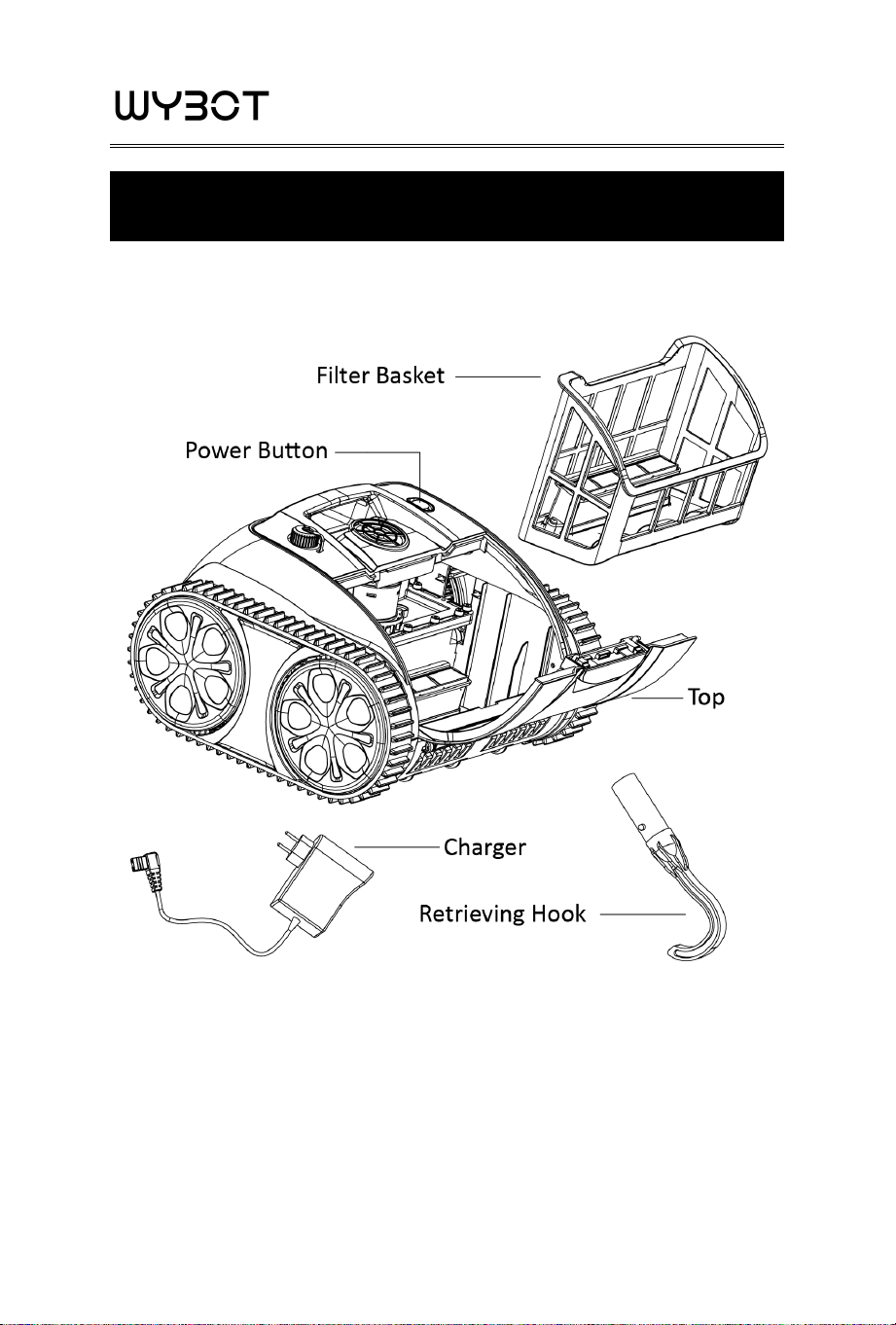
2. Packing List
Item Name Quantity
1 Osprey 700 1 pc
2 Charger 1 pc
3 Retrieving hook 1 pc
4 Floating blocks
5 User Manual 1 pc
6 Quick Guide 1 pc
2 pcs
04
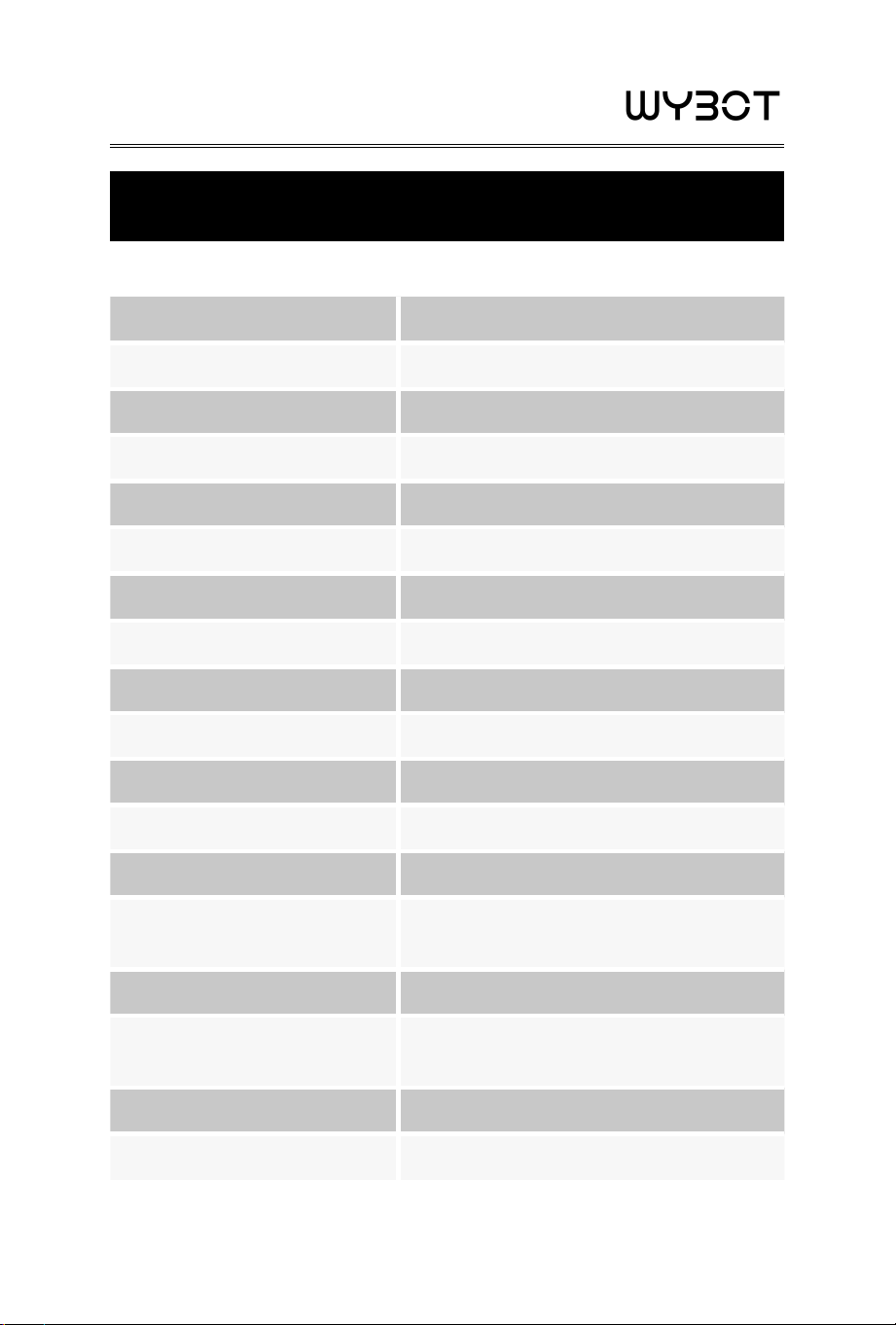
3. Product Diagram
05
4. Specifications
1. Model Osprey 700
2. Rated Working Voltage 10.8V
3. Power 65W
4. Run Time Max. 90min for one cycle
5. Charger Input 100-240V, 50-60Hz
6. Charger Output 10.8V/1.8A
7. Battery Capacity 8600mAh/8800mAh
8. Charging Time 6-7 Hours
9. Pool Size Up to 861sq.ft (80m
2
)
10. Flow rate approx.10m
3
/h(2642gal/h)
11. Filter Density 180 μm
12. Moving Speed approx. 36ft/min(11m/min)
13. Waterproof Grade IPX8
14. Charging Environment
Temperature
41
℉
-95
℉
(5
℃
-35
℃
)
15. Max Water Depth 8.2ft(2.5m)
16. Product Size
14.6(L)*14.1(W)*9.4(H) inches
372(L)*360(W)*240(H) mm
17. Weight 17.64lbs (8KG)
18. Storage Condition 41
℉
-95
℉
(5
℃
-35
℃
), RH≤75%
06
5. Operations
5.1 Power button and indicator

07
Item Function Description
①
Power
on/off
Press the button, blue light indicates the cleaner
is powered on.
Press the button again, red light indicates the
cleaner is powered off.
② Indicator
1.Blue light is steady on: power on
2.Blue light flashes: the cleaner is working
3.Yellow light flashes: low battery and start to
self-parking
4.Yellow light is steady on: self-parking finished
Note: When the yellow light is steady on, power off the cleaner and
charge it. Running the cleaner in the pool after charging, if it fails to
work, please contact after-sales service.
5.2 Attention
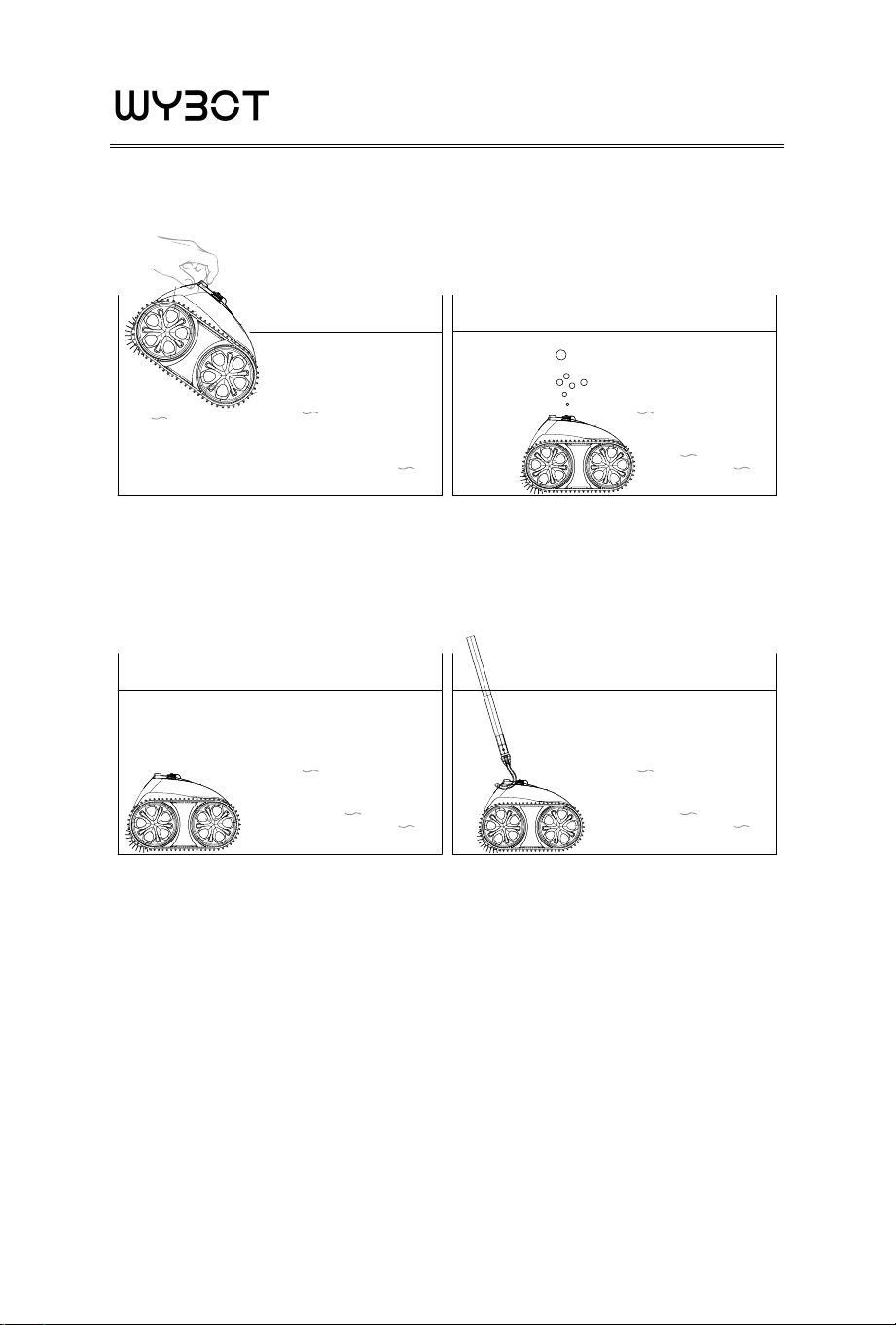
a. Put into the pool with the cleaner bottom towards the wall. Hold
on the robot and power on the cleaner. The cleaner will start working
after 20 seconds when emptying trapped air inside (make sure to
empty the inside air in order to make the robot work well), then the
cleaner can immerse into the pool floor
08
b. The cleaner will move to pool edge when finish working, then use
the hook to lift it out of the pool
09
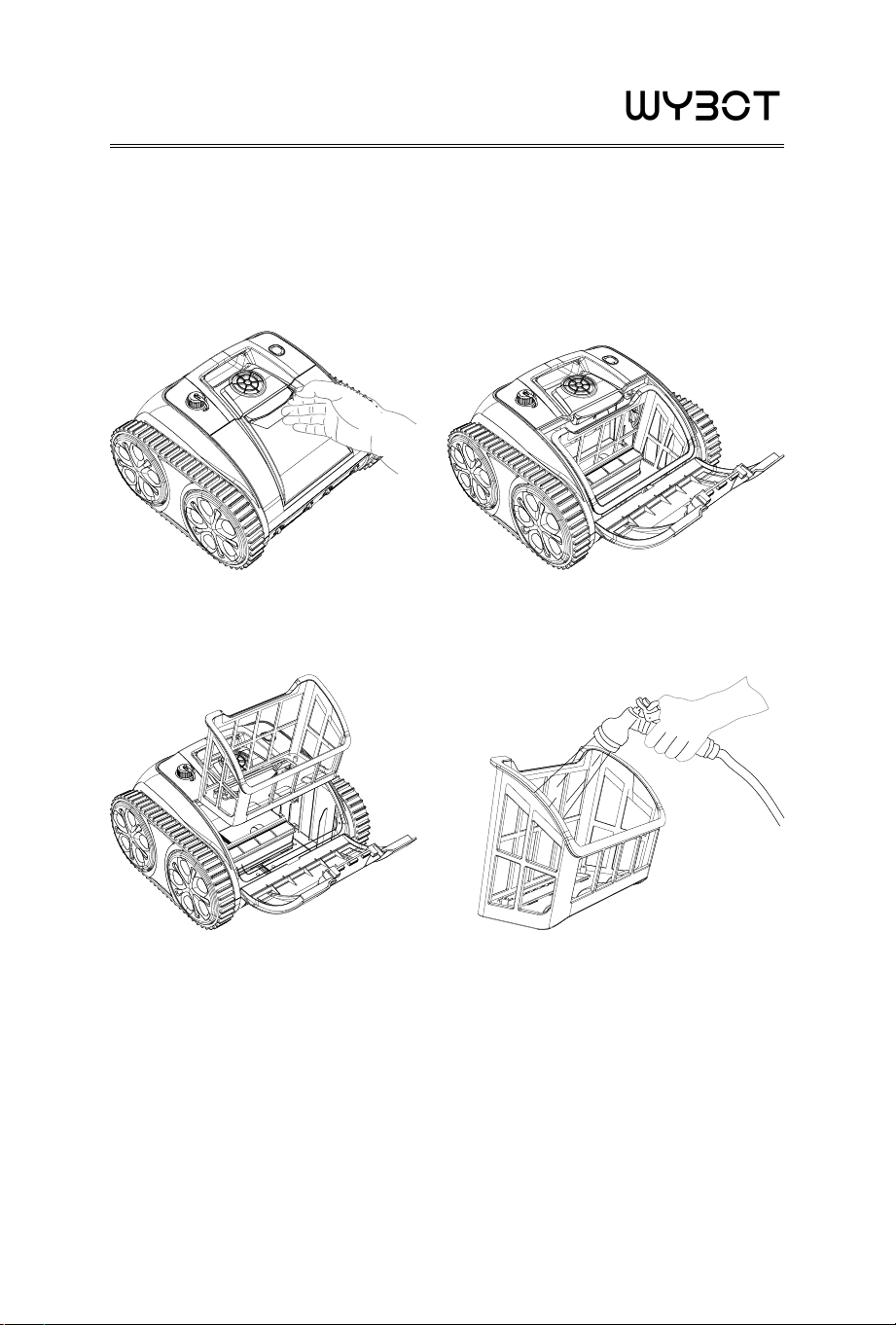
5.3 Filter Cleaning
a. Open the top cover: Put the robot aside the pool and open the top
cover, the filter basket is located as shown in picture
b. Take out the filter basket c. Wash filter basket
d. Re-install the filter basket in reverse steps.
10
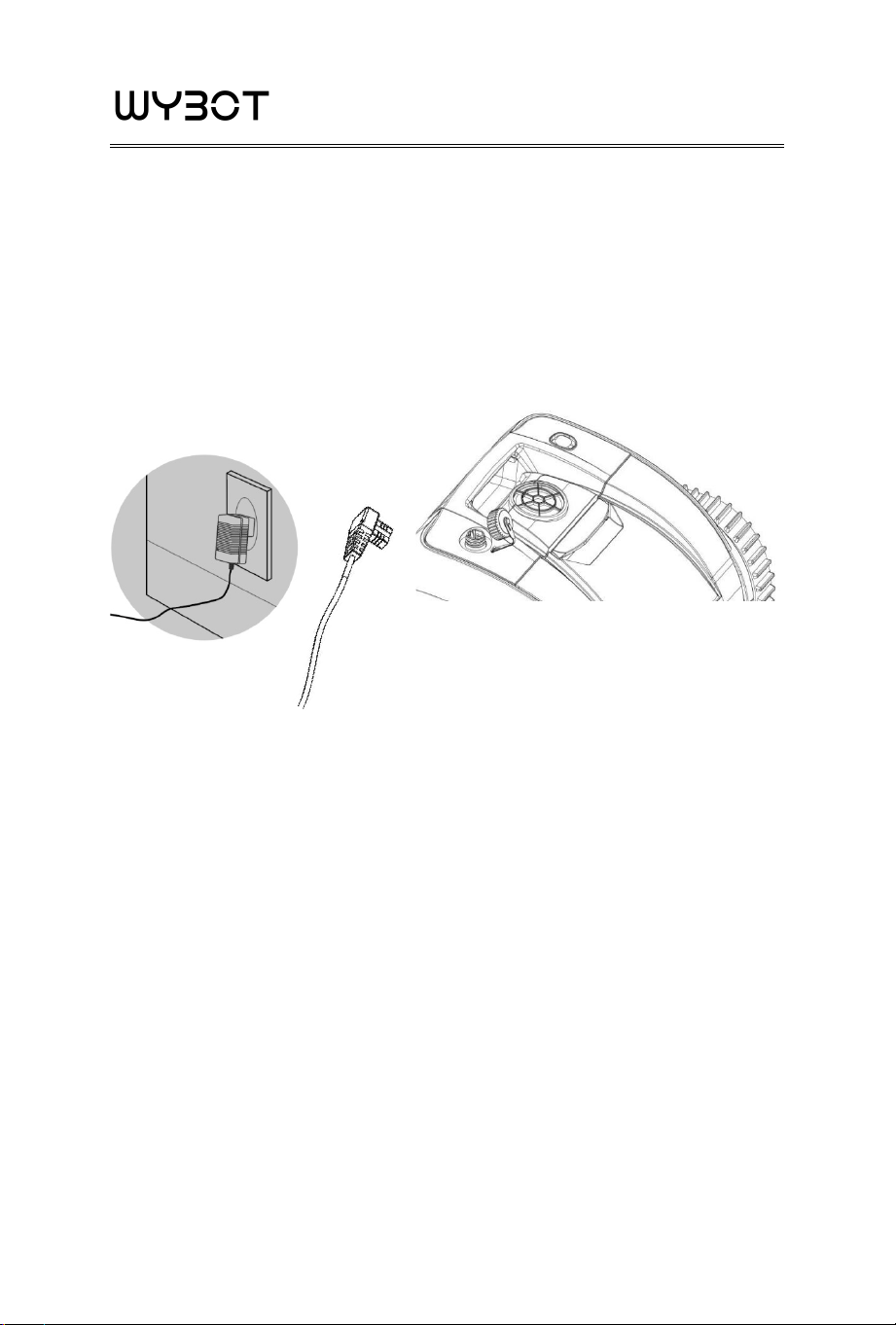
5.4 Charge the battery
a. Remove the cleaner from the pool
b. Make sure the cleaner is powered off (no indicator flashes) and
charging port is dry, attach the charger to the charging socket. Red
light indicates it is charging, green light indicates it is fully charged.
LED Indicator
Red - Charging in Progress
Green - Fully Charged
Note: Charge the cleaner indoor and at least 3m (appr. 10ft) from the
edge of the pool for charging.
11
5.5 Charger indicator
Colour & Status of indicator Charging status
Green light is steady on
Waiting for a recharge or connector
not plugged or charging finished
Red light is steady on The battery is charging
Red light flashes Low battery or battery is damaged
5.6 Installation of Floating Block
Attention: If your robot is performing well, please ignore these
instructions.
The following diagrams is limited to use of the floating blocks when
the robot cannot climb the pool walls or not able to climb walls like
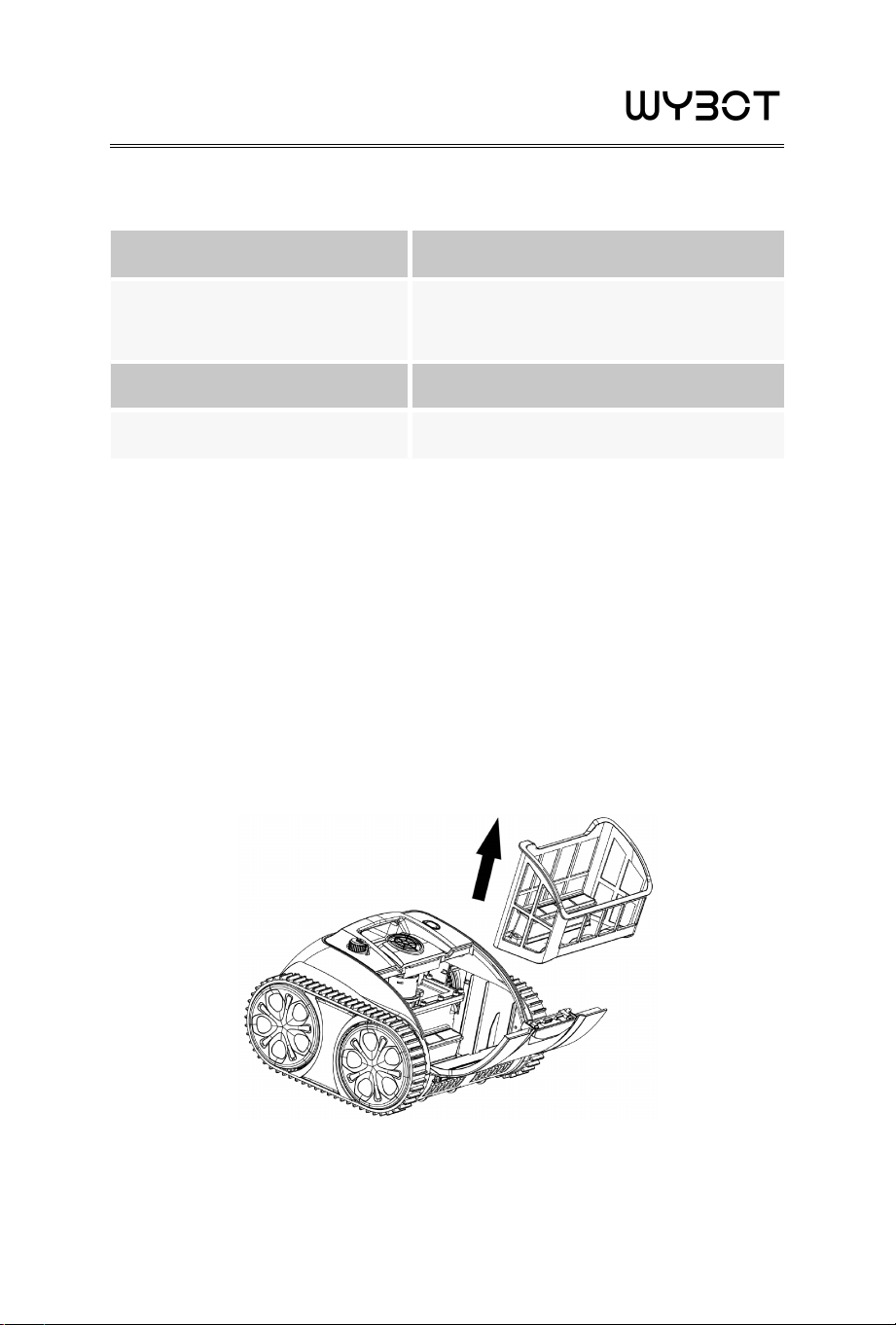
used to.
a. Open the filter cover and pick up the filter basket
12
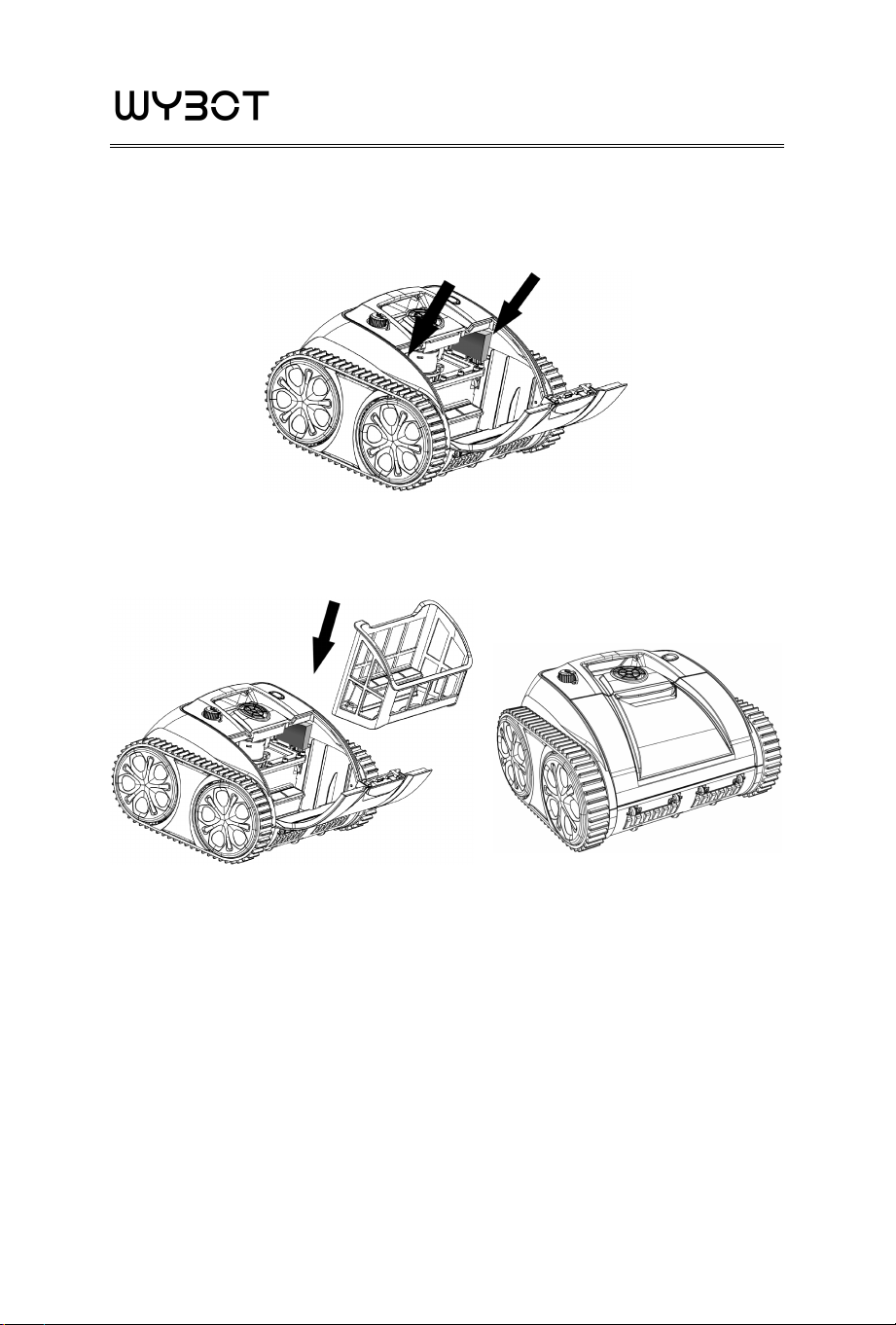
b. Tear off the protective film on the back of the floater and stick one
by one according to the position shown in the figure
c. Install the filter basket and close the filter cover
5.7 Pool water condition
Remark: The pool water condition must be within following
parameters:
·PH: 7.0-7.4
·Temperature: 50
℉
-95
℉
(10
℃
-35
℃
)
·Salt: Max. 5,000 ppm
·Chlorine: Max. 2 ppm

13
6. Warranty
1. This product is covered by Wybot
TM
warranty for 24 months
(only for driving kit and control box kit) from the date of purchase.
Consumable parts are beyond warranty which include Filter Tray/
Brush/ Wheels/Nozzles.
2. This warranty is voided if the product has been altered, misused, or
has been repaired by unauthorized personnels.
3. The warranty extends only to manufacturing defects and does not
cover any damage resulting from mishandling of the product by the
owner.
4. The order number or record must be presented for any claim or
repair during the warranty period.



USER
MANUAL