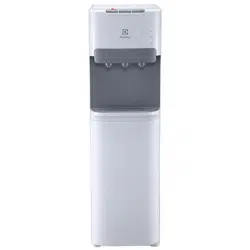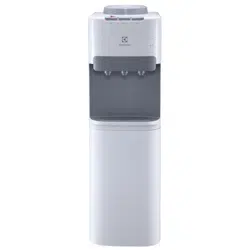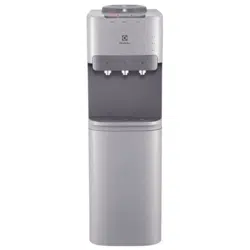
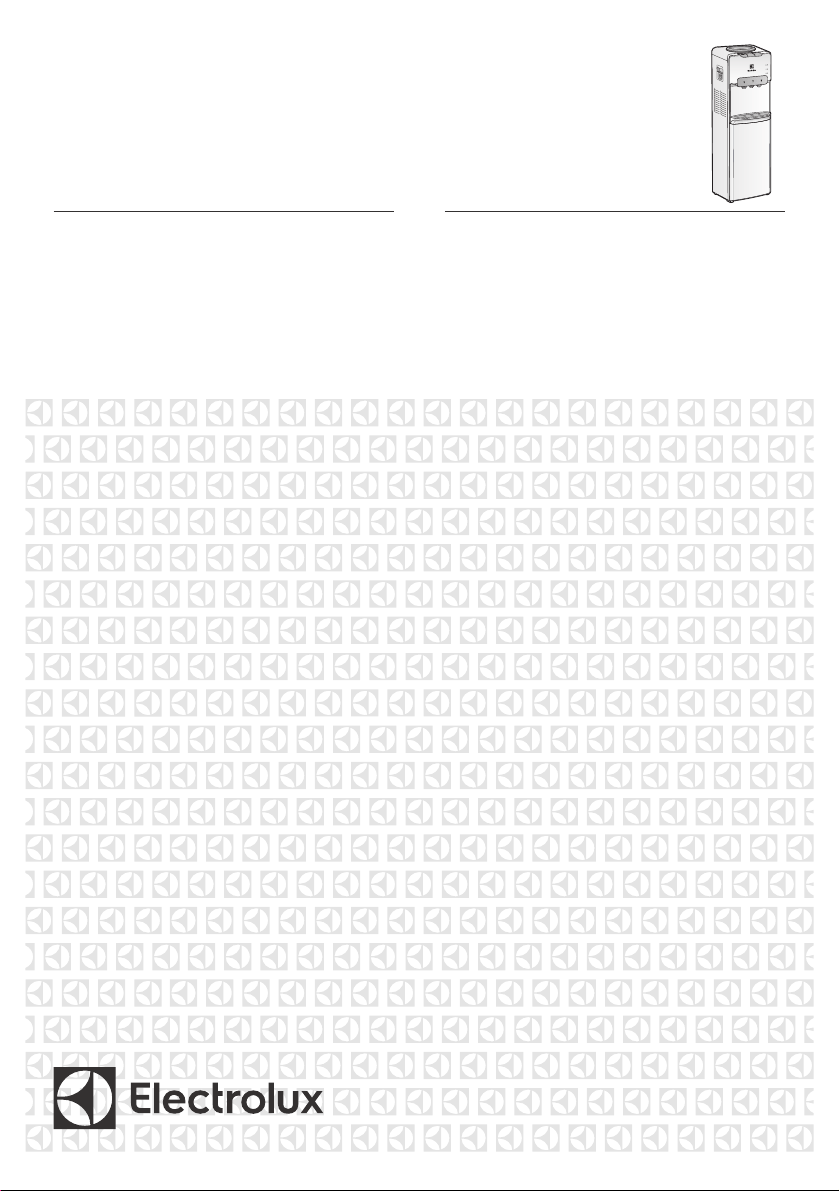
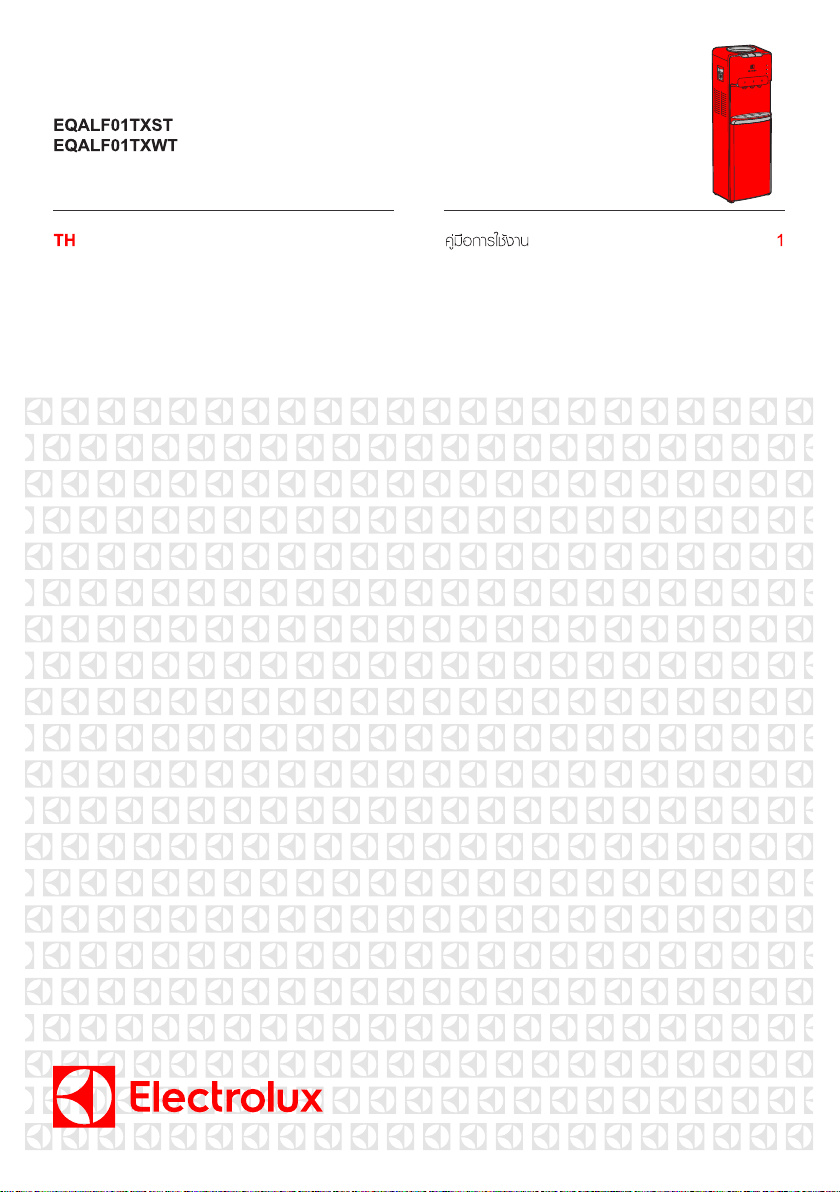
EQALF01TXST
EQALF01TXWT
USER MANUAL 1EN

Thank you for choosing ELECTROLUX. This manual contains
Welcome
Environmental Notice
all the information you need to safely and correctly use your water
dispenser. Please read all the instructions prior to using the appliance,
and keep this manual in a secure place for future reference. Do not
remove the rating plate label which attached adhesive identification label
containing the code, model number, manufacturer and other information.
This label will be used by an ELECTROLUX authorized service
representative in the event that your water dispenser needs service.
The packaging material used is recyclable. We
recommend that you separate plastic, paper and
cardboard and give them to recycling agents.
To help preserve the environment, the refrigerant
used in this product is R134a (Hydrofluorocarbon -
HFC), which does not affect the ozone layer and
has little impact on the greenhouse effect.
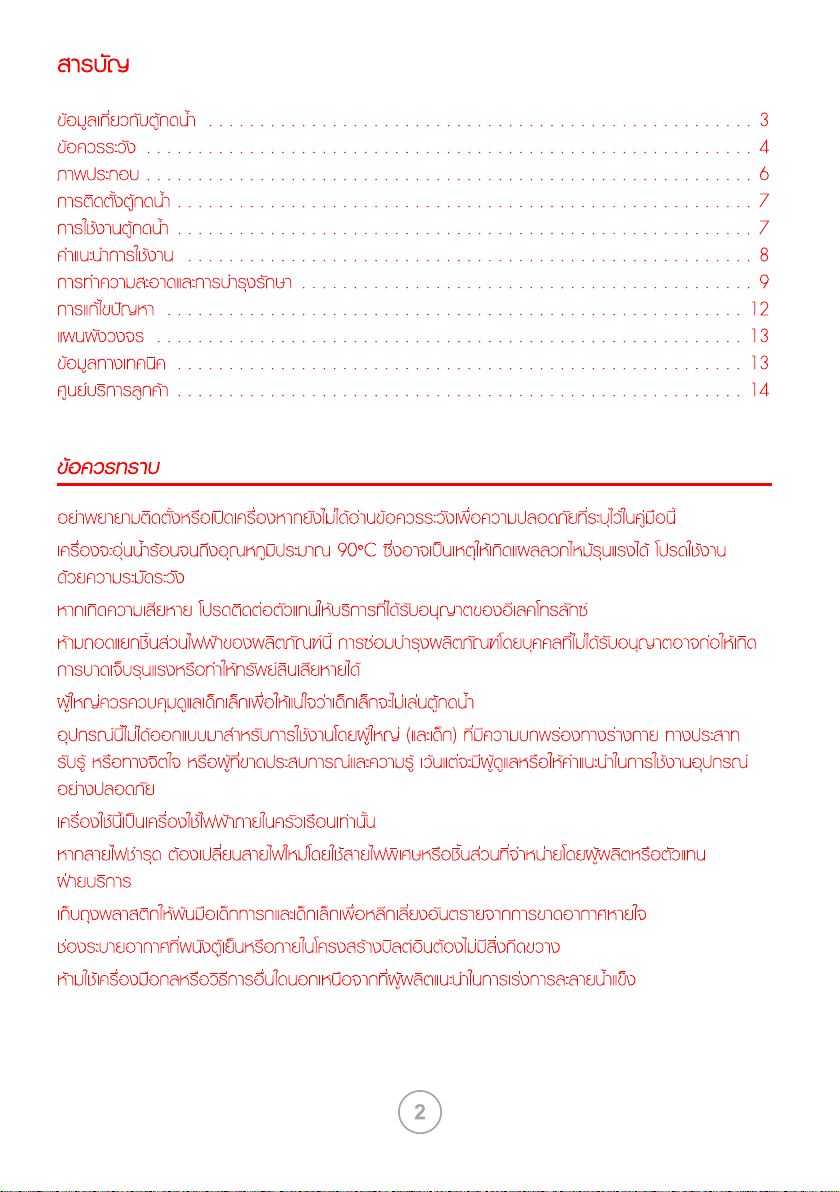
According to WEEE (Waste of Electrical and
Electronic Equipment) guidelines, waste from
electrical and electronic devices should be
collected separately. If you need to remove of this
appliance in the future, do not throw it away with
the rest of your domestic garbage. Instead, please
take the appliance to the nearest WEEE collecting
agents, where available.
d
properties incident.
To avoid danger of suffocation, keep plastic bag away from babies and children.
power
Troubleshooting
(with cooling
cabinet model not higher than 75%)
This dispenser can provide hot, cold and room temperature water.
The heating method of machine can only be used within 1500m elevation.
7. To avoid any malfunction and keep your health better, please make sure you
are using purified water and don’t fill the water bottles directly from the tap.
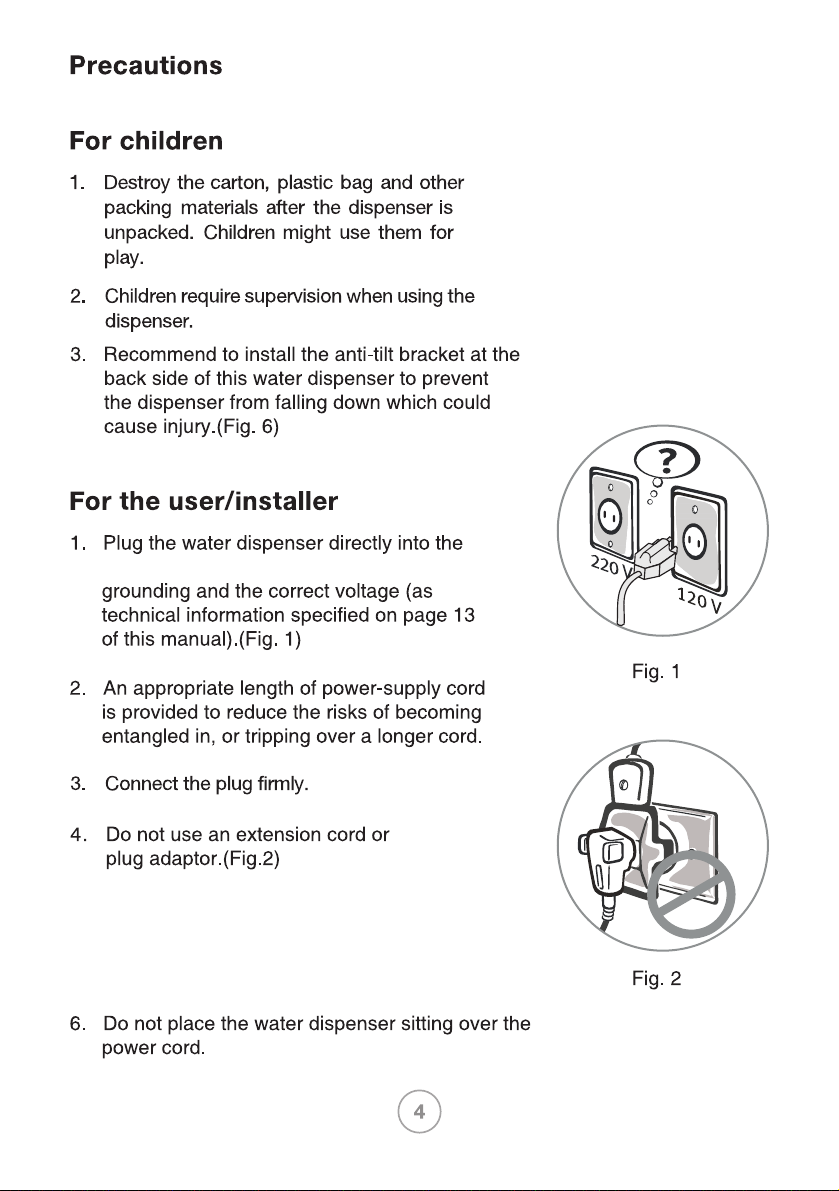
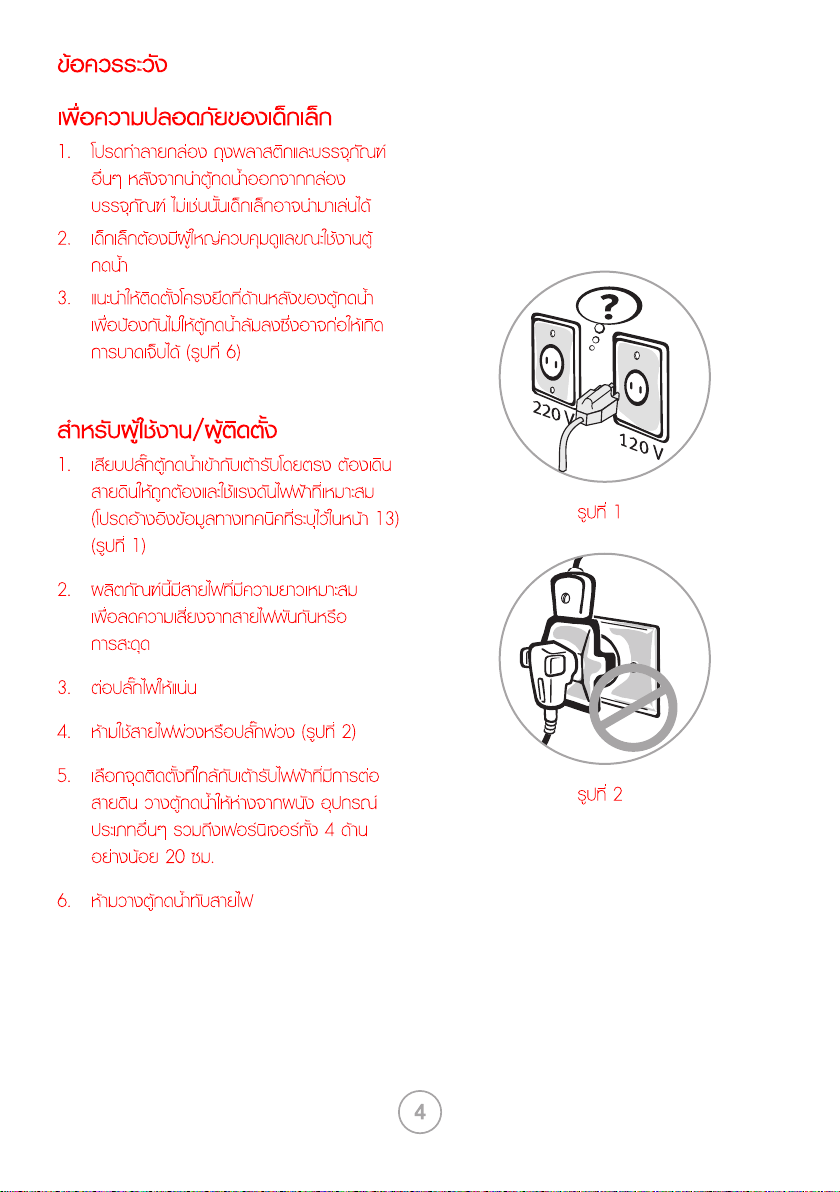
socket. The unit requires proper
5. Choose a place that is near a grounded
electrical socket. Keep the dispenser at least
20cm away from walls and other appliances
and furnitures on all 4 sides.
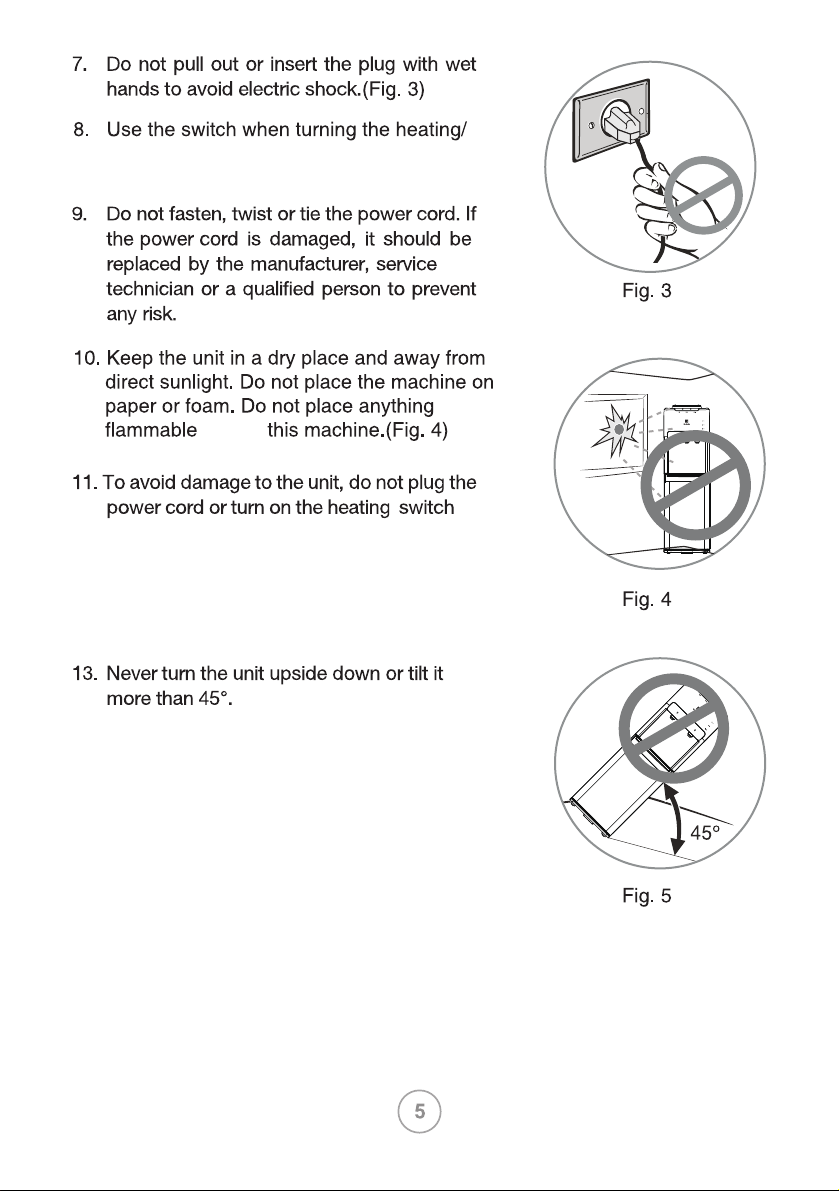
beside
12. Unplug the unit when the unit will not be
used for a long period to save electricity.
14. Never use organic liquids polishing chemical
to clean the machine.
15. The thermostat to control temperature has
been set up by There is no manufacturer.
need to adjust it yourself.
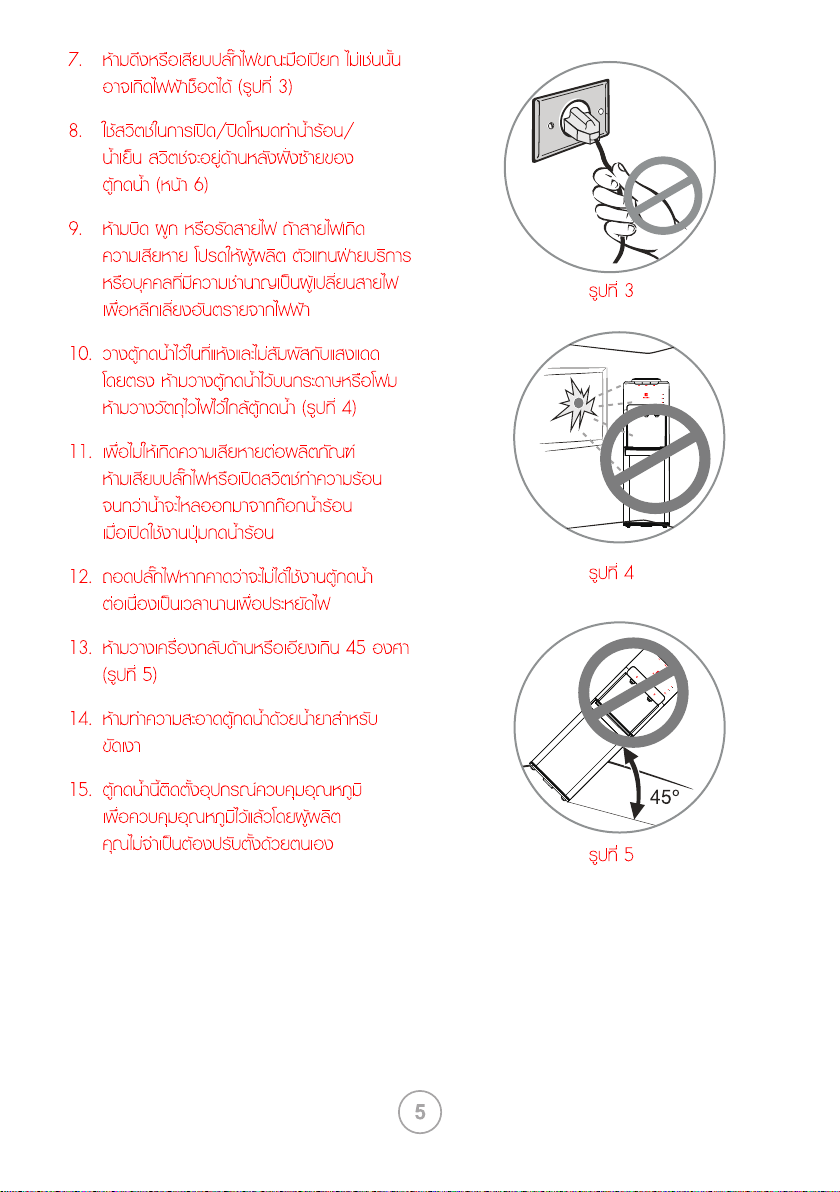
(Fig. 5)
until the water can flow out from the hot water
spout when the hot water button be activated.
cooling On/Off. Located at the at the left
side back of water dispenser.(page 6)
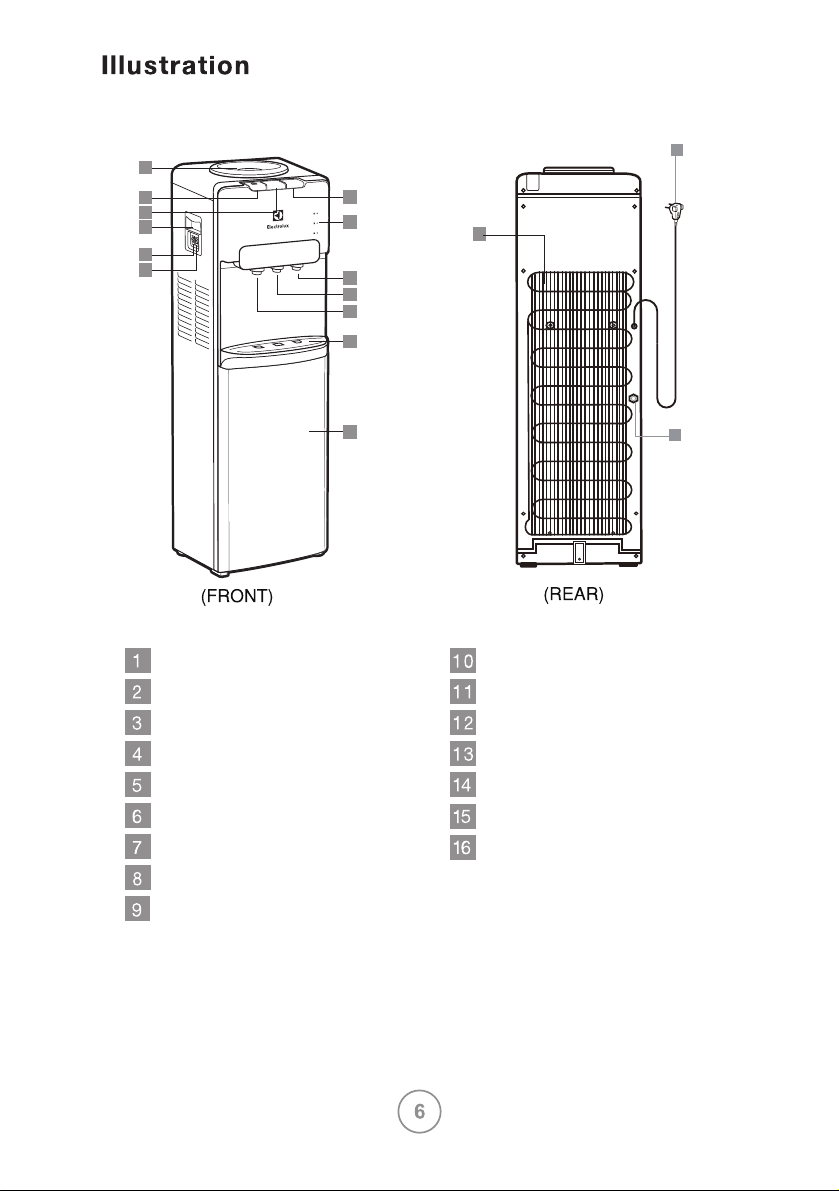
4
7
11
12
9
10
8
1
2
3
5
16
6
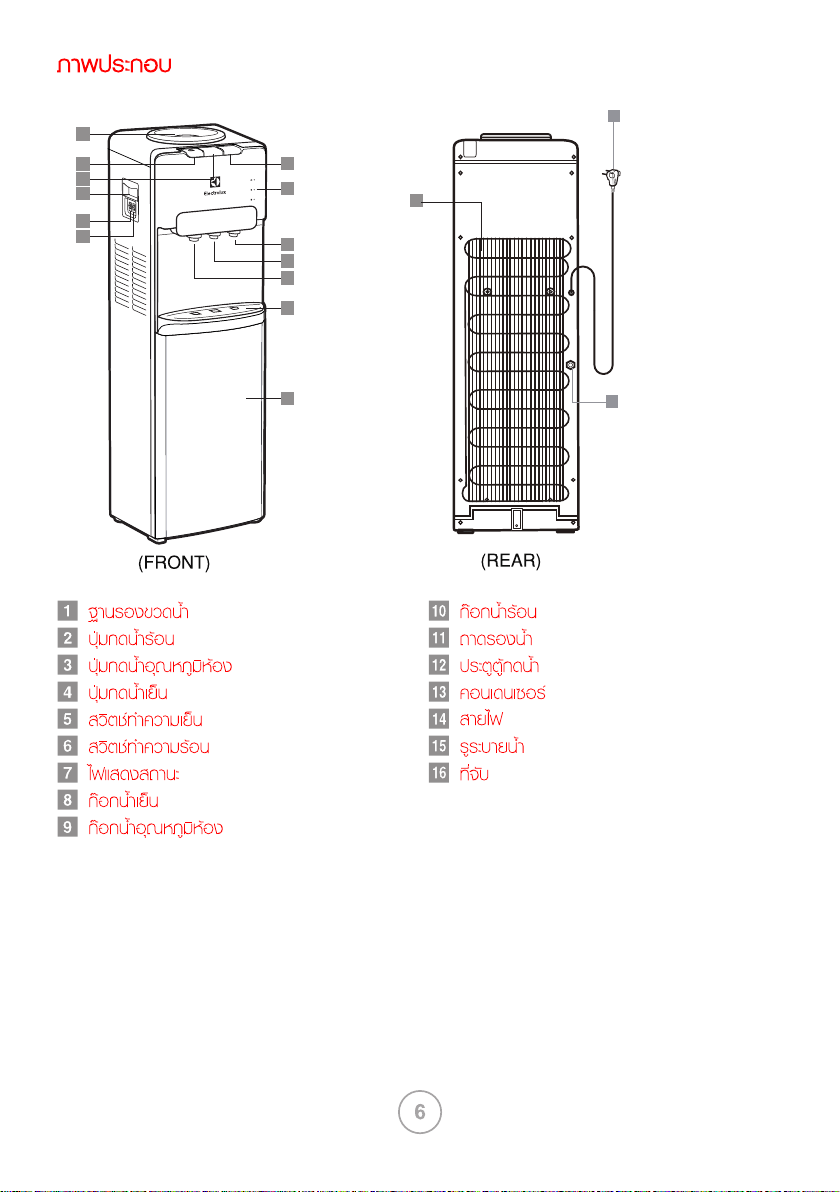
bottle supporter
button of hot water
button of normal water
button of cold water
cooling switch
heating switch
indicator light
spout of cold water
spout of normal water
condenser
drain hole
spout of hot water
drip tray
cabinet door
power cord
handle
13
15
14
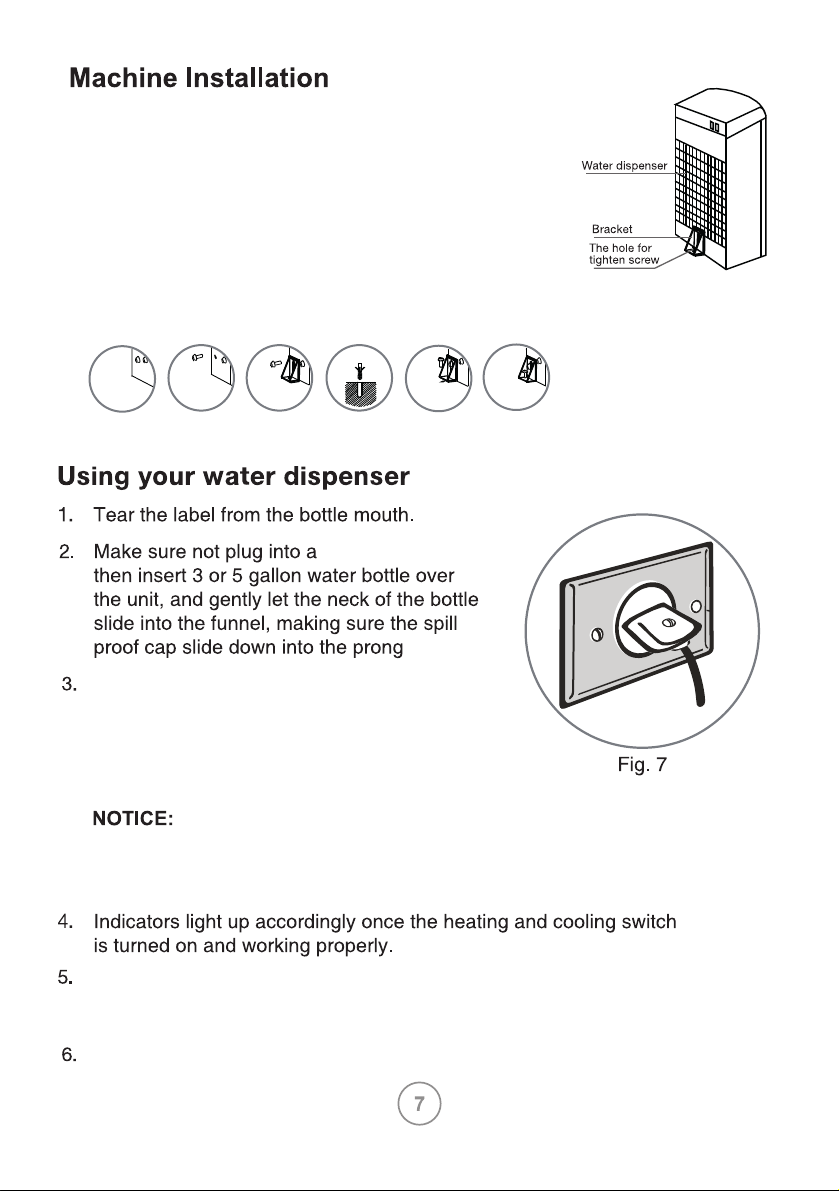
socket,
Fig. 6
Push hot water button until water poured
out, then insert the plug into a socket
the power indicator will be on, then turn
on the heating/cooling switch, the
heating/cooling indicator will be on.
To avoid damage to the unit, do not plug the power cord or turn on the
heating switch until the water can flow out from the hot water spout when
the hot water button be activated.
After water is used up turn off heating/cooling switch and unplug the power
cord from socket. Then take out the used bottle, follow step 1 to 3 to connect
the new water bottle.
Never turn on the heating/cooling switch before plugging the power cord
to the socket.
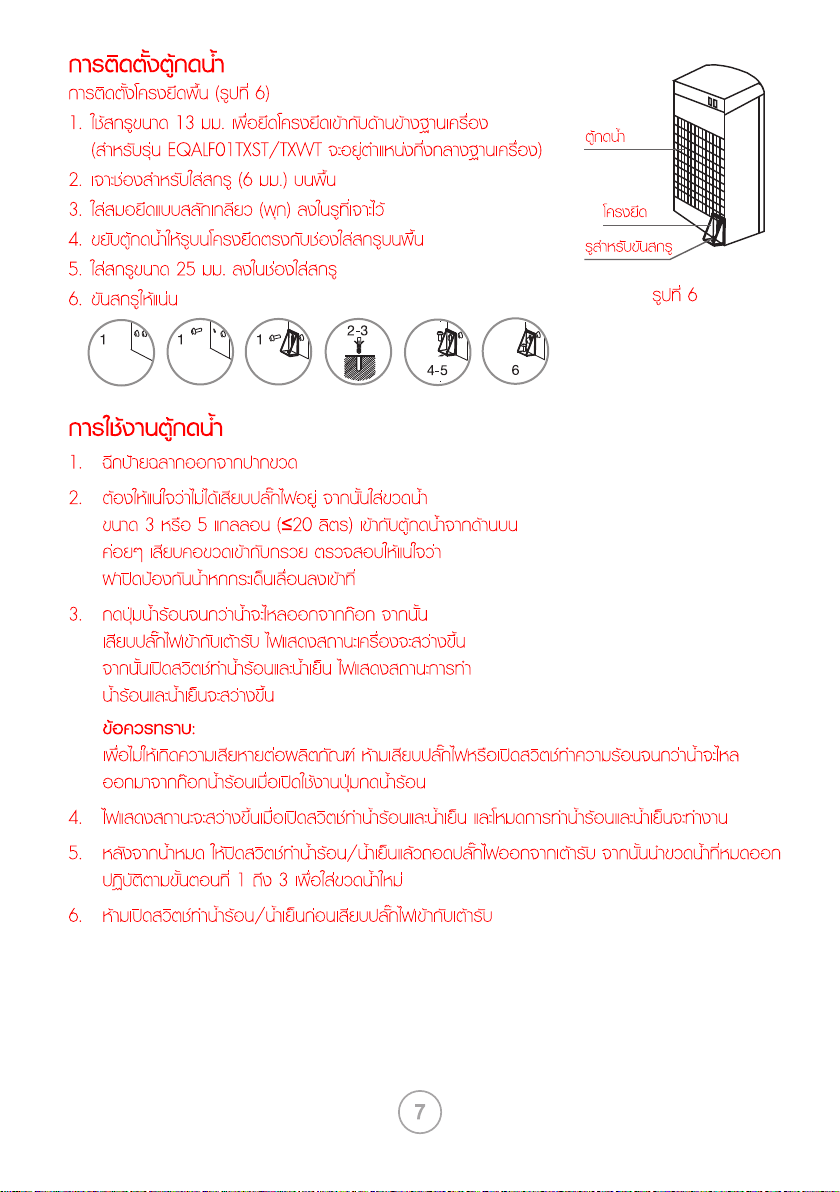
Installing the floor Bracket kit(Fig.6)
1. Use 13 mm screw to fix the fixing bracket on the
middle of base pan.
2. Drill out a screw hole(6 mm) on the floor.
3. Insert a screw anchor (wall plug) into the drilled hole.
4. Move water dispenser, Align fixing bracket hole
with screw hole of the floor.
5. Put the 25mm screw into the screw hole of fixing
bracket.
6. Tighten the screw.
1 1 1
2-3
4-5
6
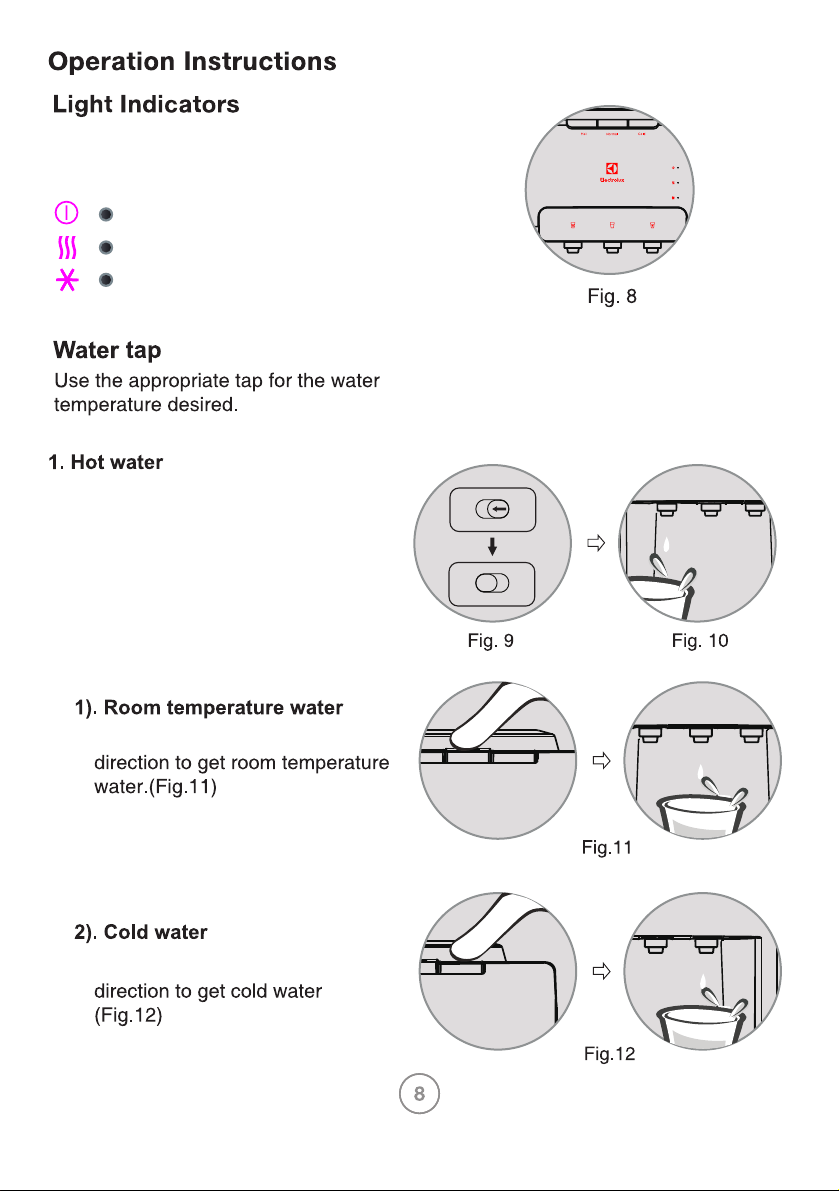
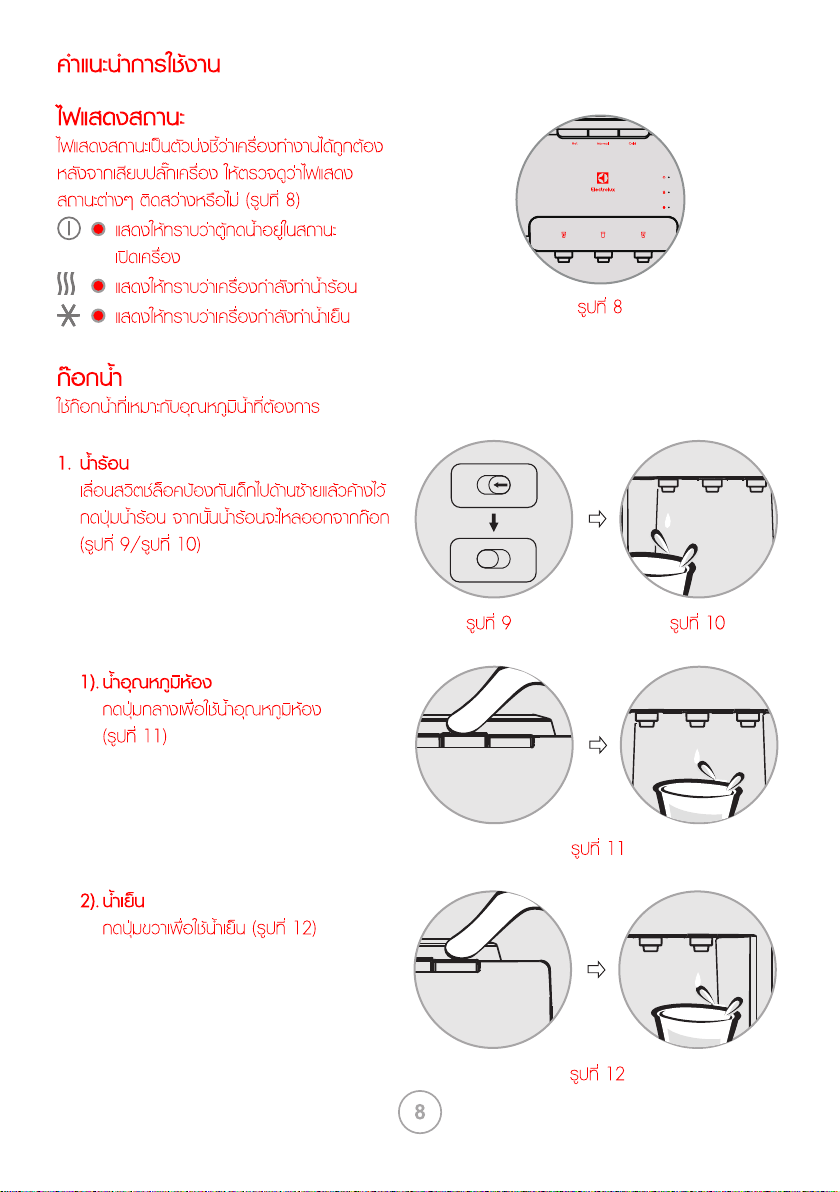
Push the middle button in vertical
Push the right button in vertical
The indicator lights show that the device is
working correctly. After connecting the
device, check if the indicators are on. (Fig.8)
Slide the child safety switch to
left, holding it and push hot water
button vertically, then the hot
water can be out. (Fig.9/Fig.10)
Indicates that the dispenser is power on.
Indicates that the water is being heated.
Indicates that the water is being chilled.
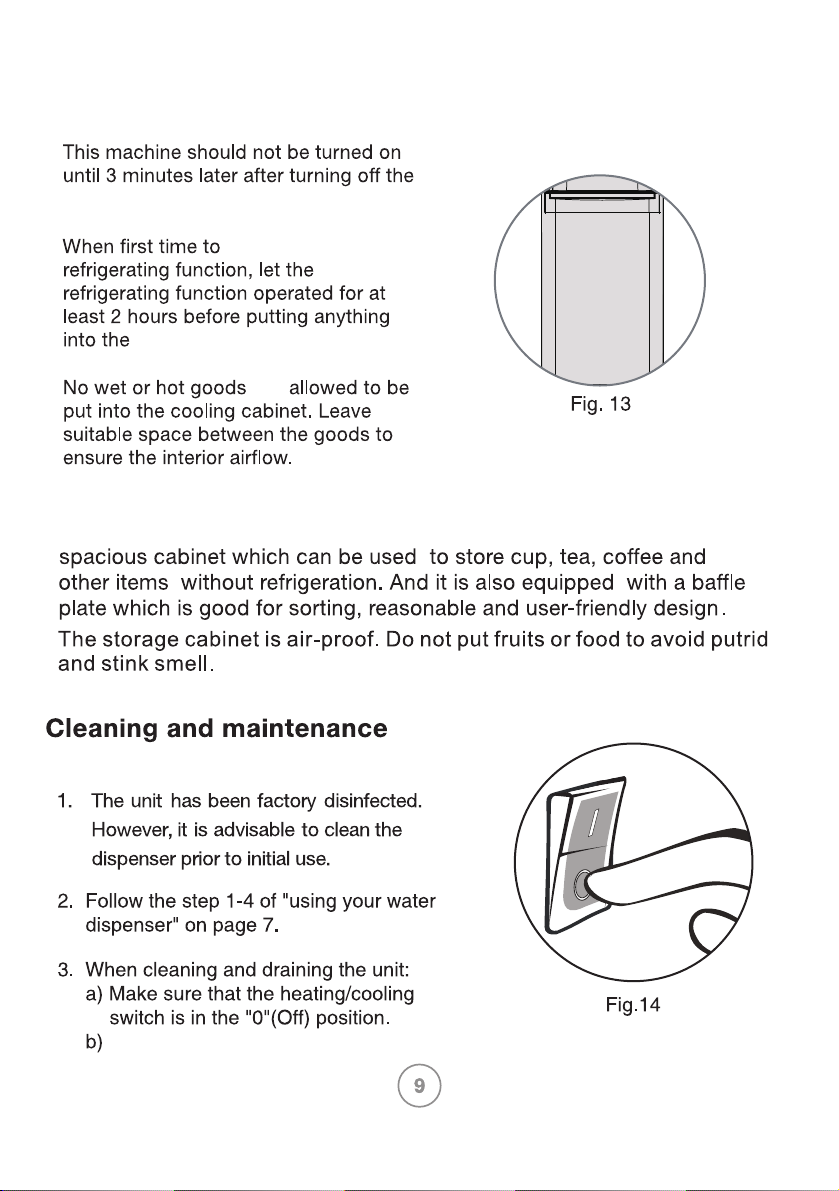
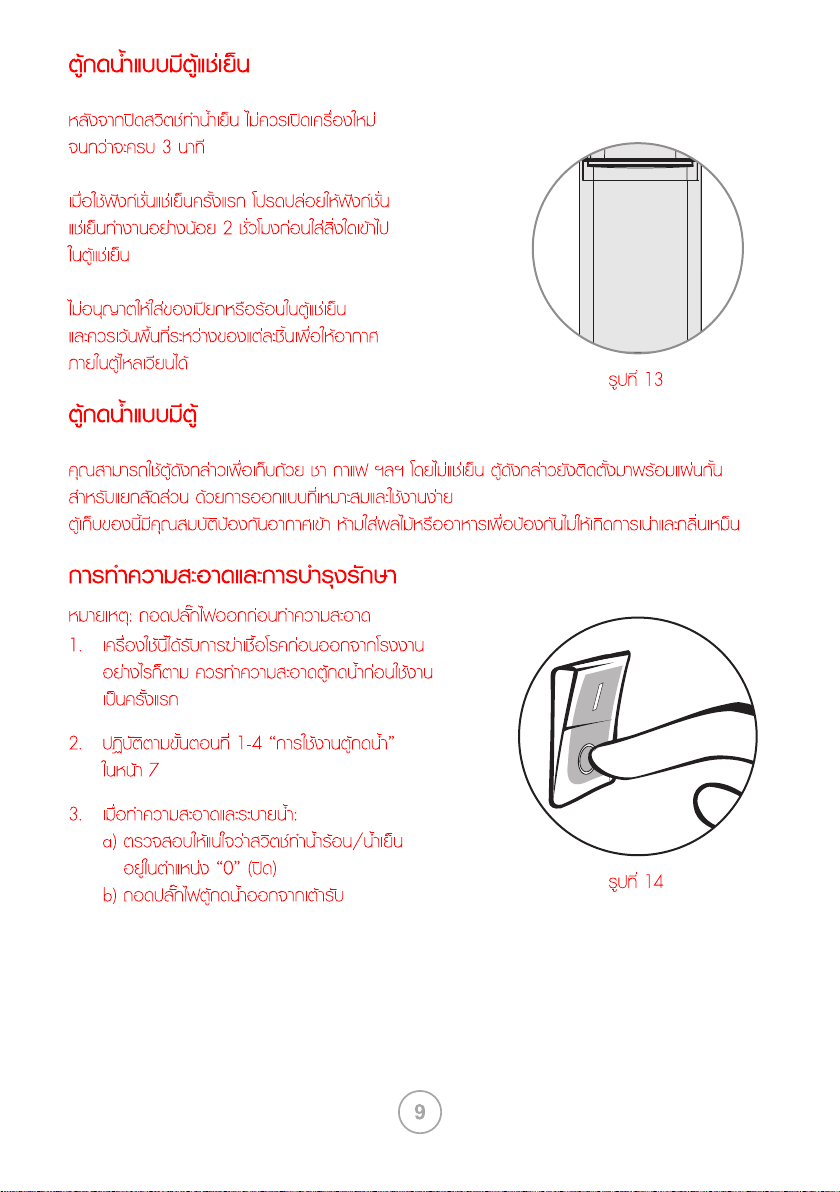
Note: Unplug the unit before cleaning.
Unplug the water dispenser from
the socket.
cooling switch.
use the
cooling cabinet.
are
Freestanding water dispenser with Cooling cabinet
Freestanding water dispenser with cabinet
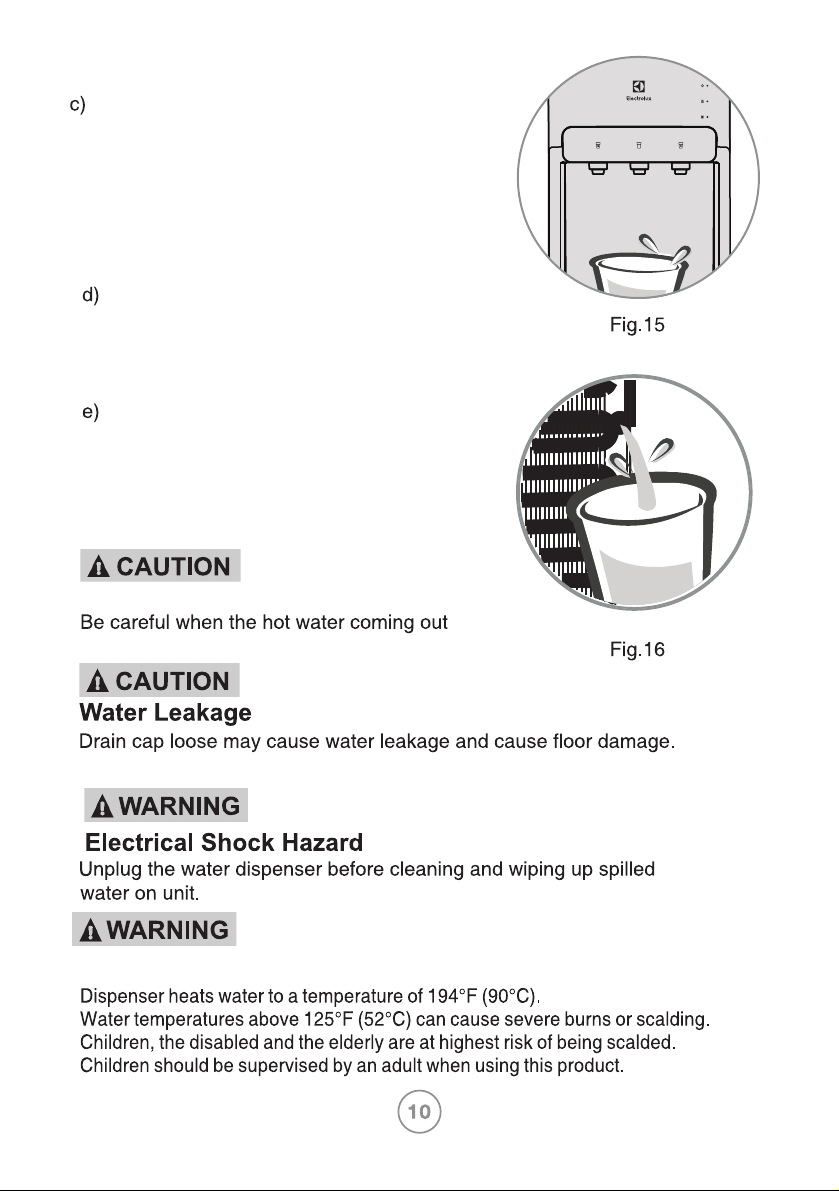
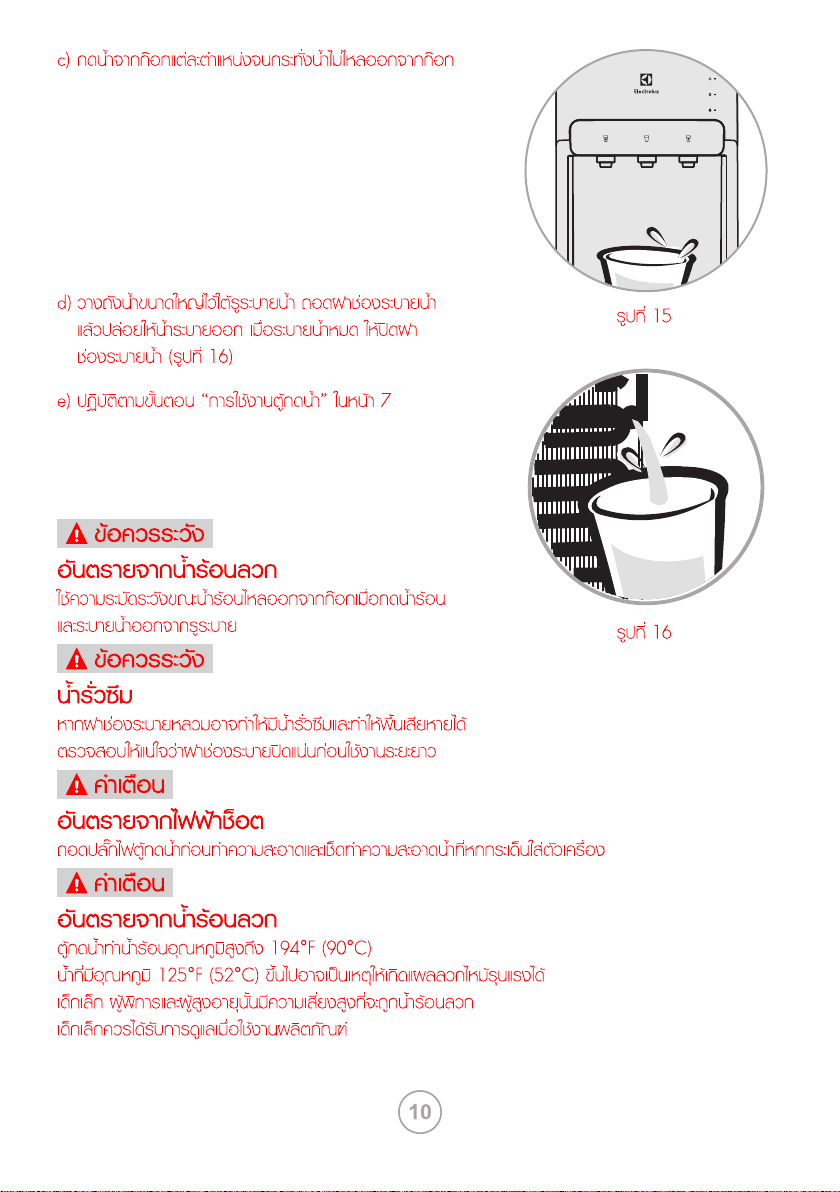
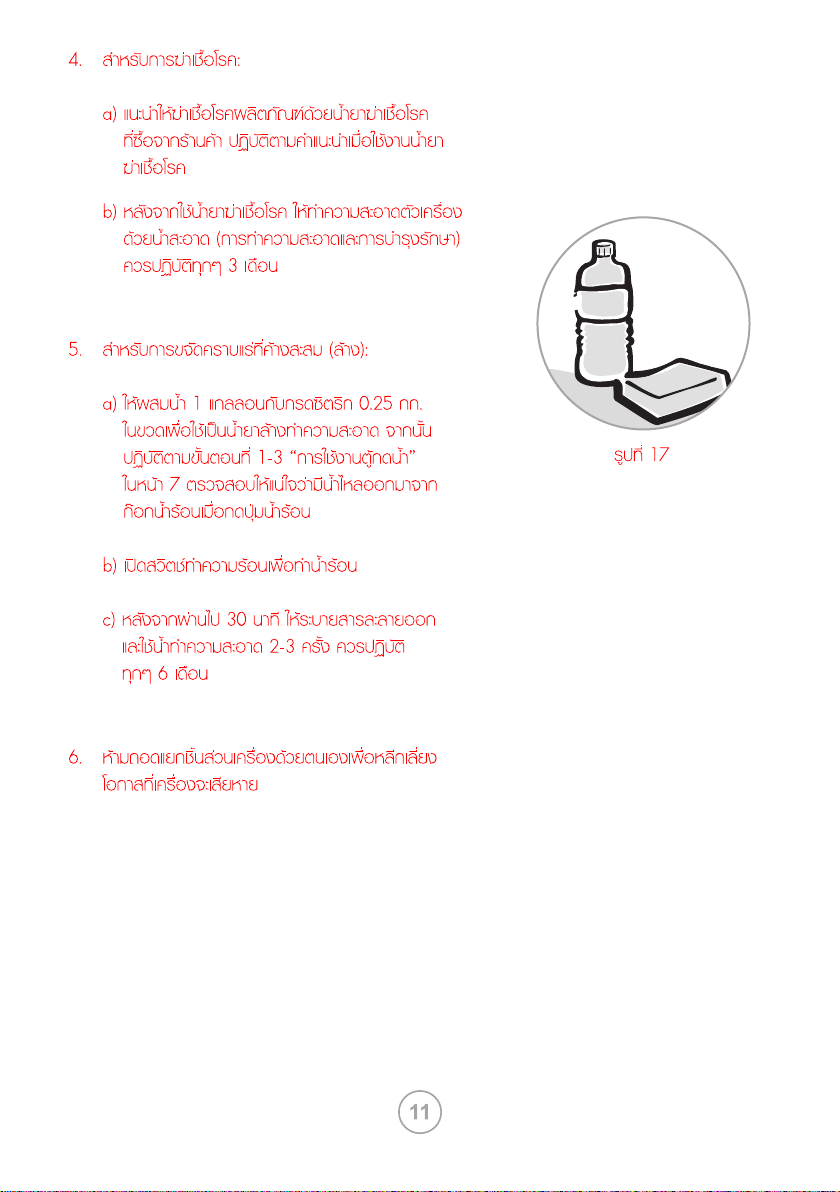
Place a large bucket beneath the drain
hole. Remove the drain caps and allow
water to drain. Once finished draining,
close the drain caps.(Fig. 16)
Follow the “using your water dispenser”
on page 7.
Dispense water from each spout till no water
flow out from spout.
Scald Hazard
Scald Hazard
when tapping hot water and drain water from drain hole.
Please make sure it is tight enough before long term use.
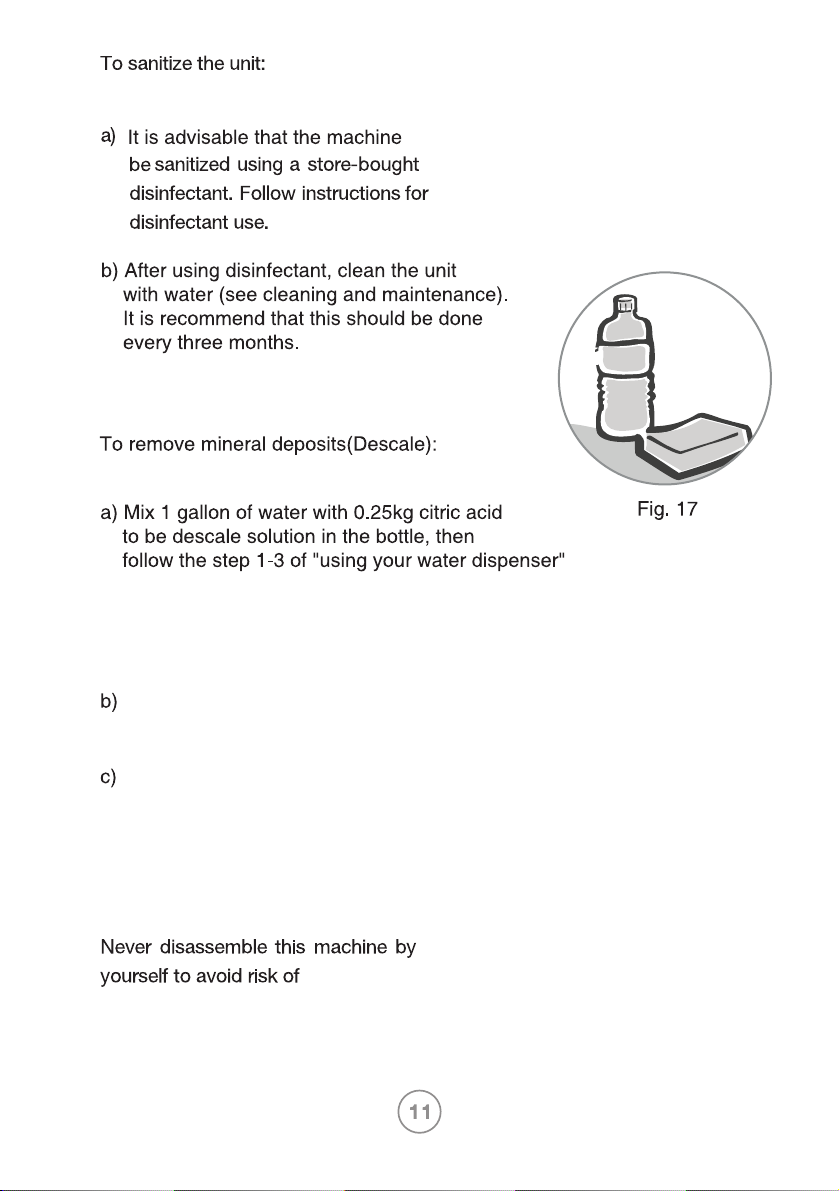
5.
on page 7, Make sure the water can
flow out from the hot water spout
when the hot water button be activated.
Turn on the heating switch to heat water.
30 minutes later, drain off the liquid and
clean it with water two or three times.
It is recommend that this should be done
every six months.
damage.
6.
4.
Water dispenser does not work
• Make sure the water dispenser is properly connected to a working socket and
the heating/cooling switches are set ON.
Water is leaking
• Unplug the water dispenser, remove bottle and replace with new one.
• Make sure the drain cap at the back side of water dispenser is tighten enough.
No water is coming from the spout
• Make sure the bottle is not empty, if empty, replace it with new one.
• Make sure to completely depress the pushbutton controls.
• Make sure the connection tube inside the unit is not loose.
Cold water is not cold
• Make sure the water dispenser is properly connected to a working socket
• Make sure the green cooling switch is set ON.
• Wait until the COOLING indicator turns off, it takes up to approximate 1 hour to
cool the water in general.
• Make sure the back of the water dispenser is at least 20 cm away from a wall
and there is free airflow on all sides of the water dispenser.
Hot water is not hot
• Make sure the water dispenser is properly connected to a working socket.
• Make sure the red heating switch is set ON.
• Wait until the HEATING indicator turns off, it takes 15~20 minutes to heat the
water in general.
Dispenser is noisy
• Make sure water dispenser is placed on placid and solid surface.
• Compressor on and off operation will happen to control the cold water as
specification, it is normal.
Water tastes
• Dust and odor be accumulated in the tank, dispose the reservoir water and
replace bottle with a new one.
• Sanitize water dispenser or descale according to “Cleaning and maintenance”.
Troubleshooting
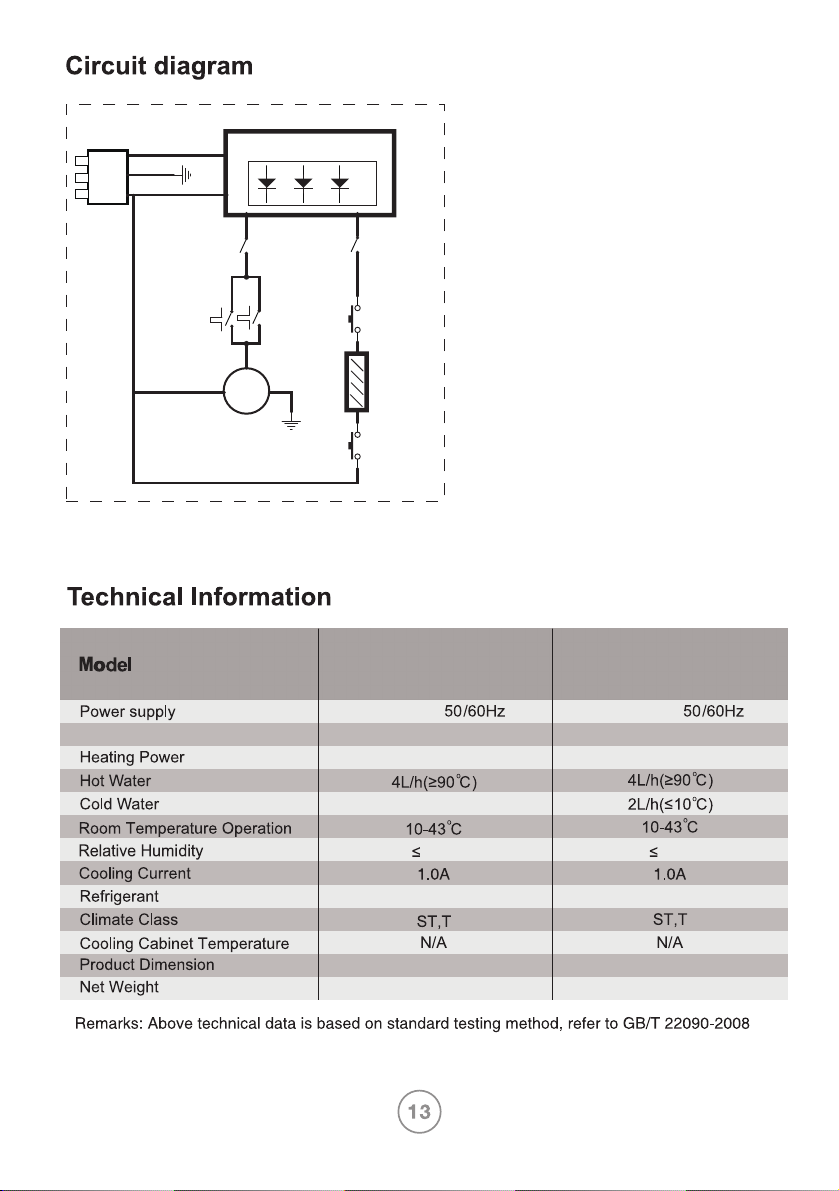
EQALF01TXWT
Cooling Power 100W
220-240V~
220-240V~
L318mmxW372mmxH1003mmL318mmxW372mmxH1003mm
420W
15.5kg 15.5kg
100W
420W
2L/h(≤10°C)
R134a/36gR134a/36g
EQALF01TXST
75% 75%
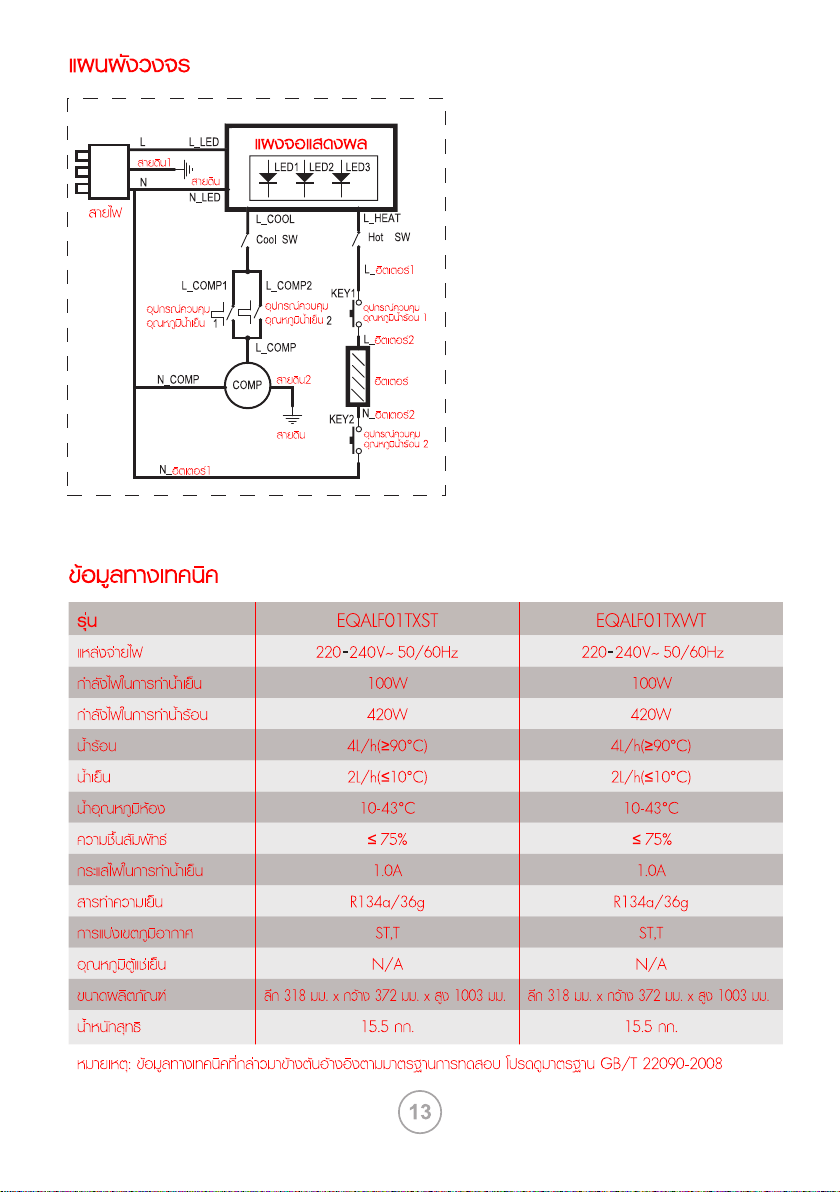
COMP
EARTH
KEY1
Hot
Thermostat 1
KEY2
Hot
Thermostat 2
HEATER
EARTH
L
POWER
CORD
Cool
Thermostat 2
Cool SW
Hot SW
Cool
Thermostat 1
N
LED1 LED2 LED3
DISPLAY BOARD
EARTH1
L_HEAT
L_COOL
L_COMP1 L_COMP2
L_COMP
L_HEATER1
L_HEATER2
N_HEATER1
N_COMP EARTH2
N_HEATER2
L_LED
N_LED
4
7
11
12
9
10
8
1
2
3
5
16
13
15
14
6