Pacific Accessory Corporation - 1502 S. Santa Fe Street, Santa Ana, CA 92705
[email protected] • Voice: 714-835-3022 • Fax: 714-835-3233 • www.pac-audio.com
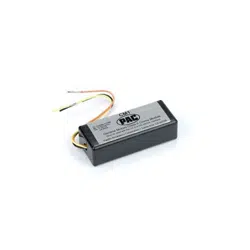
CM1
Chime Module
For the OS-2 or
OS-2BOSE Interface
OS2-RAD
1
9
10
18
12
CM1
General Motors Class II Chime Module
Pacific Accessory Corporation • Santa Ana, CA 92705
Must be used with the OS-2 or OS-2BOSE Interface
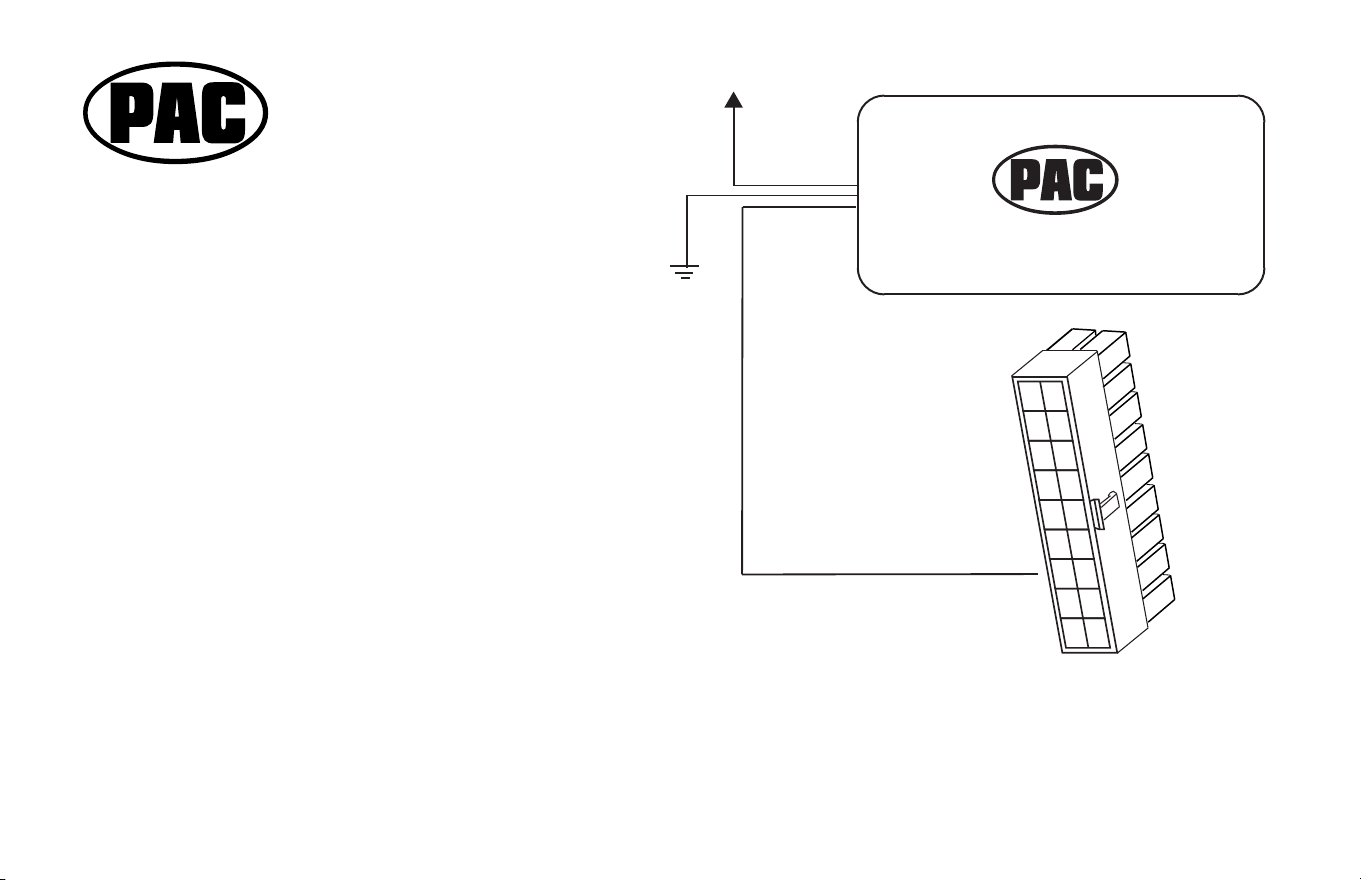
Yel - Constant +12volts
Blk - Chassis ground
Org - To OS-2 or
OS-2BOSE
+12volts
To pin# 12
CM1 Installation Instructions:
Unplug the OS2-RAD cable from the interface
prior to wiring the CM1.
1. Connect the CM1’s BLACK wire to the OS2-RAD BLACK wire.
2. Connect the CM1’s YELLOW wire to the OS2-RAD YELLOW wire
3. Insert the CM1’s ORANGE wire with the MOLEX pin into
pin location #12 of the OS2-RAD (18 pin) MOLEX plug.
Do not use force! Pin will snap in with minimal effort, if inserted
correctly.
4. Plug the OS2-RAD plug back into the interface .
5. When first powered up, the CM1 will chime one time to indicate
proper power connection. All warning chimes are now retained.
6-15-06
Pacific Accessory Corporation
Pacific Accessory Corporation - 1502 S. Santa Fe Street, Santa Ana, CA 92705
CM1
Chime Module
For the OS-2 or
OS-2BOSE Interface
OS2-RAD
1
9
10
18
12
CM1
General Motors Class II Chime Module
Pacific Accessory Corporation • Santa Ana, CA 92705
Must be used with the OS-2 or OS-2BOSE Interface
Yel - Constant +12volts
Blk - Chassis ground
Org - To OS-2 or
OS-2BOSE
+12volts
To pin# 12
CM1 Installation Instructions:
Unplug the OS2-RAD cable from the interface
prior to wiring the CM1.
1. Connect the CM1’s BLACK wire to the OS2-RAD BLACK wire.
2. Connect the CM1’s YELLOW wire to the OS2-RAD YELLOW wire
3. Insert the CM1’s ORANGE wire with the MOLEX pin into
pin location #12 of the OS2-RAD (18 pin) MOLEX plug.
Do not use force! Pin will snap in with minimal effort, if inserted
correctly.
4. Plug the OS2-RAD plug back into the interface .
5. When first powered up, the CM1 will chime one time to indicate
proper power connection. All warning chimes are now retained.
6-15-06
Pacific Accessory Corporation
