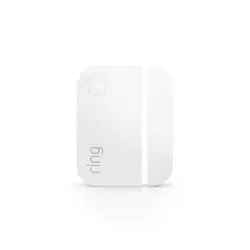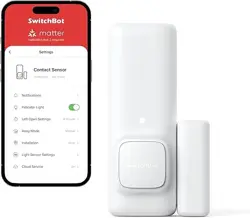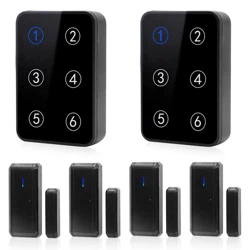

Contact Sensor
For additional help, visit:
ring.com/help
Quick Start Guide
In-app Setup
1. Make sure your Ring Alarm is disarmed.
2. In the Ring app, tap Set Up a Device and find the
Contact Sensor in the Security Devices menu.
3. Follow the in-app instructions to complete setup.
Installation
1. Install the sensor and magnet on a door
or window and frame.
2. Clean the area before you peel the backing and
stick on the sensor and magnet.
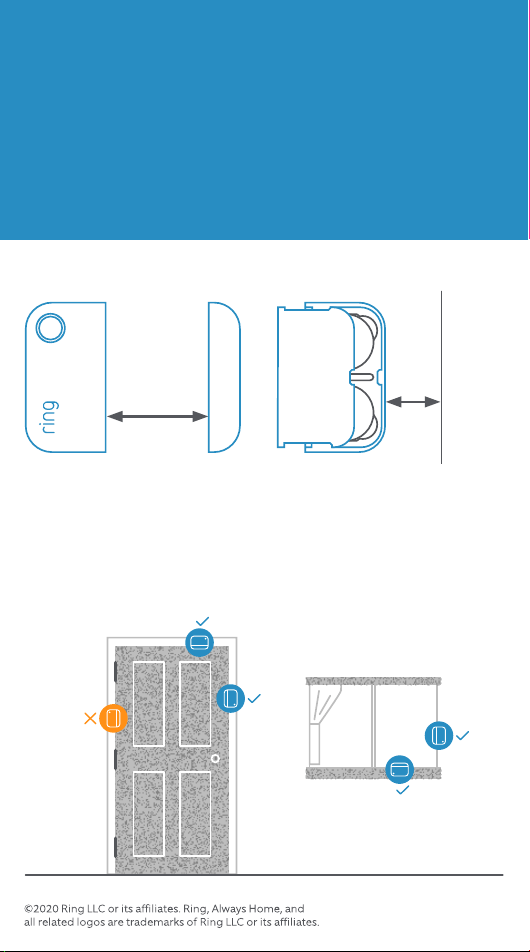
3. Make sure there is no more than 1 inch (25.4 mm) between
the sensor and magnet when the door or window is closed.
If you’re using the Contact Sensor on a door you use often, choose
Main Door as the placement option. Main doors have Entry and Exit
Delays to prevent you from accidentally triggering the alarm.
Contact Sensor
1"
max
0.5"
For Z-Wave technical informa-
tion, visit ring.com/z-wave
Leave at least a 1/2 inch
(12.7 mm) space so you
can open the battery
compartment.
Ensure no more than 1 inch
(25.4 mm) between sensor
and magnet when the door
or window is closed.
Placement
Spacing