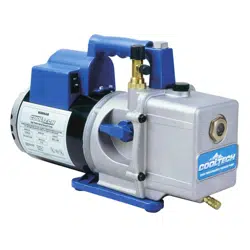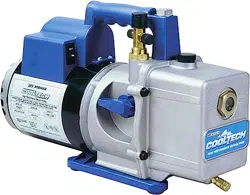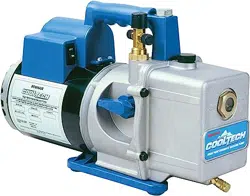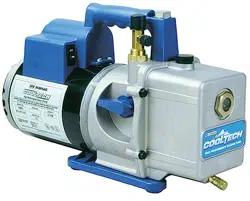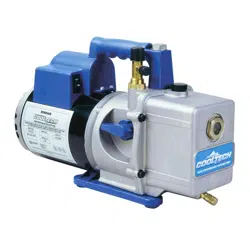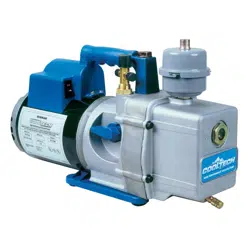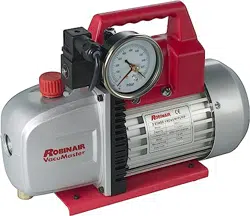
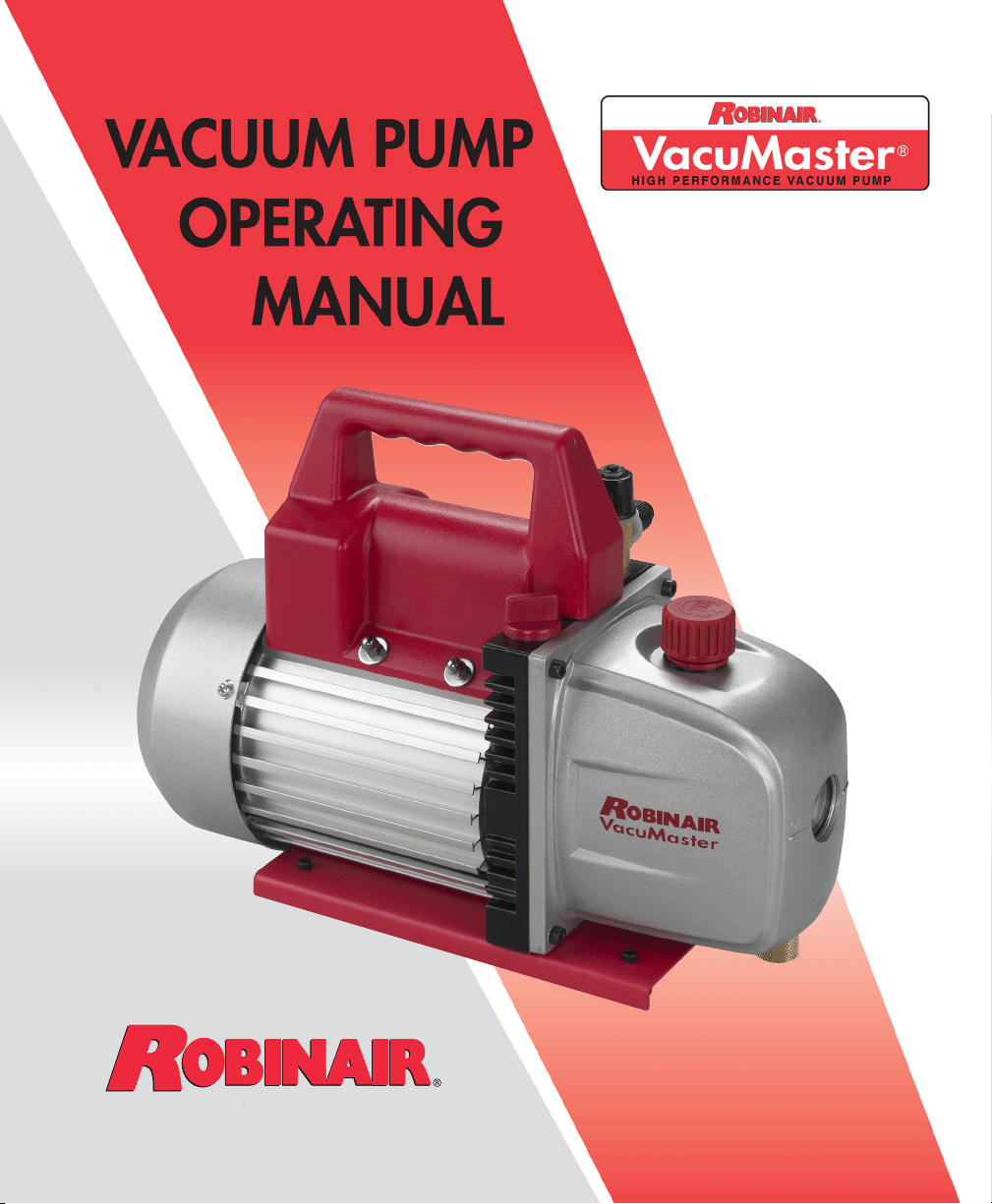
Models 15300
15301
15500
15501
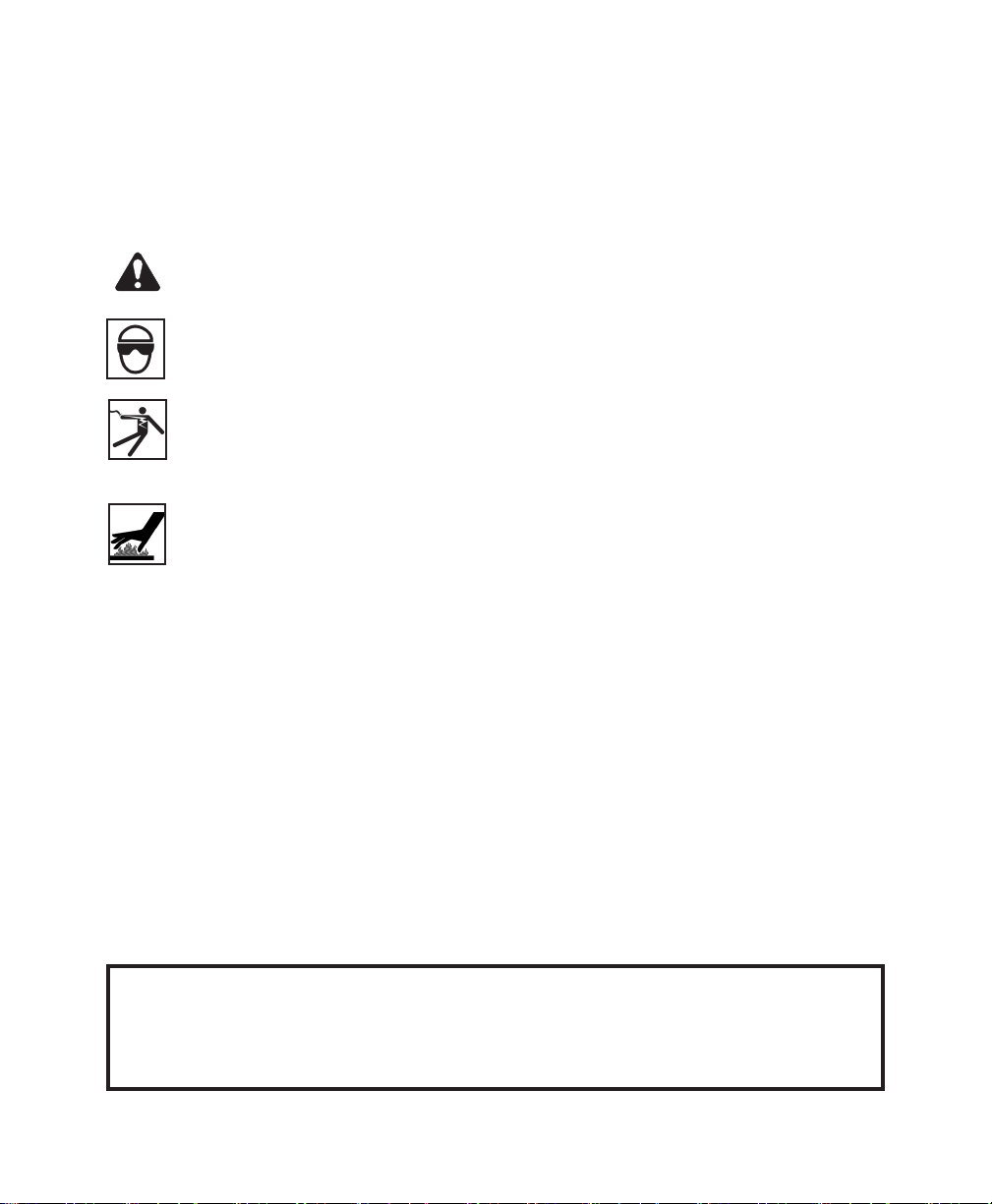
WARNING! To prevent personal injury,
Wear goggles when working with refrigerants. Contact with
refrigerants may cause injury.
Incorrect use or connections may cause electrical shock hazards.
Read and follow the instructions carefully, and take precautions to
avoid electrical shock hazards. Conrm that all associated devices
are grounded correctly before energizing circuits.
Normal operating temperature will cause certain external portions of
the pump to be hot to the touch. Do not touch the pump housing or
motor during operation.
SAFETY PRECAUTIONS
For use on A/C-R systems using CFCs, HCFCs, and HFCs in conjunction
with mineral oil, ester oil, alkylbenzene oil, and PAG oil as lubricants.
Not for use with ammonia or lithium bromide systems. Not for use with
ammable refrigerants.
1
VacuMaster
®
High Performance Vacuum Pumps
Congratulations on purchasing one of Robinair’s top quality
VacuMaster
®
vacuum pumps. Your pump has been engineered
specically for air conditioning and refrigeration service, and is
built for fast, thorough evacuation.
You’ll appreciate these key features . . .
The two-stage rotary vane design provides powerful, quiet, high
vacuum capability and ensures moisture removal, while the high
pumping capacity reduces evacuation time.
The intake screen prevents foreign matter from entering the
pumping chamber, and an internal exhaust lter separates oil
vapor from the exhaust ow.
The one-piece, molded handle makes it easy to carry the pump to
and from job sites, and the handle stays cool to the touch during
operation.
Aluminum housing and rotary vanes keep the pump weight low,
making it easy to carry.
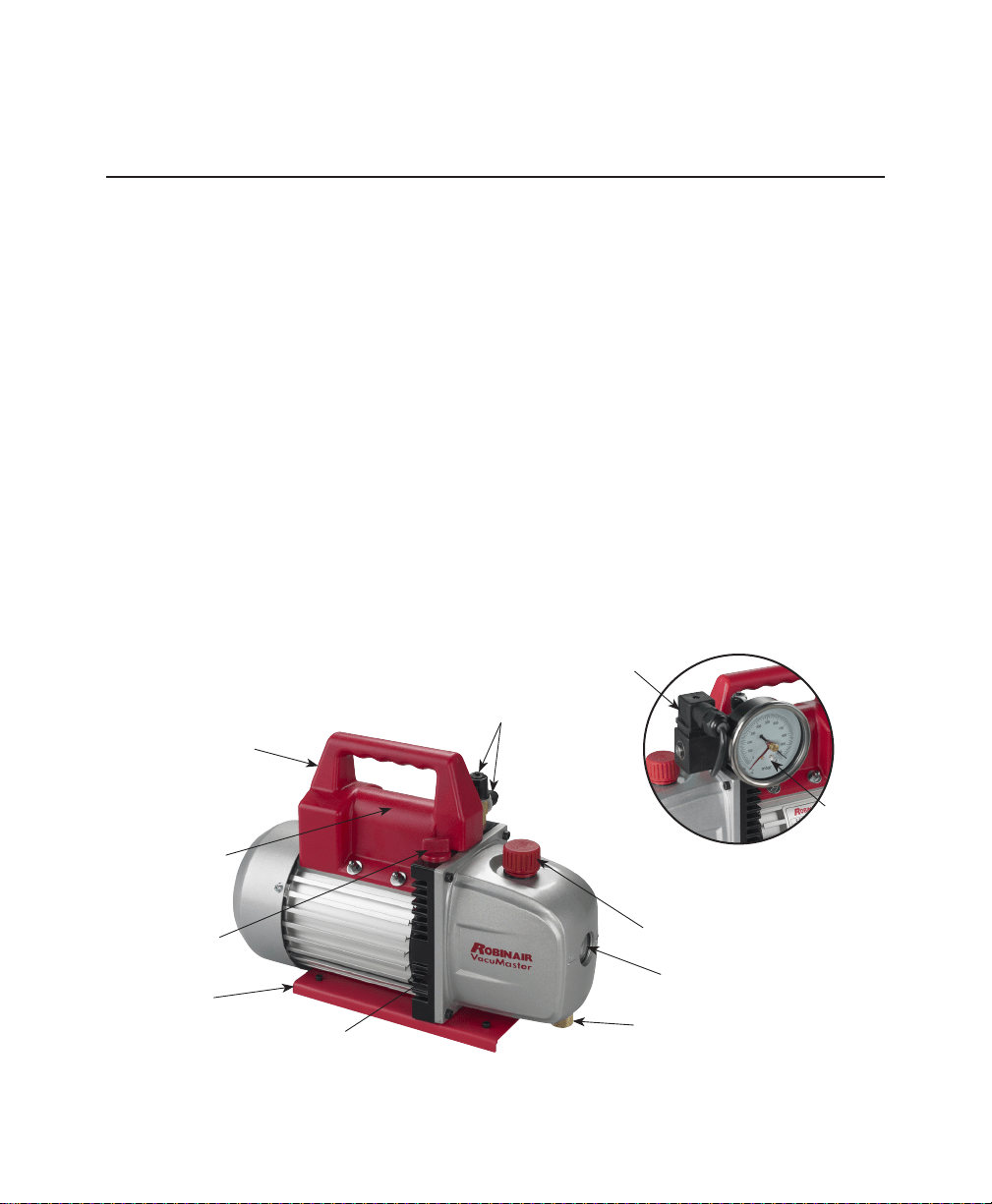
High
Vacuum
Rating
Lifetime
Filtration
Sure-Grip
Handle
Compact
Design
Exhaust Fitting
Sight Glass
Oil Fill Plug
Inlet Fitting
Handle &
Switch Assembly
Oil Drain Fitting
Capacitor
(under handle)
Housing Gasket
(not shown)
Base
Inlet Fitting Adapter (included but not shown).
Gauge
Solenoid
Models
15300 & 15500
Models
15301 & 15501

2
Before using your vacuum pump . . .
Note about Motor Voltage Connections:
In all cases, motors are designed for operating voltages plus or
minus 10% of the normal rating (see Pump Specications). Single
voltage motors are supplied fully connected and ready to operate.
1. Conrm that the voltage and frequency at the outlet match the
specications on the pump motor decal.
2. Conrm the ON-OFF switch is in the OFF position before you plug
the pump into an outlet.
3.
The pump is shipped without oil in the reservoir. Before starting the
pump, ll it with oil. Remove the OIL FILL cap (red plastic plug at
the front of the handle), and add oil until oil appears in the bottom
of the sight glass. For oil capacities, refer to Pump Specications in
this manual.
4. Replace the OIL FILL cap, and remove the cap from one of the
inlet ports.
5. Turn the motor switch to ON.
6. When the pump runs smoothly, replace the cap on the inlet port.
This may take from two to 30 seconds, depending on the ambient
temperature.
7. After the pump has run for approximately one minute, check the
sight glass for the correct oil level — oil should be even with the
sight glass OIL LEVEL line. With the pump off, add oil if necessary.
Note: When the pump is running, the oil level should be even with the
line on the sight glass. Underlling the pump will result in poor vacuum
performance; overlling can result in oil blowing from the exhaust.
Your pump is now ready to evacuate air conditioning and
refrigeration systems. Follow normal service procedures and the
A/C-R manufacturer’s instructions for connections to the system.
CAUTION: Before connecting your vacuum pump to an A/C-R system, remove
refrigerant from the system in an accepted manner. Damage to the
pump may occur if evacuation is started while the system is under
high pressure. Robinair recommends the use of its Refrigerant
Recovery and Recycling equipment.

3
Vacuum
Pump Oil
Oil
Change
Procedure
To shut down the pump after use . . .
To help prolong pump life and promote easy starting, follow these
procedures for shutdown:
1. Close the manifold valve between the pump and the system.
2. Remove the hose from the pump inlet.
3. Cap the inlet port to prevent any contamination or loose particles
from entering the port.
To maintain your high vacuum pump . . .
For maximum performance, Robinair recommends changing vacuum
pump oil after each use.
The condition and type of oil used in any high vacuum pump are
extremely important in determining the ultimate attainable vacuum.
Robinair recommends the use of its Premium High Vacuum Pump
Oil. This oil has been specically blended to maintain maximum
viscosity at normal running temperatures and to improve cold
weather starts.
Robinair Premium High Vacuum Pump Oil is available in handy quart
containers or in convenient gallon containers. Order by part number:
13119 — Pint (shipped 12 pints per case)
13203 — Quart (shipped 12 quarts per case)
13204 — Gallon (shipped 4 gallons per case)
1. Run the pump for approximately one minute to warm the oil.
2. Remove the OIL DRAIN cap. Drain contaminated oil into a suitable
container, and dispose of it according to local, state, and federal
regulations. Oil can be forced from the pump by opening the inlet
and partially blocking the exhaust with a cloth while the pump is
running. Do not operate the pump for more than 20 seconds using
this method.
3. When the ow of oil has stopped, tilt the pump forward to drain
residual oil.

4
4. Replace the OIL DRAIN cap.
5. Remove the OIL FILL cap, and ll the reservoir with new vacuum
pump oil until the oil appears at the bottom of the sight glass.
For
oil capacities, refer to Pump Specications in this manual.
6. Verify the inlet ports are capped; then turn ON the pump. Allow it
to run for one minute, and check the oil level. If the oil is below the
sight glass OIL LEVEL line, add oil slowly (with the pump running)
until the oil reaches the OIL LEVEL line. Replace the OIL FILL
cap, and conrm the inlet is capped and the drain cap is tight.
7. a) If the oil is badly contaminated with the sludge that forms when
water is allowed to collect in the oil, you may need to remove
the oil reservoir cover and wipe it out.
b) Another method of dealing with heavily contaminated oil is to
force the oil from the pump reservoir. To do this, allow the pump
to run until it is warmed up. While the pump is still running,
remove the oil drain cap. Slightly restrict the exhaust. This will
back-pressure the oil reservoir and force the oil from it, carrying
more contaminants. When the oil ceases to ow, turn off pump.
Repeat this procedure as required until the contamination is
removed. Replace the OIL DRAIN cap, and rell the reservoir
until the oil appears at the bottom of the sight glass with fresh
pump oil. (See Step 4.)
Clean the pump with soap and water only. Do not use commercial
cleaners that contain degreasing agents.
This product must be grounded. In the event of an electrical
short, grounding reduces the risk of electrical shock by providing
an escape wire for the electric current. This product is equipped
with a power cord having a grounding wire with an appropriate
grounding plug. The outlet used must be correctly installed and
grounded according to local codes and ordinances.
WARNING : Incorrect installation of the grounding plug
will result in electrical shock. When repair or replacement
of the power cord or plug is required, do NOT connect the
grounding wire to either at blade terminal. The wire with
green insulation (with or without yellow stripes) is the
grounding wire.
Cleaning
the Pump
Oil
Change
Procedure
contd.
Grounding
Instructions
5
Consult a qualied electrician when grounding instructions are not
completely understood, or when in doubt regarding whether the
product is correctly grounded. Do not modify the plug provided; if
the plug does not t the outlet, have an appropriate outlet installed
by a qualied electrician.
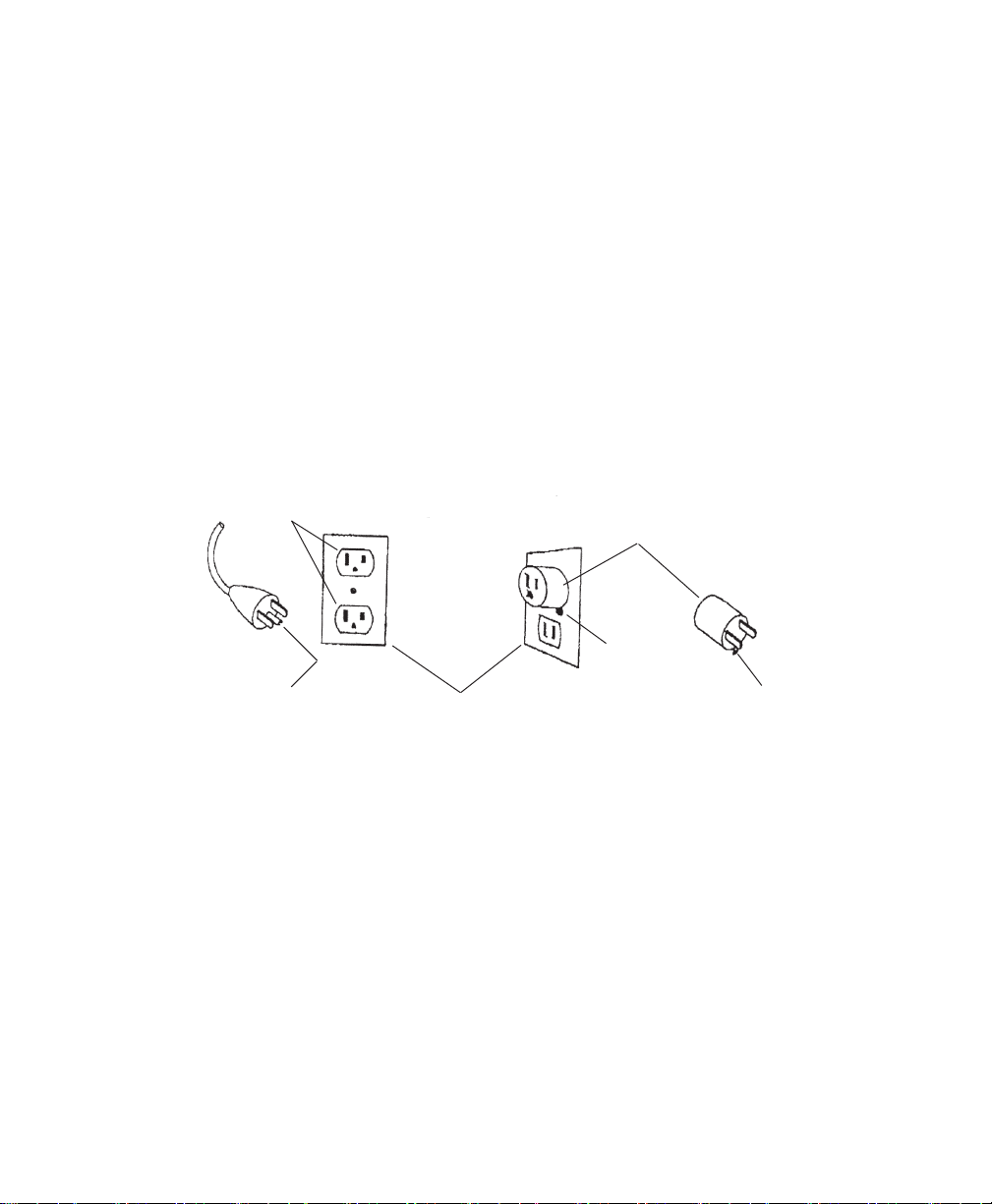
Models 15300 and 15500 are for use on a nominal 120V circuit.
A temporary adapter may be used to connect this plug to a 2-pole
receptacle when a correctly grounded outlet is not available. The
temporary adapter shall be used only until a correctly grounded
outlet is installed. The green colored rigid ear, lug, or similar part
extending from the adapter must be connected to a permanent
ground, such as a correctly grounded outlet box cover. Whenever
the adapter is used, it must be held in place by a metal screw.
Extension
Cords
Grounding
Instructions
contd.
Grounding Pin
Grounded
Outlet
Grounded
Outlet Box
Metal
Screw
Adapter
Tab for
Grounding
Screw
Use only a 3-wire extension cord that has a 3-blade grounding
plug, and a 3-slot receptacle that accepts the plug on the
product. Verify the extension cord is not damaged. When using
an extension cord, use one that is heavy enough to carry the
current the product draws. For lengths less than 25 ft., use 18
AWG extension cords. An undersized cord results in a drop in line
voltage, loss of power, and overheating.
6
Service Parts
Part No. Description
556672 Handle and Switch Assembly (Models 15300 & 15500)
556673 Handle and Switch Assembly (Models 15301 &15501)
556674 Oil Drain Fitting
523194 Capacitor (all models)
523195 Oil Fill Plug
523197 Base (all models)
556675 Housing Gasket
(all models)
556676 Exhaust Fitting (all models)
523208 Inlet Fitting Adapter, 3/8" External Flare x 1/2" Internal ACME
525402 Inlet Fitting, 1/4" and 3/8" External Flare
525488 Inlet Fitting Adapter, 3/8" Internal Flare x 1/2" External ACME
557048 Inlet Fitting Adapter, 1/4" Internal Flare x 3/8" External Flare
556677 Power Cord (Models 15300 & 15500)
556678 Power Cord (Models 15301 & 15501)
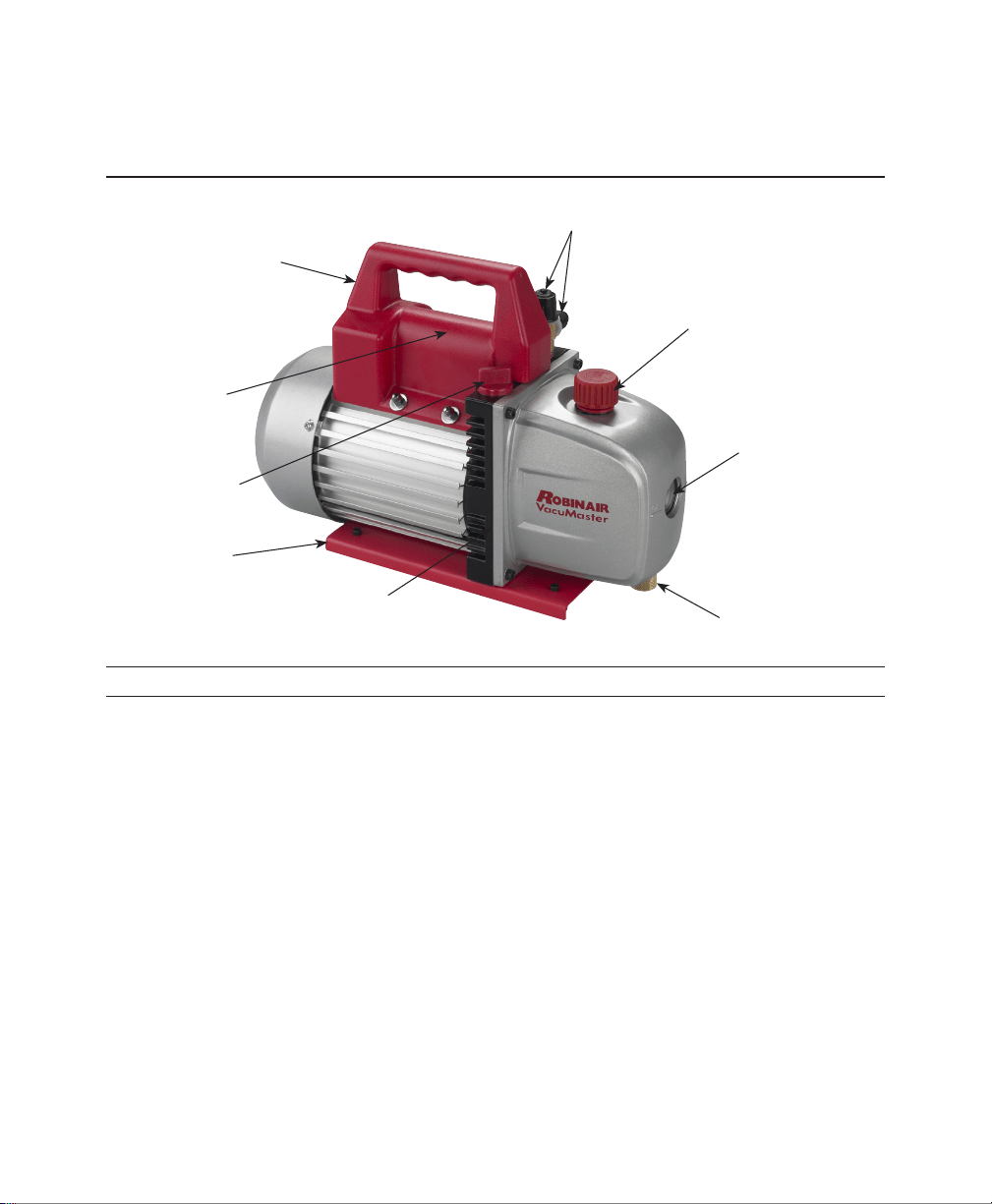
Exhaust Fitting
Sight Glass
Oil Fill Plug
Inlet Fitting
Handle and
Switch Assembly
Oil Drain Fitting
Housing Gasket
(not shown)
Base
Capacitor
(under handle)

7
Troubleshooting Guide
Your VacuMaster
®
pump has been designed for dependable use and
long life. If something should go wrong, however, the following guide
will help you get the pump back into service as quickly as possible.
If disassembly of the pump is required, check your warranty. The
warranty may be voided by misuse or customer tampering that
results in the pump being inoperable.
1. Check line voltage. Robinair VacuMaster
®
pumps are designed to
start at +10% line voltage (loaded) at 41
o
F (5° C). At extremes,
however, switching between the start and run windings may occur.
1. Verify the oil is not a residual accumulation from spillage, etc.
2. If leakage exists, the module cover gasket or shaft seal may need
to be replaced. If leakage exists near the oil drain plug, you may
need to reseal the plug using a commercial pipe thread sealer.
1. Conrm the vacuum gauge and all connections are in good
condition and leak-free. You can conrm leakage by monitoring
the vacuum with a thermistor gauge while applying vacuum pump
oil at connections or suspected leak points. The vacuum will
improve briey while the oil is sealing the leak.
2. Verify the pump oil is clean. A badly contaminated pump may
require several oil ushes. See OIL CHANGE PROCEDURE.
Note: Use only high vacuum pump oil such as Robinair’s Premium
High Vacuum Pump Oil. Other oils will prevent pull-down to a deep
vacuum.
3. Verify the oil is at the correct level. For maximum pump operation,
the oil must be even with the OIL LEVEL line on the sight glass
when the pump is running. See OIL CHANGE PROCEDURE.
Do not overll — operating temperatures will cause the oil to
expand, so it will appear at a higher level than when the pump is
not running. To check the oil level, start the pump with the inlet
capped. Check the oil level in the sight glass. Add oil if necessary.
If these procedures do not correct the problem, contact your
nearest Robinair distributor, or call Robinair’s toll-free service line
for further information: 800-822-5561 (USA only).
When You
Need Help
Failure
To Start
Oil
Leakage
Failure
To Pull
A Good
Vacuum

8
Robinair Limited Warranty Statement
Rev. November 1, 2005
This product is warranted to be free from defects in workmanship,
materials, and components for a period of one year from date of
purchase. All parts and labor required to repair defective products
covered under the warranty will be at no charge. The following
restrictions apply:
1. The limited warranty applies to the original purchaser only.
2. The warranty applies to the product in normal usage situations
only, as described in the Operating Manual. The product must be
serviced and maintained as specied.
3. If the product fails, it will be repaired or replaced at the option of
the manufacturer.
4. Transportation charges for warranty service will be reimbursed by
the factory upon verication of the warranty claim and submission
of a freight bill for normal ground service.
5. Warranty service claims are subject to authorized inspection for
product defect(s).
6. The manufacturer shall not be responsible for any additional costs
associated with a product failure including, but not limited to, loss
of work time, loss of refrigerant, and unauthorized shipping and/or
labor charges.
7. All warranty service claims must be made within the specied
warranty period. Proof-of-purchase date must be supplied to the
manufacturer.
This Limited Warranty does NOT apply if:
• The product, or product part, is broken by accident.
• The product is misused, tampered with, or modied.
Out of
Warranty
9
VacuMaster
®
2-Stage Pump Specications
15300 15500
Voltage 115V / 60 Hz 115V / 60 Hz
Free Air Displacement 3 CFM 5 CFM
Ultimate Vacuum 35 microns 35 microns
Stages 2 2
Motor 1/3 HP 1/3 HP
Intake Ports
1
/4" &
3
/8" Flare,
1
/4" &
3
/8" Flare,
1
/2" ACME
1
/2" ACME
Oil Capacity 9.5 oz. 9.5 oz.
Power Cord Length 6 ft. 6 ft.
Dimensions (in.) 13.25 x 5.5 x 9.5 13.25 x 5.5 x 9.5
Net Weight 22 lbs. 24 lbs.
15301 15501
Voltage 220V / 50 Hz 220V / 50 Hz
Free Air Displacement 71 lpm / 3 CFM 118 lpm / 5 CFM
Ultimate Vacuum 35 microns 35 microns
Stages 2 2
Motor 1/3 HP 1/3 HP
Intake Ports
1
/4" &
3
/8" Flare
1
/4" &
3
/8" Flare
Oil Capacity 280 ml 280 ml
Power Cord Length 1.82 m 1.82 m
Dimensions (mm) 337 x 138 x 245 337 x 138 x 245
Net Weight 10 kg 11 kg
556679 Rev. E, May 20, 2014 © Bosch Automotive Service Solutions LLC
655 Eisenhower Drive
Owatonna, MN 55060 USA
Technical Services: 800-822-5561
Fax: 866-259-1241
Customer Service: 800-533-6127
Fax: 800-322-2890
Web Site: www.robinair. com
Due to ongoing product improvements, we reserve the right to change design,
specications, and materials without notice.
Please register your product at www.robinair.com