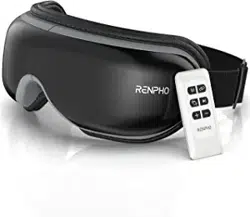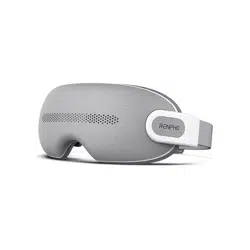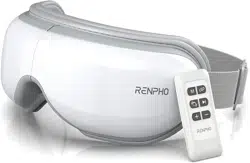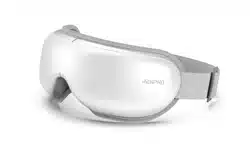
Renpho EYERIS SMART RF-EM001S Eligible Eyeris Smart Eye Massager

Product's Documents

Below are documents related to this product, you can read online or download:
EYERIS SMART photo

User Manual

This is the main product document for model EYERIS SMART. Additionally, the document applies to other Renpho models: RF-EM001S

The file format is pdf, 21 pages, you can download this manual here .

background
Eyeris Smart
User Manual
Model: RF-EM001S

background

Please read this user manual carefully and use the device only
as directed. RENPHO accepts no responsibility for any cause of

outlined. Please keep this manual for future reference.
READ ALL INSTRUCTIONS CAREFULLY BEFORE USING.





such as glaucoma, cataract and retinal detachment




on the skin






immediately.
1. The device is intended for household use only and not for
medical use.
IMPORTANT SAFETY INSTRUCTIONS
01

background















2. This device can be used by children aged 8 and above and




involved.

maintenance should not be made by children.
4. Remove contact lenses, glasses, false eyelashes, hairpins,










on, or near children, invalid, or disabled persons.







center for examination and repair.





the device.
02
background















ABOUT THE PRODUCT




not use over insensitive skin areas or in the presence of
poor circulation. The unattended use of heat by children or
incapacitated persons may be dangerous.






SAVE THESE INSTRUCTIONS


1. What’s in the Box
2. Specifications








03


background
USING THE PRODUCT
1. Charging



b. It takes about 3.5 hours to fully charge the device. The





the device.
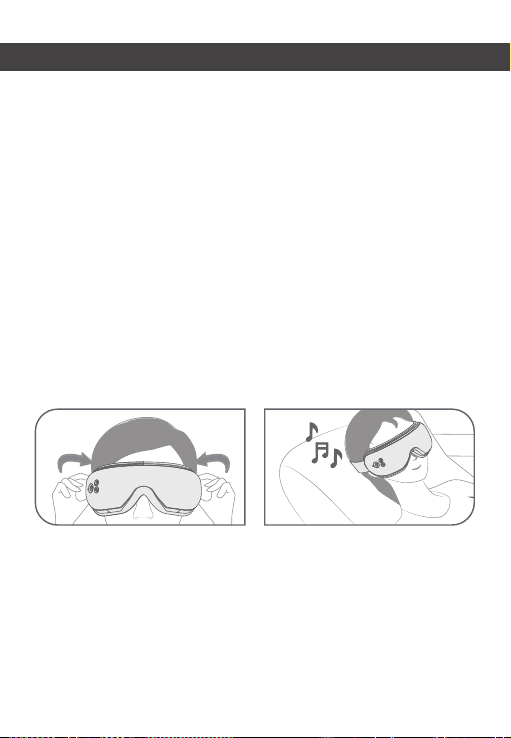
b. Wear the device and ensure it fits your eyes properly. Adjust
the elastic band to fit your head.
Note:
Note:
after using the device. It is recommended to close your eyes

04
background
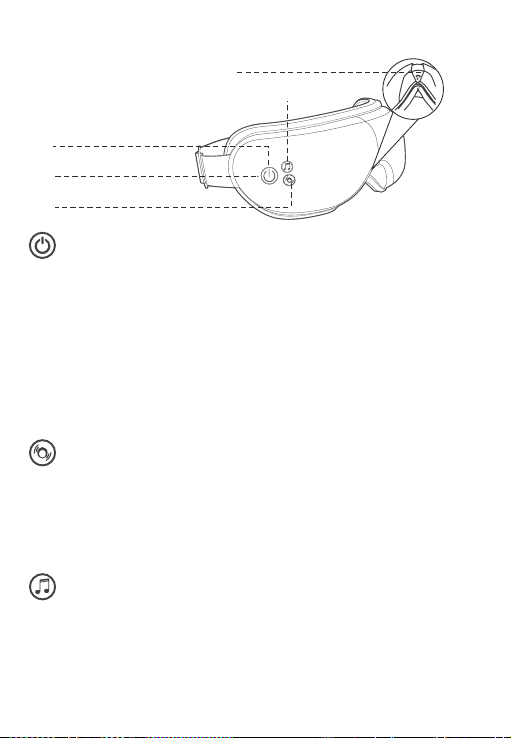
3. Operation














Note: The volume of the voice broadcast cannot be adjusted.



Once silent mode is activated, the voice broadcast and


your phone or App.


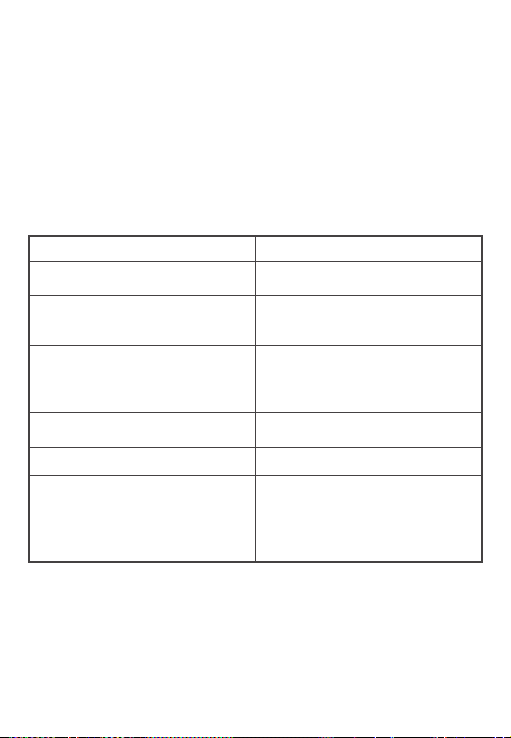
Indicator


05
background


phone.
b. Search for “” and connect it to play your
music playlist through the device.
Note:


Status

Successful Bluetooth music

Successful Bluetooth music
connection and App
connection


Charging at a voltage higher








for 1min and then goes out,
indicating an improper
charger is used.


continuous use unless you select another timer via the App.
06
background






” from

Health App.



Note:
"Renpho Health" App may appear slightly different.

Renpho Health
APP INSTRUCTIONS
07
background





3. Connect to the App
Before connecting to the Renpho Health App, enable Bluetooth on



”.
08
background

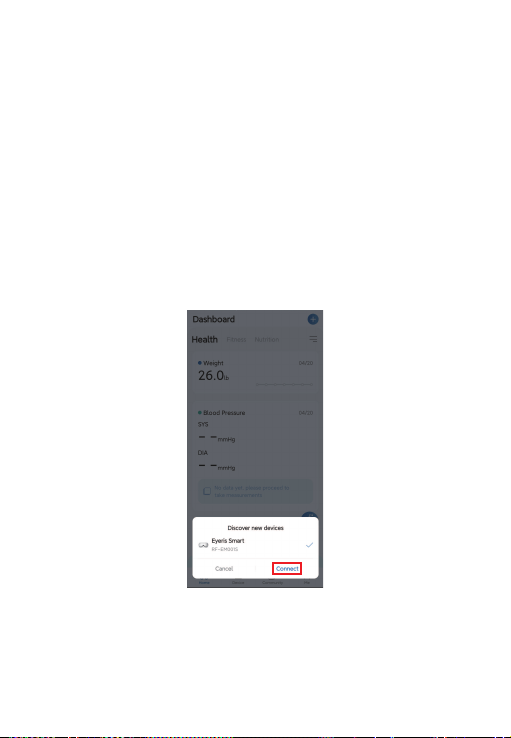
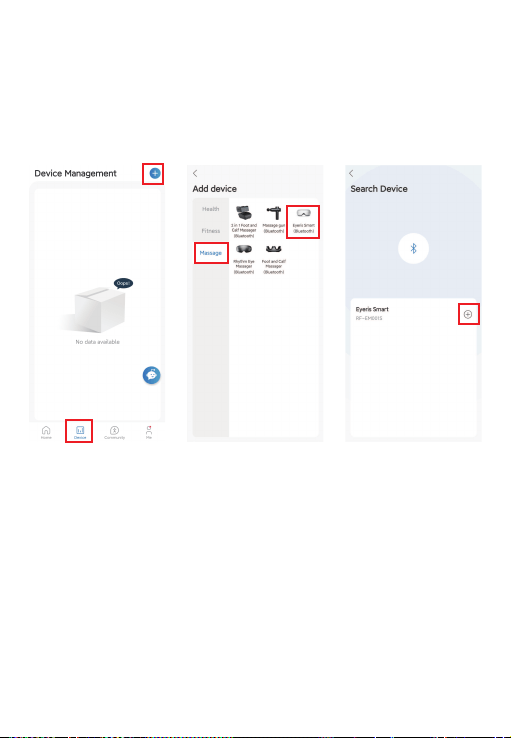
a. Open the app, and tap “+
” page to pair manually.
b. Select “” and tap “”.
+”.
Tip:

hear a voice prompt “App connected”.




09
background

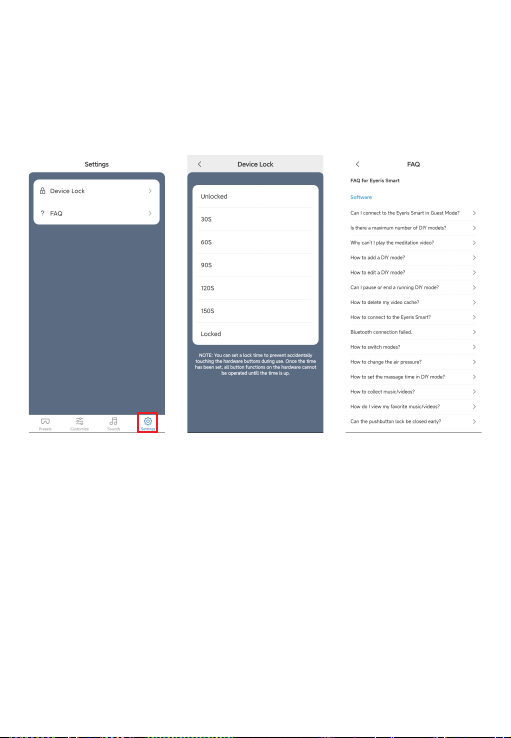
Tap on the “” tab to choose a lock time to prevent



10
background


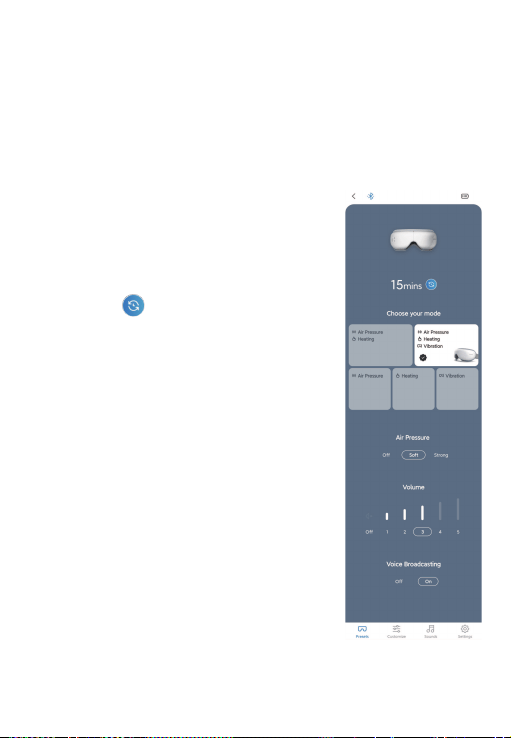
that can recall the last preset mode and
pressure level after reconnecting to the
app or recall the last selected volume


massage session.


modes.


it off.



or off.




broadcasting or adjust them on the Presets page according to
your preference.
11
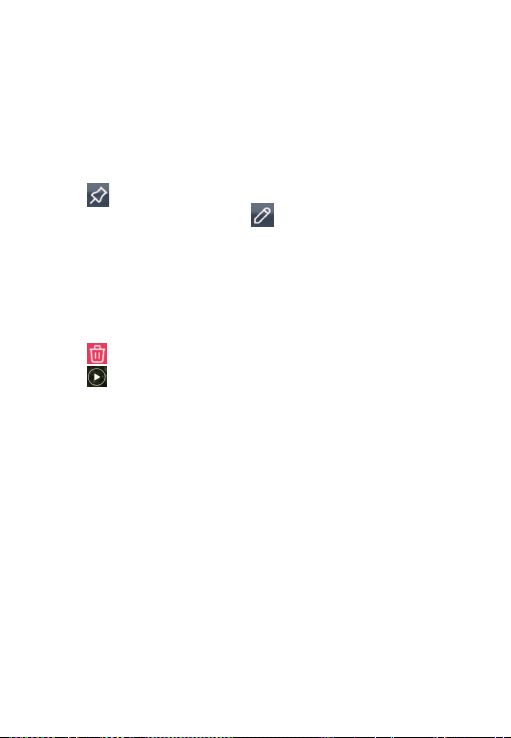
background

12
a. Tap on the “” tab and tap “
massage session by choosing massage mode, air pressure
level, heating level, vibration, time and music.
b. After choosing, tap “” to enter a name and then save





tap “ .

can control the voice broadcasting and volume level via the
app.
<” and choose another
<” to disconnect the
app directly.


to another mode after saving changes and then back to the
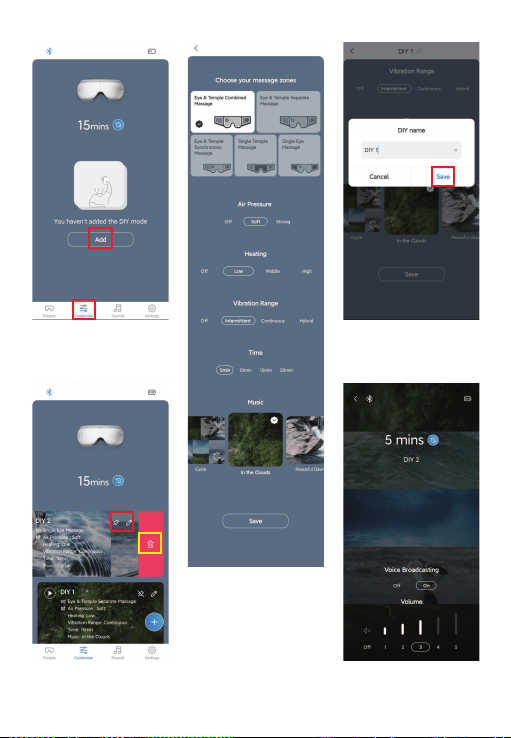

background
13
background

14
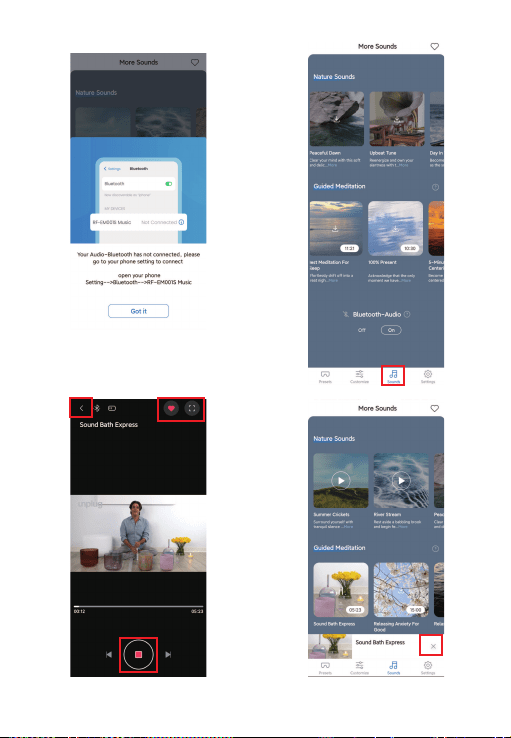
a. Tap on the “
tions to connect to “” through your phone
settings.





<”.
Tap “X” to exit.

You can enjoy meditation music from the app or your playlist








background
15
background
CLEANING AND MAINTENANCE




cleaners, or harsh detergents.

temperatures. If the device has not been used for over 3
months, please charge it from time to time to prolong its
lifespan.


to prolong the lifespan of the device.


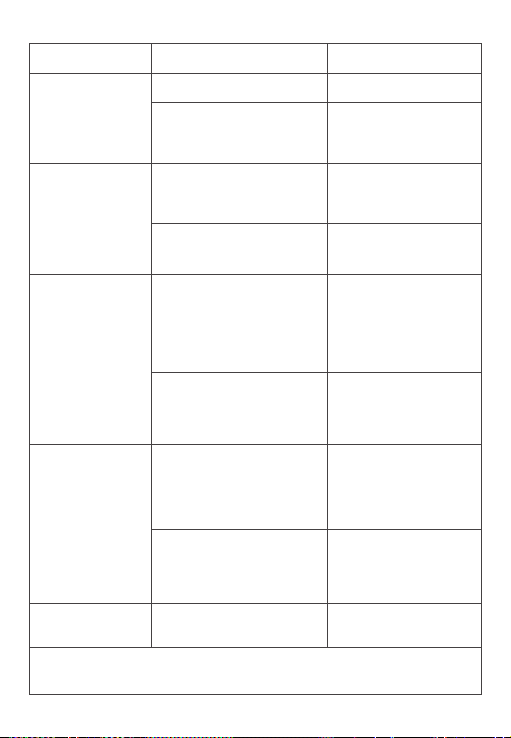
TROUBLESHOOTING GUIDE

 Charge the device.
No air pressure.
No air pressure is
selected.

pressure.

pressure is selected.

air pressure function.
  Charge the device.

button.


device.
 Cause 
16
background
 Cause 
The device
cannot be
charged.
Use other types of
charging cables.
Use the provided

cable only.

the device to
the App.

is not enabled.
Enable Bluetooth on

pair the device

INSTRUCTIONS”.



charger.
Bluetooth music
connection is disabled.
Enable Bluetooth on

connect to

The eye massager has

another mobile device.
Unbind the eye
massager on another
mobile device.

Bluetooth music
on the device.

Long press the
Pressure button to

mode.
The App is not





17
The device shuts
off suddenly.

Charge the device.

timer is activated.

another massage
session if needed.
background
18


























receiver.



for help.
background
19




other antenna or transmitter.








device.












background
Tel: 



Email:

WARRANTY POLICY




CUSTOMER SERVICE








NA1
Made in China





Note: 



Specifications

Indexed Terms: Eye Massager

Renpho EYERIS SMART Questions and Answers

Questions and Answers

Related Products

Product Renpho R G001 image
Renpho R-G001 EYE MASSAGER
2021-08-23 1 docs