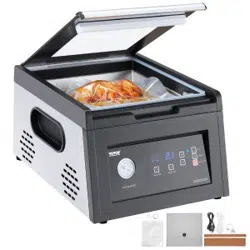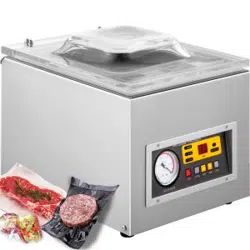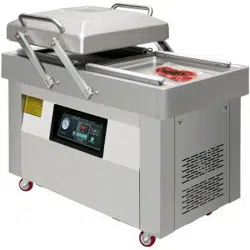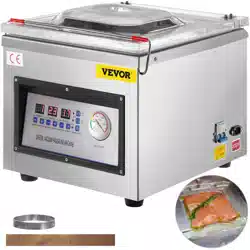

Vacuum Packaging Machine
Operating manual
Before operating, please read this
operating manual carefully.

1. Function
This machine uses plastic film or plastic aluminum foil film as packaging materials to pack liquid,
solid, pasty food, grain, fruit, pickle, preserved fruit, chemicals, medicinal materials, electronic
components, precision instruments, and rare metal. The packaged items can prevent oxidation,
mildew, moth-eaten and damp, and extend the shelf life. It is especially suitable for industries,
such as tea, food, medical stores, scientific research institutions and so on. It is beautiful,
compact, high efficient and convenient.
2. Parameter
3. Operating process
Note: The process that must be operated before the machine is used:
(1)Filling the vacuum pump oil: prohibit the vacuum pump from starting the machine
without oil. Remove the rear cover from the back of the machine, find the vacuum pump,
unscrew the oil mist filter of the vacuum pump, and fill in the vacuum pump oil. The oil level
must not be lower than 1/2 of the visible position of the oil window. No higher than 3/4 of the
visible position of the oil window, and no higher than 3/4 of the visible position of the oil window.
After the refueling process of the vacuum pump is completed, install the rear cover. It is
recommended that the vacuum pump oil be replaced after the machine works continuously for
800H.
(2)Turn on the power supply that matches the machine, turn on the power switch. When the
operation panel light is on, indicating that the power is turned on.
Model
Power
V/HZ
Voltage
W
Current
A
Pumping
rate
S
Vacuum
Size
MM
Sealing
length
MM
Dimension
MM
Net
weight
KG
DZ-260C
DZ-320
110/60
220/50
320
5
1.8L
355X340X70
315x10
460X430X390
28
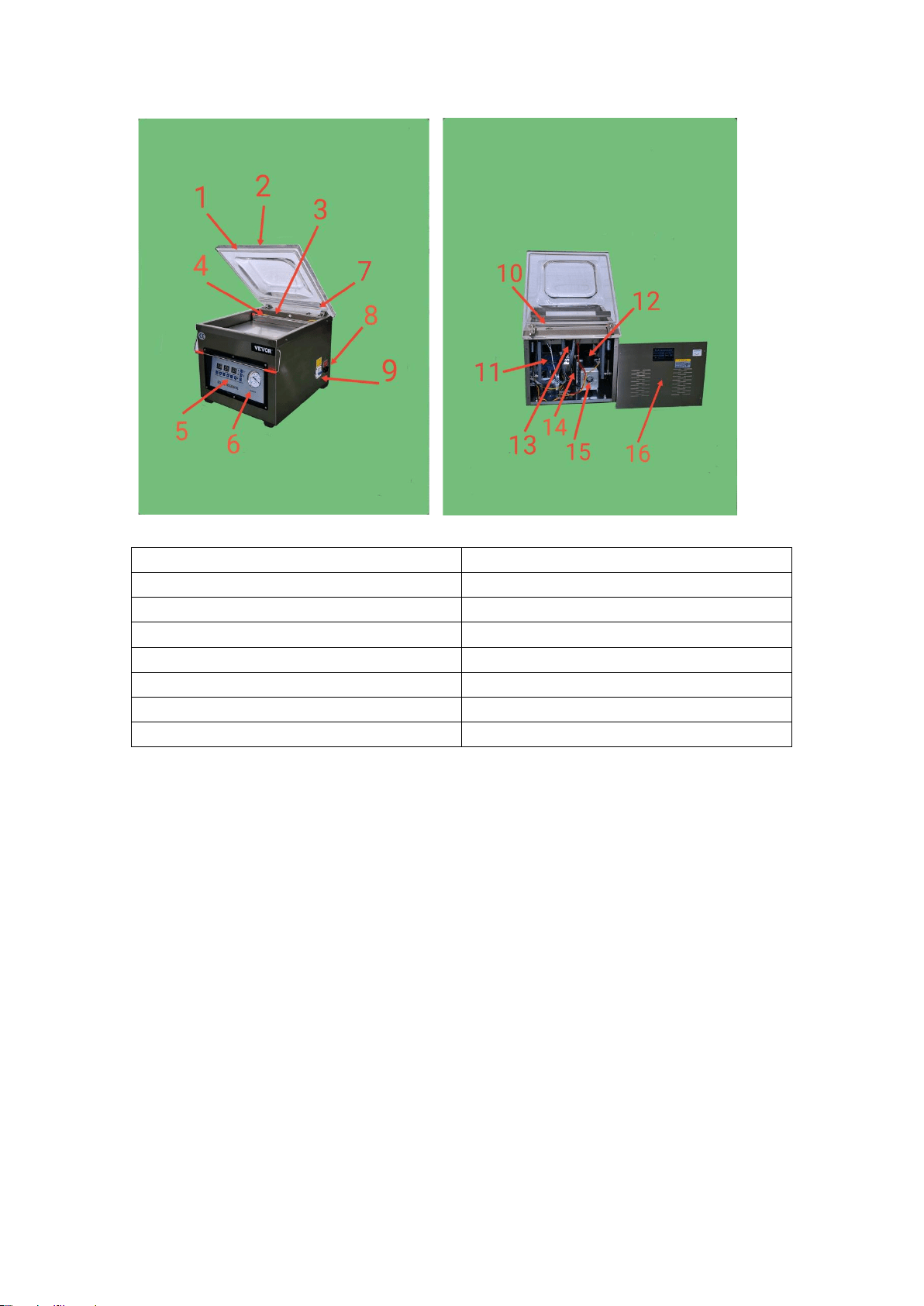
1. Sealing loop
9. Power switch
2. Studio cover
10. Travel switch
3. Sealing heating strip
11. Heating transformer
4. Press bag
12. Vacuum pump oil mist filter
5. Control Panel
13. Solenoid valve
6. Vacuum gauge
14.Vacuum pump
7. Sealing silicone strip
15.Vacuum pump oil window
8. Power interface
16. The back cover of the machine
(3) Control panel settings: a. Set the vacuum time, click the plus and minus buttons to set,
the vacuum time is generally set to 30-40S. b. Set the sealing time, click the plus and minus
buttons to set the sealing time, the sealing time is generally set to 1.5-2.5S, and the sealing time
is set according to the thickness of the vacuum bag. It is forbidden to set the sealing time too
long to burn the sealing heating strip. c. Set the cooling time, click the plus and minus button to
set, generally 3-5S. The setting process is over.
(4)Put the product to be packaged into the working chamber, open the pressure bag strip,
put the vacuum bag mouth flatly on the sealing strip, and put it back into the pressure bag strip.
Hold the front end of the studio with both hands and close the cover of the studio. At this time,
the limit switch is turned on, and the machine starts, and the vacuum gauge pointer starts to run.
After the vacuum gauge pointer starts to move, let go of your hands and the machine
automatically completes the packaging process. After the cover of the studio is closed, if the
pointer of the vacuum gauge does not work, you need to use both hands to press the front of the
cover of the studio until the vacuum gauge runs. After the vacuum gauge pointer starts to move,
let go of your hands and the machine automatically completes the packaging process. The
product and the vacuum bag must match each other, and the product must be filled with the

vacuum bag to achieve a good vacuum effect. If a larger vacuum bag packs a smaller product, the
vacuum effect is not ideal. The vacuum bag must be filled with the product to be packaged in
order to show a good vacuum effect.
4. Common faults and solutions
(1)After the cover of the studio is closed, the machine does not start. Check whether the travel
switch is damaged and whether the wire falls off.
(2)The control panel shows that there is no power: check whether the wiring of the internal
power input part of the machine is loose or disconnected.
(3)The vacuum pump is not working: the control panel is working and running. The vacuum
pump is not working. Check whether the vacuum pump power cord is loose or disconnected.
(4)The air in the vacuum bag cannot be pumped away: the vacuuming time is not enough,
extend the vacuuming time, fill the product in the vacuum bag as close as possible to the sealing
strip.
(5)The cover of the studio cannot be opened after the packaging: check and repair the bleed
solenoid valve.
5. Circuit diagram
6. Spare parts
(1)Vacuum machine
(2)A manual
(3)Allen wrench
(4)Heating strip
(5)Teflon cloth