
2
40
WITH DVD
Full HD 1920 X 1080 pixels
DVD32-36
Disc Care
36
40
40
40
41
42
43
45
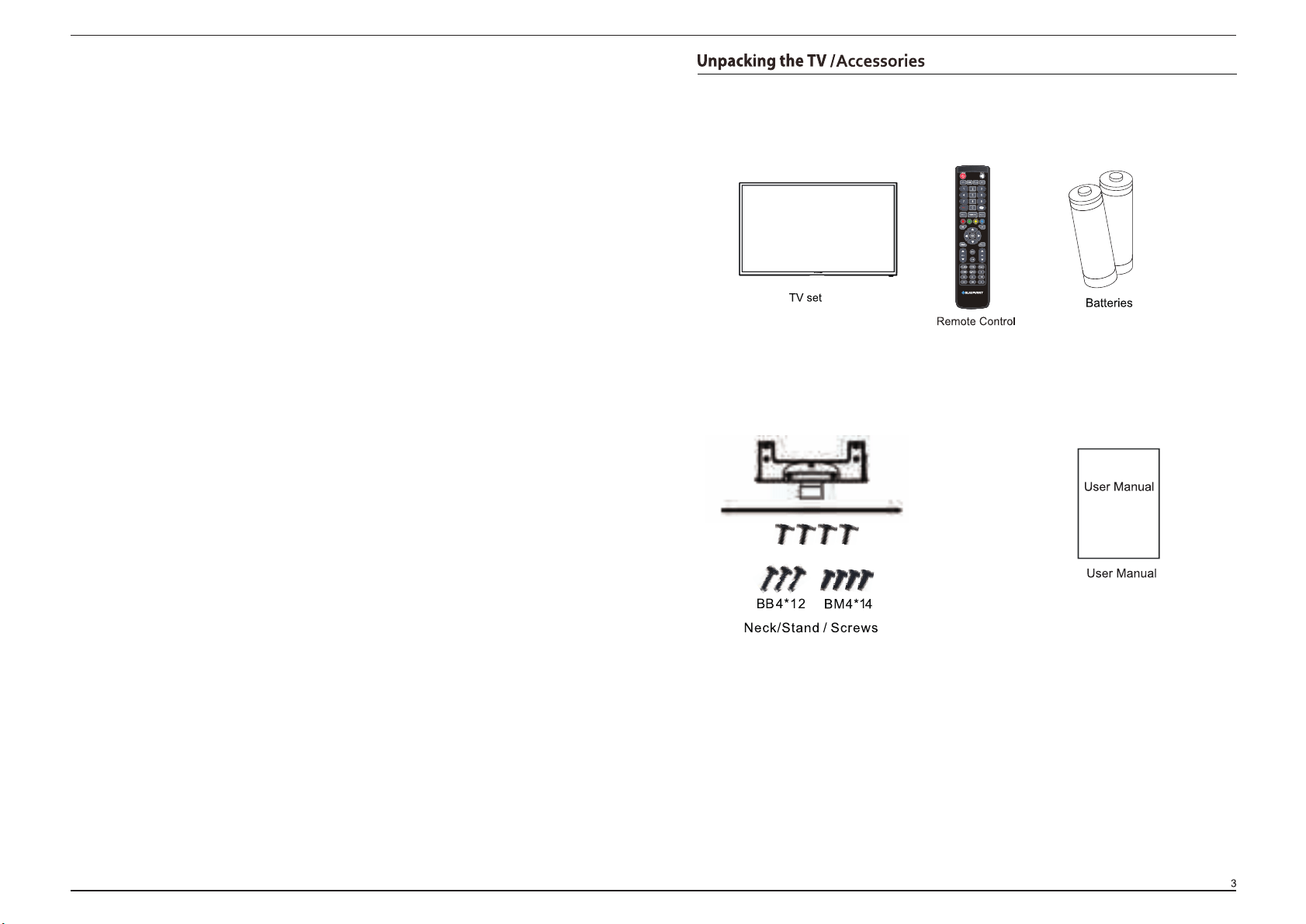
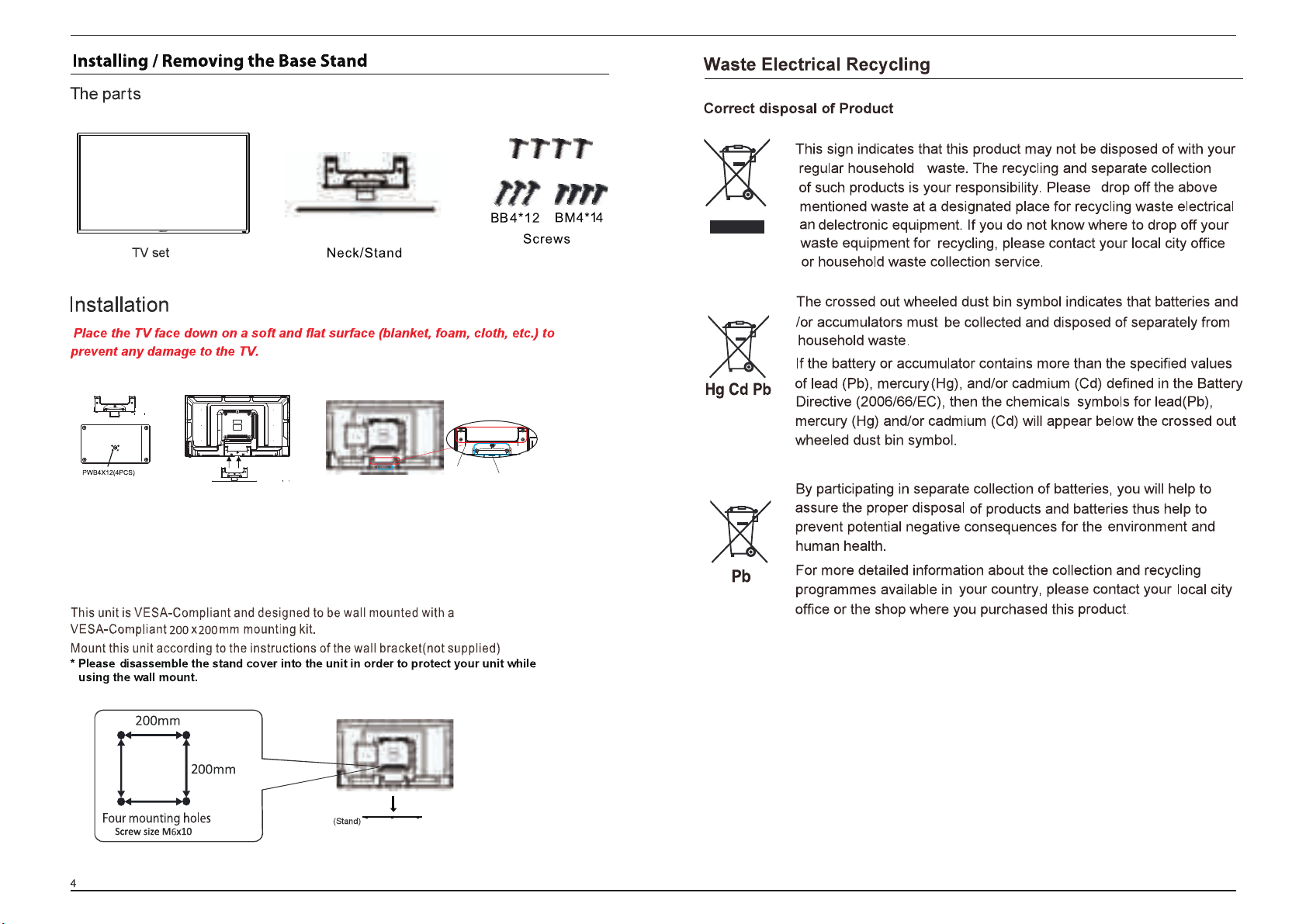
PWB4*12
45
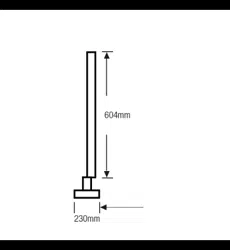
1. Combine the TV base and
stand neck, fix them with 4pcs
of screws (The one with
gasket on it).
2. Place the TV body on a flat table,
and put the TV base on it, ensure the
screw holes matching.
3. Fix the stand and TV body with 4 pcs
of screws (BM4x14mm, upper 4
holes) and 3 pcs of screws
(BB4x12mm, lower 3 holes).
BM4x14
BB4x12
PWB4*12
44
123
USB
43
BP4020FHDV
40
8.8
927x209x586mm
927x90x551mm
250
each
USB
,DVD
USB
,DVD
DVD,
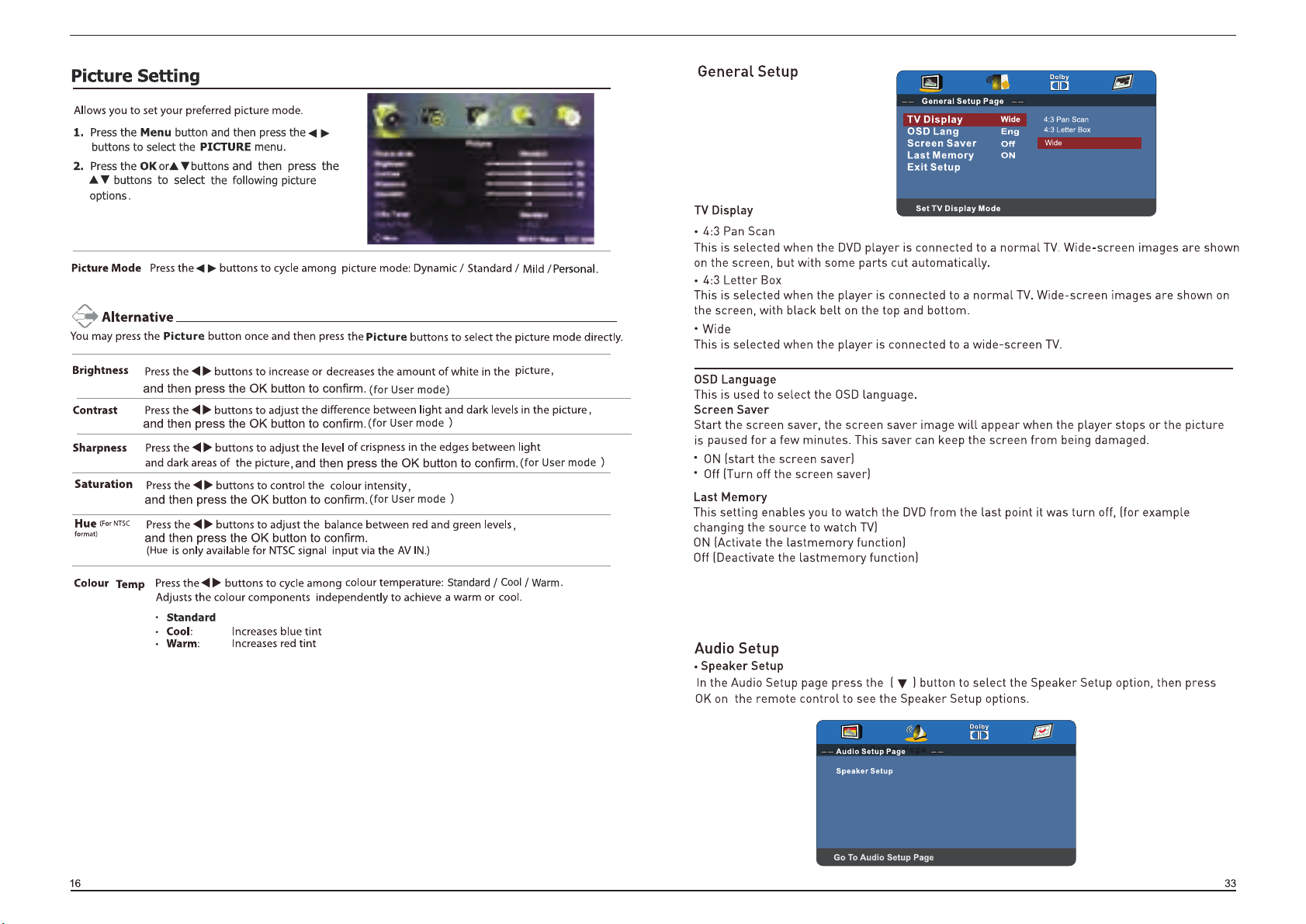
Exit setup
Press this button exit DVD menu.
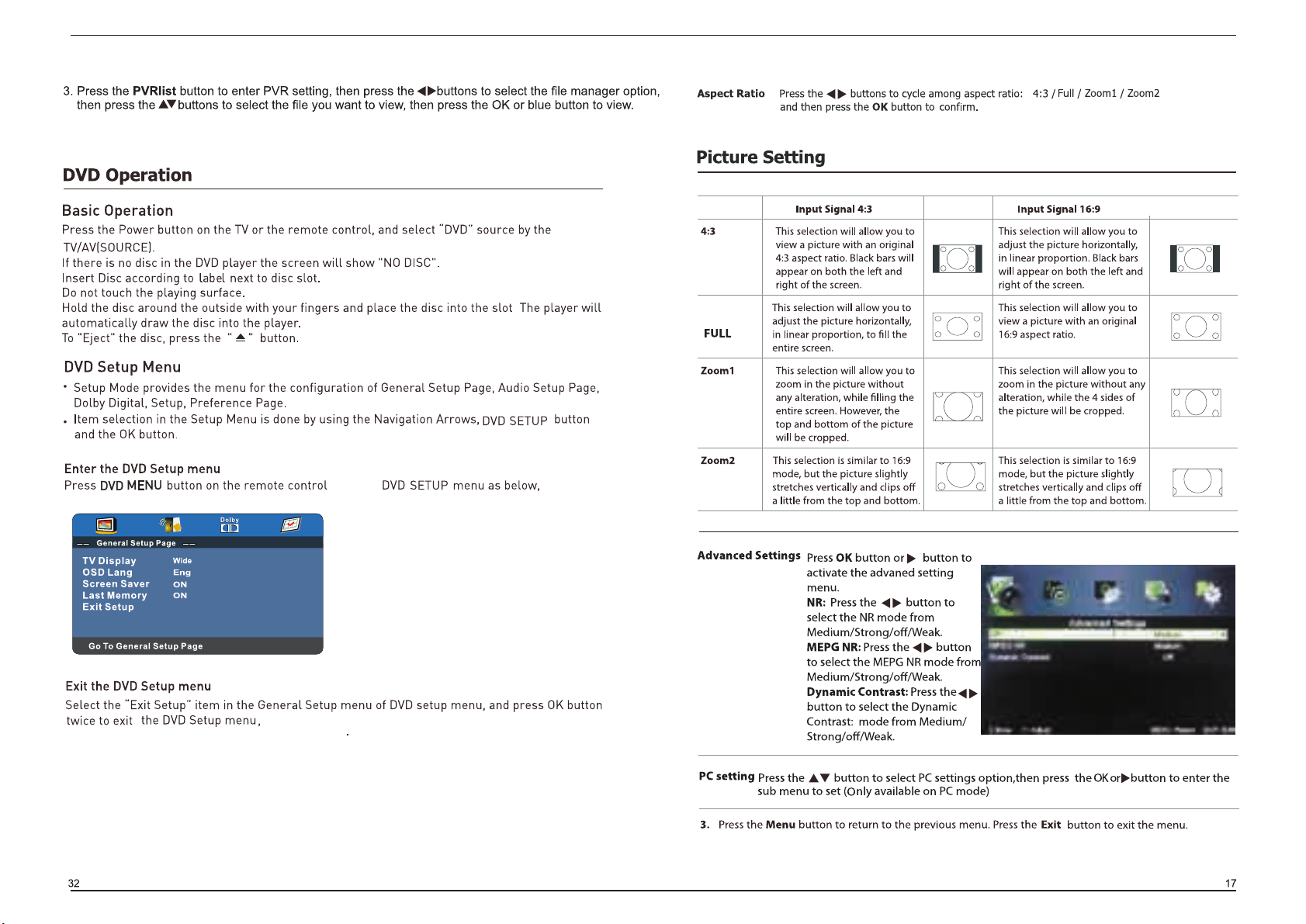
to enter
or press DVD SETUP button on the remote control to exit the
DVD SETUP menu.
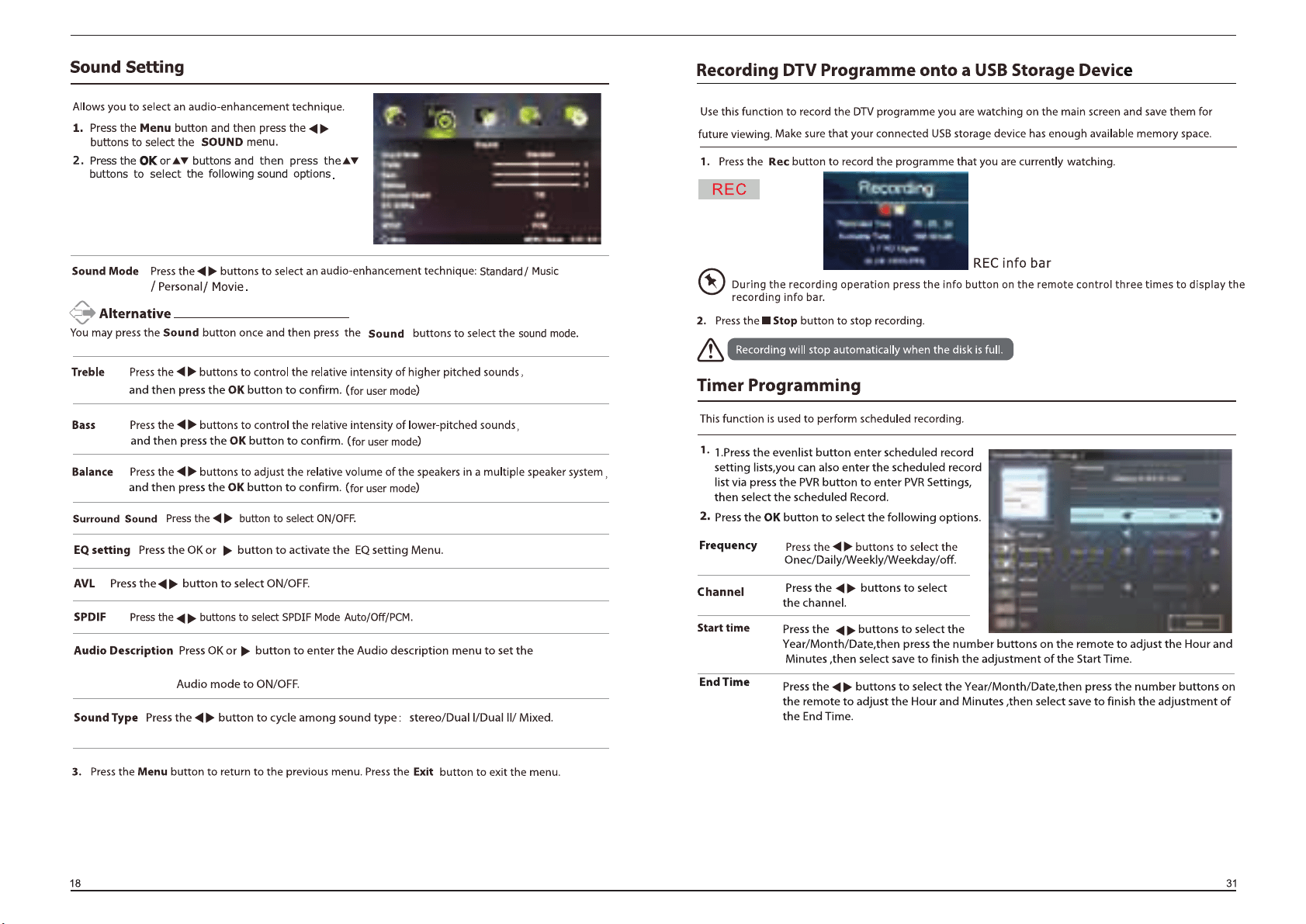
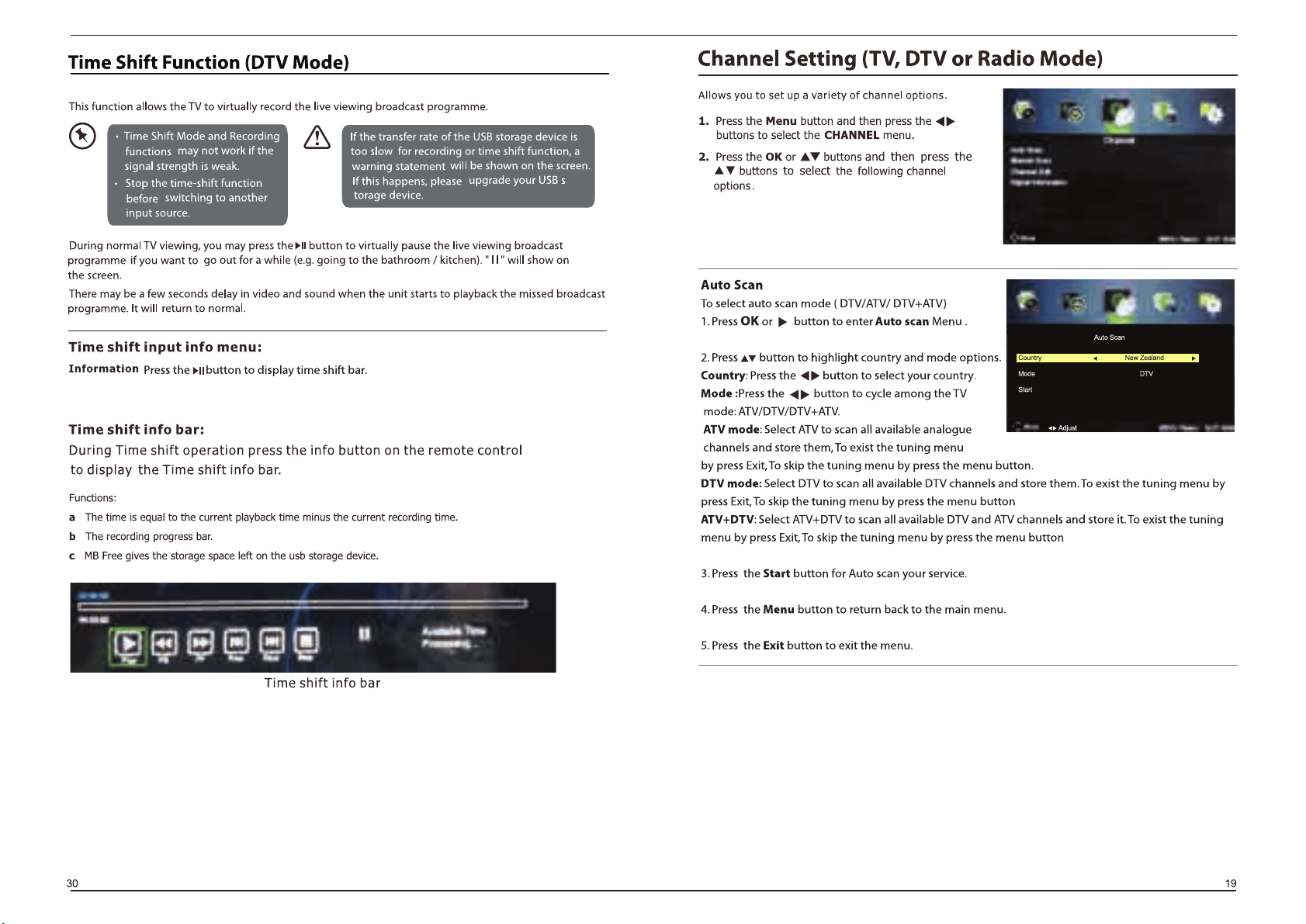
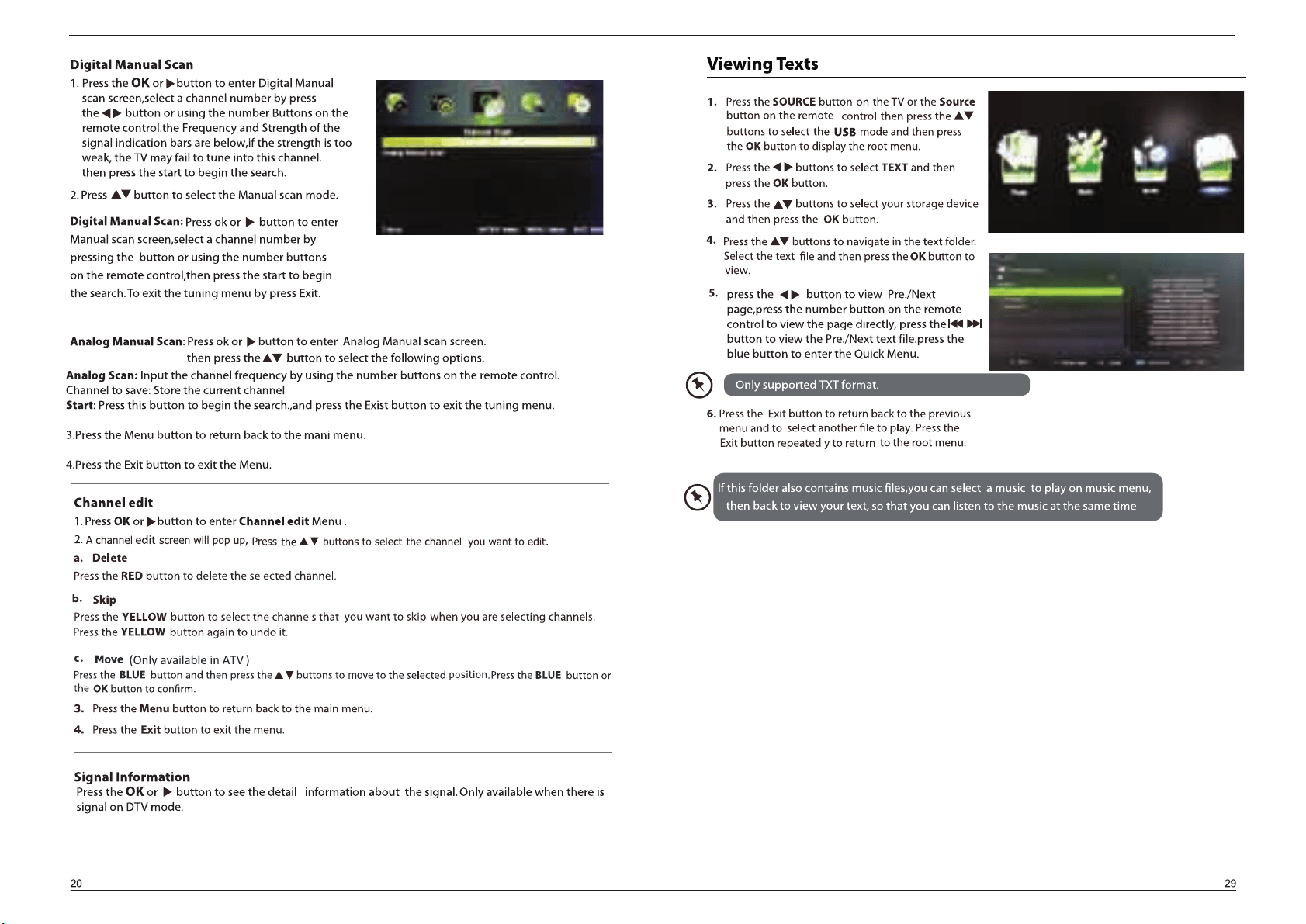
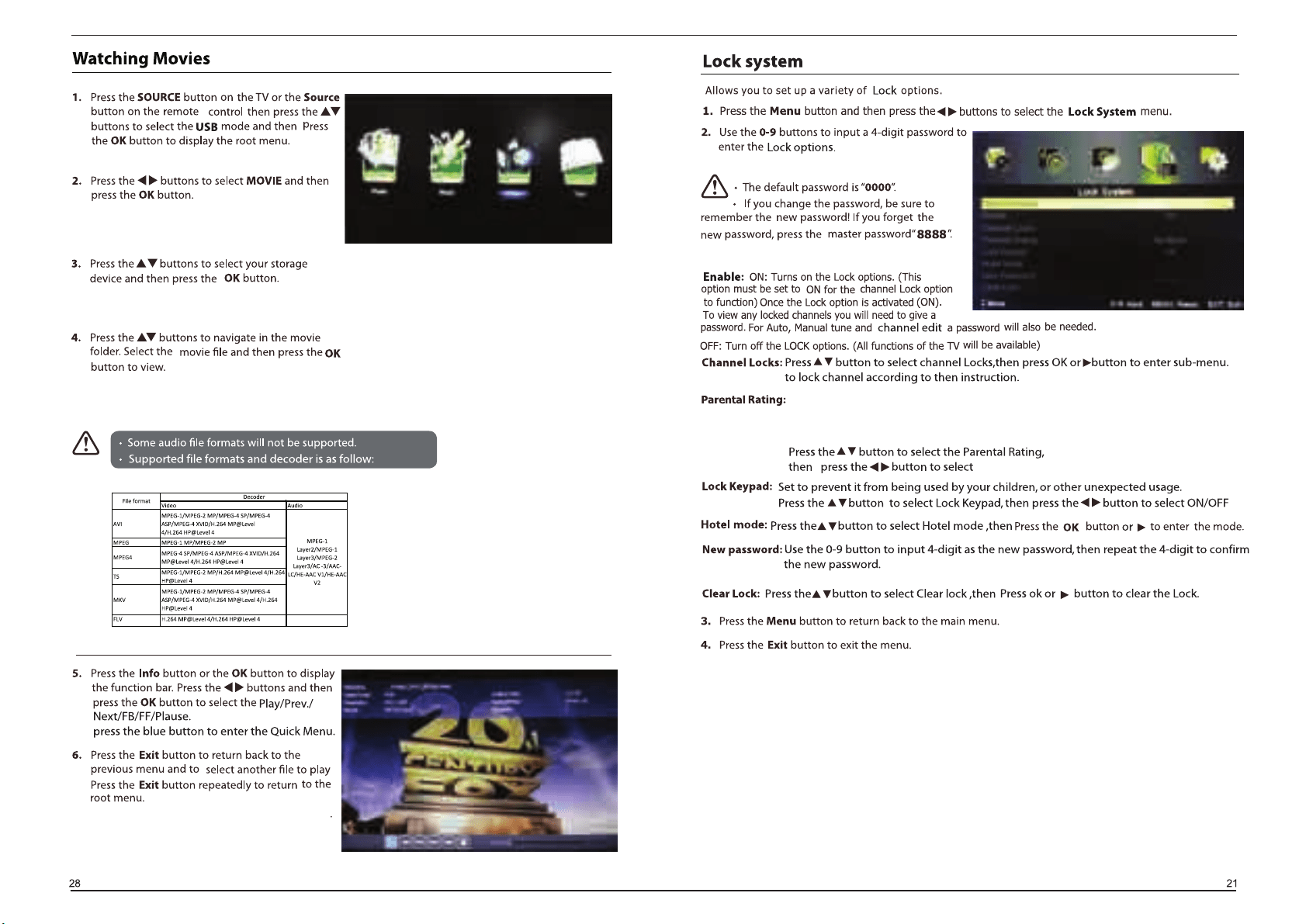
No block: Turn off parental lock.
Block G+ - Block All+: Turn on Parental Lock and set the parental rating level to show
programs below the level, while a password controls access to higher-level programs.
No Block / Block G+.../Block ALL+