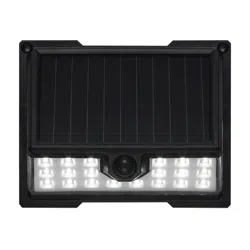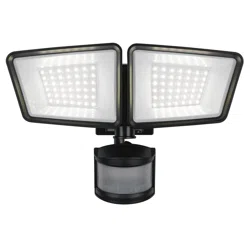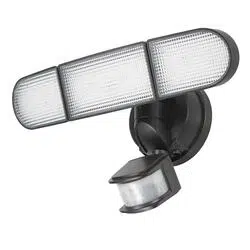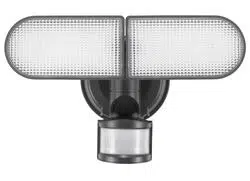
PACKAGE CONTENTS
Read all instructions before installation, then store in a safe place for future reference. Failure to do so may
result in faulty assembly and potential injury.
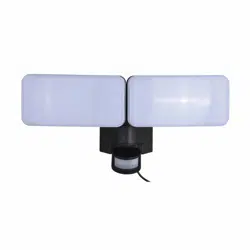
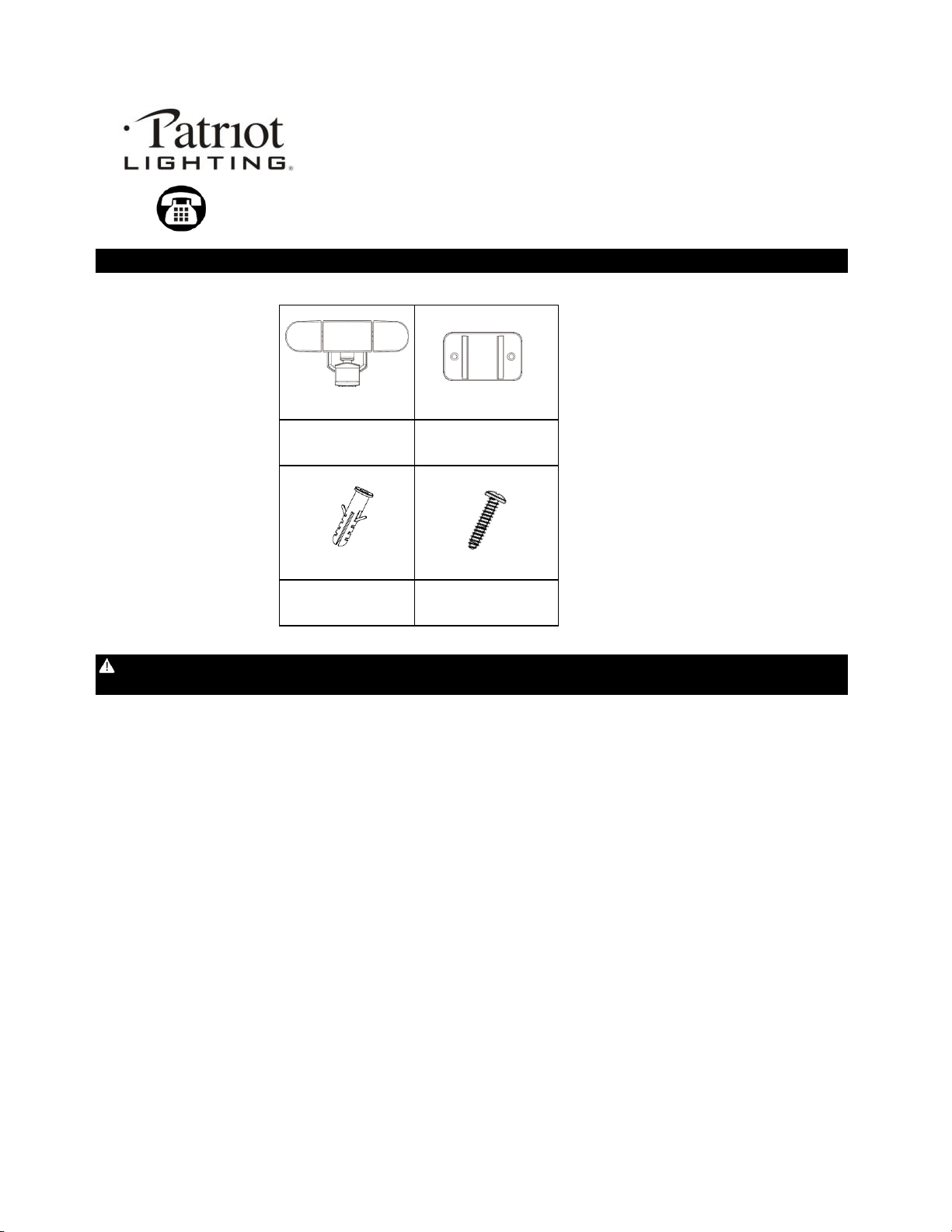
Light Fixture x 1
Mounting Bracket x 1
Plastic Anchor x 2
Mounting Screw x 2
C
D
A
B
SAFETY INFORMATION
CLEANING AND MAINTENANCE: To prolong the original appearance, clean the light fixture with a soft, damp cloth. Do not use paints, solvents, or
other chemicals on this light fixture. They could cause a premature deterioration of the finish.
LOCATION: Fixture can be wall mounted.
Recommended installation height: 6 - 8 feet above the ground.
Some environmental factors may affect the sensor range and could result in a reduction in sensor detection distance.
It is recommended not to mount the fixture near a heat source like an air conditioner, vent, or furnace exhaust, or in a direction facing a light
reflecting object.
SAFETY INFORMATION
• Your light is not a toy. Keep it out of reach from small children.
• If using a step ladder, you may require a second person to help install the light.
• Prior to installation, lay out all components and check against the part list section in this manual.
• CAUTION! Never look directly into the light when illuminated.
FEATURES:
Motion sensor:
AUTO Mode - At night, turns light ON automatically when motion is detected and turns light OFF automatically after all motion is stopped.
ON Mode - The light will turned on during the day or night.
• Adjustable motion sensor
• Adjustable time and sensitivity settings
PREPARATION: Tools required for assembly (not included): Phillips screwdriver, safety goggles, power drill and ladder.
Sku Number: 356-9453
Battery Operated Security Light
Model Number: ES01009G
Questions, problems, missing parts?
Before returning to your retailer, call our customer service at 855-232-6423
Monday – Friday 8:00 a.m. – 8:00 p.m. (EST)
1

3. Loose and remove these four
screws at the back of light. Then take
off the back cover of the light.
7. Installation is completed.
4. Insert three new alkaline D
size 1.5V batteries (not included).
Do not mix old and new batteries.
Make sure the polarity are all
correct.
5. Then close the back cover and
secure it by attached four screws.
6. Buckle the motion light into the
mounting bracket securely.
· Do not mix old and new batteries.
OPERATIONAL INSTRUCTIONS
Use only new alkaline D size batteries with 1.5V rating for replacement.
· Non-rechargeable batteries are not to be recharged.
BATTERY REPLACEMENT
1. Mode button switch:
Inserting the new batteries for the first time and push Mode button once the light will turn on and enter a "warm-up" period for about
15 seconds, then automatically entering into Auto Mode. At night, turns light ON automatically when motion is detected and turns light OFF
automatically in setting time after all motion is stopped.
Push Mode button once again. The light will enter ON mode. The light will turned on during the day or night.
This will allow a limited period of constant illumination.
Push Mode button once again. The light will turned off.
Push Mode button once again. The light will enter Auot mode again. Circle in order to change these mode.
2. Setting the sensor adjustment rotary switch as your desired setting before use.
TIME: Determines the duration of the light once motion is detected: 30 seconds, 60 seconds or 120 seconds.
• Test: Allows the positioning of the light’s motion sensor to be tested day or night. Once the motion sensor is in the desired position,
attempt to trigger the light by moving in the intended detection zone.
If the light illuminates, the motion sensor is positioned correctly. You are now ready to move the switch to the preferred duration option.
The light will now only turn on in darkness at Auto mode.
SENSITIVITY: Controls the distance of the range of motion detection: low, medium or high.
Adjust the head of light fixture toward to left or right direction to get the desired light direction.
Adjust the head of light fixture toward to up and down to get the desired light direction.
Sensor Range: Up to 9 m / 30 ft. x 180 degree spread (Varies with various environment).
Lumens output: 1,500 lumens / 5,000K (Max, use three new alkaline D size 1.5V batteries).
INSTALLATION AND OPERATION INSTRUCTIONS
INSTALLATION
Gently remove all parts from the package and lay them out on a smooth surface.
1. Place the mounting plate on the
chosen surface as shown and mark
the position of the 2 holes (The
hole distance is around 1.97inch /
5cm).
2. Use a power drill (not included) to
drill two 13/64 inch holes into the
mounting surface. Insert the plastic
archors (C) in the holes and fasten
the mounting bracket (B) onto the
wall with attached mounting
screws(D).
2

· Do not mix alkaline, standard (carbon-zinc) or rechargeable batteries.
3

· Exhausted batteries are to be removed from the product.
The light does not come on
Note: While the batteries are exhausted the light will not turn on.
TROUBLESHOOTING
Check the battery and make sure that it has contact to the metal plate and the polarity is correct.
If the battery is worn out, replace the battery with three new D size batteries.
Light sensor only allows light to activate in darkness at Auto position.
· Do not dispose of batteries in fire.
· Batteries should be recycled or disposed of as per state and local guidelines.
· Batteries are to be inserted with the correct polarity.
Questions, problems, missing parts?
Before returning to your retailer, call our customer service at 855-232-6423
Monday – Friday 8:00 a.m. – 8:00 p.m. (EST)
4