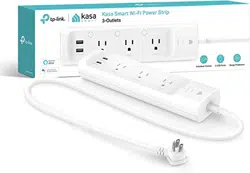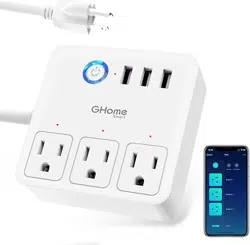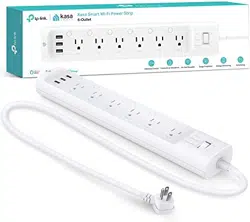
*Images may dier from
actual products.
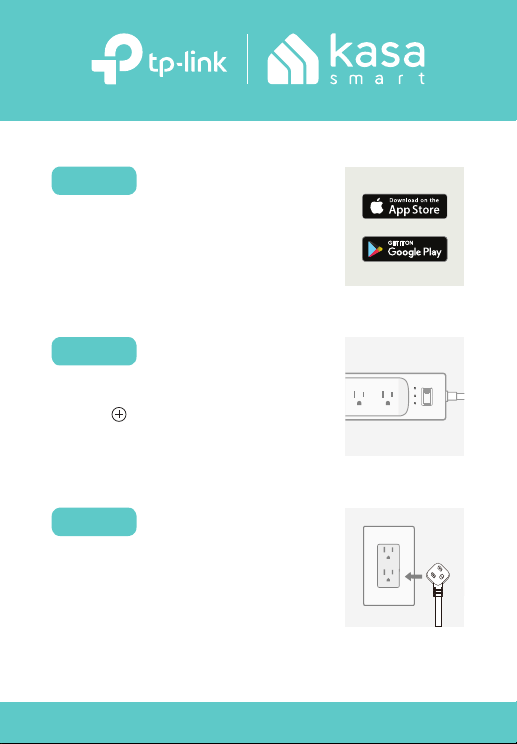
ADD TO KASA
STEP 2
Tap the button in the Kasa Smart
app and select Smart Plugs.
DOWNLOAD KASA
Get the Kasa Smart app from the
Apple App Store or Google Play.
STEP 1
Simply follow the instructions in the
Kasa Smart app to complete the
setup.
PLUG IN & POWER UP
STEP 3
Let’s get started with your new Smart Power Strip.
Safety Information
• Use only in dry locations.
• To reduce the risk of electric shock - Use only indoors.
• Do not attempt to disassemble, repair, or modify the device.
• Do not use the device where wireless devices are not allowed.
• Keep the device away from water, re, humidity or hot environments.
• The socket-outlet shall be installed near the equipment and shall be easily accessible.
• Risk of electric shock. Do not plug into another relocatable power tap or an extension cord.
• USB ports are suitable for charging audio/video, information and communication technology equipment.
Please read and follow the above safety information when operating the device. We cannot guarantee that
no accidents or damage will occur due to improper use of the device. Please use this product with care
and operate at your own risk.
7106509181 REV2.0.0 © 2021 TP-Link
Need some help?
?
Visit www.tp-link.com/support/
for Technical Support, User Guides, FAQs, Warranty & more
TP-Link hereby declares that the device is in compliance with the essential requirements and other
relevant provisions of directives 2014/53/EU, 2009/125/EC, 2011/65/EU and (EU)2015/863. The original
EU declaration of conformity may be found at https://www.tp-link.com/en/ce