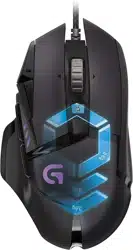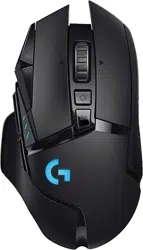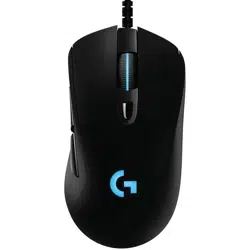
G403 HERO
Gaming Mouse
Souris gaming
SETUP GUIDE
|
GUIDE D’INSTALLATION
3 ENGLISH
SETUP INSTRUCTIONS
Please read the instructions before operating the product.
1
2
www.logitechG.com/GHUB
USB
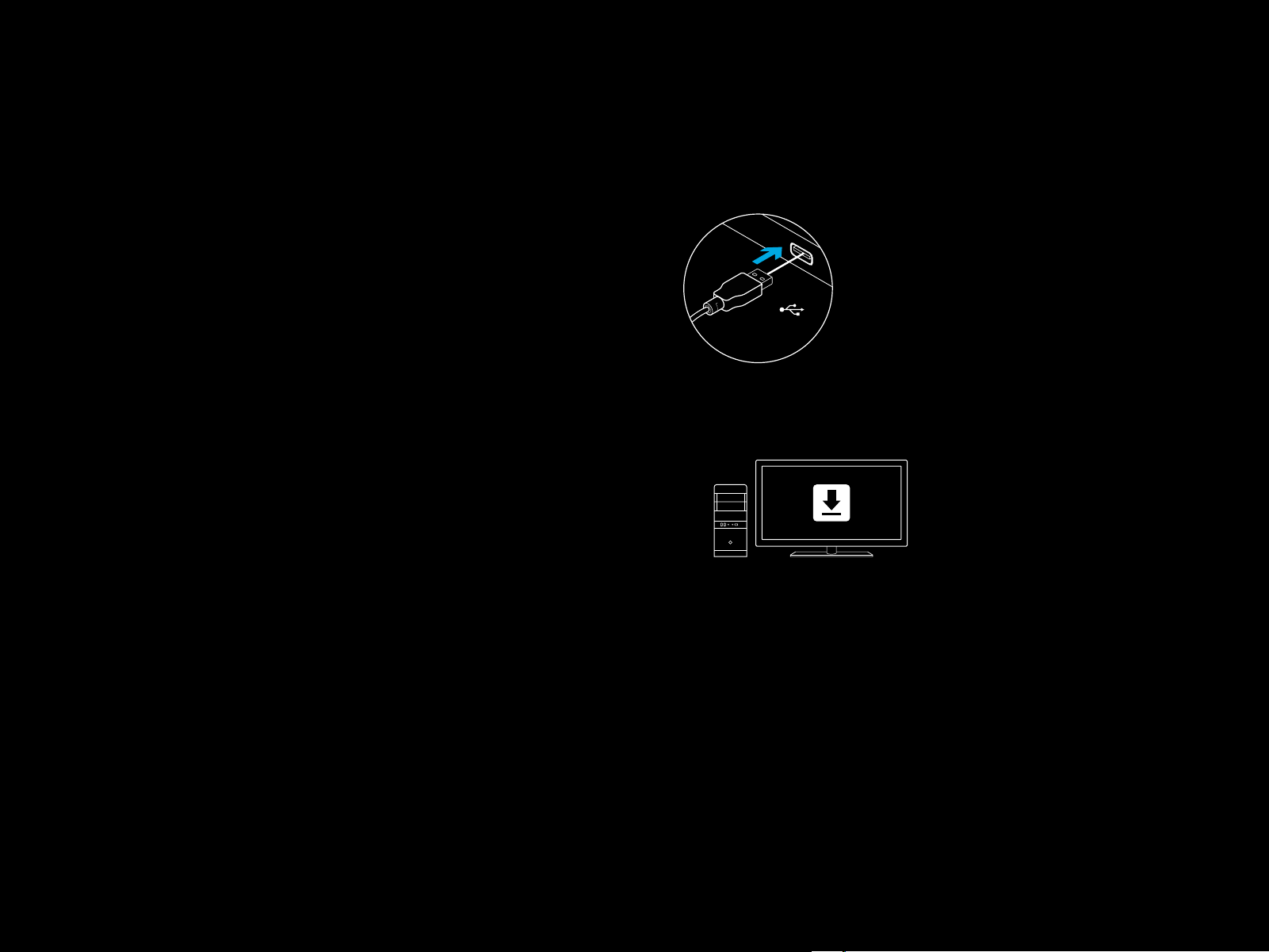
1 Plug mouse into USB port.
2 Download and install Logitech G HUB software from
www.logitechG.com/GHUB.
4 ENGLISH
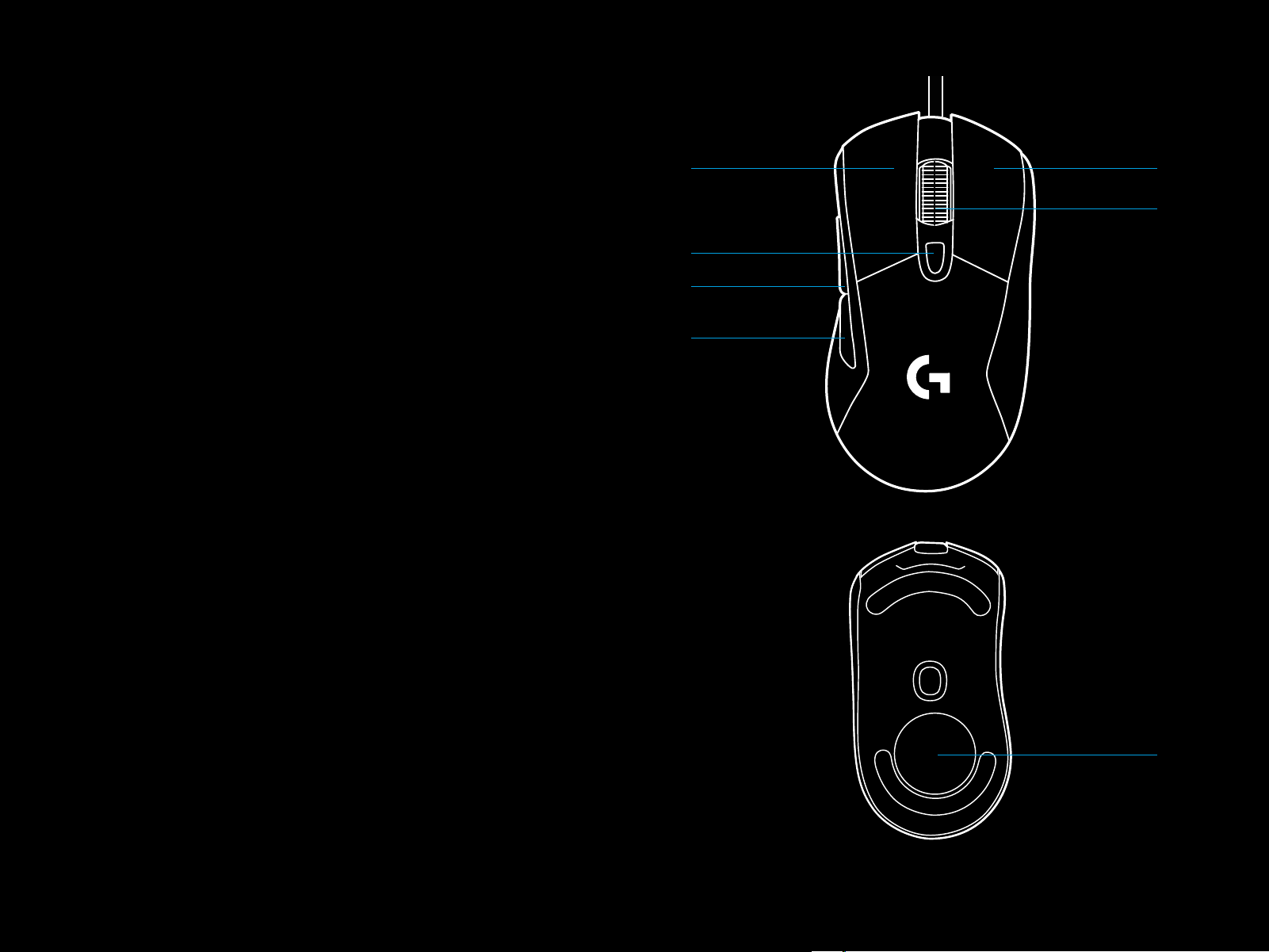
6 FULLY PROGRAMMABLE BUTTONS
1 Left (Button 1)
2 Right (Button 2)
3 Wheel click (Button 3)
4 Back (Button 4)
5 Forward (Button 5)
6 DPI Cycle
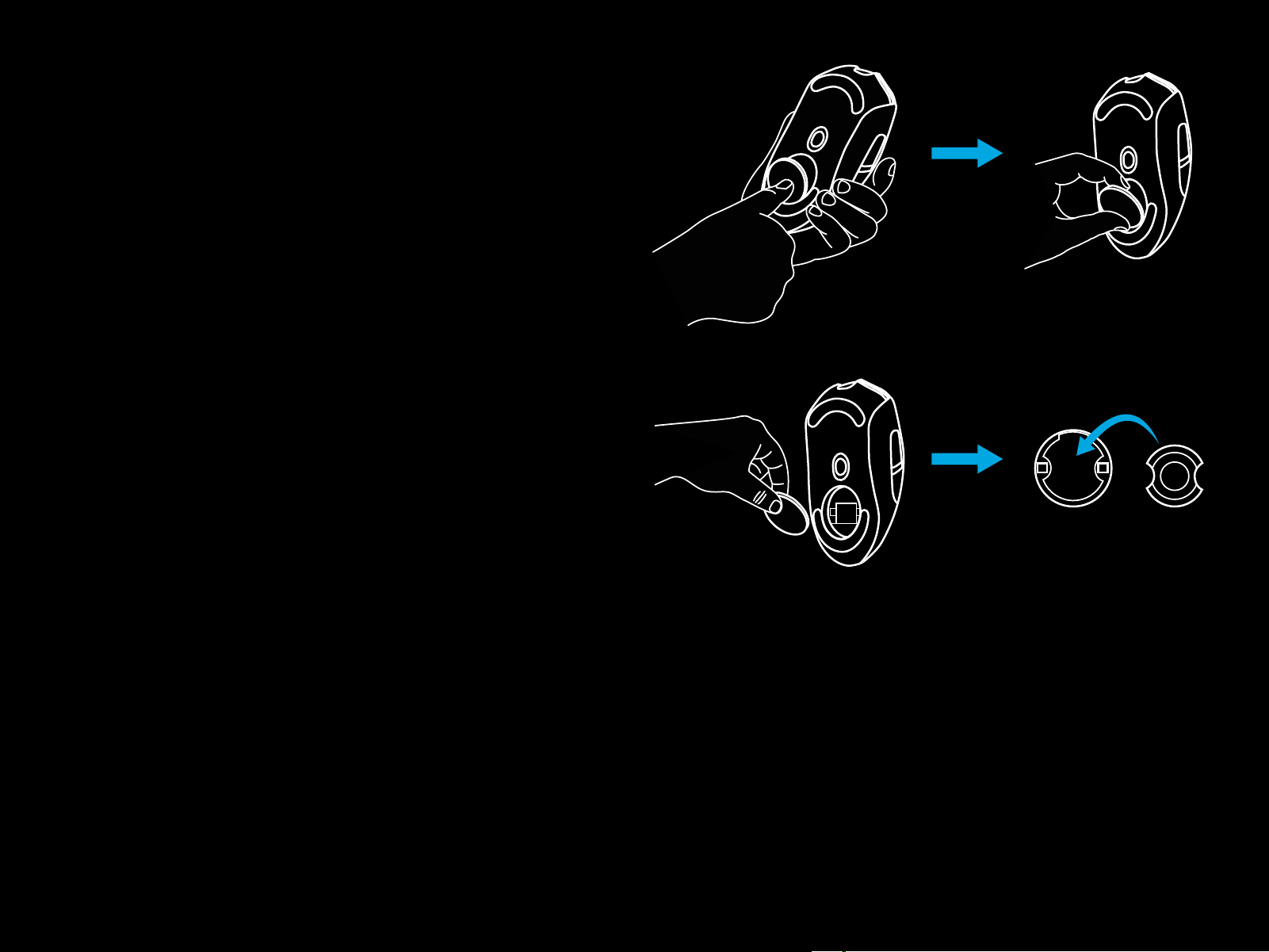
7 Weight door
1
5
4
6
2
3
7
5 ENGLISH
RGB PROGRAMMABLE LIGHTING
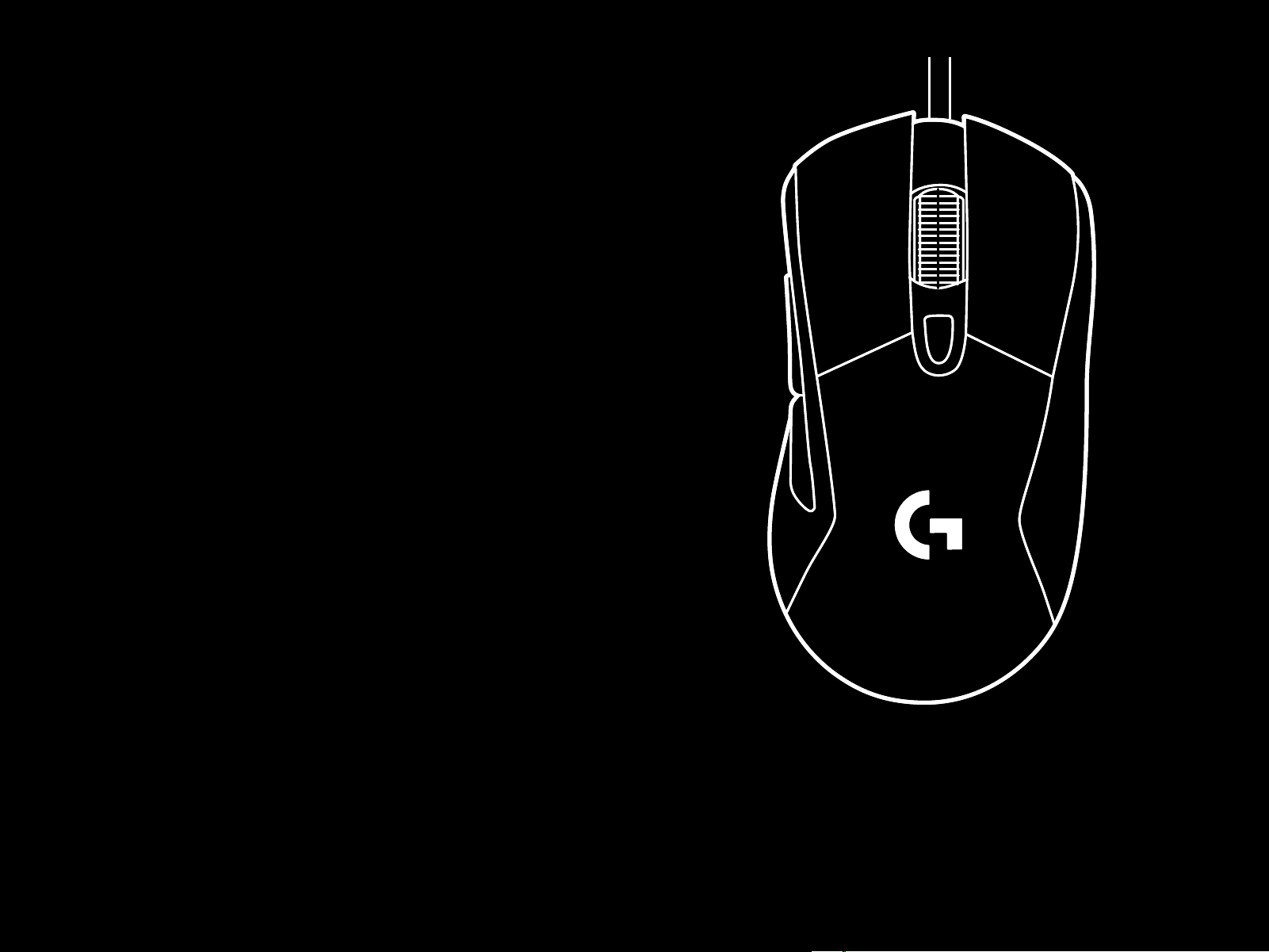
G403 HERO wheel and logo are illuminated with RGB LEDs.
These colors can be customized using Logitech G HUB gaming
software to a variety of breathing, color cycling, or solid color
modes.
Lighting patterns can also be synchronized with other supported
Logitech G devices using this software.
LIGHTSYNC RGB
LIGHTSYNC RGB is game-driven, intelligent lighting that
reactsto in-game action, audio, screen color and more.
Customizewith Logitech G HUB gaming software to match
yourset up and style.
6 ENGLISH
FREQUENTLY ASKED QUESTIONS
www.logitechG.com/support/G403-HERO
WEIGHT CUSTOMIZATION
An optional 10g weight can be found in the packaging.
10g