Quick Setup Guide
|
NS-PLTPSP13/NS-PLTPSP13-C
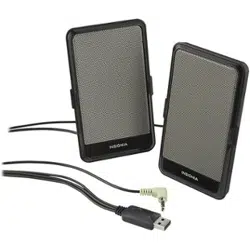
USB Flat Panel Speakers
Congratulations on your purchase of a
high-quality Insignia product. This
two-piece system is designed to deliver
superior audio performance to laptops,
netbooks, and home computers.
PACKAGE CONTENTS
• Speakers (2)
• Travel pouch
• USB power/audio cable
• Quick Setup Guide
Caution
• Read all safety and operating instructions
before using these speakers.
• Keep speakers out of extreme heat, and away
from sources producing extreme heat, such as
space heaters, radiators, stoves, and other
devices emitting heat.
• Keep speakers out of the rain and humid
conditions to avoid electric shock. Keep
speakers away from devices containing water,
such as sinks and bathtubs.
• Use a dry cloth for cleaning. Do not wipe any
part of the system with cleaning solvents, such
as furniture wax, bleach, benzene, or ammonia.
SPEAKER PLACEMENT
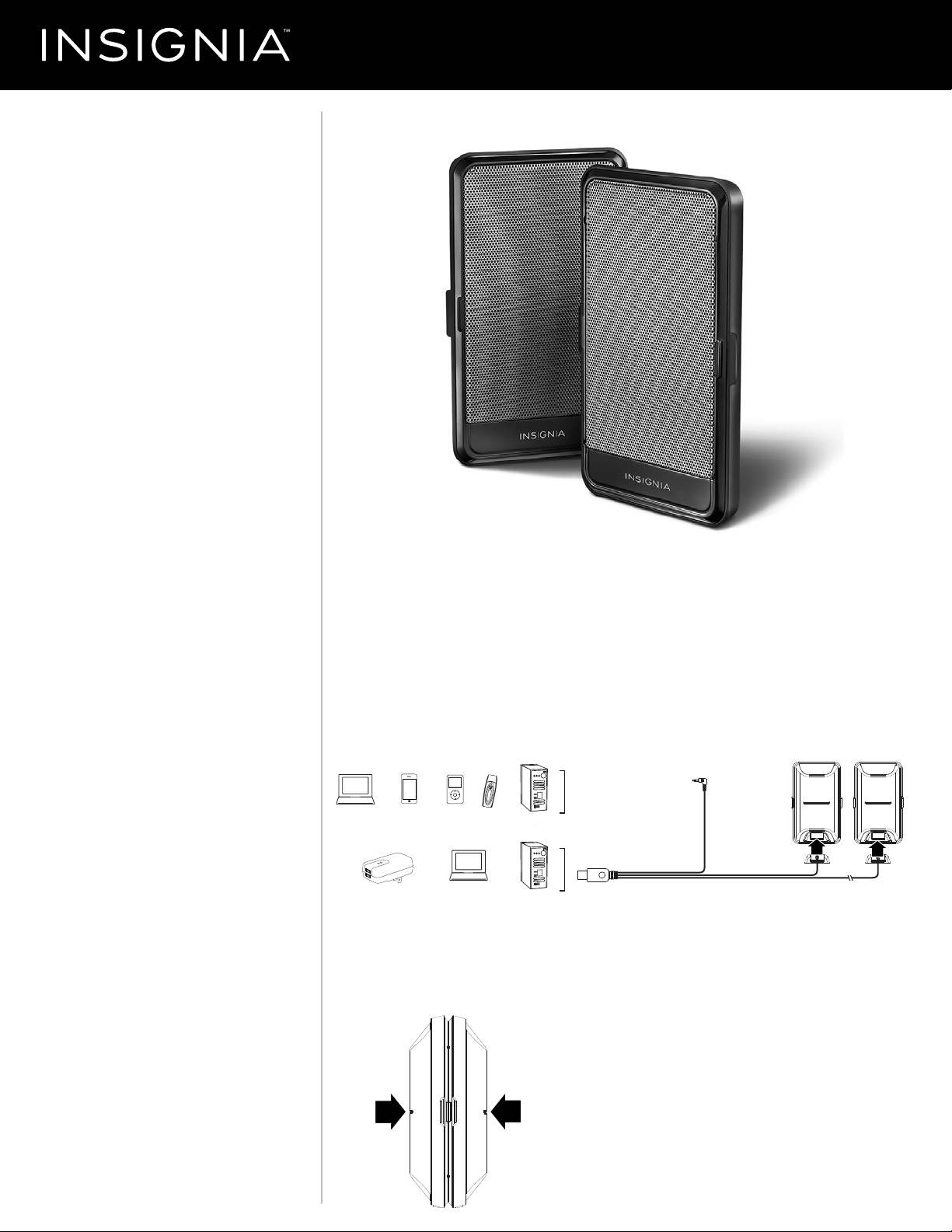
• Place the speakers on opposite sides of the
sound source, as far apart as possible. When
connected to the speakers, the cables become
the speaker stands.
Front view
SPEAKER CONNECTION
1 Connect the 3.5 mm cable plug to the headphone jack or external speaker jack of
your sound source (laptop, smartphone, iPod, MP3 player, or computer).
2 Connect the USB connector to a USB port on your laptop, computer, or USB wall
charger with a female USB type A connector (a wall charger is not included).
3 Connect the other ends of the cables (the ends with the matching molded plug
casings) to the speakers.
4 Turn on your sound source.
5 Use your sound source (i.e. computer, MP3 player) to adjust the volume and other
audio settings.
STORING YOUR SPEAKERS
• Speakers click together magnetically
Laptop or
Netbook
iPodSmartphone MP3 Computer
Laptop or
Netbook
USB wall
charger
Computer
Audio Signal:
Connect to the headphone jack
or external speaker jack
Speaker Power:
Connect to USB port
Before using your new product, please read these
instructions to prevent any damage.
NS-PLTPSP13_NS-PLTPSP13-C_14-0487_QSG_V2_EN.ai 1 5/13/2014 9:29:45 PM

V2 ENGLISH 14-0487
TROUBLESHOOTING SPECIFICATIONS
Visit www.insigniaproducts.com for details.
ONE-YEAR LIMITED WARRANTY
Visit www.insigniaproducts.com for details.
CONTACT INSIGNIA:
For customer service, call 877-467-4289 (U.S. and Canada) or
01-800-926-3000 (Mexico)
www.insigniaproducts.com
INSIGNIA is a trademark of Best Buy and its aliated companies.
Registered in some countries.
Distributed by Best Buy Purchasing, LLC
7601 Penn Ave South, Richeld, MN 55423 U.S.A.
©2014 Best Buy. All rights reserved.
Made in China
Problem:
No power.
No sound.
Sound plays only out of one
speaker.
Poor sound quality.
Solution:
• Make sure that the computer or
netbook is turned on and the USB
connector is plugged in correctly.
• Make sure that the speakers are
getting power. Check above steps.
• Make sure that all cables are securely
plugged into the correct jacks; the
speaker jack is used for the audio
source and the USB jack is for speaker
power only. The USB jack will not
provide the sound signal.
• Make sure that the speakers are
connected to the audio/line output
jack from your computer sound card.
This jack is usually green.
• Make sure that your sound source is
playing and the volume is turned up
and not muted.
• Try connecting the speakers to a
dierent sound source to verify if the
issue is with the speakers or the sound
source.
• Make sure the cables are not broken or
damaged.
• Adjust the volume balance setting on
the sound source until it is centered.
• Make sure the connectors are inserted
fully at the sound source and at the
speakers themselves.
• Make sure that all cables are securely
plugged into the correct jacks.
• Make sure the cables are not broken or
damaged.
• Adjust the audio settings on the sound
source (i.e. computer, MP3 player,
smartphone).
NS-PLTPSP13_NS-PLTPSP13-C_14-0487_QSG_V2_EN.ai 2 5/13/2014 9:29:54 PM