Problem | Action |
| Does not turn on. | - Make sure you use rated power for the product.
- Make sure the power cord is completely plugged in.
- Check the fuse or reset the circuit breaker.
|
| Does not start. | - Make sure the door is closed.
- Make sure the water taps are open.
- Make sure to press or tap Start/Pause to start the washing machine.
- Make sure Child Lock is not activated.
- Before the washing machine starts to fill, it will make a series of clicking noises to check the dooropen and does a quick drain.
- Was the door opened during the spinning cycle? Close the door, and press or tap Start/Pause to resume.
- The machine enters Standby or is in a soaking cycle. Please wait.
- Check the fuse or reset the circuit breaker.
|
| Water is not supplied. | - Make sure you press or tap Start/Pause after selecting the water supply.
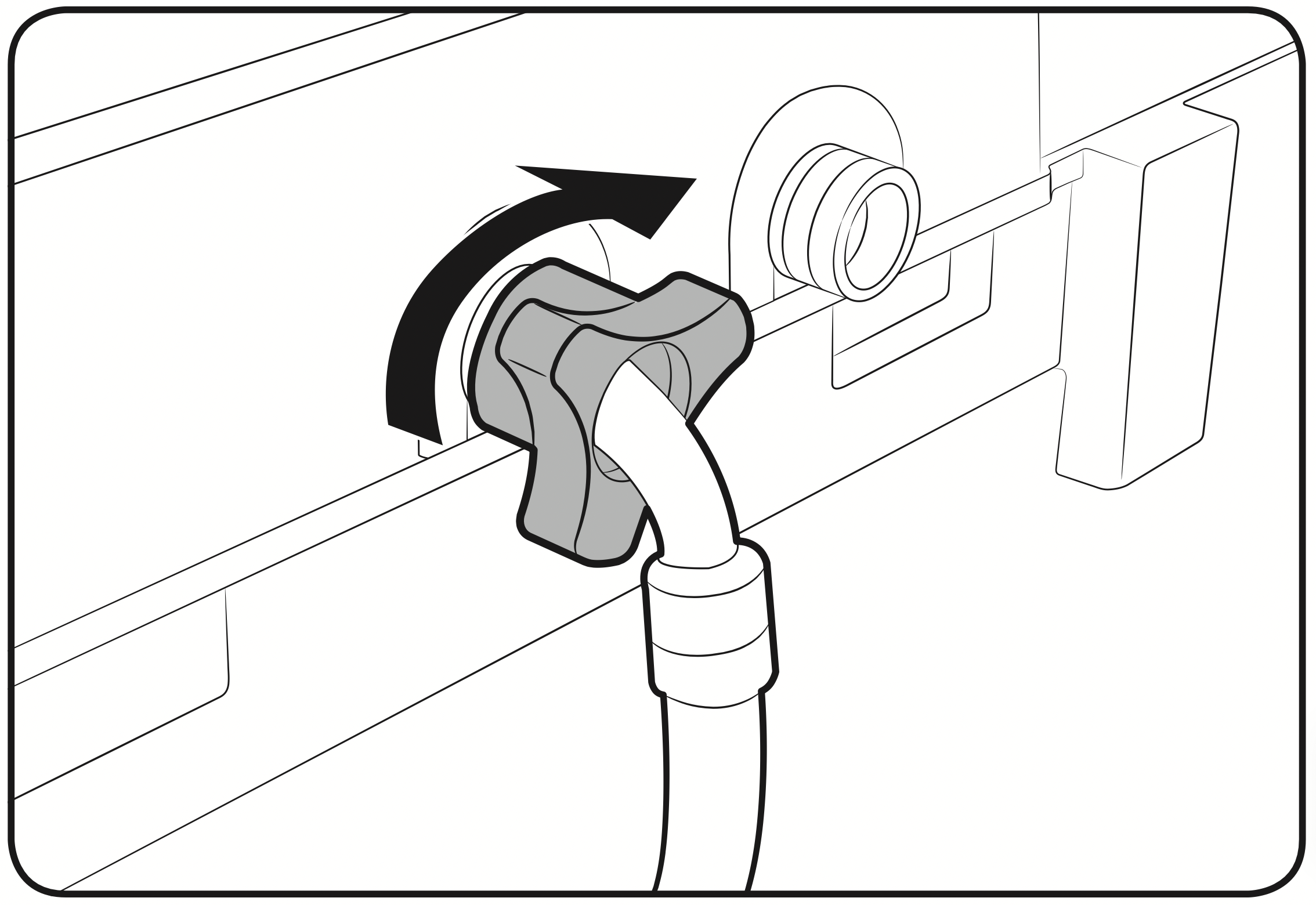
- Make sure the water taps are open.
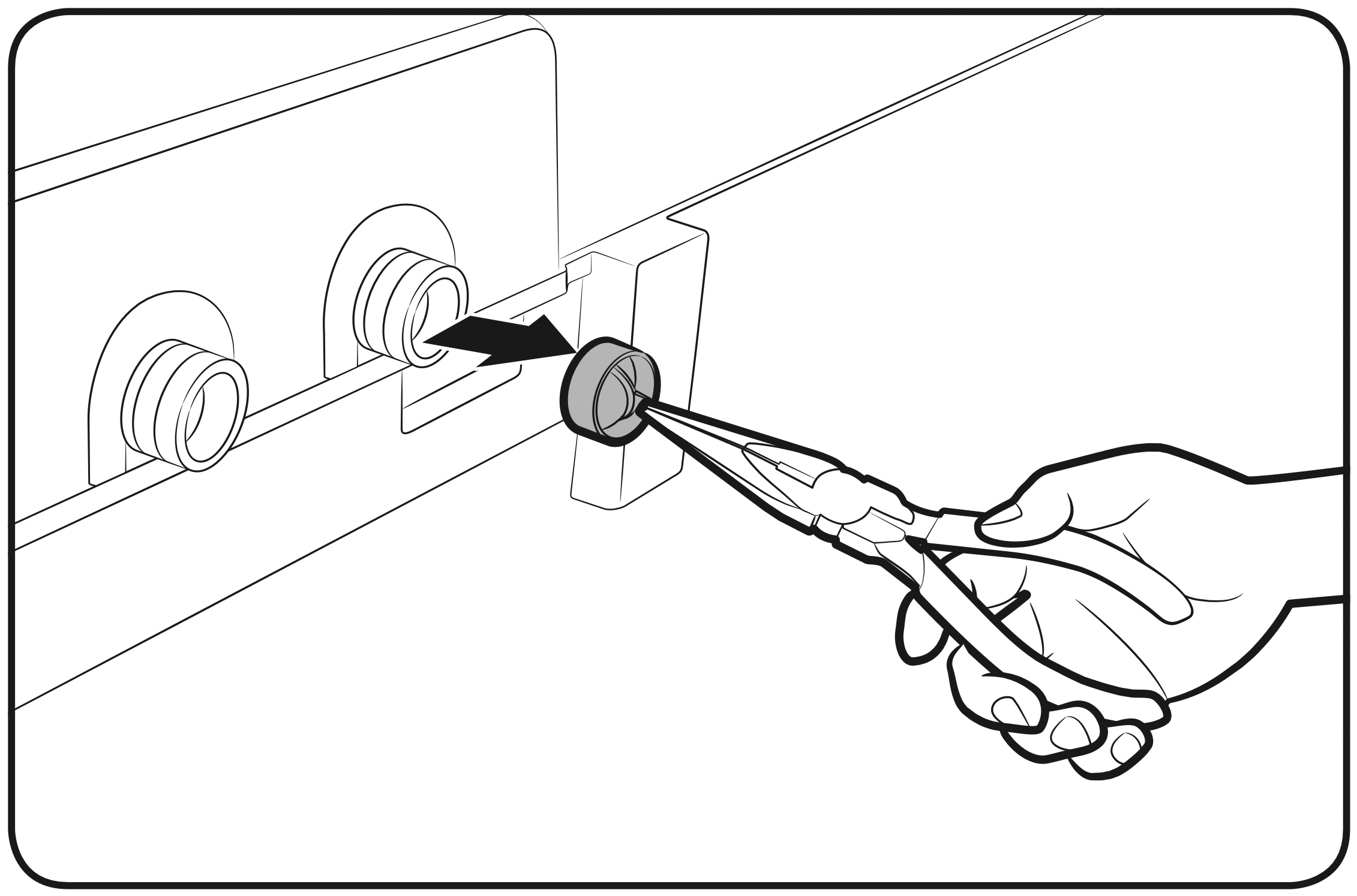
- Is the filter net at the water supply hose connector clogged?
Clean the filter net by brushing with a toothbrush. - Is the water supply cut off? If the water supply is cut off, close the tap and power off.
- Straighten the water supply hoses.
- Open and close the door, then press or tap Start/Pause.
- If the water pressure is low, it takes longer to start washing.
- If the water level is not as high as necessary or lower than expected, use the level selector to adjust the water level.
|
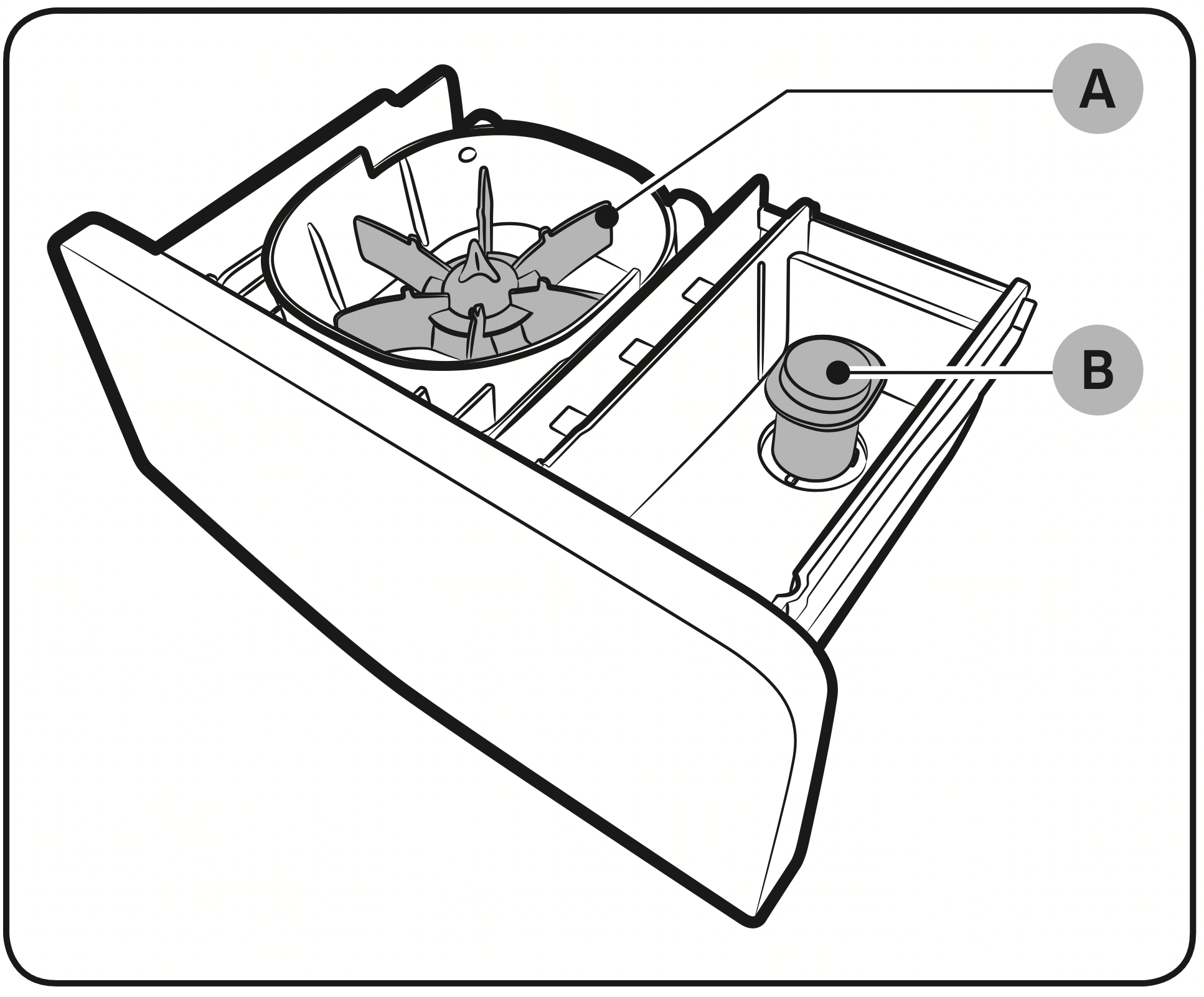
| After a cycle, detergent remains in the automatic dispenser. | - Make sure the washing machine is running with sufficient water pressure.
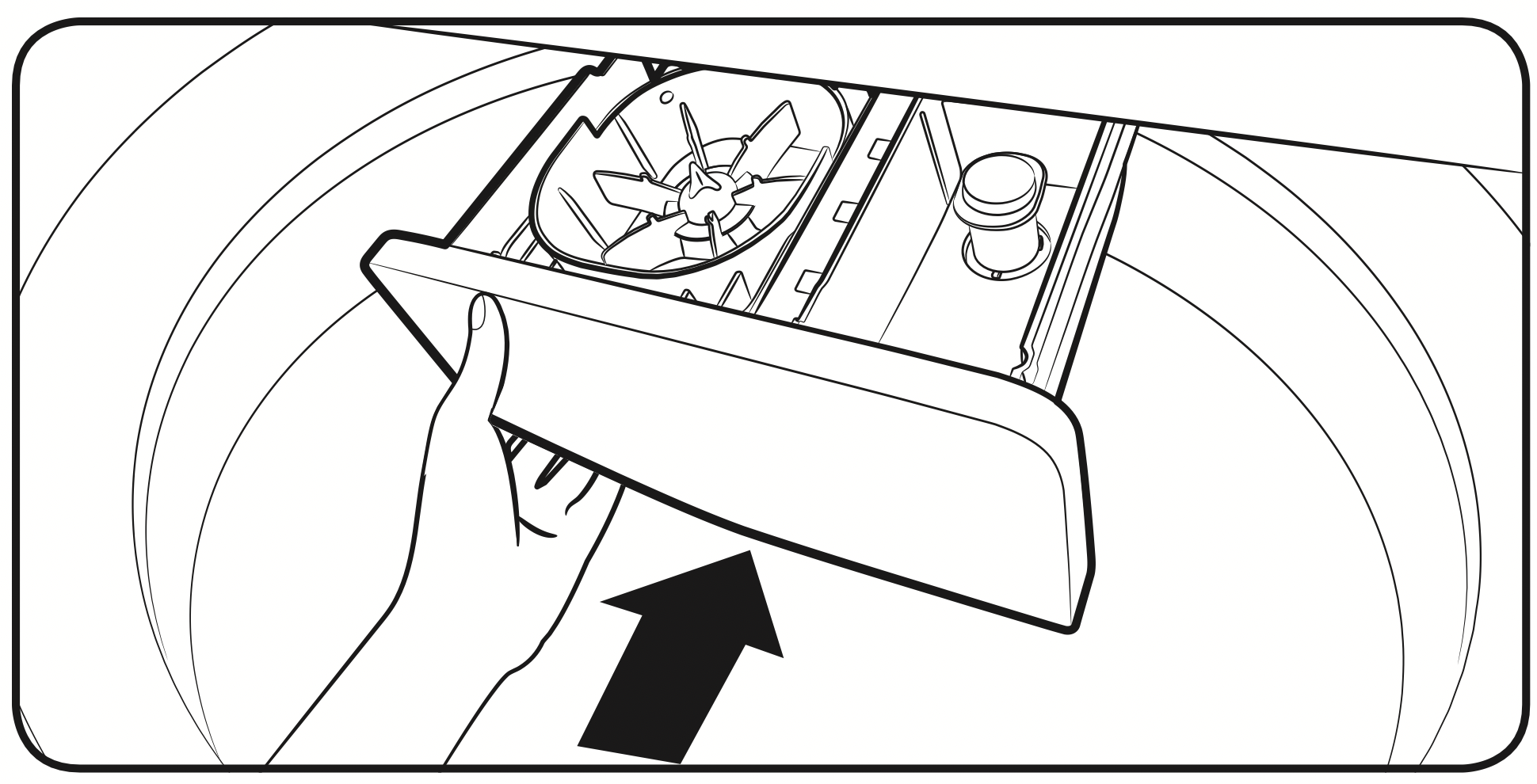
- Make sure the detergent drawer is properly inserted.
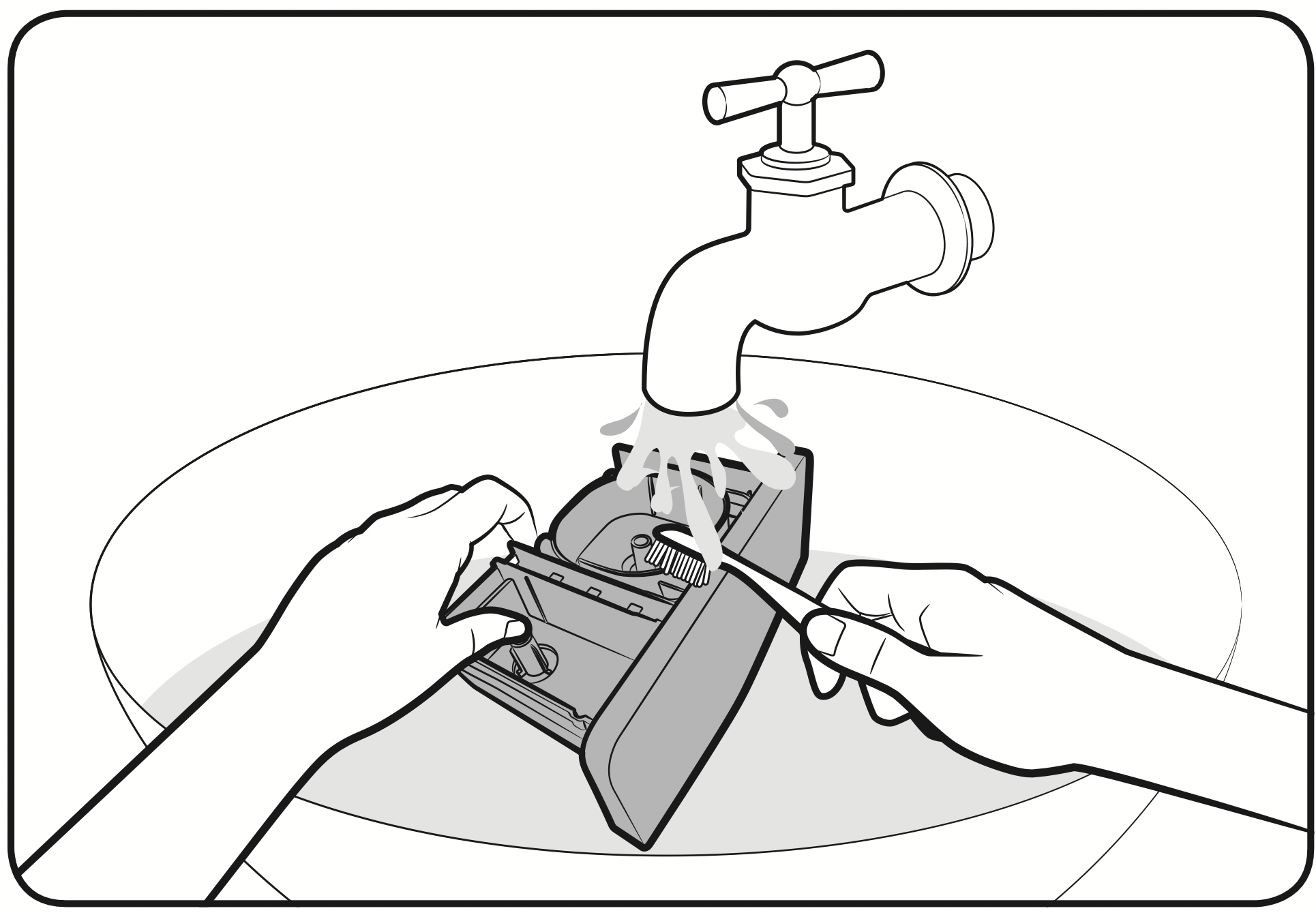
- Remove and clean the detergent drawer, and then try again.
|
| Vibrates excessively or makes noise. | - Make sure the washing machine is set on a level floor. If the floor is not level, use the levelling feet to adjust the washing machine.
- Make sure the washing machine is not contacting any other object.
- Make sure the laundry load is balanced.
- Make sure the laundry is spread evenly in the washing machine. Spread out the laundry evenly and start again.
- Make sure the space around the washing machine is free of objects.
- Humming is produced normally during operation.
- Objects such as coins can cause noise. Remove these objects from the washing machine after washing is complete.
|
| Stops. | - Plug the power cord into a live electrical outlet.
- Check the fuse or reset the circuit breaker.
- Close the door, and press or tap Start/Pause to start the washing machine. For your safety, the washing machine will not spin unless the door is closed.
- Before the washing machine starts to fill, it will make a series of clicking noises to check the door open and does a quick drain.
- There may be a pause or soak period in the cycle. Wait briefly and the washing machine may start.
- Make sure the inlet hose screens at the taps are not clogged.
Periodically clean the screens. - This problem occurs temporarily due to low voltages, and will be solved when power recovers.
|
| Fills with the wrong temperature water. | - Fully open both water taps.
- Make sure the temperature selection is correct.
- Make sure the hoses are connected to the correct water taps.
Flush water lines. - Disconnect the hoses and clean the screens. The hose filter screens may be clogged.
- While the washing machine fills, the water temperature may change as the automatic temperature control feature checks in coming water temperature. This is normal.
- While the washing machine fills, you may notice just hot and/ or just cold water going through the dispenser when cold or warm temperatures are selected.
This is a normal function of the automatic temperature control feature as the washing machine determines the water temperature.
|
| Does not drain and/ or spin. | - Check the fuse or reset the circuit breaker.
- Make sure the electrical voltage is normal.
- Make sure the washing machine is plugged in.
- Make sure the drain hose is pointed downward. (Natural drain models only)
- Make sure the drain hose is not clogged.
- Make sure the drain hose is not kinked.
- Straighten the drain hose. If there is a drain restriction, call for service.
- Close the door, and press or tap Start/Pause. For your safety, the washing machine will not spin unless the door isclosed.
|
| Load is wet at the end of the cycle. | - Use the High or Extra High spin speed. (Applicable model only)
- Use high efficiency (HE) detergent to reduce oversudsing.
- Load is too small. Small loads (one or two items) may become unbalanced and not spin completely.
|
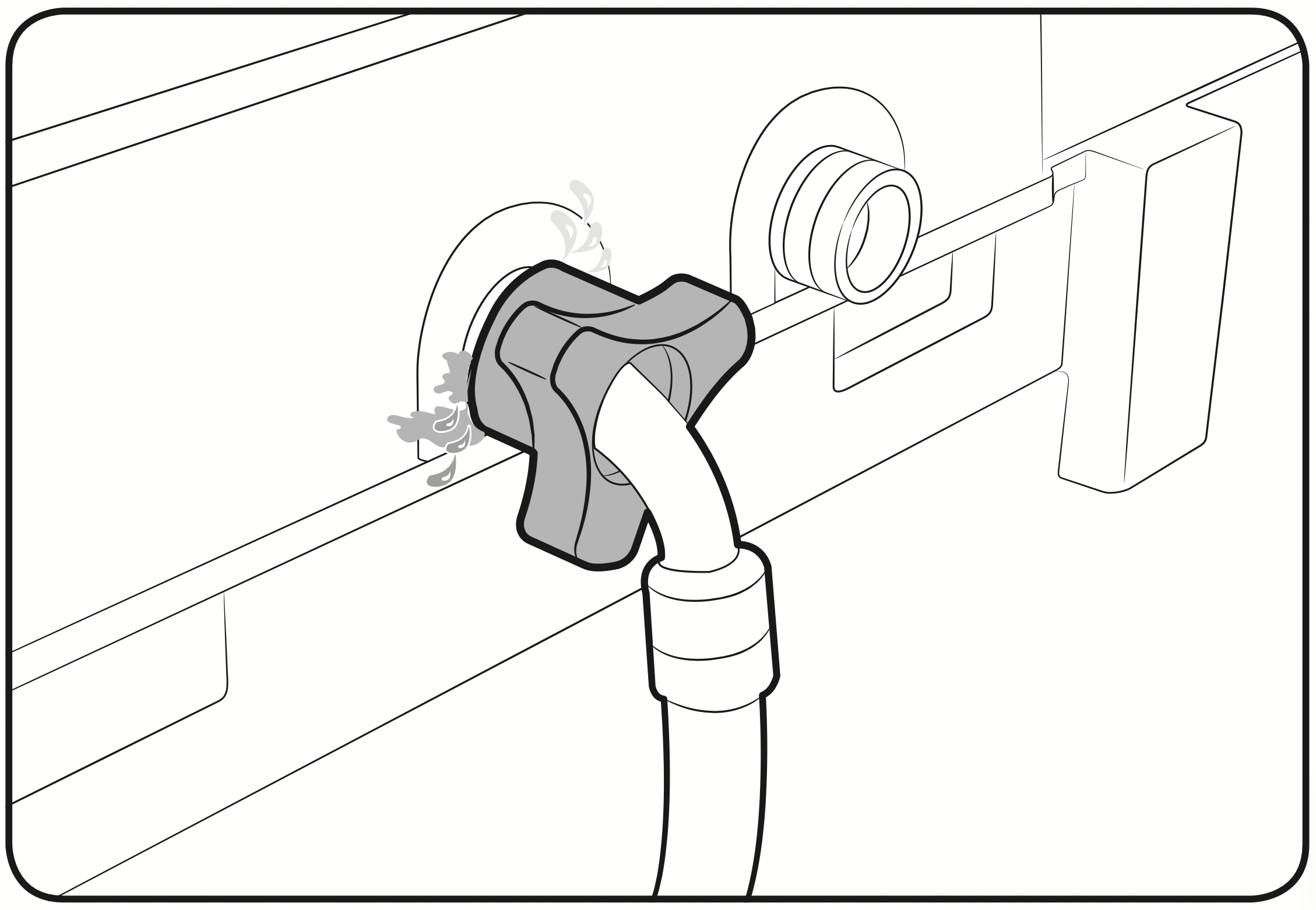
| Leaks water. | - Make sure all hose connections are tight.
- Make sure the water supply hose's rubber packing is in the correct position. Screw tightly again.
- Make sure the end of the drain hose is correctly inserted and secured to the drain system.
- Avoid overloading.
- Use high efficiency (HE) detergent to prevent oversudsing.
- Make sure the water supply hose is not kinked.
- If the water supply is too strong, water may leak. Close the water tap a little.
- Make sure water is not leaking from the water tap. If so, repair the water tap.
|
| Excessive suds. | - Use high efficiency (HE) detergent to prevent oversudsing.
- Reduce the detergent amount for soft water, small loads, or lightly soiled loads.
- Non-HE detergent is not recommended.
|
| The spin basket or drain/supply hose is frozen. | - Use warm water to disconnect the water supply hose and drain hose. Soak them in warm water.
- Fill the spin basket with warm water, and then wait for about 10 minutes.
- Put a hot towel on the drain hose connector.
- Reconnect the water supply hose and drain hose, and check if water is supplied properly.
|
| Water drains out immediately. | - Make sure the drain hose is not clogged, and is hung over the drain hose hook. Fill the spin basket halfway with water, and try spinning again.
- Lift the end of the drain hose to prevent water from draining.
Fill the spin basket halfway with water, and then run spinning after releasing the drain hose. - Make sure the drain hose is installed correctly. See the installation section of this user manual and adjust the position of the drain hose as instructed.
|
| Stains on clothes. | |
| Has odours. | - Excessive suds collect in recesses and can cause foul odours.
- Run cleansing cycles to sanitize periodically.
- Dry the washing machine interior after a cycle has finished.
|

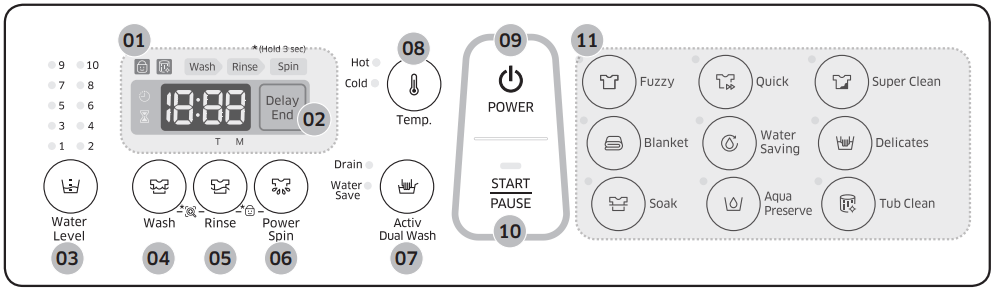
 Child Lock
 Tub Clean
 Delay End
 Status