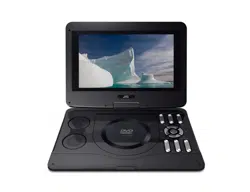
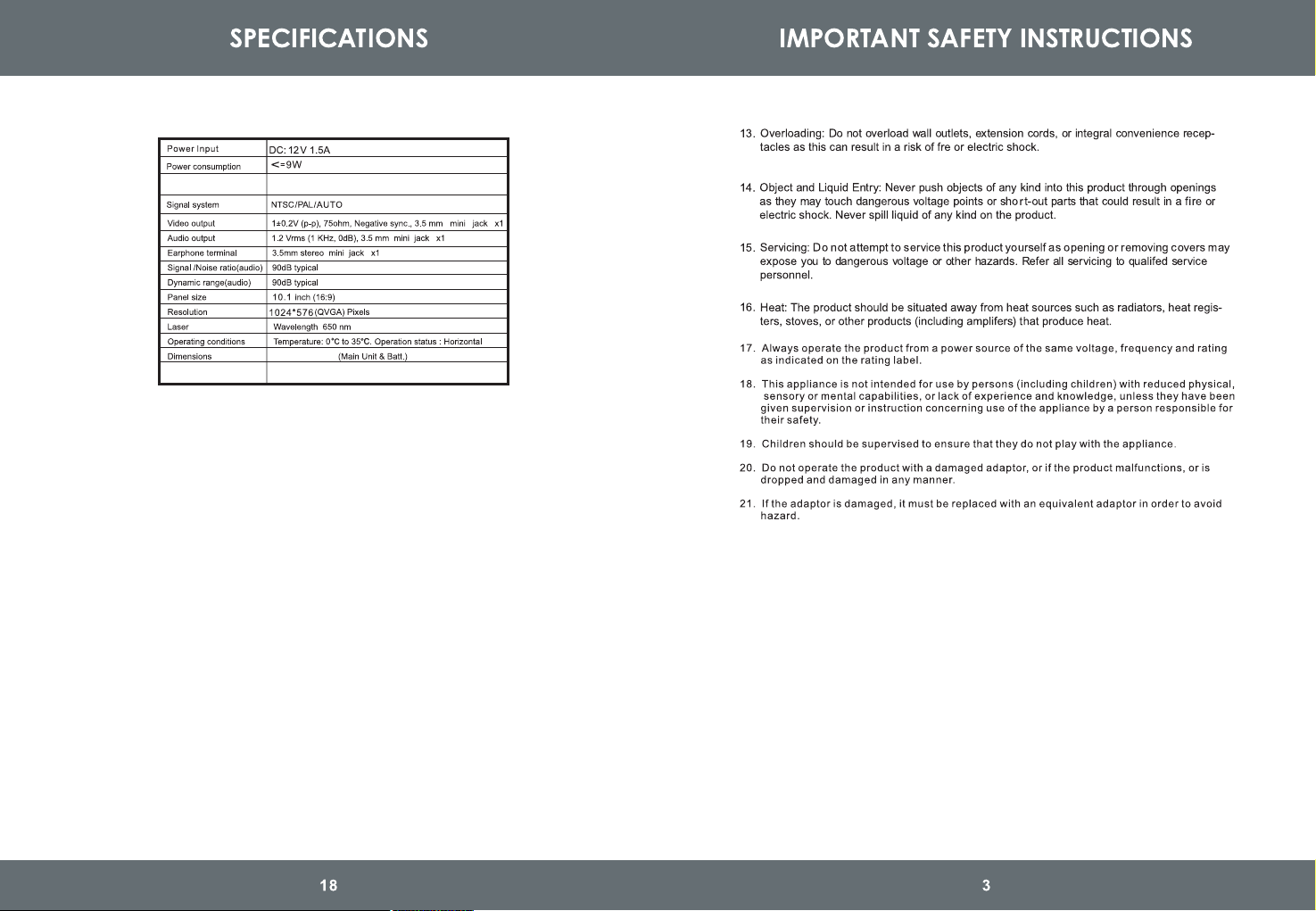
Net Weight
0.99 Kg
285X207X45mm
Battery runtime
2 hours
8
8
8
8
13
13
13
2
4
6
1 2
3
4
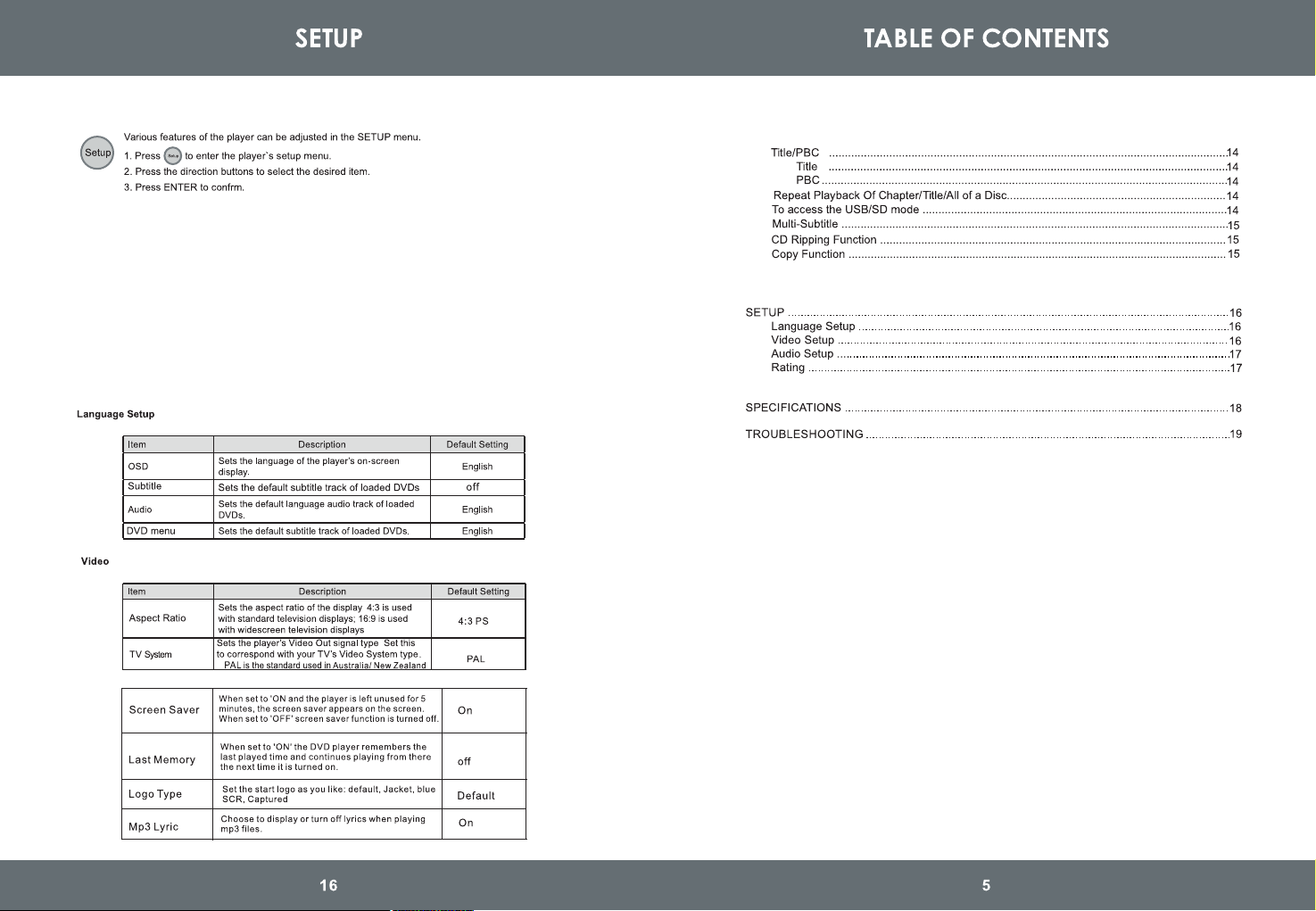
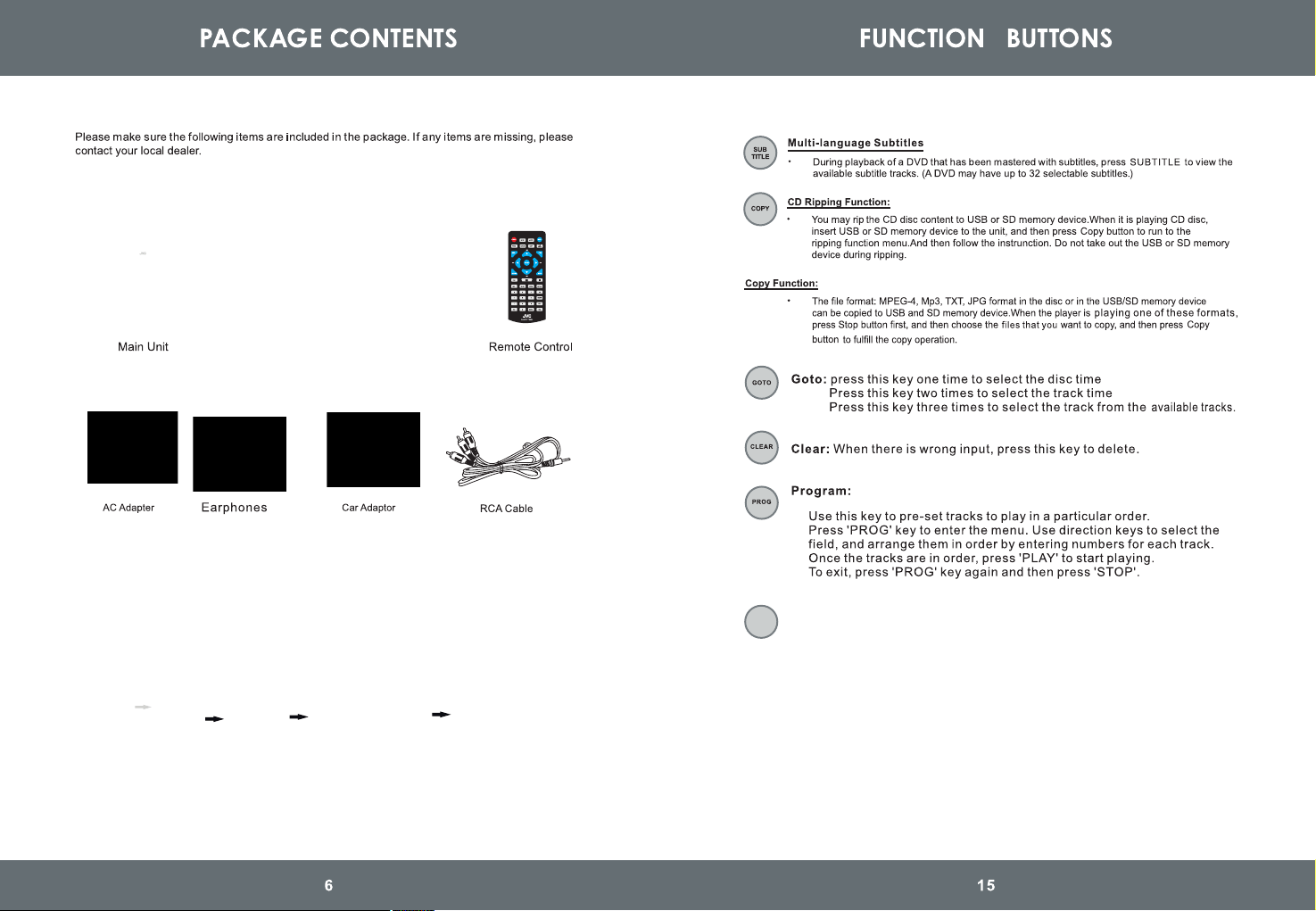
In-Car Headrest Mount
In-Car Headrest Mount Installation:
IMPORTANT: Check with your vehicle manufacturer whether this In-Car Headrest
Mount is suitable for your car. In some vehicles (eg. those with active headrests),
this headrest mounting system may not be suitable.
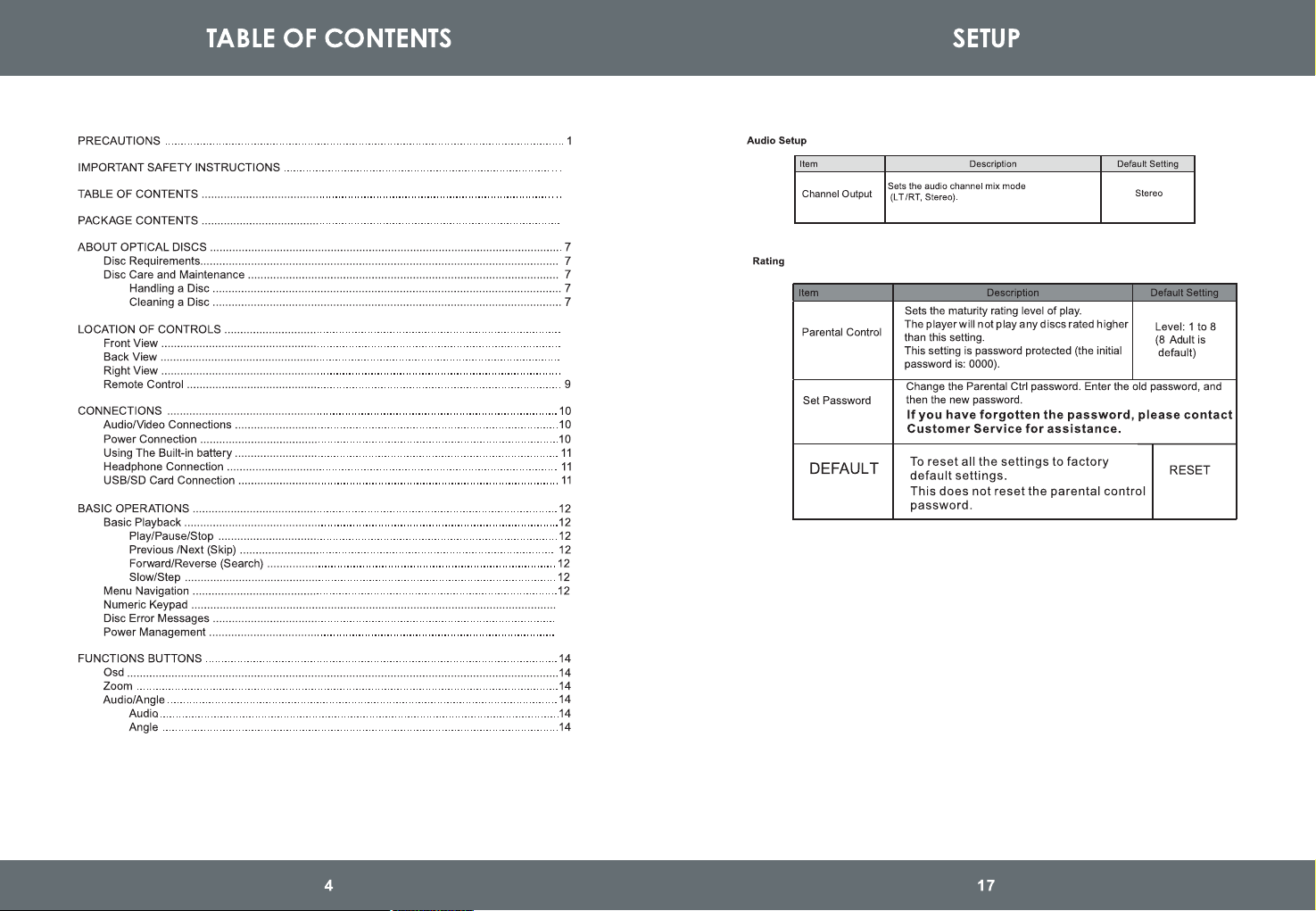
Press Mode key to switch between DISC/SD/USB mode and AV IN mode.
Remark: the volume will turn to initial value when you switch to another mode.
Mode:
MODE
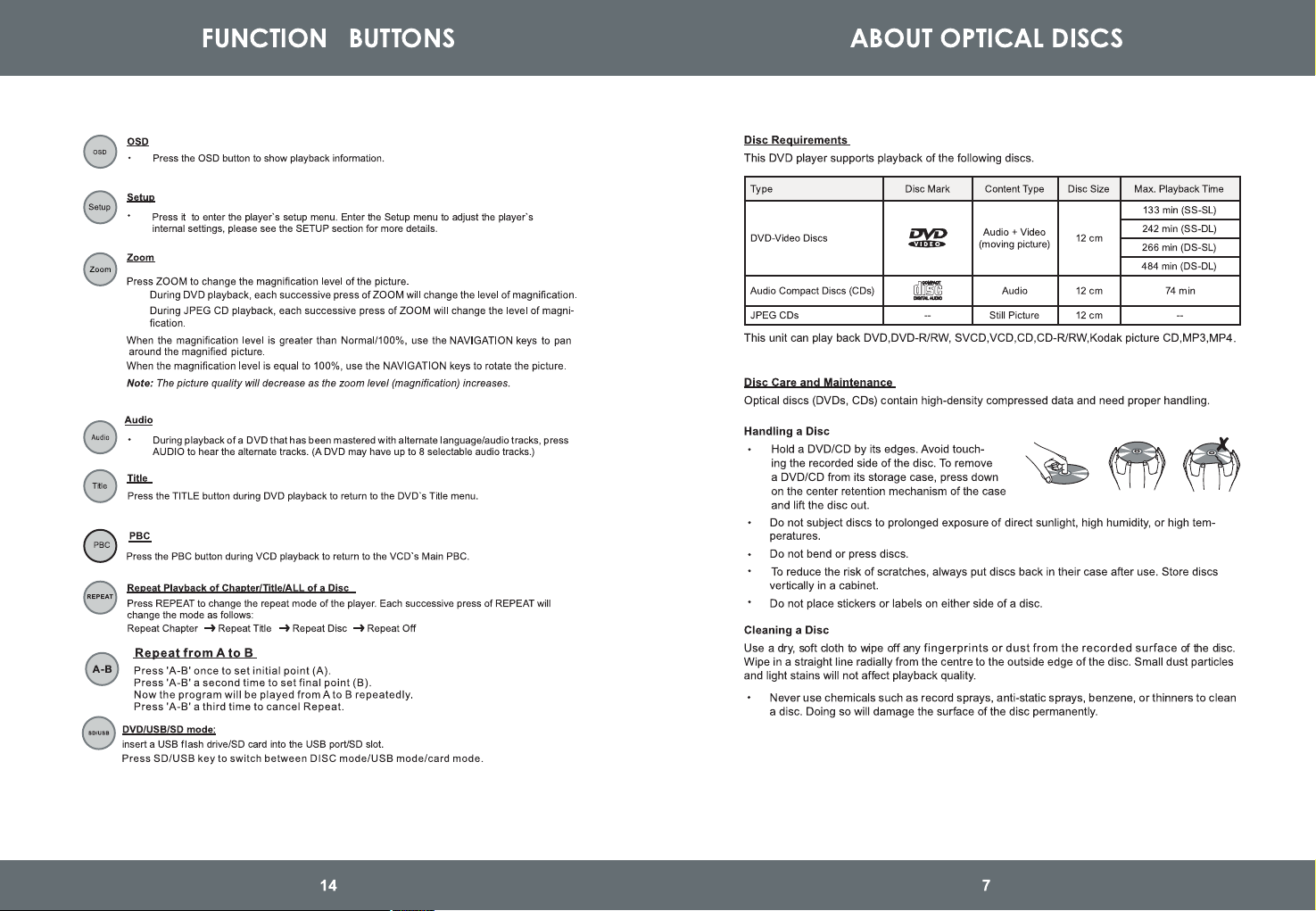
Supports USB/SD/MMC card 32GB Max (FAT32 format).
supports file formats VCD\SVCD\DVD\MP3\MP4\JPEG\HDCD\CDDA\WMA\CD-G\HDVD\
Kodak PICTURE CD\FLV in USB/SD/MMC memory device.
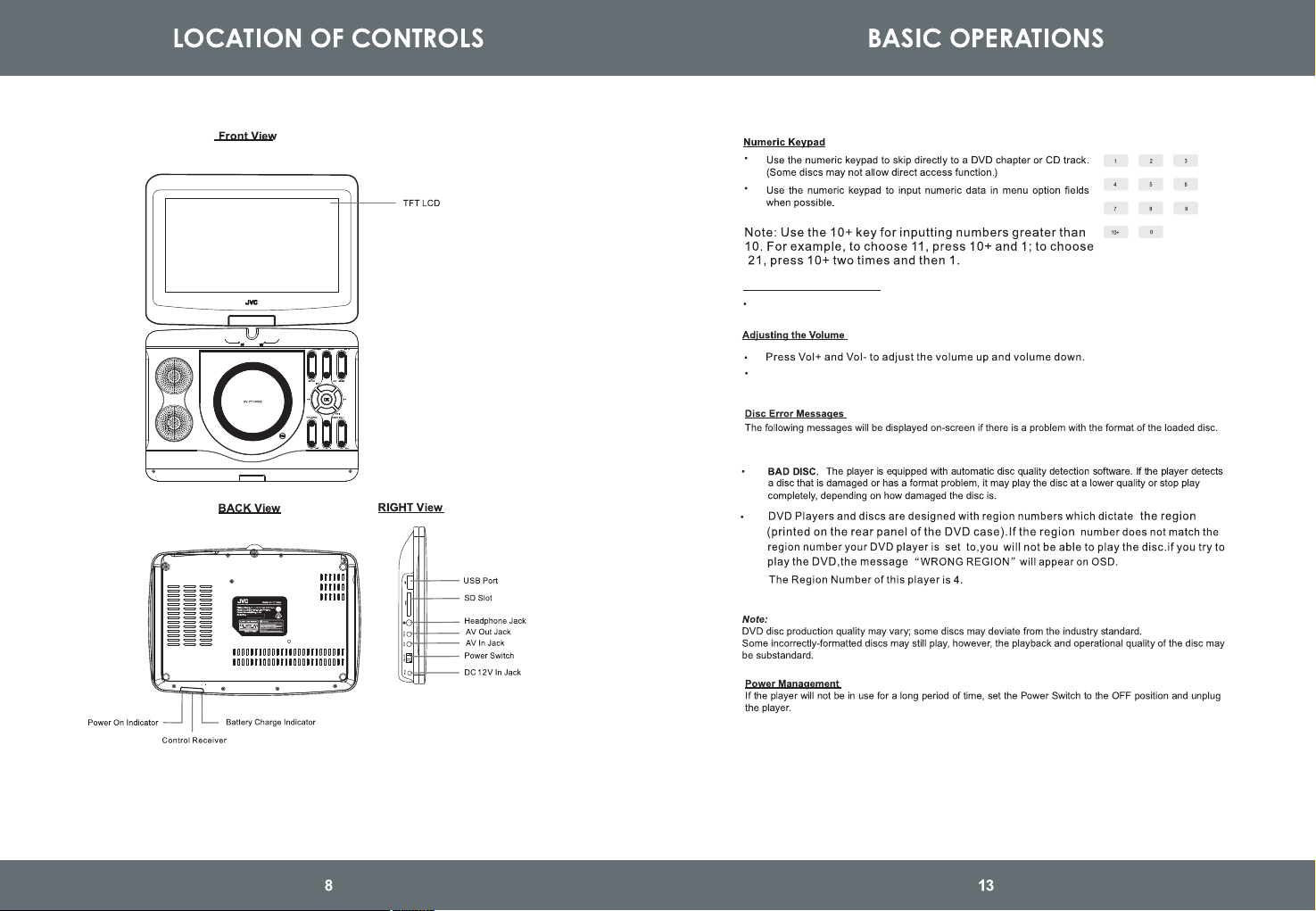
1. LCD ON/OFF
2. Mode
3. Mute
4. Setup
5. N/P
6.Menu
7. Arrow Up/Prev
8. Arrow Left & Fast Reverse
9. Enter
10. Arrow Right & Fast Forward
11. Arrow Down/Next
12. Title/Pbc
13. Audio
14. Volume+
15. Play/Pause
16. Stop
17. Volume-
18. Open
Turning Display ON/ OFF
Press 'Mute' button on the unit to mute the sound. Press again to restore sound.
Press 'LCD ON/OFF' button on the unit to turn the display ON/ OFF.
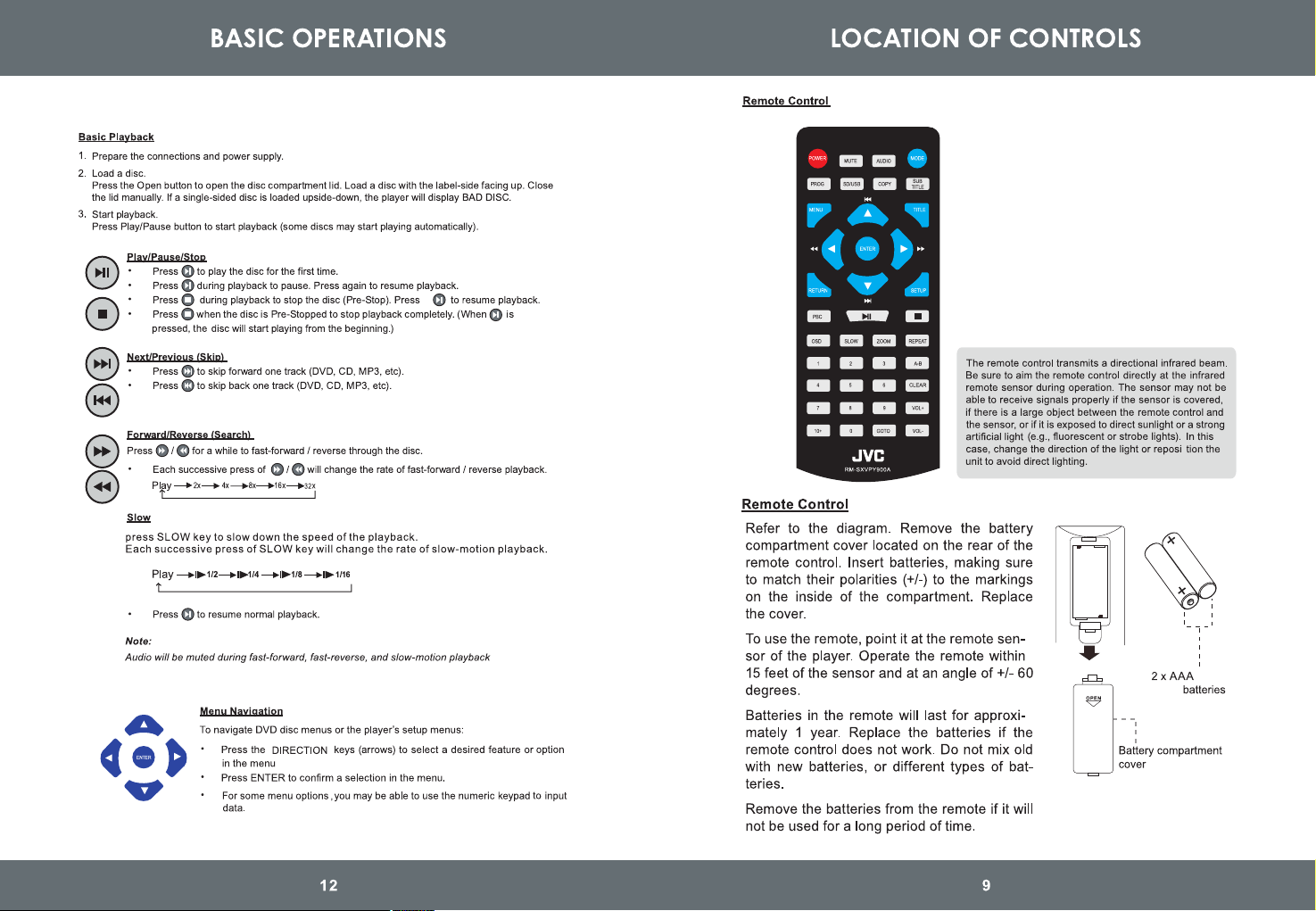
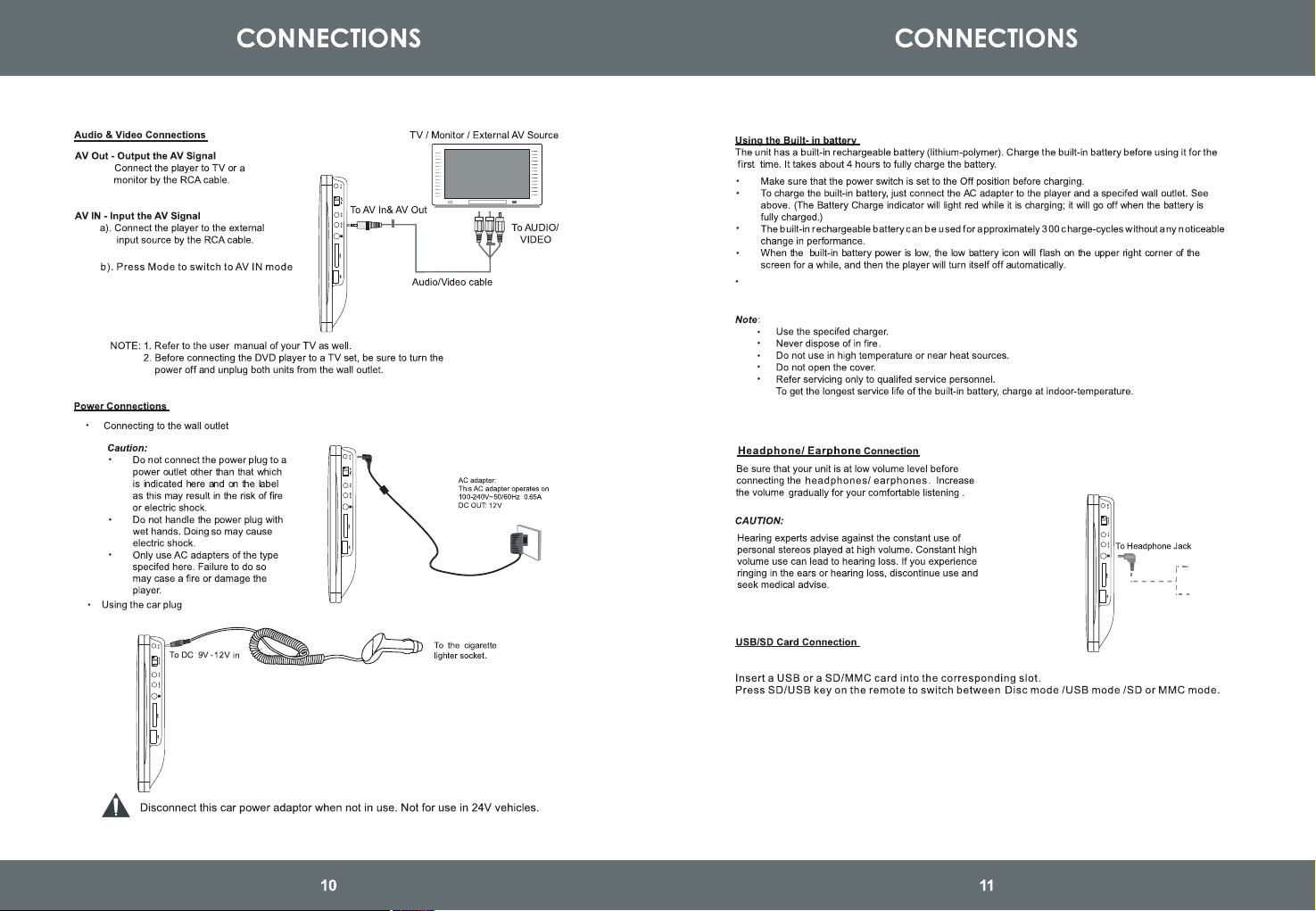
Battery runtime: 2 hours