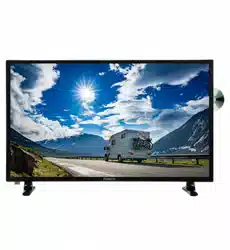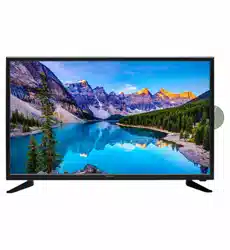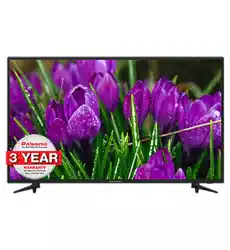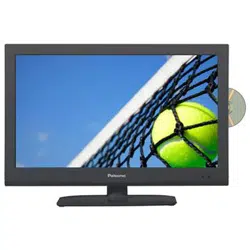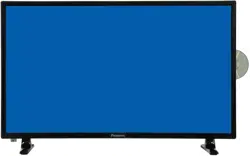
80cm(31.5”)LED TV/DVD Combo
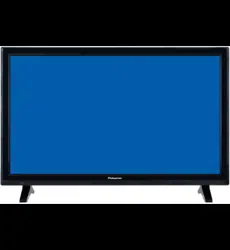
70cm(27.5")LED TV/DVD Combo
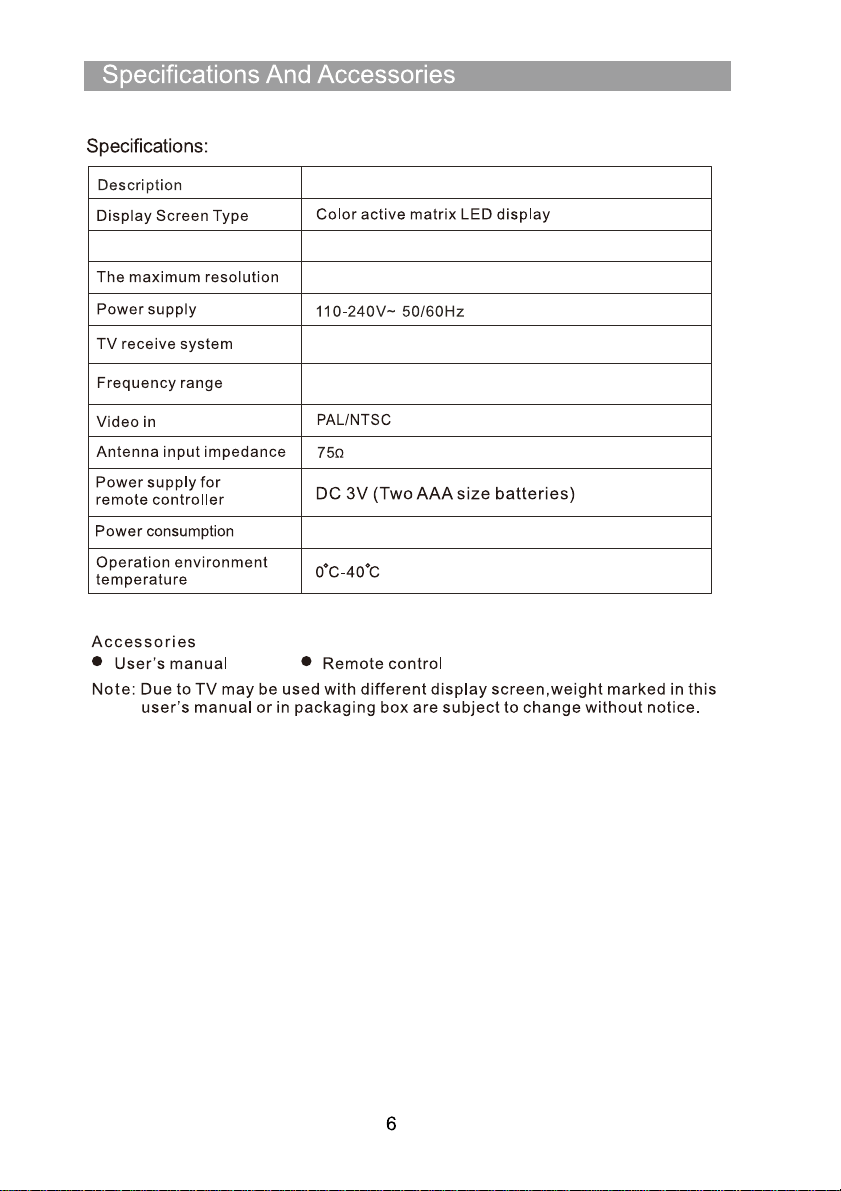
TFTV2810M
DVD
14
19
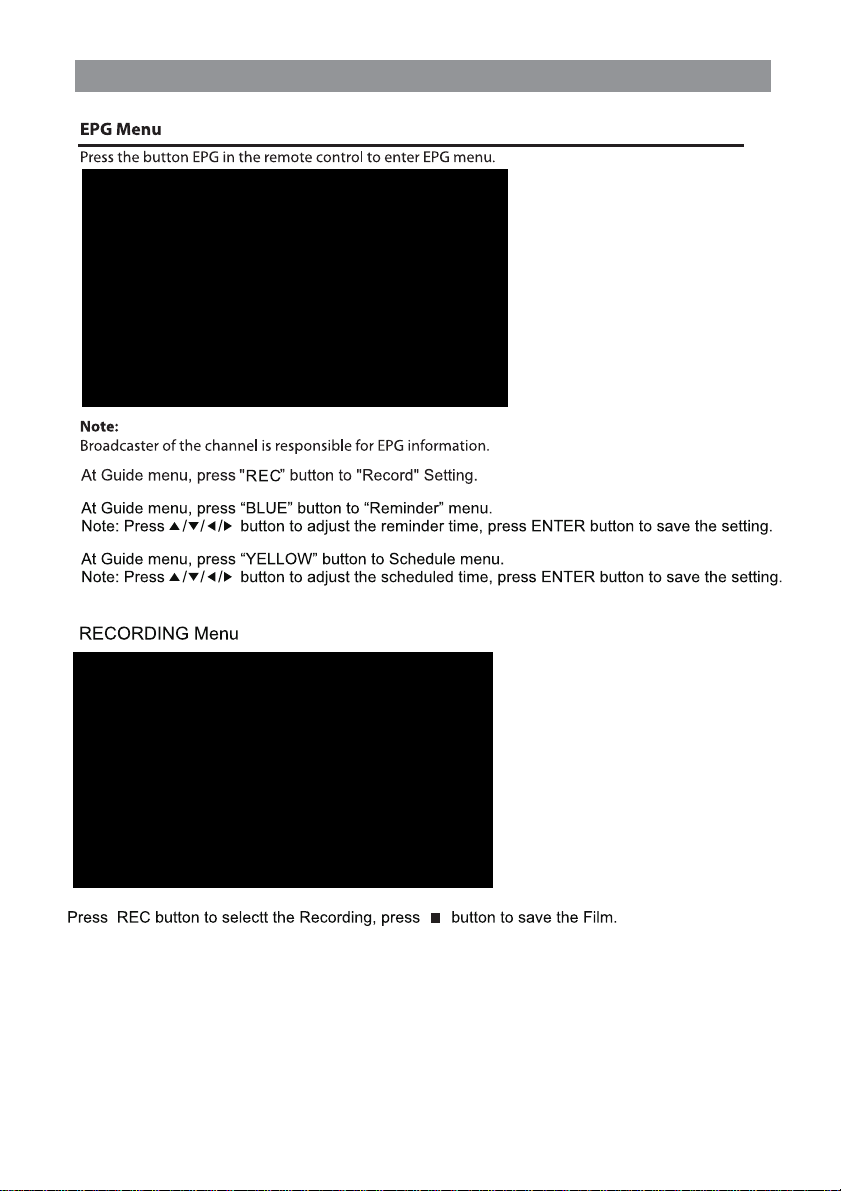
EPG Menu
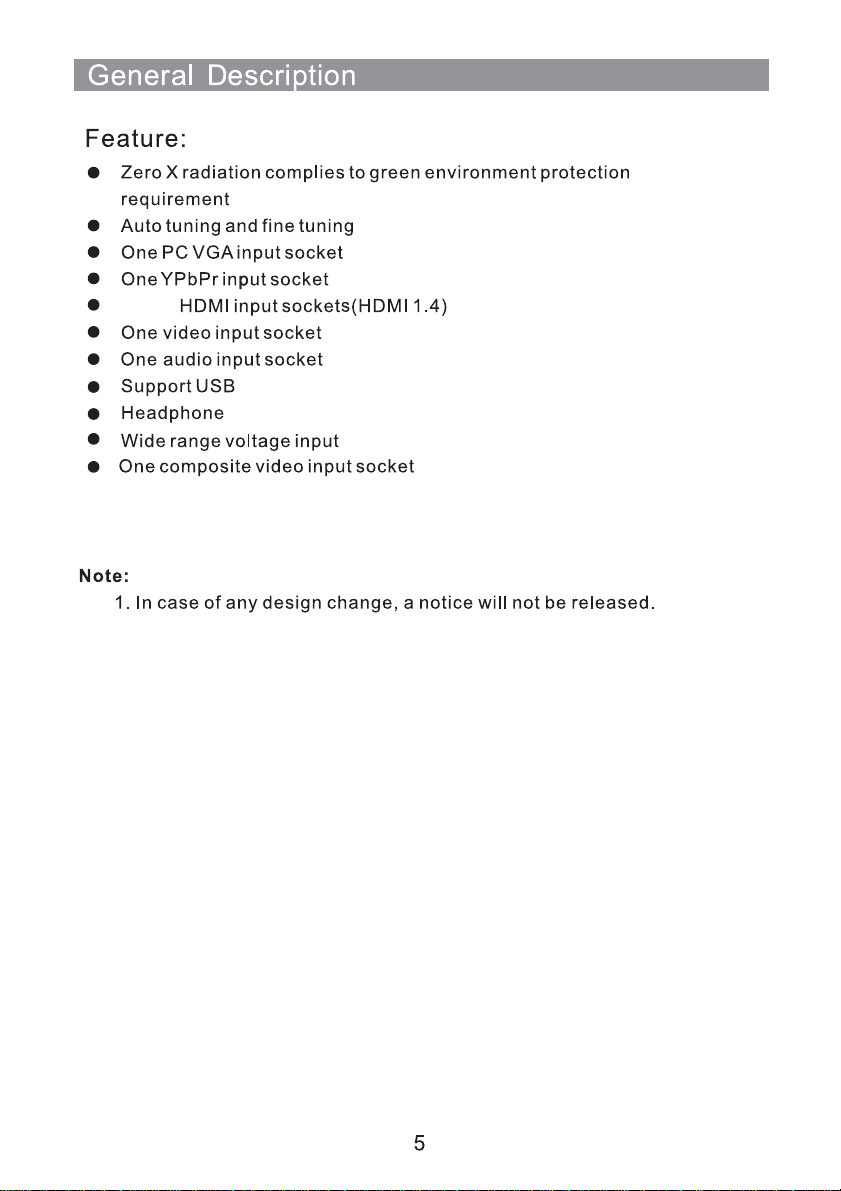
TFTV2810M
1366X768
45W
ATV:48.25MHz ~ 863.25MHz
DTV: VHF(50MHz-230MHz) UHF(474MHz-862MHz)
PAL/SECAM:BG,DK,I DVB-T
Display Size
28”Diagonal(max.)
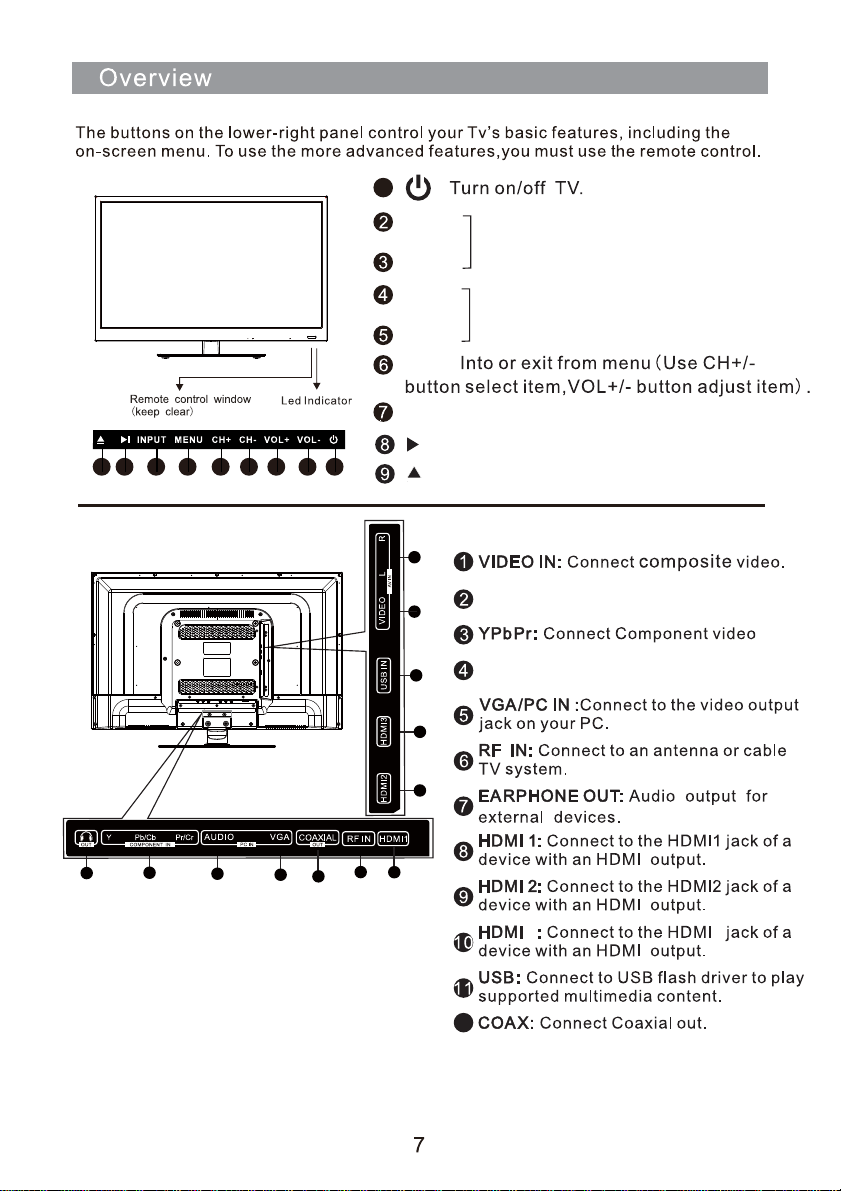
MENU
Source Select.
CH+
CH-
CH+/-:Select channel.
VOL+
VOL-
VOL+/-:Adjust Volume.
INPUT
1
1 2
3
4
5
6
7
9
11
12
10
R/L: Composite Audio or
Component Audio.
AUDIO: Connect to the audio output
jack on your PC.
3
3
12
8
MENU
VOL-VOL+CH+ CH-
INPUT
Play the DVD.
Open the DVD cabin.
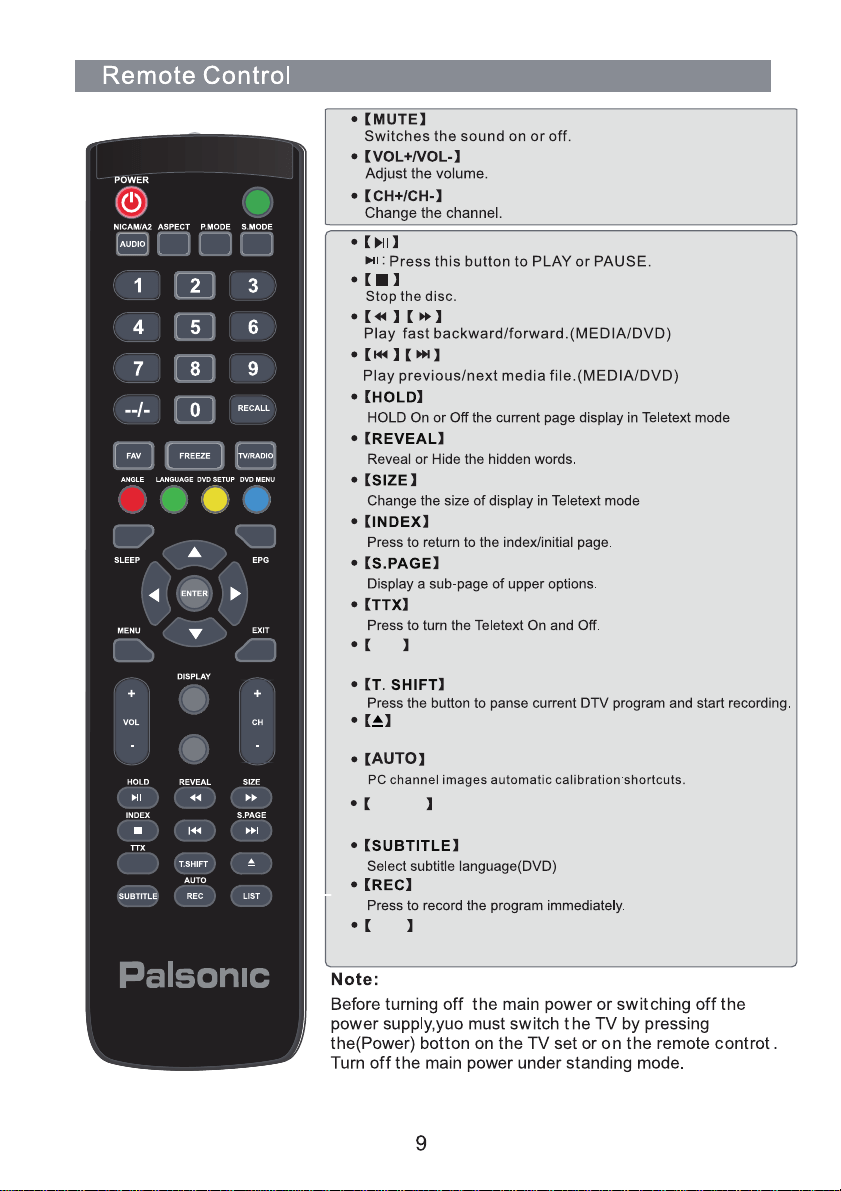
123456789
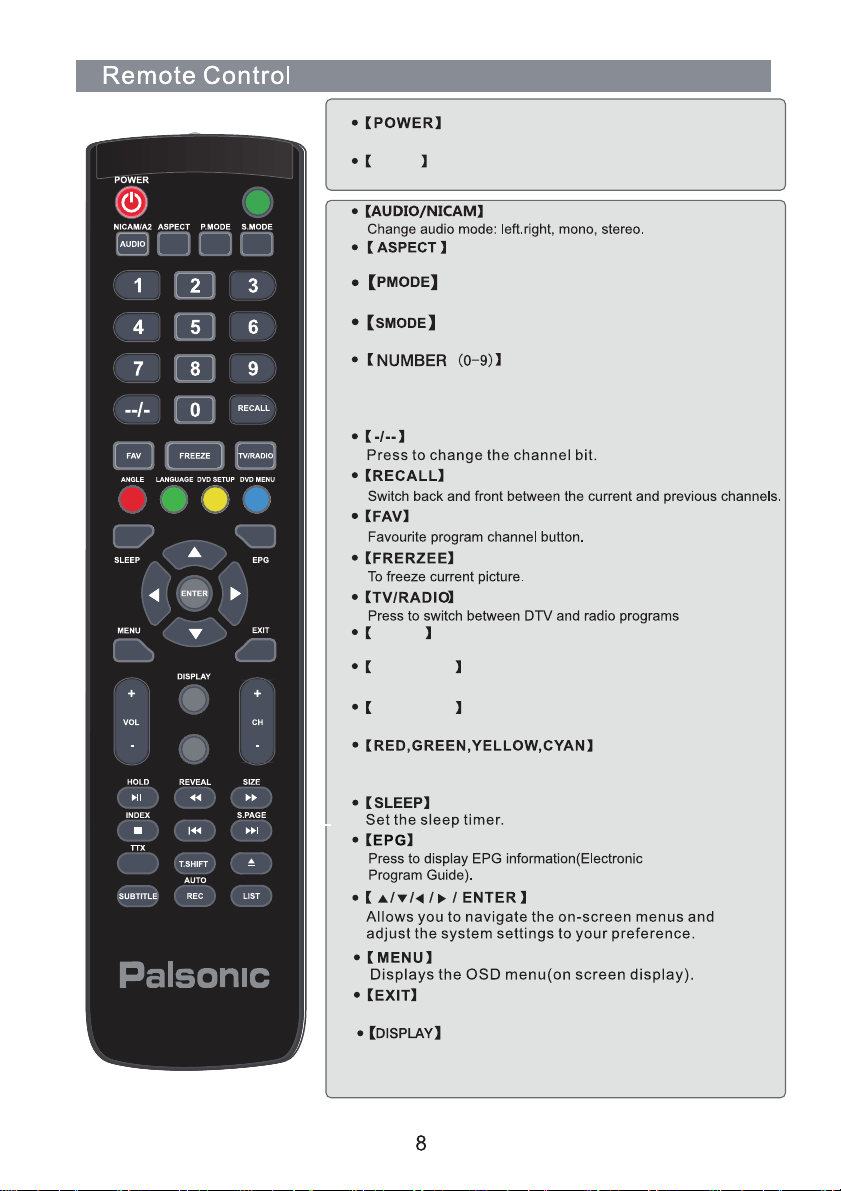
Press these button to enter digits These buttons for direct
access to use achannel to enter channel number for both
ATV and DTV or enter passwoed or Parental lock.
Select different size.
Select the different picture mode directly.
Select the different sound mode directly.
INPUT
MUTE
REPEAT
A-B
ANGLE
Press to choose a differrent angle(DVD).
DVD SETUP
DVD menu setup.
DVD MENU
Access the on-screen menu.
INPUT
Input mode conversion button.
Turns the TV on (standby) and off.
Press this button to display the information on current input.
Press EXIT to exit menu of sub menu.
Used to select the corresponding coloured items on the
screen during DTV mode.
INPUT
MUTE
REPEAT
A-B
A-B
Set A-aired point B.
Eject in DVD Source.
REPEAT
Press to change the playing mode.
LIST
Display the change list.
1
2
10
3
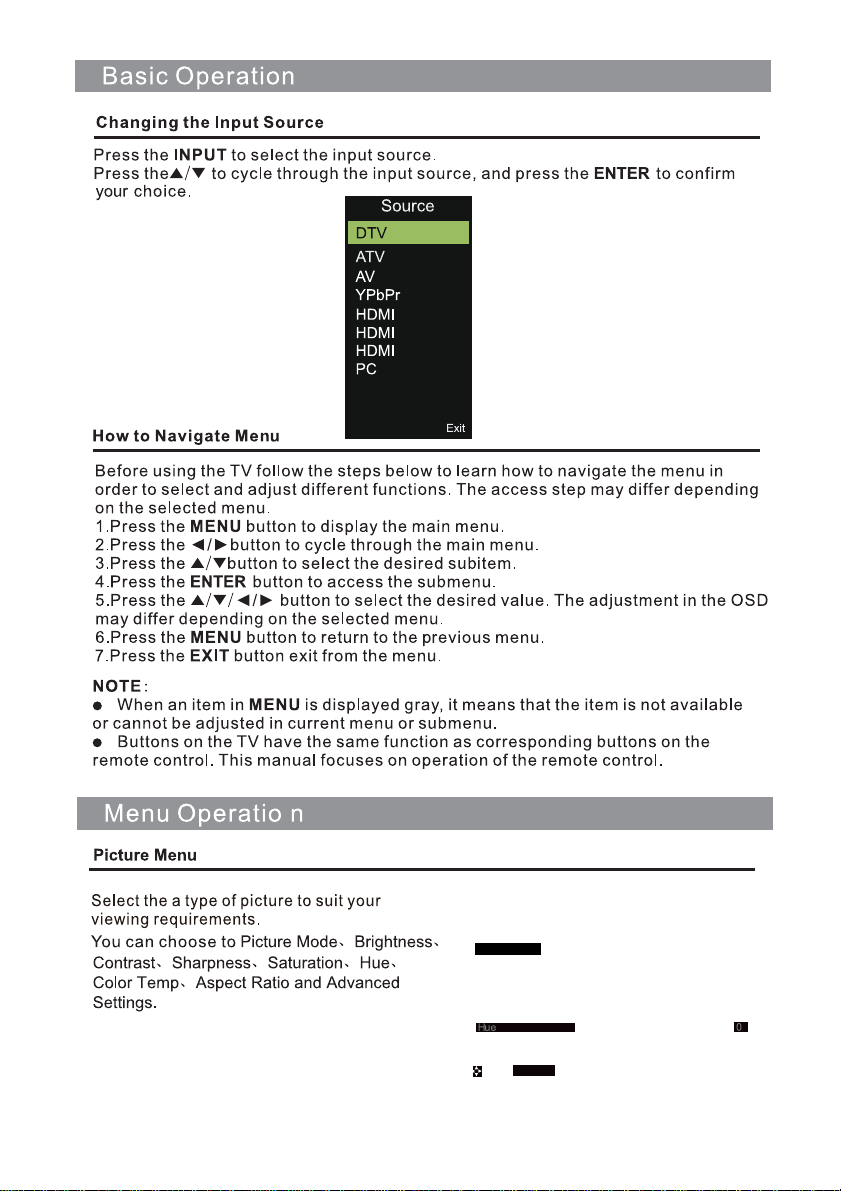
INPUT:
MEDIA
DVD
090/
5,(6"E5F)
,
6@1)8
(/)0-6@(-@8
(>,),1
1,F,
&1(*6
0/,,)6@8
)9
,,)6@8
,,)6@8
$-6@(-@
5,(6"E5F)
,
,(:
-6@(-@A(/)0-6@(-@8A(>,),1
1,F,A&1(*6A0/,,)6@8
)9
,,)6@8A,,)6@8AB)8,)9
8,(:A$A8,-6/0<,=-:/-,
C&D2
(6
;:
(,0*-6
-6(-1*-6
(,03-661:/-,
3-661/),
B-?0),-6-@
)@6-1E6<09-,)06
6,66-
<<
(6
;:A(,0*-6A-6(-1*-6
(,03-661:/-,A3-661/),
B-?0),-6-@-6/)@6-1E6<09-,)062

EPG Menu
13
14
15
16
7
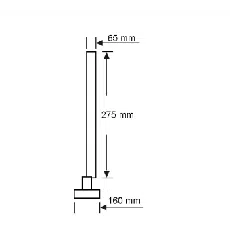
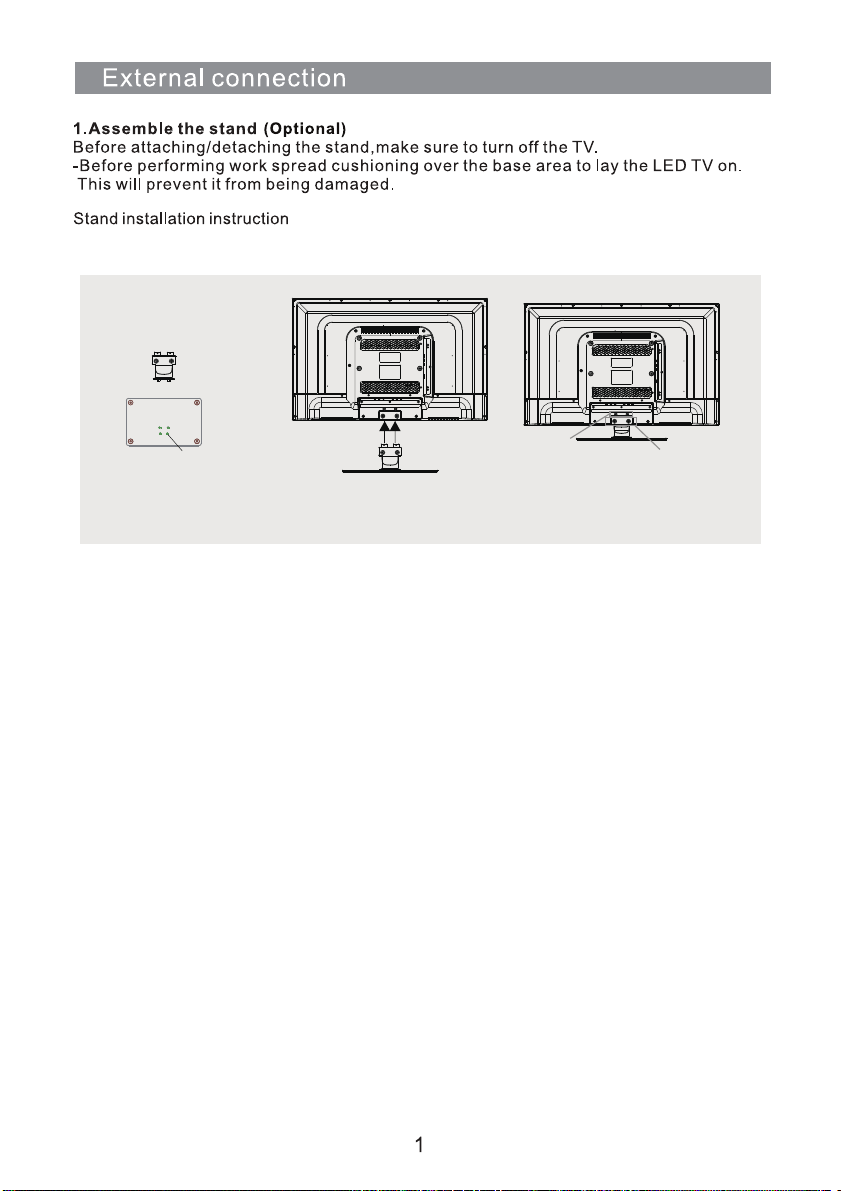
PWB4X12(4PCS)
BB4X12(2PCS)
Fix the base to the stand
neck with 4 PCS screw
PWB4X12.
First put the TV on the table,then
put the processed base and stand
neck on the rear housing.
Fix the processed base and stand
neck to the rear housing with 2
PCS screws BB4*12 and 2PCS
BB3X8.
BB3X8(2PCS)
18
19

Palsonic Customer
Service
Telephone (Australia) 1300 657 888
Palsonic C
ABN 34 000
474 108
1 Joynton Avenue, Waterloo NSW 2017 Australia
Telephone (02) 9313 7111 Facsimile (02) 9697 0655
www.palsonic.com.au