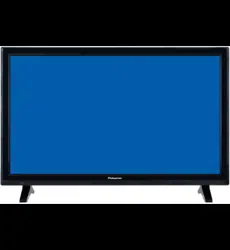

81cm(32”)LED TV/DVD Combo
PT3210C
DVD
14
19
EPG Menu
IMPORTANT INFORMATION
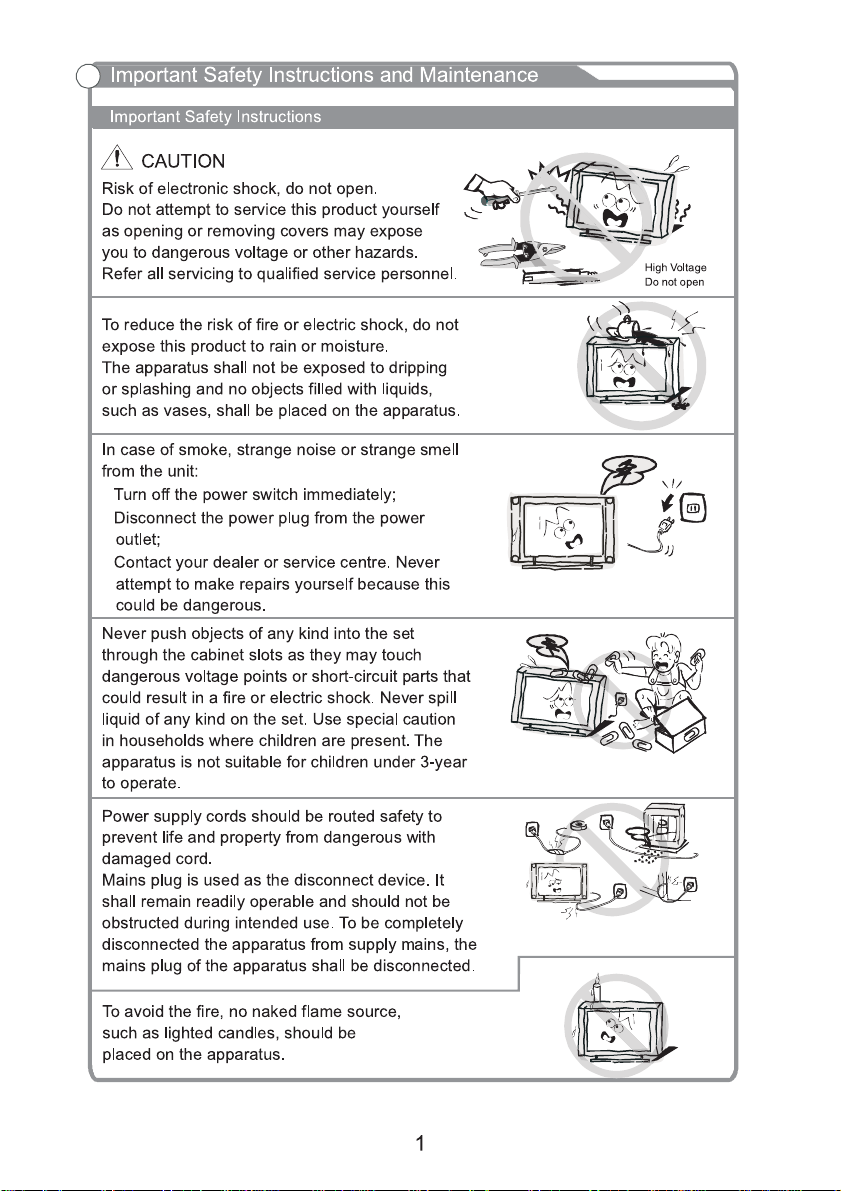
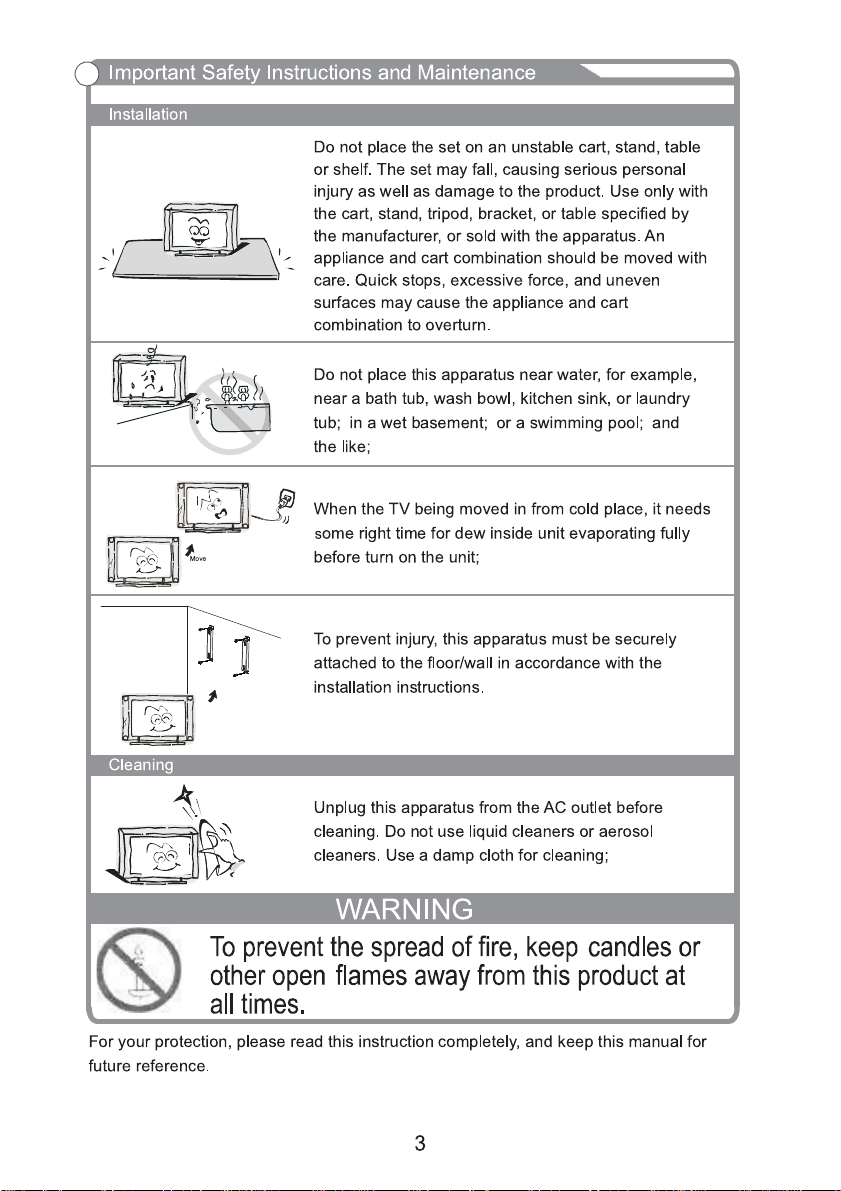
If a television is not positioned in a sufficiently stable location, it can be potentially hazardous
due to falling. Many injuries, particularly to children, can be avoided by taking simple precautions
such as:
Using cabinets or stands recommended by the manufacturer of the television.
Only using furniture that can safely support the television.
Ensuring the television is not overhanging the edge of the supporting furniture.
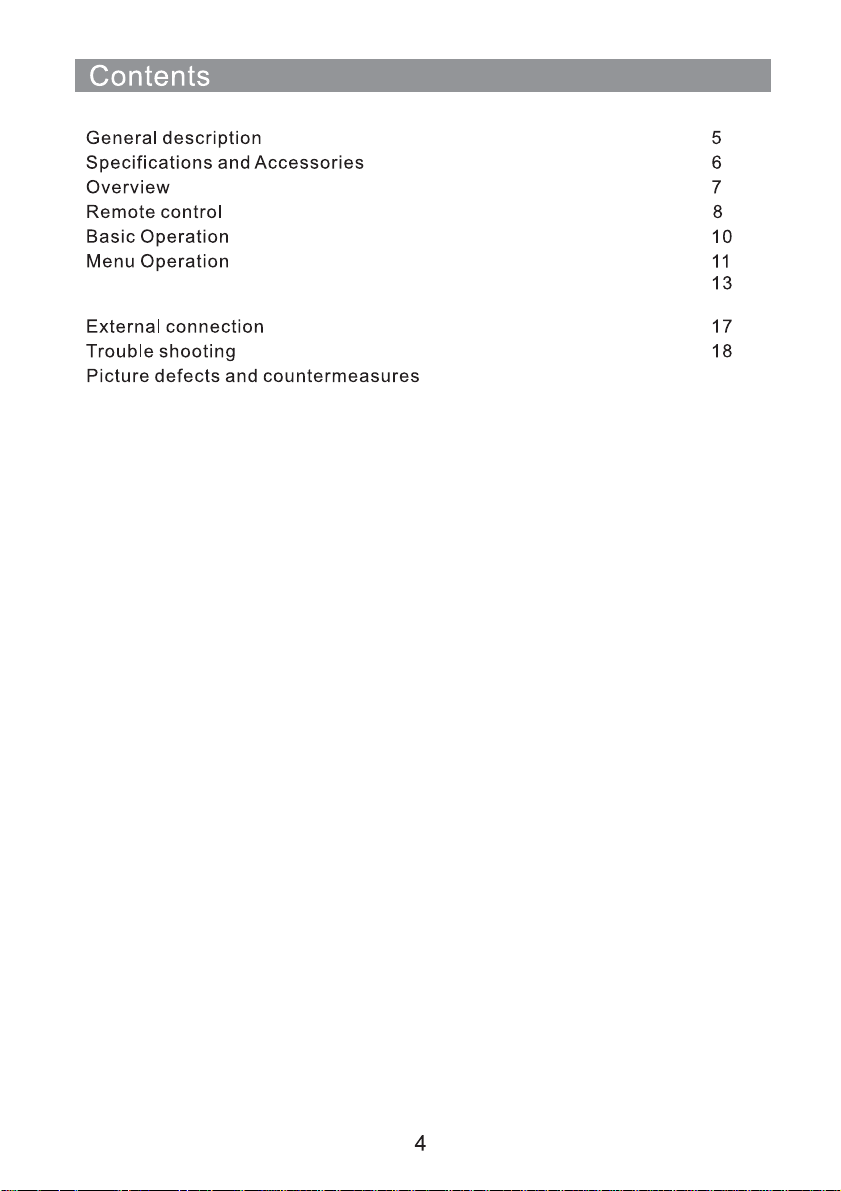
Not placing the television on tall furniture (for example, cupboards or bookcases) without
anchoring both the furniture and the television to a suitable support.
Not standing the televisions on cloth or other materials placed between the television and
supporting furniture.
Educating children about the dangers of climbing on furniture to reach the television or its
controls.
PT3210C
32”Diagonal(max.)
65W
ATV:48.25MHz ~ 863.25MHz
DTV: VHF(50MHz-230MHz) UHF(474MHz-862MHz)
Accessories
User’s manual
Remote control
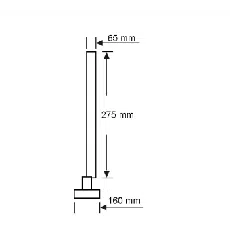
732x211.5x476.8mm
732x86.3x434mm
4Kg
3.9Kg
1366x768
1 2
3
4
5
6
7
9
11
12
10
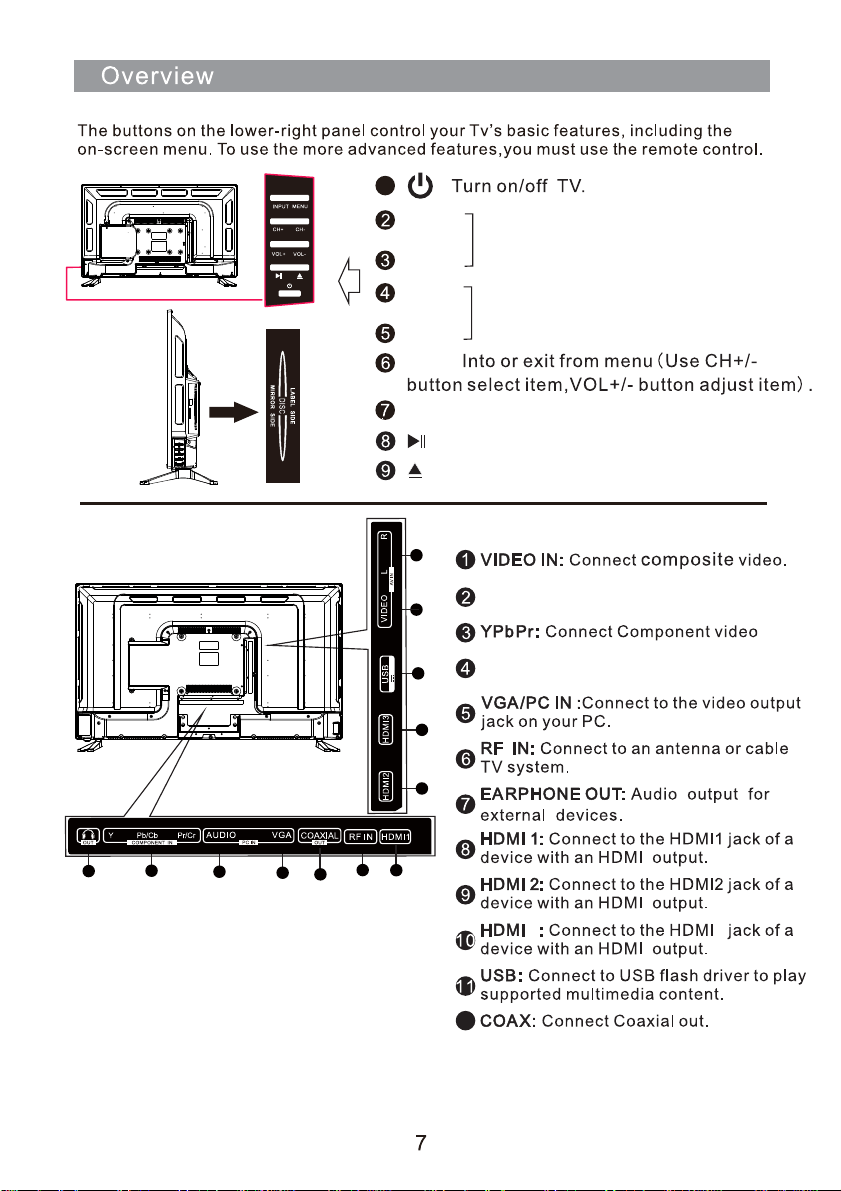
R/L: Composite Audio or
Component Audio.
AUDIO: Connect to the audio output
jack on your PC.
3
3
12
8
MENU
Source Select.
CH+
CH-
CH+/-:Select channel.
VOL+
VOL-
VOL+/-:Adjust Volume.
INPUT
1
Play the DVD.
Open the DVD cabin.
5V 500mA
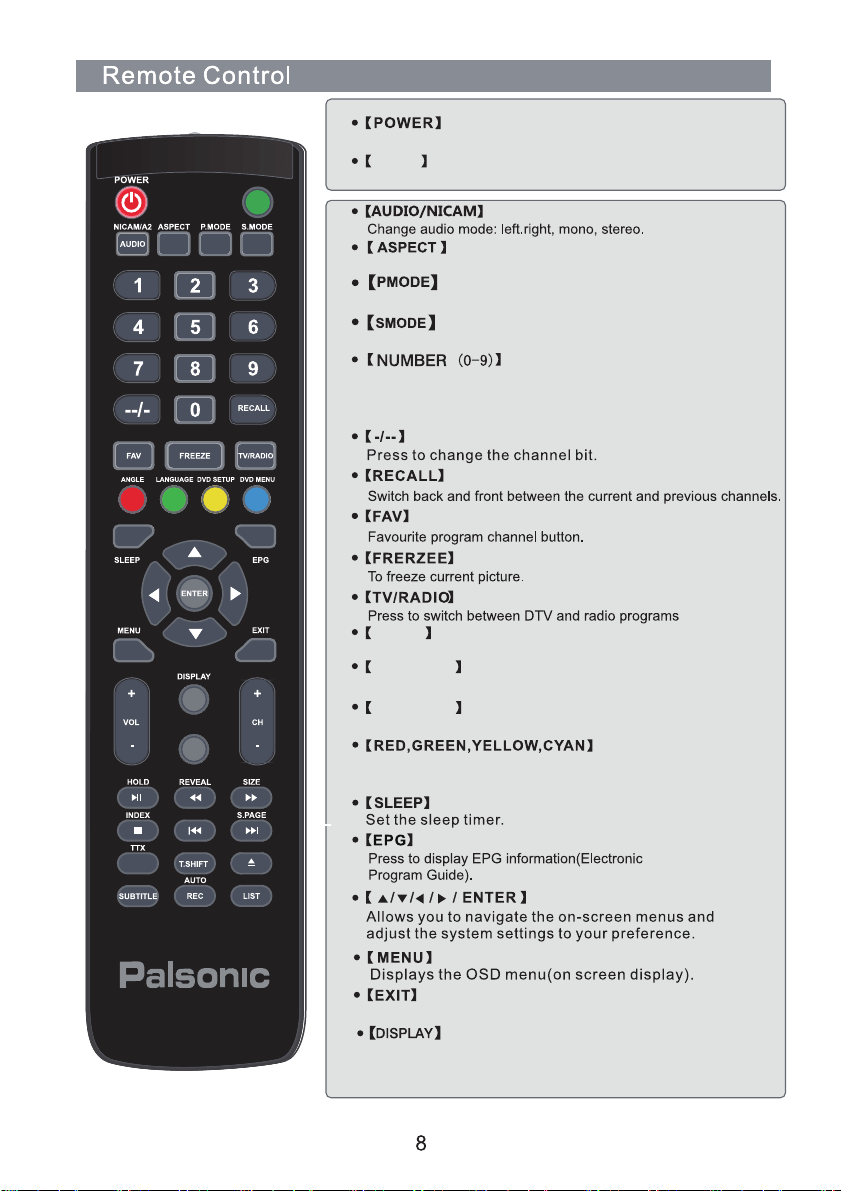
Press these button to enter digits These buttons for direct
access to use achannel to enter channel number for both
ATV and DTV or enter passwoed or Parental lock.
Select different size.
Select the different picture mode directly.
Select the different sound mode directly.
INPUT
MUTE
REPEAT
A-B
ANGLE
Press to choose a differrent angle(DVD).
DVD• SETUP
DVD menu setup.
DVD• MENU
Access the on-screen menu.
INPUT
Input mode conversion button.
Turns the TV on (standby) and off.
Press this button to display the information on current input.
Press EXIT to exit menu of sub menu.
Used to select the corresponding coloured items on the
screen during DTV mode.

INPUT
MUTE
REPEAT
A-B
A-B
Set A-aired point B.
Eject in DVD Source.
REPEAT
Press to change the playing mode.
LIST
Display the change list.
1
2
10
3
INPUT:
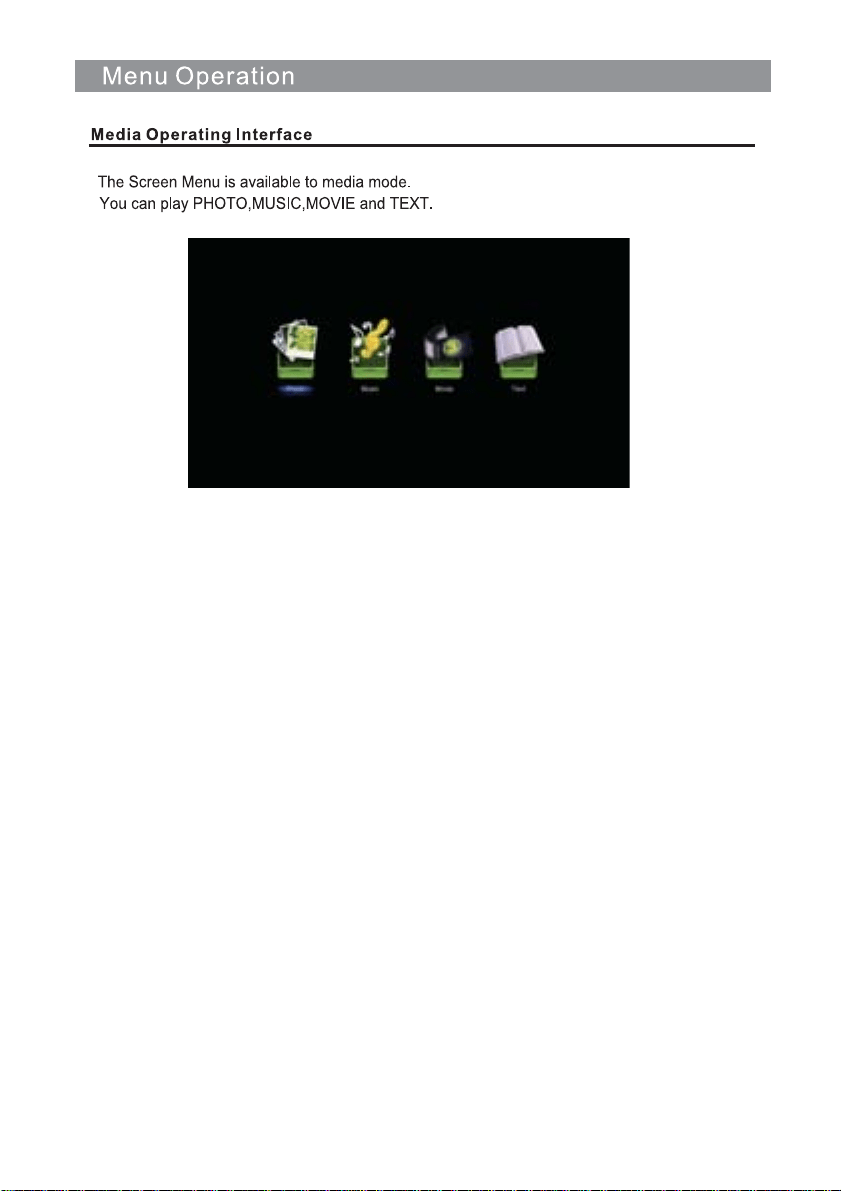
MEDIA
DVD
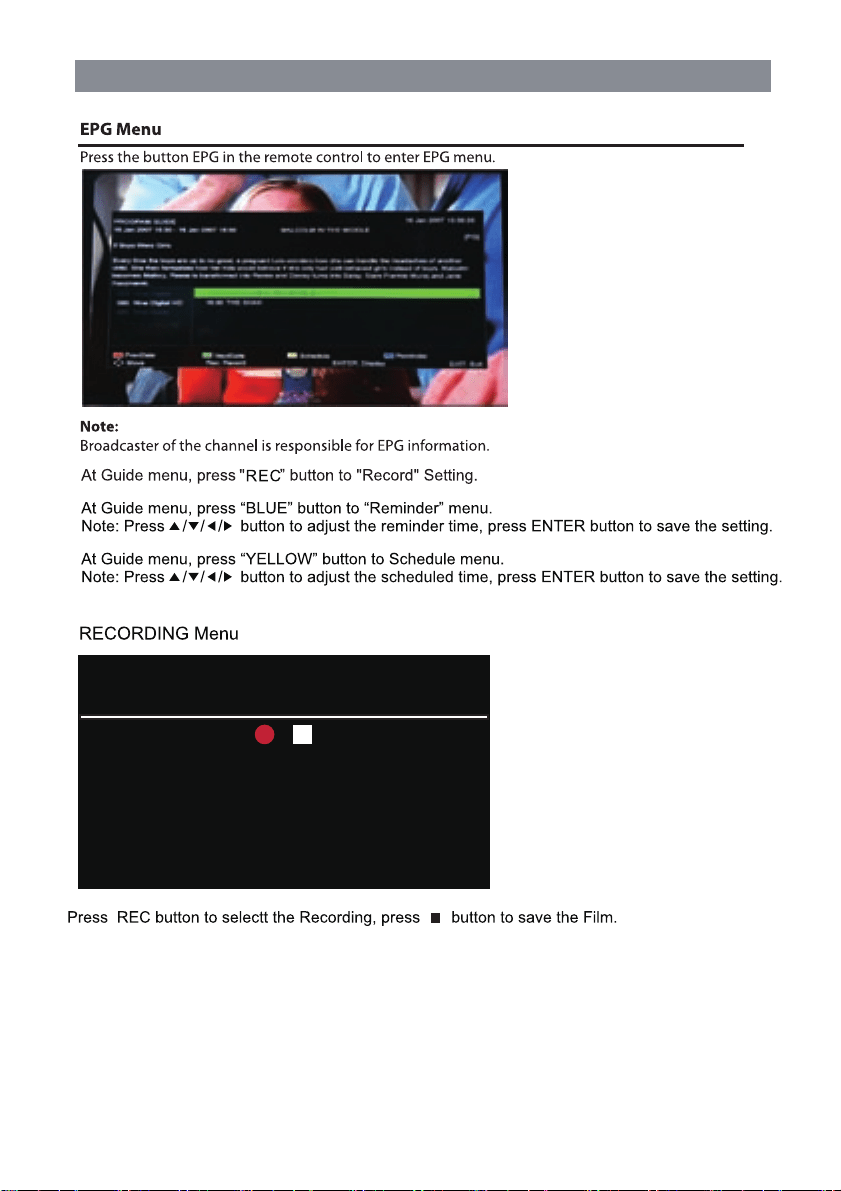
EPG Menu
13
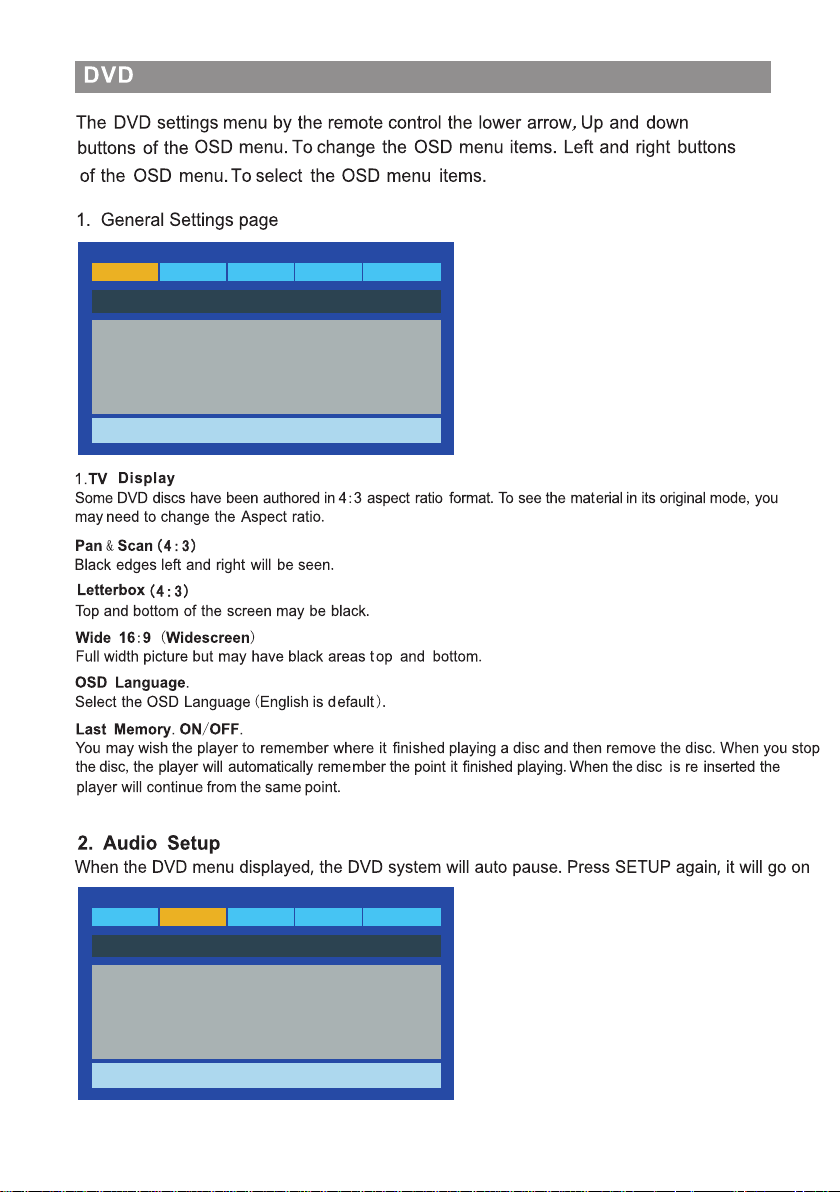
Recording
Recorded Time 00:00:19
Available Time 81 Minute
90 Nine Digital HD
MALCOLM IN THE MIDDLE
14
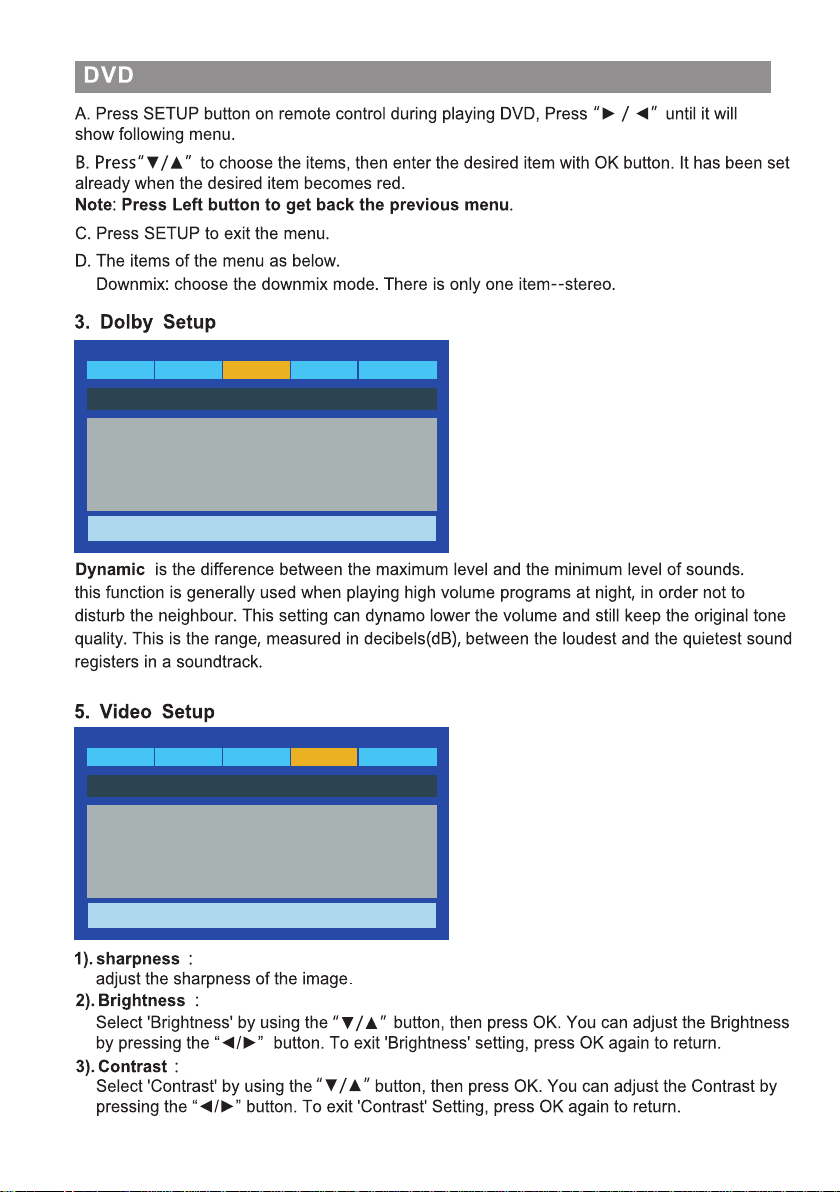
AudioGeneral
Go To General Setup Page
- - General Setup Page - -
Dolby Video
Preference
TV Display Wide
OSD Language Eng
Last Memory Off
AudioGeneral
Go To Audio Setup Page
- - Audio Setup Page - -
Dolby Video
Preference
Downmix STR
15
AudioGeneral
Go To Dolby Digital Setup
- - Dolby Digital Setup - -
Dolby Video
Preference
Dynamic
AudioGeneral
Go To Video Setup Page
- - Video Setup Page - -
Dolby Video
Preference
Sharpness MID
Brightness 00
Contract 00
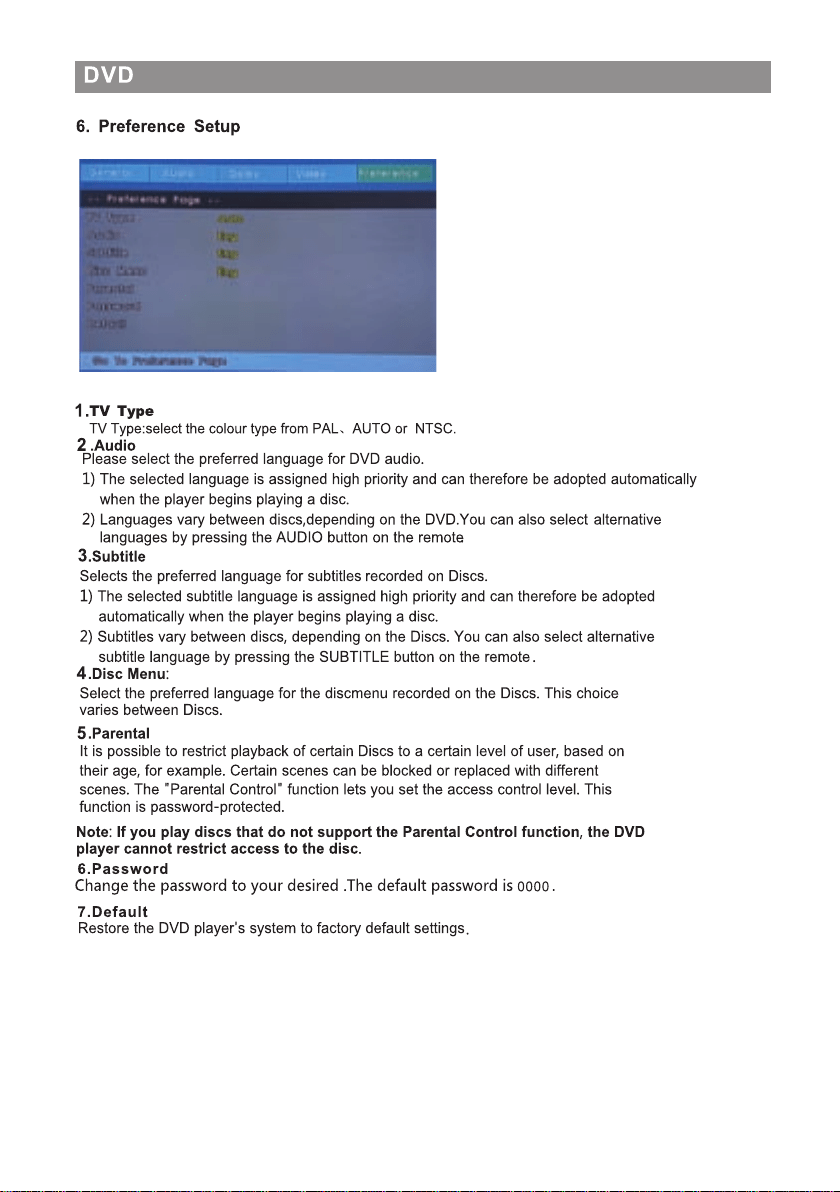
16
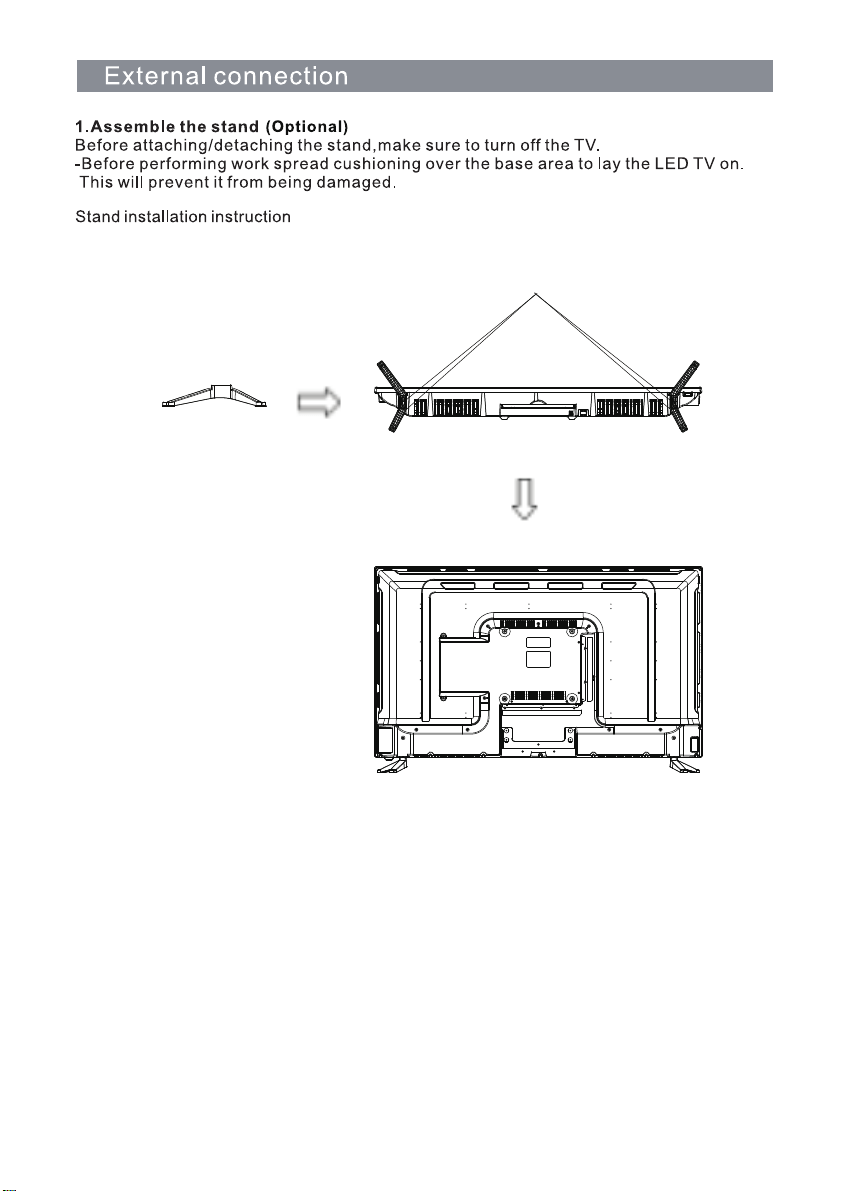
17
BB4X12(4pcs)
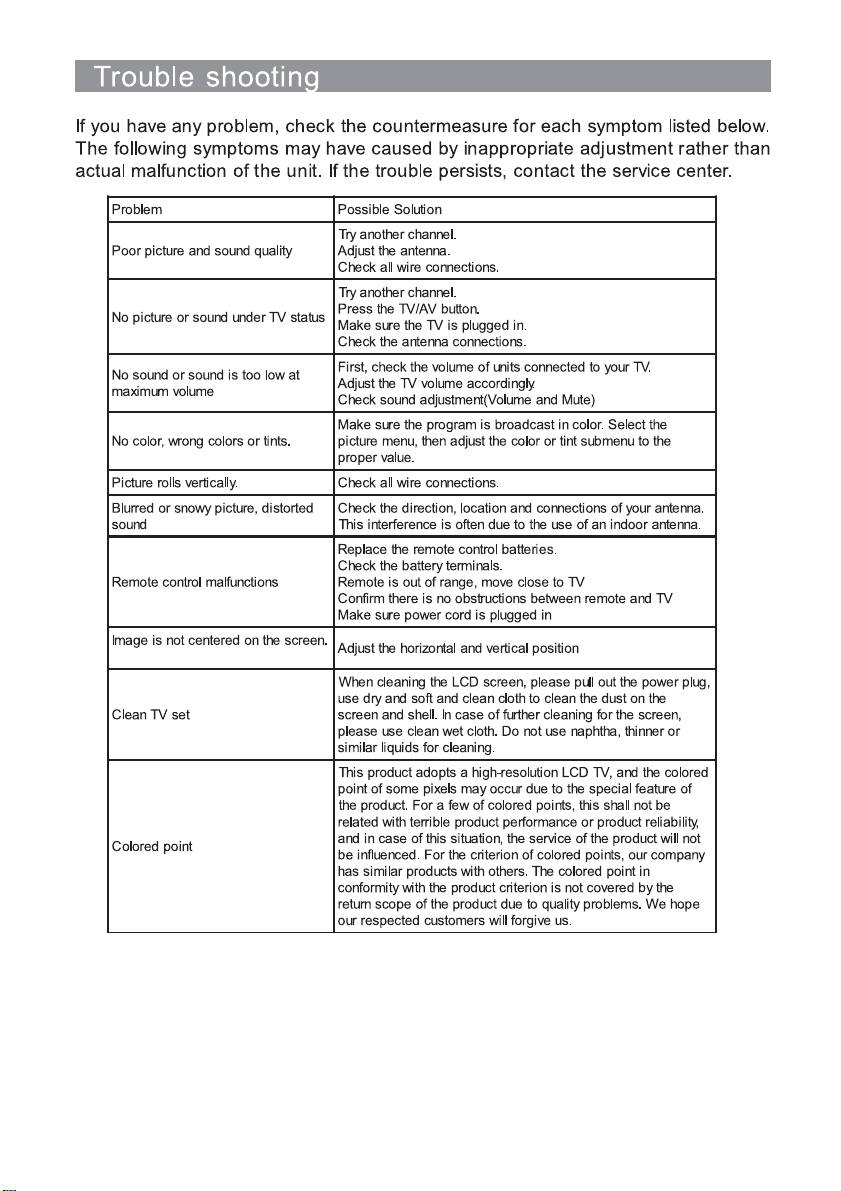
18
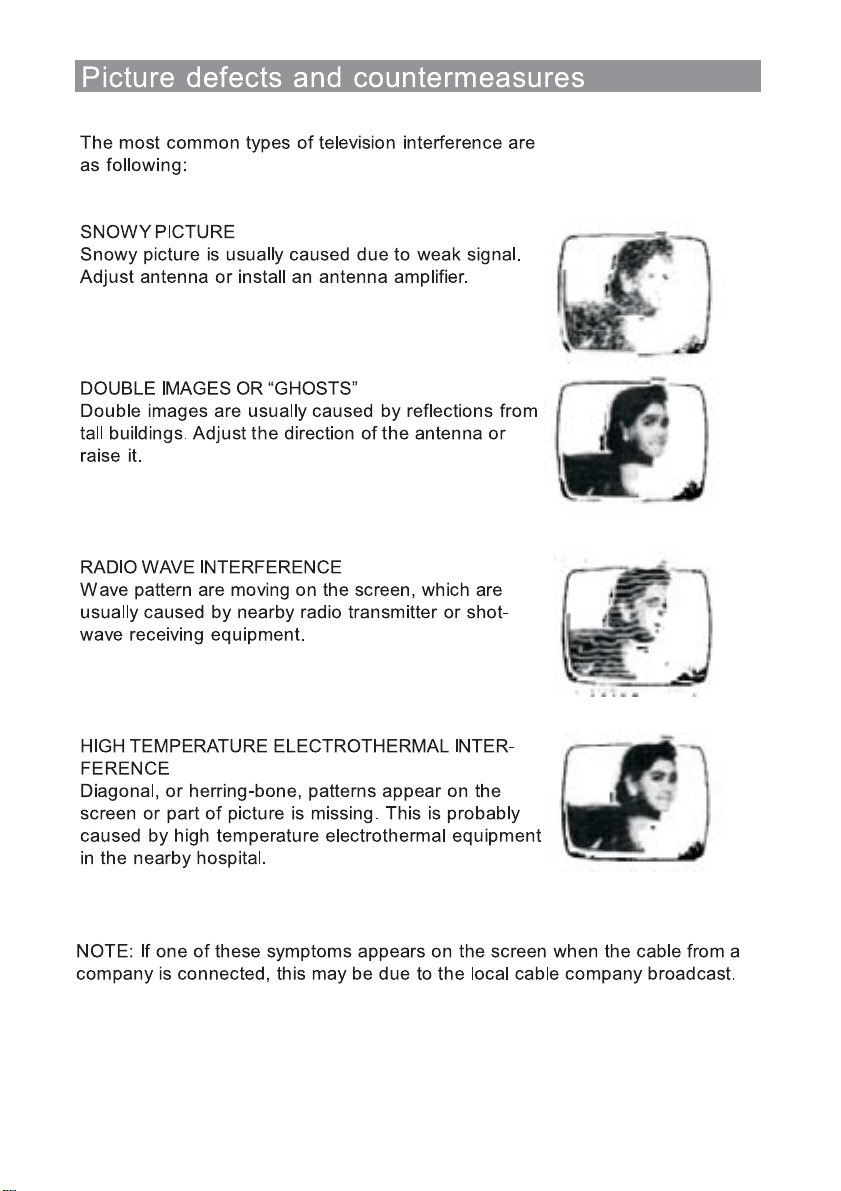
19

Palsonic Customer Service
Telephone (Australia) 1300 657 888
Palsonic C
ABN 34 000 474 108
1 Joynton Avenue, Waterloo NSW 2017 Australia
Telephone (02) 9313 7111 Facsimile (02) 9697 0655
www.palsonic.com.au