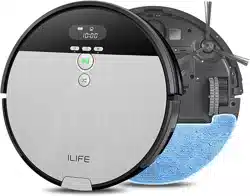
iLife V8s 2-in-1 Robot Vacuum Cleaner

Product's Documents

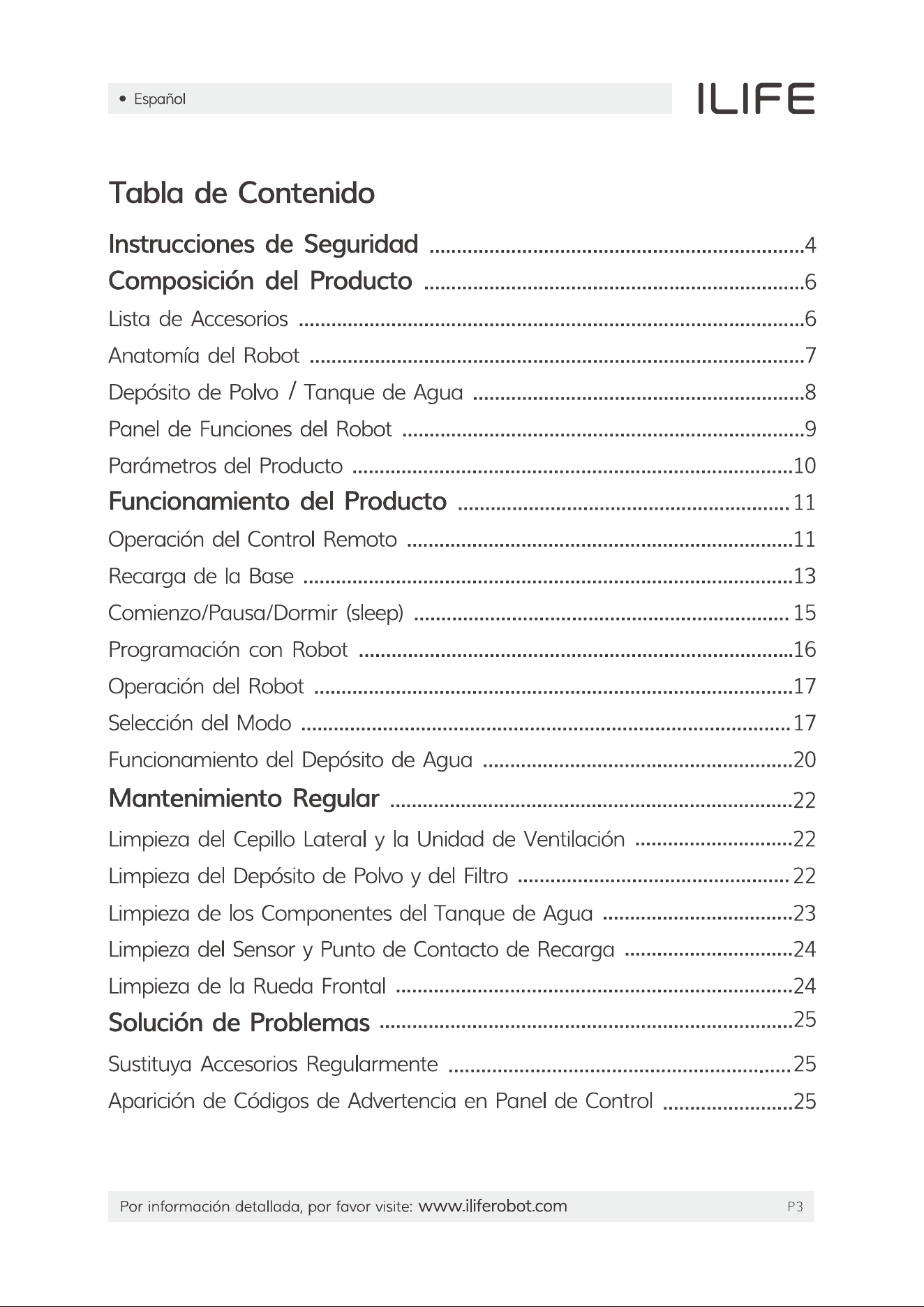
Below are documents related to this product, you can read online or download:
User Manual Installation Instruction
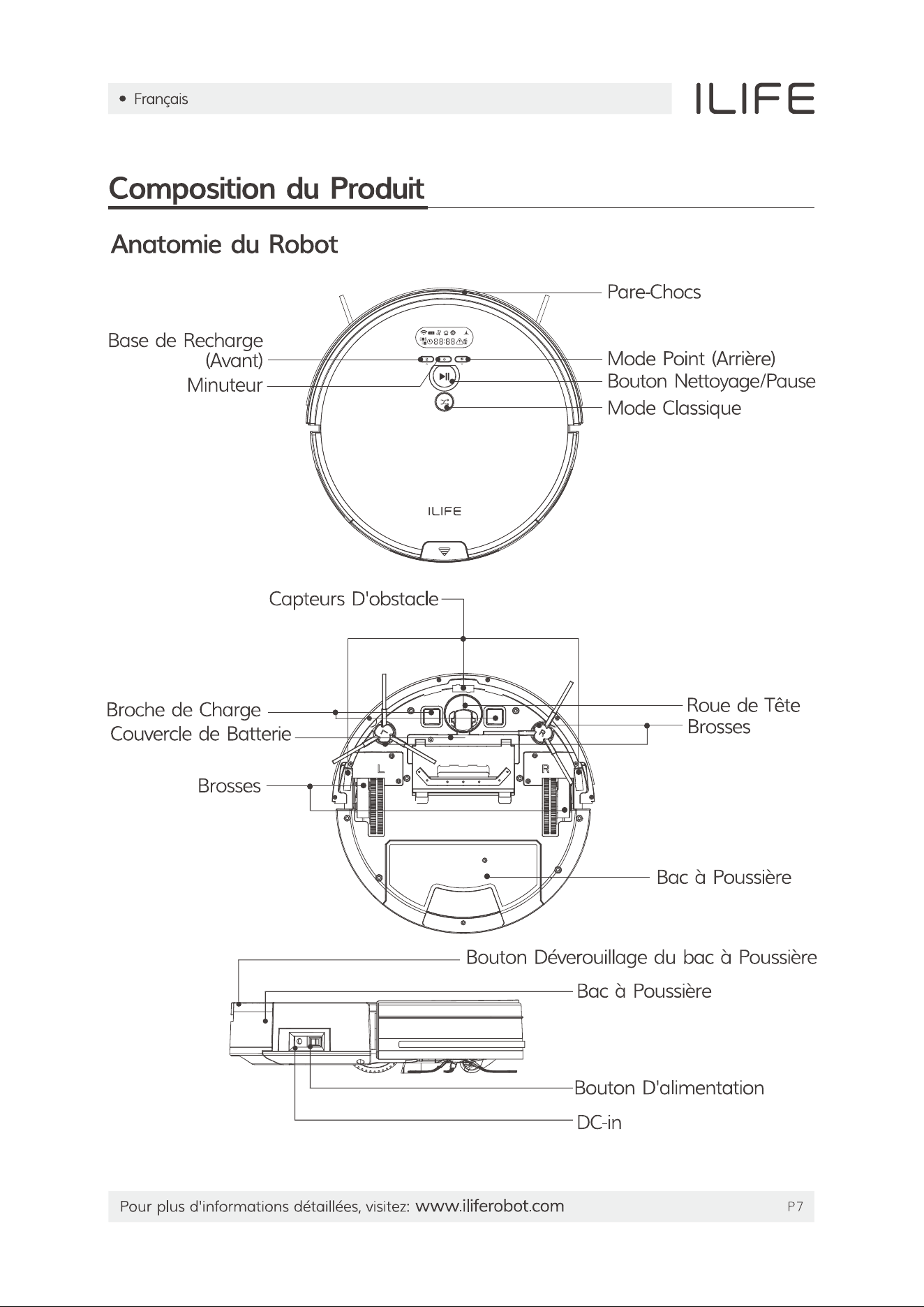
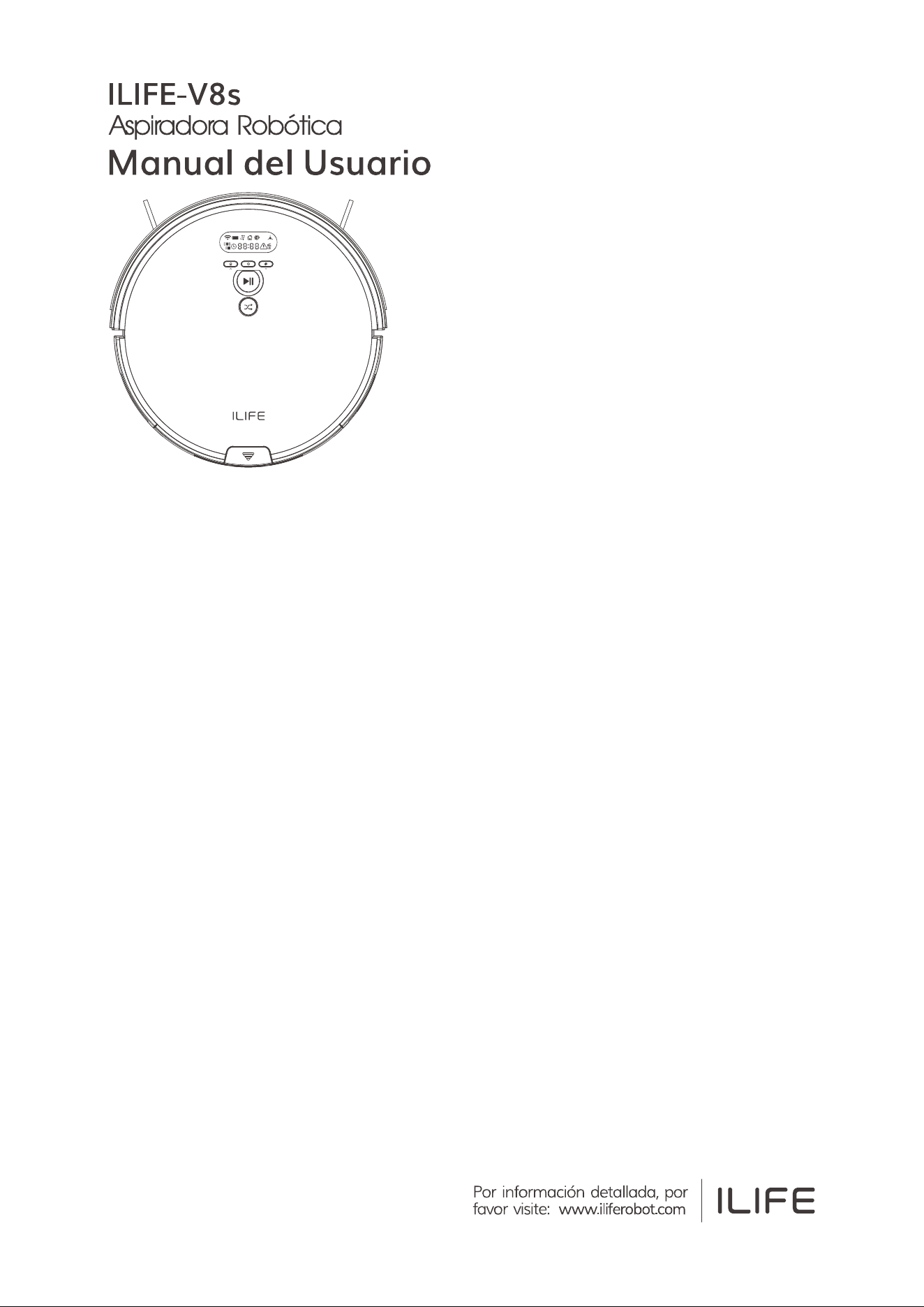
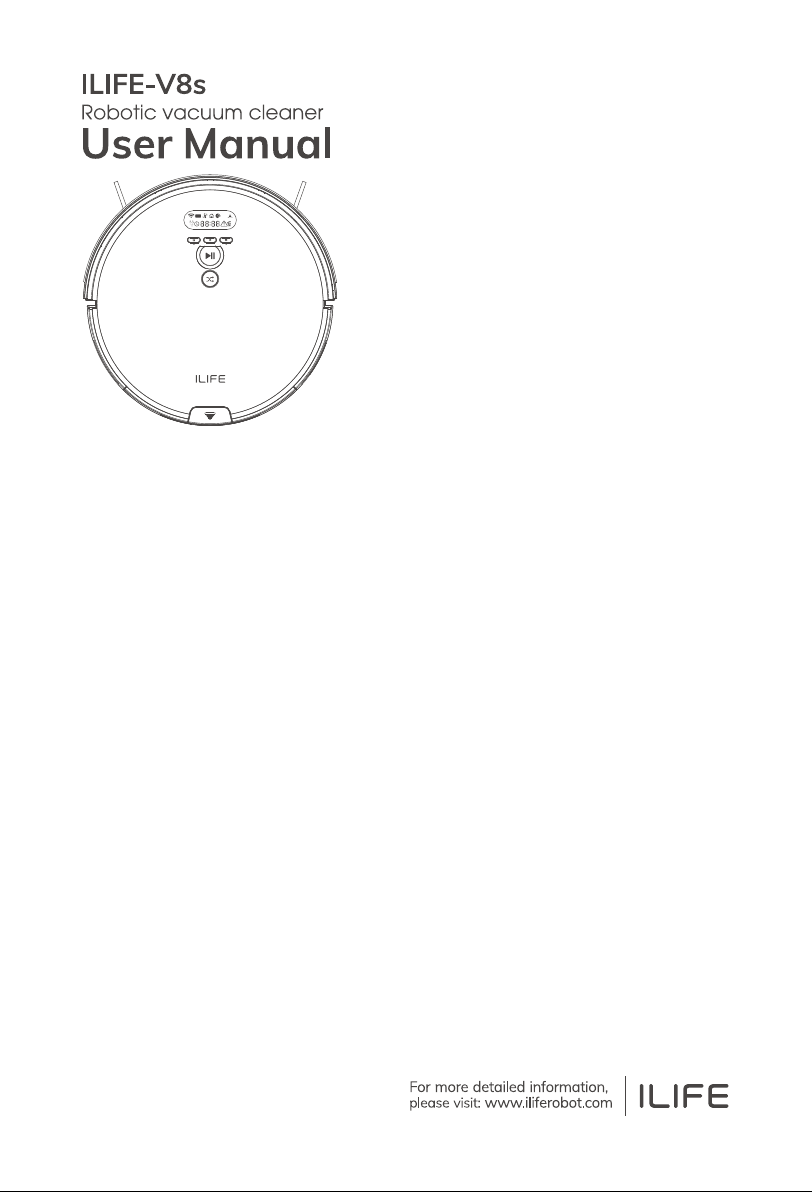
V8s photo

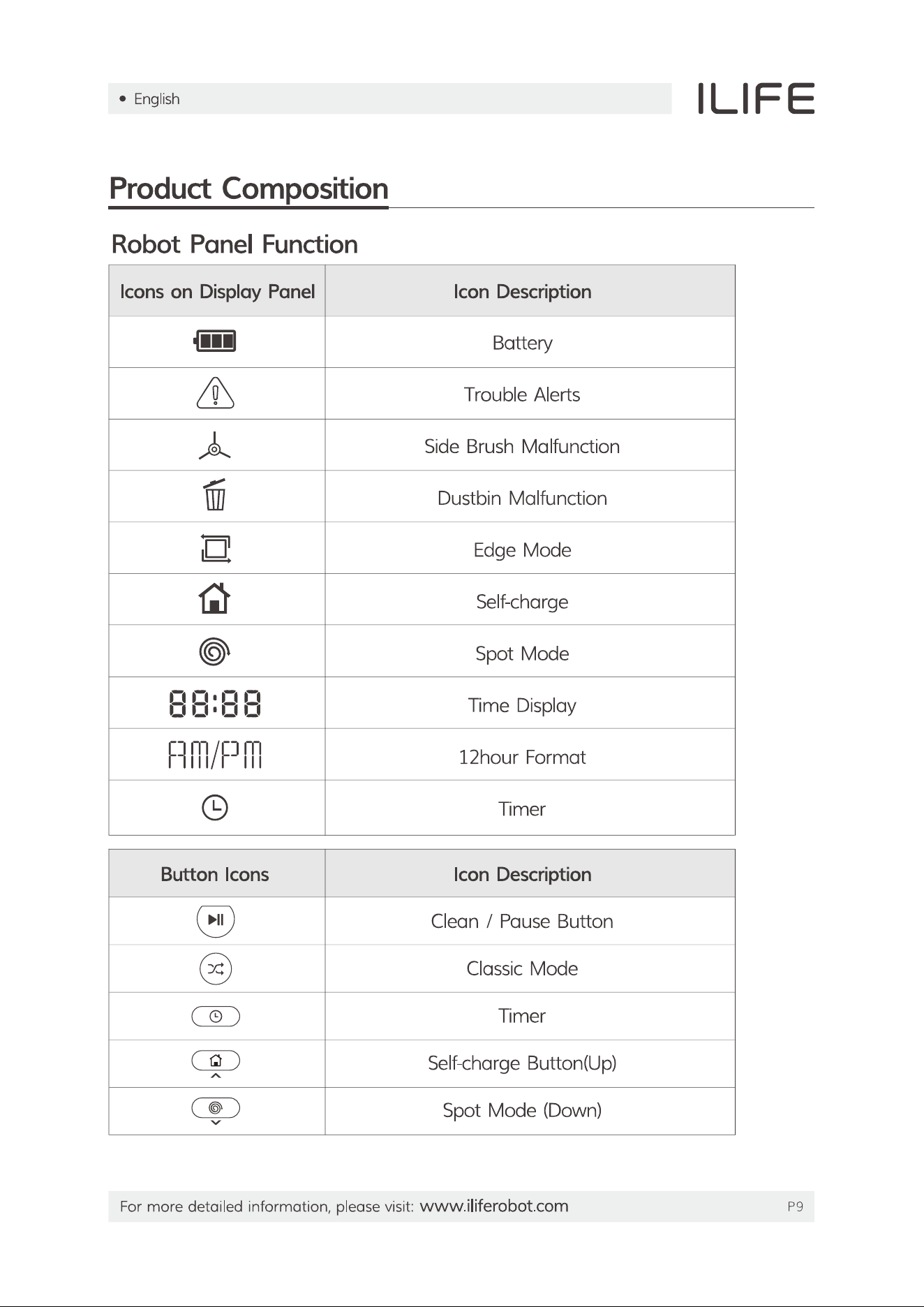
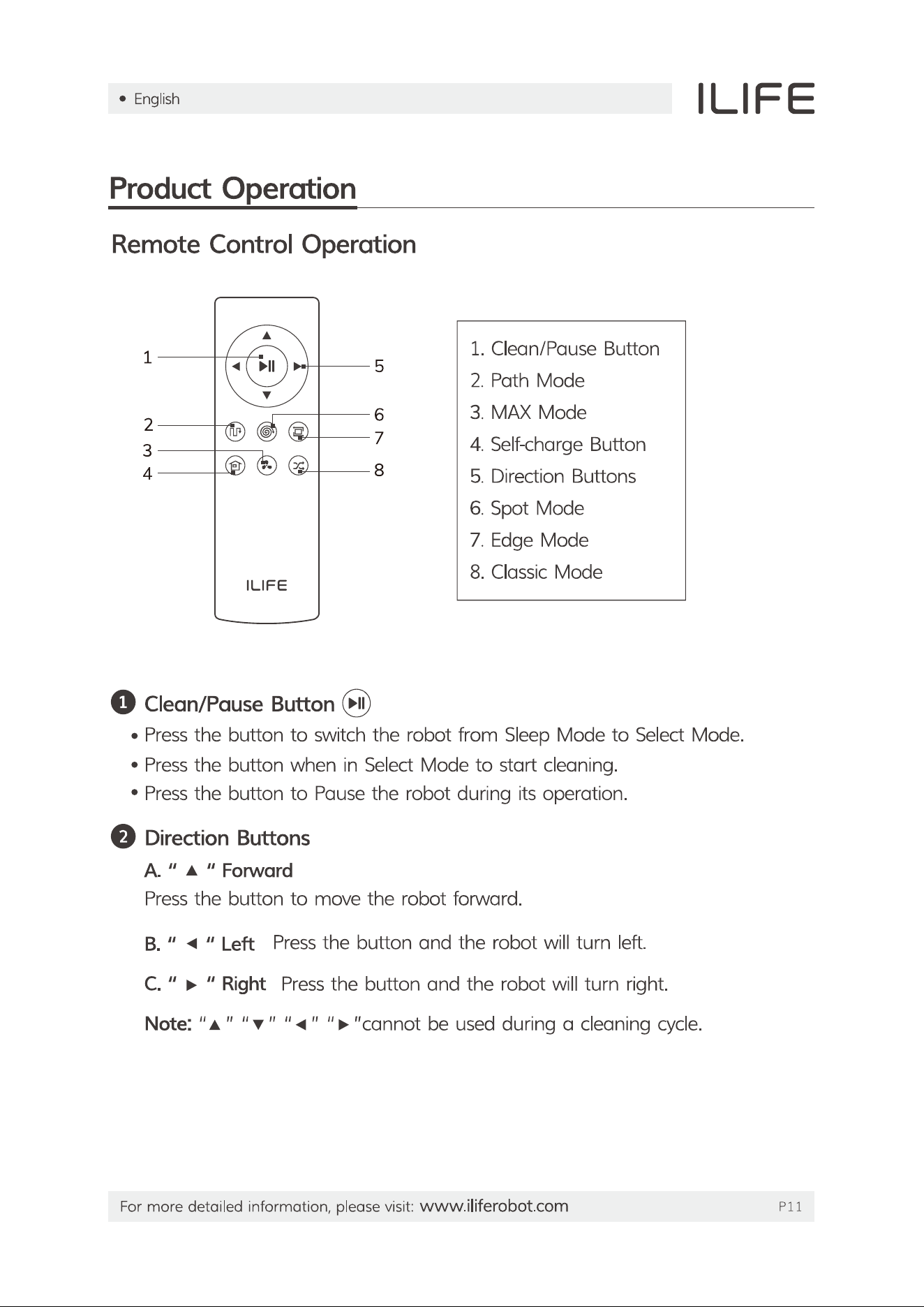
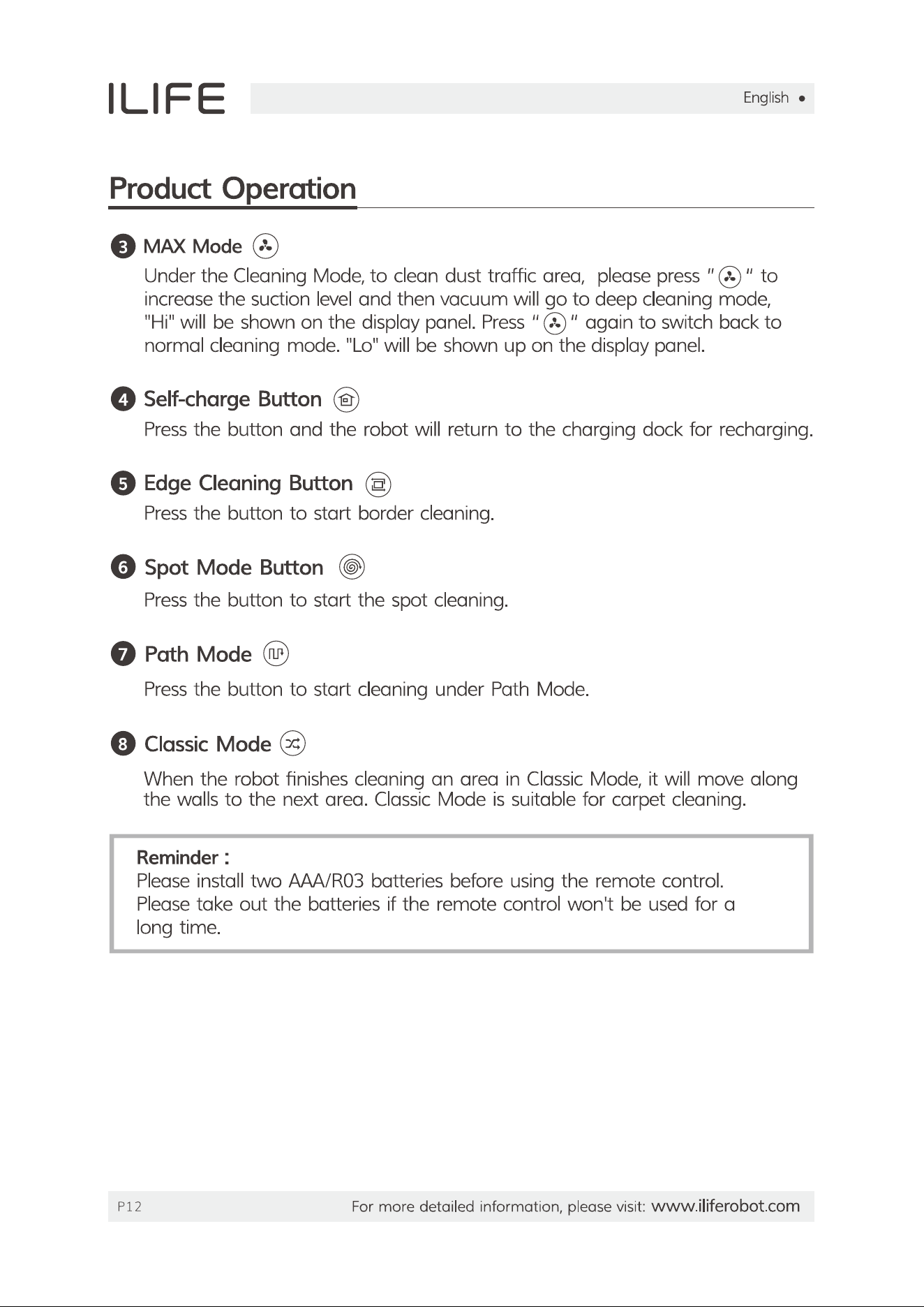
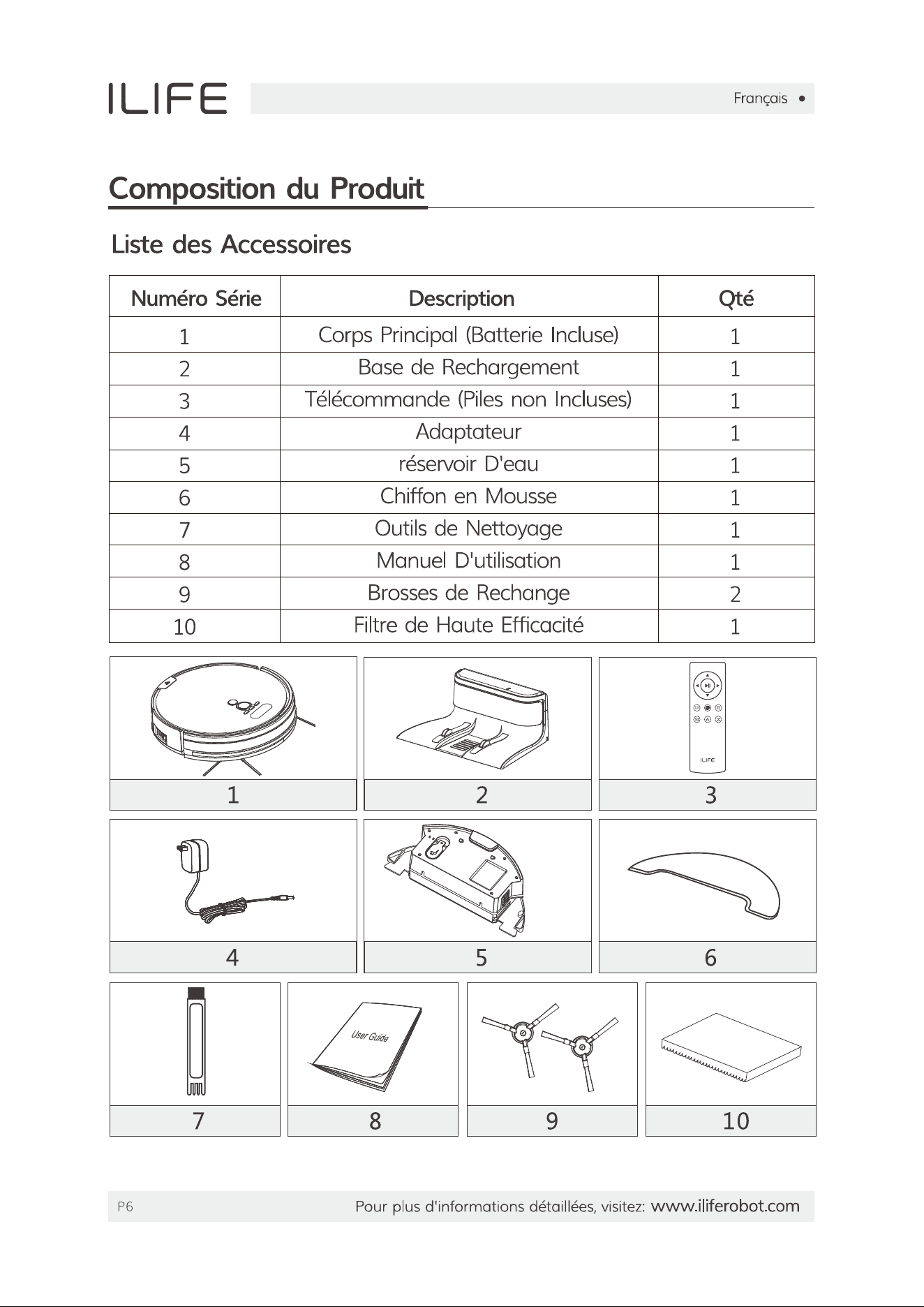
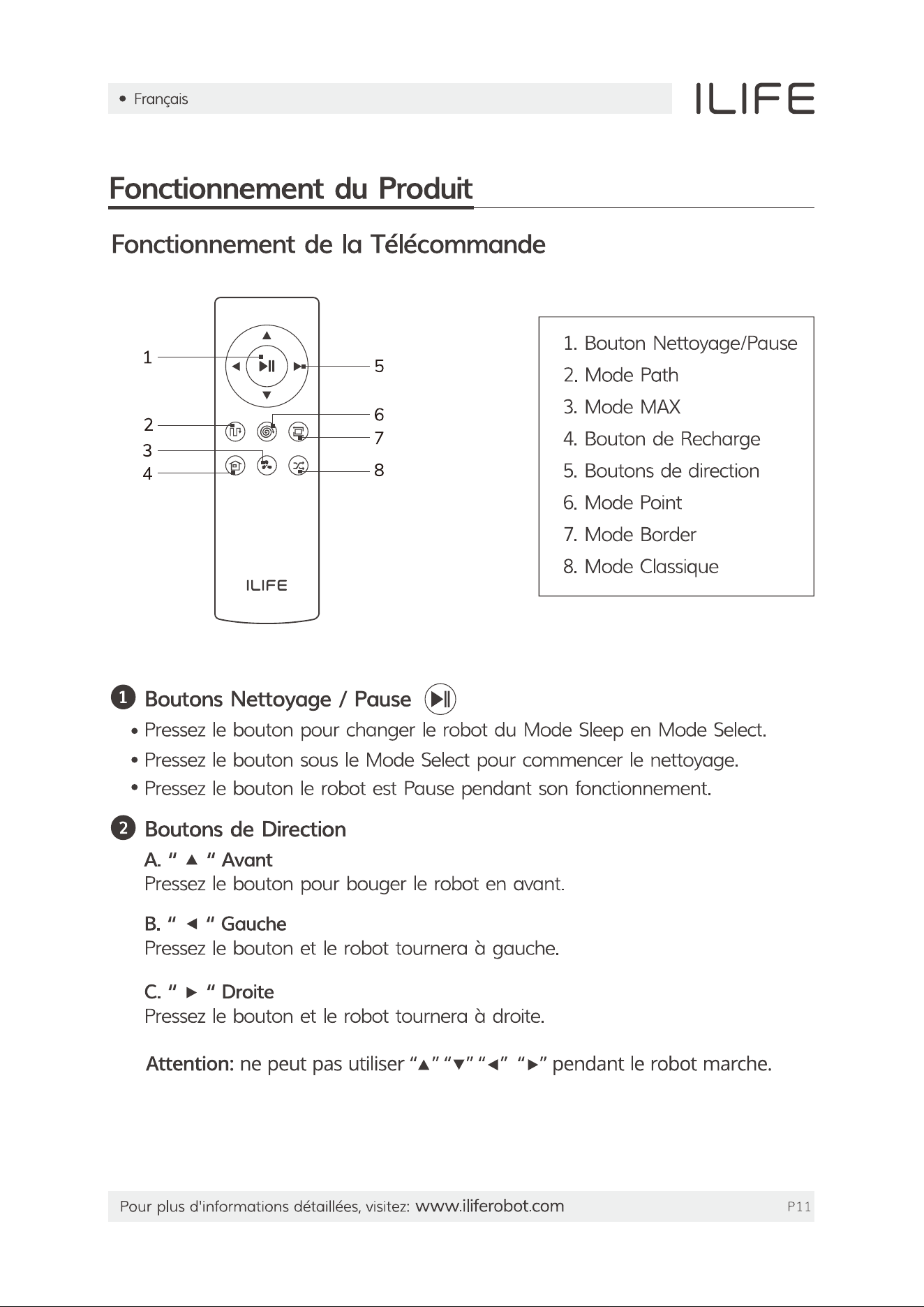
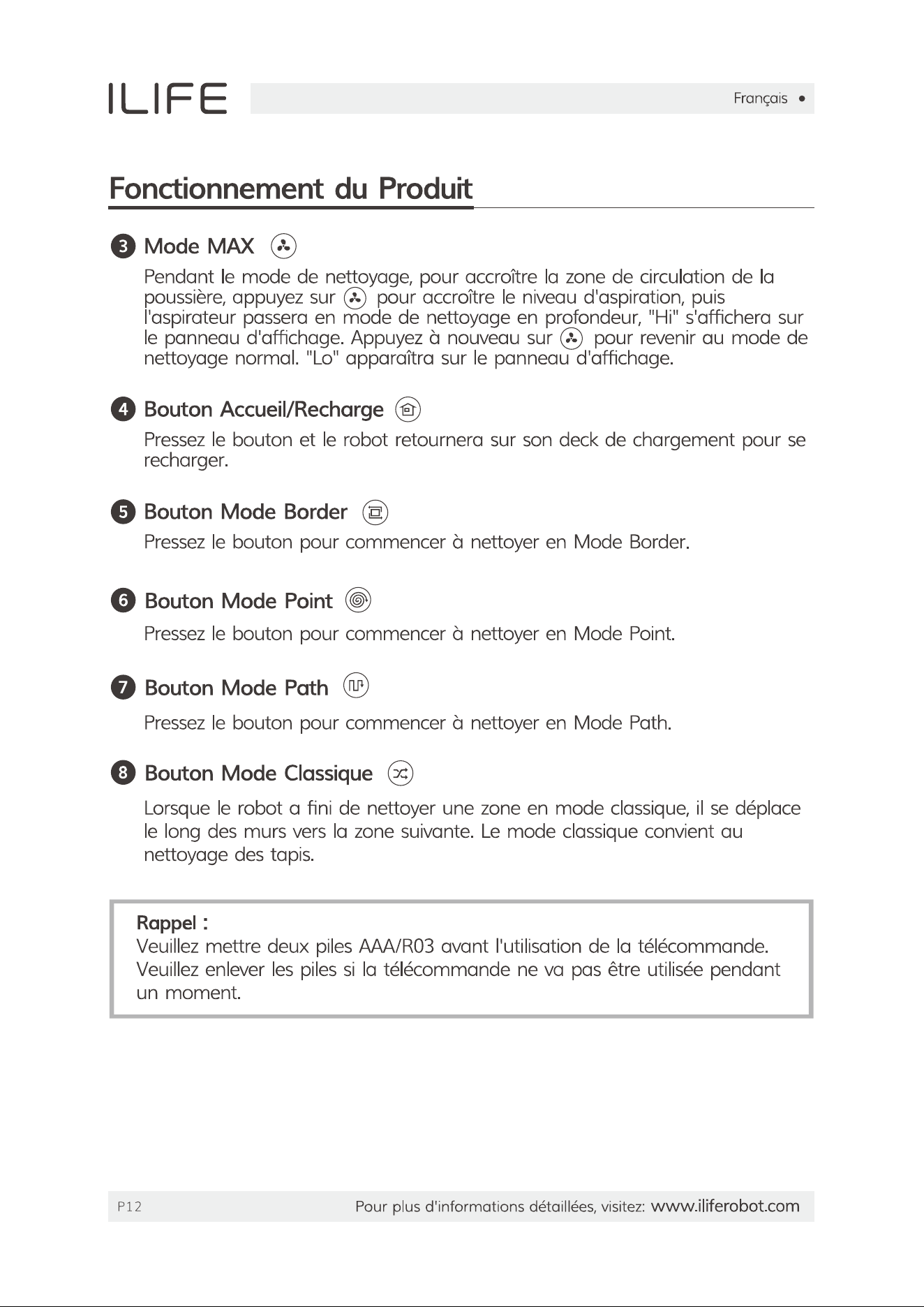
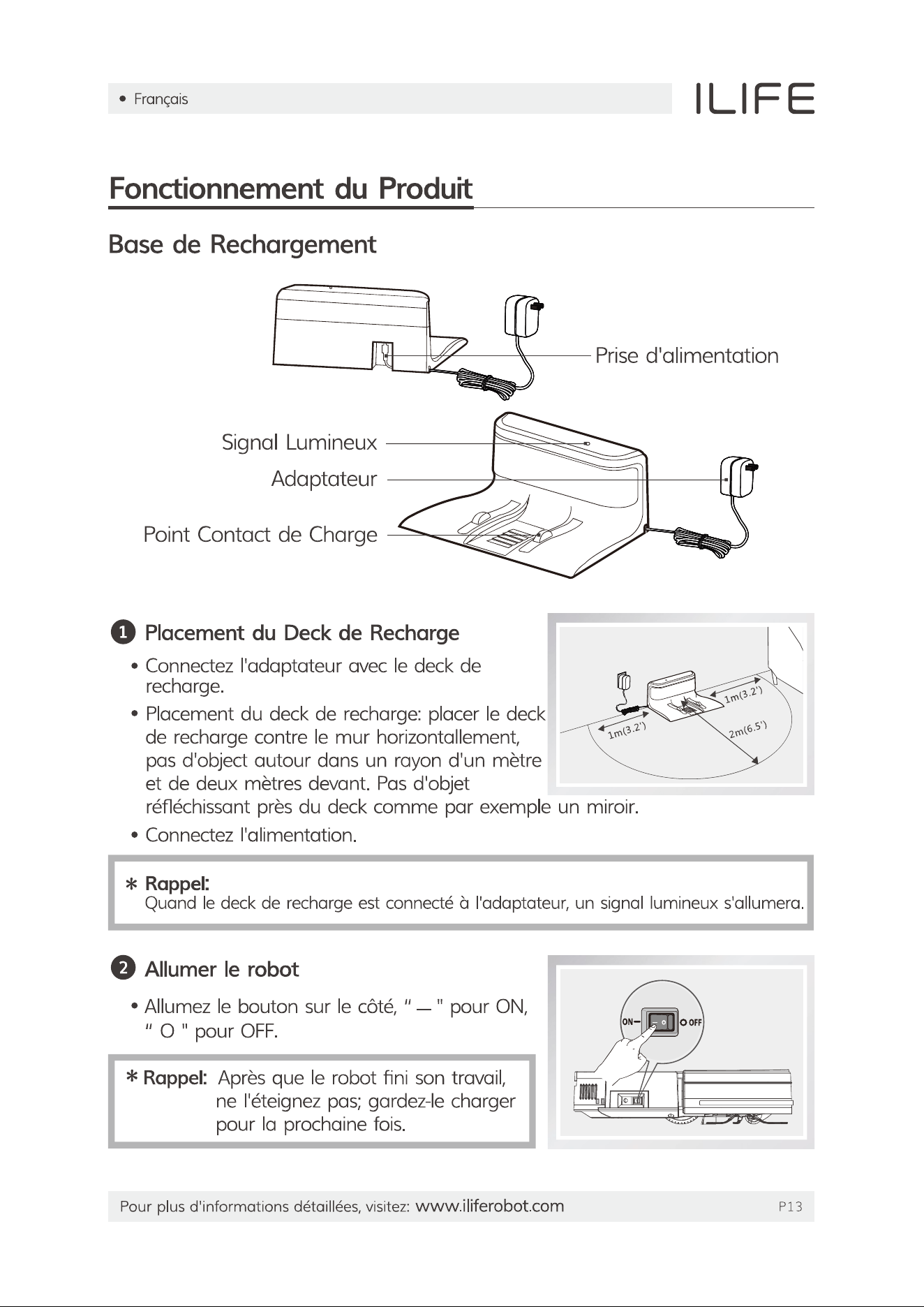
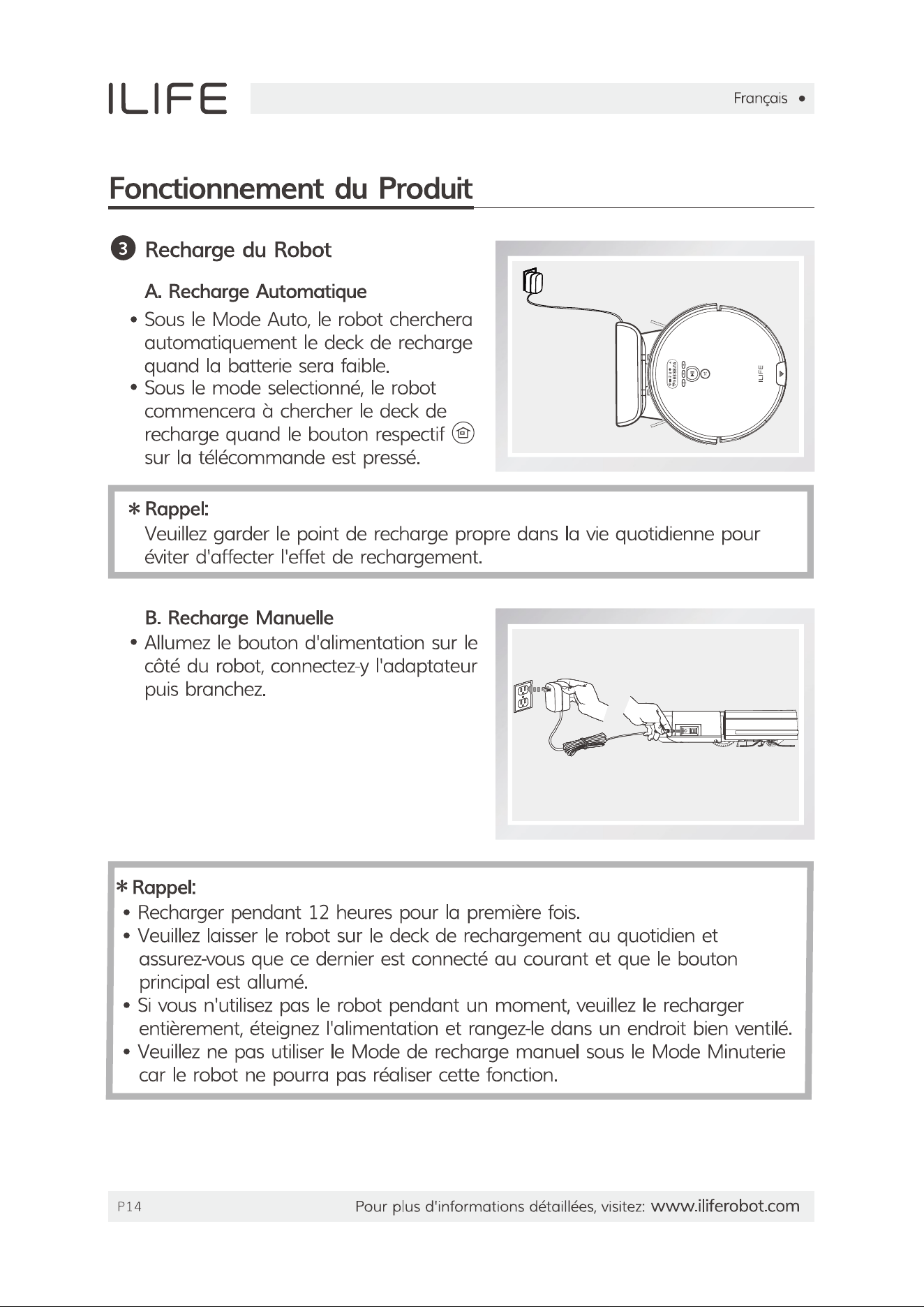
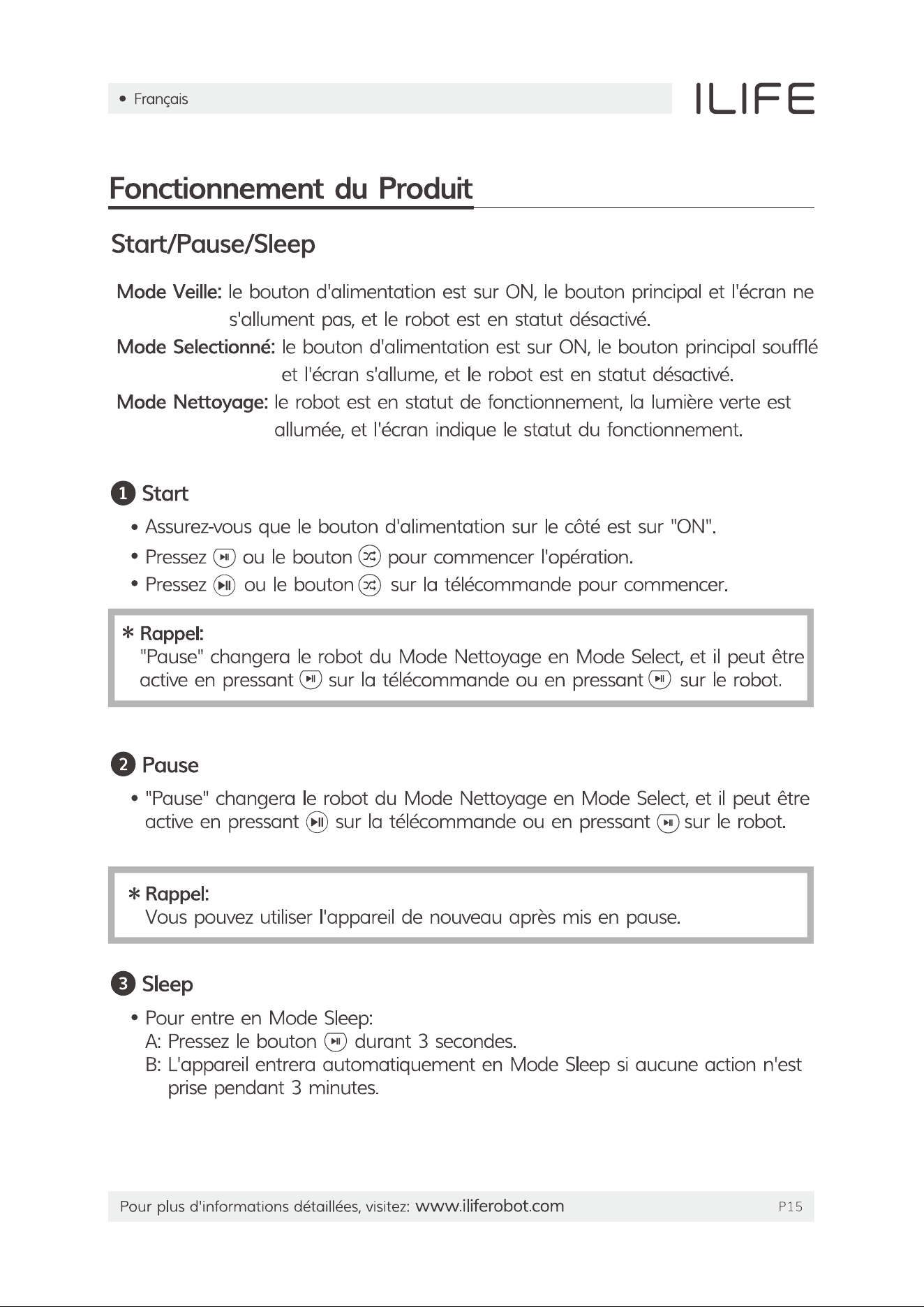
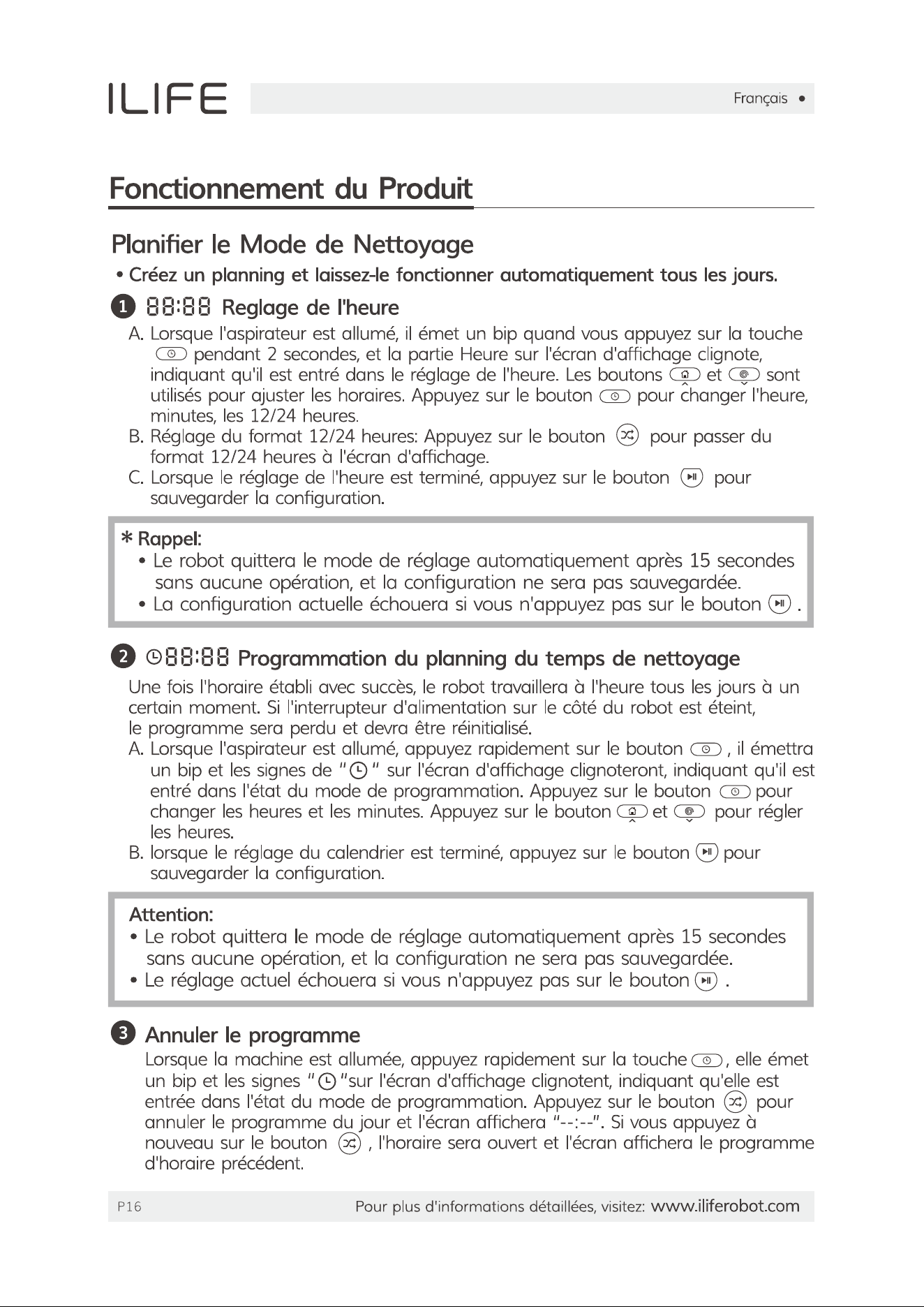
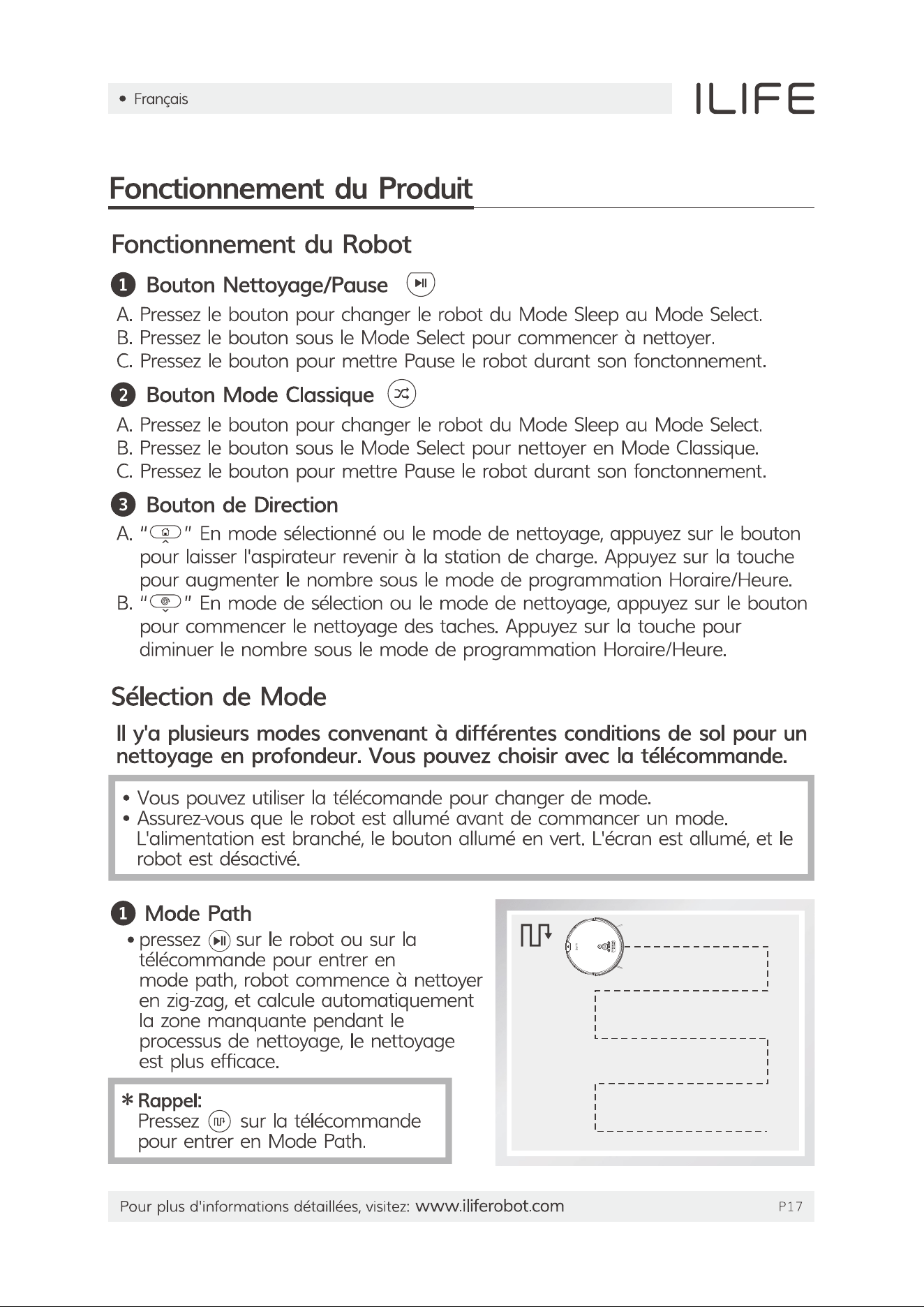
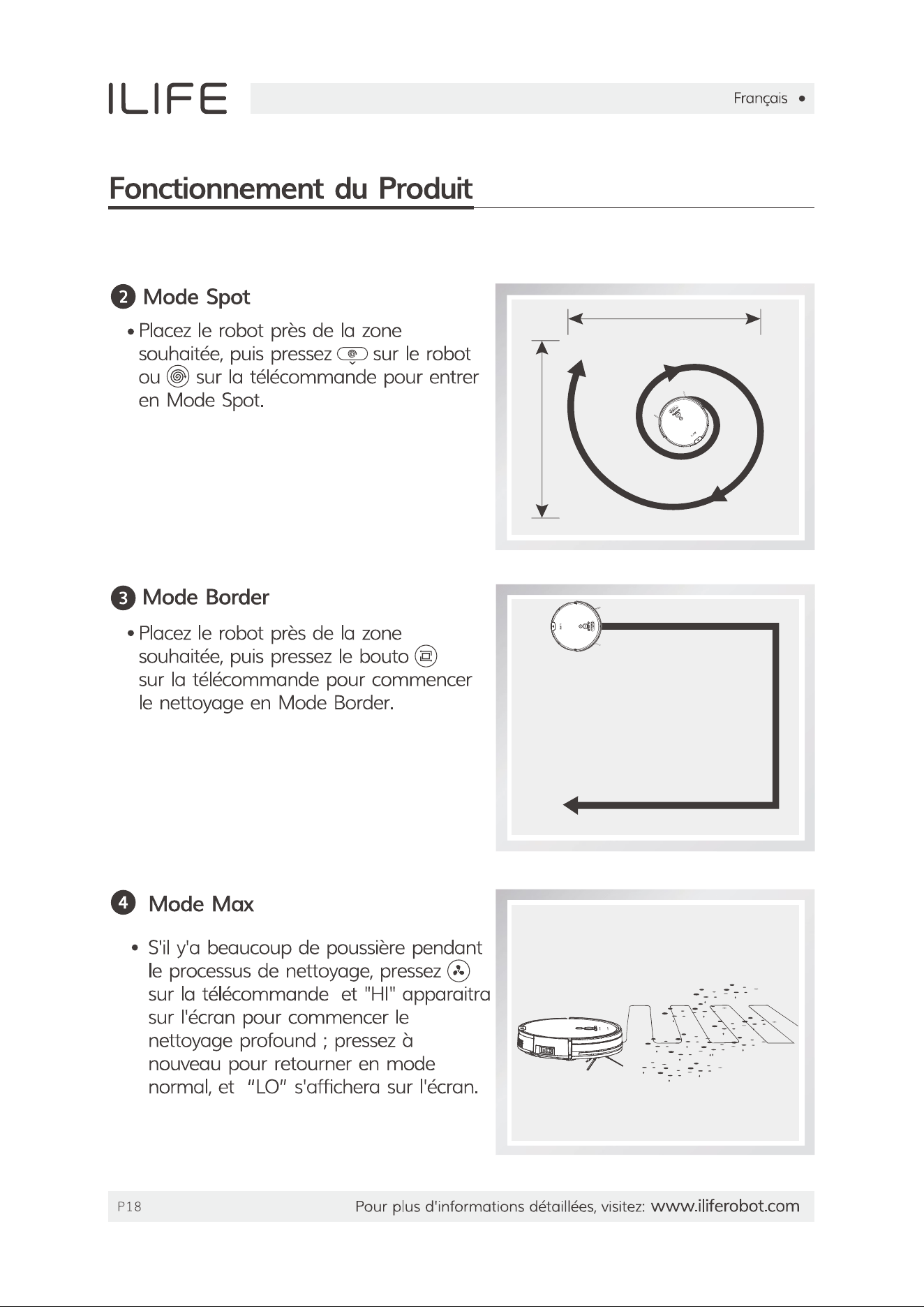
User Manual

This is the main product document for model V8s.

The file format is pdf, 90 pages, you can download this manual here .

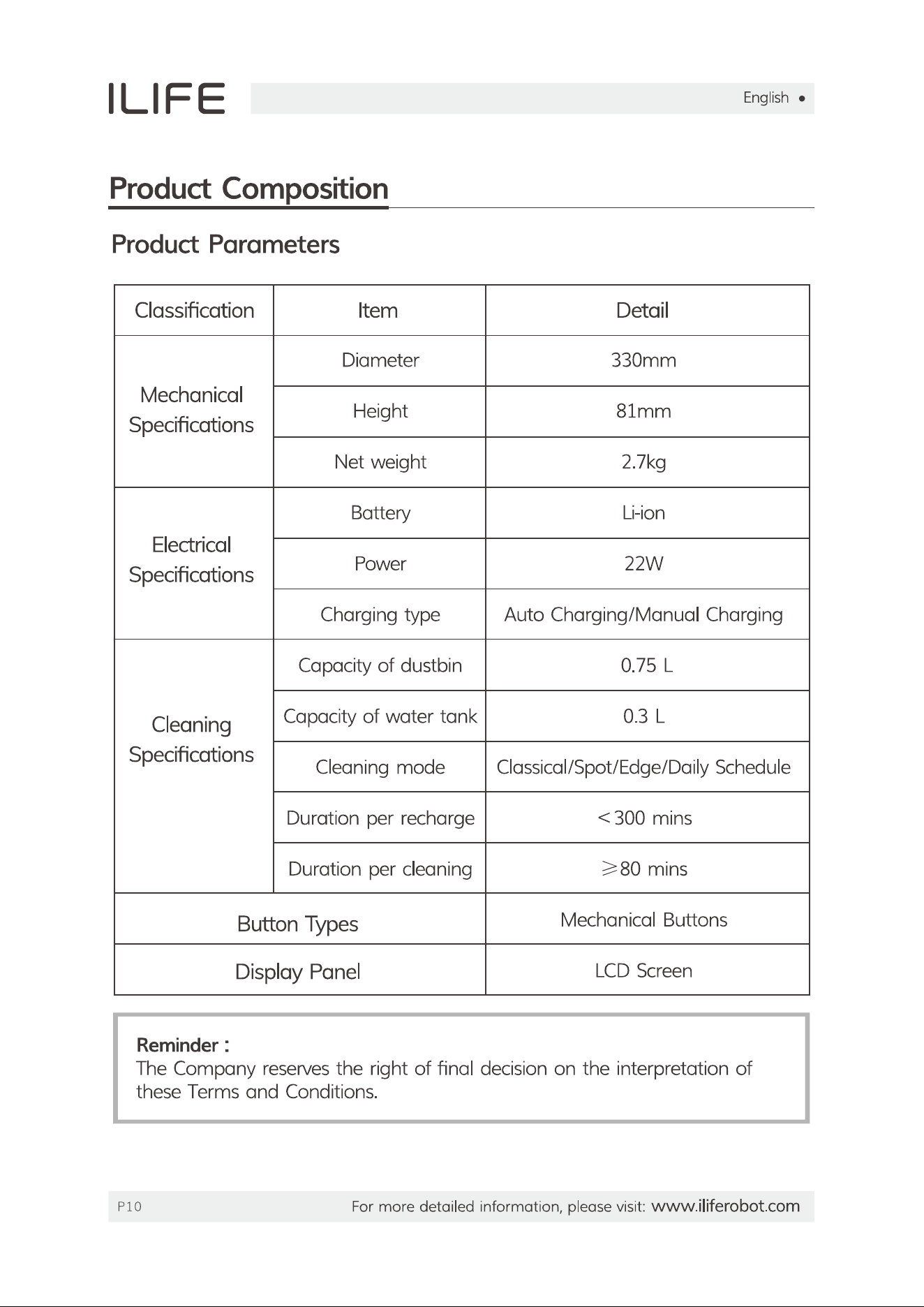
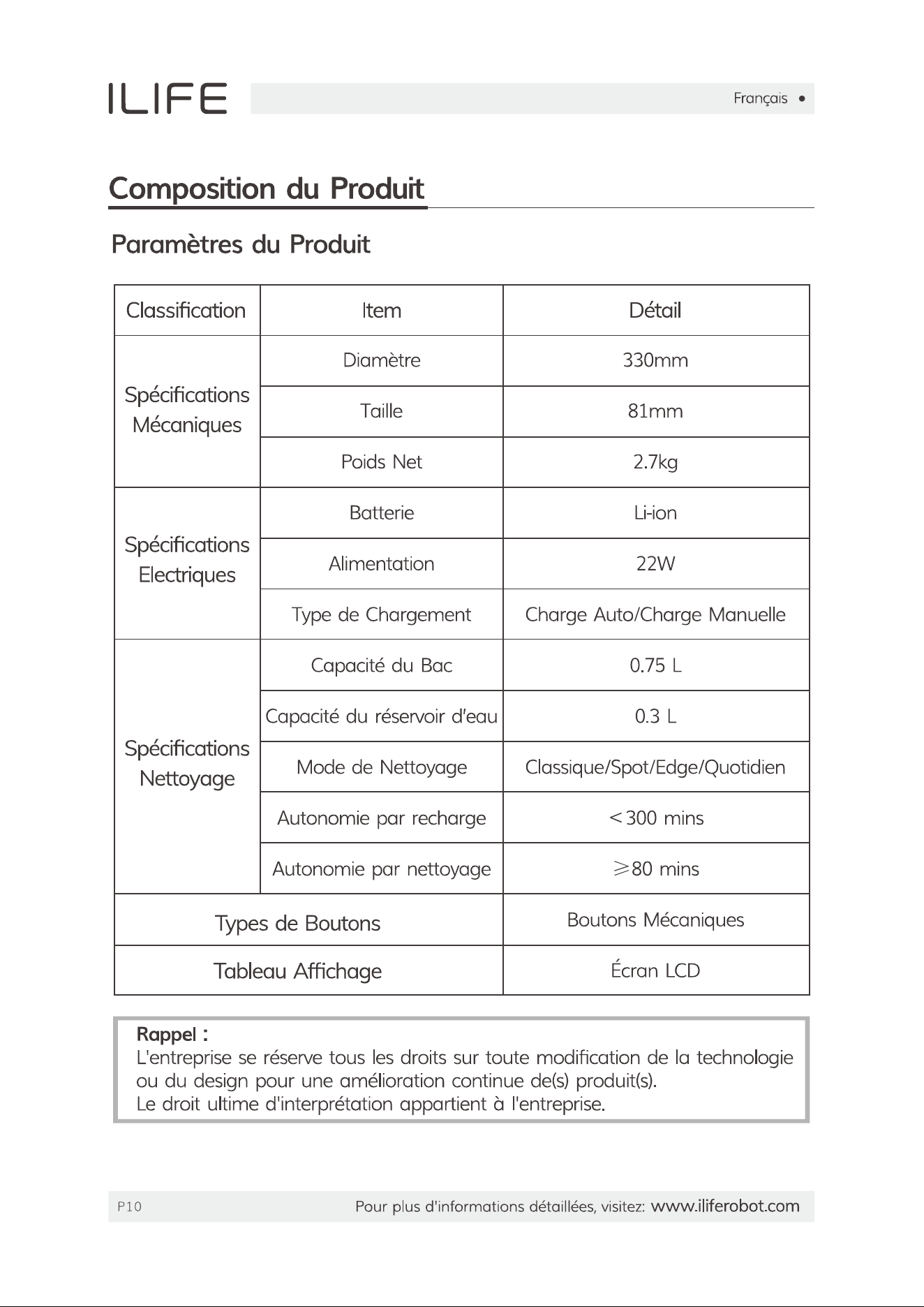
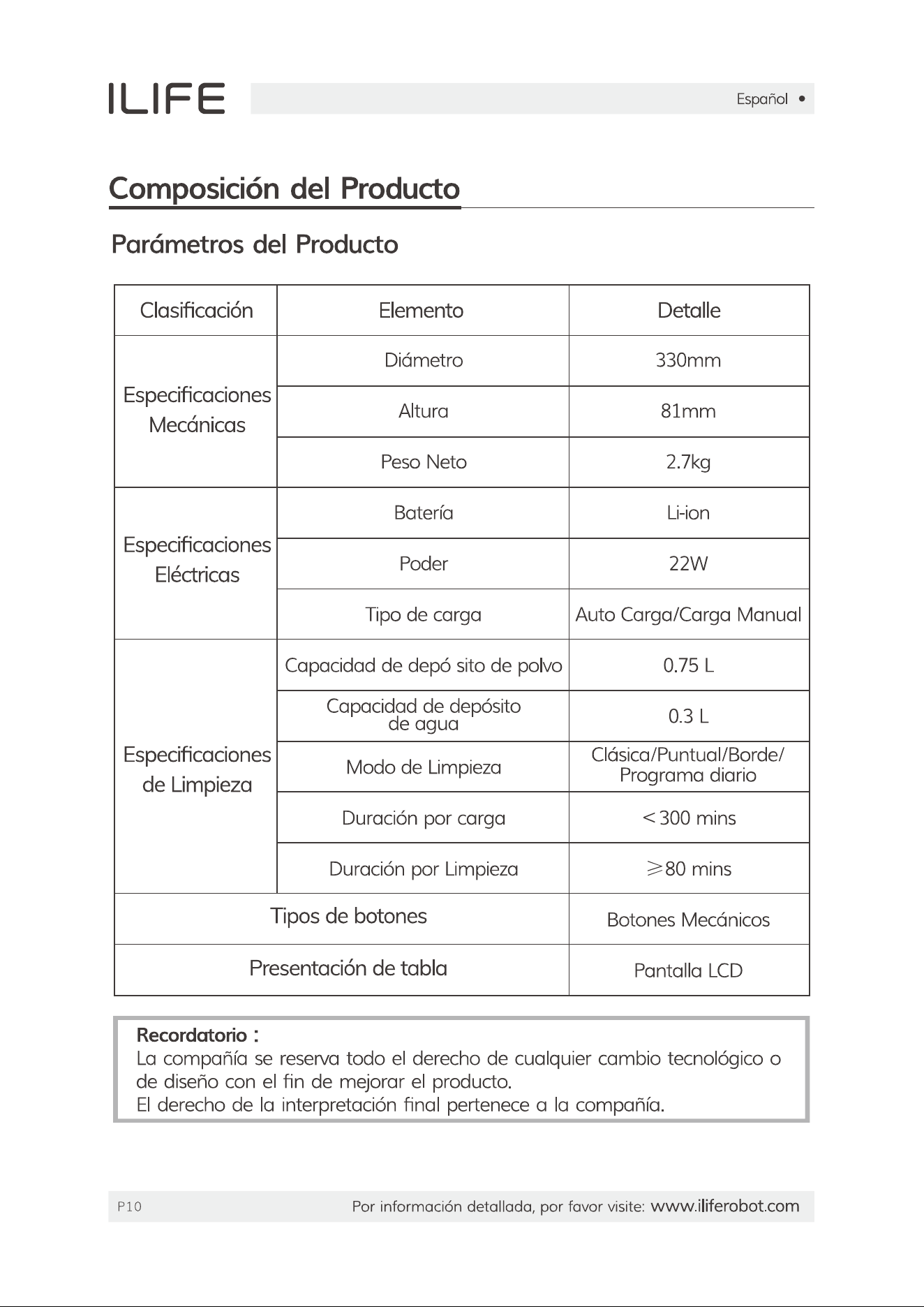
Specifications

Indexed Terms: Robot Vacuum

iLife V8s Questions and Answers

  • Total questions: 1

#1 Why does the robot make more noise and clean less efficiently than before?

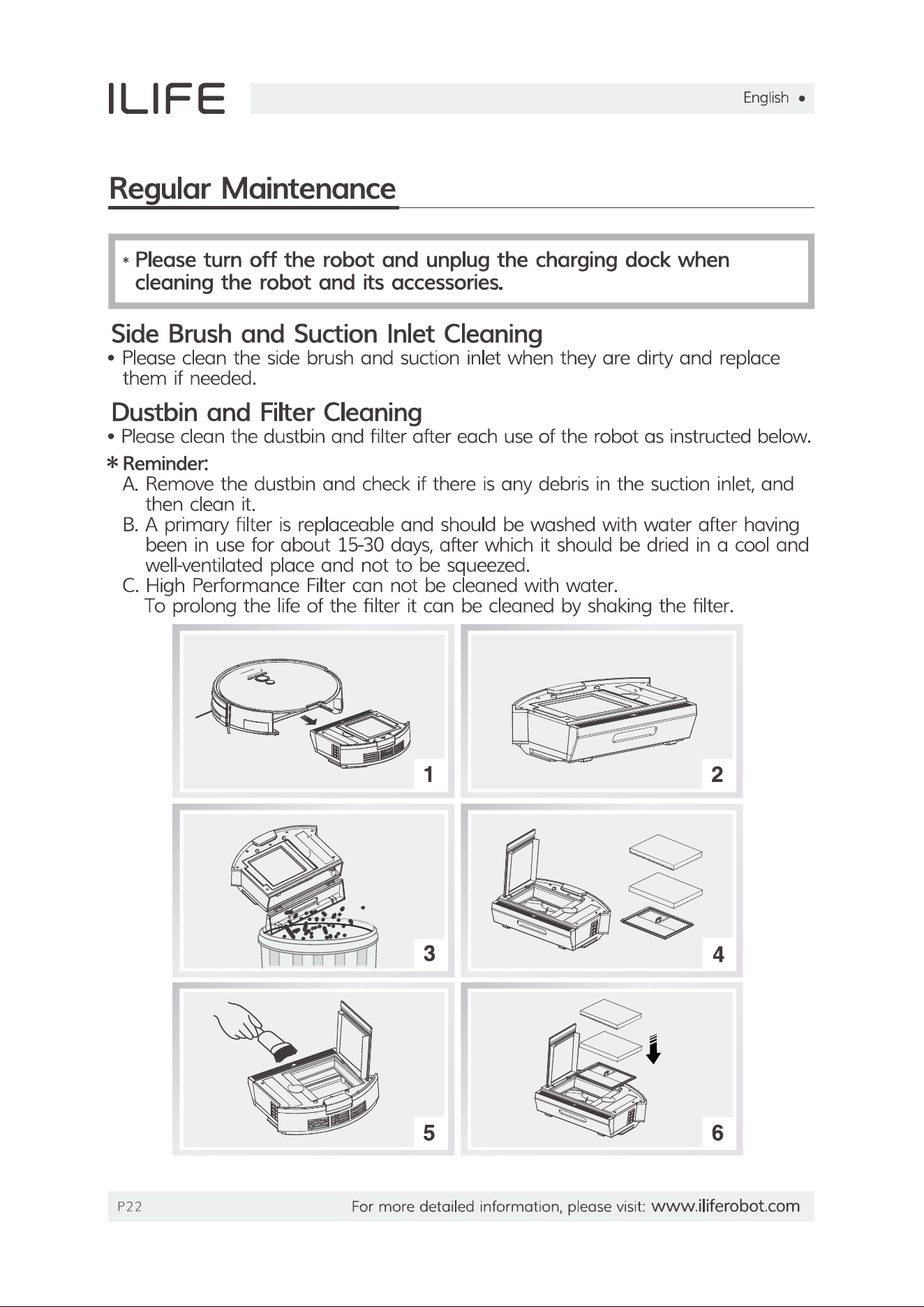
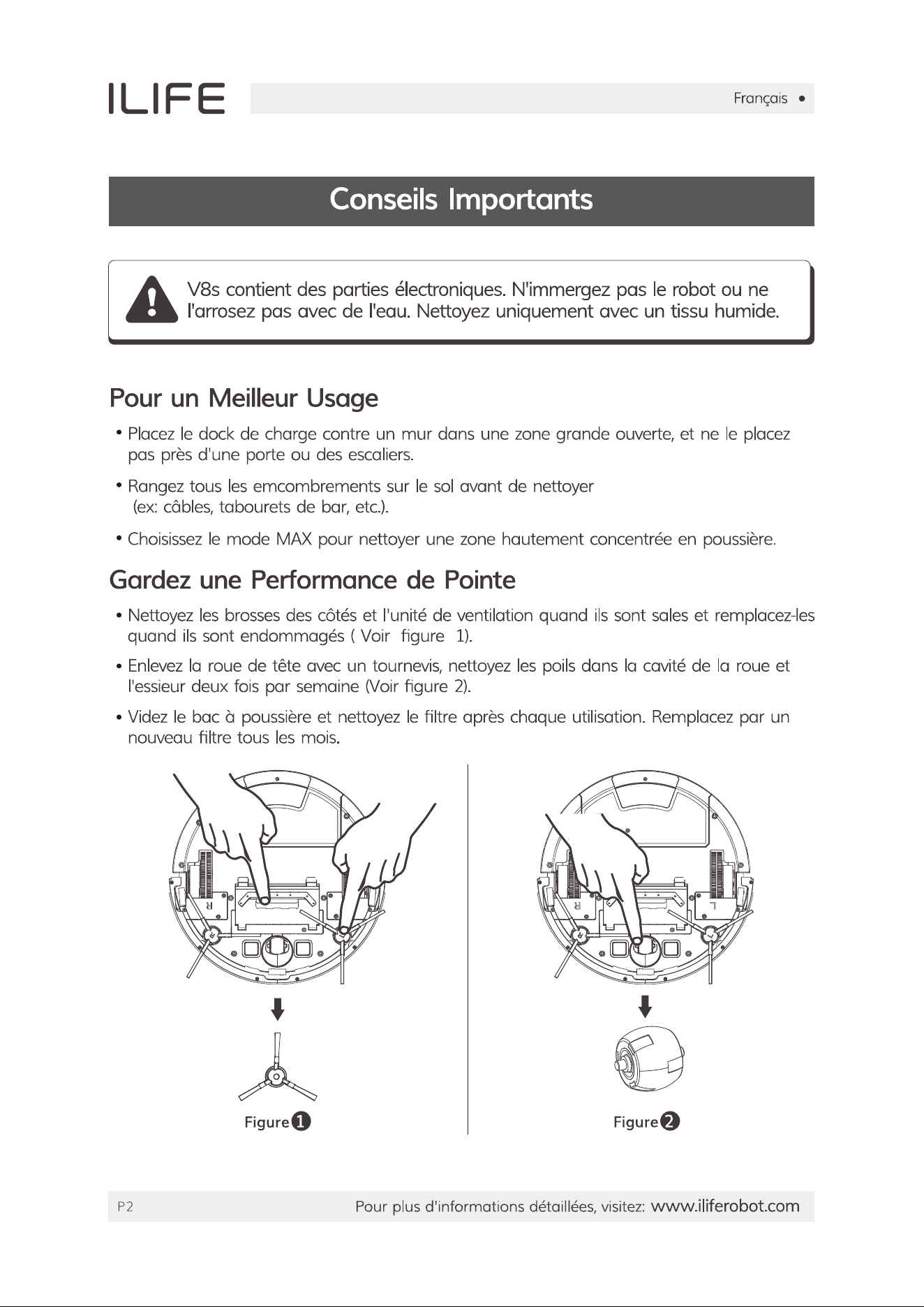
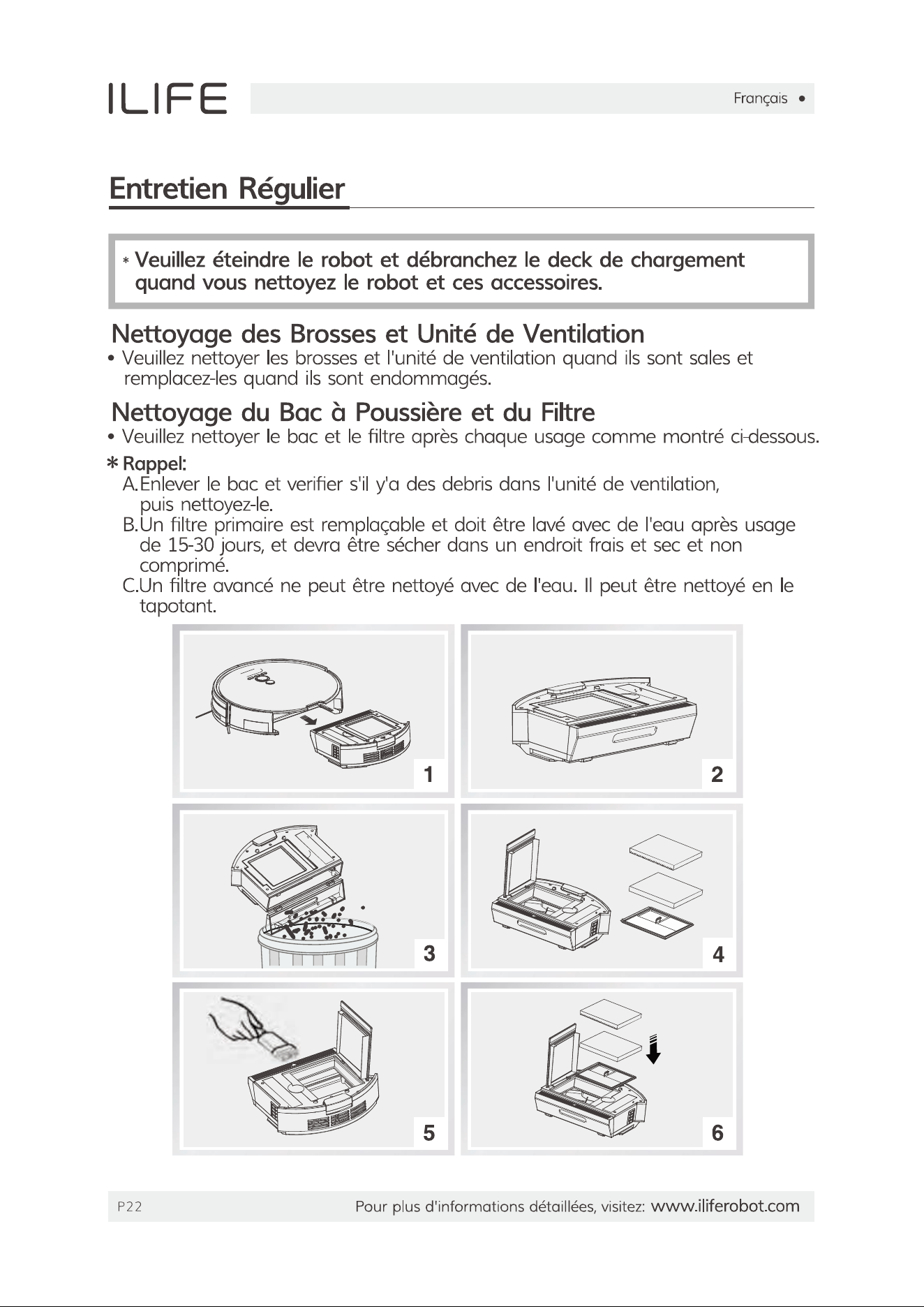
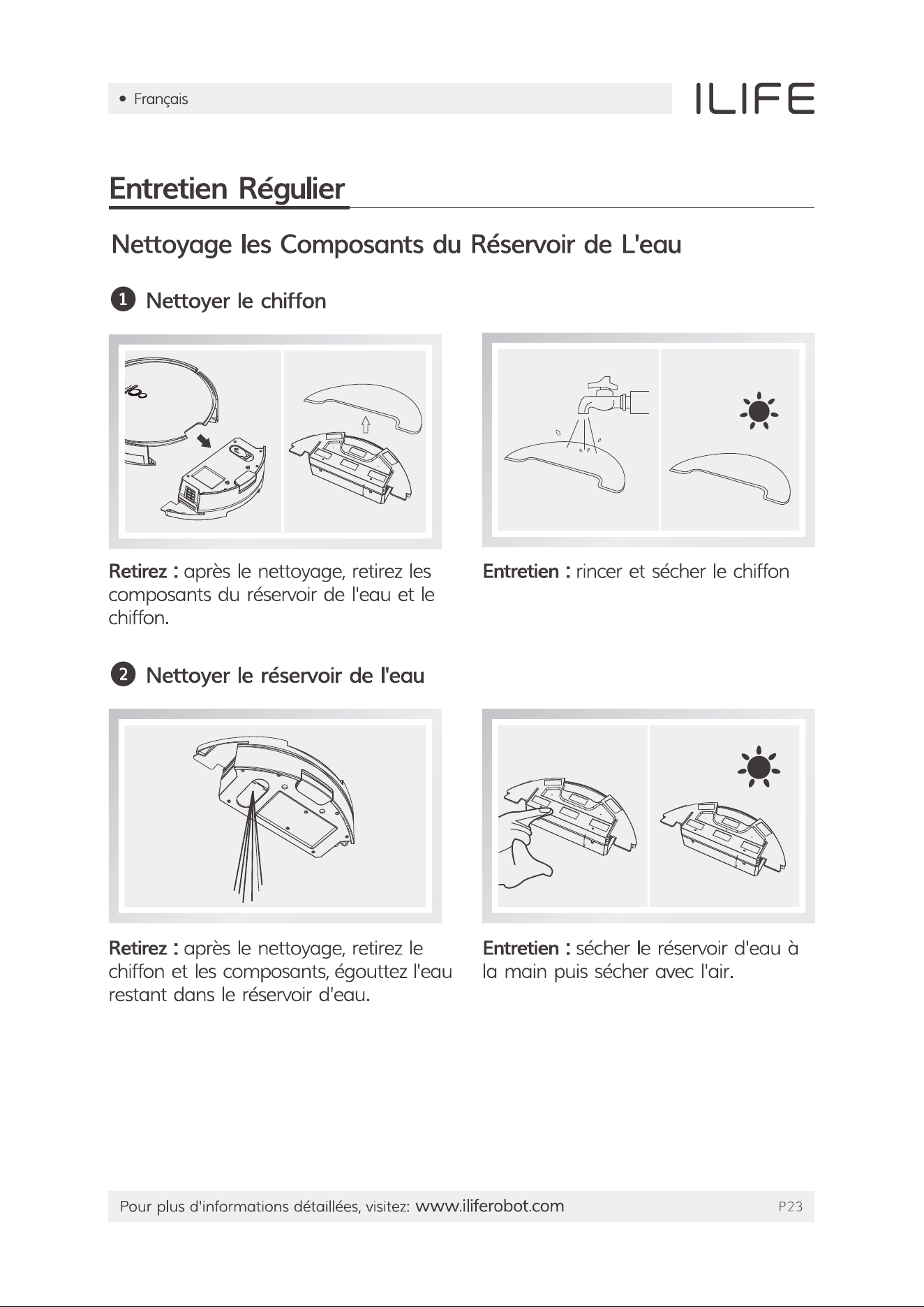
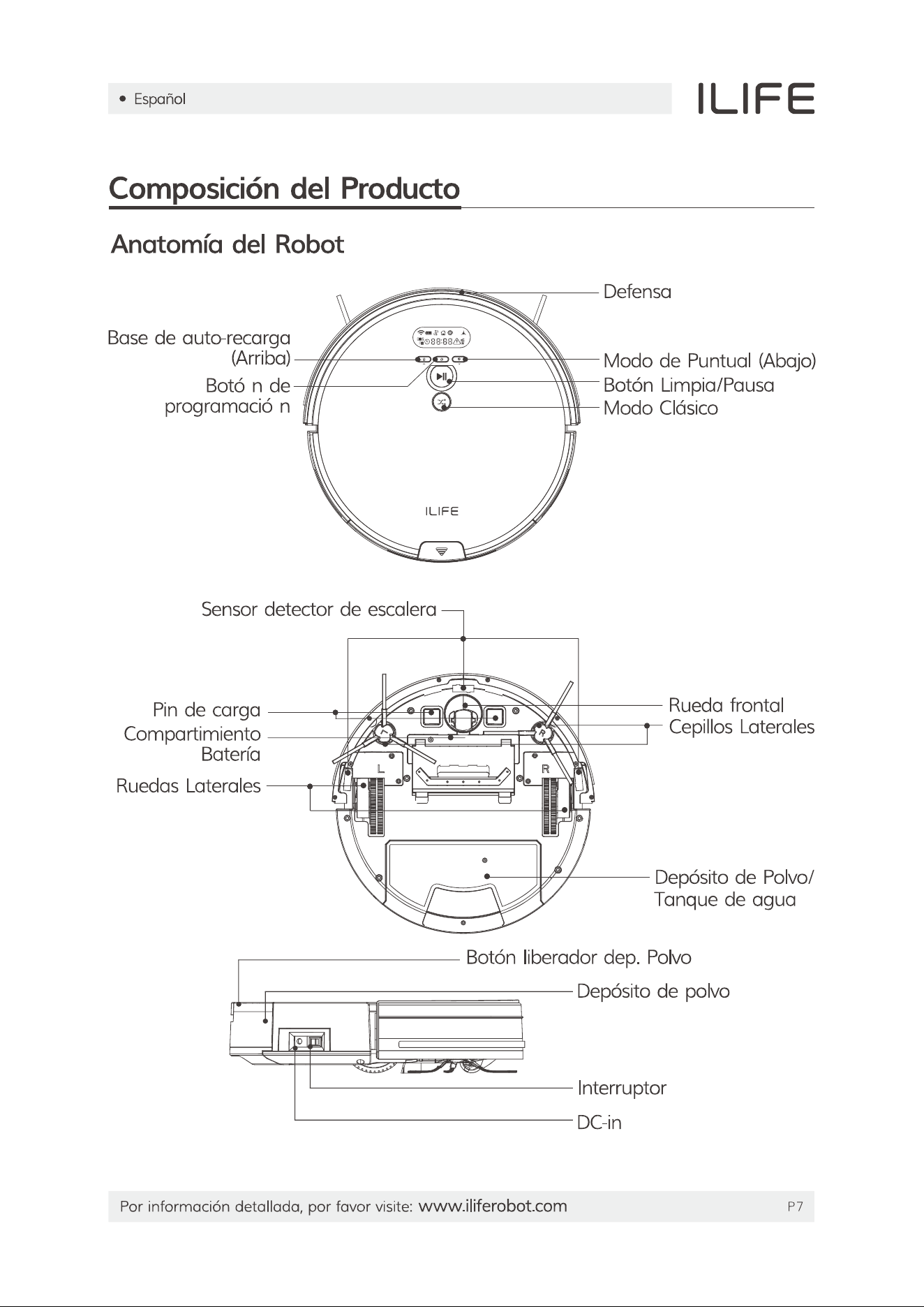
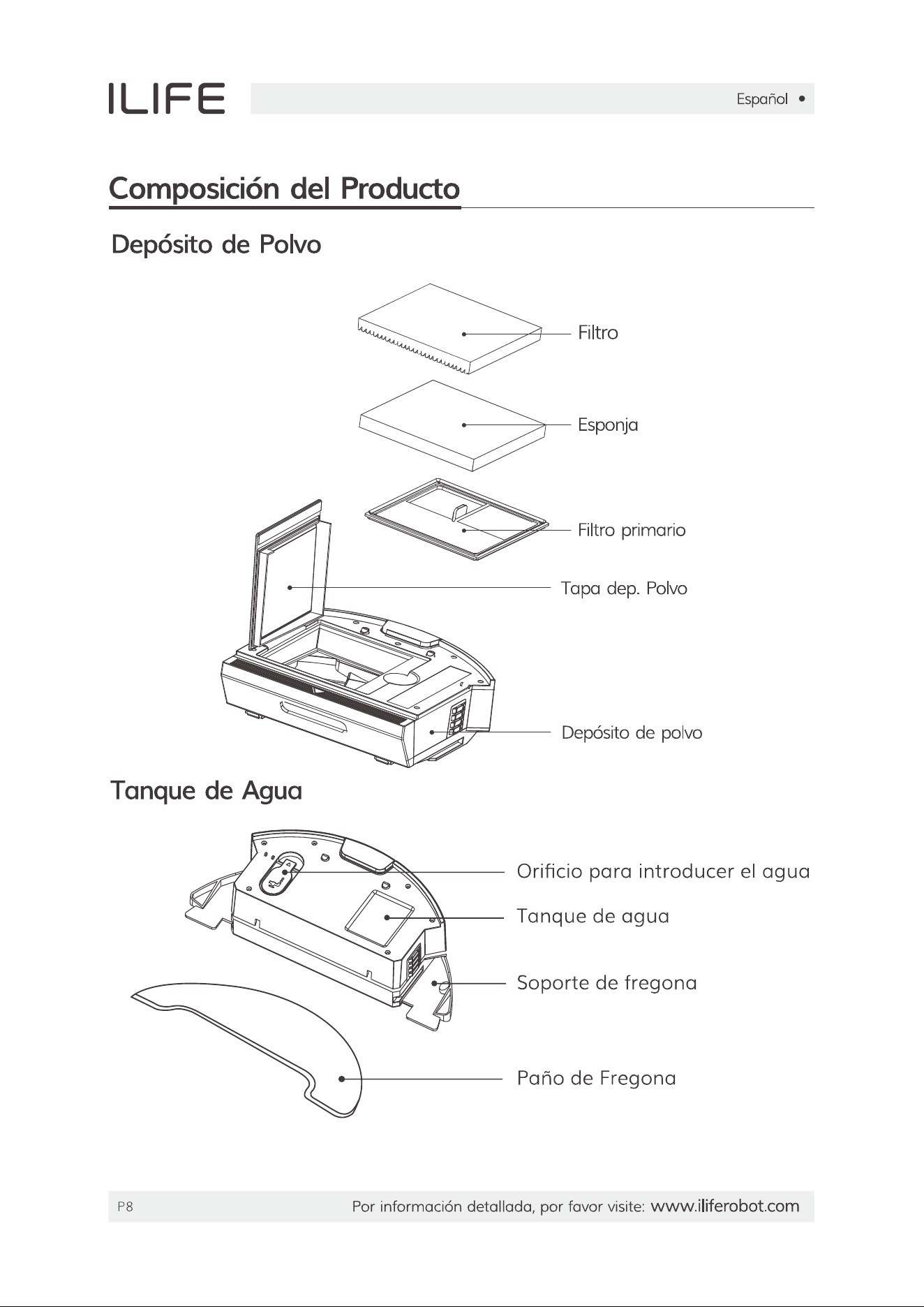
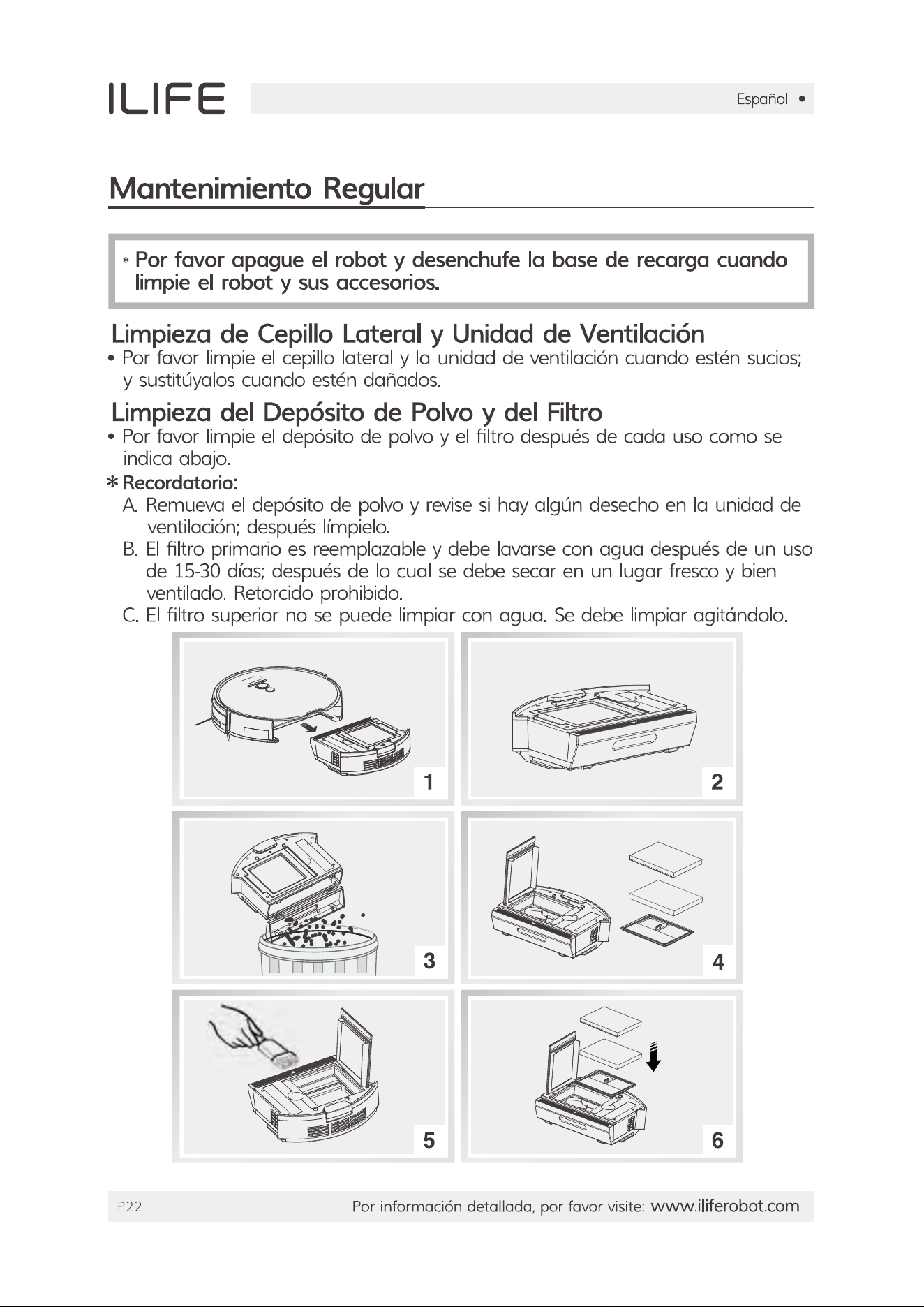
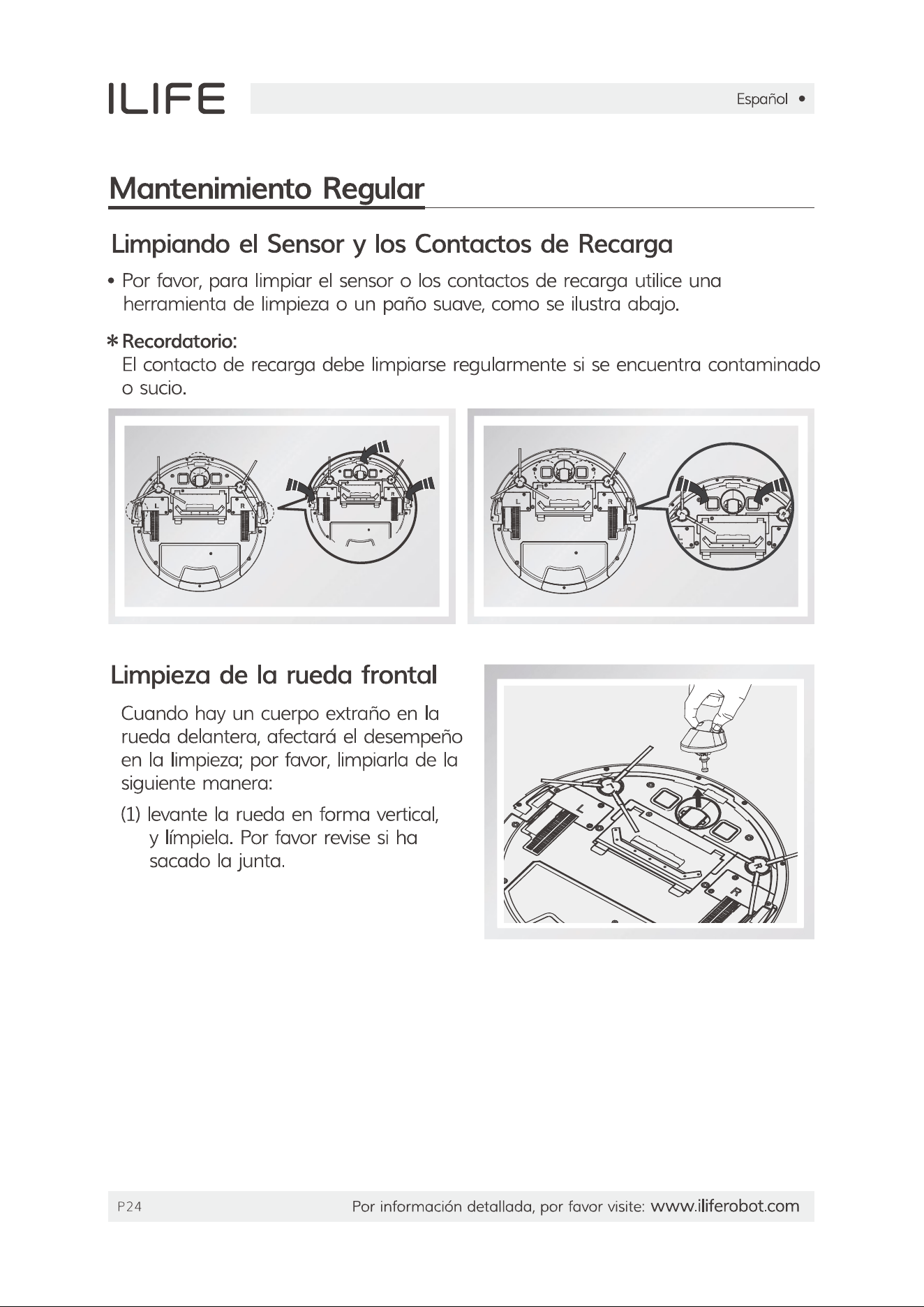
The robot needs to be maintained regularly. Follow these steps to remove debris from the robot:
1.Turn off the power switch. Remove and empty the dustbin.
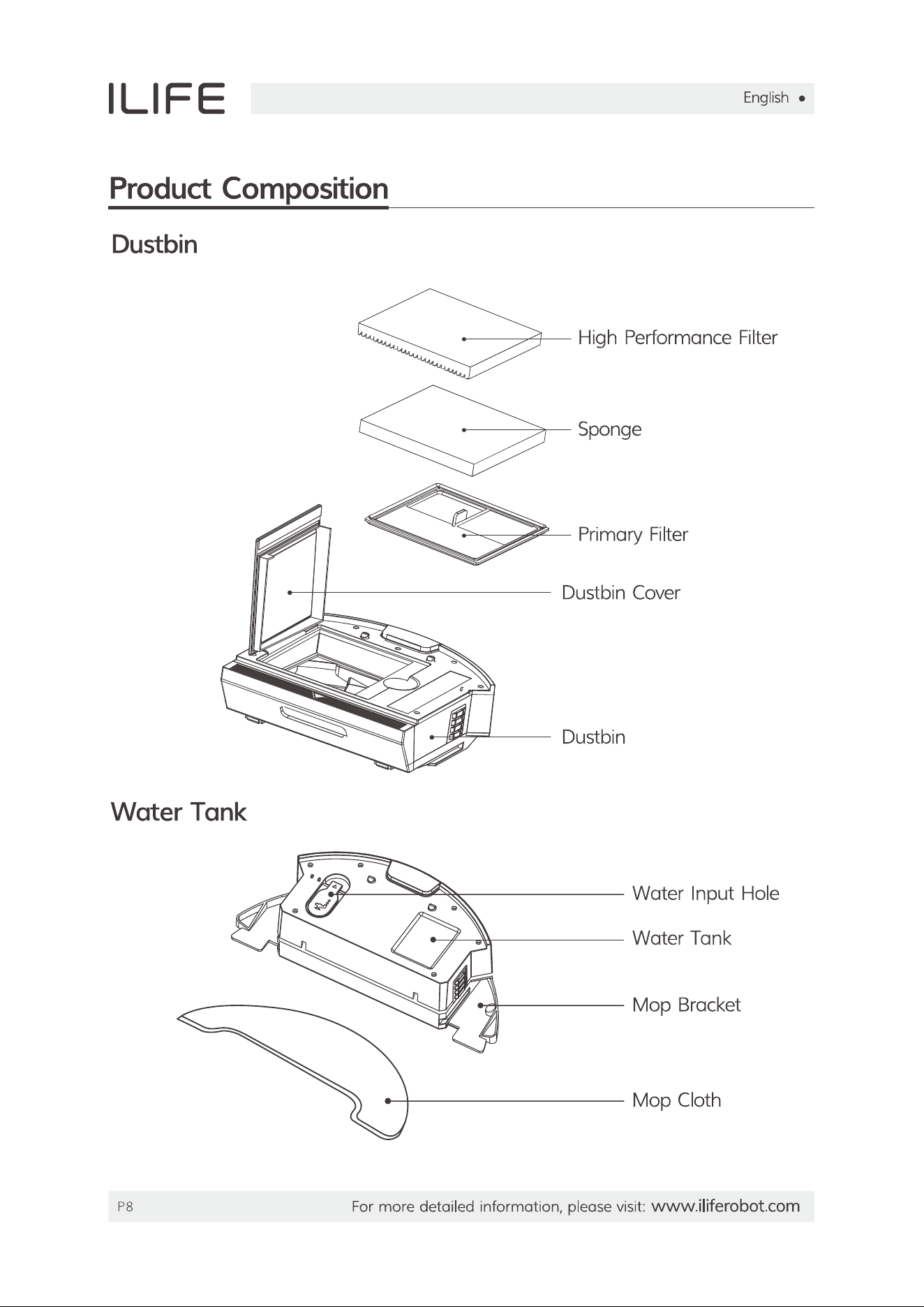
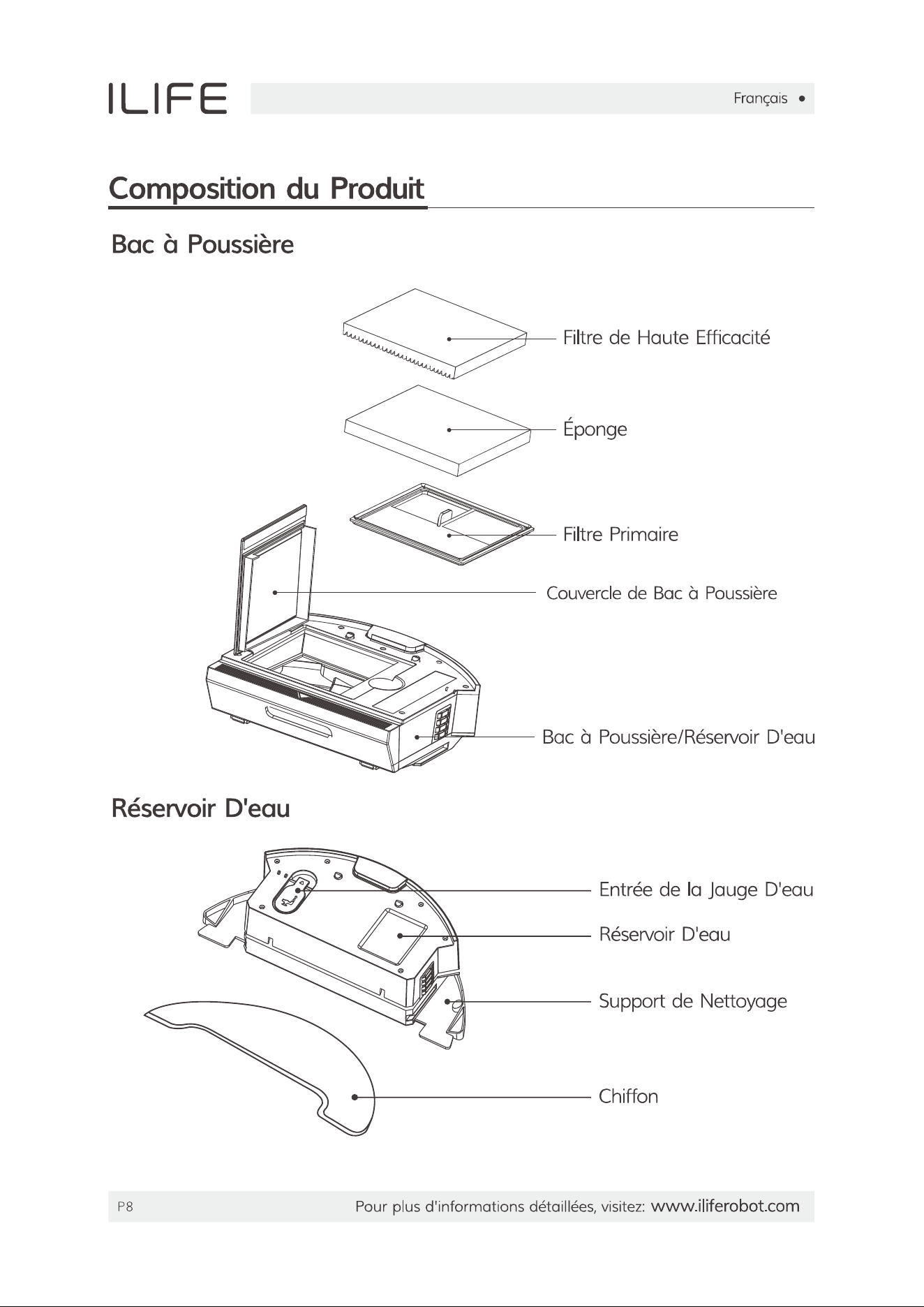
2.Clean the primary and high-performance filters.
3.Clean the main brush.
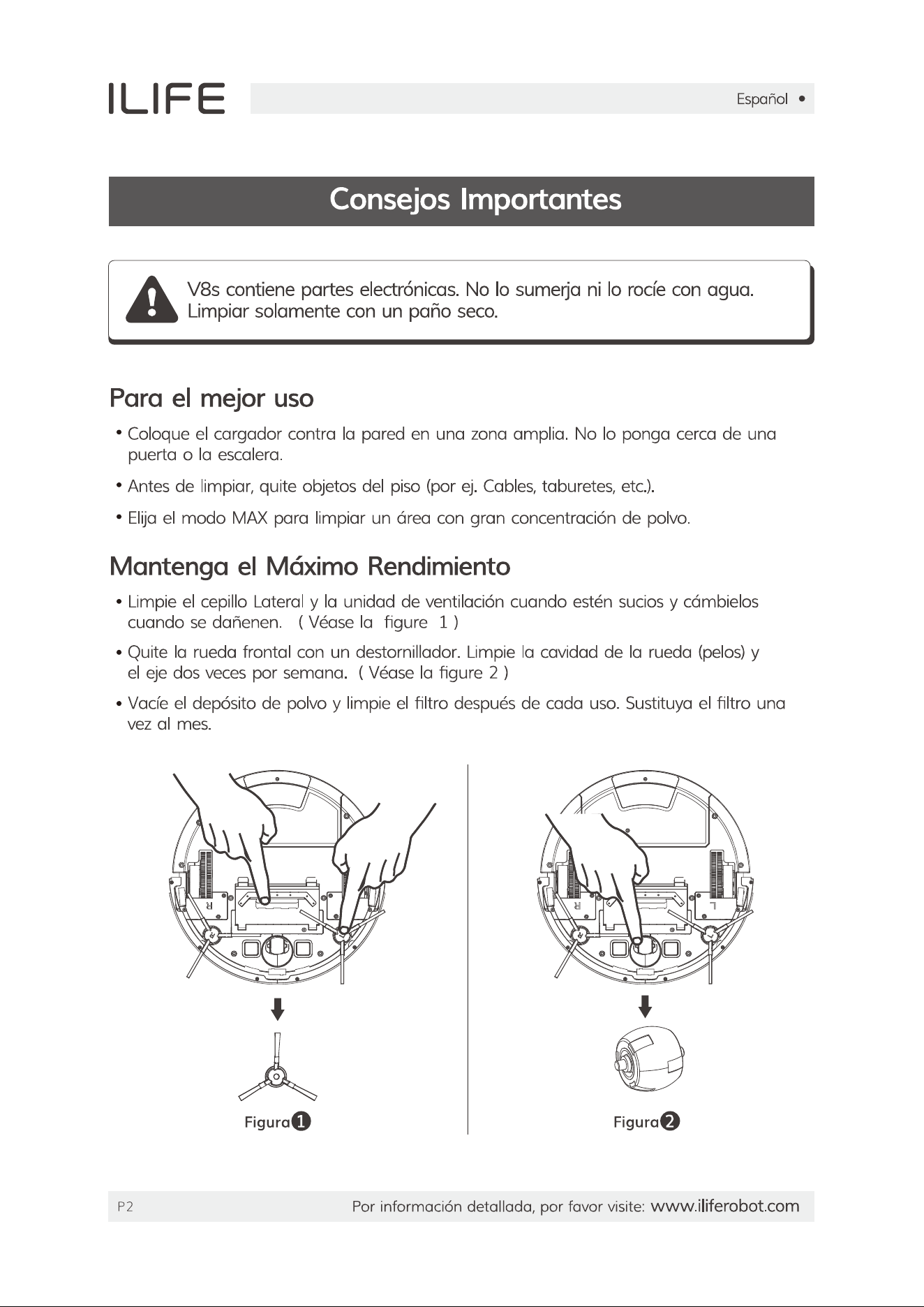
4.Remove and clean the side brushes.5. Remove and clean the main brush.

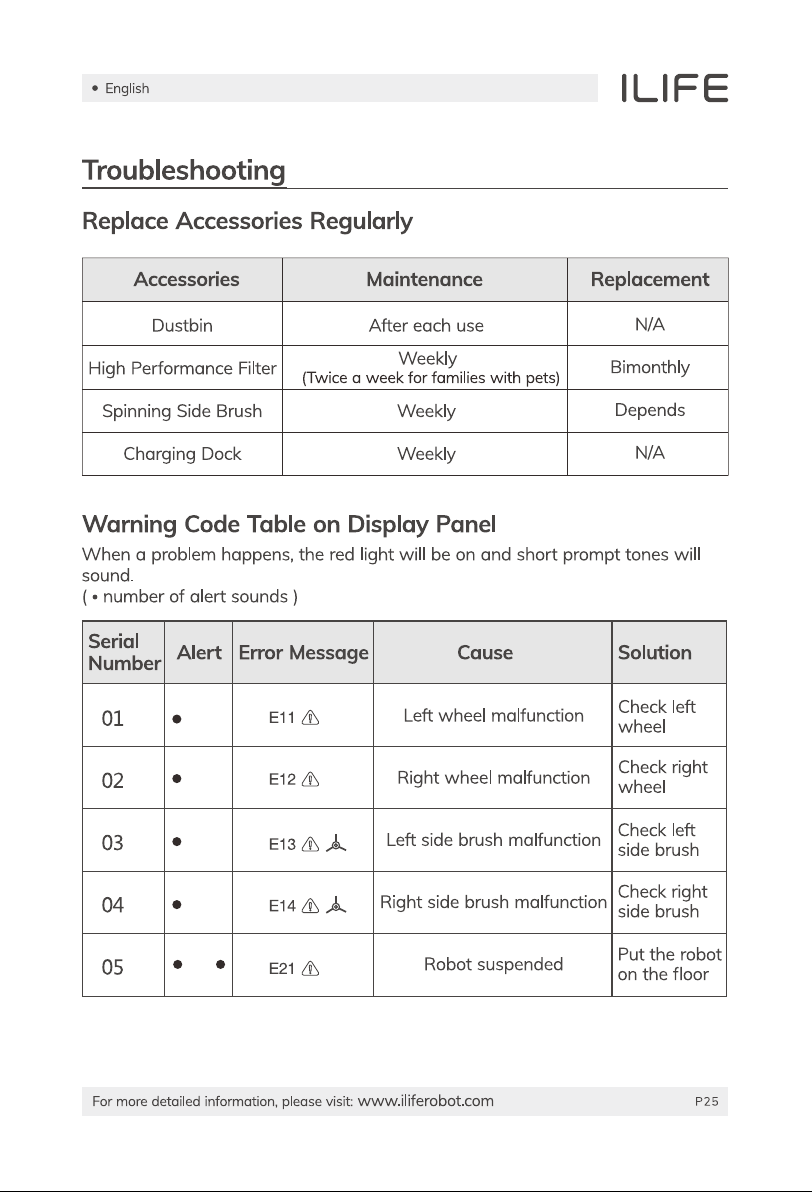
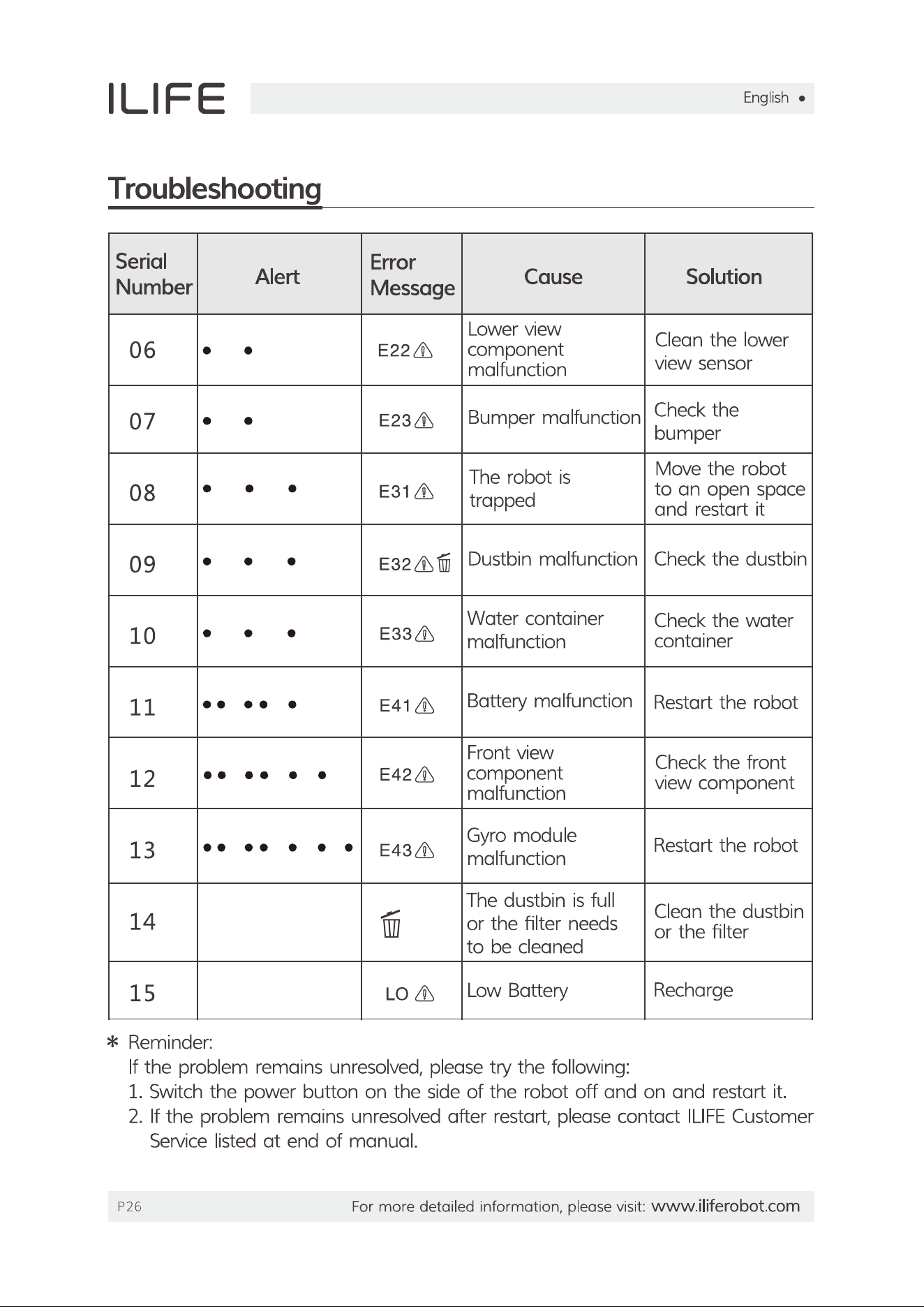
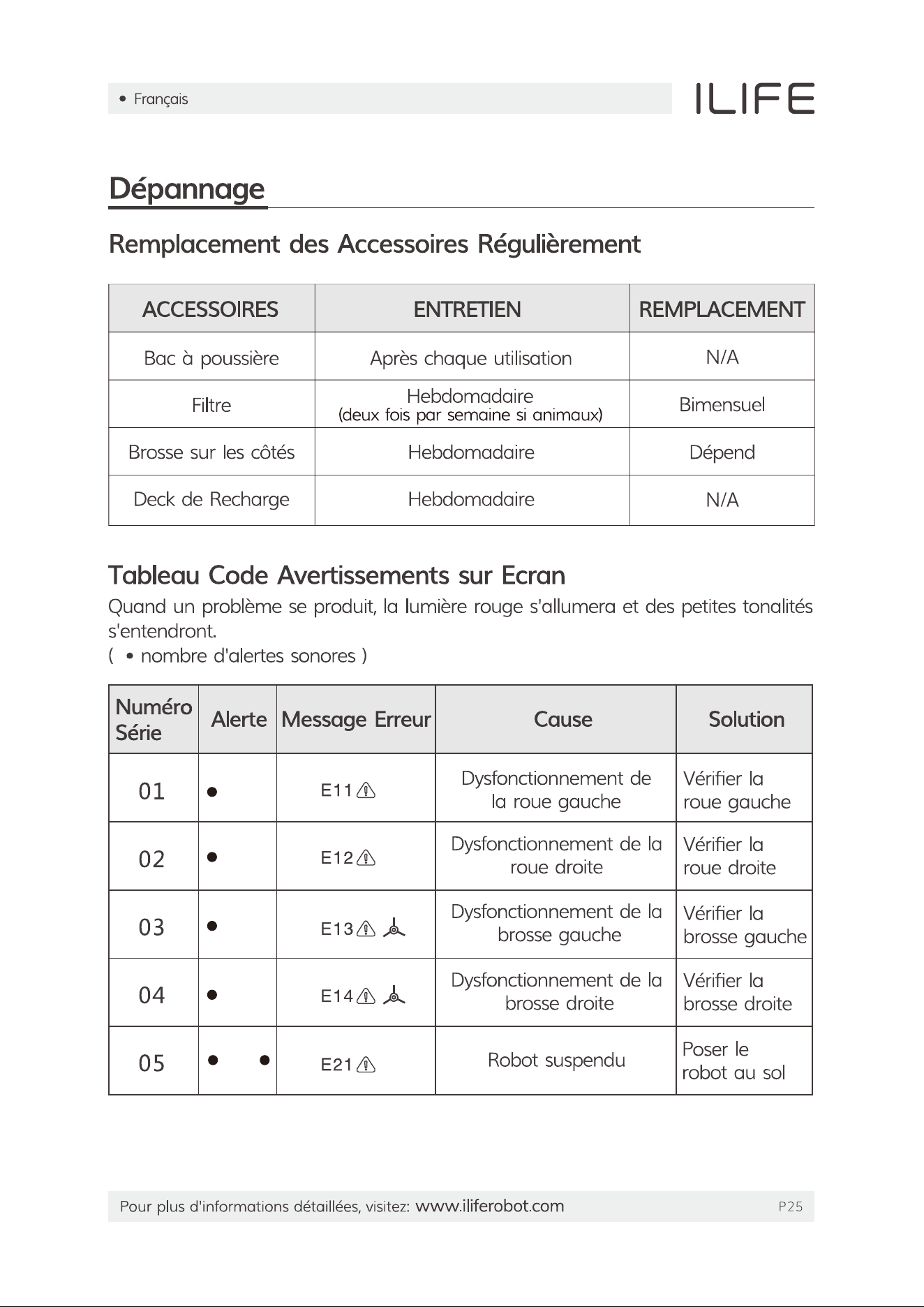
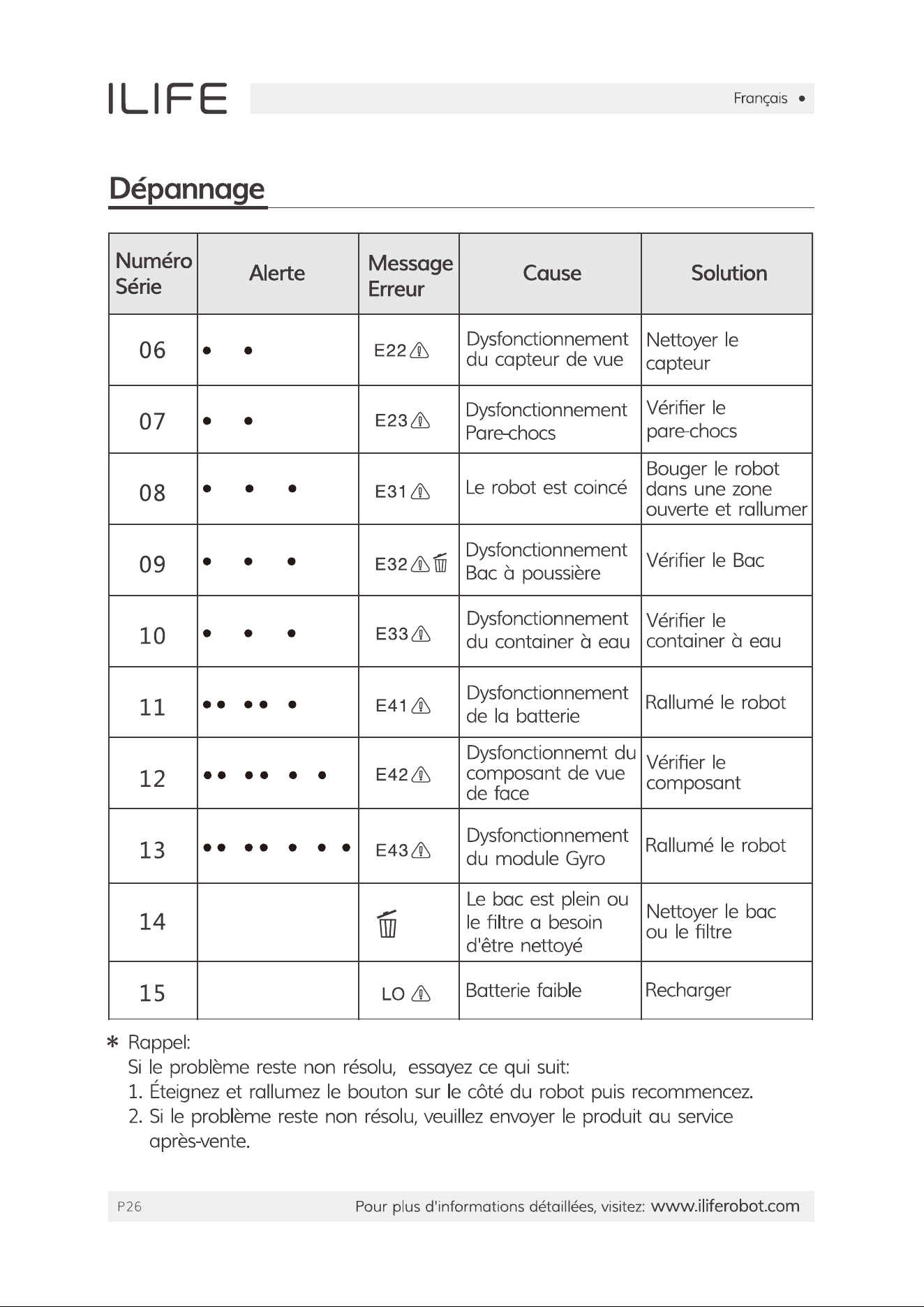
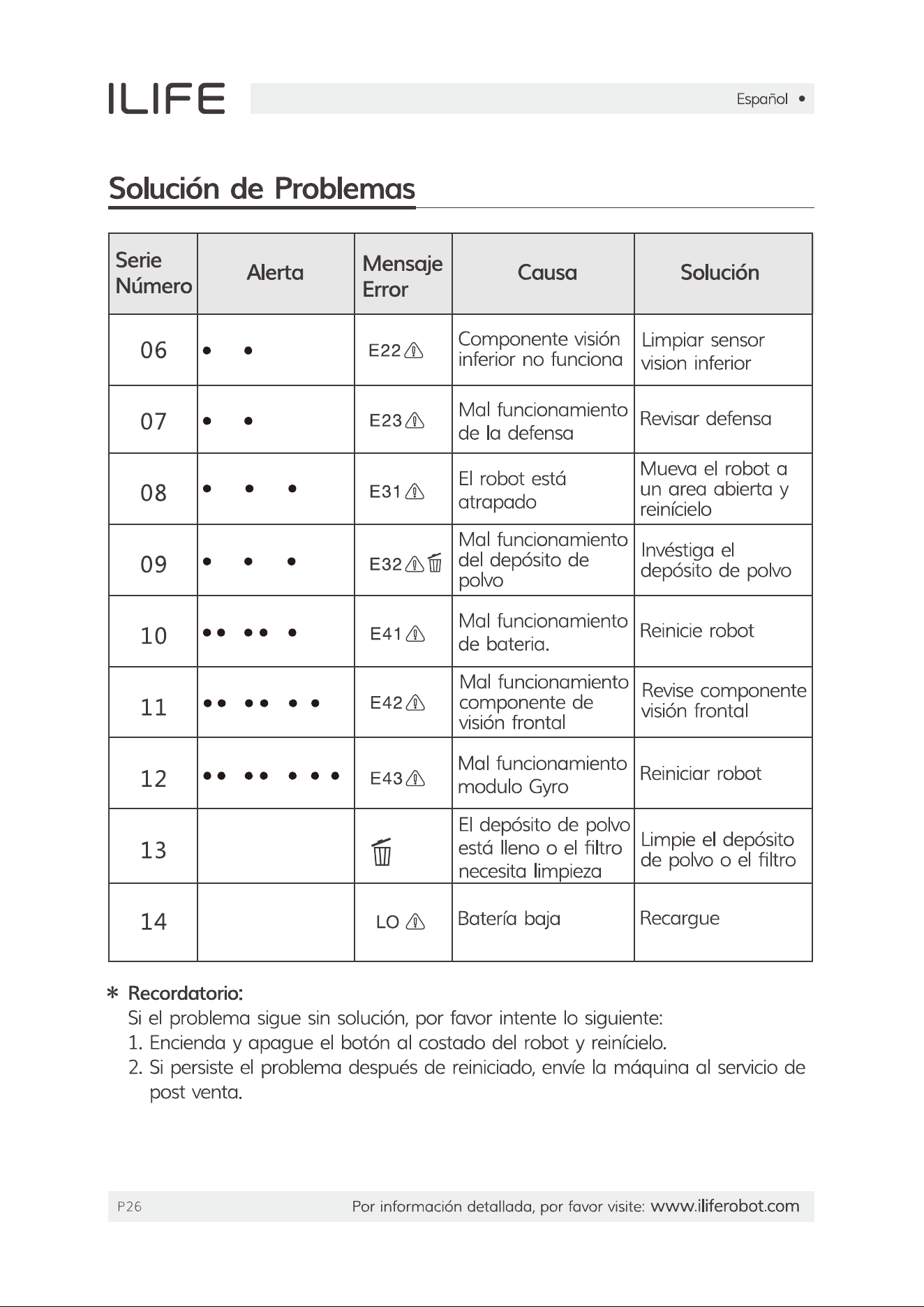
#2 The robot moves backwards and circles around and stops. The a red alert light appears and two Quick beeps follow.

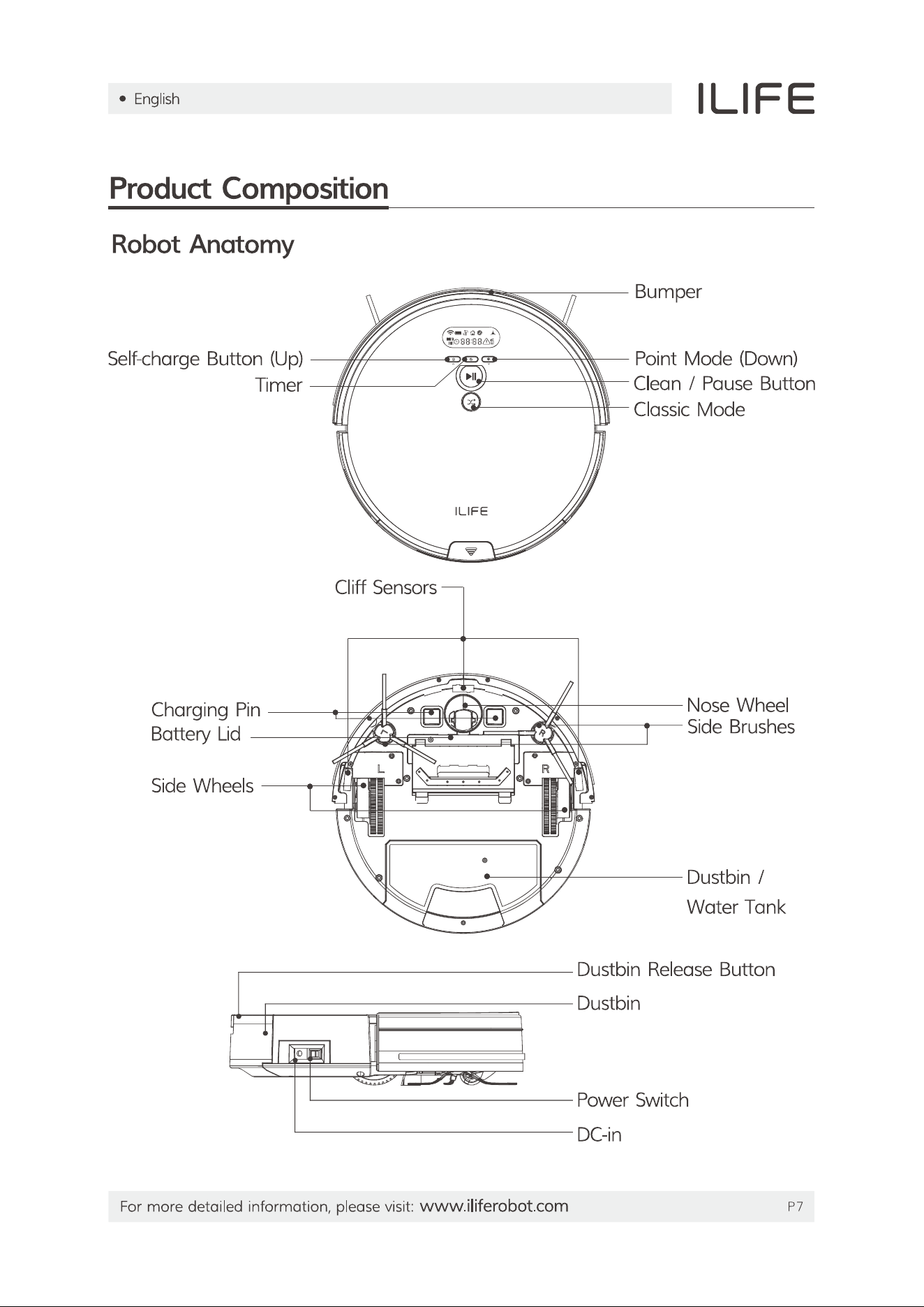
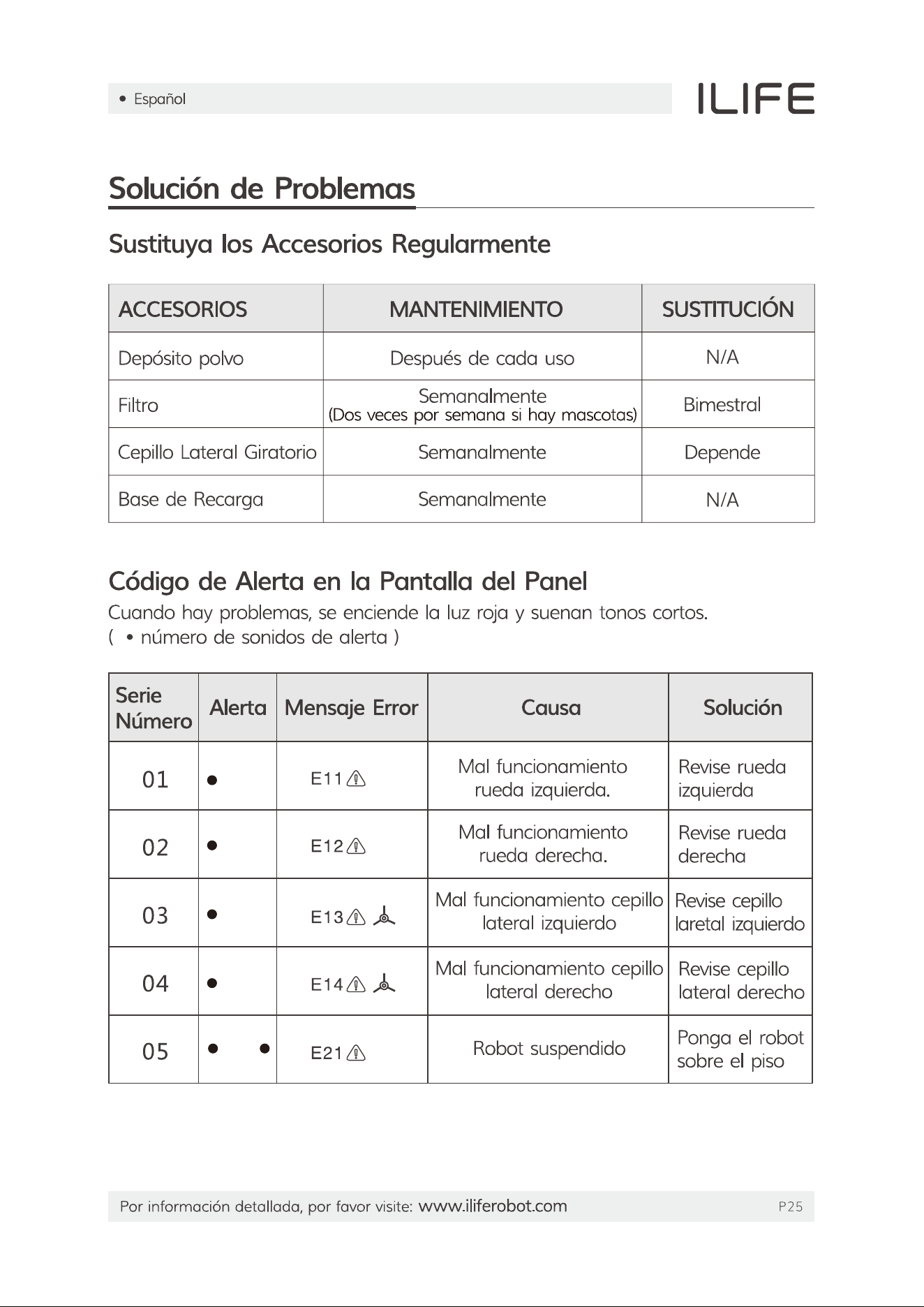
1. Check if the bumper is out all the way. Loosen the screws along the front bumper and tap to restore it to the original position. If nesessary, remove the front bumper, clean and reinstall (make sure not to make screws too tight).
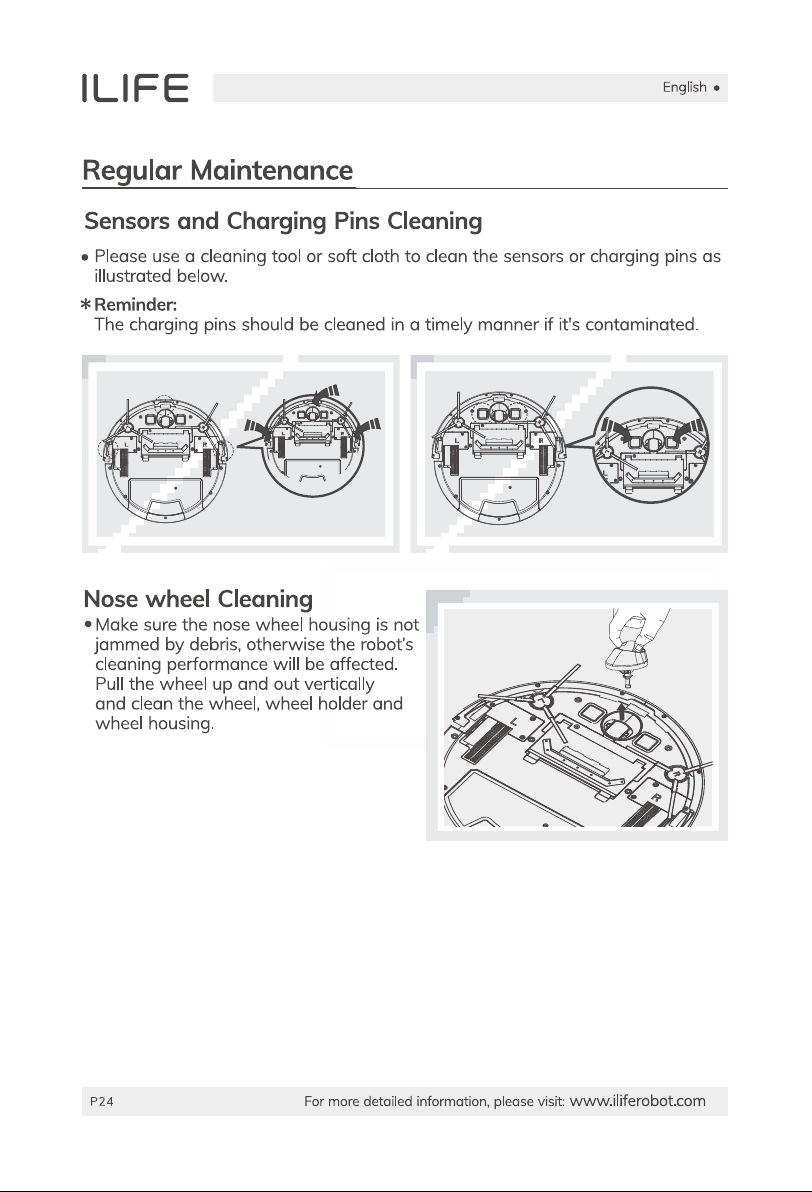
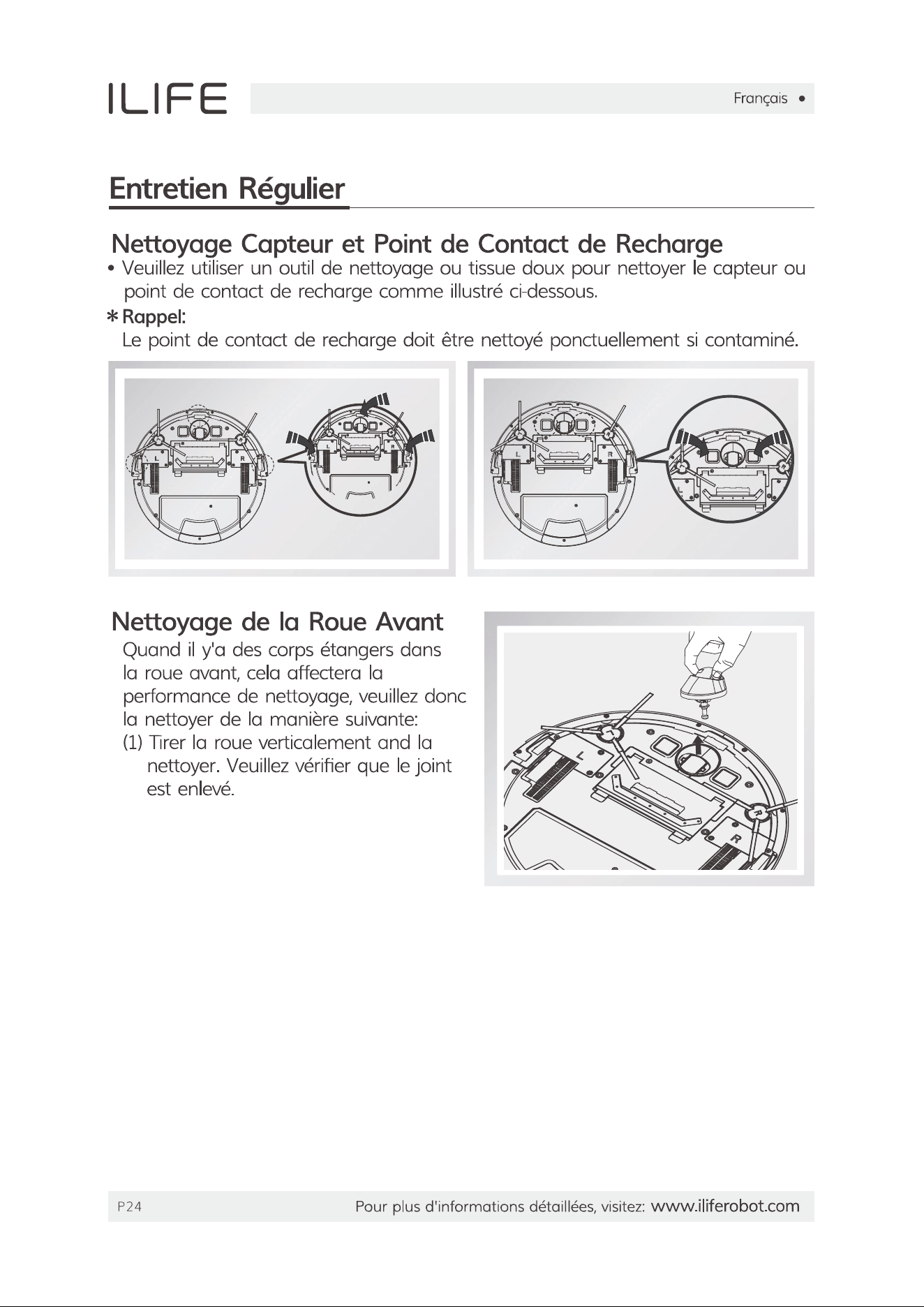
2. Clean the cliff sensors if they are dusty or covered by debris. If problem persists, contact our customer care.

Questions and Answers

Related Products