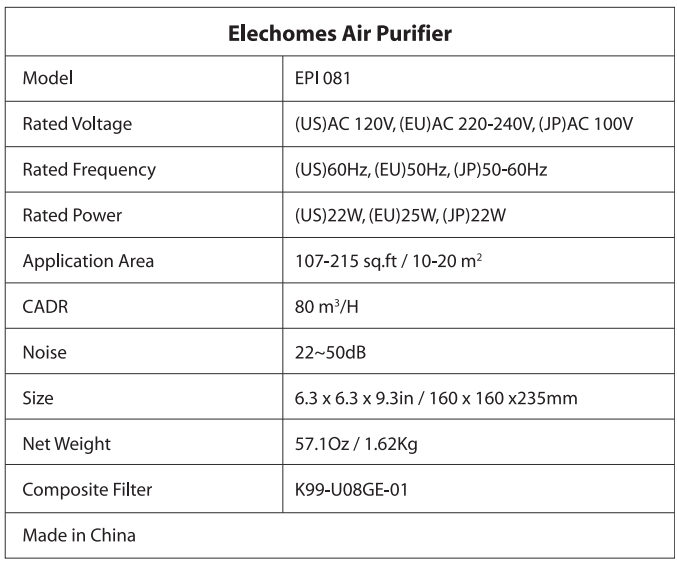
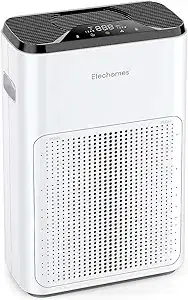
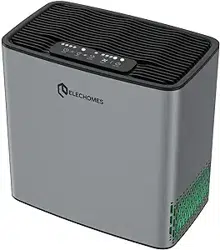
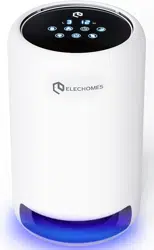
Elechomes EPI081 Air Purifiers
Product's Documents
Below are documents related to this product, you can read online or download:
- Owner's manual - (English) Read Online | Download pdf
Air Purifier User Manual
Please follow the precautions below. Failure to do so may result in personal injury or damage to the product. Improper use will invalidate the warranty.
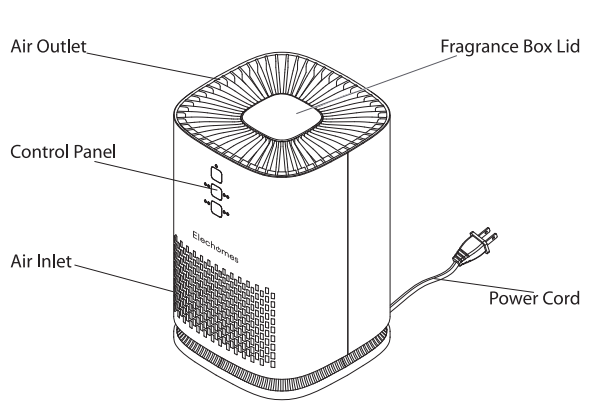
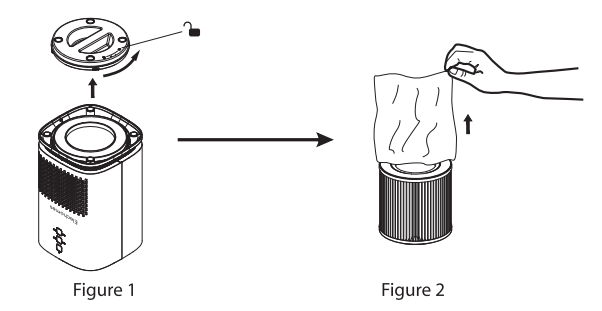
 as (Figure 1)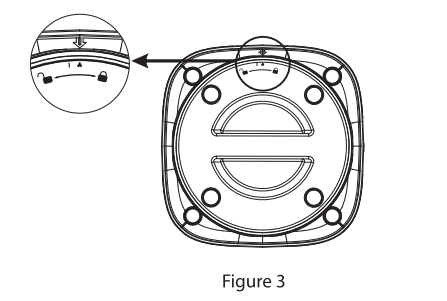
3. Place the composite filter into the unit. Twist the cap to the  position as (Figure 3).
Note: Make sure the triangle mark on the bottom cap with the arrow mark on the unit.)
 | On/Off Press the on/off button to turn on the air purifier. This will set the wind speed to level 1. |
 | Wind Speed Press the wind speed button to choose your desired wind speed: level 1, level 2, level 3, or S (sleep). (Note: when sleep mode is activated, the indicator lights will turn off. To exit sleep mode, press any button.) |
 | Timer Press the timer button to set your desired working time (1, 2, 4, and 8 hours). |
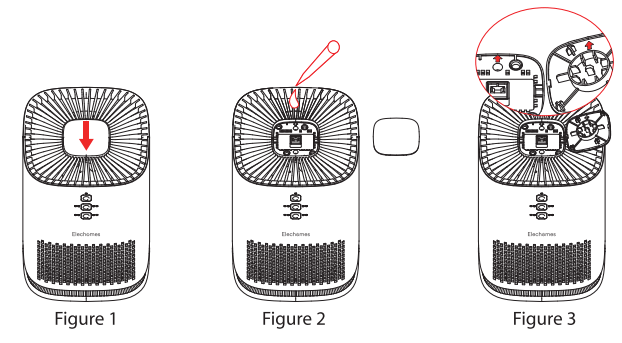
Note: the arrow mark inside the lid should be aligned with the arrow mark of the unit.)
After 3000 hours of use, the ON/OFF indicator will flash every 3 seconds to remind you to replace the filter. After the filter is replaced, turn on the purifier and press and hold the ON/OFF button for three seconds to reset the usage time.
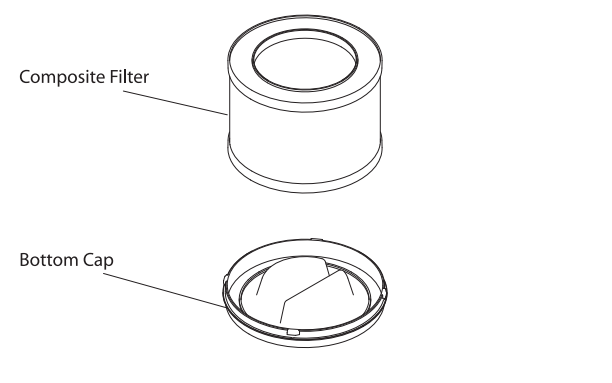
Composite Filter
Cleaning & Storage
| Problem | Cause | Solution |
|---|---|---|
| The device doesn't work | The device is not plugged in | Plug the device into a wall outlet |
| The wind output is | The plastic wrap on the filter has not been removed | Remove the plastic wrap and reinstall the filter |
| The inlets and outlets are weak blocked | Clear the blockage | |
| The filter is dirty | Clean or change the filter | |
| The air quality has not improved | The filter has not been installed Install the filter. | Install the filter. |
| Doors and windows are open | Close all doors and windows when using the device | |
| The inlets and outlets are blocked | Clear the blockage | |
| The filter is dirty | Clean or change the filter | |
| The device emits a strange smell | People smoke or cook inside the room | Ventilate the room |
| The filter is dirty | Clean or change the filter |