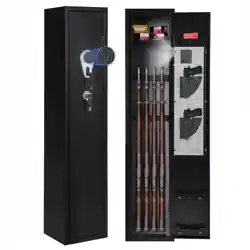
electronic gun safe
user manual
hello!
Welcome to the Ivation™ family. This manual helps you get to know your new safe a little better. For additional
information and technical support, please contact our helpful team at info@myivation.com.
intended use
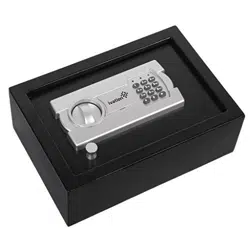
This all-steel, wall- or floor-mountable safe provides a secure location to store guns, documents and other valuables
that you want to keep nearby. Access to your items is provided by way of a passcode or with the included override
keys. Please note that this safe should not by used to store medically or environmentally sensitive materials.
what’s in the box?
1 x Gun Safe
2 x Override Key
4 x Screws
4 x Anchors
4 x Washers
4 x AA Battery
1 x Owner’s Manual
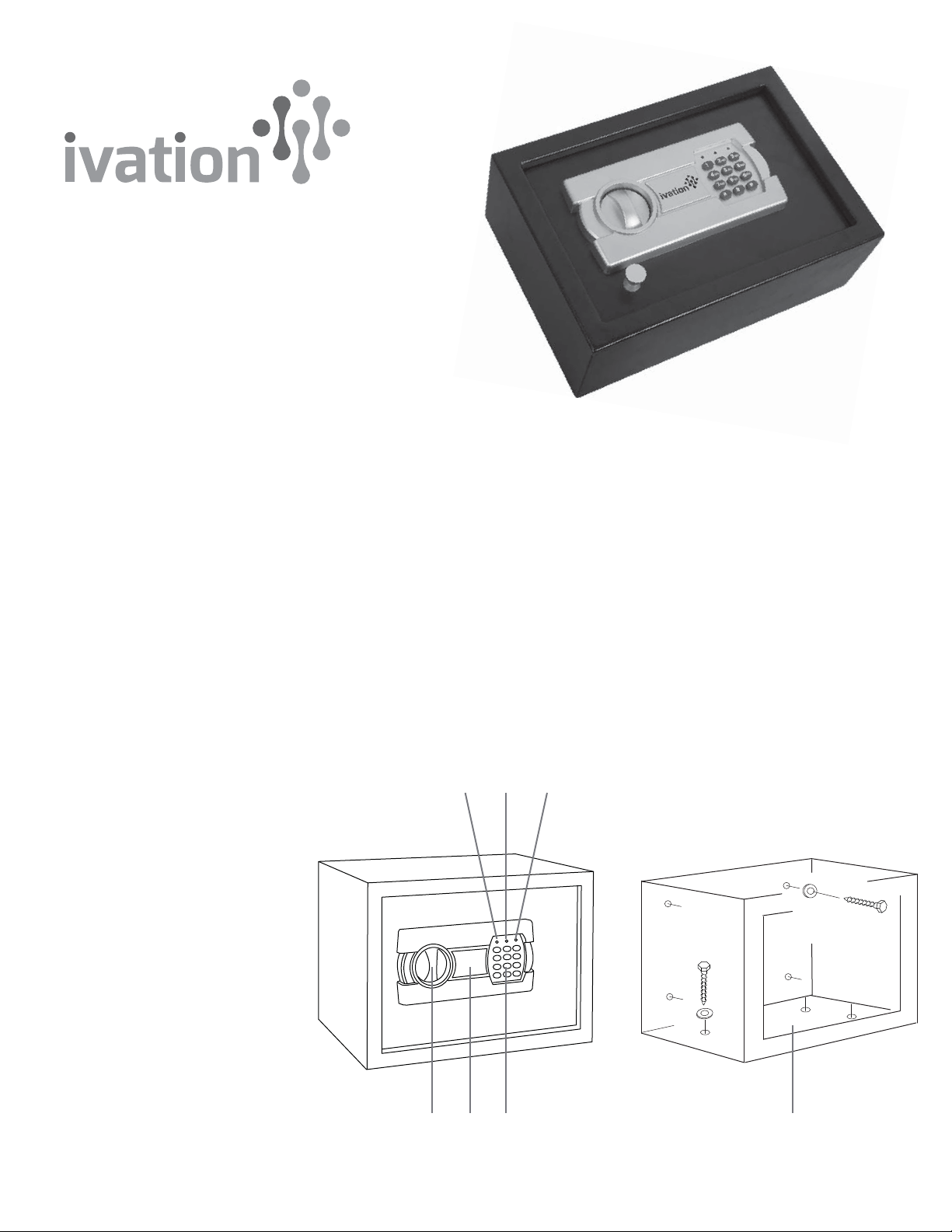
parts & controls
1. Knob
2. Keyhole Cover
3. Keypad
4. Yellow LED
5. Red LED
6. Green LED
7. Reset Button (inside door
near the hinge - not shown)
8. Battery Compartment
(on back of door - not shown)
9. Mounting Holes
21 39
546

set your own passcode
While some other safes on the market are needlessly complicated to program, your new Ivation™ gun safe can
register your own passcode in just a few simple steps:
1. Using flat screwdriver, pop Keyhole Cover (2) off safe door.
2. Insert included override key into keyhole, and turn counterclockwise.
3. Turn Knob (1) clockwise to unlock safe, and pull door open.
4. Remove cover of Battery Compartment (8) and insert included batteries.
5. Locate Reset Button (8) on safe door near hinge.
6. Press and release button. Yellow LED (4) will turn on. Safe is now in learning mode.
7. Using Keypad (3), enter your new passcode (between 3-8 digits long).
8. After entering your new passcode, press ‘#’ key to confirm.
9. Yellow LED (4) will blink twice to indicate new passcode has been registered.
10. Before closing door, test your new passcode:
a. With door open, turn Knob (1) counterclockwise to engage lock.
b. Enter your new passcode followed by ‘*’ key.
c. When Green LED (6) flashes, turn Knob (1) clockwise to unlock safe.
d. If safe doesn’t open as it should, repeat steps 5-8.
Important! In event of forgotten passcode or dead batteries, do not attempt to force safe open. Safe will
not yield, but locking mechanism may still suffer damage. Use included override keys to unlock safe and set
new password.
mount to wall or floor
You may choose to secure your safe to the floor or wall. This provides additional protection for your valuables and
thwarts any attempts at stealing the safe unit.
1. Use fingernails or flathead screwdriver to gently lift and remove protective liner from inside safe.
2. Position safe in preferred area. Fasten by driving included screws through Mounting Holes (9). Use included
anchors if necessary.
3. Replace protective liner to hide screws and keep valuables from scratching.
replacing batteries
1. Locate Battery Compartment (8) on safe door.
2. Press release tab and remove compartment door.
3. Remove spent batteries and replace with 4 fresh AA batteries in correct polarity.
4. Replace compartment door and push in until it clicks.
technical specifications
Dimensions: 12.5” x 9” x 4.5”
Power Source: 4 AA Batteries (Included)
Number of LED Bulbs: 3
Distributed by
C & A Marketing
2 Bergen Turnpike
Ridgefield Park, NJ 07660
Made in China
ivation is a trademark of
C&A IP Holdings, LLC
©2014 All right reserved