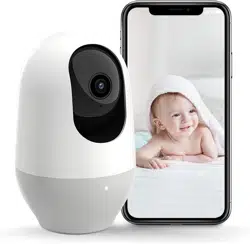
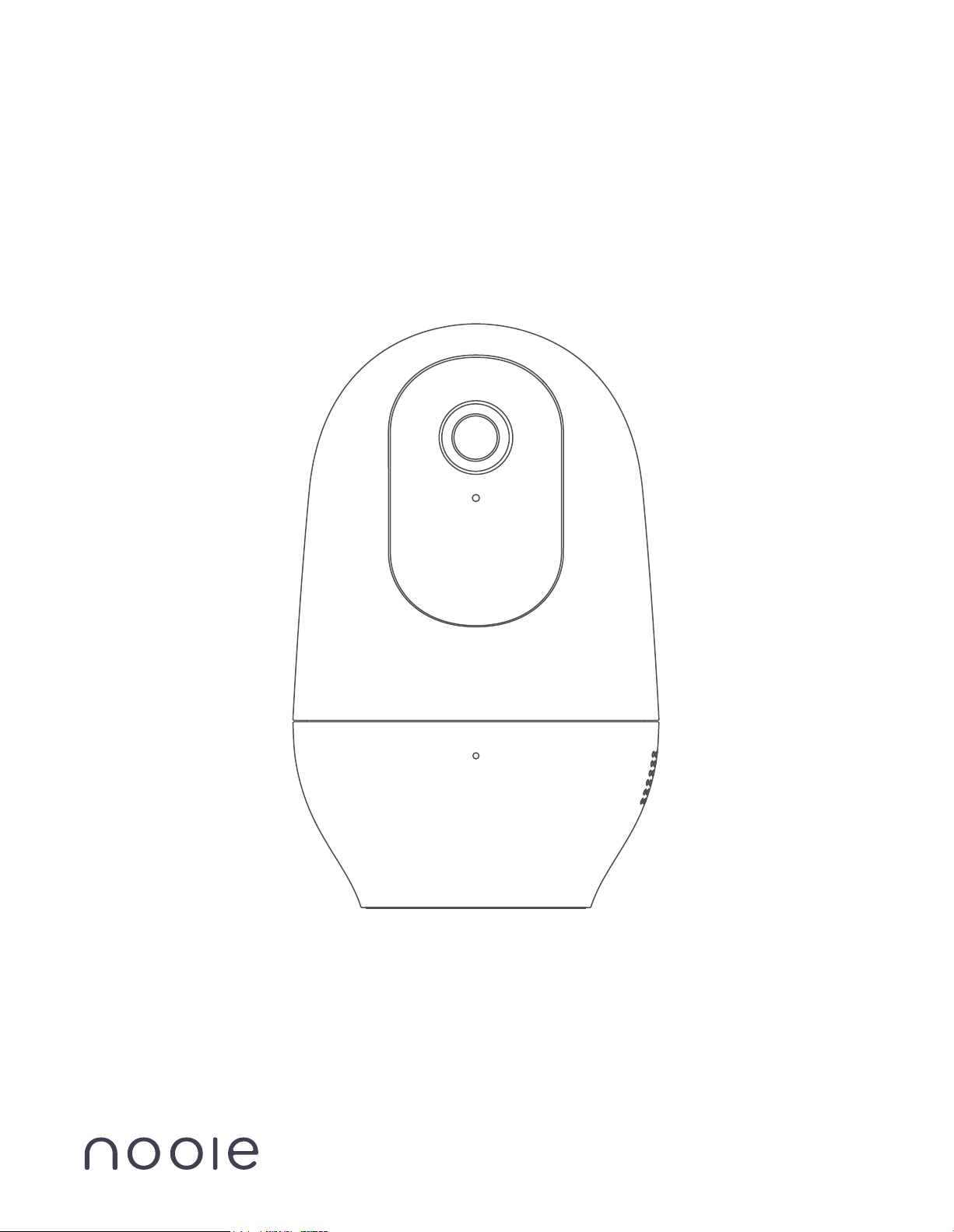
Nooie Cam 360
Quick Start Guide
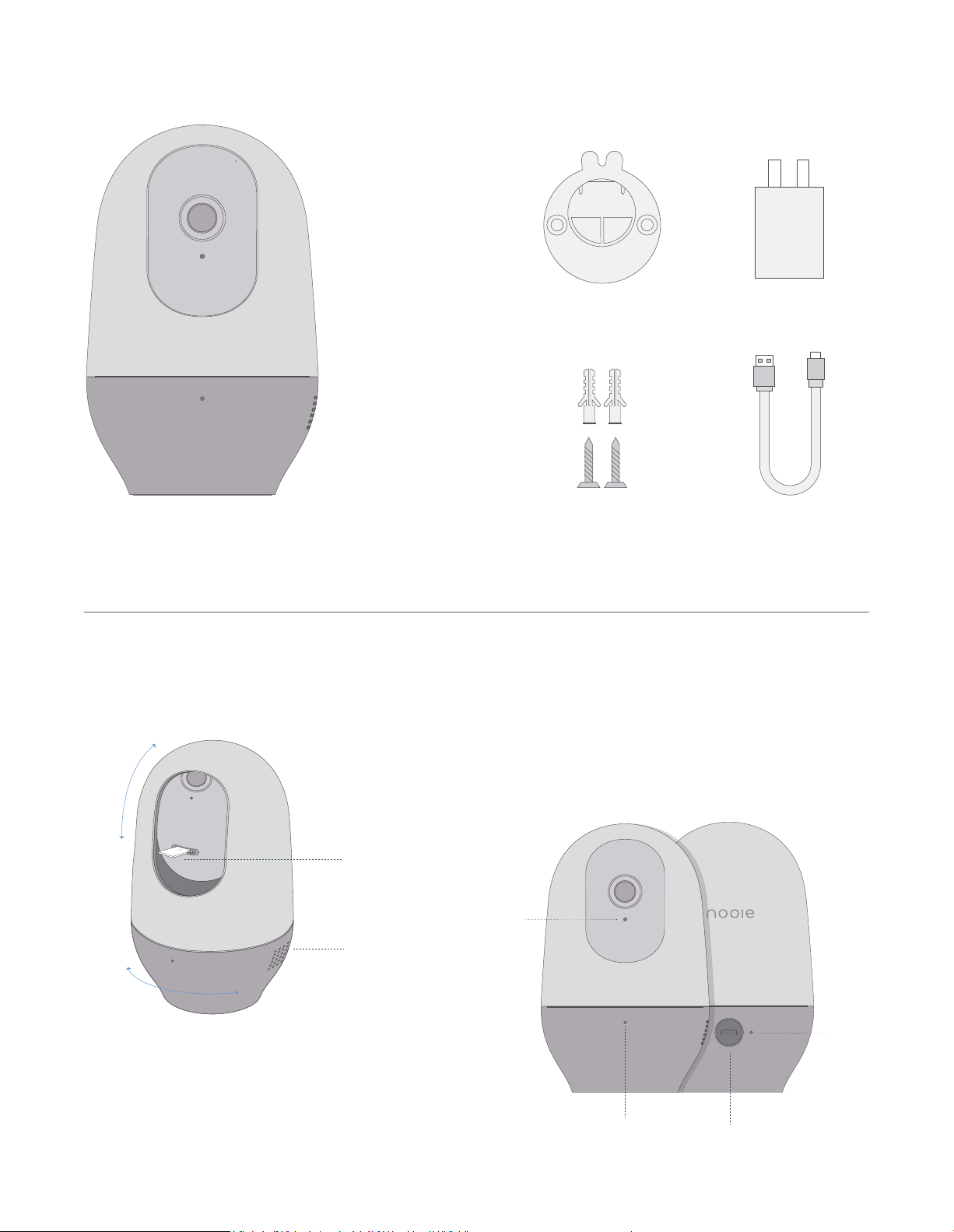
In The Box
Look Closer
360 Camera
Power
Cable
Micro SD slot
Speaker
Vertical
rotation
Horizontal
rotation
Reset button
Microphone
Status light
USB
Wall Mount Plate
2 Concrete Screws
2 Wall Anchors
USB Plug
Wall Mount Customer Care
Have more questions?
Check out the FAQ on our website!
www.nooie.com/support
Wanna share your feedback?
Tag us #nooie on social media!
Need other help?
Contact us at [email protected]
1. 30-day return policy & 2-year limited
warranty.
2. Timely customer service via
3. Lifetime professional tech support
provided by Nooie.
Warranty Terms
How to Set up
1. Download Nooie Cam App and create an account.
2. Connect the camera to a power outlet and wait for 15 seconds until red status light flashes.
3. Open the app and click "Add Camera" on front page.
4. Follow the instructions on the app, until you hear the sound prompt, enjoy the Nooie Cam!
Note: 5GHz network is not supported.
Light Indications
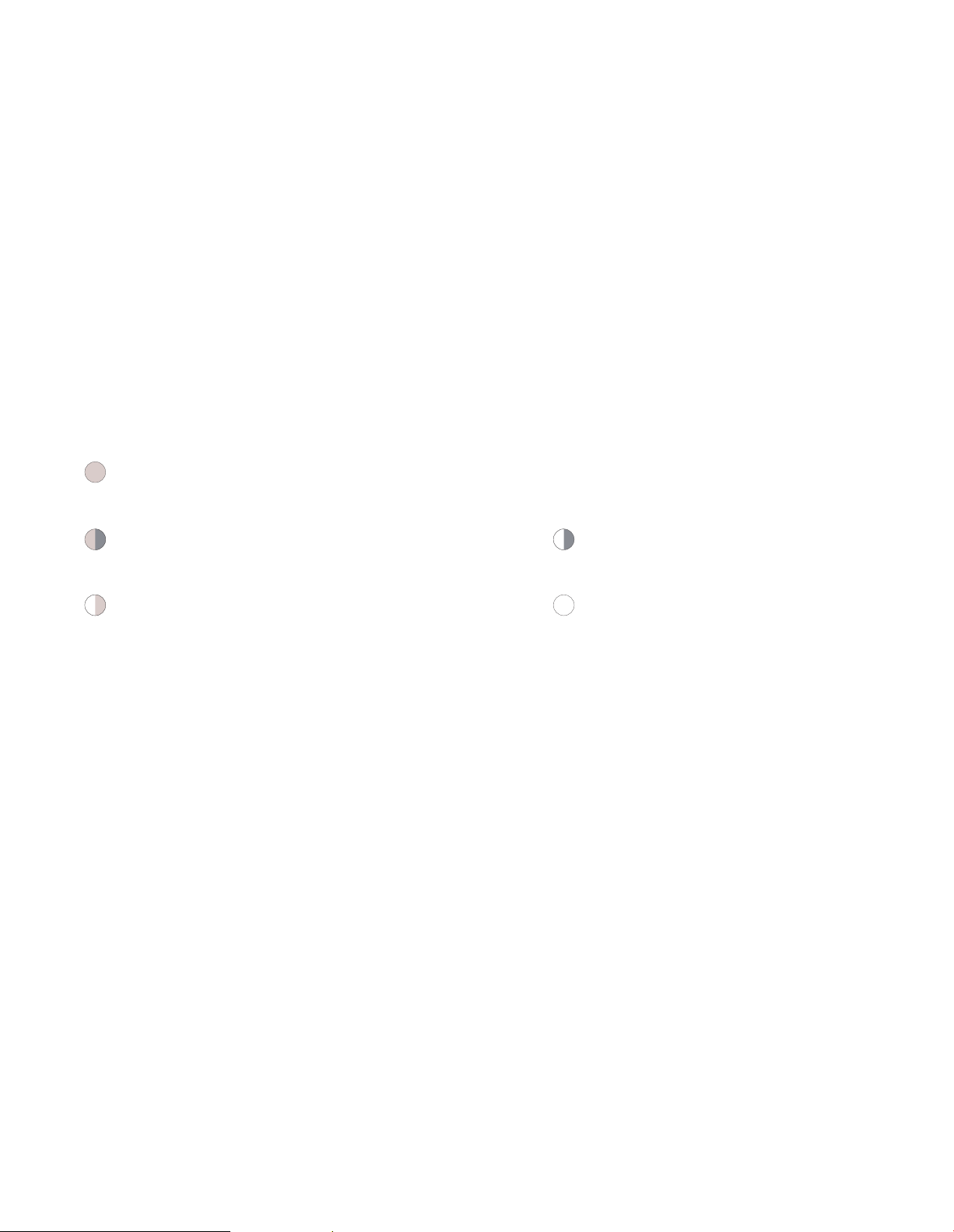
Solid red light
The device is powered on and initializing.
Flashing red light
The device is ready to connect.
Solid white light
The device is working properly.
Flashing white light
Connection is in progress.
Flashing between white and red light
Wi-Fi account or password is wrong, please reconnect.
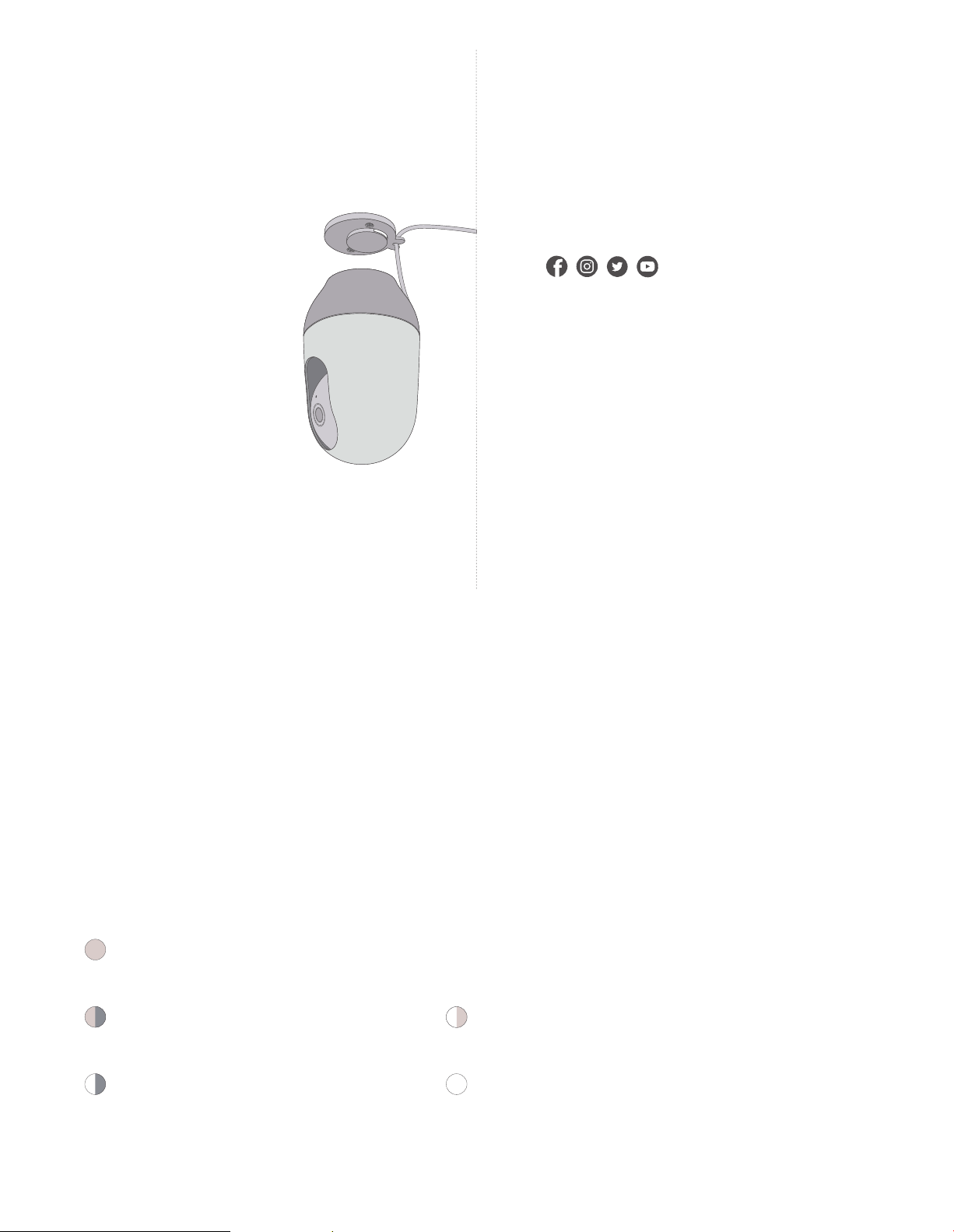
Attach the wall mount
piece to the bottom of
the camera.
Wie man es einstellt
1. Laden Sie die Nooie Cam App herunter und eröffnen Sie ein Benutzerkonto!
2. Verbinden Sie die Kamera mit einer Energiequelle und warten Sie 15 Sekunden, bis das rote
Statuslicht aufblinkt!
3. Öffnen Sie die App und klicken Sie auf "Add Camera"/"Kamera hinzufügen" auf der ersten
Seite.
4. Folgen Sie den Anweisungen in der App, bis Sie das Tomsignal hören, und genießen Sie die
Nooie Cam!
Hinweis: 5-GHz-Netzwerk wird nicht unterstützt.
Leichte Hinweise
Andauerndes weißes Licht
Das Gerät funktioniert ordnungsgemäß.
Blinkendes weißes Licht
Das Gerät ist verbunden.
Andauerndes rotes Licht
Das Gerät ist eingeschaltet und wird gerade initialisiert.
Blinkendes rotes Licht
Das Gerät ist bereit, sich zu verbinden.
Blinkt zwischen weißem, rotem Licht
Wi-Fi Konto oder Passwort ist falsch,
bitte verbinden Sie erneut.
Comment mettre en place
1. Téléchargez Nooie Cam App et créez un compte.
2. Connectez l'appareil photo à une prise de courant et attendez 15 secondes jusqu'à ce que le
voyant d'état rouge clignote.
3. Ouvrez l'application et cliquez sur "Ajouter une caméra" sur la page d'accueil.
4. Suivez les instructions sur l'application, jusqu'à ce que vous entendiez le message sonore, et
profitez de la caméra Nooie!
Remarque: le réseau 5 GHz n'est pas pris en charge.
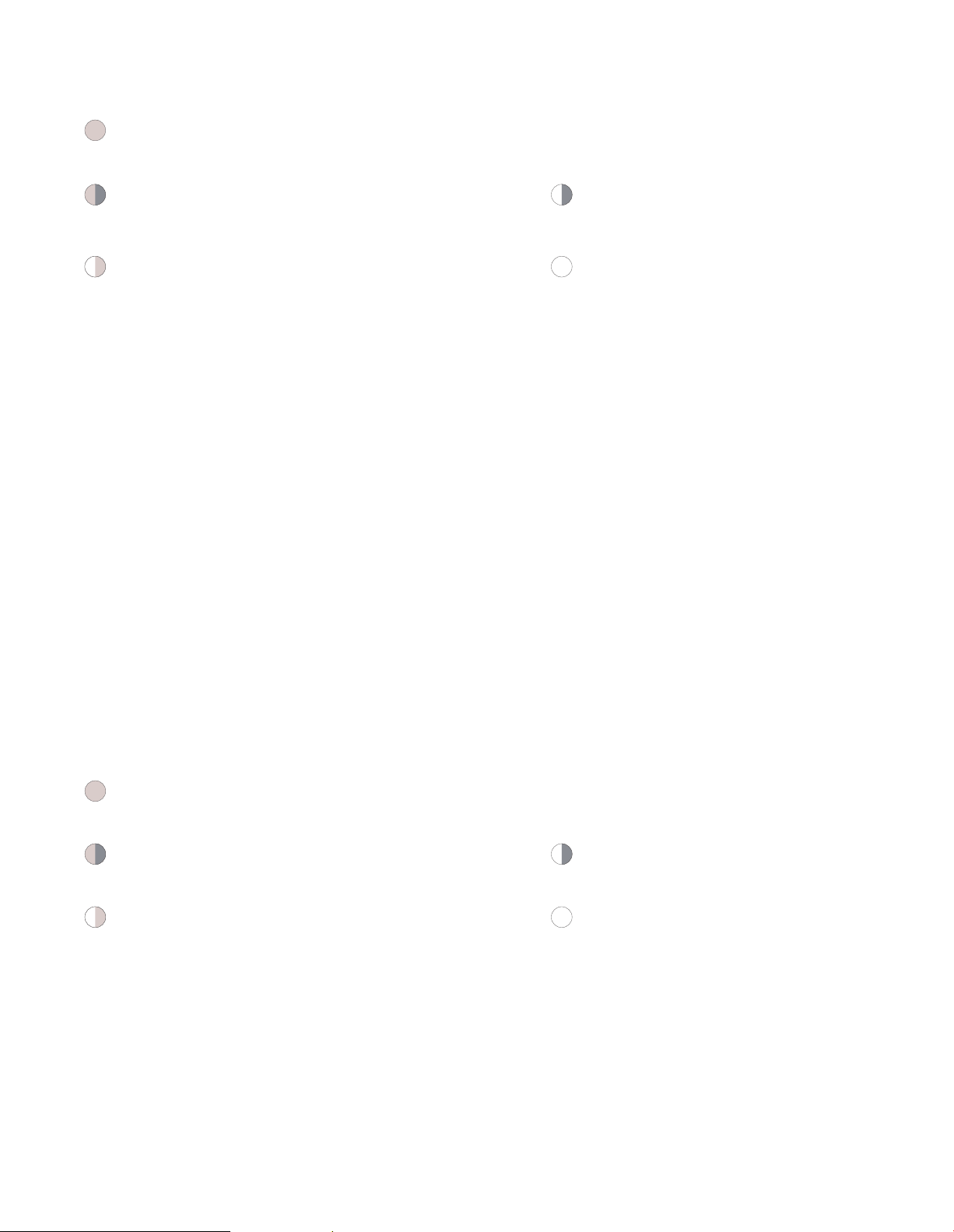
Indications lumineuses
Voyant rouge fixe
L'appareil est sous tension et en cours d'initialisation.
Voyant rouge clignotant
L'appareil est prêt à se connecter.
Voyant clignote entre blanche et rouge
Le compte Wi-Fi ou le mot de passe est incorrect,
veuillez reconnecter.
Voyant blanche fixe
L'appareil fonctionne correctement.
Voyant blanche clignotante
La connexion est en cours.
Come impostare
Lo Stato delI'indicatore
Indicatore Bianco
Il dispositivo funziona perfettamente.
Indicatore Lampeggiante Bianco
La connessione è in corso.
Indicatore Rossa Fissa
Il dispositivo è acceso e in fase di inizializzazione.
Indicatore Rossa Lampeggiante
Il dispositivo è pronto per la connessione.
Lampeggia tra luce bianca e rossa
L'account Wi-Fi o la password sono sbagliati,
ti preghiamo di riprovare.
1. Scaricare il nostro app - Nooie Cam e poi creare un account.
2. Collegare la videocamera con il cavo di alimentazione e attendere 15 secondi finché
l'indicatore LED rossa lampeggia.
3. Aprire l'app e cliccare "Add Camera" nella prima pagina.
4. Seguire le istruzioni sull'app, fino a quando sentiro il suono, e poi godere il nostro
prodotto Nooie Cam!
Nota: la rete 5GHz non è supportata
Como instalarlo?
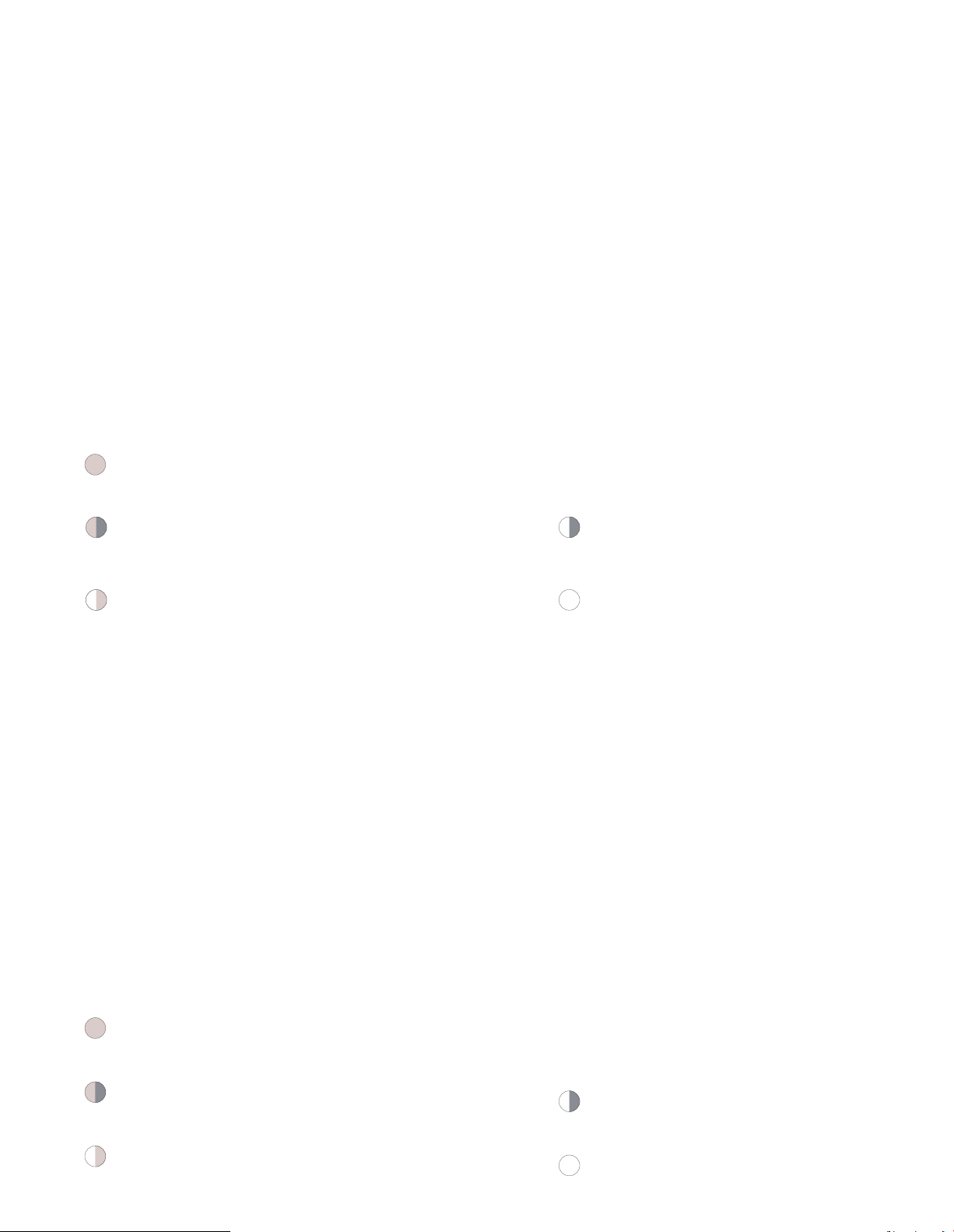
Indicaciones de luz
Luz blanca sólida
El dispositivo funciona correctamente.
Luz blanca intermitente
La conexión está en progreso.
Luz roja sólida
El dispositivo está encendido e inicializado.
Luz roja intermitente
El dispositivo está listo para conectarse.
Parpadeando entre la luz blanca y roja
Wi-Fi cuenta o contraseña es incorrecto,
por favor vuelva a intentarlo.
1. Descargue la aplicación Nooie Cam y cree una cuenta.
2. Conecte la cámara a una toma de corriente y espere 15 segundos hasta que
la luz roja parpadee.
3. Abra la aplicación y haga clic en "Agregar cámara" en la página principal.
4. Siga las instrucciones en la aplicación, hasta que escuche el sonido y luego
disfrute de Nooie Cam.
Nota: la red de 5GHz no es soporte.
設定方法
ライトインジケーター
1. Nooie Cam Appをダウンロードしてアカウントを作成します。
2. カメラを電源コンセントに接続、赤のステータスランプが点滅するまで15秒間待ちます。
3. アプリを開き、フロントページの「カメラの追加」をクリックしてください。
4. サウンドプロンプトが聞こえるまで、アプリの指示に従ってください。 Nooie Camをお楽しみ。
白いライトの点灯
デバイスは正常に動作
白いライトの点滅
接続中
赤色ライト点灯
デバイスの電源が入っていて、初期化
赤色ライトの点滅
デバイスは接続準備
白いライトと赤いライトで点滅
Wi-Fiアカウント又はパスワードがエラー再接続ください。
ご注意:5GHz ネットワークまだ対応できません