1
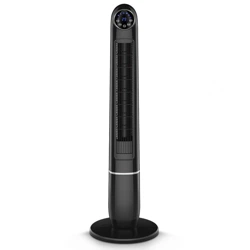
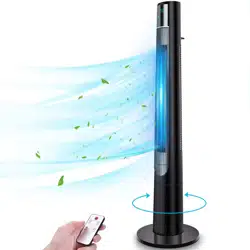
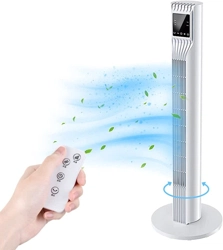
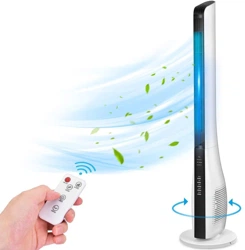
2-IN-1 TOWER FAN
USER MANUAL
Thank you for choosing the TRUSTECH 2-in-1 Tower Fan. This user manual will provide you
with valuable information necessary for the proper care and maintenance of your new
product. Please take a few moments to thoroughly read it and start enjoying your cool
summer!
Always here to help you
For any questions or help, please email us: Support@trustechproducts.com
2
PRODUCT INTRODUCTION
The electric fans are manufactured by the Company with advanced fan production
technology in the world. With a beautiful modeling, convenient use, high blast capacity, less
electricity consumption, low noise, long service life, safety and reliability, the luxurious new
generation products promise you a cool summer.
OVERVIEW
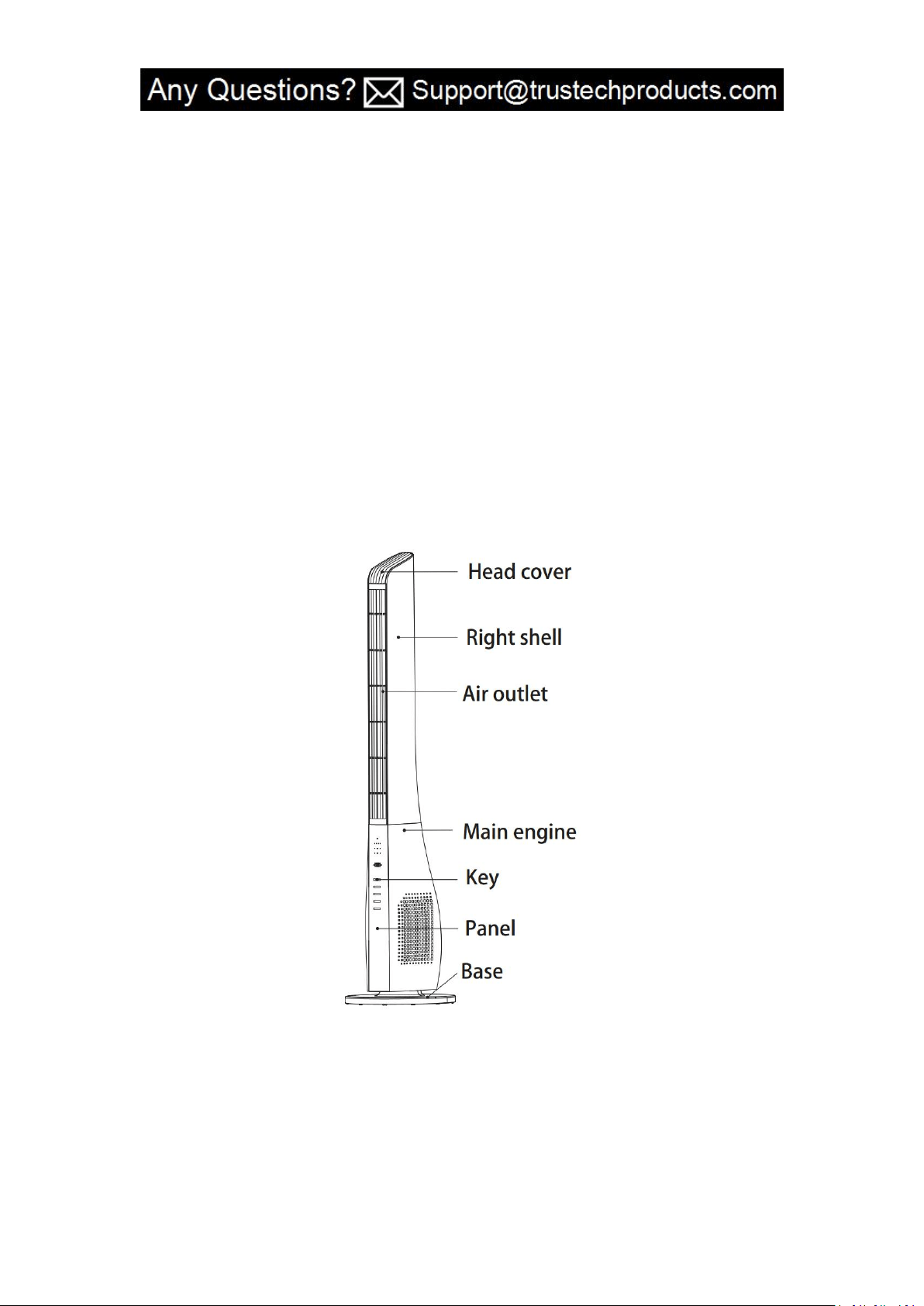
I. Product Structure Diagram
3
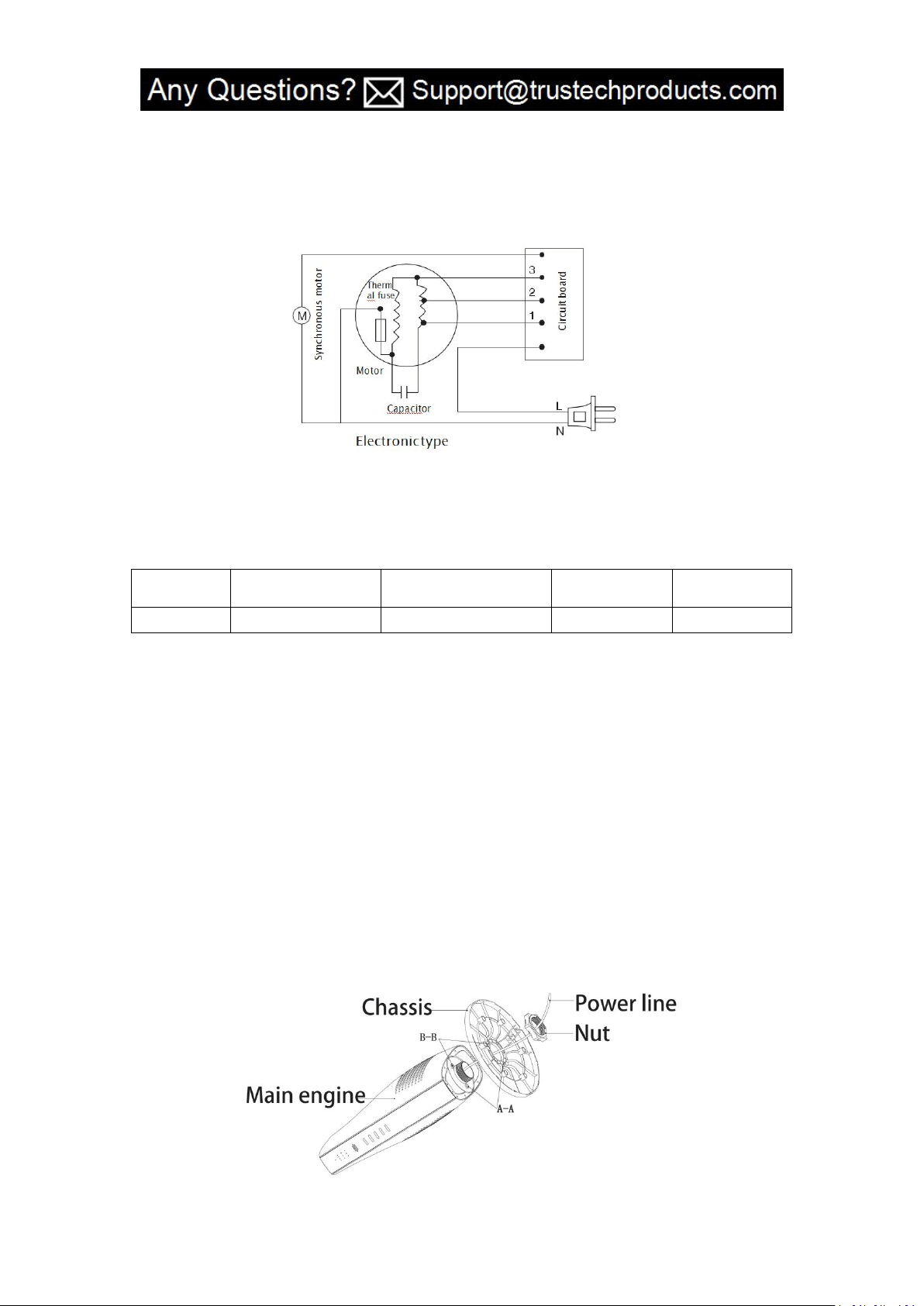
II. Circuit Diagram
TECHNICAL PARAMETERS
Model
Rated Voltage
Rated Frequency
Rated Power
Control Type
BLF-YH05
AC120V
60Hz
50W
Electronic
INSTALLATION
1. Open the packing box and place the product on a flat surface or table. Check whether all
pieces in the box are in line with the packing list or not.
2. Thread the power line into chassis, nut and machine engine and screw the nut clockwise
in place (the chassis dismantlement order is reverse to the above mentioned order)
according to the position (A-A) and (B-B). (As shown in Figure I) (It is not necessary to install
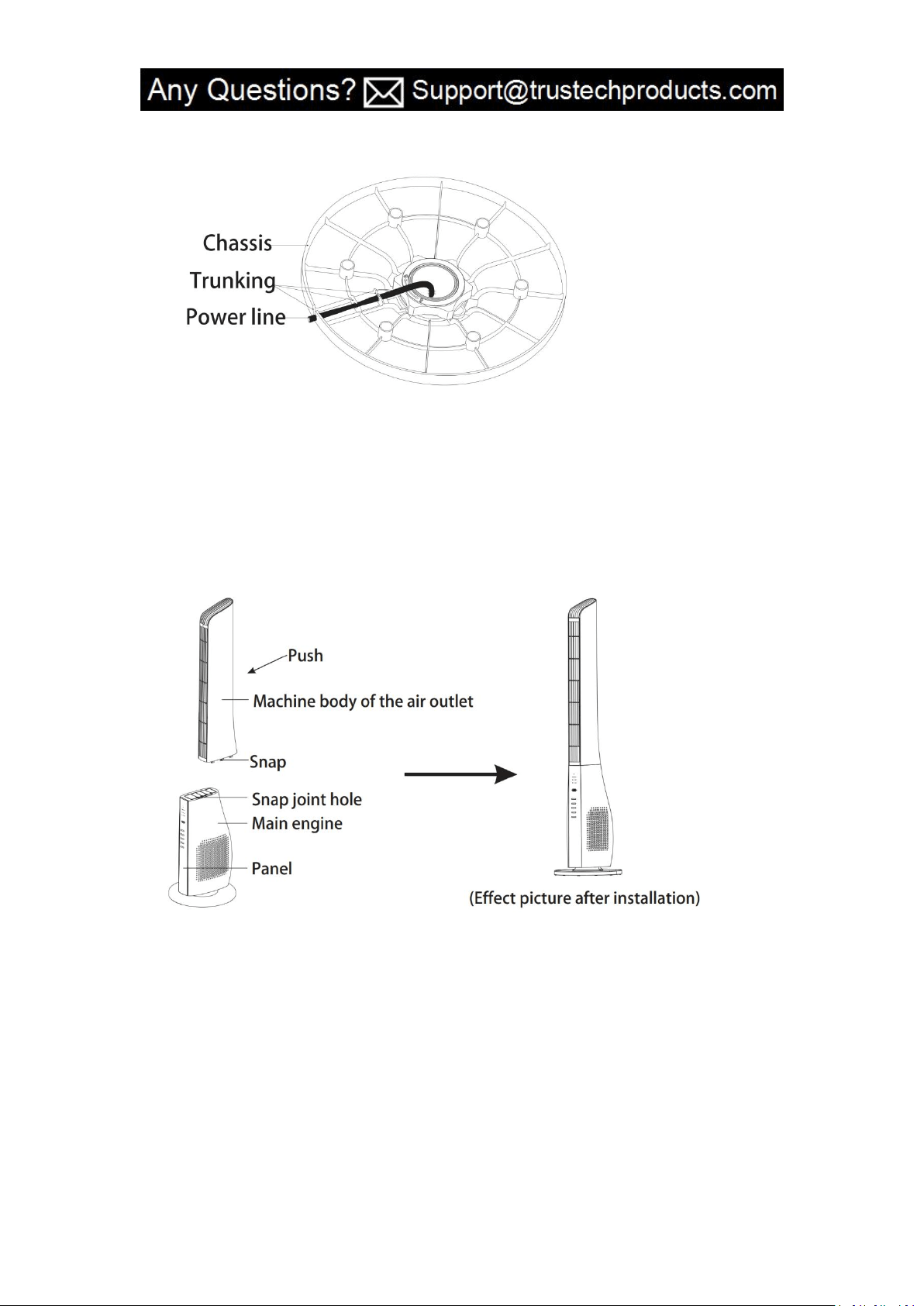
the chassis for BLF-YH05). Organize the power line and put it into the chassis trunking
according to its flat position direction. (Figure II)
Figure I
4
Figure II
3. Installation of main engine: Align six snap joints on the machine body of the air outlet
with six snap joint holes on the machine engine, and push the air outlet toward the panel,
until it is aligned with the panel. Then, the whole machine is installed (the method to
dismantle the machine body of the air outlet is reverse to the above mentioned order).
(Figure III)
Figure III
5
USE & OPERATION
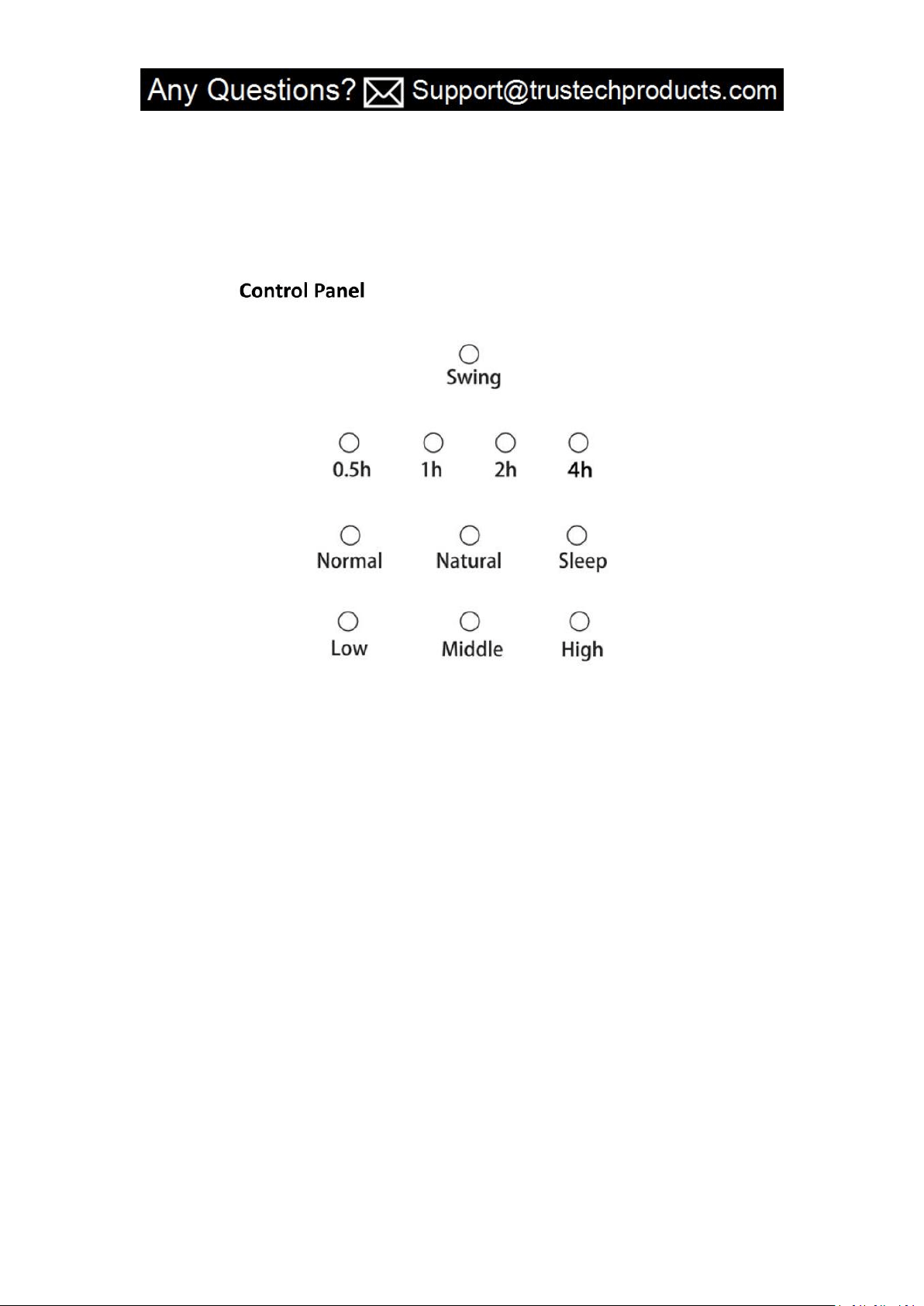
a. Power switch: press the power switch after the power supply is connected, the fan will be
started at a medium gear and work at a low gear. And the power button and wind speed
button will light up.
b. Speed: Choose low speed wind - medium speed wind - high speed wind.
c. Swing: Once the left or right direction order is automatically sent off, the light of the
button will light up.
d. Wind: Choose the natural wind - normal wind - sleep wind as you prefer.
e. Timer: 7.5 hour time. 0.5H will be increased after each press.
f. Blanking function: The indicator light will go off without performing any operation
for three minutes while the fan is still working.

6
Remote Control
1. Please read the diaphragm before use.
2. The scope of application of the remote control is within 5m from the receiver. If the
remote control is not right ahead the receiver,s its scope of application will be narrowed.
3. The remote control must be operated in front of the receiver (the receiver is located in
the product panel).
4. There shall be no barrier between the receiver and remote control.
5. The remote control may be out of order, if it is used in a room with high frequency
machines (due to electromagnetic interference, the sensitivity of the remote control will
reduce).
6. Please keep the remote control properly and do not impact or make it fall down.
SAFETY PRECAUTIONS
1. Always turn of the fan before removing the plug from the outlet. Remove by grasping the
plug - do not pull on the cord. NEVER PLUG IN OR UNPLUG WITH WET HANDS.
2. Always turn off the fan and unplug it after using and before cleaning.
3. To protect from electrical hazards, do not place the fan in water or other liquids. Avoid
the fan getting wet or damp.
4. Store the fan in a dry and cool place.
5. Do not store the fan unattended when it is plugged in. Turn off the fan when leaving it for
an extended period of time.
6. Use the fan only for its intended use as described in these operating instructions.
7. Do not operate the appliance when its cord or plug is damaged, when the appliance
has(删除 has) malfunctions, or when it has been dropped or damaged in any way. Always
follow the warranty instructions.

7
8. Place the fan on a flat, level surface to avoid it overturning.
9. Avoid touching the operating parts.
10. Never drop or insert any object into any opening. Do not insert any objects into the area
protected by guards.
11. Do not block/cover the airflow.
12. Do not operate the fan without the guard.
13. Do not place the appliance on or near a hot gas flame, electric element or on a heated
oven.
14. Close supervision is necessary when any appliance is operating near children. DO NOT
let your child play this appliance. Serious injury and electric shock may be possible for
improper use. This appliance must be operated by an adult. Children should be supervised to
ensure that they do not play with this tower fan.
15. This appliance is not intended for use by people (including children) with reduced
physical, sensory or mental capabilities, or lack of experience and knowledge, unless they
have been given supervision or instruction concerning use of the appliance by a person
responsible for their safety.
16. Do not let the power cord of an appliance hang over the edge of a table or bench top or
touch any hot surface.
WARNING: To reduce the risk of fire or electric shock, do not use this fan with any solid-state
speed control device.

8
TROUBLE SHOOTING
The fan can not be started:
a. Check whether the power supply is connected or not.
b. Check whether the gear switch is turned on or not.
Fan shakes while it is running:
a. Check whether it's placed stably or not.
b. Check whether there are any foreign objects near it or not.
MAINTENANCE
Cleaning: before cleaning and maintenance, turn off the machine and unplug the plug.
1.Clean the surface
Clean surface of machine with a wet soft cloth. Do not use chemicals, such as benzene,
alcohol, gasoline, etc.; otherwise, the surface of the tower fan will be damaged or even the
whole machine will be damaged.
2. Product Storage
Clean the product and put it in the carton, and place it in a dry and cool place.
PACKAGE LIST
Model
Main Body
Base
Chassis
Remote
Control
User
Manual
BLF-YH05
1
1
1
1
1

9
WARRANTY
TRUSTECH warrants this product against defects in materials and/or workmanship under
normal use for a period of ONE (1) YEAR from the date of purchase by the original purchaser
(“Warranty Period”). If a defect arises and a valid claim is received within the Warranty
Period, at its option, TRUSTECH will either 1) repair the defect at no charge, using new or
refurbished replacement parts, or 2) replace the product with a new product that is at least
functionally equivalent to the original product, or provide a store credit in the amount of the
purchase price of the original product. A replacement product or part, including a
user-installable part installed in accordance with instructions provided by TRUSTECH,
assumes the remaining warranty of the original product. When a product or part is
exchanged, any replacement item becomes your property and the replaced item becomes
TRUSTECH’ s property. When a store credit is given, the original product must be returned to
TRUSTECH and becomes TRUSTECH’ s property. To obtain warranty service, e-mail TRUSTECH
Limited Warranty Service at Support@trustechproducts.com. Please be prepared to
describe the product that needs service and the nature of the problem.
This warranty does not apply to:
a) damage caused by failure to follow instructions relating to product’ use or the installation
of components; b) damage caused by accident, abuse, misuse, fire, floods, earthquake or
other external causes; c) damage caused by service performed by anyone who is not a
representative of TRUSTECH; d) accessories used in conjunction with a covered product; e) a
product or part that has been modified to alter functionality or capability; f) items intended
to be periodically replaced by the purchaser during the normal life of the product including,
without limitation, batteries or light bulbs; g) any product sold “as is” including, without
limitation, floor demonstration models and refurbished items; or h) a product that is used
commercially or for a commercial purpose.

10
CONTACT US
Thank you for choosing TRUSTECH product.
For any customer product questions or honor your warranty, please write to
Support@trustechproducts.com. Our usual response time is within 12 hours!